Mineuniverse
Shaders
Vivid Horizon

Vivid Horizon

SHADER
A Beautiful And Optimized Shader Pack For High, low and mid PCs And Computers
by Tav642
Download Claim this project
11,923 downloads
0 likes
Updated Oct 14, 2026
0 hypes
Fantasy Realistic Vanilla
Advertisement Remove ads with Premium →

VividHorizon

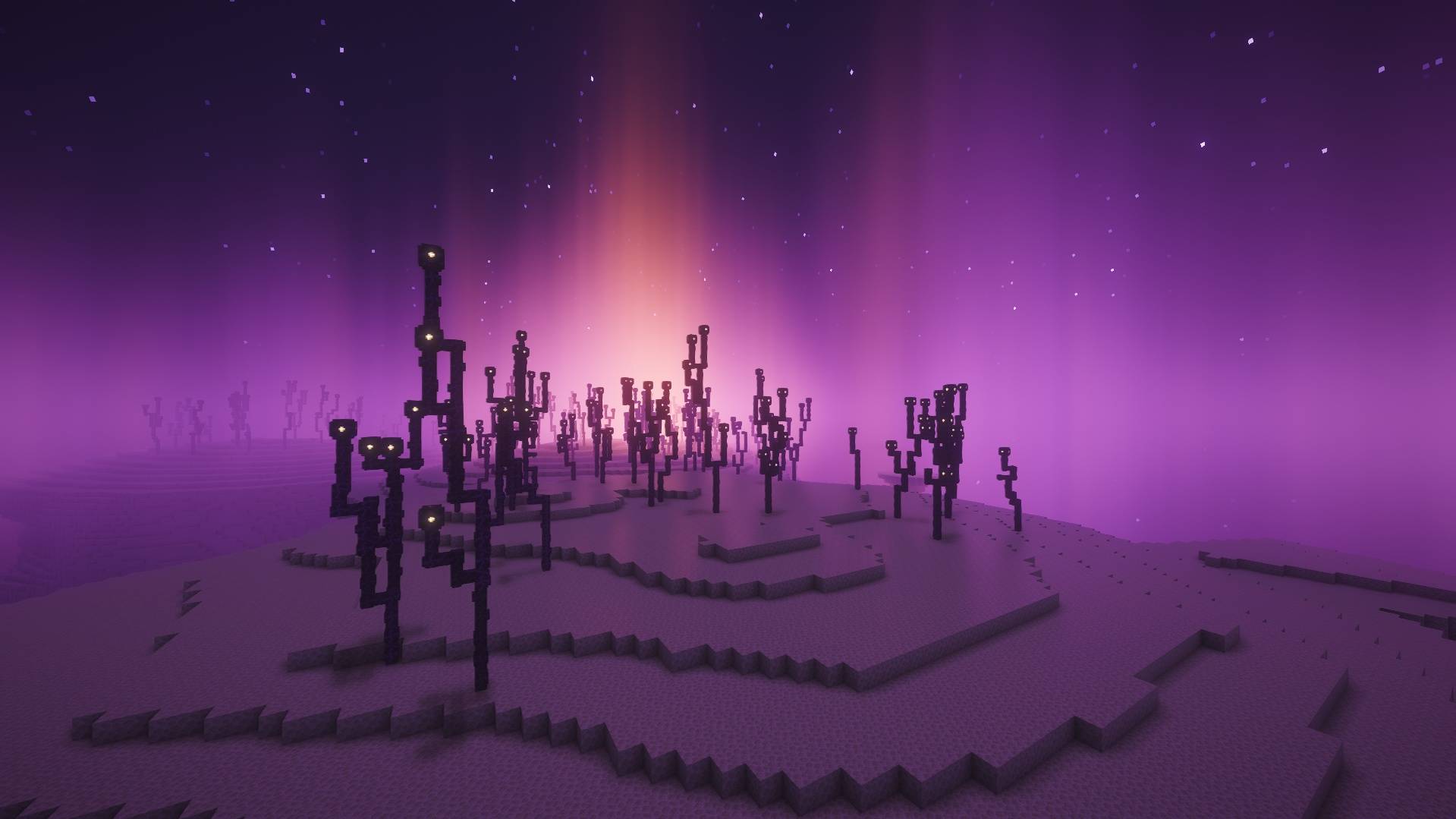
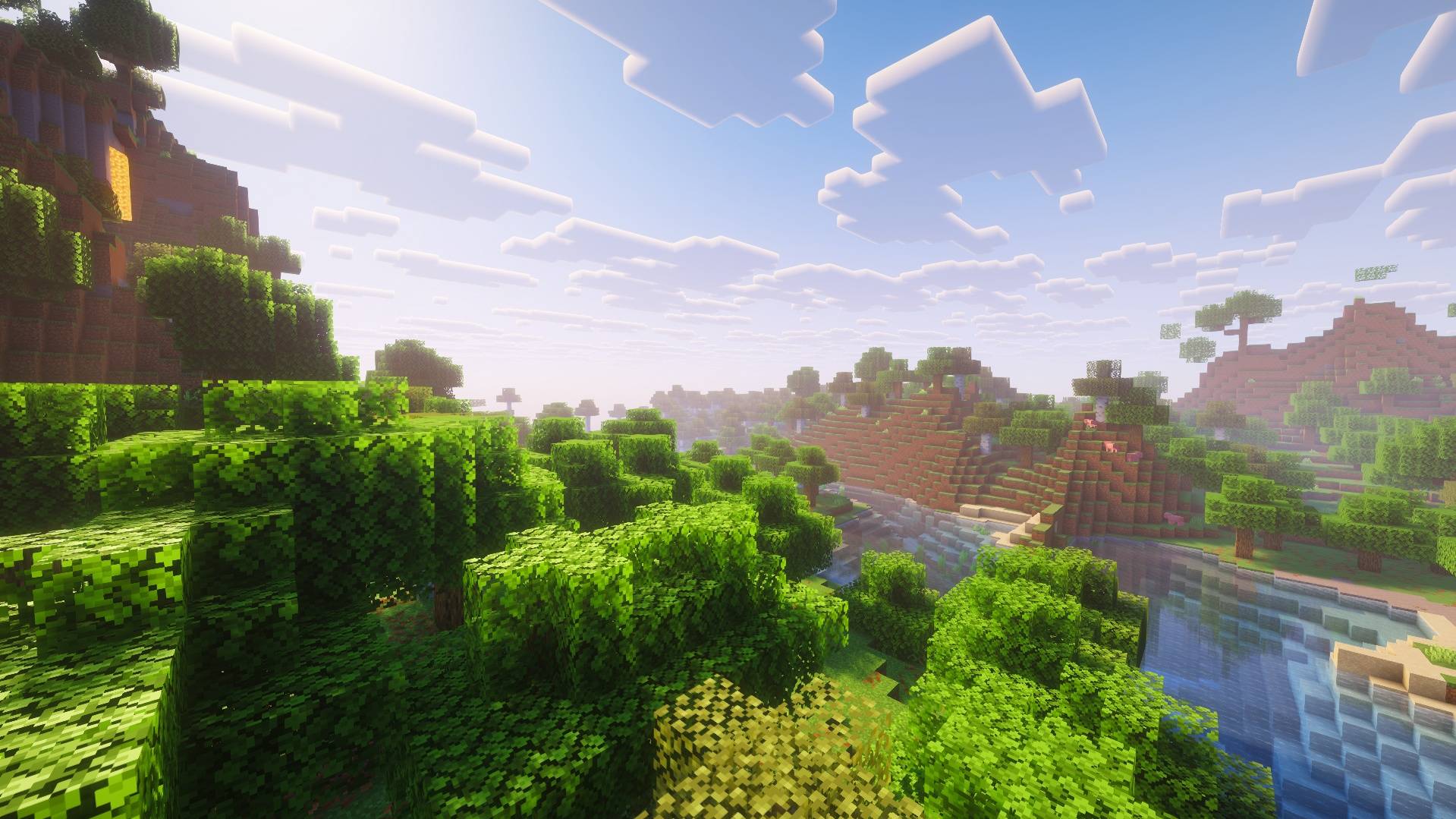
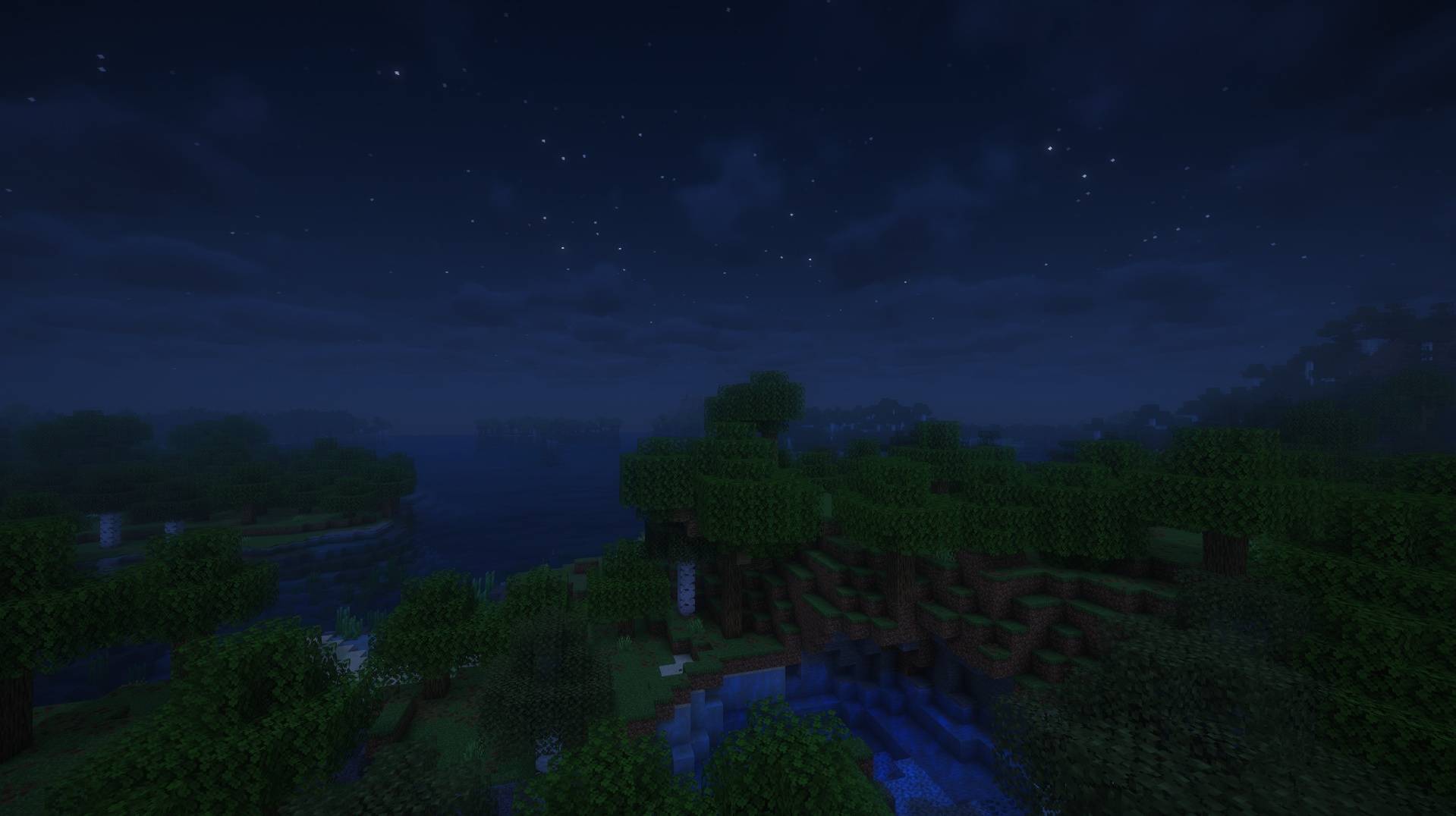
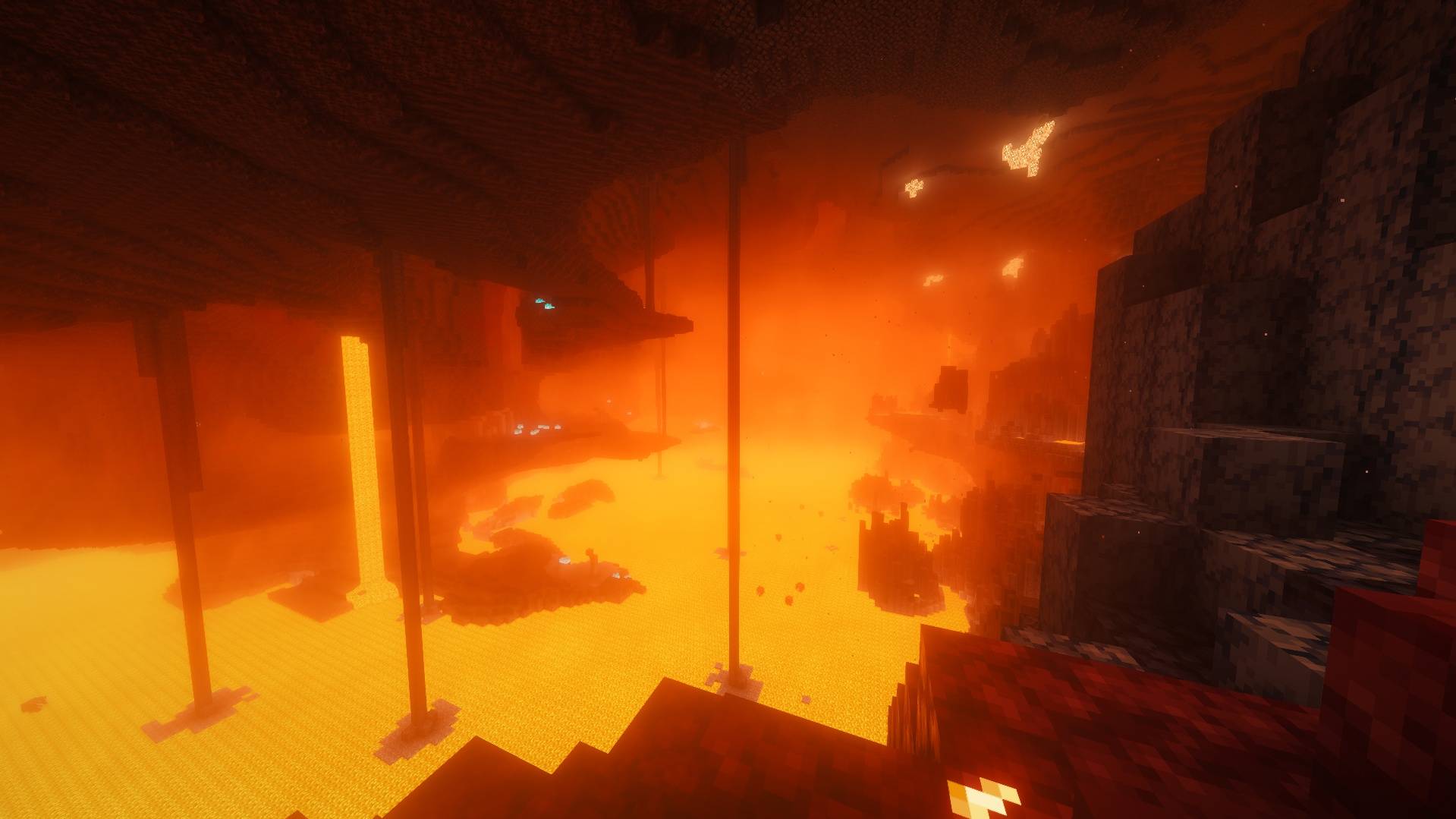
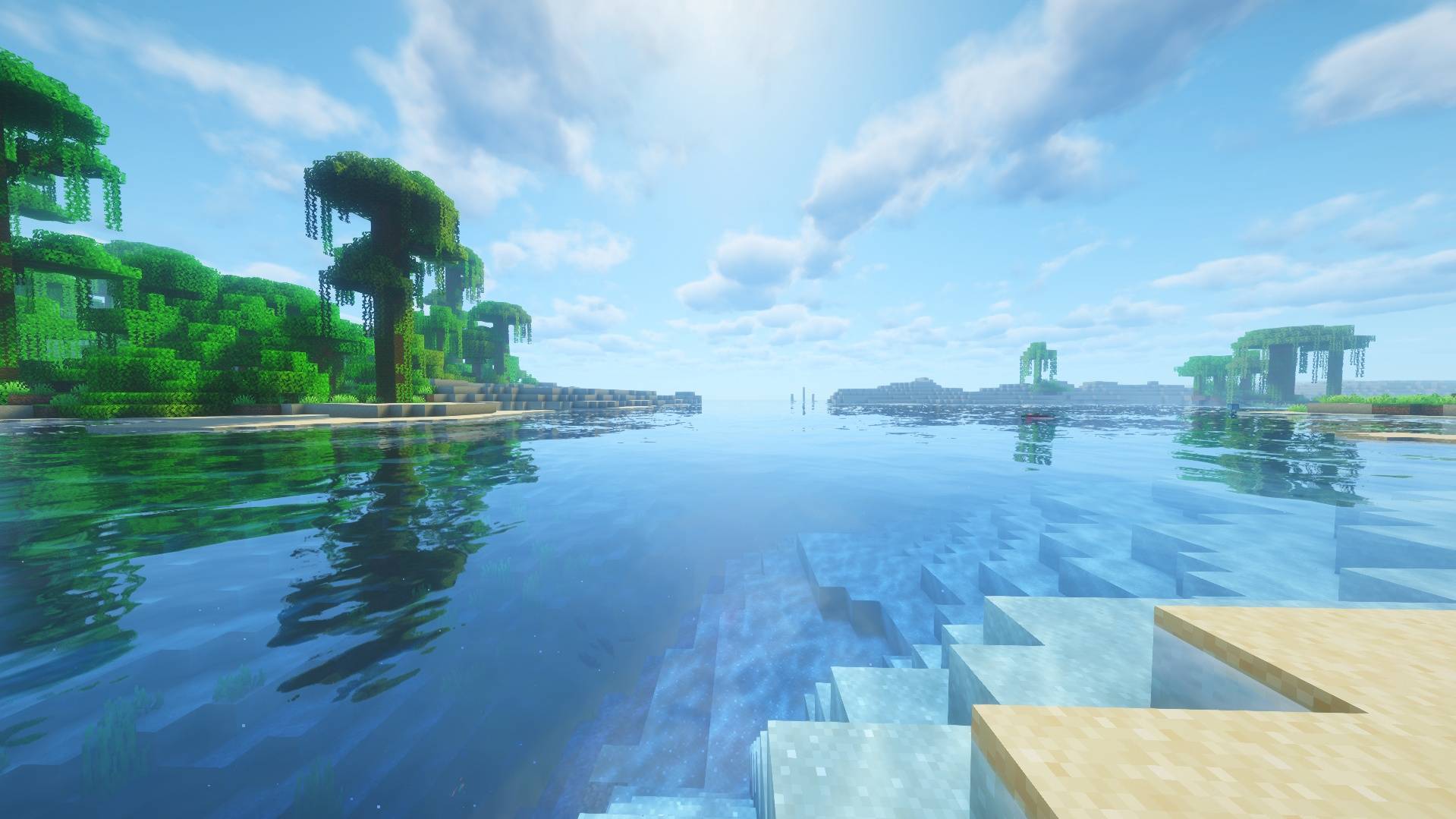
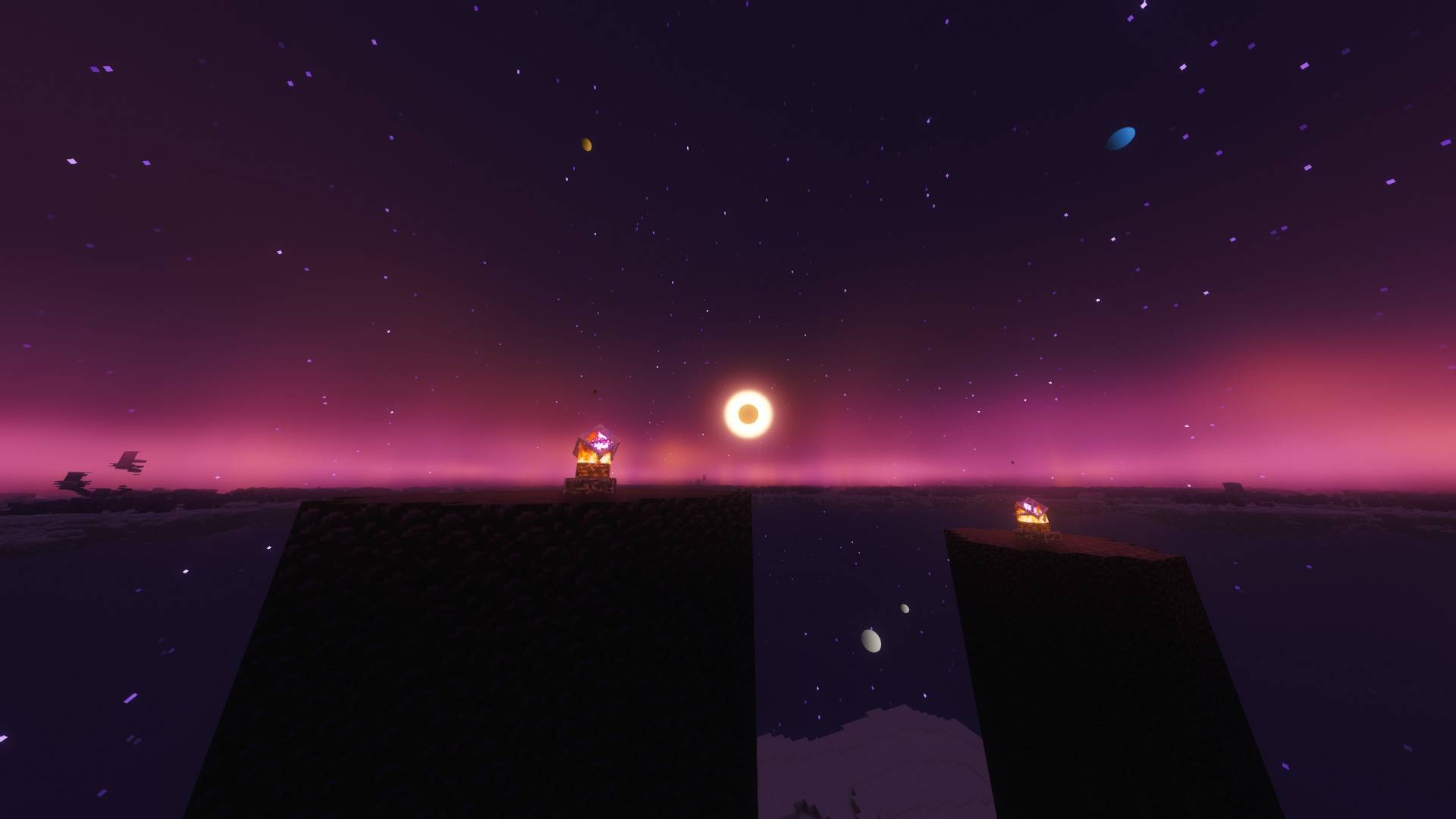
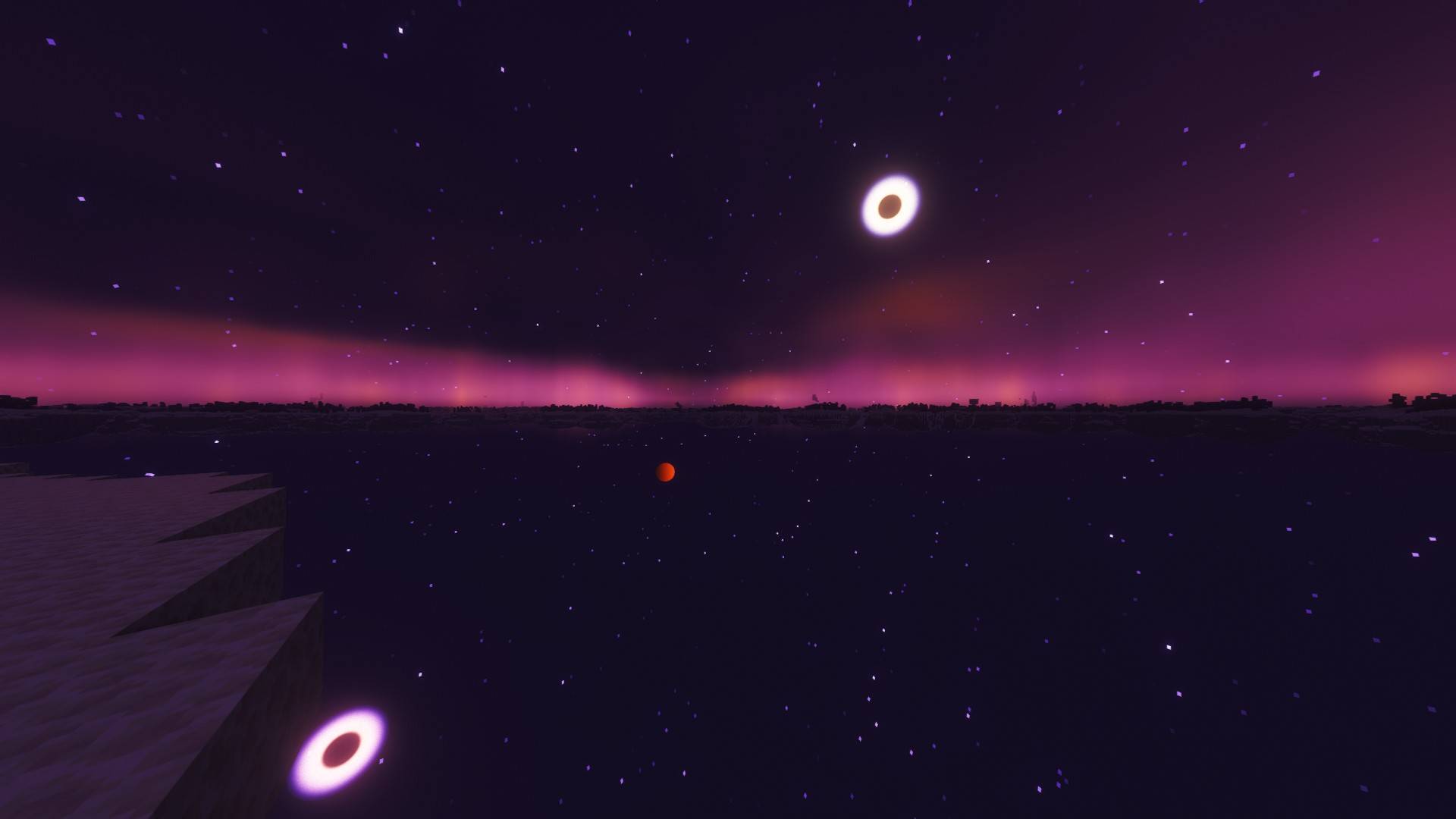
VividHorizon is a lightweight shader pack designed to enhance Minecraft's visuals while preserving the game's original style. It delivers improved lighting, realistic shadows, vibrant colors, atmospheric skies, strong reflections, and beautiful water effects without straying too far from the vanilla experience.

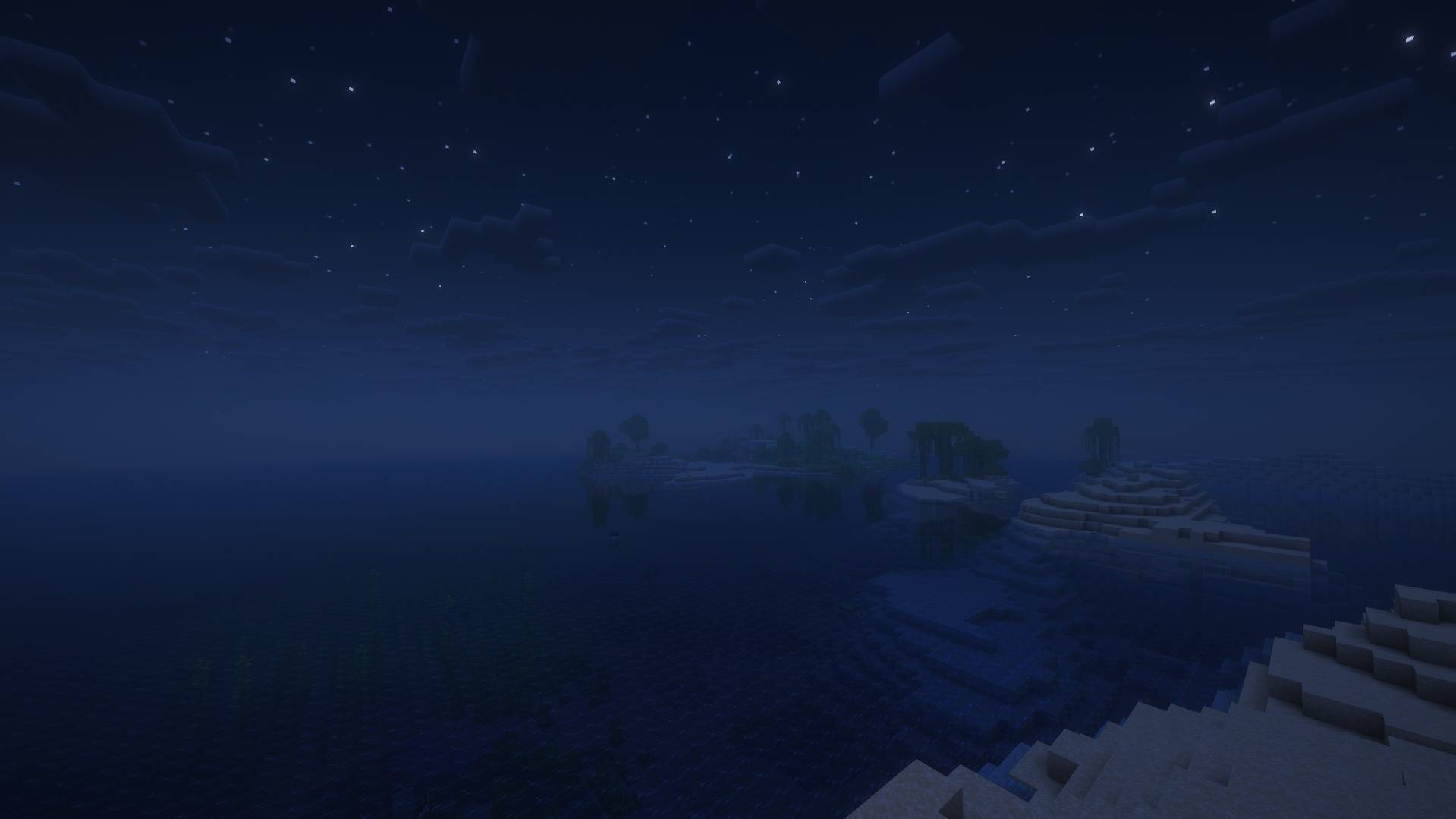
Whether you're exploring vast landscapes, building detailed creations, or surviving the night, VividHorizon adds a fresh and immersive look to every world while maintaining smooth performance on a wide range of hardware.

Features

1. Enhanced dynamic lighting
2. Soft, realistic shadows
3. Vibrant color grading
4. Strong water and block reflections
5. Warm, colorful sunrises and sunsets
6. Atmospheric sky, sun, moon, and cloud rendering
7. Better fog and distance effects
8. Natural ambient lighting
9. Vanilla-friendly visual style
10. Multiple performance profiles, including two built specifically for this pack (VIVID_PERFORMANCE and VIVID_BALANCED) for a real quality/FPS tradeoff, alongside the standard Potato–Ultra presets

Compatibility

- Minecraft: Java Edition 
- Requires Iris Shaders And I recommend it for better performance (or an OptiFine-compatible shader loader, where applicable)

**Note:** If terrain is not loading, try Turning Off Texture Filtering In The Shaderpack Settings

If you're looking for a shader that keeps Minecraft feeling familiar while making every scene more beautiful, VividHorizon is a great choice.

---

Credits

VividHorizon is a modified/retuned version of **Complementary Reimagined** and **complementary Unbound**, built on its code under the Complementary License Agreement 1.6.

Built on Complementary Reimagined and Complementary Unbound by Complementary Development — [complementary.dev] (https://www.complementary.dev) 

VividHorizon_r2.zip
MC 1.21, 1.20.2, 1.21.8, 1.20.5, 1.21.5, 1.21.4, 1.20.1, 1.20, OptiFine, 1.20.6, 1.21.1, 1.21.6, 1.21.3, 1.21.7, 1.20.4, 1.20.3, Iris, 1.21.2, 1.21.9, 1.21.10, 1.21.11, 26.1
Release 2026-10-04 Get
VividHorizon_r2.zip
MC 1.21, 1.20.2, 1.21.8, 1.20.5, 1.21.5, 1.21.4, 1.20.1, 1.20, OptiFine, 1.20.6, 1.21.1, 1.21.6, 1.21.3, 1.21.7, 1.20.4, 1.20.3, Iris, 1.21.2, 1.21.9, 1.21.10, 1.21.11, 26.1
Release 2026-09-19 Get
VividHorizon_r2.zip
MC 1.21, 1.20.2, 1.21.8, 1.20.5, 1.21.5, 1.21.4, 1.20.1, 1.20, OptiFine, 1.20.6, 1.21.1, 1.21.6, 1.21.3, 1.21.7, 1.20.4, 1.20.3, Iris, 1.21.2, 1.21.9, 1.21.10, 1.21.11, 26.1
Release 2026-09-10 Get
VividHorizon_r2.zip
MC 1.21, 1.20.2, 1.21.8, 1.20.5, 1.21.5, 1.21.4, 1.20.1, 1.20, OptiFine, 1.20.6, 1.21.1, 1.21.6, 1.21.3, 1.21.7, 1.20.4, 1.20.3, Iris, 1.21.2, 1.21.9, 1.21.10, 1.21.11, 26.1
Release 2026-09-03 Get
VividHorizon_r2_V4.0.zip
MC 1.21, 1.20.2, 1.21.8, 1.20.5, 1.21.5, 1.21.4, 1.20.1, 1.20, OptiFine, 1.20.6, 1.21.1, 1.21.6, 1.21.3, 1.21.7, 1.20.4, 1.20.3, Iris, 1.21.2, 1.21.9, 1.21.10, 1.21.11, 26.1
Release 2026-08-29 Get
VividHorizon_r2.zip
MC 1.21, 1.20.2, 1.21.8, 1.20.5, 1.21.5, 1.21.4, 1.20.1, 1.20, OptiFine, 1.20.6, 1.21.1, 1.21.6, 1.21.3, 1.21.7, 1.20.4, 1.20.3, Iris, 1.21.2, 1.21.9, 1.21.10, 1.21.11, 26.1
Release 2026-08-26 Get
VividHorizon_r2.zip
MC 1.21, 1.21.8, 1.21.5, 1.21.4, OptiFine, 1.21.1, 1.21.6, 1.21.3, 1.21.7, Iris, 1.21.2, 1.21.9, 1.21.10, 1.21.11, 26.1, 26.1.1, 26.1.2, 26.2
Release 2026-08-20 Get
VividHorizon_r2V3.2.zip
MC OptiFine, Iris, 26.1, 26.1.1, 26.1.2, 26.2
Release 2026-08-08 Get
VividHorizon_r2V3.1.zip
MC OptiFine, Iris, 26.1, 26.1.1, 26.1.2, 26.2
Release 2026-08-06 Get
VividHorizon_r2V3.0
MC OptiFine, Iris, 26.1, 26.1.1, 26.1.2, 26.2
Release 2026-08-01 Get
VividHorizon_r2_MC1.21.11.zip
MC OptiFine, Iris, 1.21.11
Release 2026-07-25 Get
VividHorizon_r2.zip
MC OptiFine, Iris, 26.1.2, 26.2
Release 2026-07-22 Get

Requirements & install

How to use this shader in Minecraft
Shader loader
Iris OptiFine
Minecraft
1.21.8 – 26.2
Install folder
.minecraft/shaderpacks

How to install shaders

  1. Install a shader loader for your Minecraft version: Iris (with Sodium) or OptiFine.
  2. Download the shader pack .zip file (do not extract it).
  3. Put the .zip into the shaderpacks folder (.minecraft/shaderpacks).
  4. In game open Options → Video Settings → Shader Packs, select the pack and apply it.
Browse more: Iris shaders OptiFine shaders Shaders for 26.2 All shaders

More from Tav642

Advertisement Remove ads with Premium →

You Might Also Like