Mineuniverse
Shaders
Simply Upscaled

Simply Upscaled

SHADER
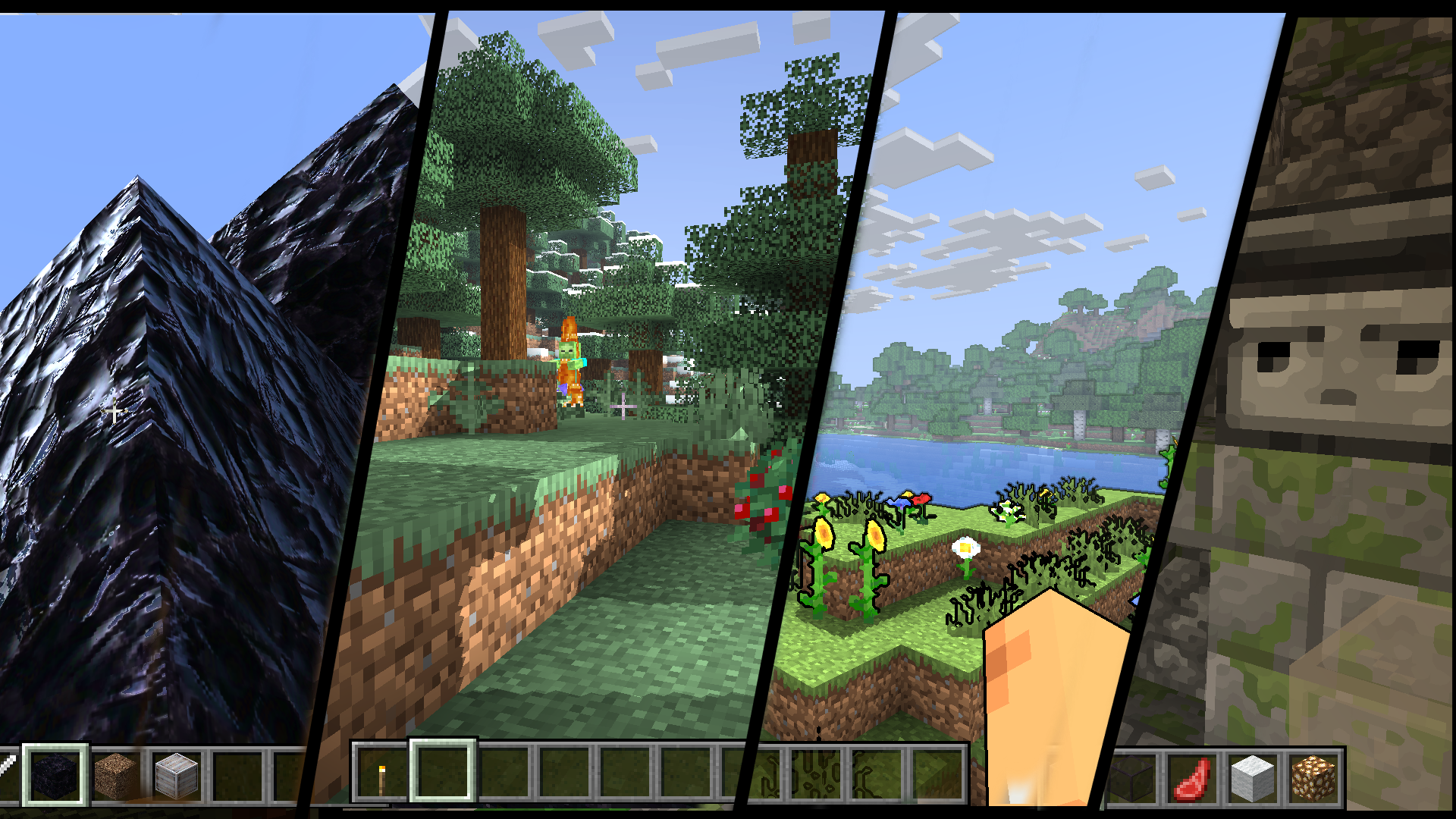
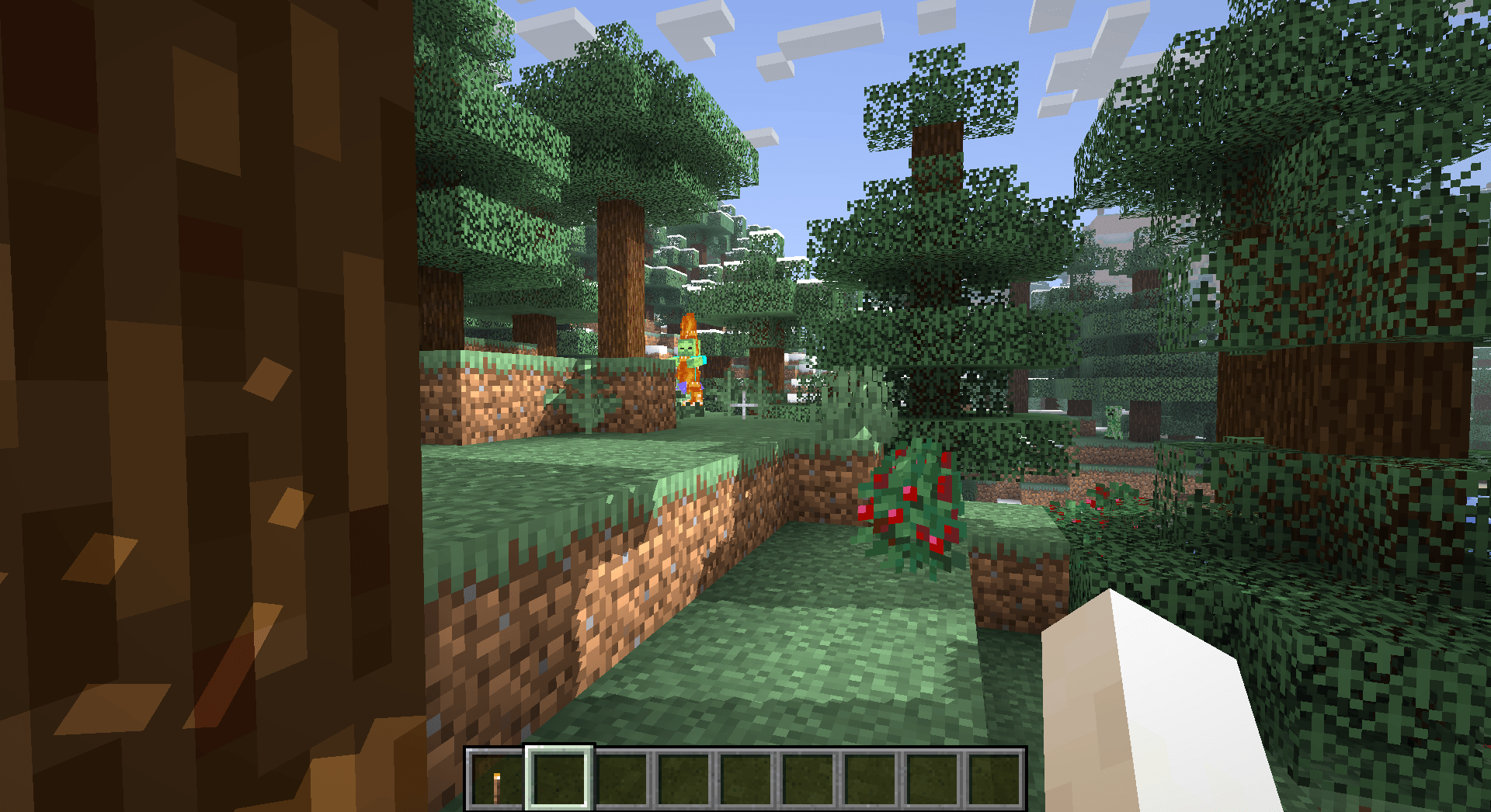
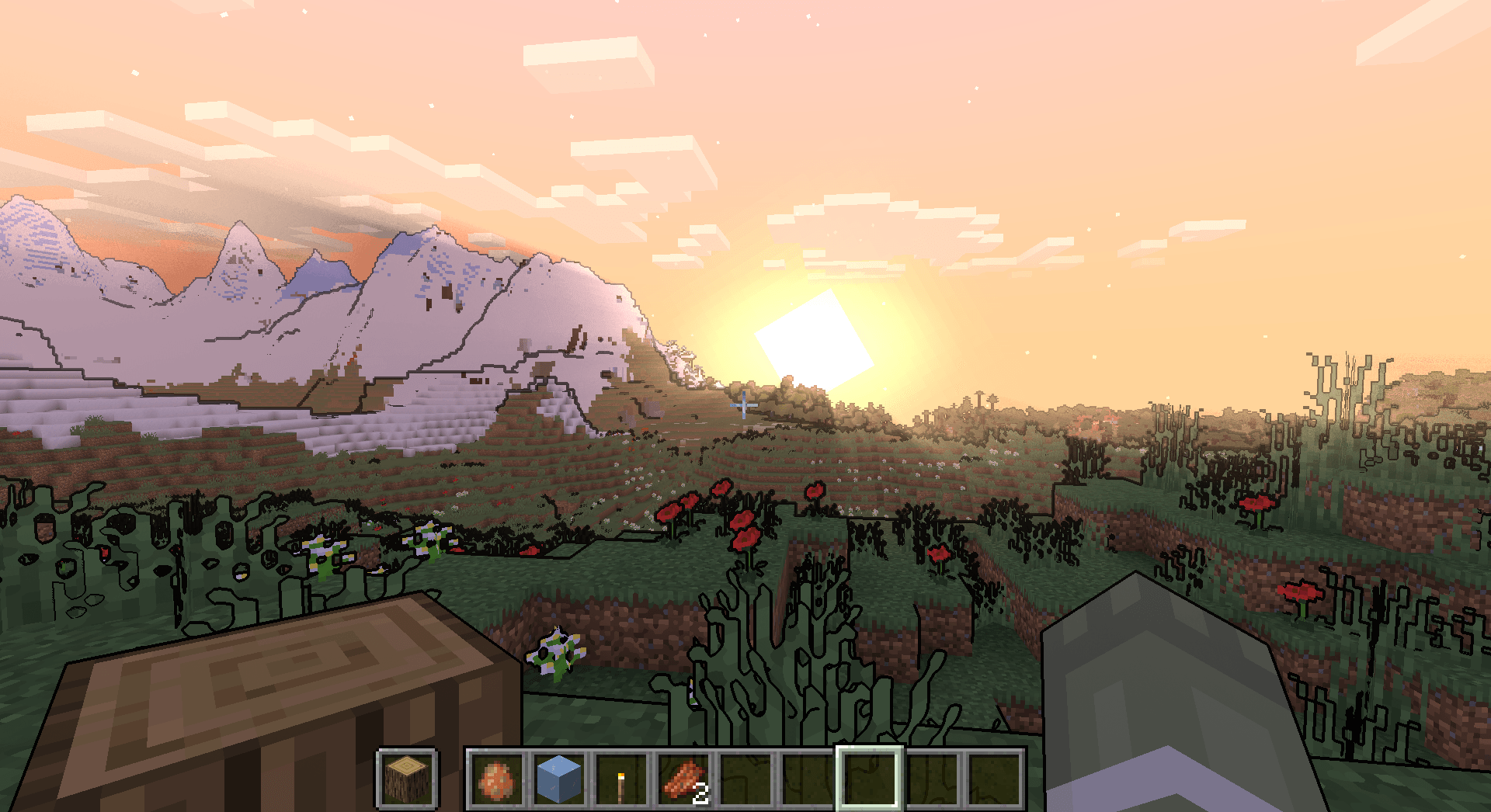
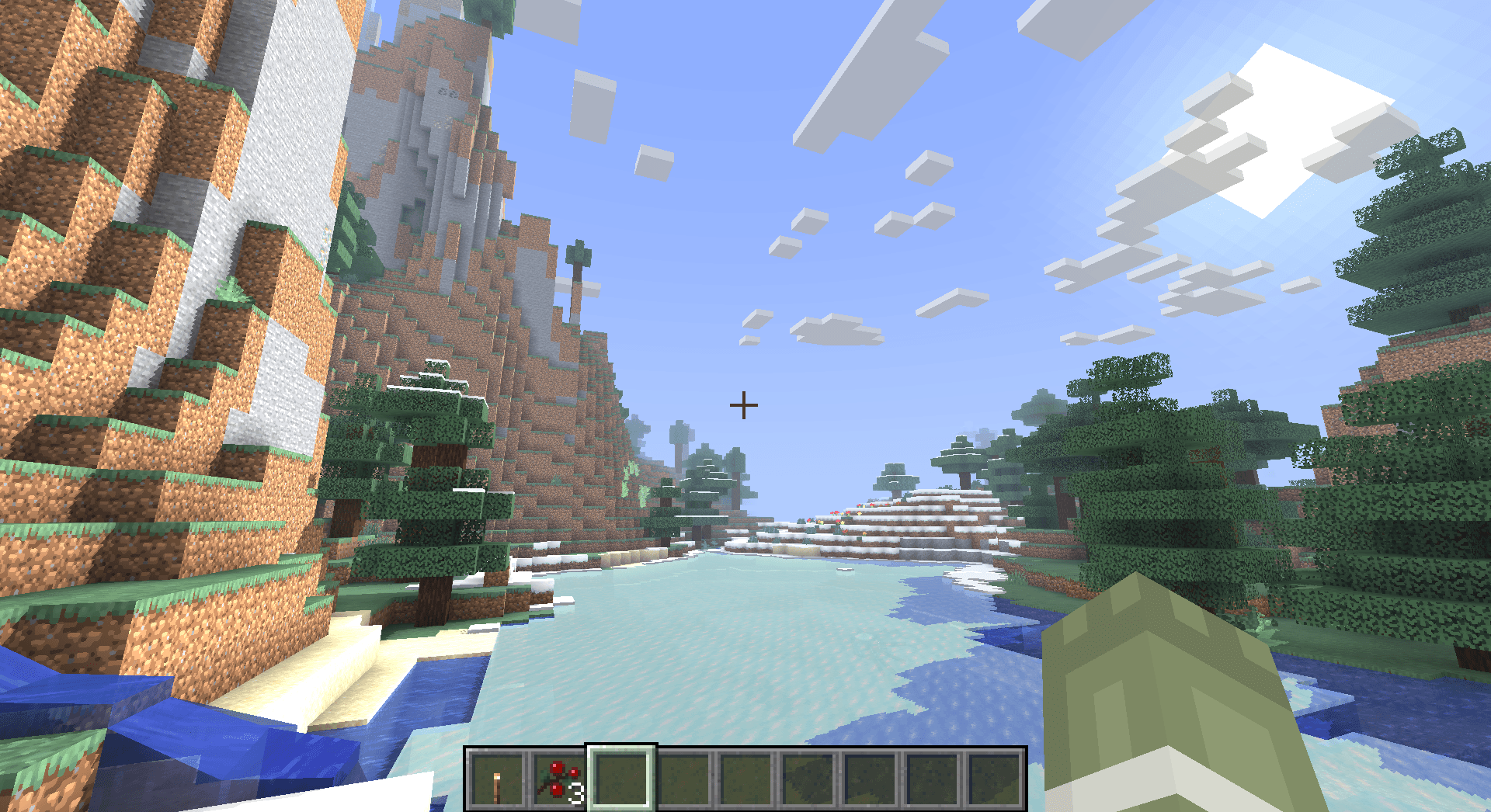
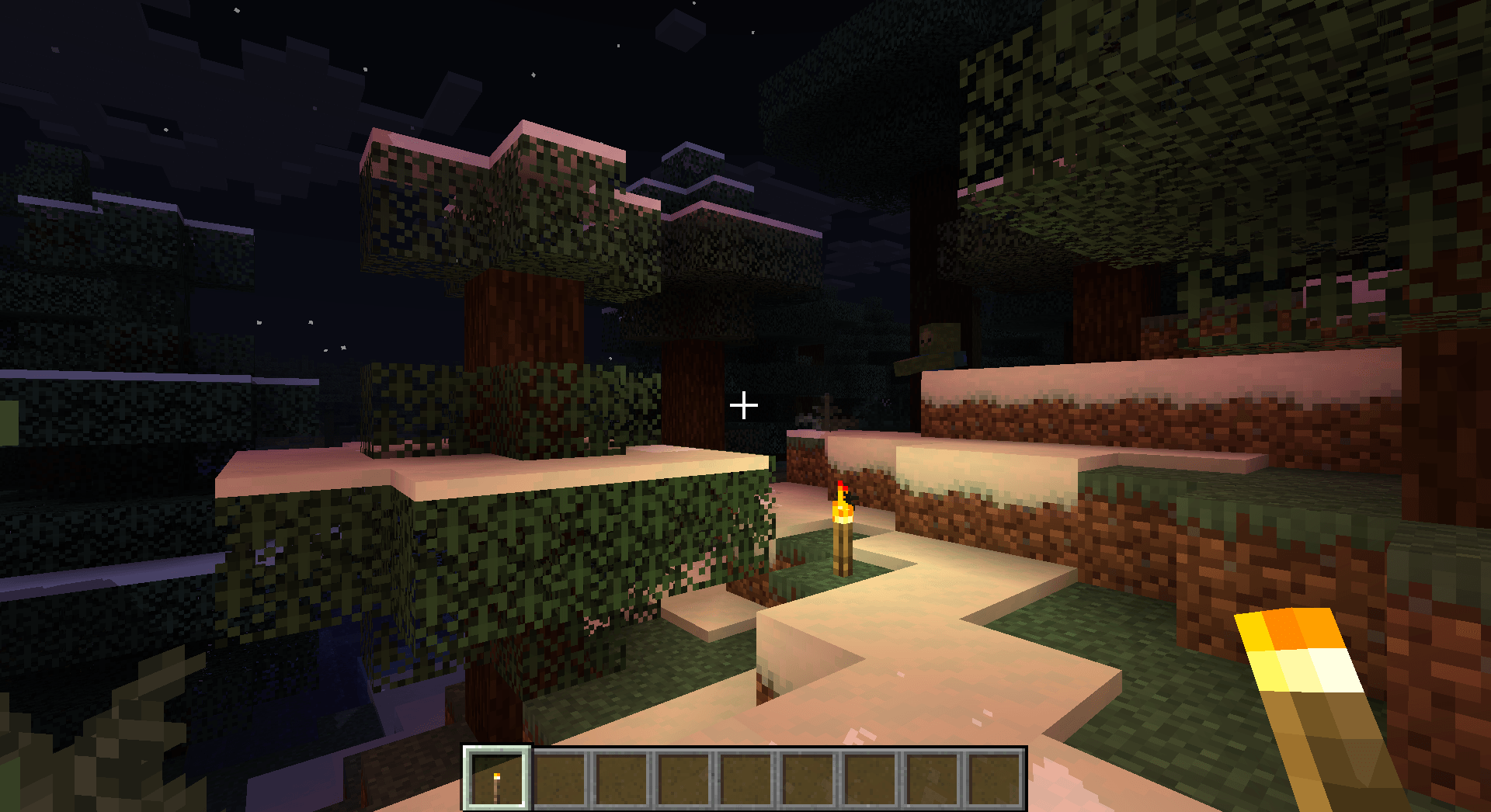
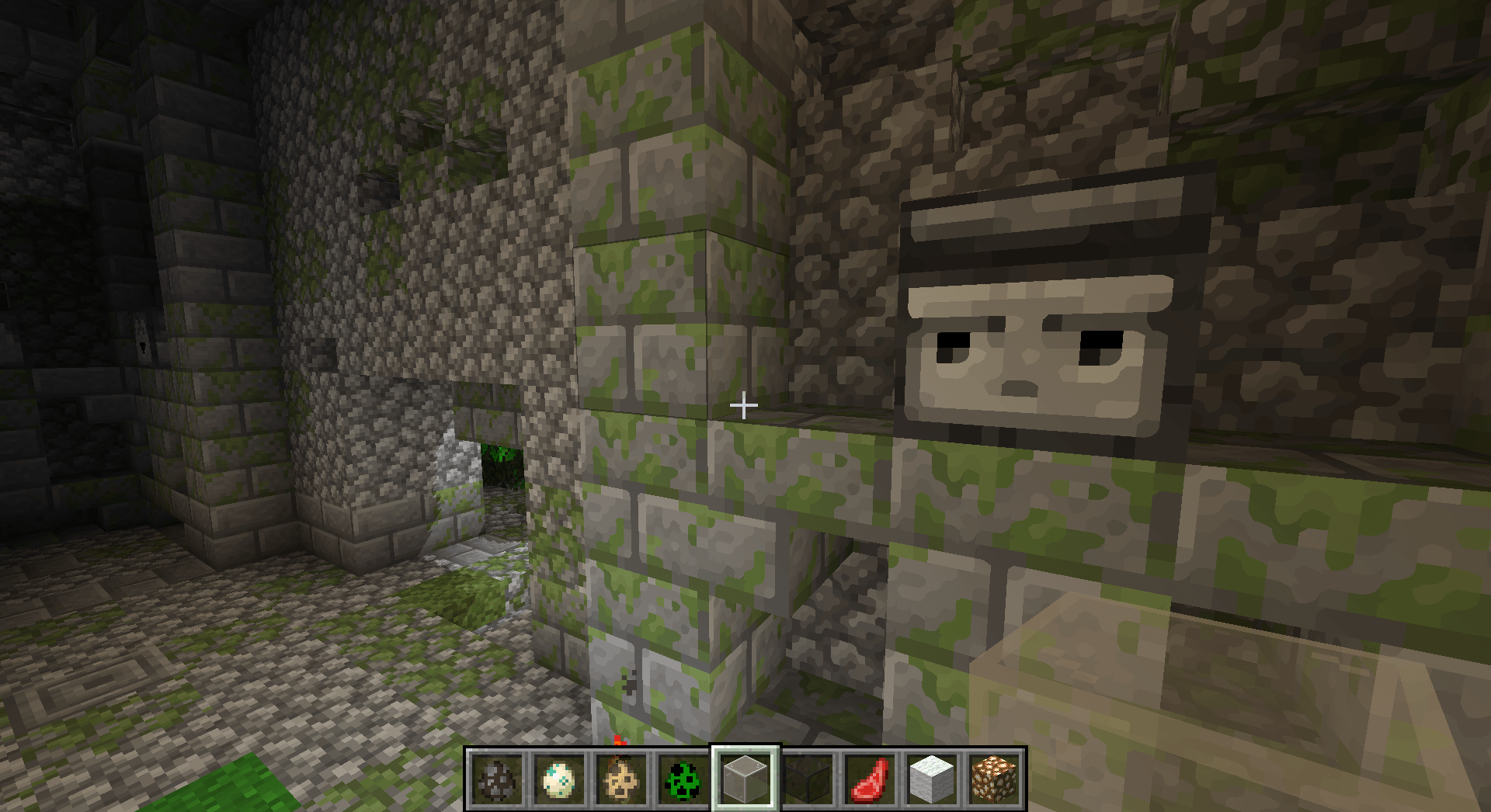
A very Vanilla high performance shader with live Texture Upscaling/Filtering and optional shadows. Configurable subtly enhanced vanilla feel.
by timetravelbeard
Download Claim this project
909,777 downloads
0 likes
Updated Oct 14, 2026
0 hypes
Vanilla
Advertisement Remove ads with Premium →

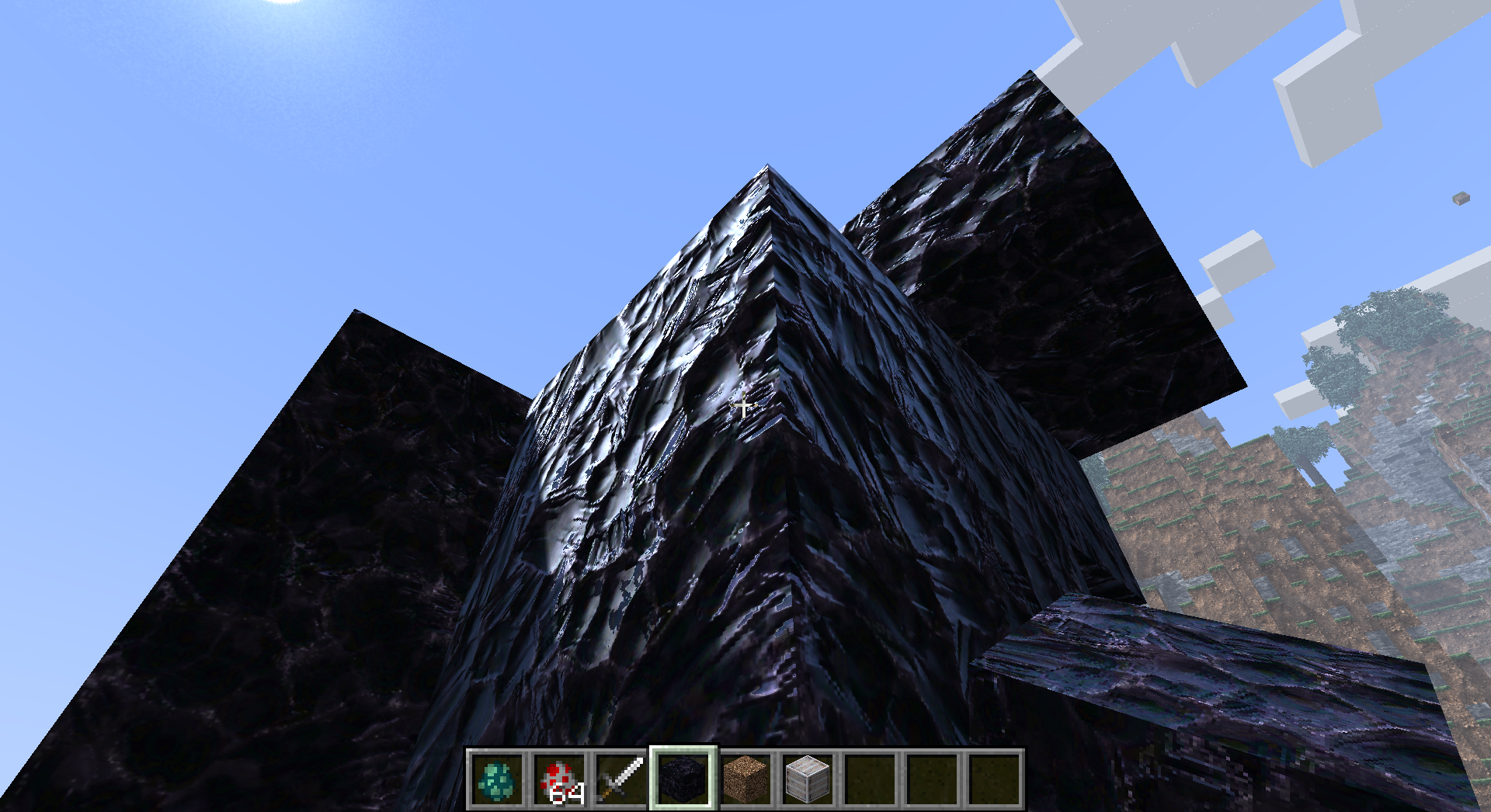
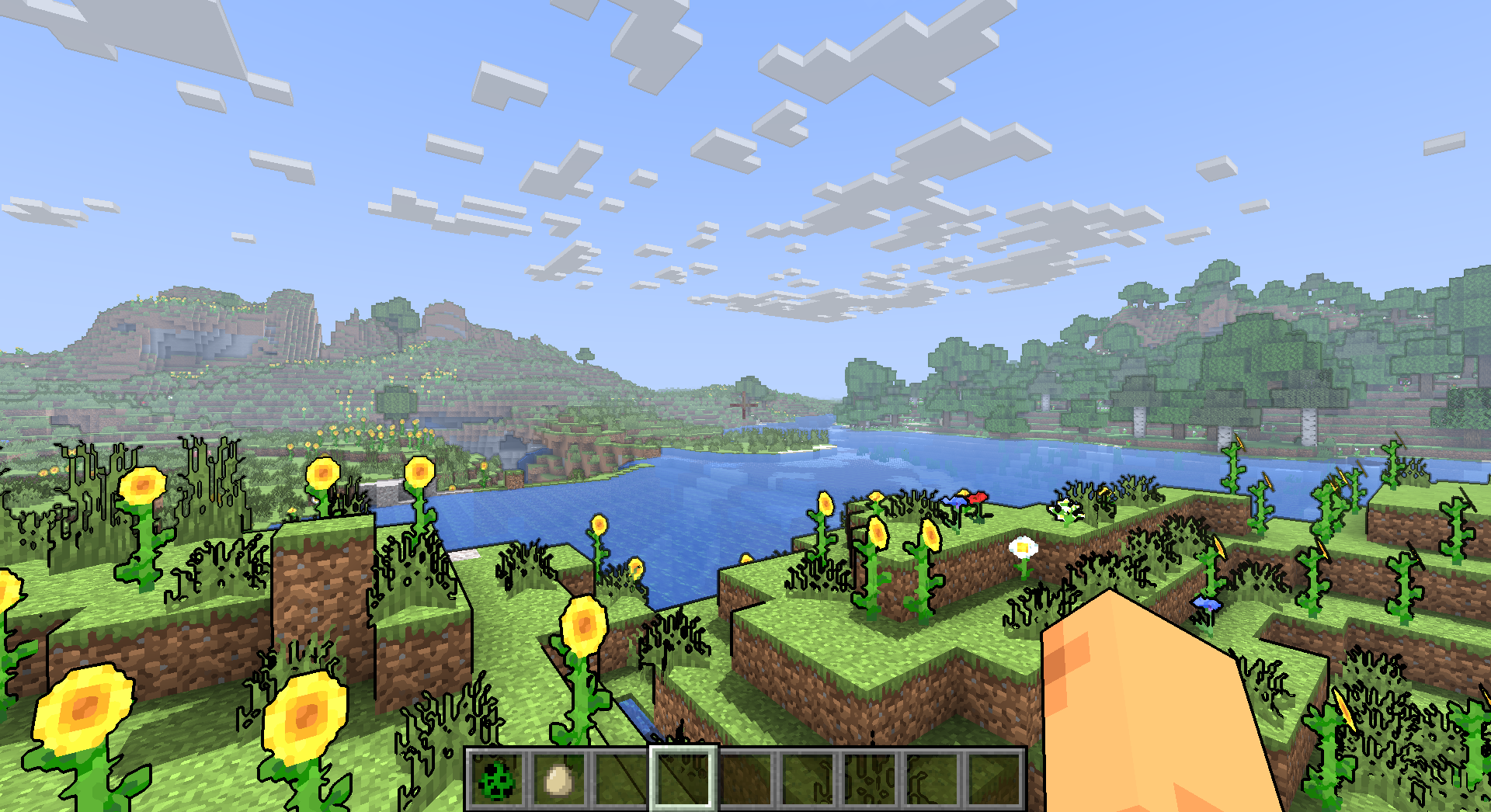
A very vanilla high performance shader with live Texture Upscaling/Filtering and optional shadows.

Plenty of other options to configure lighting and fog how you like while maintaining a subtly enhanced vanilla feel.


Some other optional features:

-pbr support, Distant Horizons support & cartoon style outlines


*Alpha versions are not verified to work on all hardware yet, let me know if they work for you!

This is very early in development! Make requests on discord.

You can check out my other projects there and on my Patreon which also has early access content

Simply_Upscaled (v0.4.5)
MC 1.21.2-Snapshot, 1.21, 1.21.6-snapshot, 1.20.2-Snapshot, 1.20.5-Snapshot, 1.21.1-Snapshot, 1.19.3, 1.20.2, 1.19.4, 1.21.8, 1.19.4-Snapshot, 1.20.5, 1.21.5, 1.21.4, 1.21.5-Snapshot
Release 2025-09-20 Get
Simply Upscaled (v0.4.4)
MC 1.19.3, 1.20.2, 1.21.2-Snapshot, 1.21, 1.21.6-snapshot, 1.19.4-Snapshot, 1.20.5, 1.21.5, 1.20.2-Snapshot, 1.20.5-Snapshot, 1.19.4, 1.21.8, 1.21.1-Snapshot, 1.21.4, 1.21.5-Snapshot
Release 2025-09-12 Get
Simply_Upscaled (v0.4.3)
MC 1.19.3, 1.20.2, 1.21.2-Snapshot, 1.21, 1.21.6-snapshot, 1.19.4-Snapshot, 1.20.5, 1.21.5, 1.20.2-Snapshot, 1.20.5-Snapshot, 1.19.4, 1.21.8, 1.21.1-Snapshot, 1.21.4, 1.21.5-Snapshot
Beta 2025-08-14 Get
Simply_Upscaled (v0.4.2).zip
MC 1.19.3, 1.20.2, 1.21.2-Snapshot, 1.21, 1.21.6-snapshot, 1.19.4-Snapshot, 1.20.5, 1.21.5, 1.20.2-Snapshot, 1.20.5-Snapshot, 1.19.4, 1.21.8, 1.21.1-Snapshot, 1.21.4, 1.21.5-Snapshot
Beta 2025-06-10 Get
Simply_Upscaled (v0.4.1)
MC 1.19.3, 1.20.2, 1.21.2-Snapshot, 1.21, 1.21.6-snapshot, 1.19.4-Snapshot, 1.20.5, 1.21.5, 1.20.2-Snapshot, 1.20.5-Snapshot, 1.19.4, 1.21.1-Snapshot, 1.21.4, 1.21.5-Snapshot, 1.19.2
Beta 2025-05-02 Get
Simply_Upscaled (v0.4.0).zip
MC 1.19.3, 1.20.2, 1.21.2-Snapshot, 1.21, 1.21.6-snapshot, 1.19.4-Snapshot, 1.20.5, 1.21.5, 1.20.2-Snapshot, 1.20.5-Snapshot, 1.19.4, 1.21.1-Snapshot, 1.21.4, 1.21.5-Snapshot, 1.19.2
Beta 2025-04-21 Get
Simply Upscaled v_0.3.6
MC 1.19.3, 1.20.2, 1.21.2-Snapshot, 1.21, 1.19.4-Snapshot, 1.20.5, 1.20.2-Snapshot, 1.20.5-Snapshot, 1.19.4, 1.21.1-Snapshot, 1.21.4, 1.21.5-Snapshot, 1.19.2, 1.20.3-Snapshot, 1.20.3
Beta 2025-02-04 Get
Simply Upscaled v_0.3.5
MC 1.19.3, 1.20.2, 1.21, 1.20.5, 1.19.4, 1.19.2, 1.20.3, 1.20.1, 1.20, OptiFine, 1.20.6, 1.20.4, Iris, 1.12.2
Beta 2024-08-02 Get
Simply Upscaled v_0.3.2.zip
MC 1.19.3, 1.20.2, 1.21, 1.20.5, 1.19.4, 1.19.2, 1.20.3, 1.20.1, 1.20, OptiFine, 1.20.6, 1.20.4, Iris
Beta 2024-07-15 Get
Simply Upscaled v_0.2.7.zip
MC 1.19.3, 1.20.2, 1.21, 1.20.5, 1.19.4, 1.19.2, 1.20.3, 1.20.1, 1.20, OptiFine, 1.20.6, 1.20.4, Iris
Alpha 2024-07-09 Get
Simply Upscaled v_0.2.4.zip
MC 1.19.3, 1.20.2, 1.21, 1.20.5, 1.19.4, 1.19.2, 1.20.3, 1.20.1, 1.20, OptiFine, 1.20.6, 1.20.4, Iris
Beta 2024-06-28 Get
Simply Upscaled v_0.1.8.zip
MC 1.19.3, 1.20.2, 1.21, 1.20.5, 1.19.4, 1.19.2, 1.20.3, 1.20.1, 1.20, OptiFine, 1.20.6, 1.20.4, Iris
Beta 2024-06-22 Get
Simply Upscaled v_0.1.6.zip
MC 1.19.3, 1.20.2, 1.21, 1.20.5, 1.19.4, 1.19.2, 1.20.3, 1.20.1, 1.20, OptiFine, 1.20.6, 1.20.4, Iris
Alpha 2024-06-21 Get
Simply Upscaled v_0.1.5.zip
MC 1.19.3, 1.20.2, 1.21, 1.20.5, 1.19.4, 1.19.2, 1.20.3, 1.20.1, 1.20, OptiFine, 1.20.6, 1.19.1, 1.20.4, Iris, 1.19
Alpha 2024-06-20 Get
Simply Upscaled v_0.1.0.zip
MC 1.19.3, 1.20.2, 1.21, 1.20.5, 1.19.4, 1.19.2, 1.20.3, 1.20.1, 1.20, OptiFine, 1.20.6, 1.20.4, Iris
Beta 2024-06-18 Get
Simply Upscaled v_0.0.7.zip
MC 1.19.3, 1.20.2, 1.21, 1.20.5, 1.19.4, 1.19.2, 1.20.3, 1.20.1, 1.20, OptiFine, 1.20.6, 1.20.4, Iris
Beta 2024-06-17 Get
Simply Upscaled v_0.0.5.zip
MC 1.19.3, 1.20.2, 1.21, 1.20.5, 1.19.4, 1.19.2, 1.20.3, 1.20.1, 1.20, OptiFine, 1.20.6, 1.20.4, Iris
Beta 2024-06-16 Get

Requirements & install

How to use this shader in Minecraft
Shader loader
Iris OptiFine
Minecraft
1.21 – 1.21.8
Install folder
.minecraft/shaderpacks

How to install shaders

  1. Install a shader loader for your Minecraft version: Iris (with Sodium) or OptiFine.
  2. Download the shader pack .zip file (do not extract it).
  3. Put the .zip into the shaderpacks folder (.minecraft/shaderpacks).
  4. In game open Options → Video Settings → Shader Packs, select the pack and apply it.
Browse more: Iris shaders OptiFine shaders Shaders for 1.21.8 All shaders

More from timetravelbeard

Advertisement Remove ads with Premium →

You Might Also Like