Mineuniverse
Shaders
LoShades

LoShades

SHADER
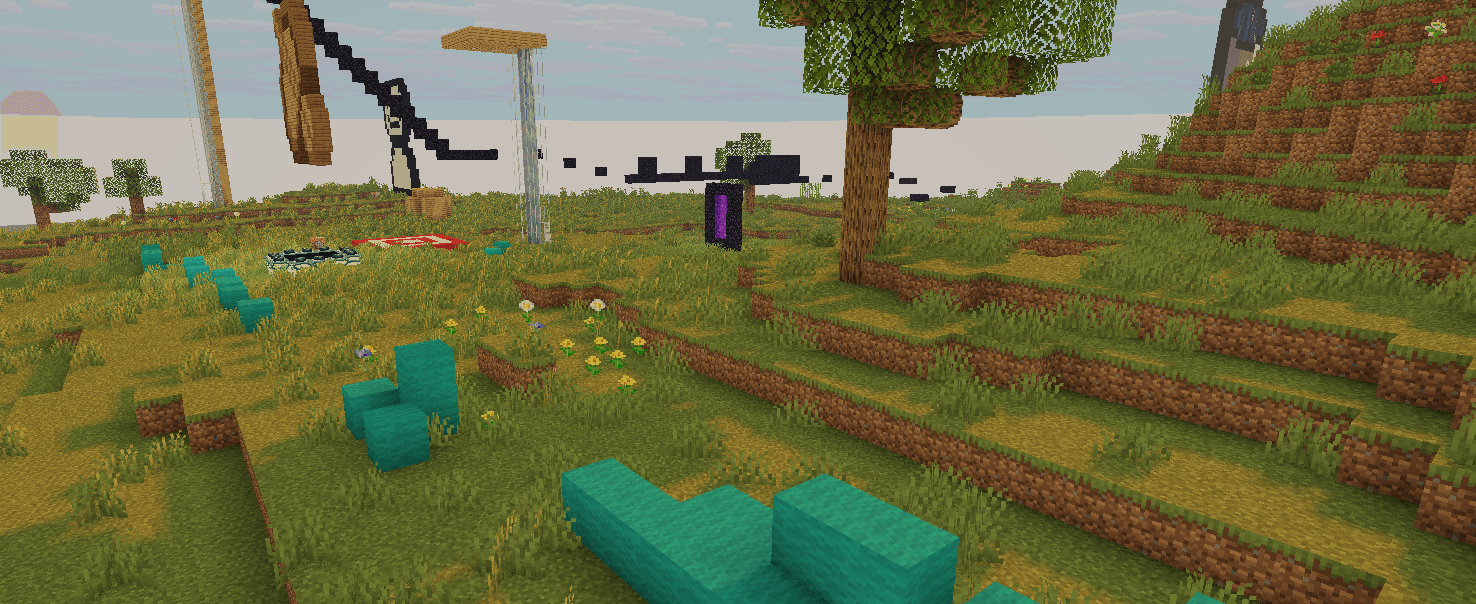
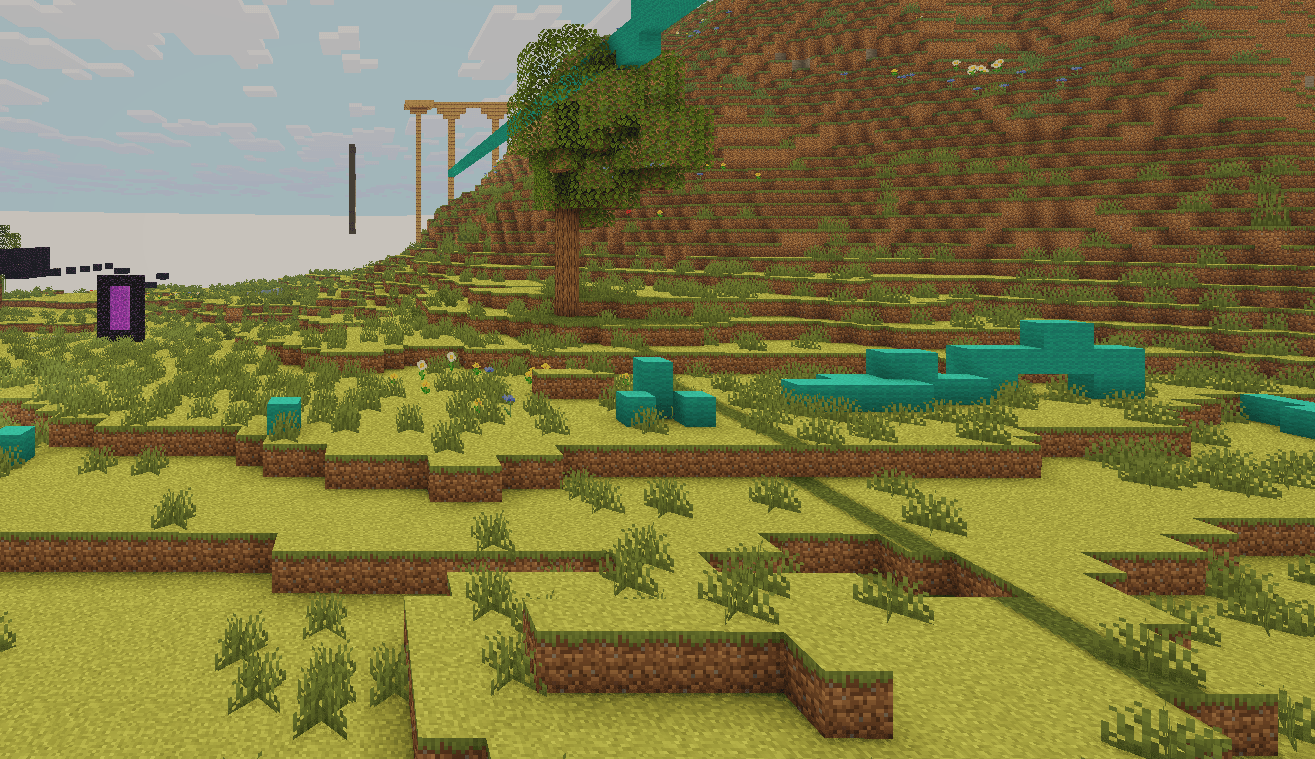
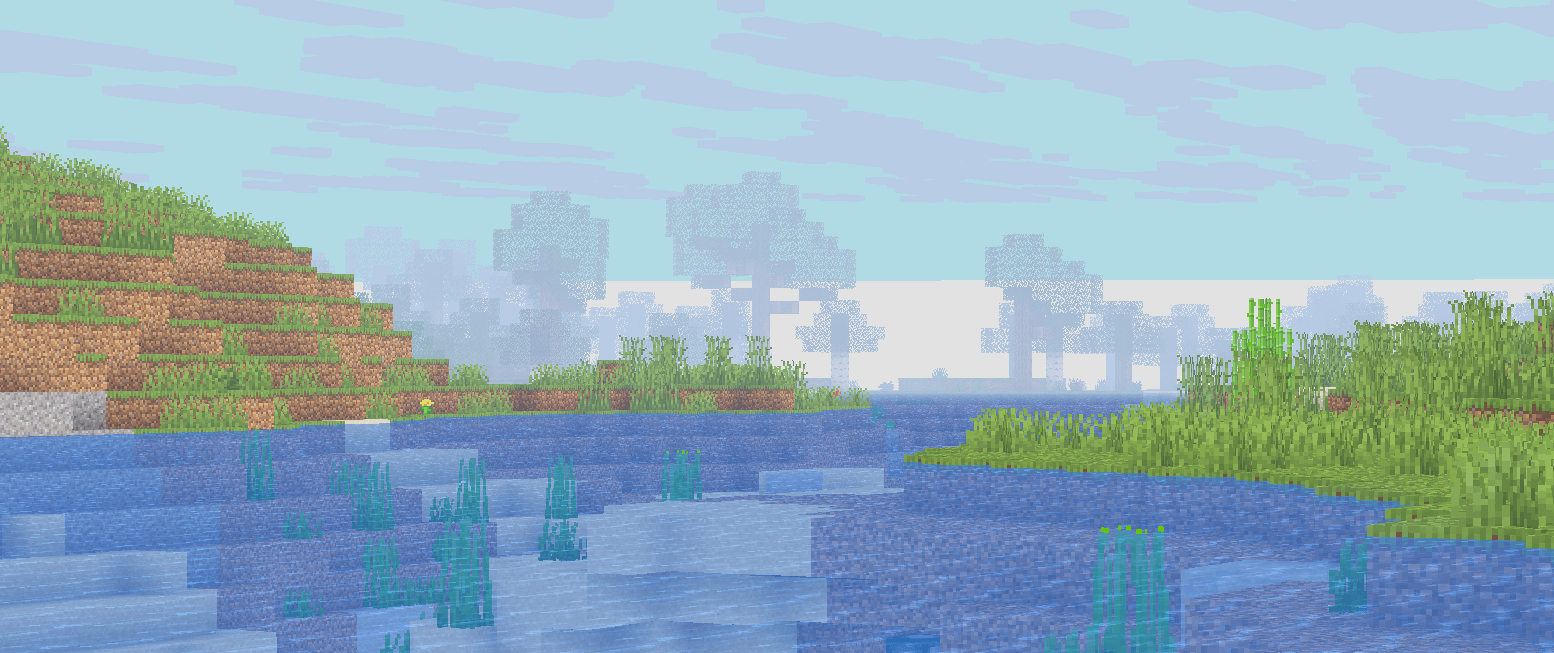
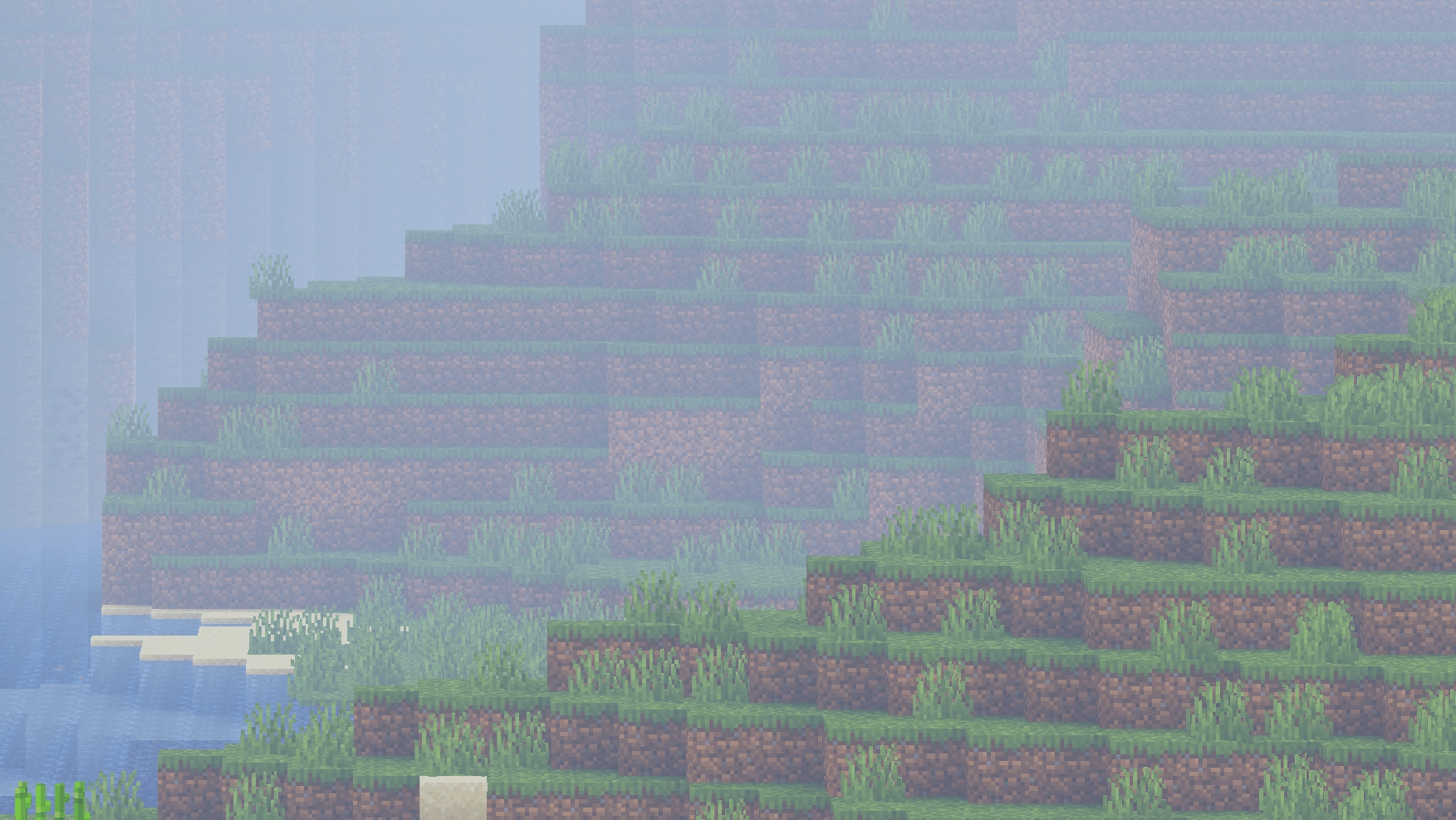
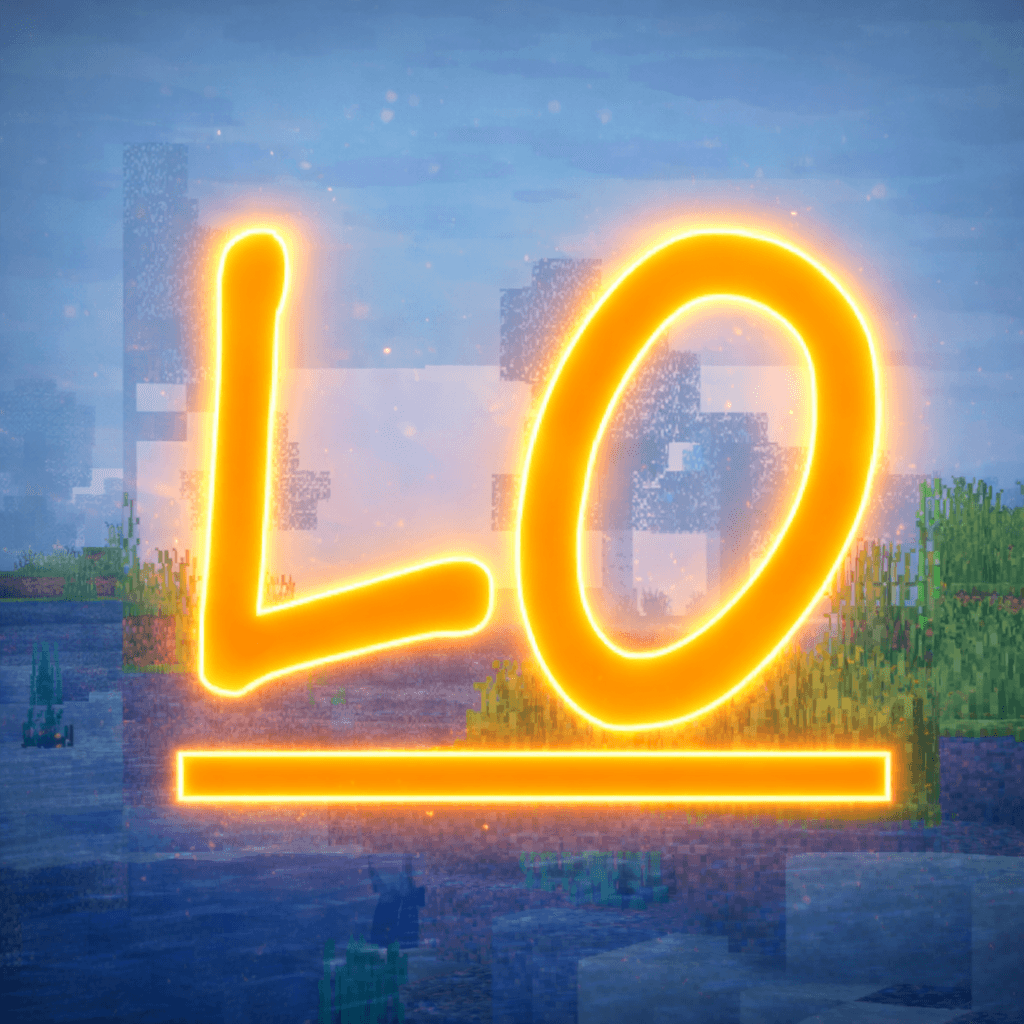
LoShades is the ULTIMATE low-end minecraft shader that adds basic postprocess effects and fog. (i get around 300 to 500 fps average, and around 800 max!)
by ItzCheeseBurger
Download Claim this project
92,180 downloads
0 likes
Updated Oct 14, 2026
0 hypes
Fantasy Vanilla
Advertisement Remove ads with Premium →

LoShades is the ULTIMATE low-end minecraft shader that adds basic postprocess effects and fog.  (i get around 300 to 500 fps average, and around 800 max!)

FIXES NOW INCLUDE:

this is the ultimate glitch patch upd with a ton of optimisations.

FIXED

black mob eyes

glowing end and blocks

ssr toggle is back

ao is togglable

etc.

THINGS THIS SHADER ADDS:

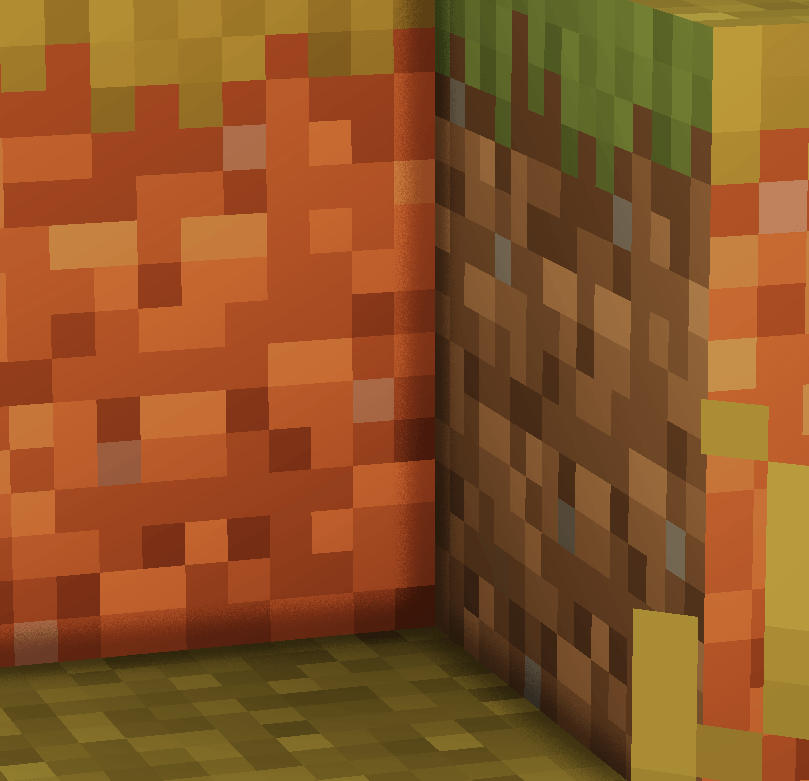
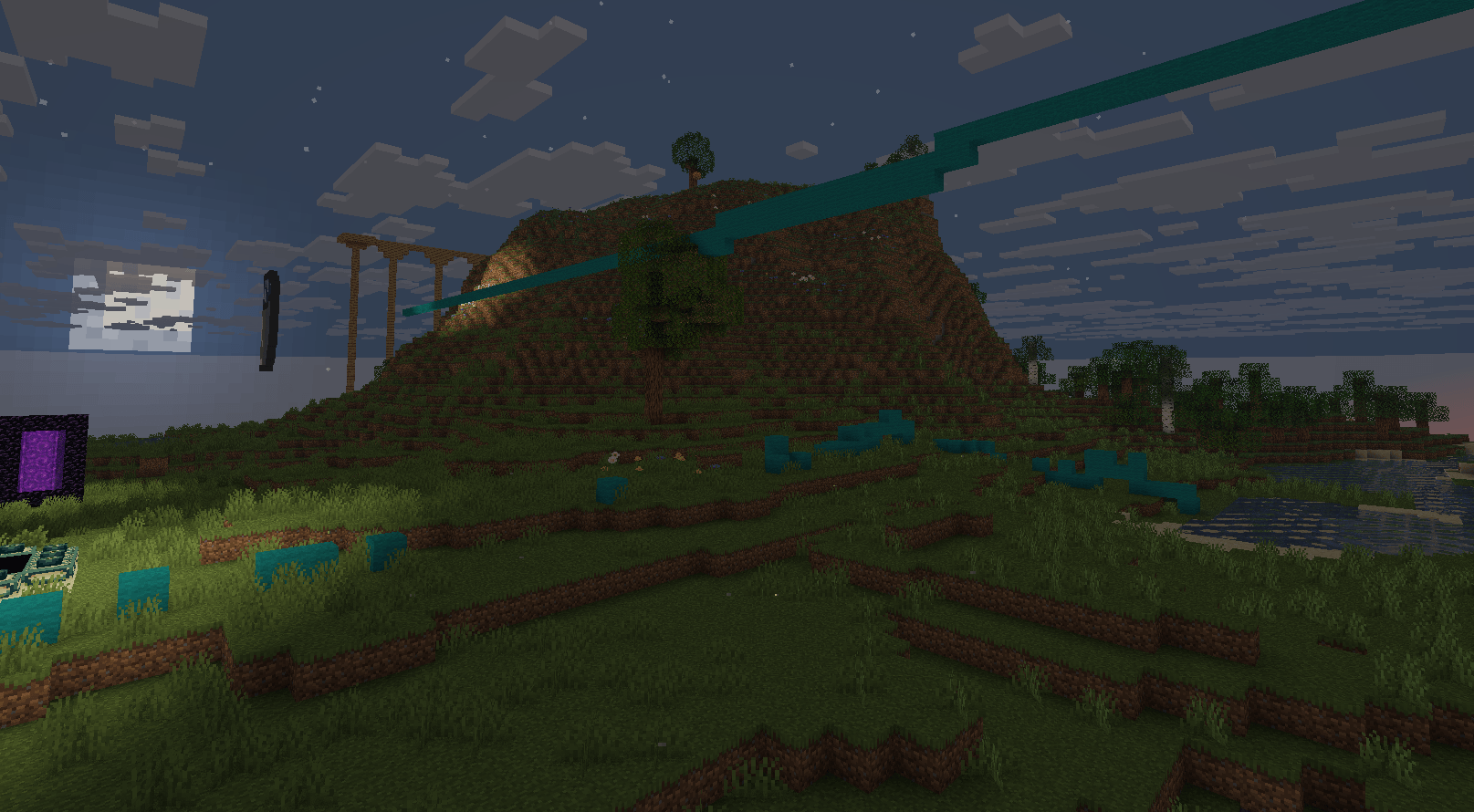
shadows

AO

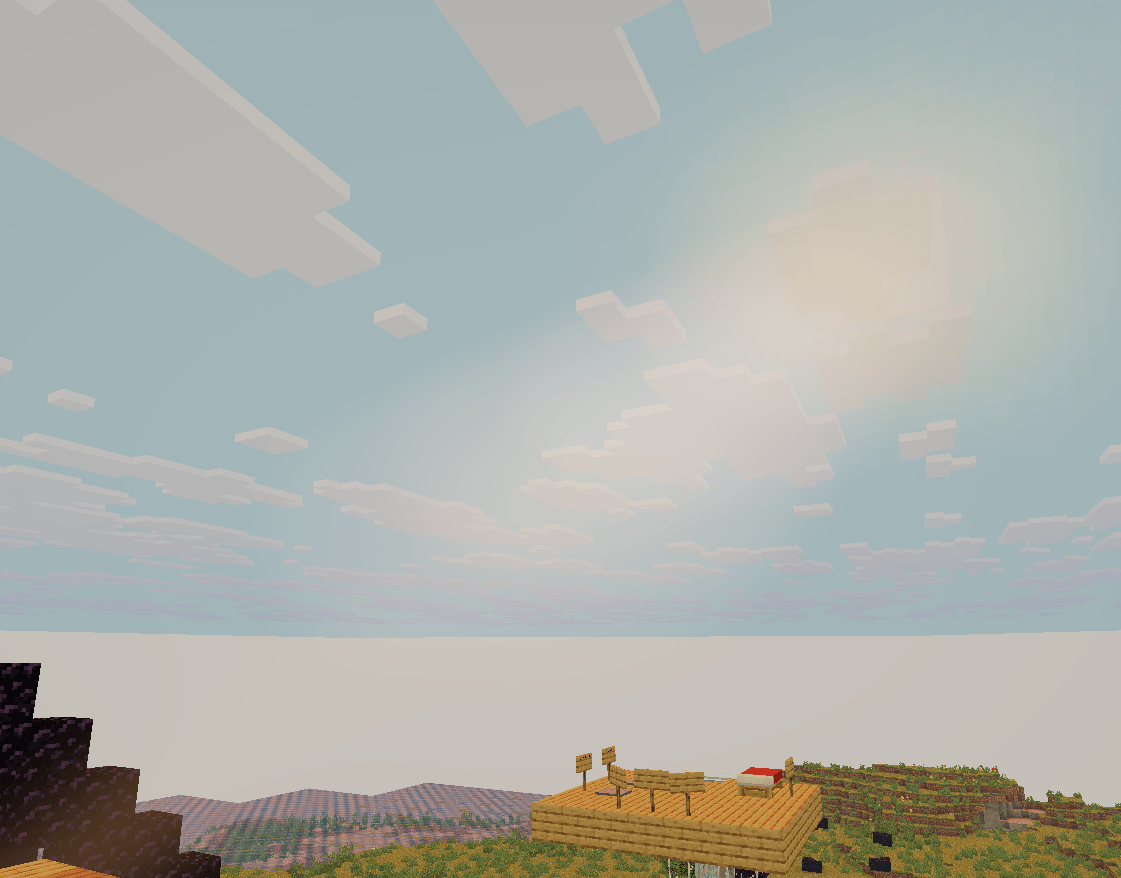
lensflare

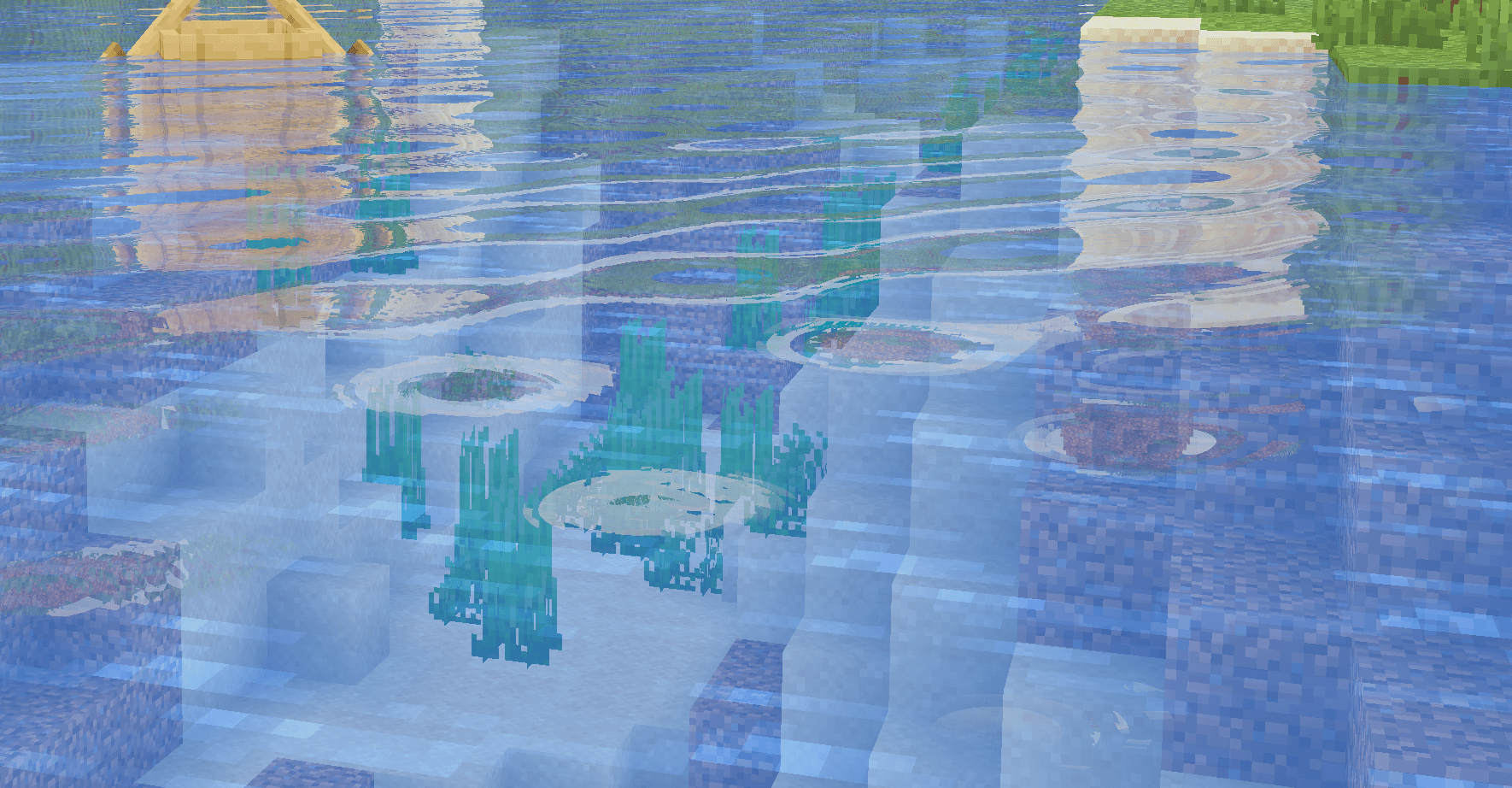
water normals

ssr (reflections in water)

.fog

.saturation

.brigtness

.etc

check out my other shader here!

Oriana shaders - Minecraft Shaders - CurseForge

LoShades_1.6_outlinesupd.zip
MC 1.21.6-snapshot, 1.16, 1.19.3, 1.21.8, 1.14.4, 1.21.5, 1.17-Snapshot, 1.21.4, 1.21.5-Snapshot, 1.20, 1.21.6, 1.21.3, 1.21.7, 1.20.4, 1.21.4-Snapshot, 1.13.2, Iris, 1.19.3-Snapshot
Release 2026-02-20 Get
LoShades_waterupd2+GLITCH_FIX_SHOWDOWN.zip
MC 1.21.8, 1.20.3, Iris, 1.21.2, 1.21.9-snapshot, 1.21.9, 1.21.10, 1.21.11-snapshot, 1.21.11, 26.1-snapshot
Release 2026-02-19 Get
LoShades_1.3toggalableAO+Flare.zip
MC 1.9.3, 1.7.6, 1.16-Snapshot, 1.21.6-snapshot, 1.15-Snapshot, 1.4.6, 1.0, 1.21.1-Snapshot, 1.17, 1.21.5, 1.18, 1.21.5-Snapshot, 1.20, 1.20.6, 1.1, 1.20-Snapshot, 1.21.1, 1.21.6
Release 2026-02-16 Get
LoShades_1.4_ULTIMATE_GLITCH_FIX_UPD;).zip
MC 1.17.1, 1.20.5-Snapshot, 1.20.2, 1.21.8, 1.19.4-Snapshot, 1.20.5, 1.20.1, 1.21.1, 1.21.6, 1.19.2, 1.20.3-Snapshot, 1.13.2, 1.15.1, Iris, 1.21.9-snapshot, 1.21.9, 1.21.10
Release 2026-02-16 Get
LoShades_1.3_shadow_fix.zip
MC 1.21, 1.19-Snapshot, 1.16.5, 1.21.8, 1.21.5, 1.20.1, Iris, 1.21.9-snapshot, 1.21.9, 1.21.10, 1.21.11-snapshot, 1.21.11, 26.1-snapshot
Release 2026-02-16 Get
~LoShades_1.3_+waterglowfix_+patch_fixed_=clouds=_shaders~.zip
MC 1.9.1, 1.21.2-Snapshot, 1.21, 1.21.6-snapshot, 1.6.1, 1.20.5-Snapshot, 1.16, 1.13, 1.21.1-Snapshot, 1.7.2, 1.21.8, 1.14.1, 1.20.5, 1.21.5, 1.17-Snapshot, 1.21.4, 1.21.5-Snapshot
Release 2026-02-16 Get
LoShades_1.2_lighting_revamp.zip
MC 1.21.8, 1.21.5, 1.21.4, OptiFine, 1.21.1, 1.21.6, 1.21.3, Iris, 1.21.2, 1.21.9-snapshot, 1.21.9, 1.21.10, 1.21.11-snapshot, 1.21.11, 26.1-snapshot
Release 2026-02-15 Get
LoShades_1.3AOFIX.zip
MC 1.7.4, 1.21.2-Snapshot, 1.21, 1.21.6-snapshot, 1.0, 1.16.1, 1.20.5-Snapshot, 1.21.1-Snapshot, 1.19.3, 1.21.8, 1.21.5, 1.21.4, 1.21.5-Snapshot, 1.20-Snapshot, 1.21.1, 1.21.6, 1.21.3
Release 2026-02-15 Get
LoShades_1.3AOFIX_lensFlare.zip
MC 1.6.1, 1.0, 1.20.2-Snapshot, 1.16, 1.0.0, 1.2.4, 1.14.1, 1.21.5, 1.21.4, 1.21.1, 1.8, 1.21.3, 1.11.2, Iris, 1.9-Snapshot, 1.21.2, 1.21.9, 1.21.11, 26.1-snapshot
Release 2026-02-15 Get
LoShades_1.1_waterUPD.zip
MC 1.21.8, OptiFine, 1.21.6, 1.21.7, Iris, 1.21.9-snapshot, 1.21.9, 1.21.10, 1.21.11-snapshot, 1.21.11, 26.1-snapshot
Release 2026-02-13 Get
LoShades_1.0.zip
MC 1.21.2-Snapshot, 1.21.6-snapshot, 1.21.8, 1.21.5, 1.21.4, 1.21.5-Snapshot, OptiFine, 1.21.6, 1.21.3, 1.21.7, 1.21.4-Snapshot, Iris, 1.21.9-snapshot, 1.21.9, 1.21.10
Release 2026-02-12 Get

Requirements & install

How to use this shader in Minecraft
Shader loader
Iris OptiFine
Minecraft
1.21.7 – 26.1-snapshot
Install folder
.minecraft/shaderpacks

How to install shaders

  1. Install a shader loader for your Minecraft version: Iris (with Sodium) or OptiFine.
  2. Download the shader pack .zip file (do not extract it).
  3. Put the .zip into the shaderpacks folder (.minecraft/shaderpacks).
  4. In game open Options → Video Settings → Shader Packs, select the pack and apply it.
Browse more: Iris shaders OptiFine shaders Shaders for 26.1-snapshot All shaders

More from ItzCheeseBurger

Advertisement Remove ads with Premium →

You Might Also Like