Mineuniverse
Shaders
PwC Retro Pixels Shaders

PwC Retro Pixels Shaders

SHADER
a retro pixel art style shader pack
by Playing_with_Color
Download Claim this project
99,737 downloads
0 likes
Updated Oct 14, 2026
0 hypes
Fantasy Vanilla
Advertisement Remove ads with Premium →

These shaders are a work in progress, so they may not work as intended under all circumstances. I haven't tested them in very many situations yet.

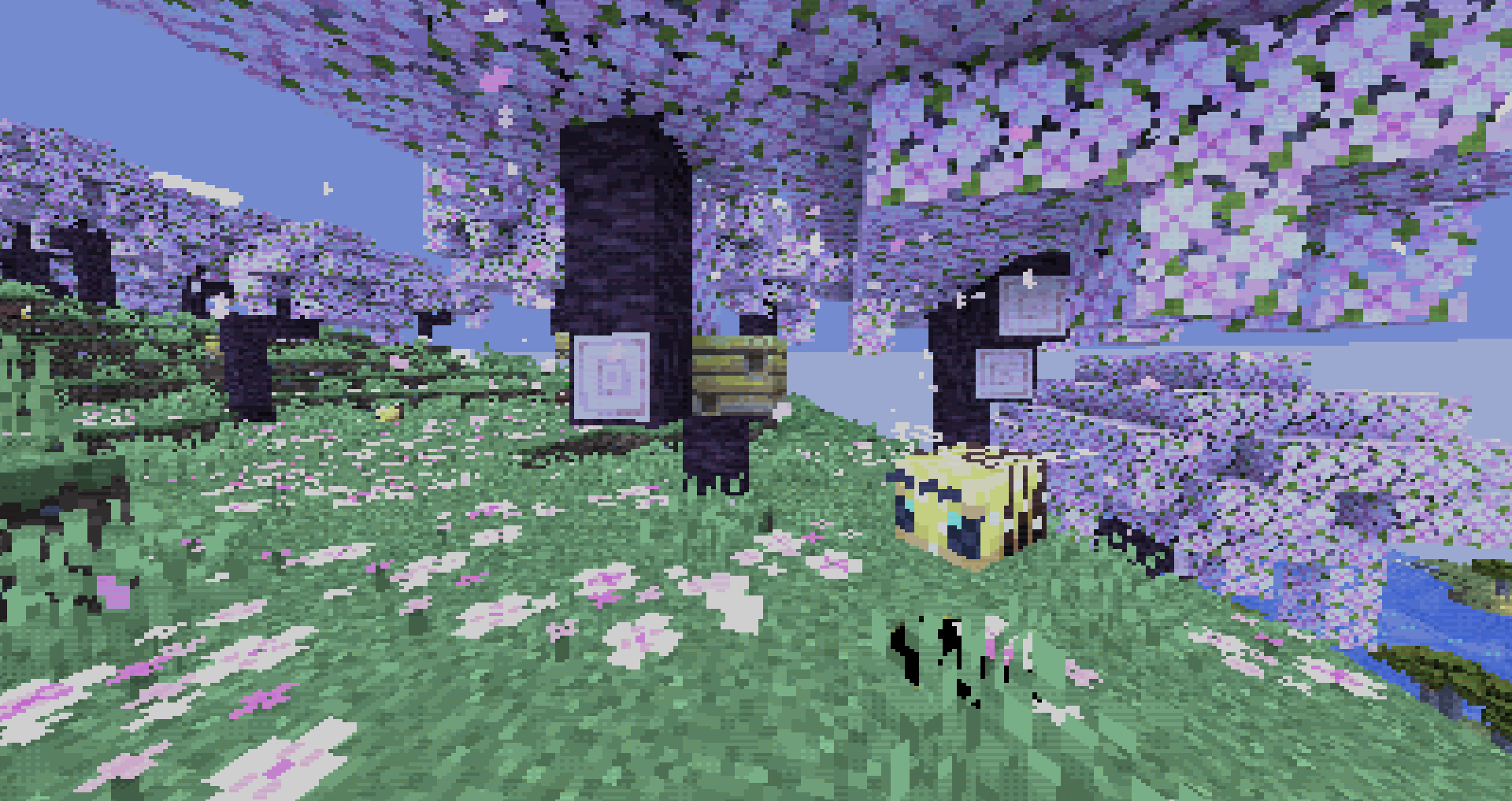
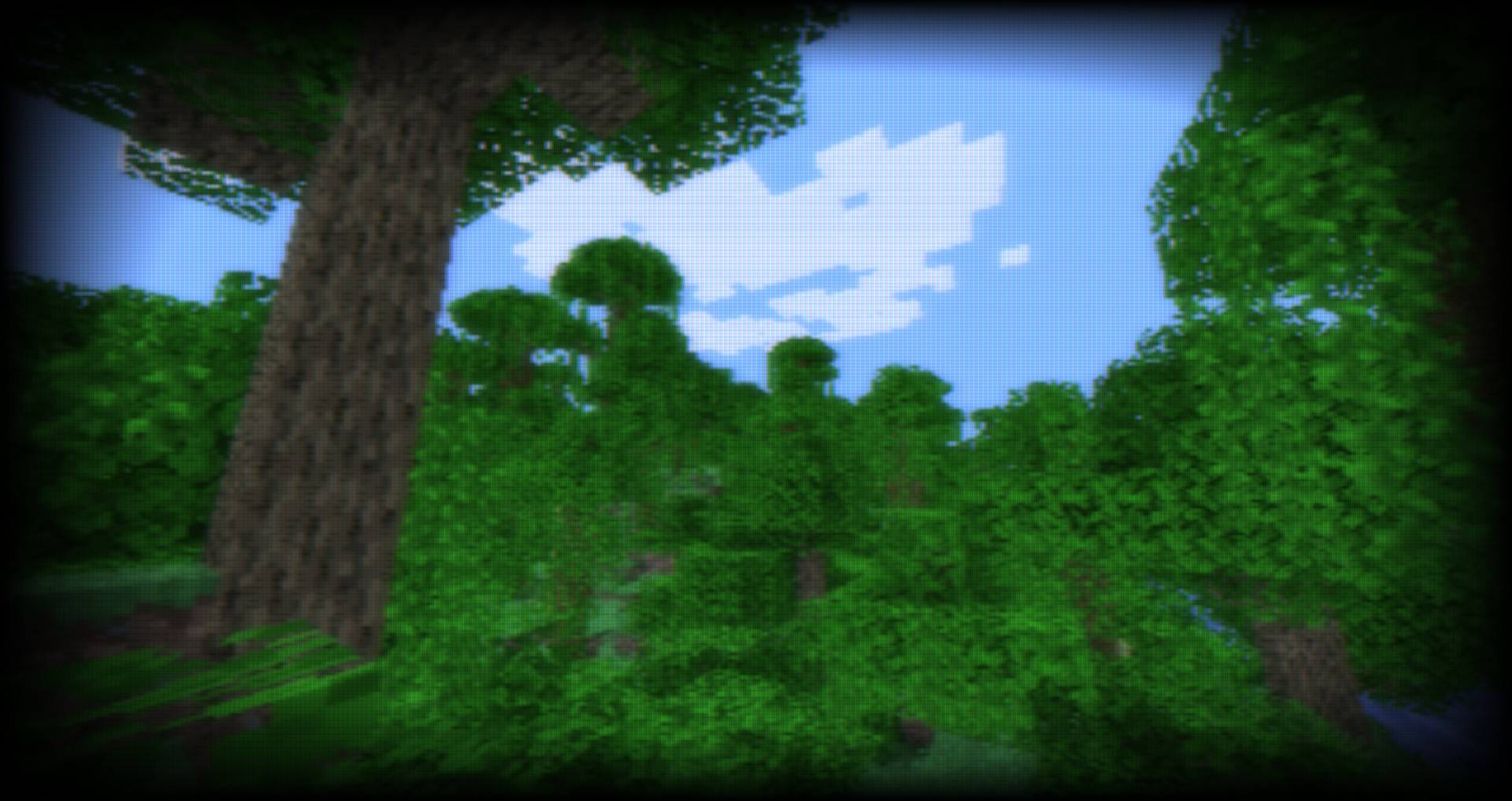
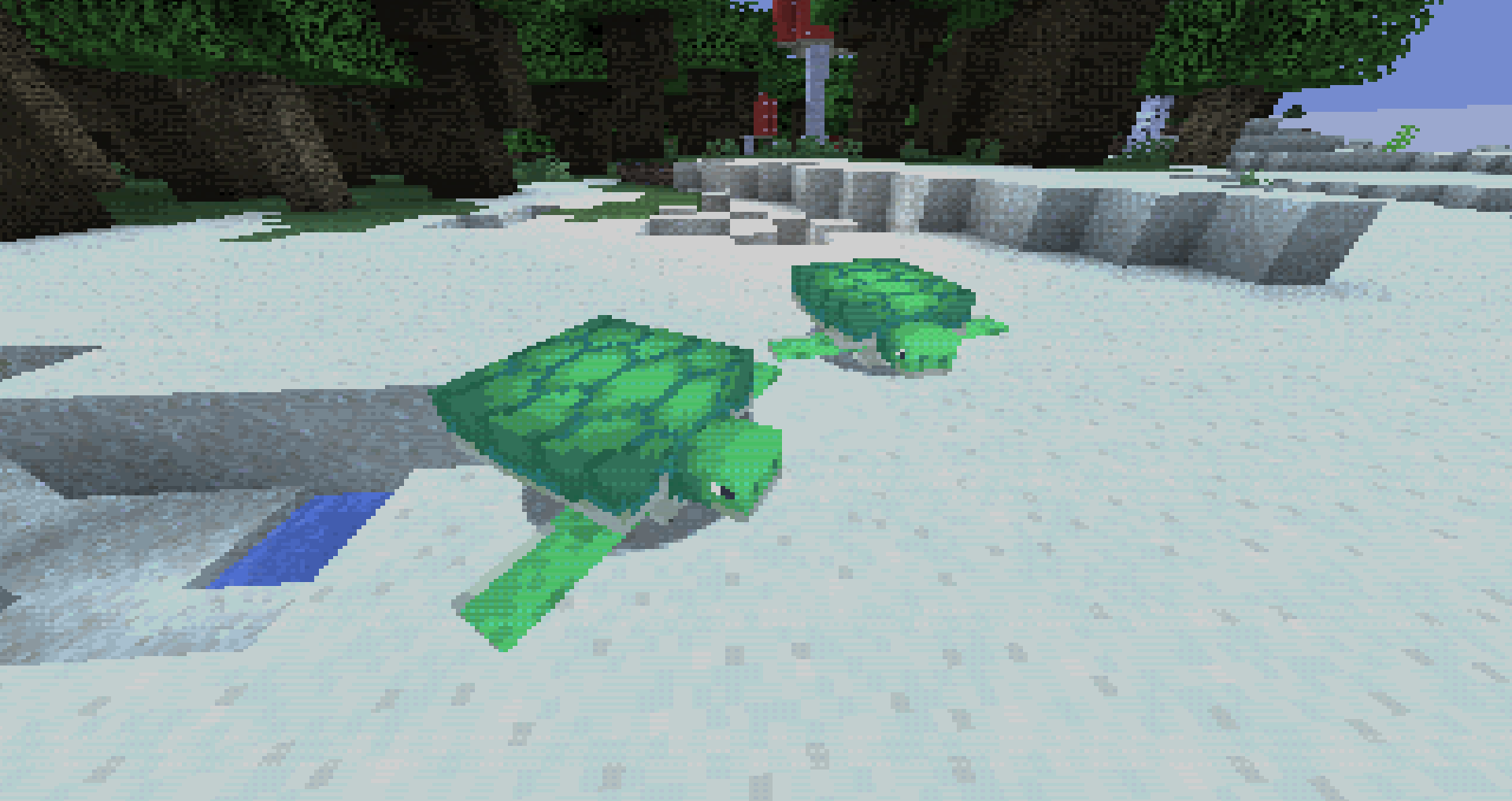
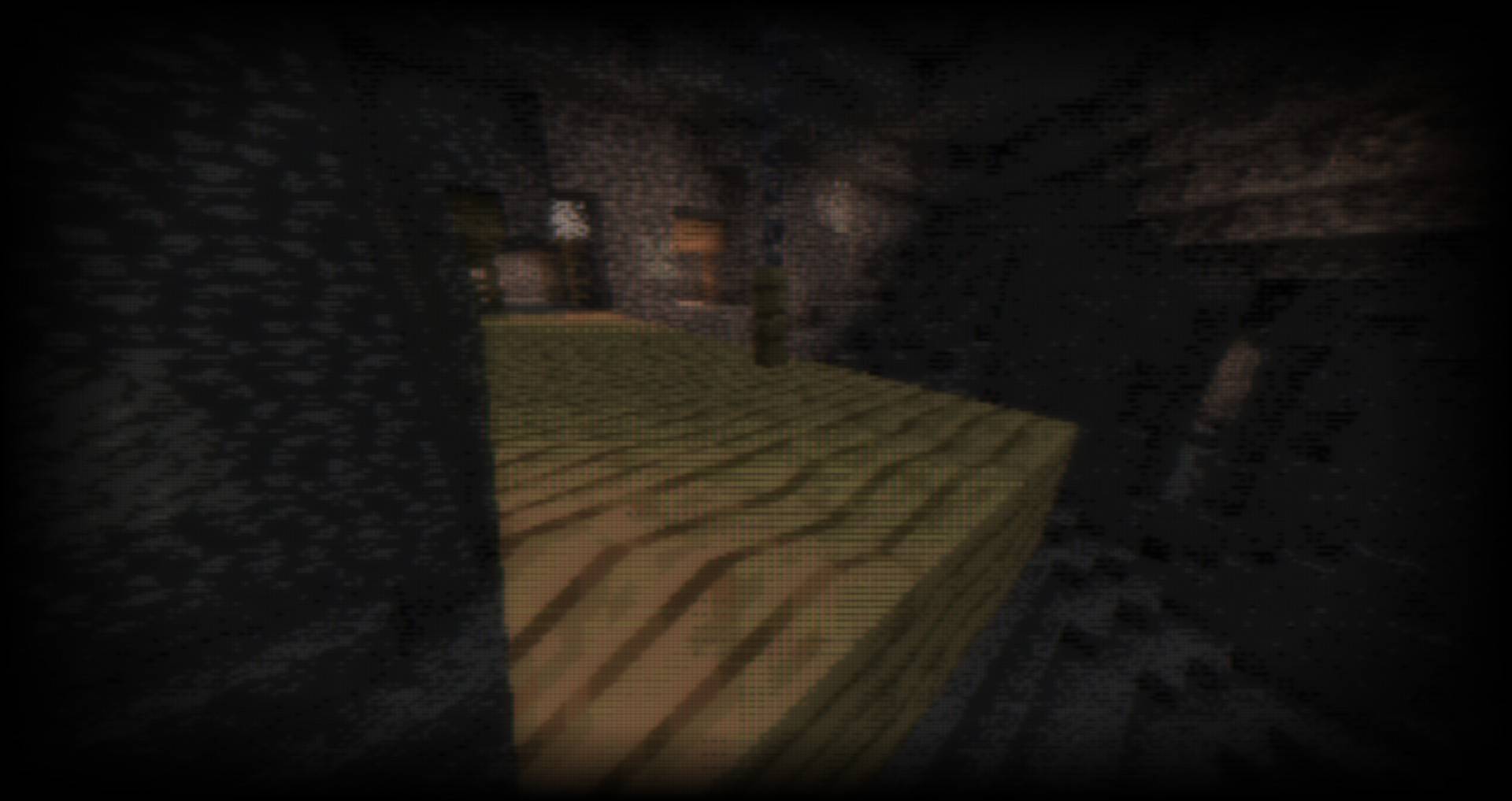
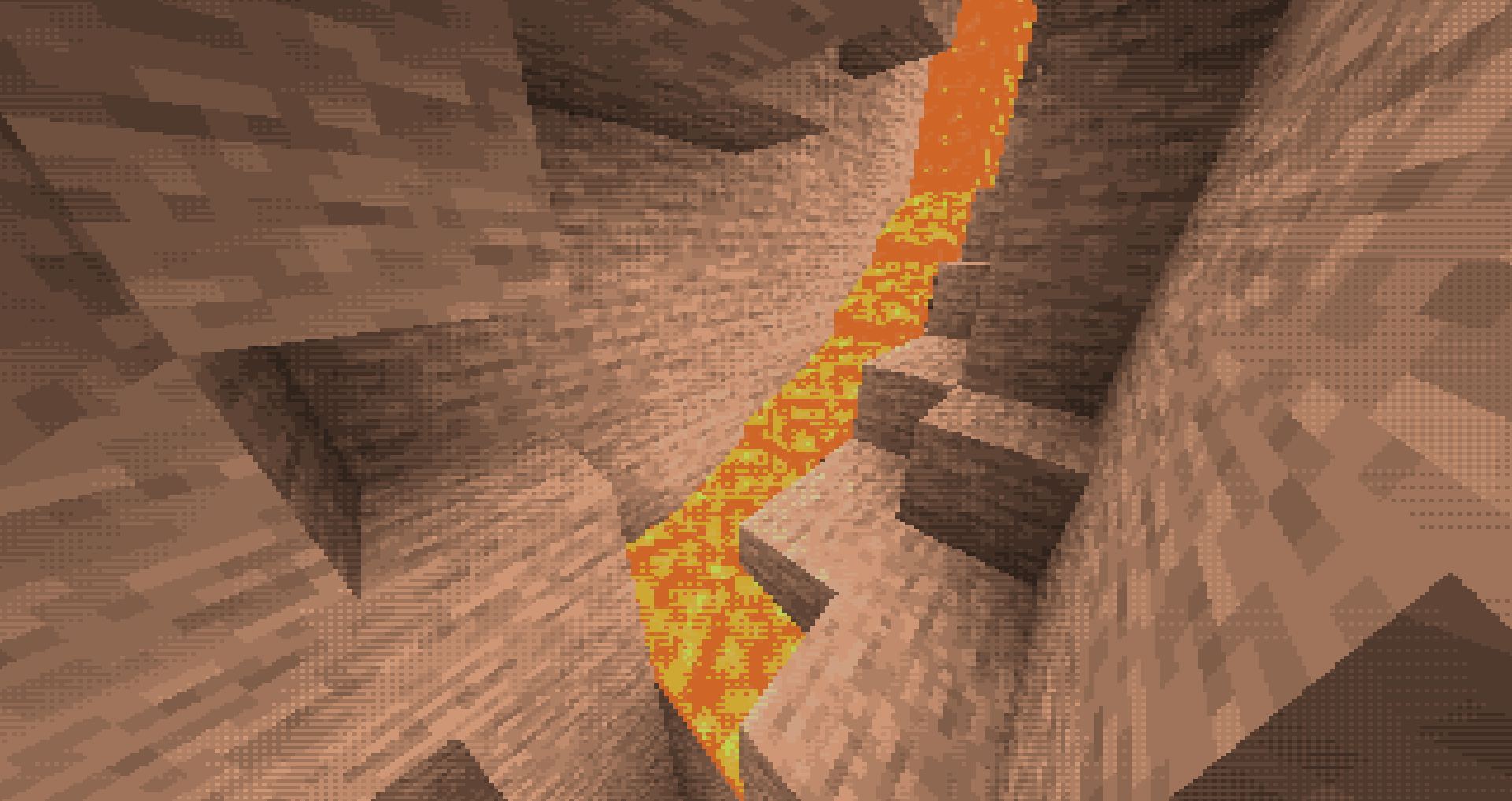
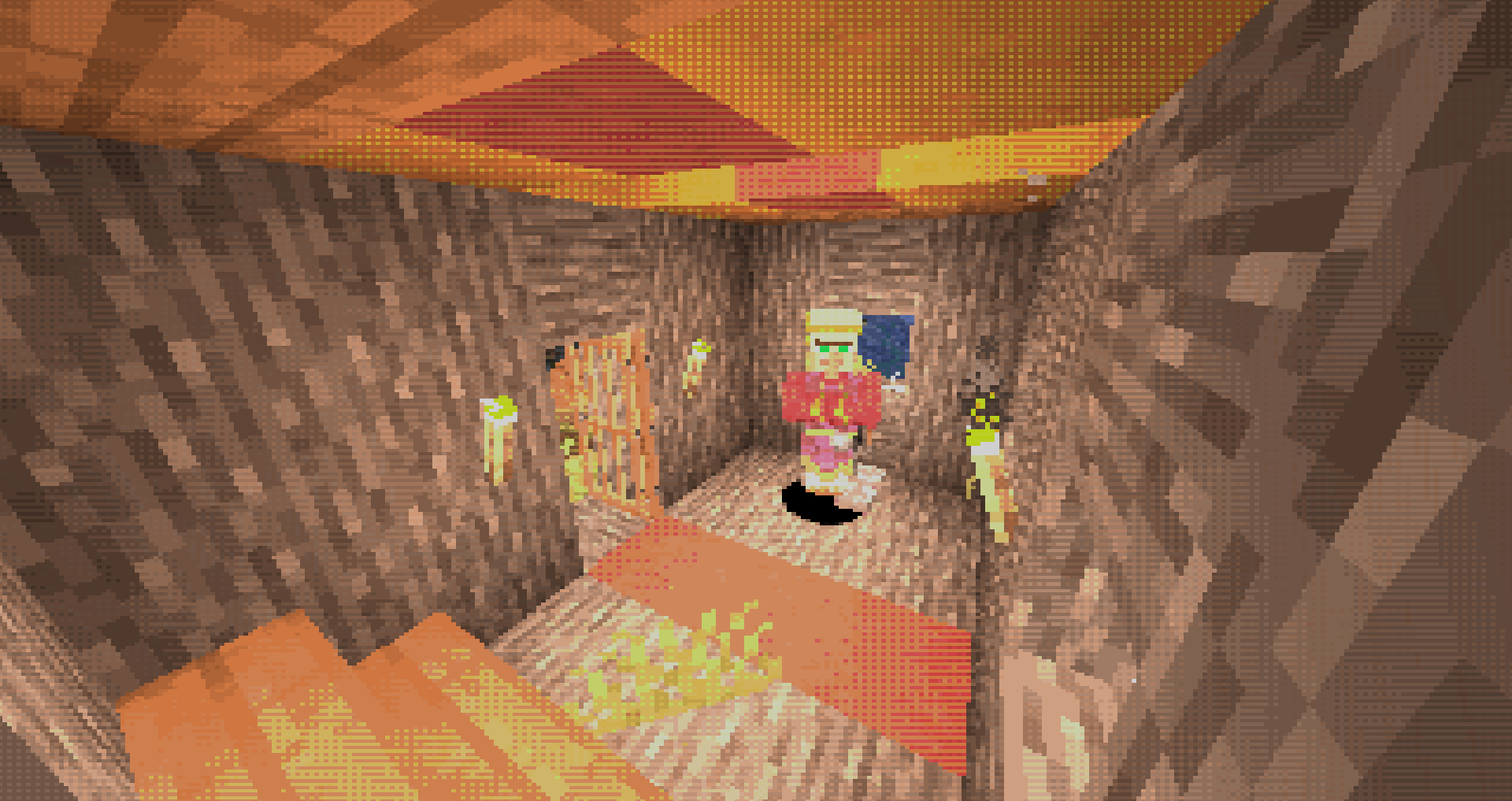
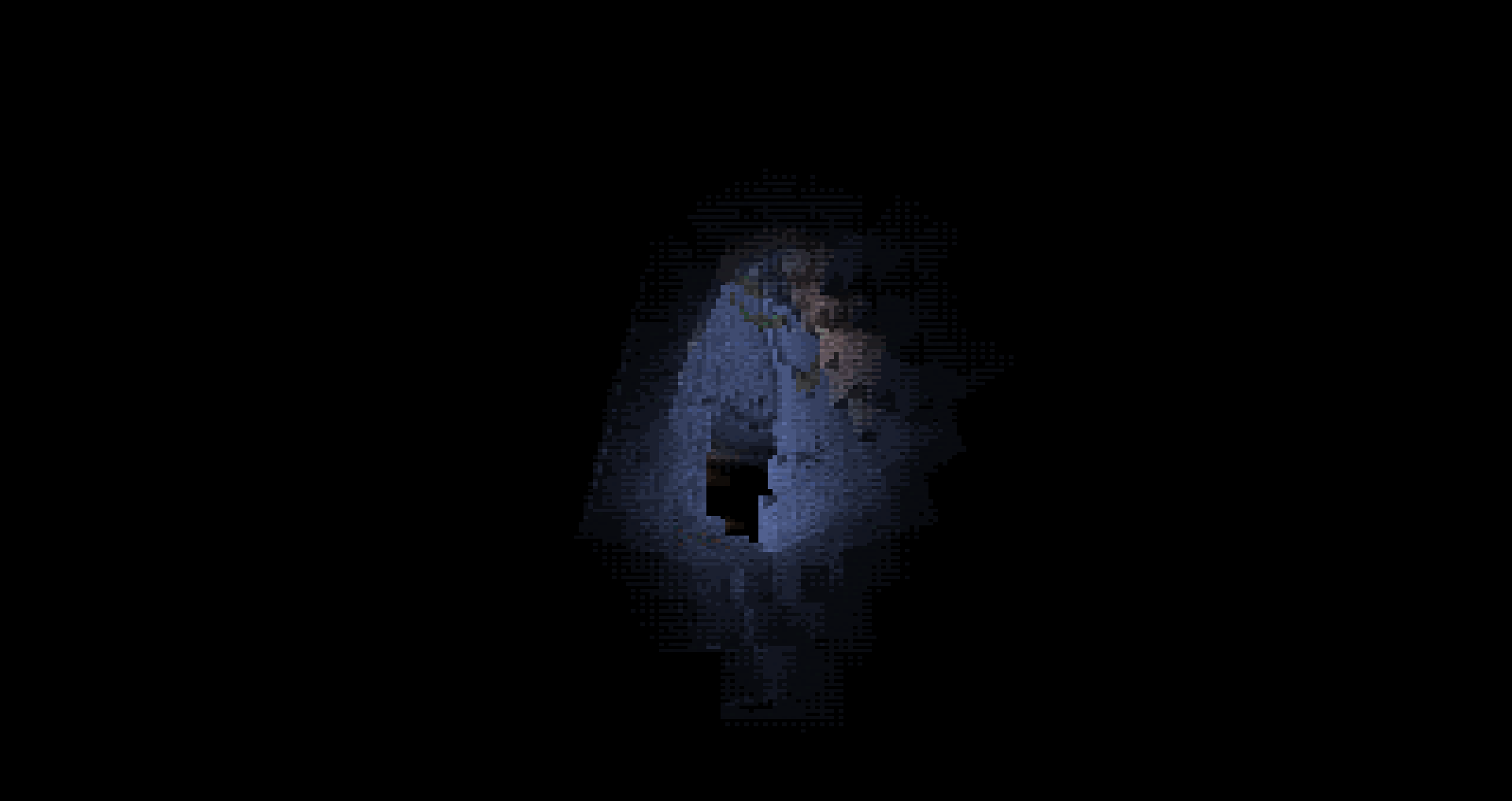
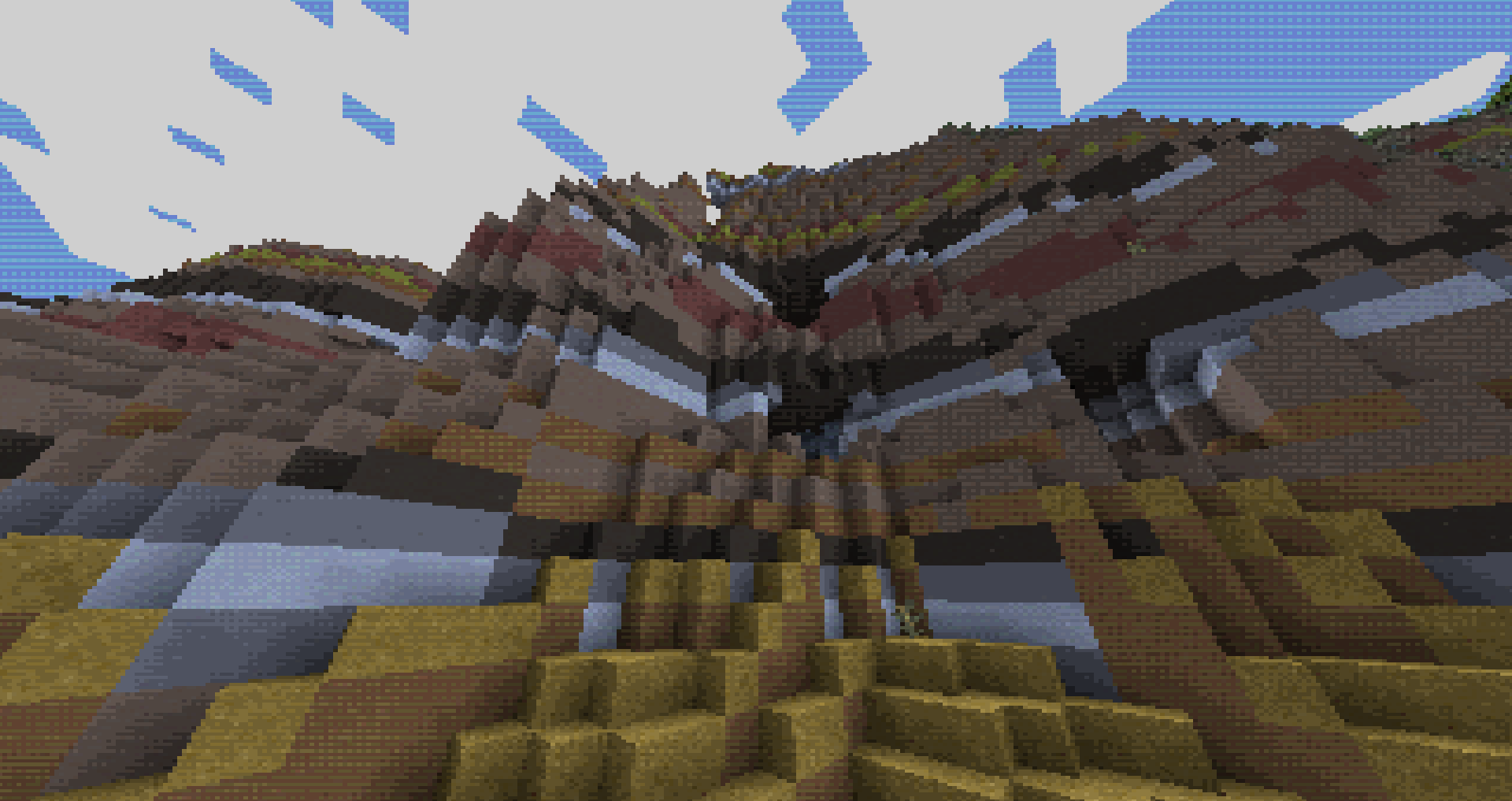
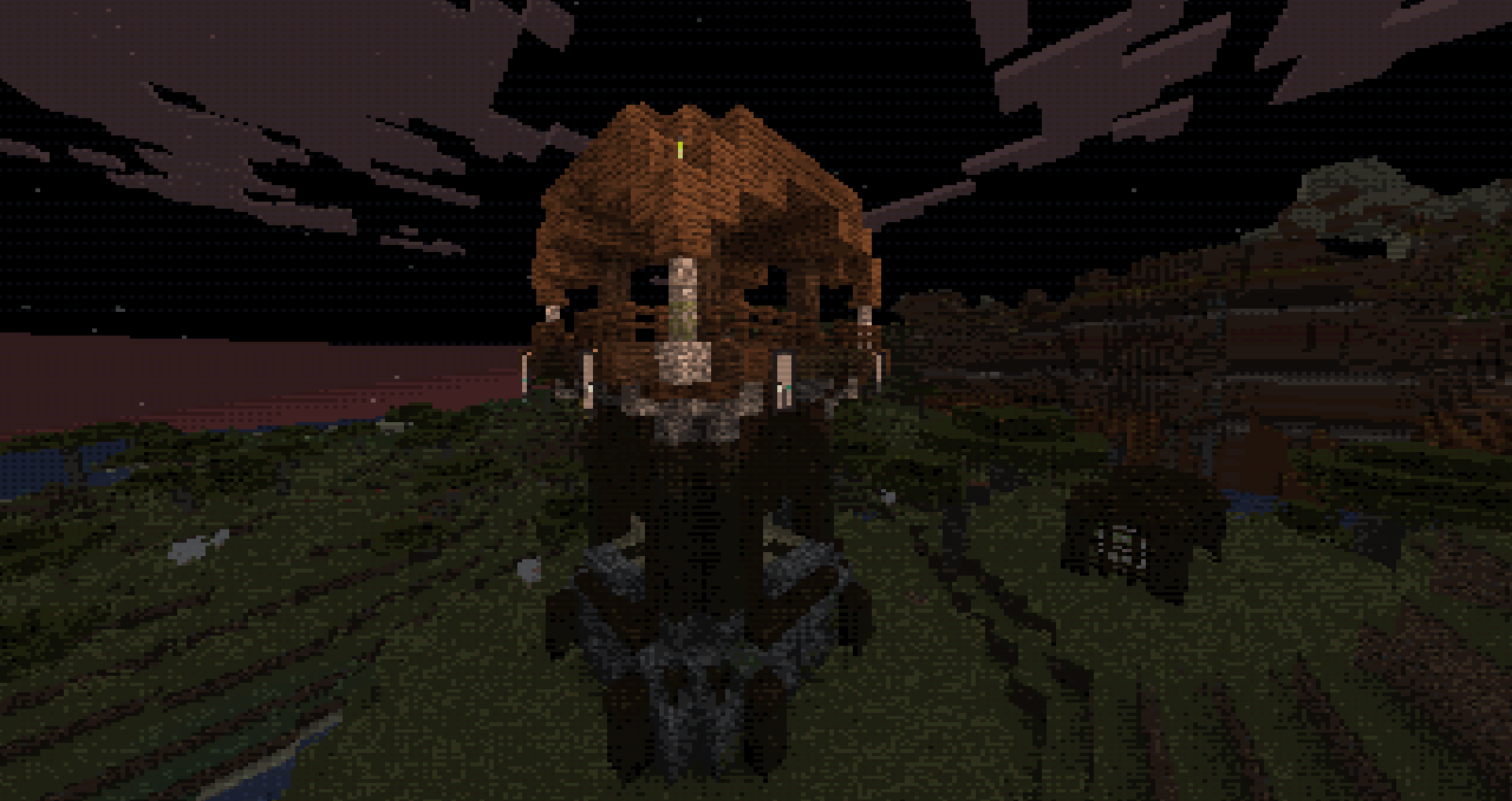
These shaders attempt to mimic the look and feel of retro games from the first half of the 90s. The main inspirations were initially just the playstation, but the Sega CD inspired the limited color palette.


Features:

  • Limited Color Palette
  • Dithered Lighting
  • Dithered Colors
  • Forced 320x240 resolution
  • Vertex Jitter
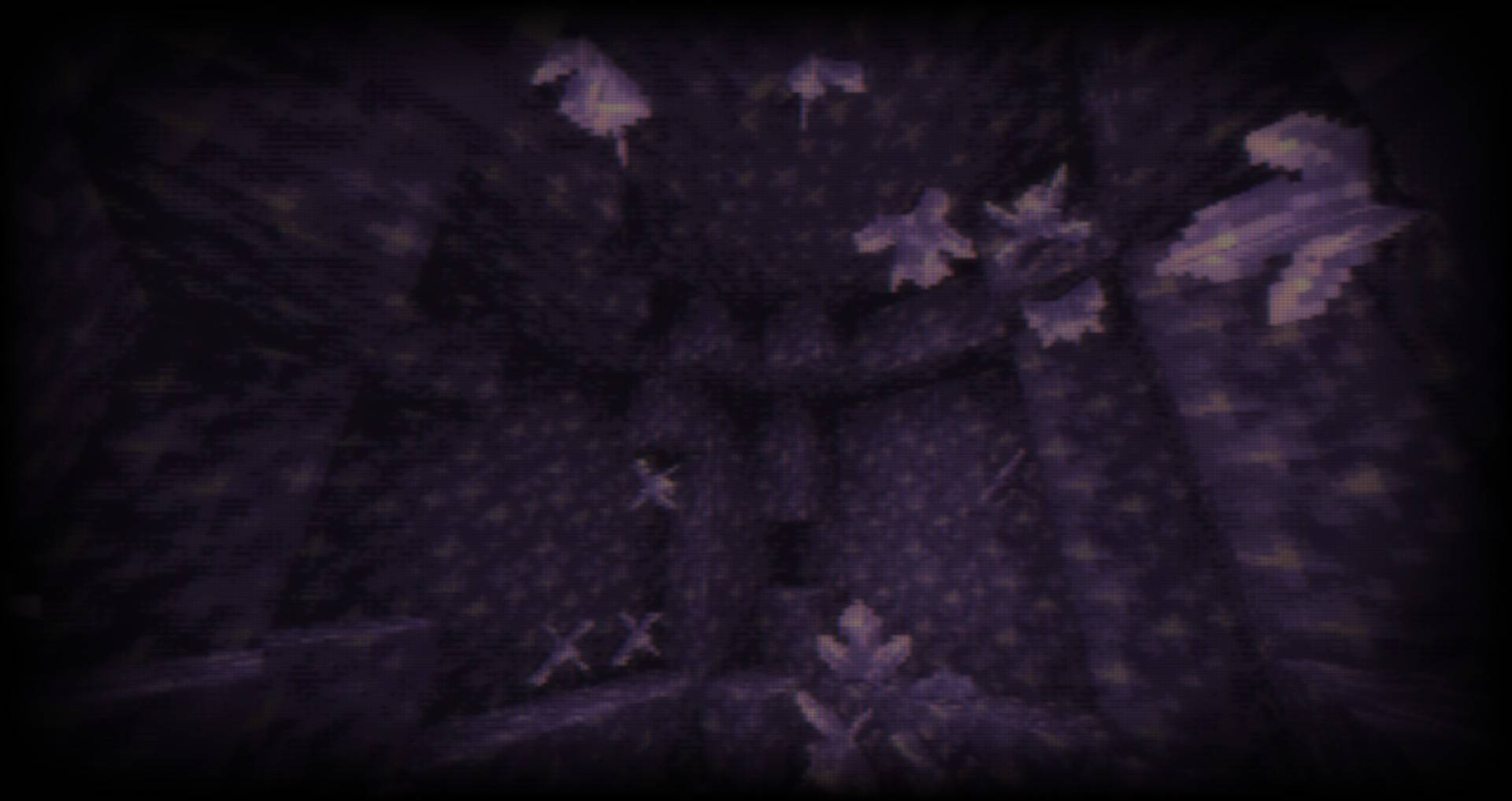
  • Affine Texture Mapping (NEW) : Textures will distort much like in old Playstation games.
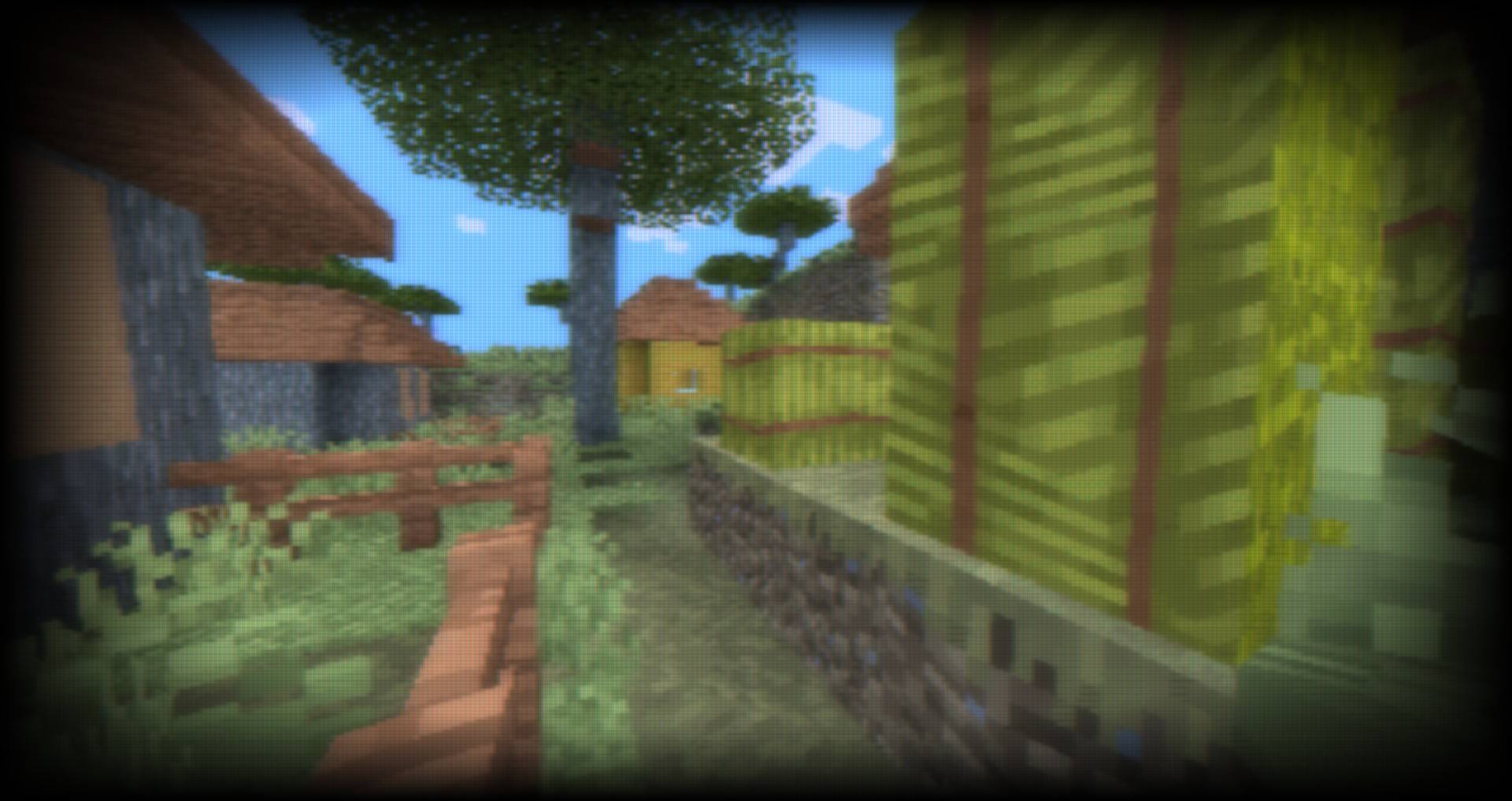
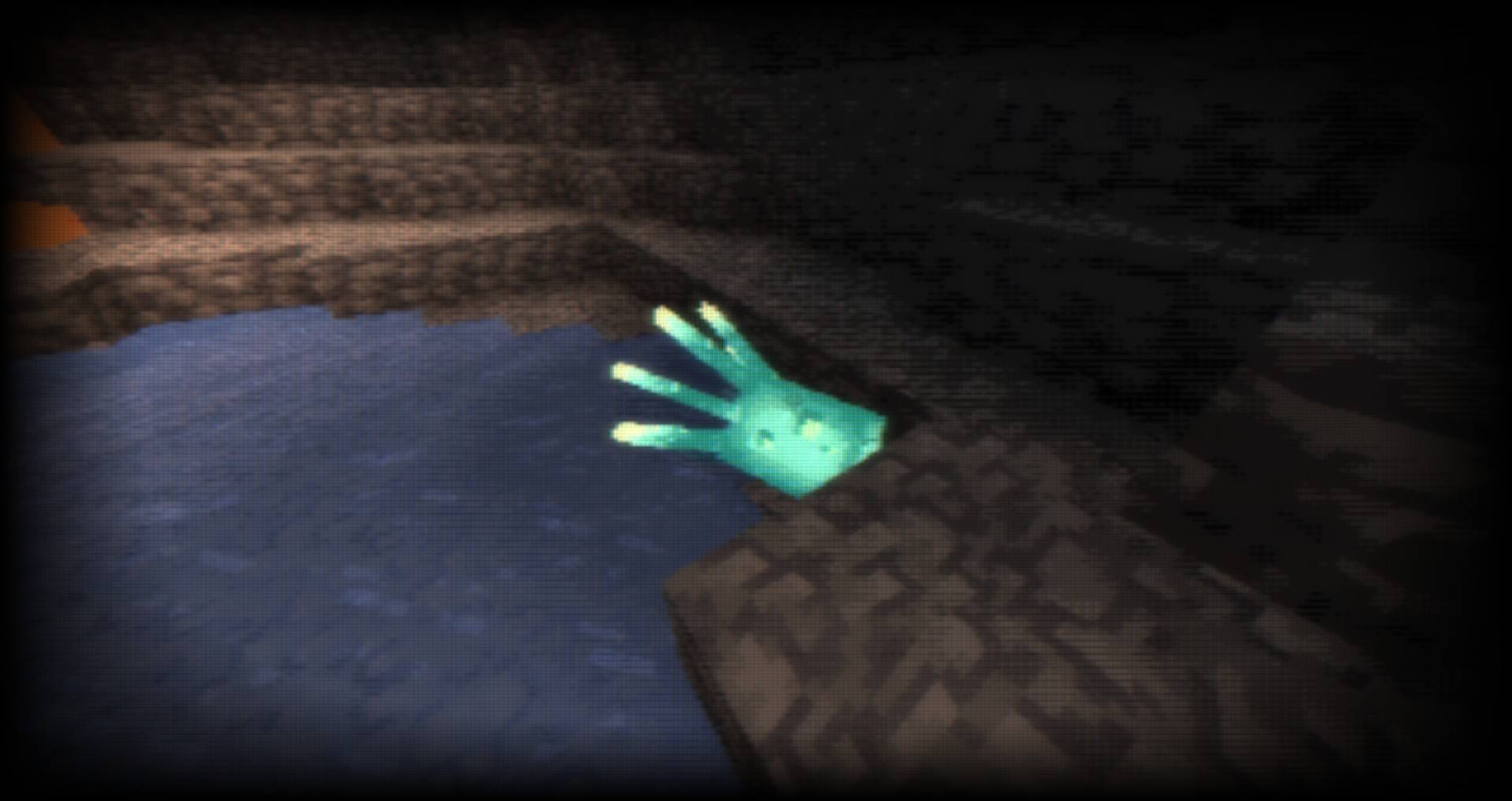
  • CRT Effect (NEW) : Enable from Shader Options
PwCRetroPixelsShaders v0.1.0
MC 1.17.1, 1.16.3, 1.19.3, 1.20.2, 1.21, 1.16.1, 1.18.1, 1.20.5, 1.17, 1.19.4, 1.16.5, 1.18.2, 1.19.2, 1.20.3, 1.15.2, 1.20.1, 1.20, OptiFine, 1.20.6, 1.19.1, 1.20.4, 1.18
Beta 2024-08-02 Get
PwC Retro Pixels Shaders
MC 1.20.1, OptiFine
Beta 2024-03-16 Get

Requirements & install

How to use this shader in Minecraft
Shader loader
OptiFine
Minecraft
1.20 – 1.21
Install folder
.minecraft/shaderpacks

Install with OptiFine

  1. Install OptiFine for your Minecraft version (optifine.net) and start it once.
  2. Download the shader pack .zip (do not extract it).
  3. Put the .zip into .minecraft/shaderpacks.
  4. In game open Options → Video Settings → Shaders and select the pack.
Browse more: Iris shaders OptiFine shaders Shaders for 1.21 All shaders

More from Playing_with_Color

Advertisement Remove ads with Premium →

You Might Also Like