FSRMine – Minecraft Upscaling Mod
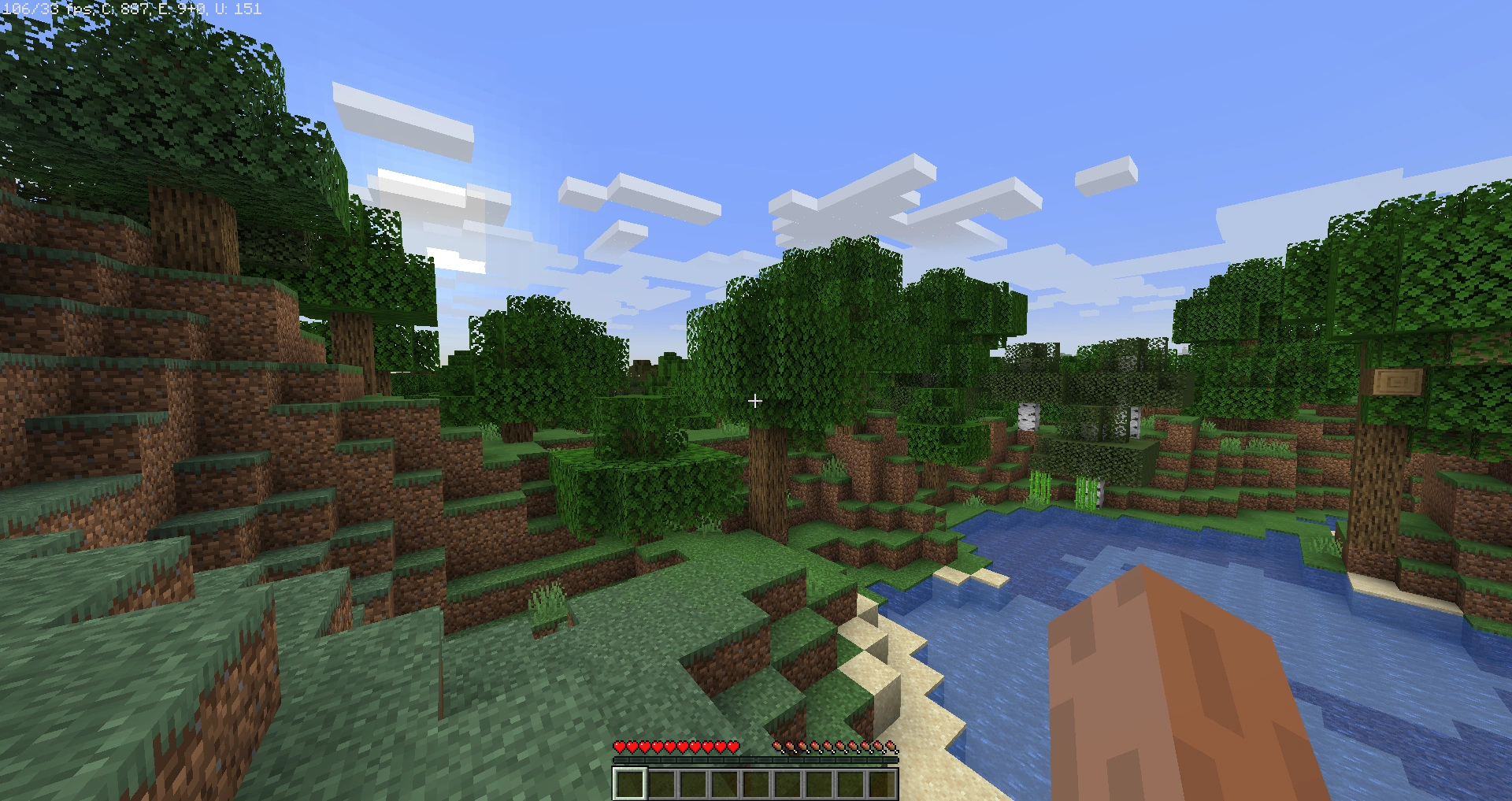
FSRMine is a specialized Minecraft mod designed solely to enhance visual quality through advanced upscaling technology. It does not add any new blocks, items, or gameplay mechanics. Instead, its focus is entirely on improving the clarity, sharpness, and detail of the existing game environment. By intelligently upscaling frames, FSRMine allows players to enjoy Minecraft worlds with higher visual fidelity without requiring high-end hardware.
The mod provides configurable options, letting players adjust the intensity of upscaling and the balance between image quality and performance. This ensures smooth gameplay while enhancing textures, colors, and overall visual appeal. FSRMine is compatible with multiple Minecraft versions and works seamlessly alongside shaders, making it a simple yet powerful way to modernize the game’s visuals.
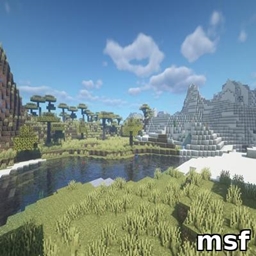
With FSRMine, every landscape, structure, and scene in Minecraft appears sharper, more vibrant, and more immersive, while preserving the game’s original style. It is ideal for players who want to experience Minecraft in a clearer, more visually appealing way without altering the core gameplay.
FSRMine demonstrates that even a single-focused mod, purely dedicated to upscaling, can dramatically enhance the Minecraft experience, delivering improved graphics while keeping the gameplay exactly the same.