Mineuniverse
Shaders
Make Your Own RT Shaders

Make Your Own RT Shaders

SHADER
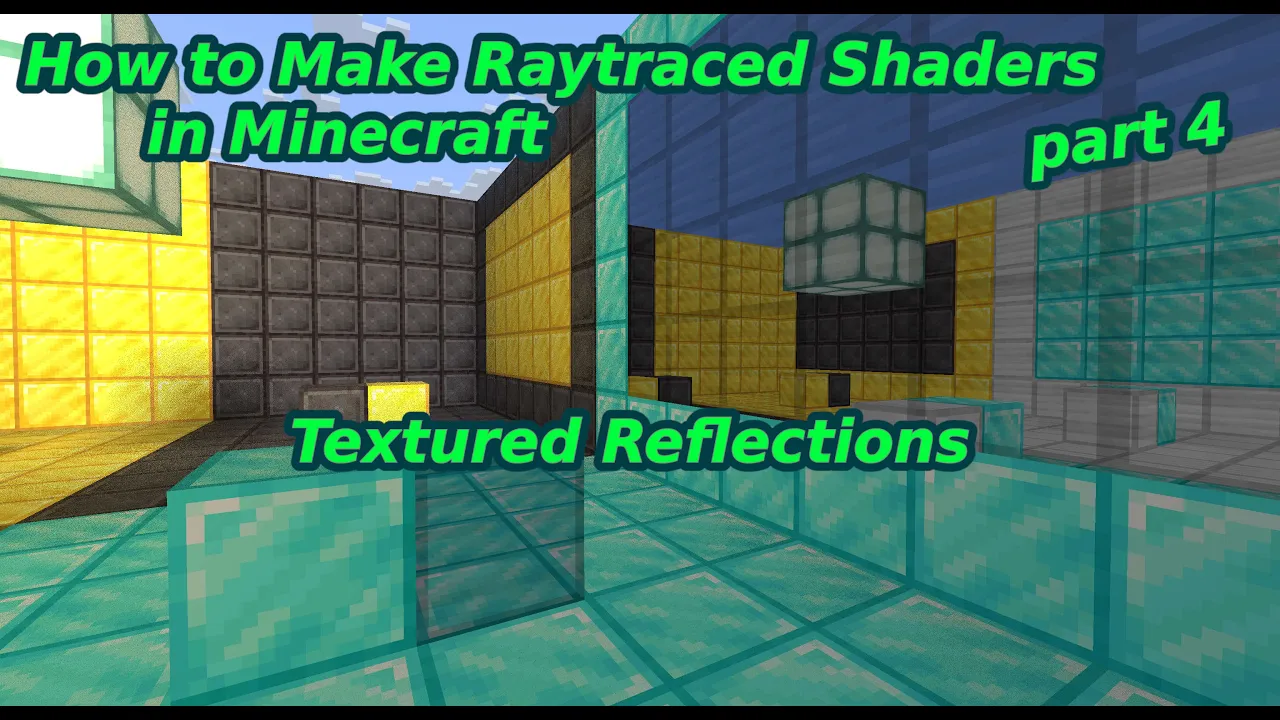
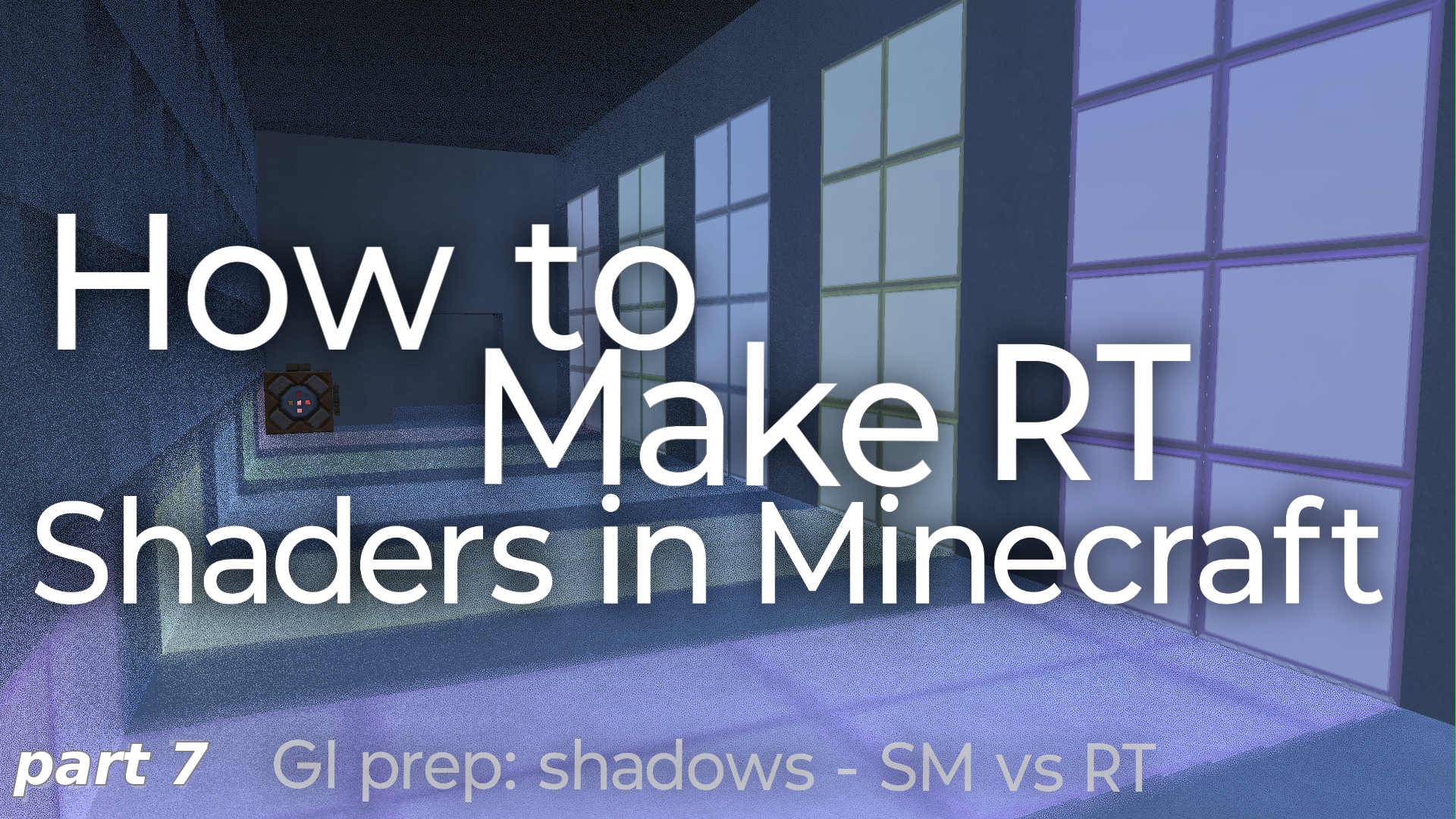
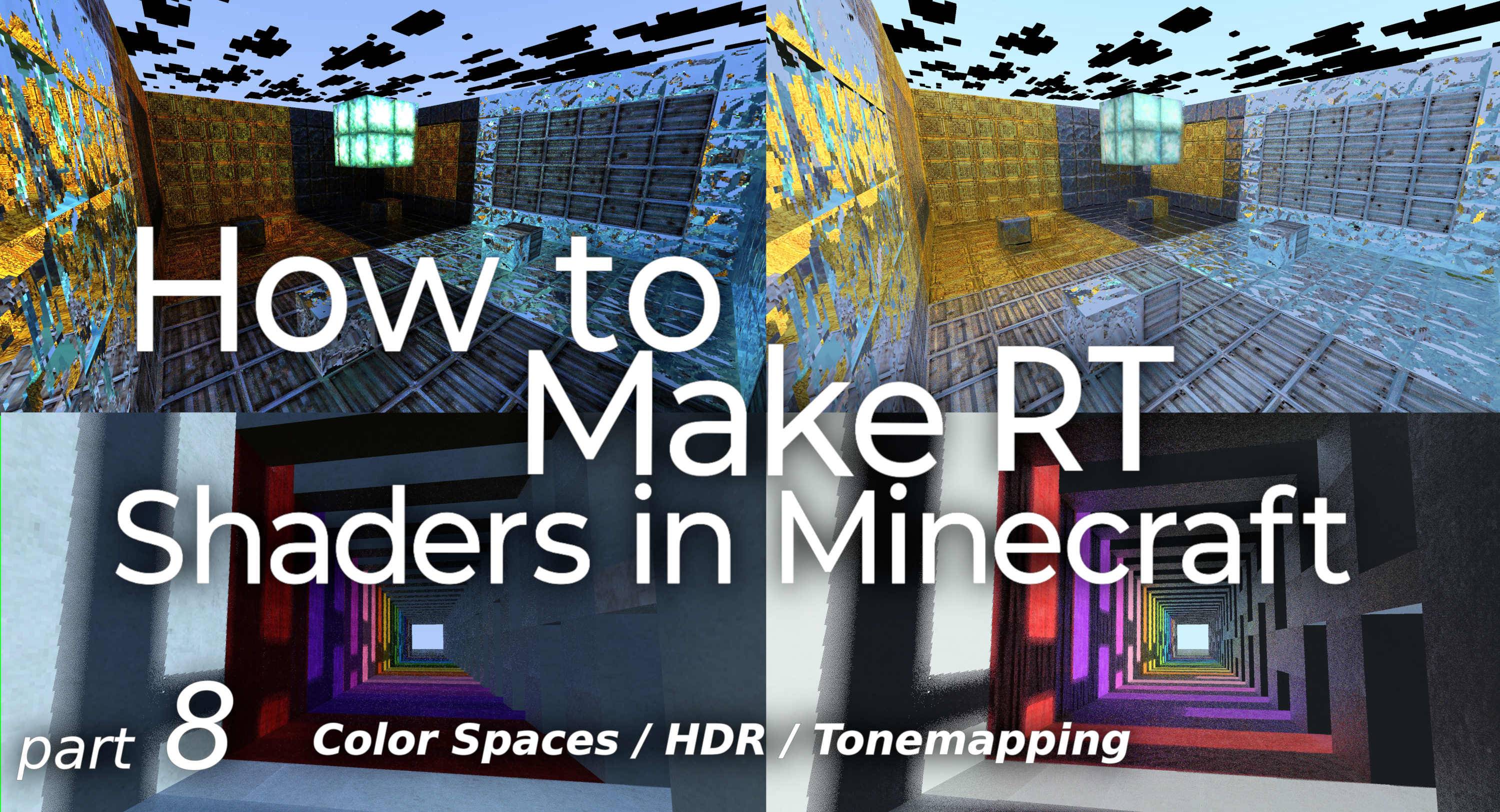
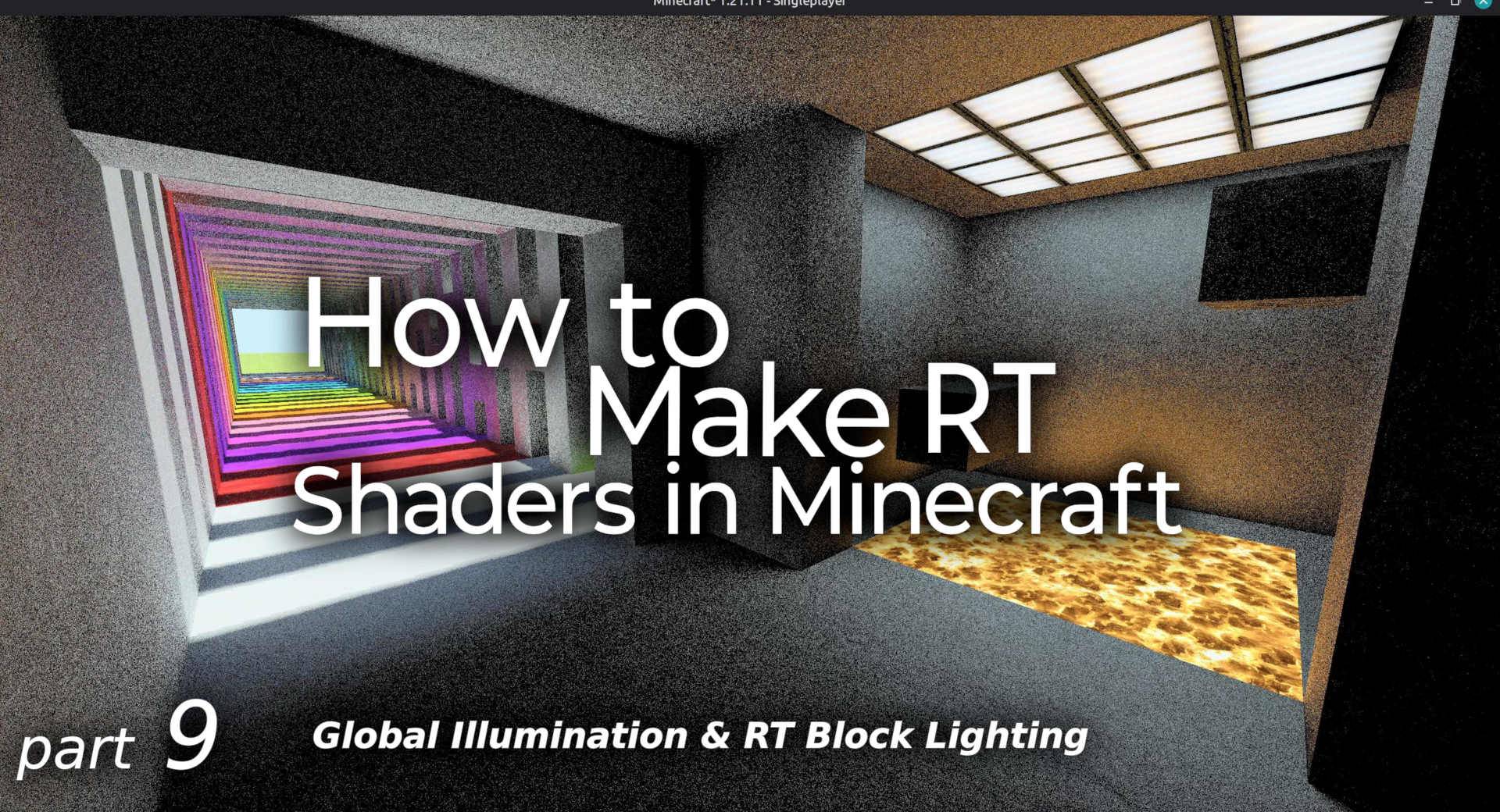
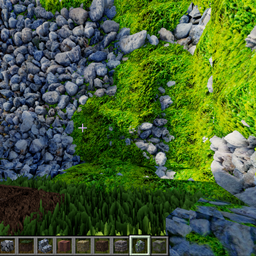
Learn to make your own Raytraced Shaders! There are video walkthroughs on Youtube for each part.
by timetravelbeard
Download Claim this project
266 downloads
0 likes
Updated Oct 14, 2026
0 hypes
Realistic
Advertisement Remove ads with Premium →

Learn how to make your own Raytraced shaders!

Each version is a part of the journey, so start at version 1!

There is a video walkthrough for each part!

The full Playlist is here: https://www.youtube.com/playlist?list=PLeqvmrjhBmw4

Come back later for more parts!

All code is either MIT or Public Domain, so you are free to use the code in your own projects, you just have to leave any comments that contain the MIT licence and copyright.

Have fun learning and please show me what you make!

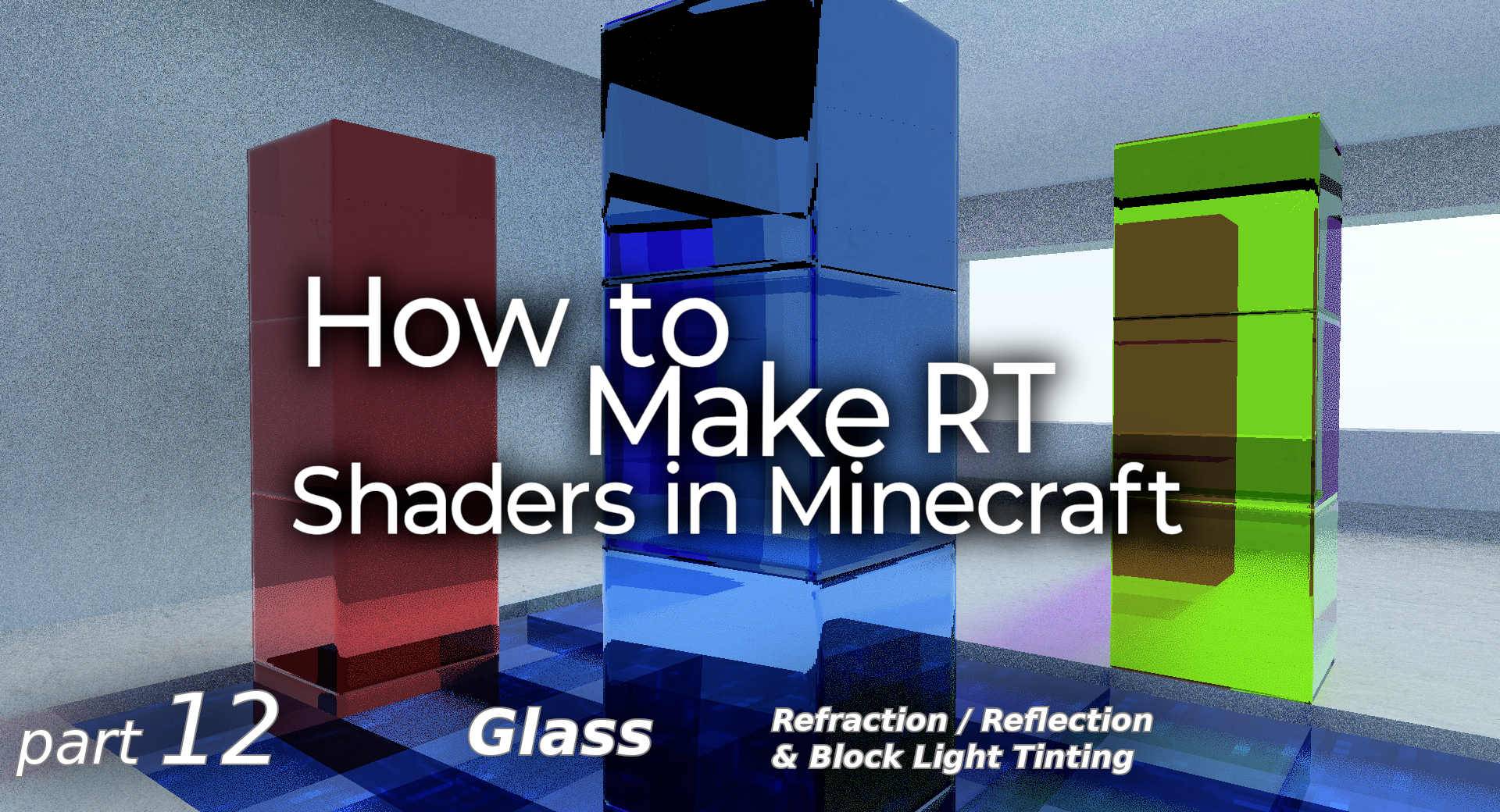
RT Tutorial (part 12 - Glass )
MC 1.21.2-Snapshot, 1.21, 1.21.6-snapshot, 1.20.2-Snapshot, 1.20.5-Snapshot, 1.19-Snapshot, 1.21.1-Snapshot, 1.19.3, 1.20.2, 1.19.4, 1.21.8, 1.19.4-Snapshot, 1.20.5, 1.21.5, 1.21.4
Release 2026-09-01 Get

Requirements & install

How to use this shader in Minecraft
Shader loader
Iris or OptiFine
Minecraft
1.20.5 – 1.21.8
Install folder
.minecraft/shaderpacks

How to install shaders

  1. Install a shader loader for your Minecraft version: Iris (with Sodium) or OptiFine.
  2. Download the shader pack .zip file (do not extract it).
  3. Put the .zip into the shaderpacks folder (.minecraft/shaderpacks).
  4. In game open Options → Video Settings → Shader Packs, select the pack and apply it.
Browse more: Iris shaders OptiFine shaders Shaders for 1.21.8 All shaders

More from timetravelbeard

Advertisement Remove ads with Premium →

You Might Also Like