Mineuniverse
Shaders
Shader 8-BIT

Shader 8-BIT

SHADER
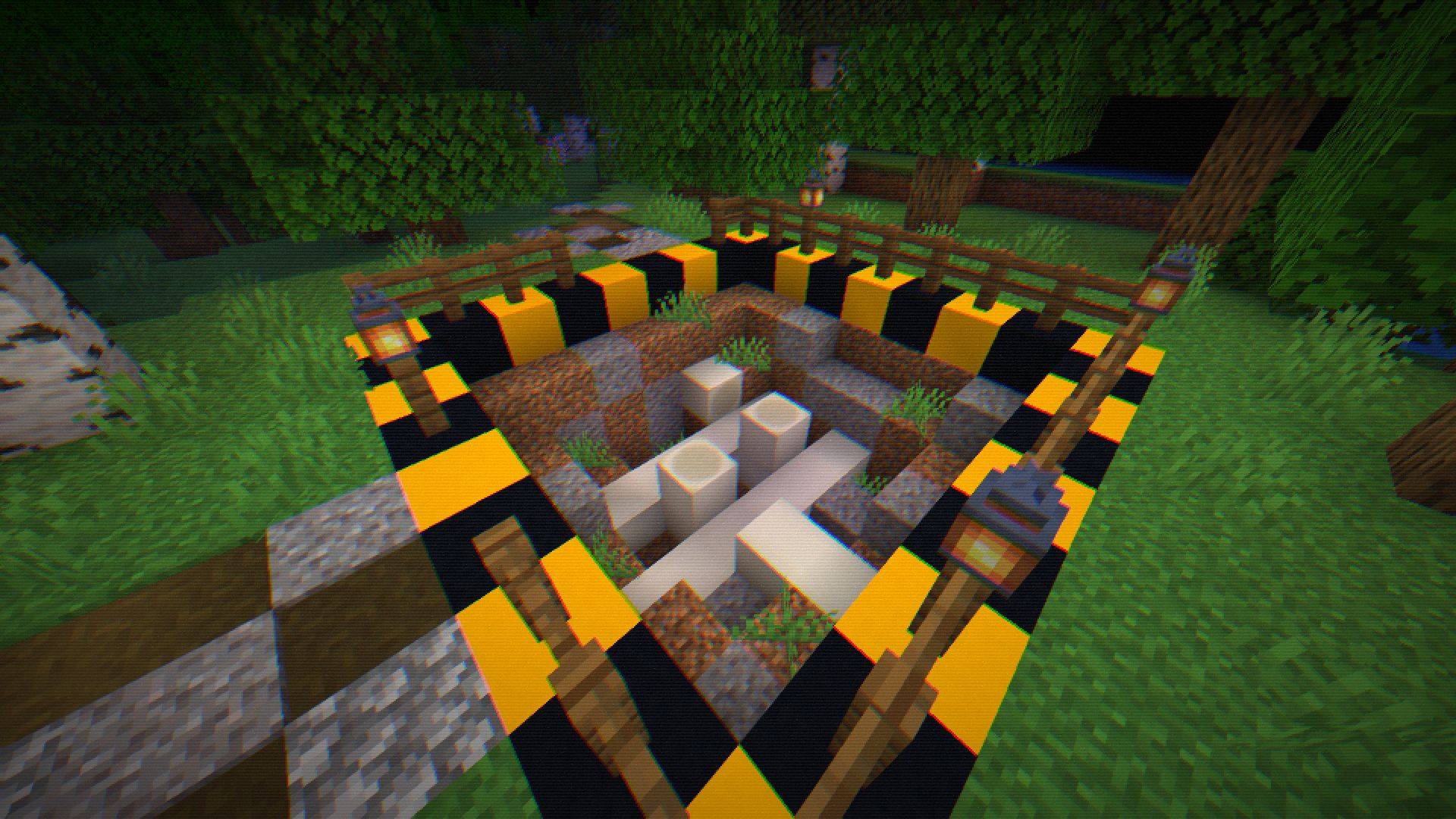
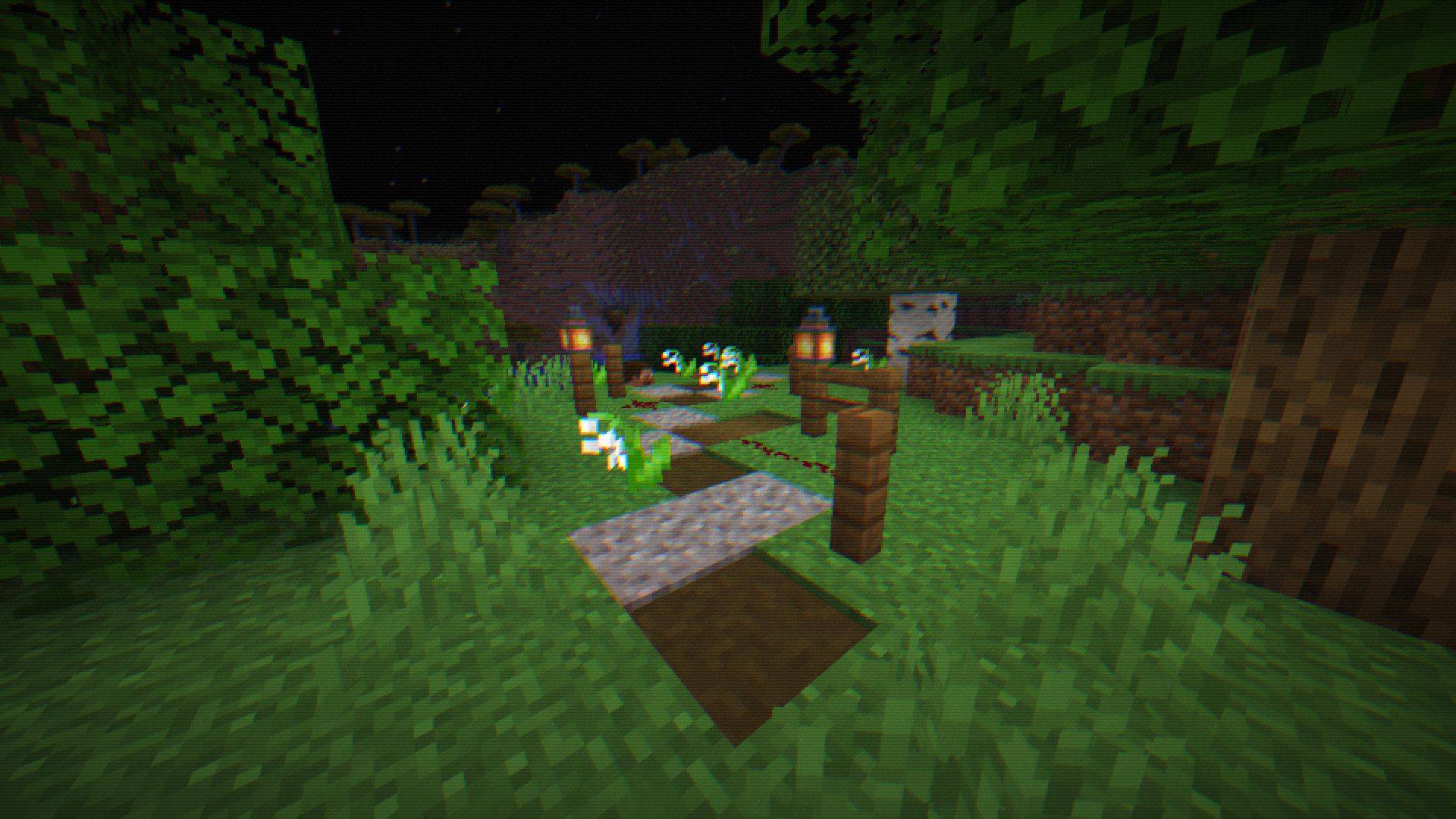
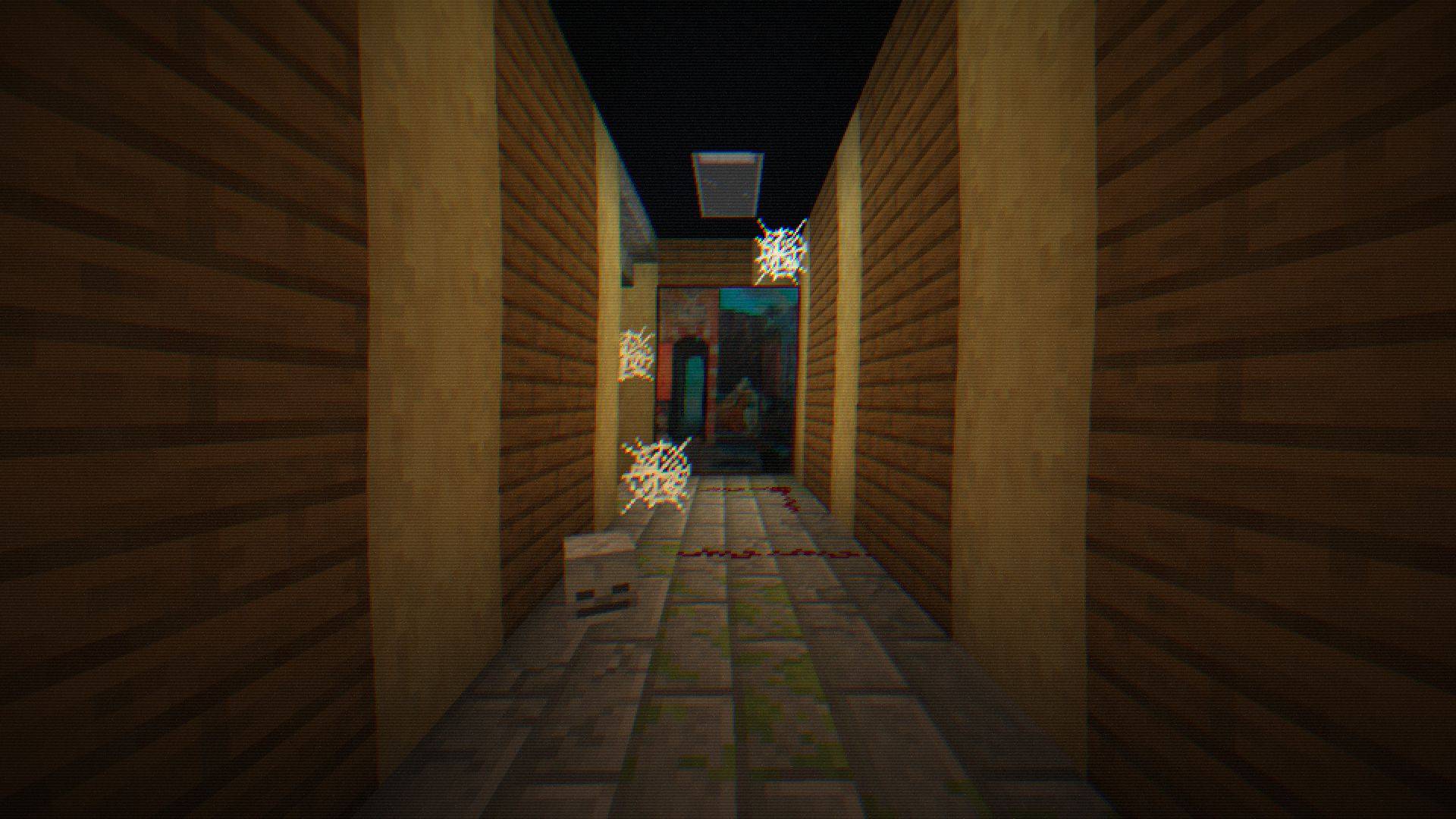
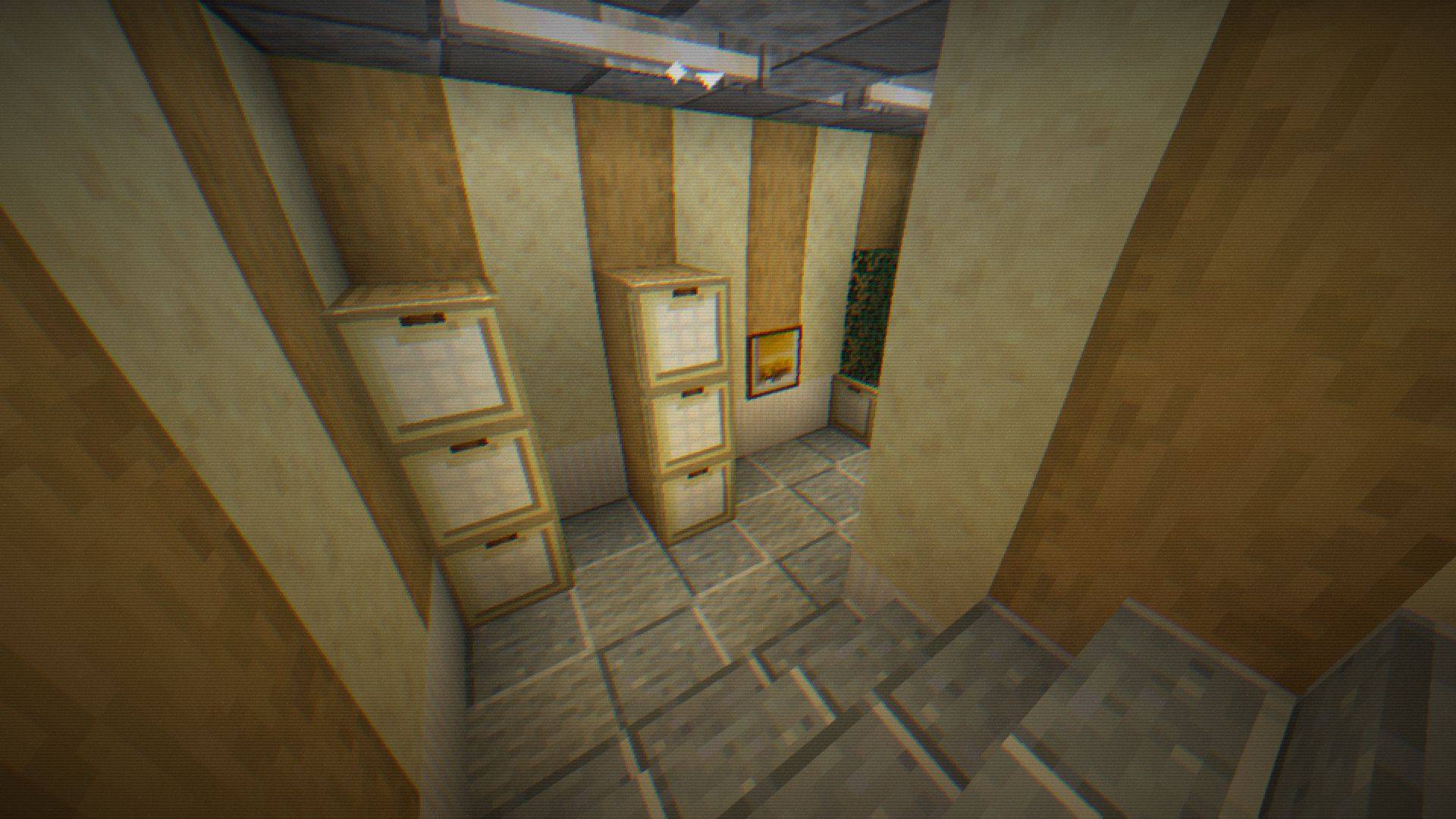
Step into retro nights with 8-BIT Shader - pixelated visuals, dynamic colors, subtle glint, and scanlines bring classic 8-bit vibes to your Minecraft world!
by Bartus131313
Download Claim this project
97,236 downloads
0 likes
Updated Oct 14, 2026
0 hypes
Realistic
Advertisement Remove ads with Premium →

💻 8-BIT Shader – Retro Night Vision for Minecraft

Step into a classic 8-bit world with a modern twist! The 8-BIT Shader transforms your Minecraft nights into an immersive pixelated experience reminiscent of retro video games—perfect for survival, horror maps, or stealth adventures.


✨ Key Features

  • Retro Pixelation – Blocky pixels bring a nostalgic arcade vibe.
  • Dynamic RGB Effects – Pulsing color shifts for a vibrant, lively screen.
  • Night Vision Glint – Sparkling highlights simulate tactical optics.
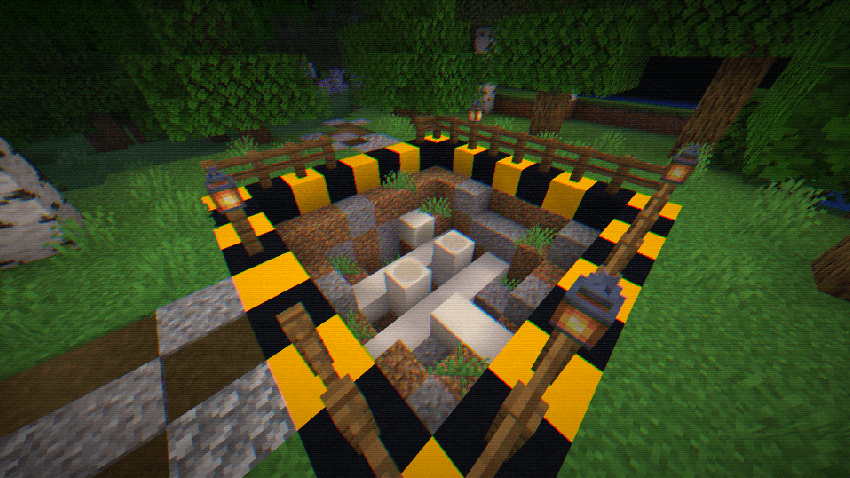
  • Realistic Grain & Noise – Subtle flickering and static add immersion.
  • Retro Scanlines – Classic scanline overlays for old-school visuals.
  • Customizable Vignette & Warp – Control screen edges and pixel distortion.
  • Full Shader Customization – Fine-tune pixel size, color intensity, glint thresholds, scanline frequency, and more.

⚙️ Settings & Compatibility

  • Fully compatible with Minecraft 1.18+ Optifine/Iris (Forge and Fabric).
  • Adjustable via in-game shader settings.
  • Light on performance: optimized for smooth gameplay.
  • Includes switches and sliders for pixelation, RGB shift, glint, grain, scanlines, vignette, and pixel warp.

💡 Tips

  • Combine with dark survival maps for a truly immersive experience.
  • Use subtle grain and glint settings for the classic 8-BIT look.
  • Adjust pixel size for more blocky retro aesthetics or finer detail.
8‑BIT Shader v.1.0.1
MC 1.17.1, 1.21, 1.18.1, 1.16.5, 1.19.3, 1.20.2, 1.19.4, 1.21.8, 1.17, 1.20.5, 1.21.5, 1.18, 1.21.4, 1.20.1, 1.20, OptiFine, 1.20.6, 1.21.1, 1.21.6, 1.21.3, 1.21.7, 1.19.1
Release 2025-11-30 Get
8‑BIT Shader v1.0.0
MC 1.19.3, 1.20.2, 1.21, 1.18.1, 1.20.5, 1.21.5, 1.19.4, 1.21.8, 1.21.9, 1.21.10, 1.21.4, 1.18.2, 1.19.2, 1.20.3, 1.20.1, 1.20, OptiFine, 1.20.6, 1.19.1, 1.20.4, 1.21.7, 1.21.1
Release 2025-11-01 Get

Requirements & install

How to use this shader in Minecraft
Shader loader
OptiFine
Minecraft
1.21.3 – 1.21.10
Install folder
.minecraft/shaderpacks

Install with OptiFine

  1. Install OptiFine for your Minecraft version (optifine.net) and start it once.
  2. Download the shader pack .zip (do not extract it).
  3. Put the .zip into .minecraft/shaderpacks.
  4. In game open Options → Video Settings → Shaders and select the pack.
Browse more: Iris shaders OptiFine shaders Shaders for 1.21.10 All shaders

More from Bartus131313

Advertisement Remove ads with Premium →

You Might Also Like