Mineuniverse
Shaders
CelShade Shader

CelShade Shader

SHADER
A lightweight, highly customizable shader that transforms Minecraft into a vibrant, retro comic book using crisp outlines and color posterization.
by Bartus131313
Download Claim this project
7,219 downloads
0 likes
Updated Oct 14, 2026
0 hypes
Vanilla
Advertisement Remove ads with Premium →

Welcome to CelShade!

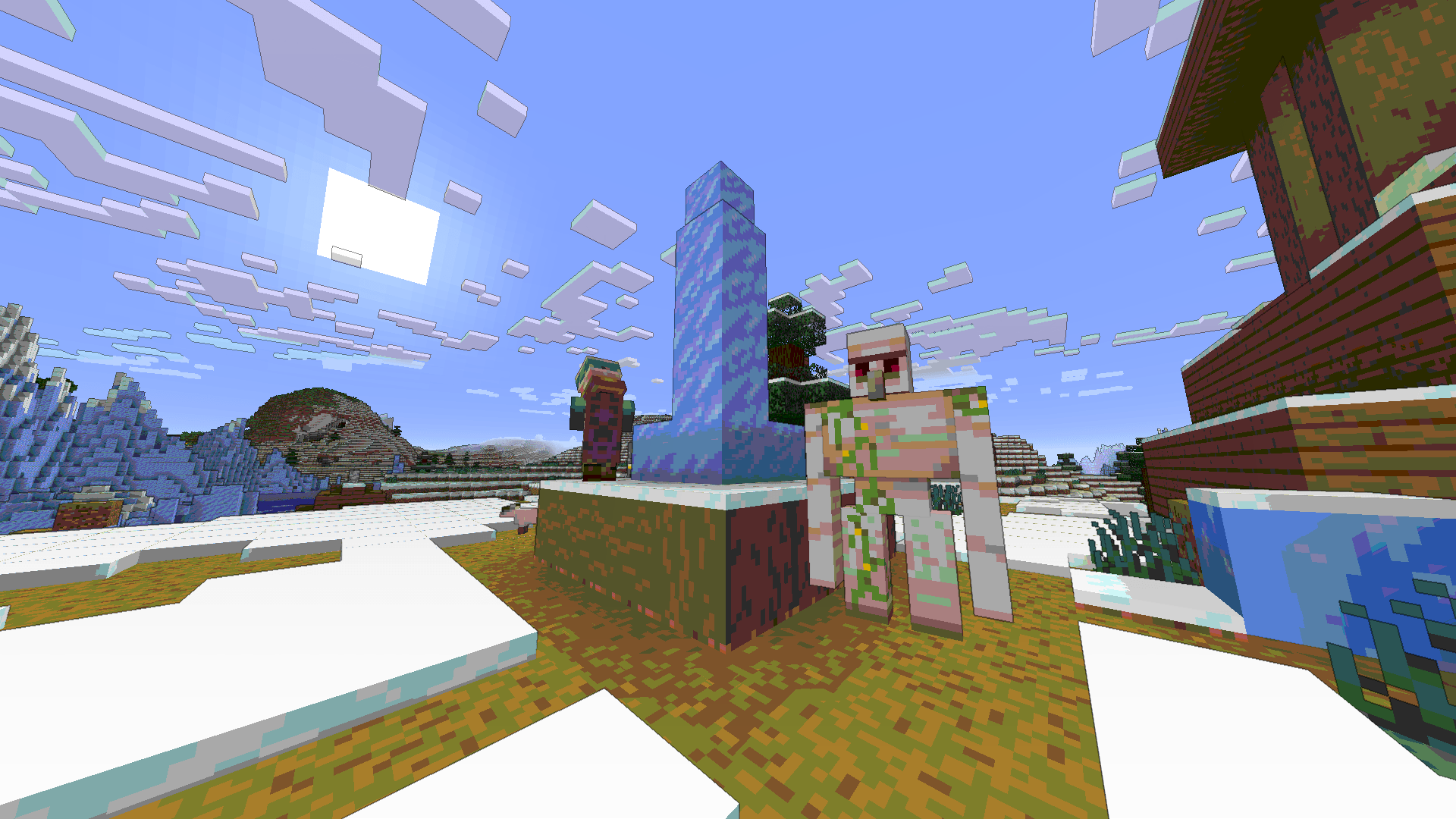
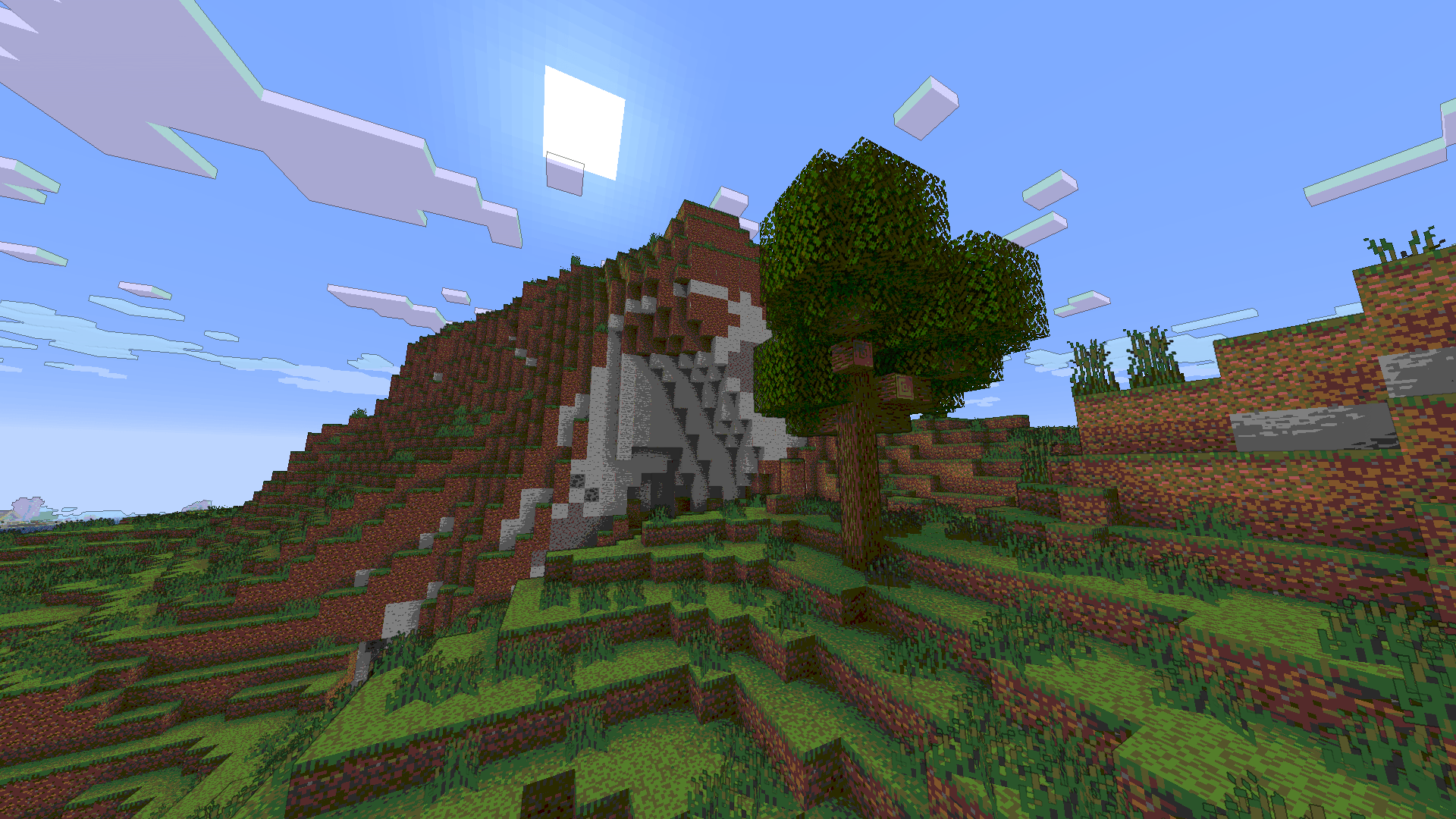
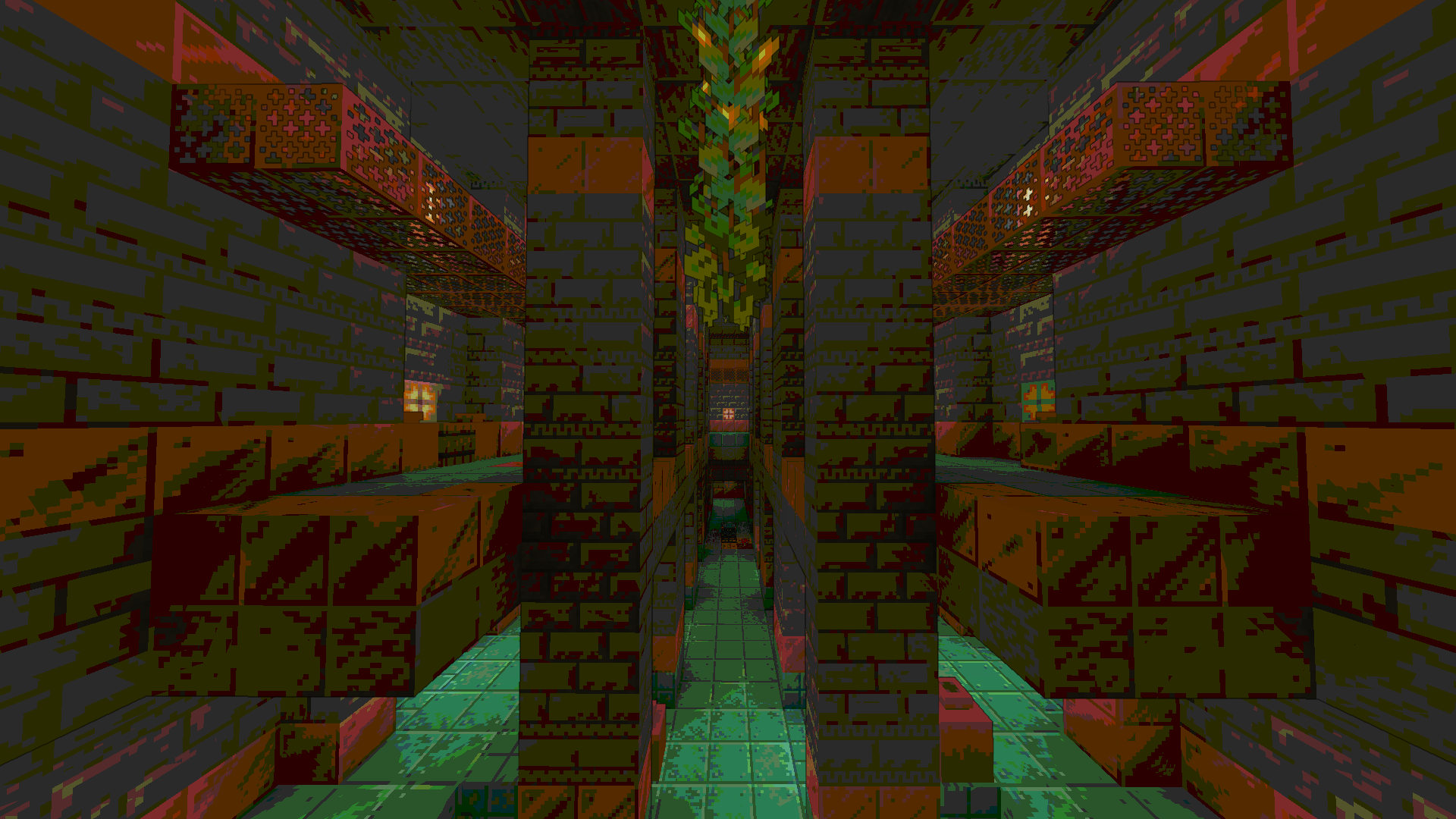
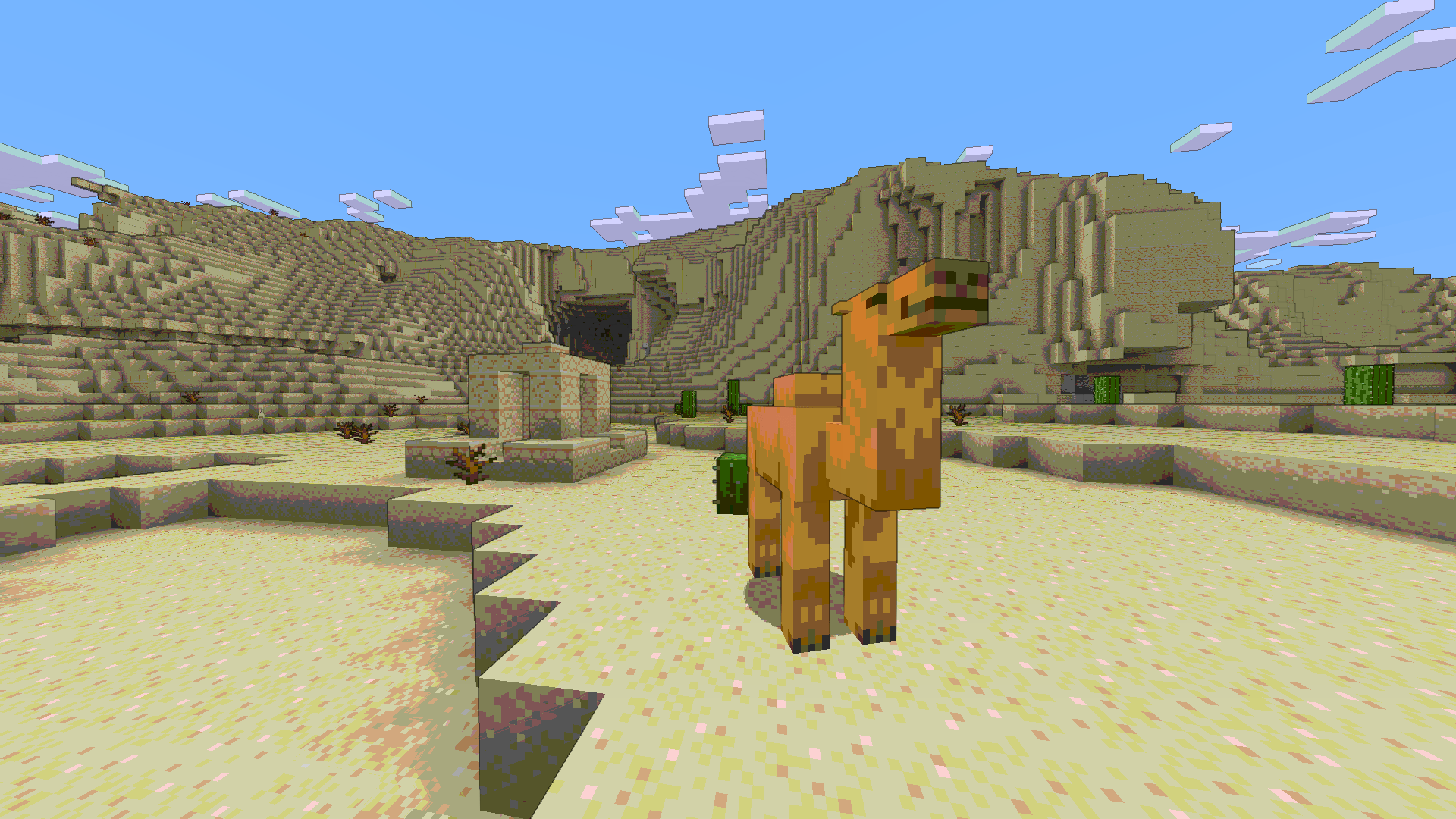
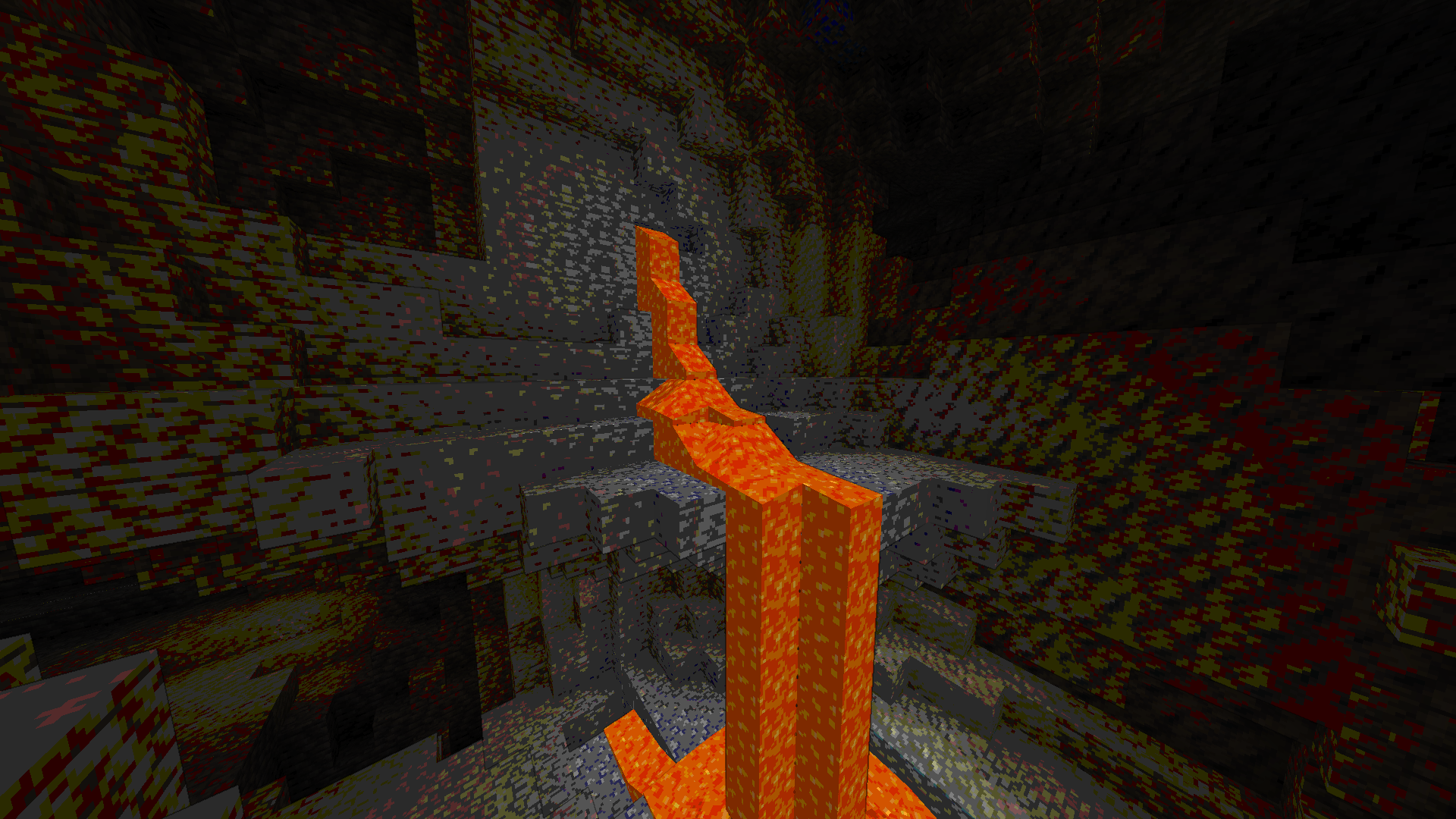
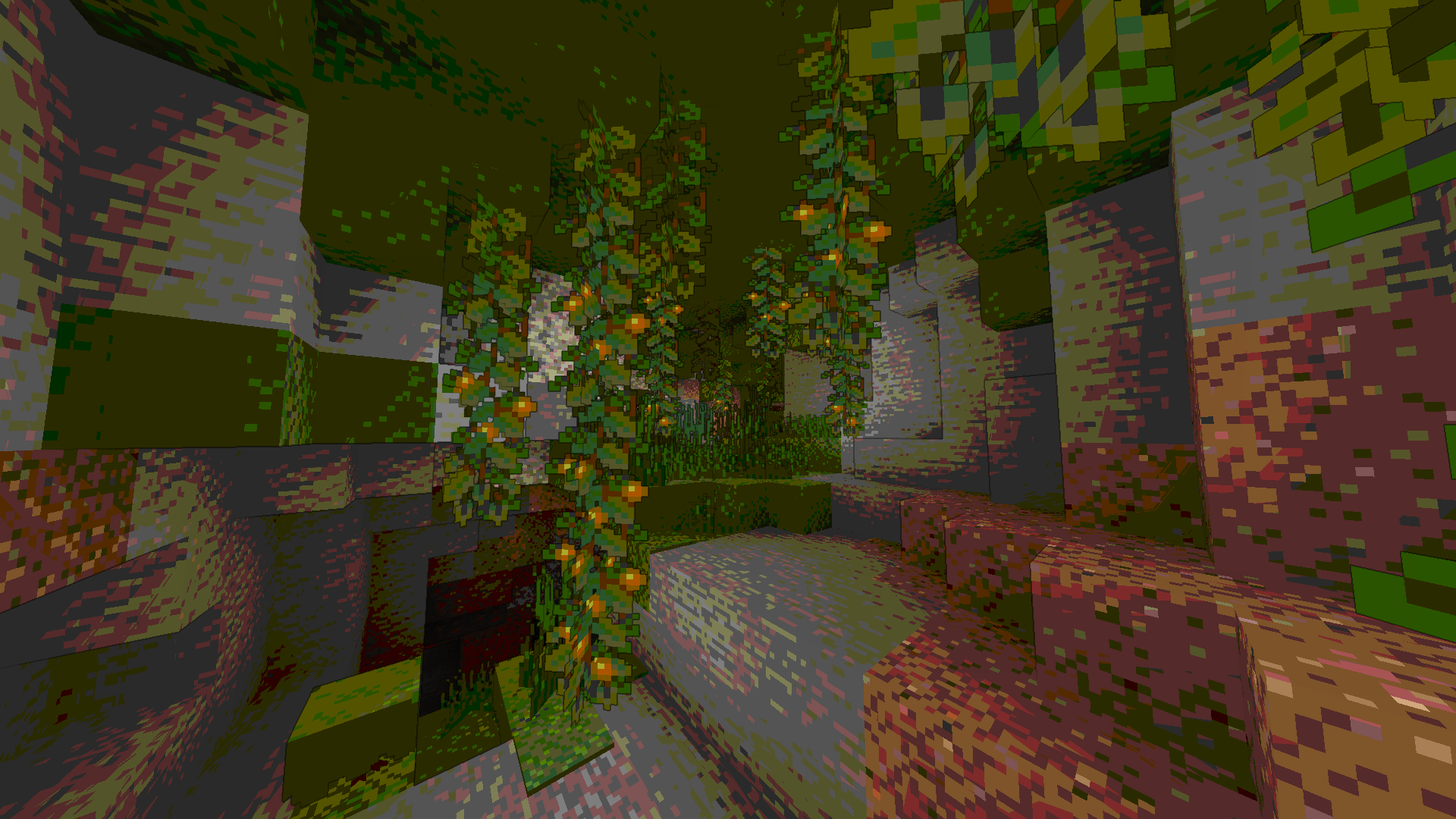
CelShade is a unique post-processing shader designed to completely overhaul Minecraft's aesthetic. Instead of aiming for hyper-realistic lighting or waving shadows, CelShade leans heavily into stylized art, transforming your blocky world into a vibrant, low-color-depth comic book.
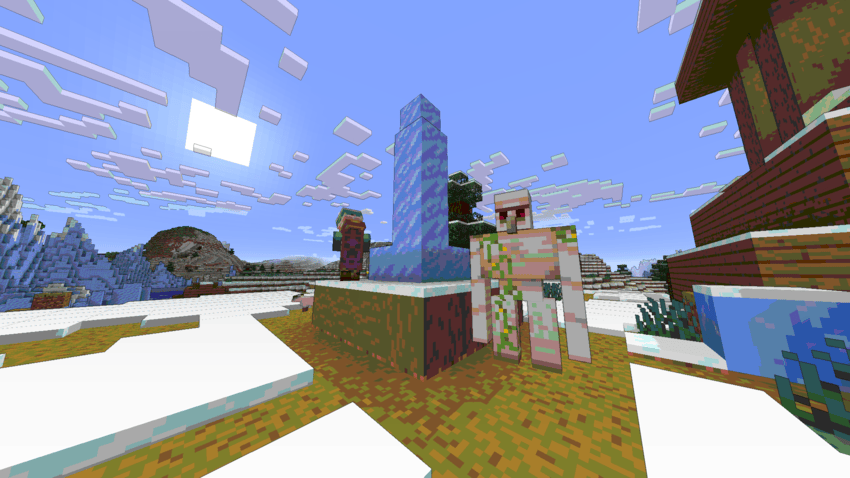
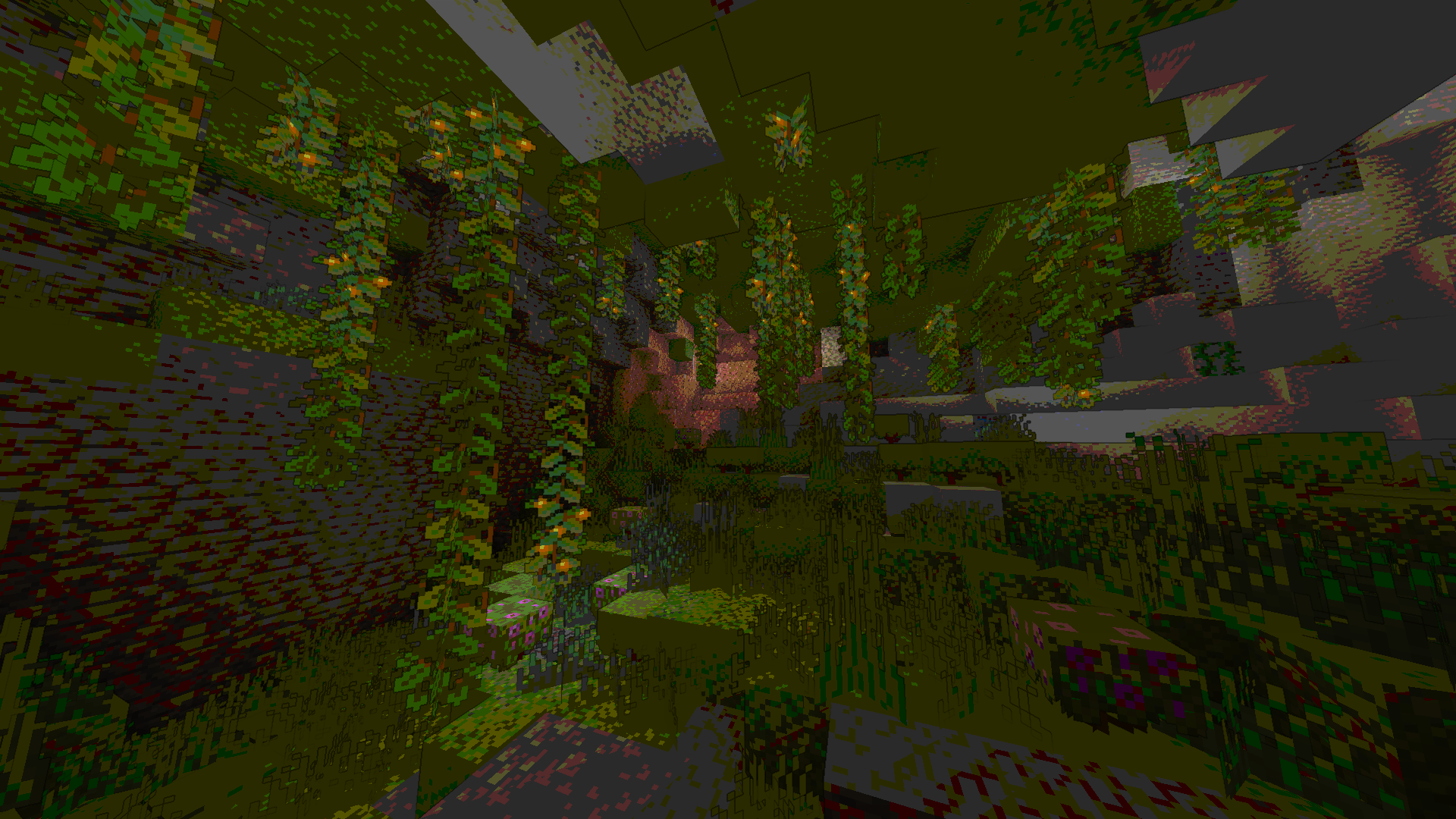
Whether you're exploring the deep dark of a Lush Cave, wandering the desert or fighting an Ender Dragon, this shader gives everything a striking, hand-drawn, retro feel.
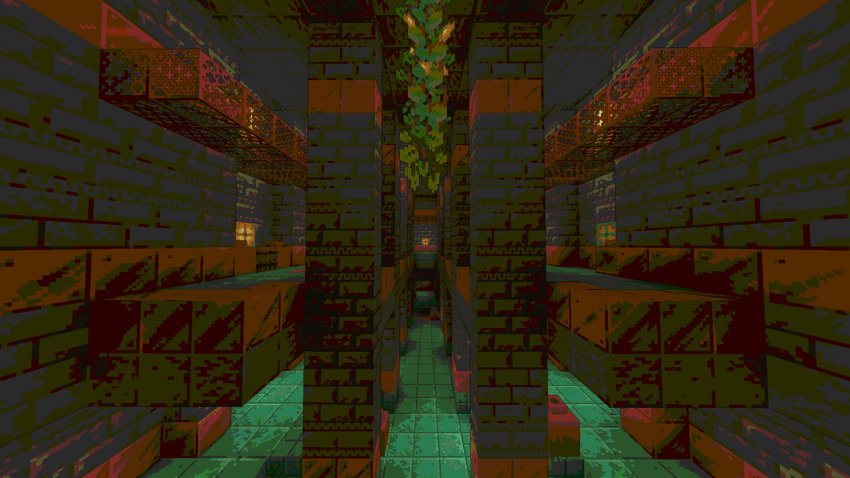
Key Features:

  • Depth-Based Outlines: Automatically draws crisp, dark outlines around blocks, terrain changes, and entities based on scene depth.
  • Color Posterization: Replaces smooth lighting gradients with distinct, chunky color bands.
  • Vibrant Saturation: Boosts the natural colors of the game to make the limited color palette truly pop.
  • Smart Fog Integration: The cel-shaded effect smoothly fades out into vanilla fog at the edge of your render distance, keeping the horizon looking natural.
  • Highly Configurable: Everything is tweakable! Use the in-game shader settings menu to adjust the thickness of your outlines, the intensity of the colors, the strictness of the posterization, and the size of your vignette.

Requirements:

This shader is built for and requires Minecraft 1.16+ with Iris Shaders. It will run on every computer because it only uses final post-processing pass.

CelShade v1.0.0
MC 1.16.3, 1.17.1, 1.21, 1.16.1, 1.18.1, 1.16, 1.16.5, 1.19.3, 1.20.2, 1.19.4, 1.21.8, 1.17, 1.20.5, 1.21.5, 1.18, 1.21.4, 1.20.1, 1.20, 1.20.6, 1.21.1, 1.21.6, 1.21.3, 1.21.7
Release 2026-07-12 Get

Requirements & install

How to use this shader in Minecraft
Shader loader
Iris or OptiFine
Minecraft
1.21 – 1.21.8
Install folder
.minecraft/shaderpacks

How to install shaders

  1. Install a shader loader for your Minecraft version: Iris (with Sodium) or OptiFine.
  2. Download the shader pack .zip file (do not extract it).
  3. Put the .zip into the shaderpacks folder (.minecraft/shaderpacks).
  4. In game open Options → Video Settings → Shader Packs, select the pack and apply it.
Browse more: Iris shaders OptiFine shaders Shaders for 1.21.8 All shaders

More from Bartus131313

Advertisement Remove ads with Premium →

You Might Also Like