Silva Pro
Silva Pro is a lightweight Minecraft shader designed for players who want better visuals without sacrificing performance.
Built with a performance-first approach, Silva Pro combines atmospheric lighting, soft shadows, procedural clouds, improved water, dynamic foliage, cinematic post-processing, and scalable quality settings to provide a modern visual upgrade across low-end, integrated, and mid-range PCs.
Silva Pro uses the legacy GLSL 1.20 shader pipeline for broad hardware compatibility and is optimized for both Iris and OptiFine.
Features
- Performance-focused rendering
- Multiple quality presets (Potato, Low, Medium, High, Ultra)
- Adaptive rendering quality
- Realistic Mie + Rayleigh atmospheric scattering
- Improved sunrise and sunset colours
- Natural horizon haze
- Sun corona and improved moon lighting
- Procedural multi-layer clouds
- Enhanced stars and night sky
- Soft PCF/PCSS shadows
- Contact hardening shadows
- Coloured shadows through water and stained glass
- Screen-space contact shadows
- Improved SSAO
- Physically-inspired Cook-Torrance specular lighting
- GGX + Smith + Schlick shading
- Improved metallic surfaces
- Foliage subsurface scattering
- Multi-bounce ambient lighting
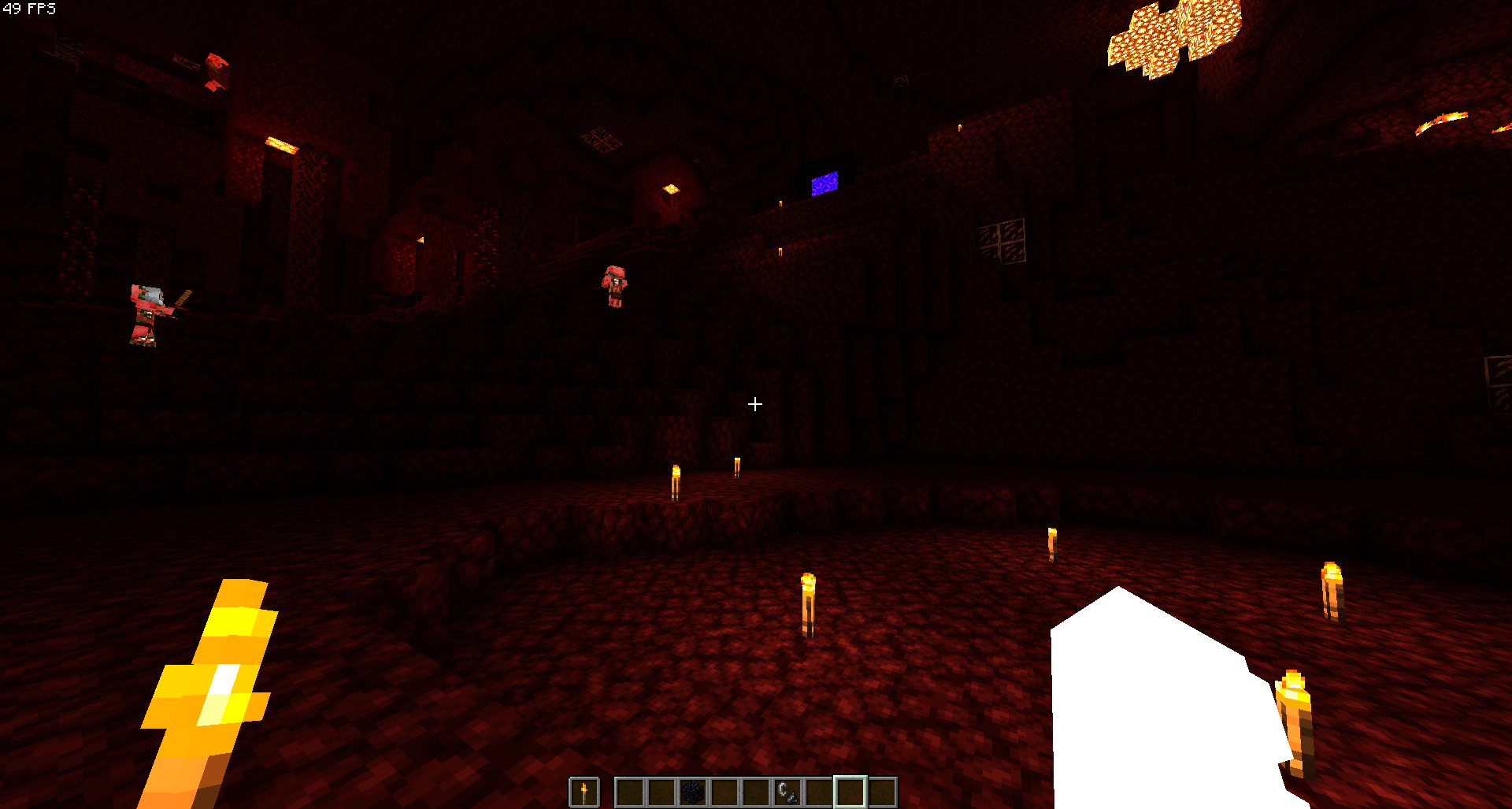
- Improved torch and lantern lighting
- Animated grass, leaves, crops, vines, lily pads, fire, and lava
- Wind gusts and weather-reactive vegetation
- Animated water waves and ripple normals
- Fresnel reflections and refraction
- Depth-based water absorption
- Underwater caustics and distortion
- Optional screen-space water reflections
- Atmospheric and height fog
- Weather fog
- Optional volumetric lighting / god rays
- Dual-Kawase bloom
- Lens dirt effect
- AgX and alternate tone mapping options
- Automatic eye adaptation
- Colour grading
- FXAA
- Adaptive sharpening
- Dithering to reduce colour banding
- Improved night vision, underwater vision, and lava vision
- Separate visual treatment for the Overworld, Nether, and End
Performance
Silva Pro is designed to scale with your hardware.
Lower presets reduce expensive effects such as shadow rendering, shadow samples, SSAO, reflections, cloud detail, and atmospheric calculations. Higher presets progressively increase rendering quality for more powerful GPUs.
Potato and Low presets are specifically designed for integrated and low-end graphics, while Medium, High, and Ultra provide increasing levels of visual quality.
Compatibility
- Iris
- OptiFine
- GLSL 1.20
- OpenGL 2.1+
- Minecraft 1.16+ and modern versions
Current Release
Silva Pro v1.0.0 — LTS
The first Long-Term Support release brings a major rendering overhaul with improved atmosphere, lighting, shadows, water, clouds, post-processing, and performance scaling.
Silva Pro is built to remain lightweight while delivering a clean, atmospheric, and vanilla-friendly visual style.
Feedback, bug reports, screenshots, and performance reports are always welcome and help improve future releases.