Mineuniverse
Shaders
Veyluma TorchLite shader

Veyluma TorchLite shader

SHADER
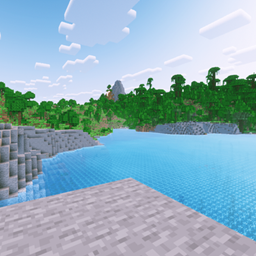
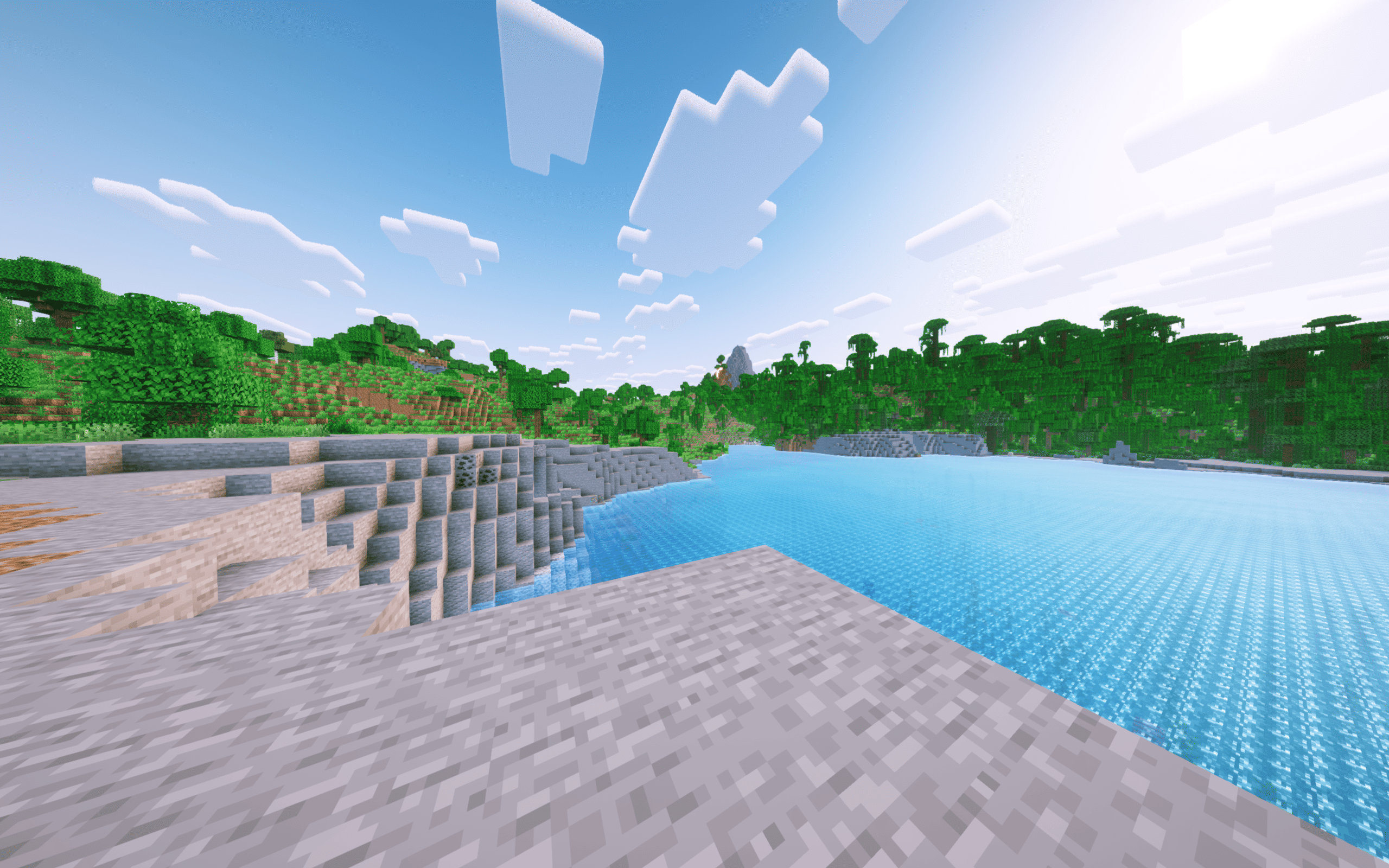
A performance-focused shader for integrated GPUs that provides essential lighting and clear visuals without heavy effects.
by laptoptop
Download Claim this project
40,763 downloads
0 likes
0 followers
Updated Oct 14, 2026
0 hypes
Follow0
Vanilla
Advertisement Remove ads with Premium →
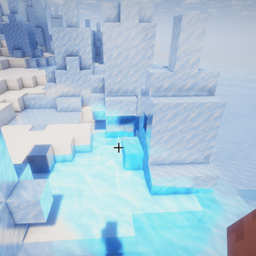
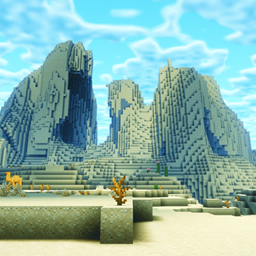
this shader is a specifically engineered to provide peak performance on integrated graphics and legacy laptop hardware. Our focus is on delivering a seamless and comfortable gameplay experience by stripping away redundant, high-load visual effects.
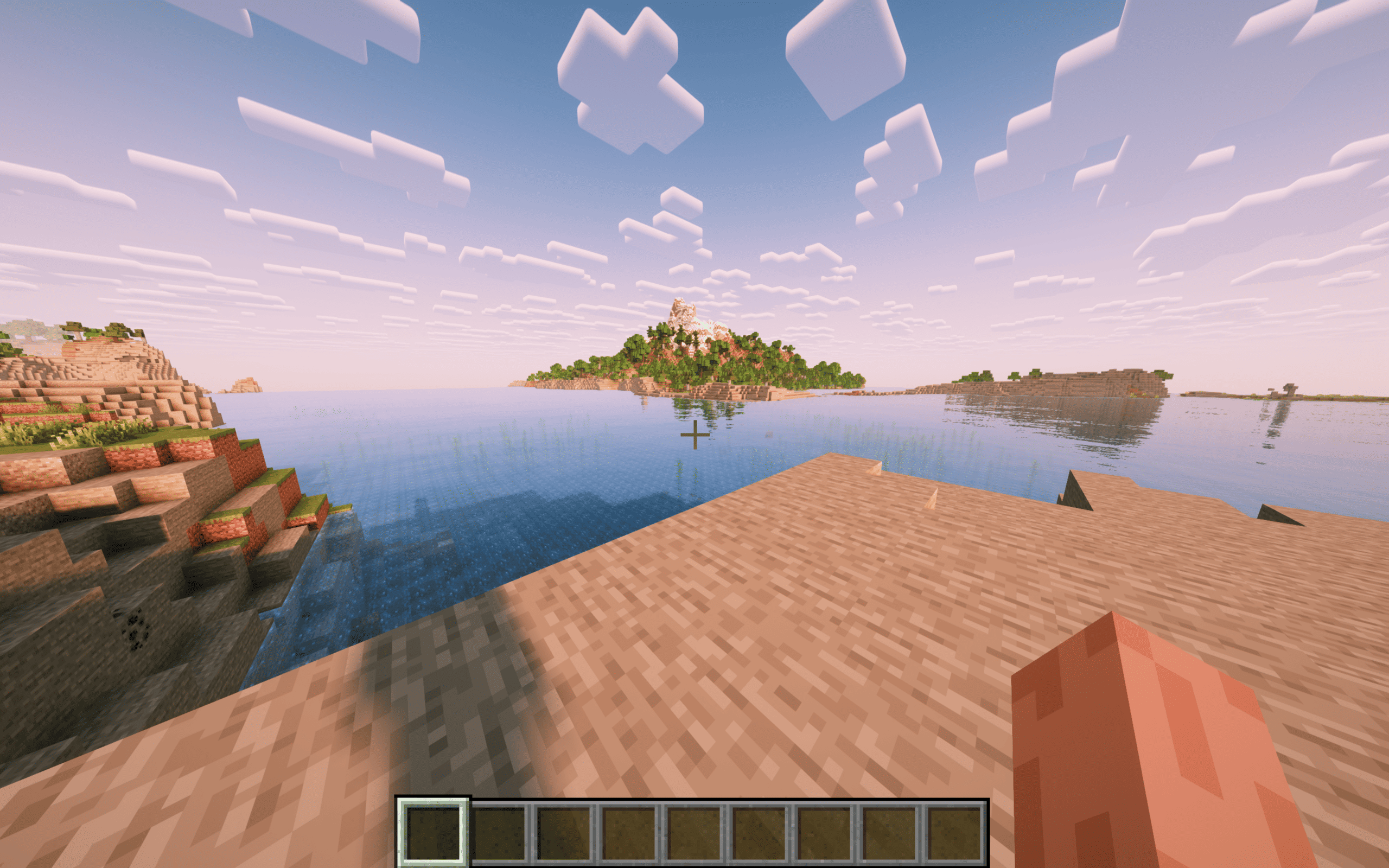
This shaderpack preserves the core essence of Minecraft with enhanced readability, featuring intuitive handheld lighting, superior subterranean visibility, and fluid water dynamics. With its clean color grading and optimized visual clarity, this shaders ensures that a beautiful, atmospheric world remains accessible to everyone, regardless of hardware limits.
 
This shader pack is a Modified Pack based on the Original Pack "Complementary Unbound" by EminGT.

Veyluma_AeroLite_HyperFPS_26.2_v1.0.2
MC Iris, 26.1, 26.1.1, 26.1.2, 26.2
Release 2026-08-10 Get
Veyluma_TorchLite_v1.0.0
MC Iris, 26.1.2
Release 2026-05-13 Get
TorchLite Shader v1
MC Iris, 26.1.2
Release 2026-05-10 Get

Requirements & install

How to use this shader in Minecraft
Shader loader
Iris
Minecraft
26.1 – 26.2
Install folder
.minecraft/shaderpacks

Install with Iris

  1. Install Iris with the Iris installer (irisshaders.dev); it sets up Fabric and Sodium for you.
  2. Download the shader pack .zip (do not extract it).
  3. Put the .zip into .minecraft/shaderpacks.
  4. In game open Options → Video Settings → Shader Packs, select the pack and click Apply.
Browse more: Iris shaders OptiFine shaders Shaders for 26.2 All shaders

More from laptoptop

Advertisement Remove ads with Premium →

You Might Also Like