Mineuniverse
Shaders
Veyluma Balanced Shader

Veyluma Balanced Shader

SHADER
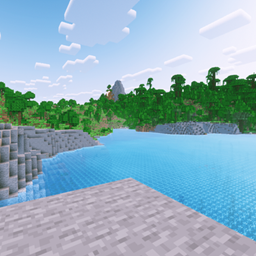
A smooth cinematic shaderpack with clear water, warm lighting, soft skies, and balanced performance for mid-range PCs.
by laptoptop
Download Claim this project
23,118 downloads
0 likes
0 followers
Updated Oct 14, 2026
0 hypes
Follow0
Realistic Vanilla
Advertisement Remove ads with Premium →

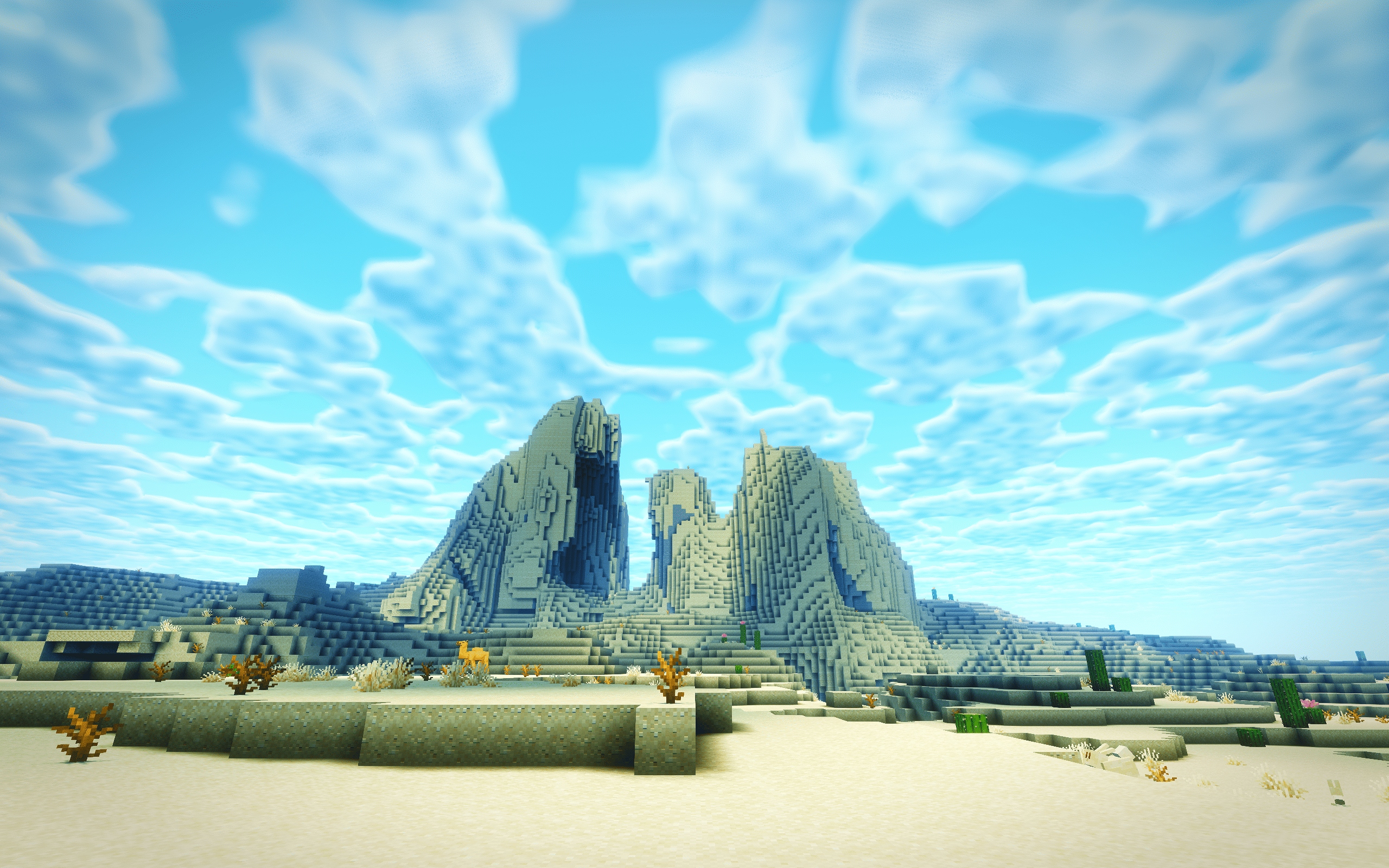
Veyluma Balanced Shader is a smooth gameplay shaderpack tuned for players who want cinematic Minecraft visuals without turning every session into a benchmark.

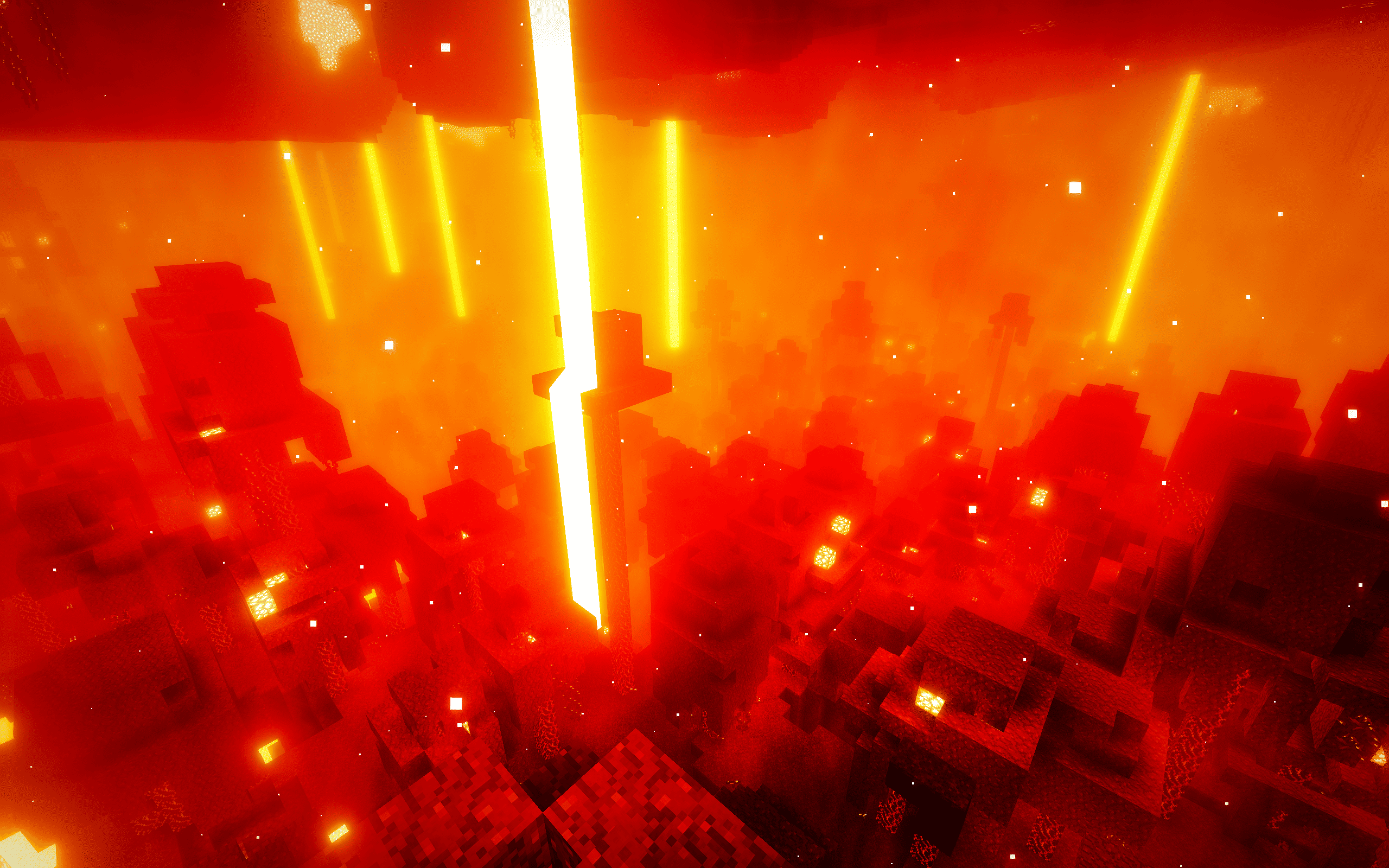
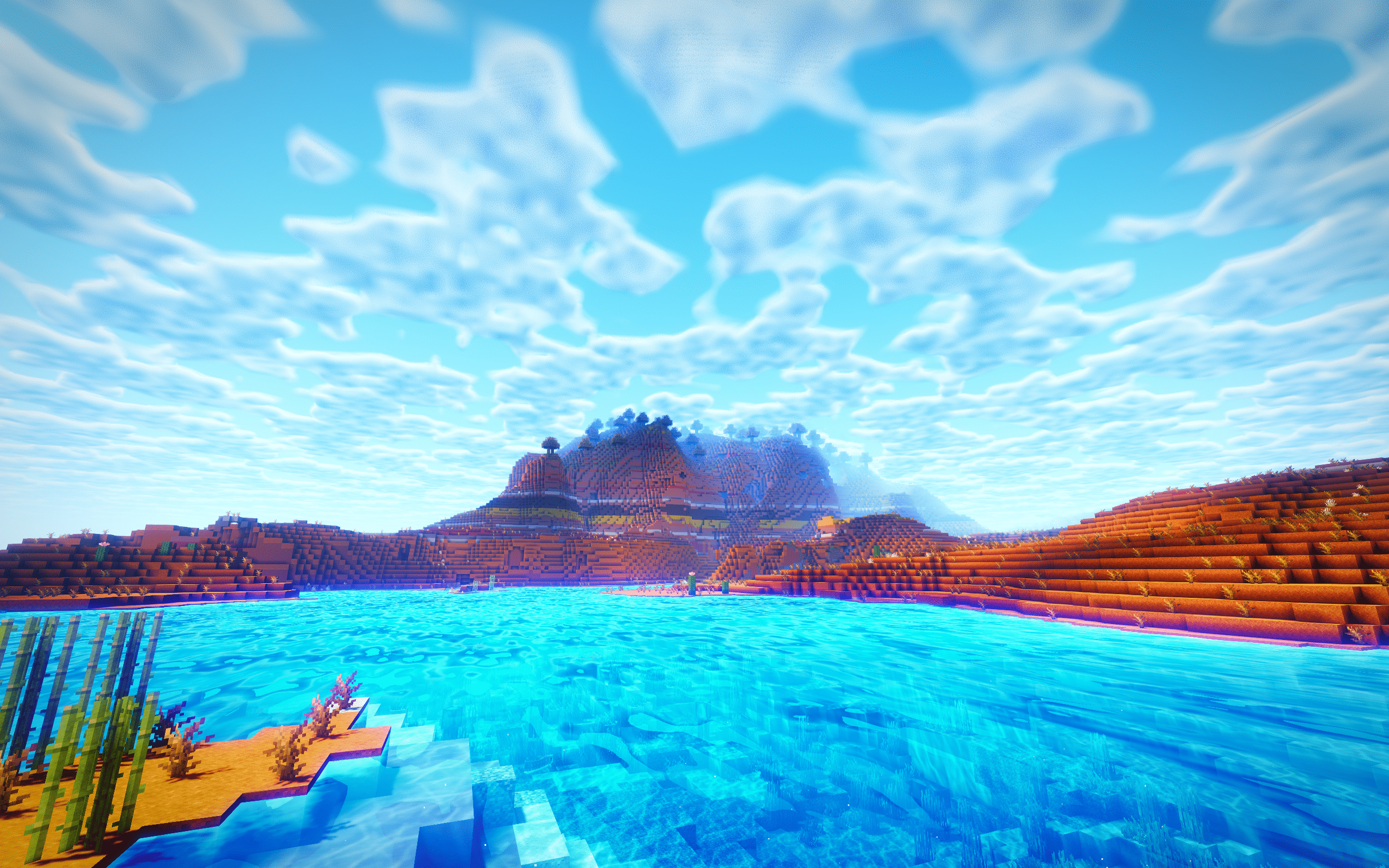
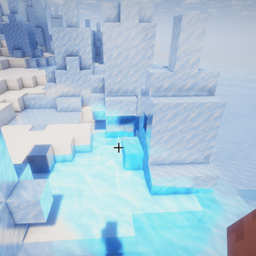
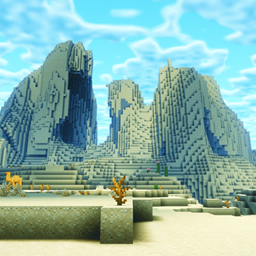
It brings clean skies, soft bloom, vivid water, warm handheld light, atmospheric fog, and a polished filmic color grade. This build cuts the heaviest showcase-only effects so mid-range PCs can enjoy a prettier world with much better frame pacing.

Highlights:
- Balanced cinematic color grade with cleaner contrast and natural saturation
- Clearer blue water with soft refraction and reduced over-bright glare
- Warm torch and handheld-light atmosphere for caves and night exploration
- Lightweight clouds, fog, bloom, lens flare, and light shafts
- Reduced wet/glossy terrain response so grass and dirt do not look oily
- Performance-focused defaults for smoother gameplay

This shader pack is a Modified Pack based on the Original Pack "Complementary Unbound" by EminGT.
Veyluma_Balanced_Shader_26.2_v1.0.5
MC 1.17.1, 1.21, 1.18.1, 1.16.5, 1.19.3, 1.20.2, 1.19.4, 1.21.8, 1.17, 1.20.5, 1.21.5, 1.18, 1.21.4, 1.20.1, 1.20, 1.20.6, 1.21.1, 1.21.6, 1.21.3, 1.21.7, 1.19.1, 1.20.4, 1.18.2
Release 2026-08-10 Get
Veyluma_Balanced_Shader_v1.0.4
MC 1.17.1, 1.21, 1.18.1, 1.16.5, 1.19.3, 1.20.2, 1.19.4, 1.21.8, 1.17, 1.20.5, 1.21.5, 1.18, 1.21.4, 1.20.1, 1.20, 1.20.6, 1.21.1, 1.21.6, 1.21.3, 1.21.7, 1.19.1, 1.20.4, 1.18.2
Release 2026-06-20 Get
Veyluma_Balanced_Shader_v1.0.1
MC 1.17.1, 1.21, 1.18.1, 1.16.5, 1.19.3, 1.20.2, 1.19.4, 1.21.8, 1.17, 1.20.5, 1.21.5, 1.18, 1.21.4, 1.20.1, 1.20, 1.20.6, 1.21.1, 1.21.6, 1.21.3, 1.21.7, 1.19.1, 1.20.4, 1.18.2
Release 2026-05-24 Get
Veyluma_Balanced_Shader_v1.0.0.
MC Iris, 26.1.2
Release 2026-05-23 Get

Requirements & install

How to use this shader in Minecraft
Shader loader
Iris
Minecraft
1.21.1 – 26.1.2
Install folder
.minecraft/shaderpacks

Install with Iris

  1. Install Iris with the Iris installer (irisshaders.dev); it sets up Fabric and Sodium for you.
  2. Download the shader pack .zip (do not extract it).
  3. Put the .zip into .minecraft/shaderpacks.
  4. In game open Options → Video Settings → Shader Packs, select the pack and click Apply.
Browse more: Iris shaders OptiFine shaders Shaders for 26.1.2 All shaders

More from laptoptop

Advertisement Remove ads with Premium →

You Might Also Like