Mineuniverse
Shaders
TheMaxFPS Shader

TheMaxFPS Shader

SHADER
A lightweight, realistic-lighting shaderpack for OptiFine and Iris — dynamic sun/moon lighting, soft shadows, waving water and grass, torch flicker, pulsing lava, drifting cloud shadows, bloom, and cinematic color grading,
by TaeVersePlayz
Download Claim this project
5,378 downloads
0 likes
Updated Oct 14, 2026
0 hypes
Fantasy Realistic
Advertisement Remove ads with Premium →

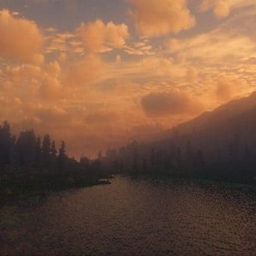
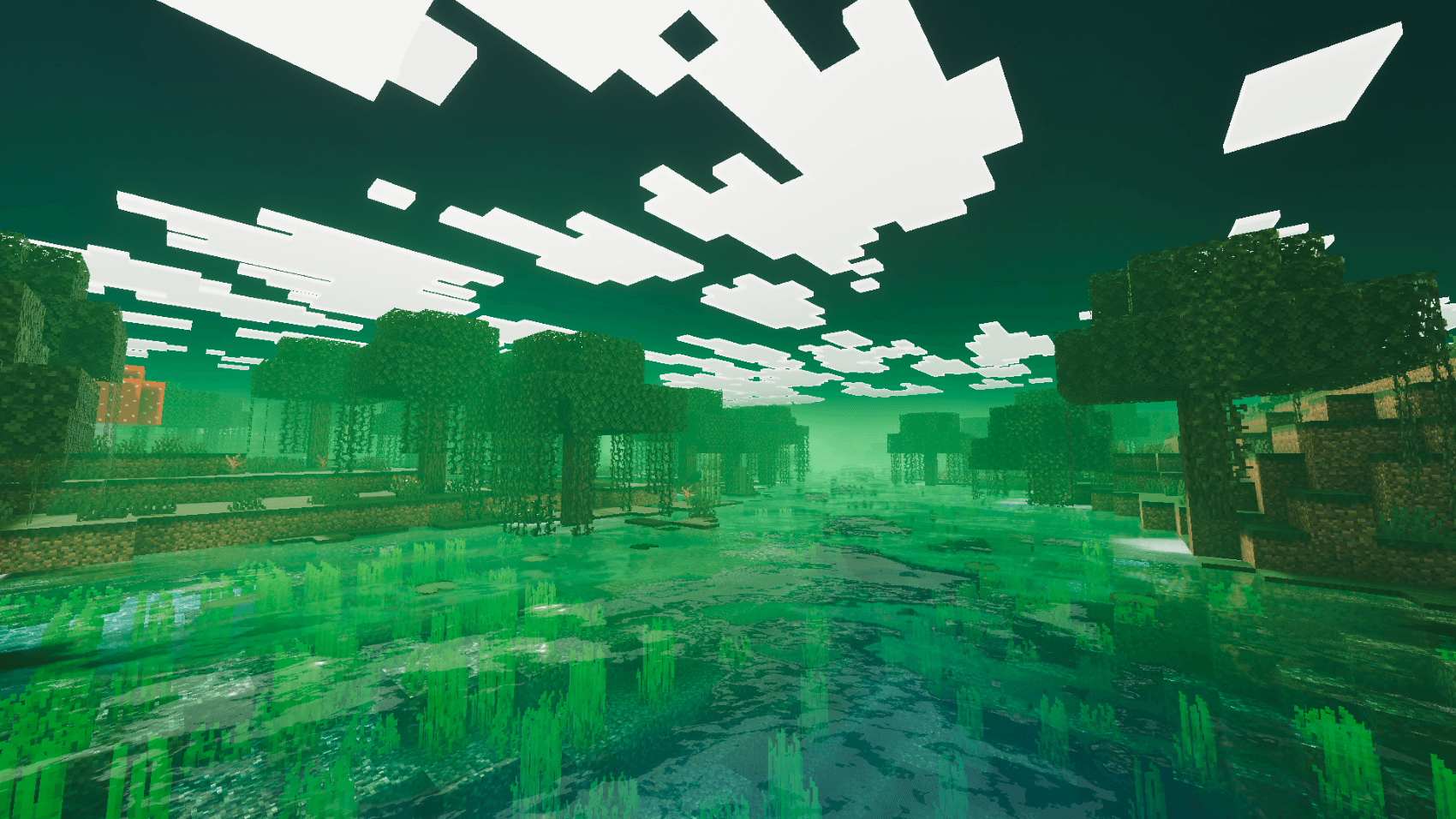
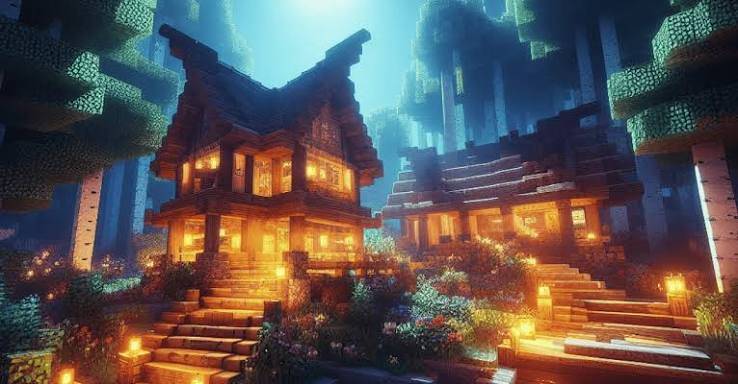
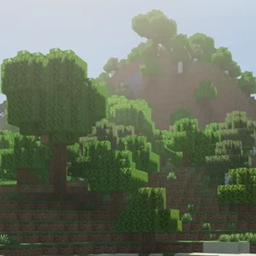
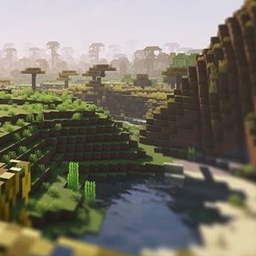
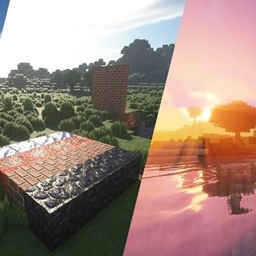
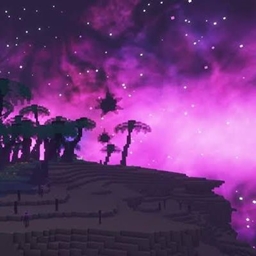
Realistic Vibes brings Minecraft's vanilla world to life with grounded, natural lighting instead of flat block shading. Sunlight and moonlight cast soft, filtered shadows across the terrain; water rolls with gentle waves and reflects the sky and sun with a realistic fresnel effect; grass, flowers, and vines sway in the wind. Torches and other light sources flicker gently instead of sitting at one flat brightness, lava throbs with a slow emissive pulse, and patchy cloud shadows drift across the ground as if clouds were passing overhead. Rain darkens and dampens exposed ground, diving underwater tints and dims your view, and volumetric light shafts beam through gaps in trees and mountains at sunrise and sunset. A filmic color grade (ACES-style tone mapping, boosted saturation, subtle vignette) ties it all together for a "real camera" look, while distance fog blends smoothly into the sky.

Built to be readable and easy to extend — every shader file is plain, commented GLSL following the standard OptiFine/Iris pipeline.

Features:

  • Dynamic sun/moon directional lighting
  • Soft, slope-aware shadow mapping (no acne, no peter-panning)
  • Waving, reflective water with sun/moon glint
  • Wind-swaying grass, flowers, and vines
  • Torch flicker on block-lit surfaces
  • Pulsing emissive lava glow
  • Animated, drifting cloud shadows
  • Rain wetness on exposed ground (skips indoor/cave areas)
  • Underwater color grading
  • Volumetric light shafts (god rays)
  • Bloom on bright light sources
  • Filmic tone mapping, saturation boost, and vignette
  • Distance fog that blends into sky color

Compatibility: OptiFine or Iris (Fabric/Sodium), Minecraft Java Edition.

TheMaxFPS
MC 1.16.3, 1.13.1, 1.16-Snapshot, 1.17.1, 1.21, 1.15-Snapshot, 1.16.1, 1.18.1, 1.14.3, 1.15, 1.16, 1.13, 1.19-Snapshot, 1.16.5, 1.19.3, 1.20.2, 1.19.4, 1.21.8, 1.14.4, 1.14.1
Release 2026-09-02 Get

Requirements & install

How to use this shader in Minecraft
Shader loader
Iris or OptiFine
Minecraft
1.17.1 – 1.21.8
Install folder
.minecraft/shaderpacks

How to install shaders

  1. Install a shader loader for your Minecraft version: Iris (with Sodium) or OptiFine.
  2. Download the shader pack .zip file (do not extract it).
  3. Put the .zip into the shaderpacks folder (.minecraft/shaderpacks).
  4. In game open Options → Video Settings → Shader Packs, select the pack and apply it.
Browse more: Iris shaders OptiFine shaders Shaders for 1.21.8 All shaders

More from TaeVersePlayz

Advertisement Remove ads with Premium →

You Might Also Like