EclipseShader
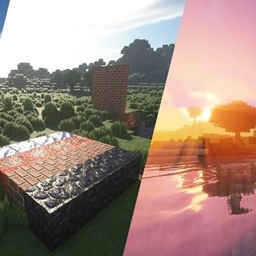
Transform your Minecraft world with EclipseShader, a next-generation shader designed to deliver stunning visuals without sacrificing smooth gameplay.
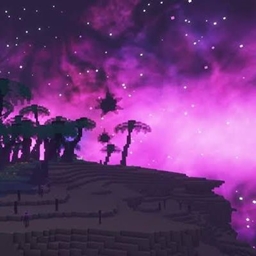
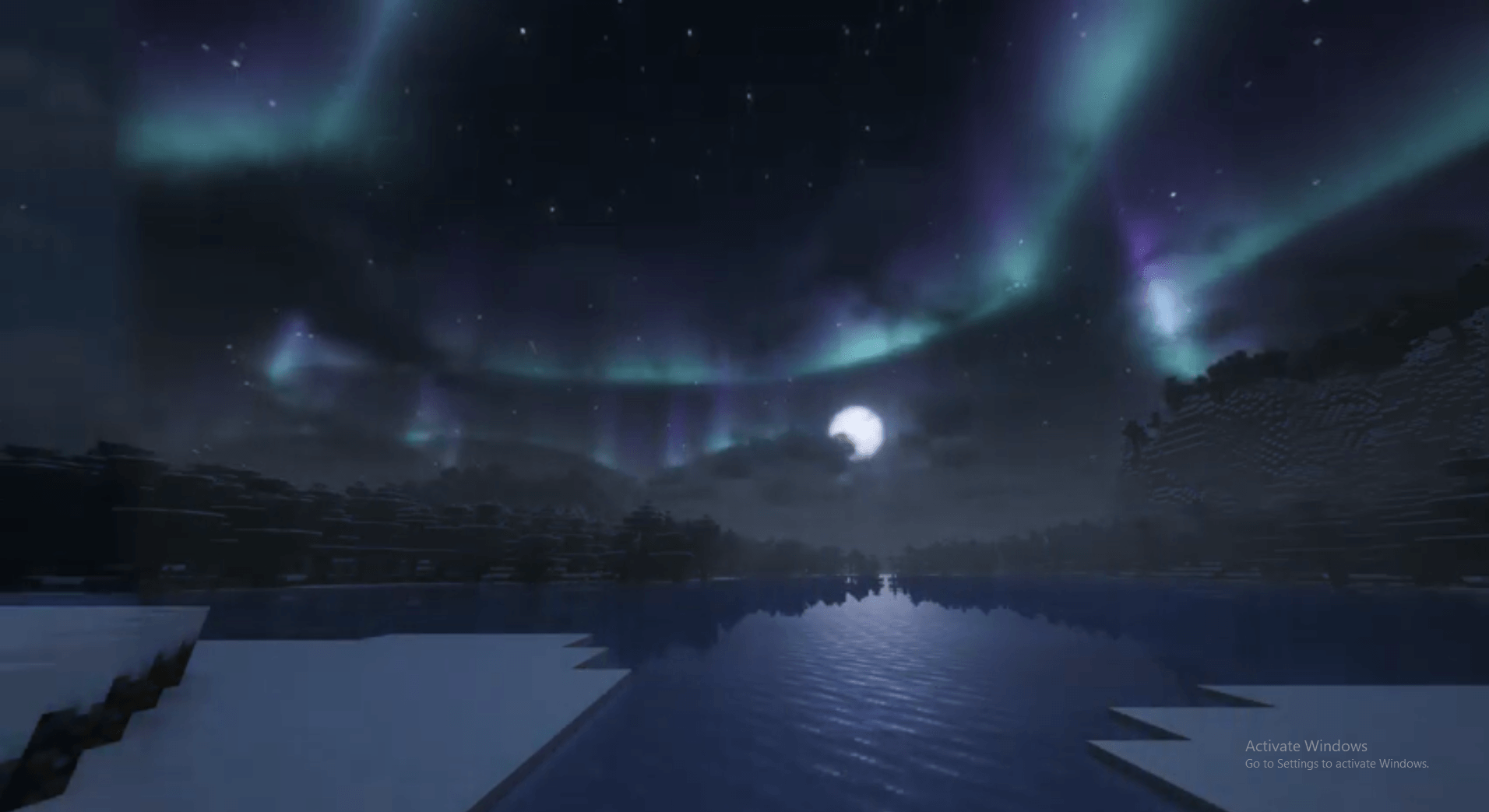
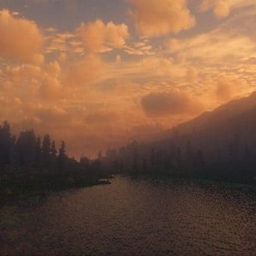
Every sunrise feels alive, every sunset paints the sky with vibrant colors, and every night creates a mysterious atmosphere illuminated by realistic moonlight and stars.
Whether you're exploring caves, building massive cities, surviving in hardcore mode, or recording cinematic videos, EclipseShader enhances every moment with carefully tuned lighting and advanced rendering.
Features
- ☀️ Realistic Dynamic Lighting
- 🌅 Beautiful Sunrises & Sunsets
- 🌙 Improved Moonlight
- ⭐ High Quality Night Sky
- ☁️ Volumetric Clouds
- 🌧️ Dynamic Weather Effects
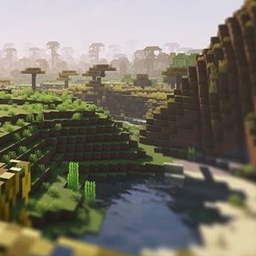
- 🌊 Realistic Animated Water
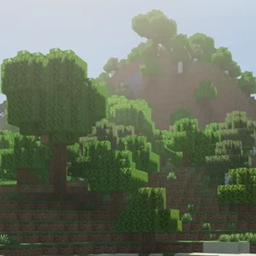
- 🌿 Waving Grass, Crops & Leaves
- 🌸 Bloom & Ambient Lighting
- 🌫️ Atmospheric Fog
- 🌈 Improved Color Grading
- 🔥 Enhanced Emissive Lighting
- 💧 Reflections
- 🌍 Soft Shadows
- 🎥 Cinematic Visual Presets
- ⚡ Optimized Performance
- 🎮 Smooth Gameplay
Performance
EclipseShader includes multiple quality presets to support different hardware.
Designed for smooth gameplay while maintaining beautiful visuals.
Requirements
Minecraft Java Edition
Compatible with:
- Iris Shaders
- OptiFine
- Oculus (Forge)
Installation
- Install Iris or OptiFine.
- Download EclipseShader.
- Move the ZIP file into your shaderpacks folder.
- Enable EclipseShader from Video Settings → Shaders.
- Enjoy!
Compatibility
Supports:
- Minecraft 1.20+
- Minecraft 1.21+
- Iris
- OptiFine
- Most popular resource packs
Planned Features
- Better Water Physics
- RTX-inspired Lighting
- Improved Reflections
- Dynamic Aurora
- Seasonal Weather
- More Customization Options