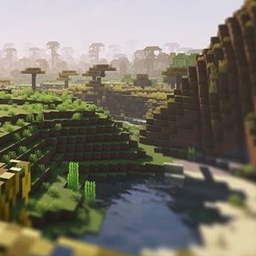
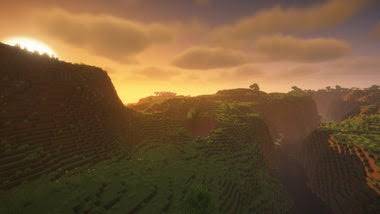
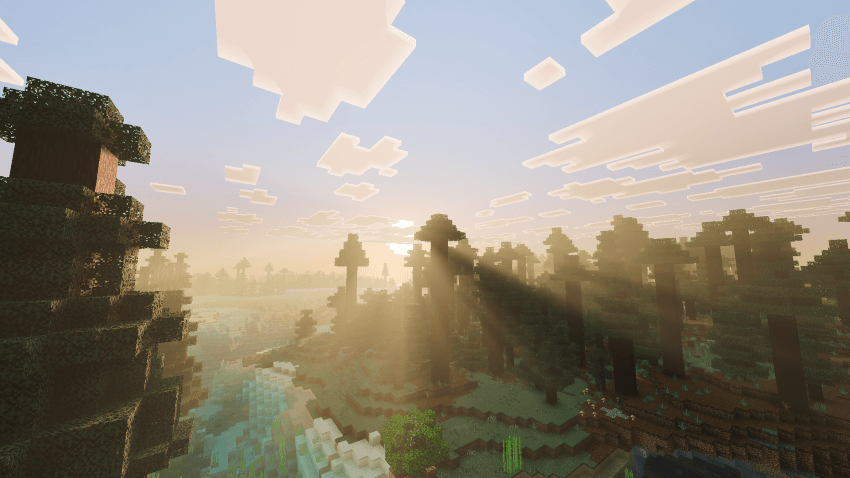
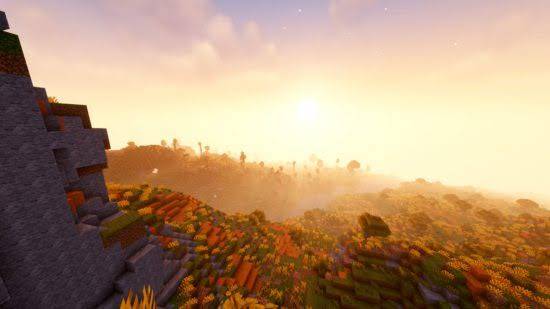
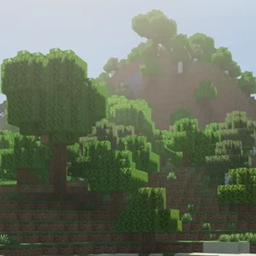
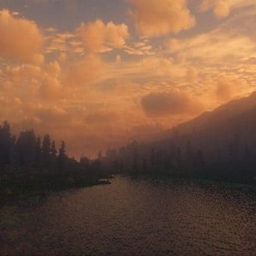
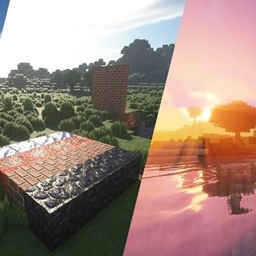
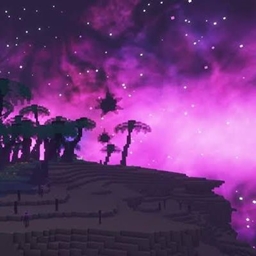
Cherry Reimagined is a next-generation shaderpack designed to make Minecraft look beautiful while maintaining smooth performance.
The shader combines realistic lighting, cinematic atmosphere, colorful skies, crystal-clear water, detailed shadows, and immersive weather effects.
Whether you're building, exploring, creating content, or surviving, Cherry Reimagined delivers a visually stunning experience.
---
## Features
✔ Realistic Sun Lighting
✔ Soft Dynamic Shadows
✔ Volumetric Clouds
✔ God Rays
✔ Beautiful Sunsets
✔ Improved Moonlight
✔ Realistic Water
✔ Reflections
✔ Bloom
✔ Ambient Occlusion
✔ Waving Grass
✔ Waving Leaves
✔ Wind Animation
✔ Underwater Effects
✔ Rain Improvements
✔ Fog Improvements
✔ Emissive Lighting
✔ Custom Color Grading
✔ Performance Presets
✔ Iris Compatible
✔ OptiFine Compatible
---
## Requirements
Minecraft Java Edition
OptiFine or Iris Shaders
Compatible with most resource packs
---
## Recommended Settings
Shadow Quality: High
Cloud Quality: Ultra
Water Quality: High
Bloom: Enabled
Volumetric Lighting: Enabled
Render Distance: 16+
---
## Performance
Cherry Reimagined includes multiple quality presets:
• Low
• Medium
• High
• Ultra
• Cinematic
Designed to run on both mid-range and high-end GPUs.
---
## Credits
Created by TheLerpz
Special thanks to the Minecraft shader community.
---
Enjoy exploring Minecraft in a completely new way!