Mineuniverse
Shaders
Realistic Vibes

Realistic Vibes

SHADER
A lightweight Iris shaderpack with BSL-inspired water, dynamic sunlight, and volumetric night fog.
by TaeVersePlayz
Download Claim this project
60,926 downloads
0 likes
Updated Oct 14, 2026
0 hypes
Fantasy Realistic
Advertisement Remove ads with Premium →

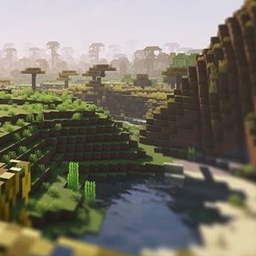
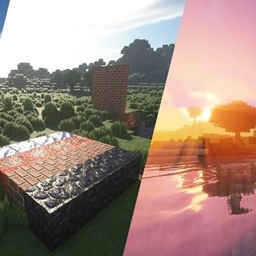
Realistic Vibes is a lightweight shaderpack for the Iris mod that brings a few high-impact, BSL-inspired visual upgrades to vanilla Minecraft without tanking your FPS.

✨ Features

🌊 Layered Water
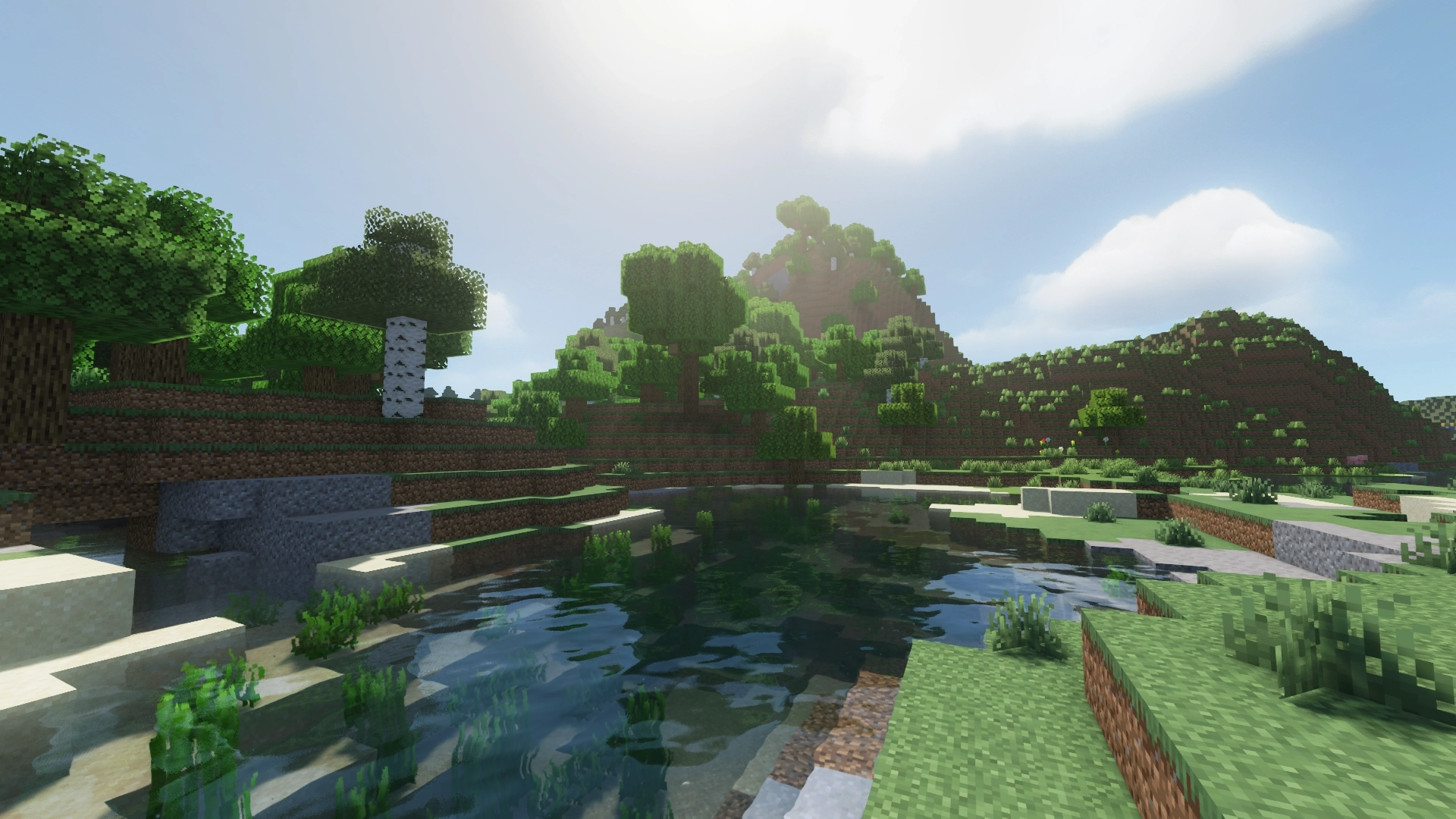
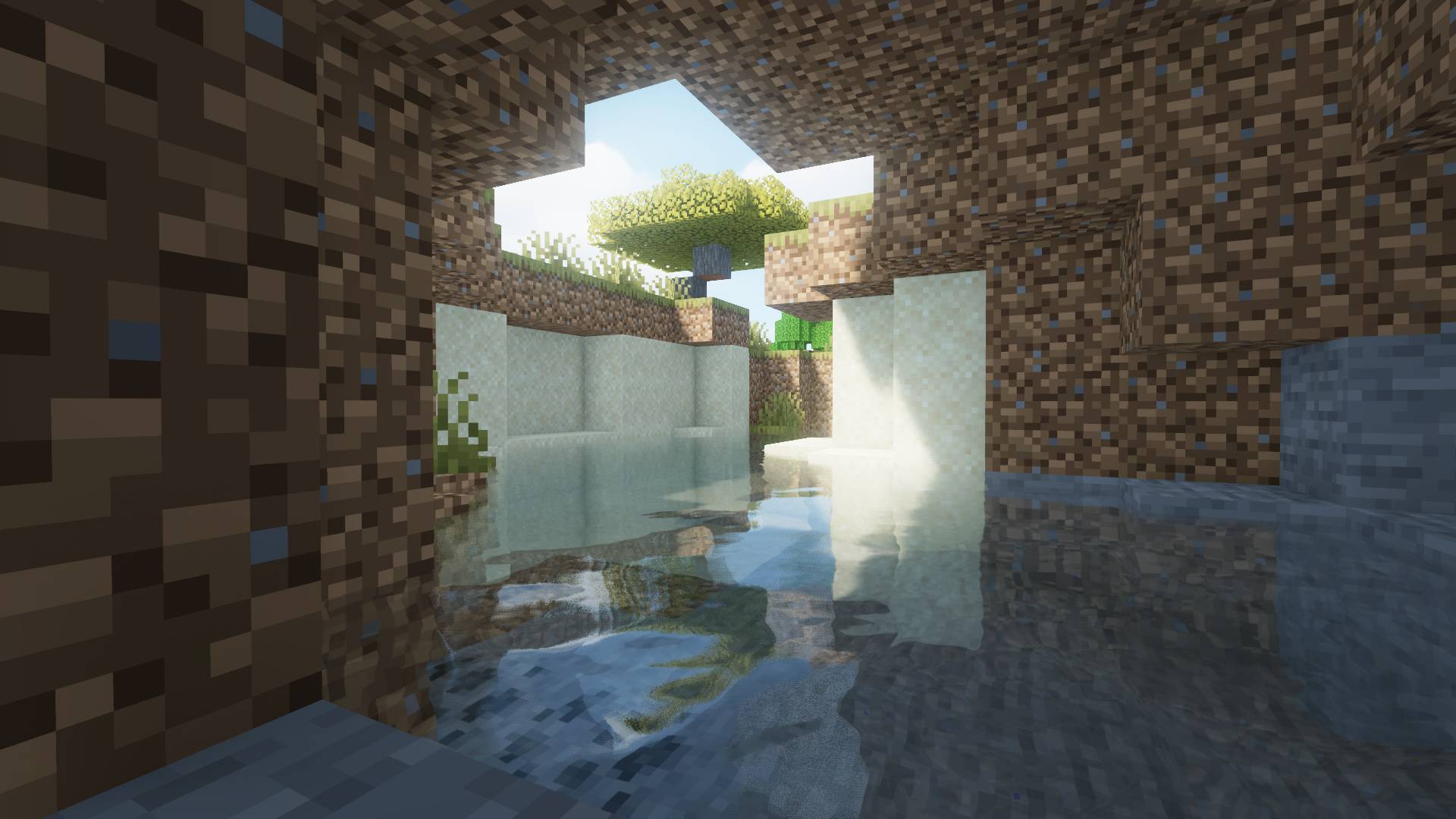
Water waves are built from three overlapping wave layers instead of one flat ripple, giving the surface real depth and motion. Waves feed into a live bump-mapped normal, so you get:

  • A Fresnel-based sky reflection that gets stronger at shallow viewing angles
  • A moving specular sun glint across the surface
  • Subtle sparkle glints on wave crests

☀️ Dynamic Sunlight
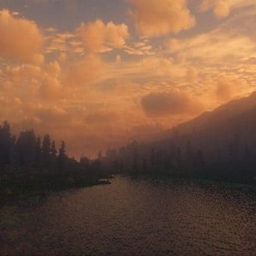
The sun's glow shifts color naturally through the day — warm orange at sunrise and sunset, soft gold-white at high noon. Light shafts (god rays) stream through gaps in trees, cliffs, and buildings whenever the sun is visible, fading out smoothly at night and in the rain.

🌫️ Volumetric Night Fog
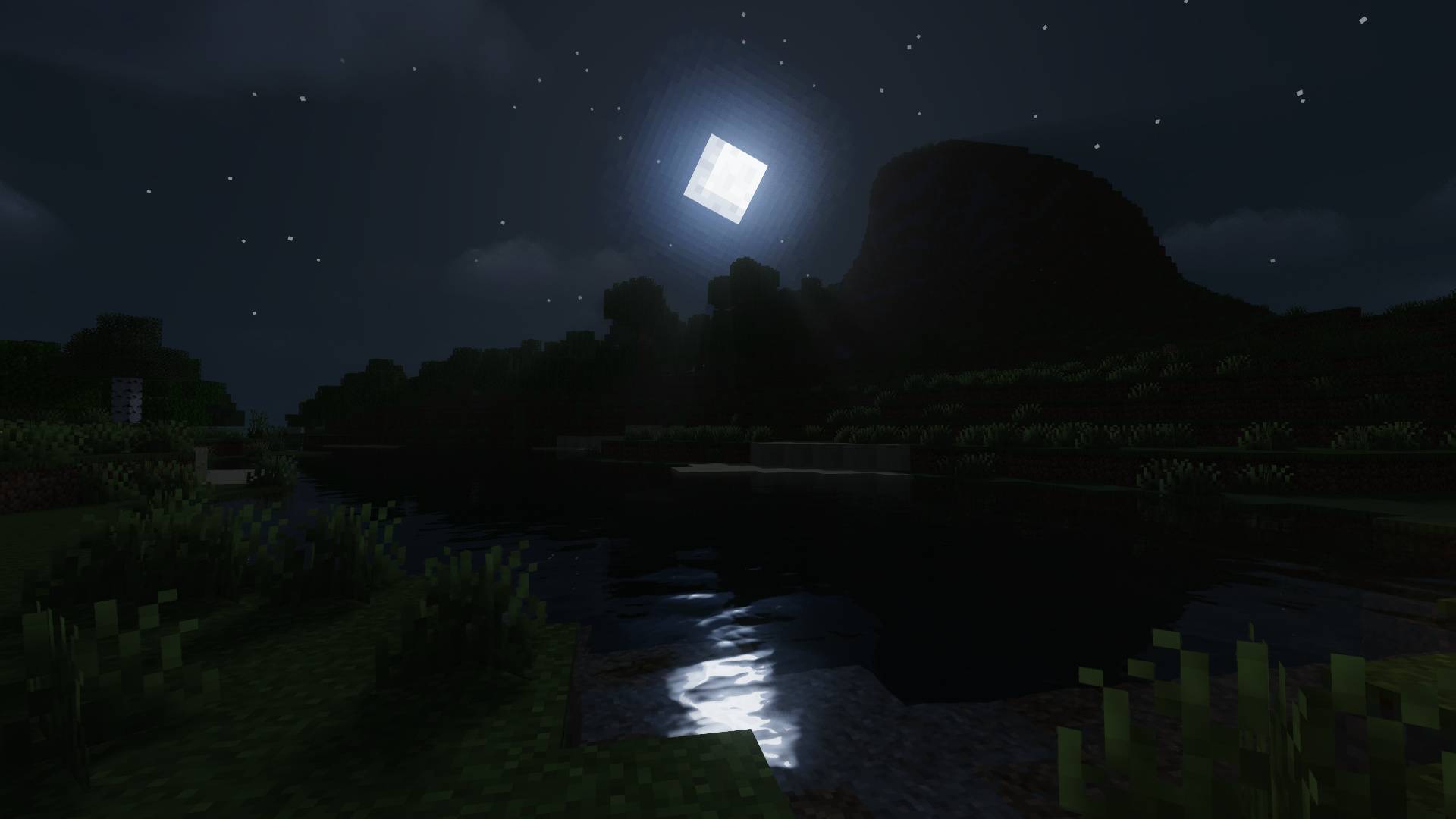
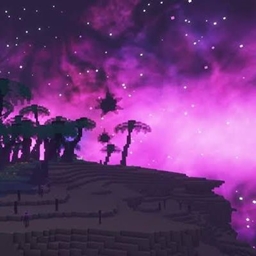
When night falls, a soft bluish fog rolls in — broken into gentle drifting patches instead of one flat wall of haze, with more density near the ground and less up high, for a more atmospheric, "volumetric" feel.

🍃 Waving Leaves
All vanilla leaf types gently sway in the wind.

⚙️ Performance
No shadow maps, no heavy post-processing pipeline — just a handful of efficient gbuffer and composite passes. Runs well even on modest hardware.

📋 Requirements

 

RealisticVibes
MC 1.21.2-Snapshot, 1.21, 1.21.6-snapshot, 1.20.2-Snapshot, 1.20.5-Snapshot, 1.21.1-Snapshot, 1.20.2, 1.21.8, 1.20.5, 1.21.5, 1.21.4, 1.21.5-Snapshot, 1.20.1, 1.20, OptiFine, 1.20.6
Release 2026-07-09 Get

Requirements & install

How to use this shader in Minecraft
Shader loader
OptiFine
Minecraft
1.21 – 1.21.8
Install folder
.minecraft/shaderpacks

Install with OptiFine

  1. Install OptiFine for your Minecraft version (optifine.net) and start it once.
  2. Download the shader pack .zip (do not extract it).
  3. Put the .zip into .minecraft/shaderpacks.
  4. In game open Options → Video Settings → Shaders and select the pack.
Browse more: Iris shaders OptiFine shaders Shaders for 1.21.8 All shaders

More from TaeVersePlayz

Advertisement Remove ads with Premium →

You Might Also Like