 # RealismShader
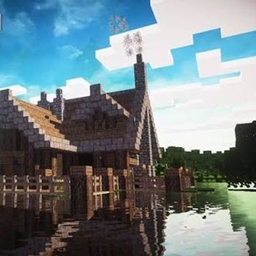
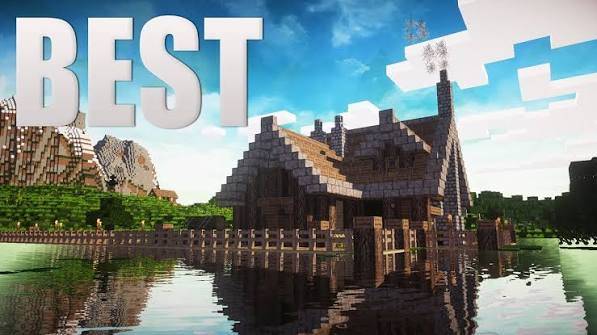
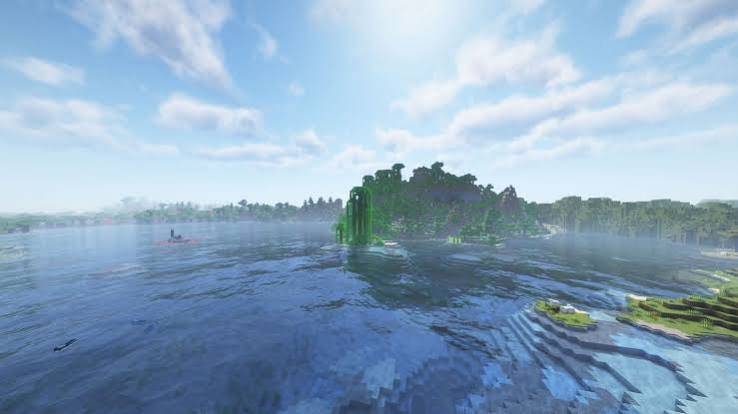
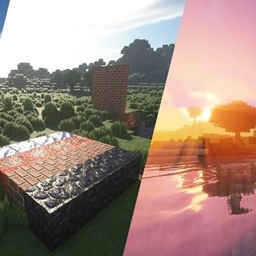
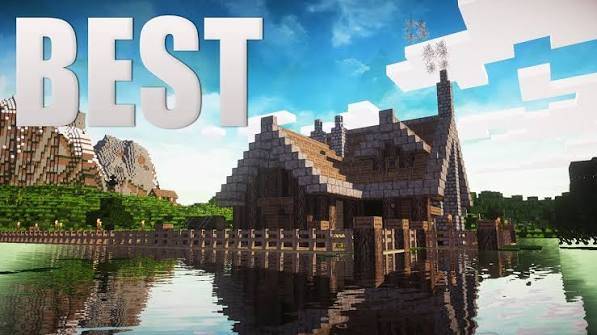
A realism-focused shaderpack that keeps performance in mind while pushing Minecraft's default look much closer to photorealistic — dynamic shadows, animated water, a full sky system, and film-style post-processing, all tunable from the in-game shader options screen.
## ✨ Features
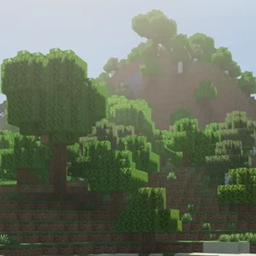
- **Dynamic shadow mapping** with soft, filtered edges and higher resolution close to the camera
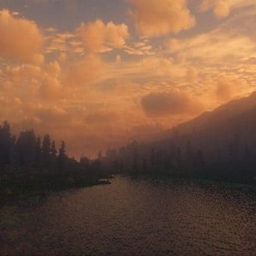
- **Procedural sky** — day/night gradient, sun glow, drifting clouds, and a twinkling star field at night
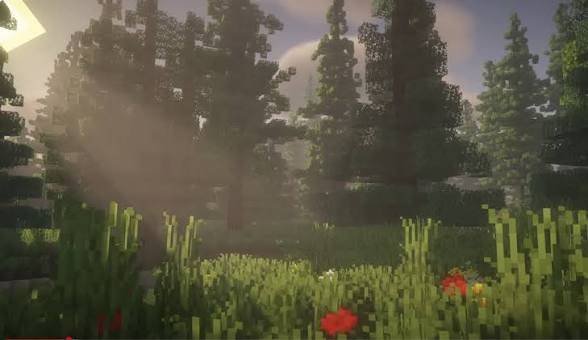
- **God rays** — volumetric light shafts through terrain and foliage
- **Screen-space ambient occlusion** for natural contact shadows in corners and crevices
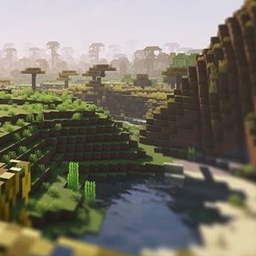
- **Animated water** — rolling waves, rippling normals, specular highlights, fresnel reflections, and shoreline foam
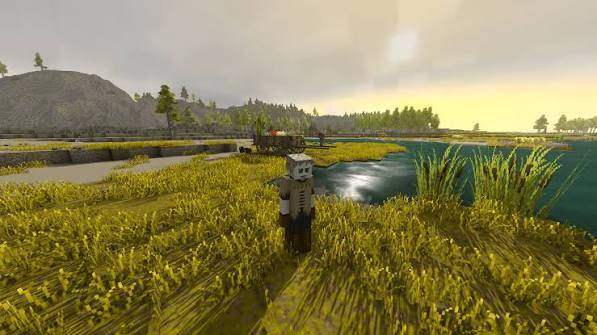
- **Wind-swayed foliage** — leaves, tall grass, and crops sway naturally
- **Wet-weather puddles** — exposed ground darkens and picks up reflections while it rains
- **Torch flicker** on block light for a warmer, livelier glow
- **Underwater fog and shimmer** when you dive below the surface
- **Distance fog** that thickens realistically in rain
- **Bloom** and **filmic tonemapping** for a cinematic finish
- Fully configurable in-game — shadow distance/resolution, SSAO strength, wave height/speed, fog density, god ray intensity, bloom, exposure, vignette, and more
## 📋 Requirements
- Minecraft (Java Edition)
- [OptiFine](https://optifine.net) **or** [Iris](https://irisshaders.dev)
## 🔧 Installation
1. Install OptiFine or Iris for your Minecraft version.
2. Download the RealismShader `.zip` from this page (do **not** unzip it).
3. In Minecraft, go to **Options → Video Settings → Shaders → Shader Folder**.
4. Drop the downloaded `.zip` straight into the `shaderpacks` folder that opens.
5. Back in Minecraft, select **RealismShader** from the shader list and click **Done**.
6. Click **Shader Options** to fine-tune shadows, water, fog, bloom, and more.
## ⚙️ Performance Tips
- Shadows are the most expensive feature — lower `Shadow Map Resolution` and `Shadow Distance` first if you're low on FPS.
- Use the built-in **Low** / **High** presets at the bottom of the shader options screen for a quick starting point.
## ❤️ Credits
Created by TaeVersePlayz. Feedback and bug reports welcome!