Mineuniverse
Shaders
Spirit Shader

Spirit Shader

SHADER
High Performance Shader With Simple Lighting And No Shadows
by TheDuckInBlue
Download Claim this project
3,147 downloads
0 likes
0 followers
Updated Oct 14, 2026
0 hypes
Follow0
Fantasy Vanilla
Advertisement Remove ads with Premium →

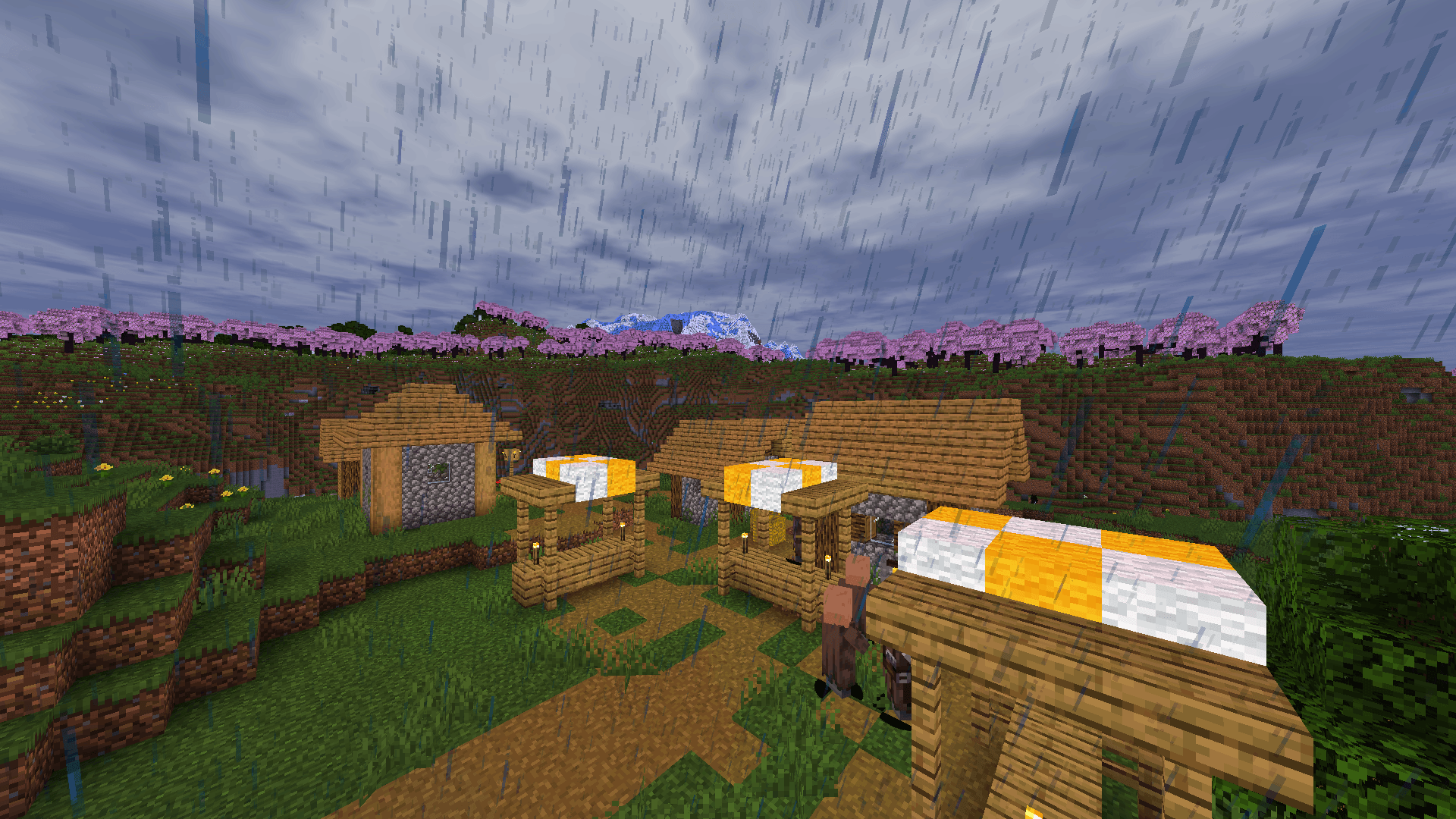
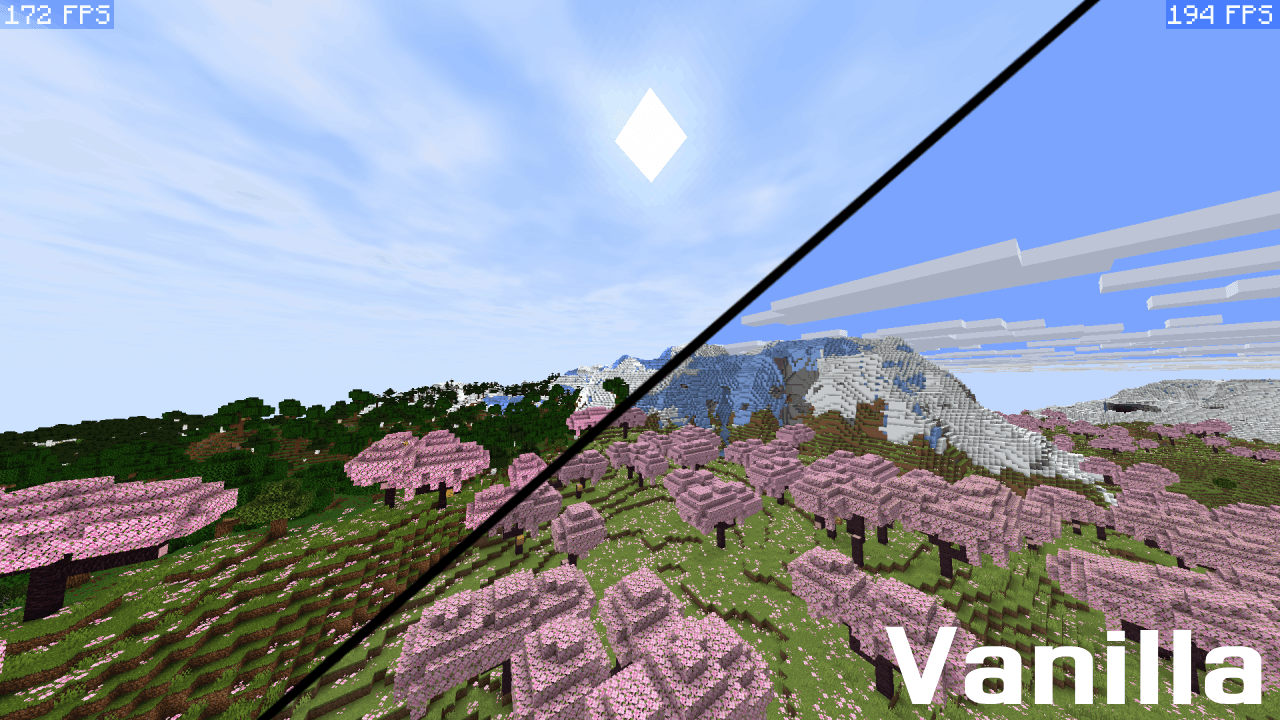
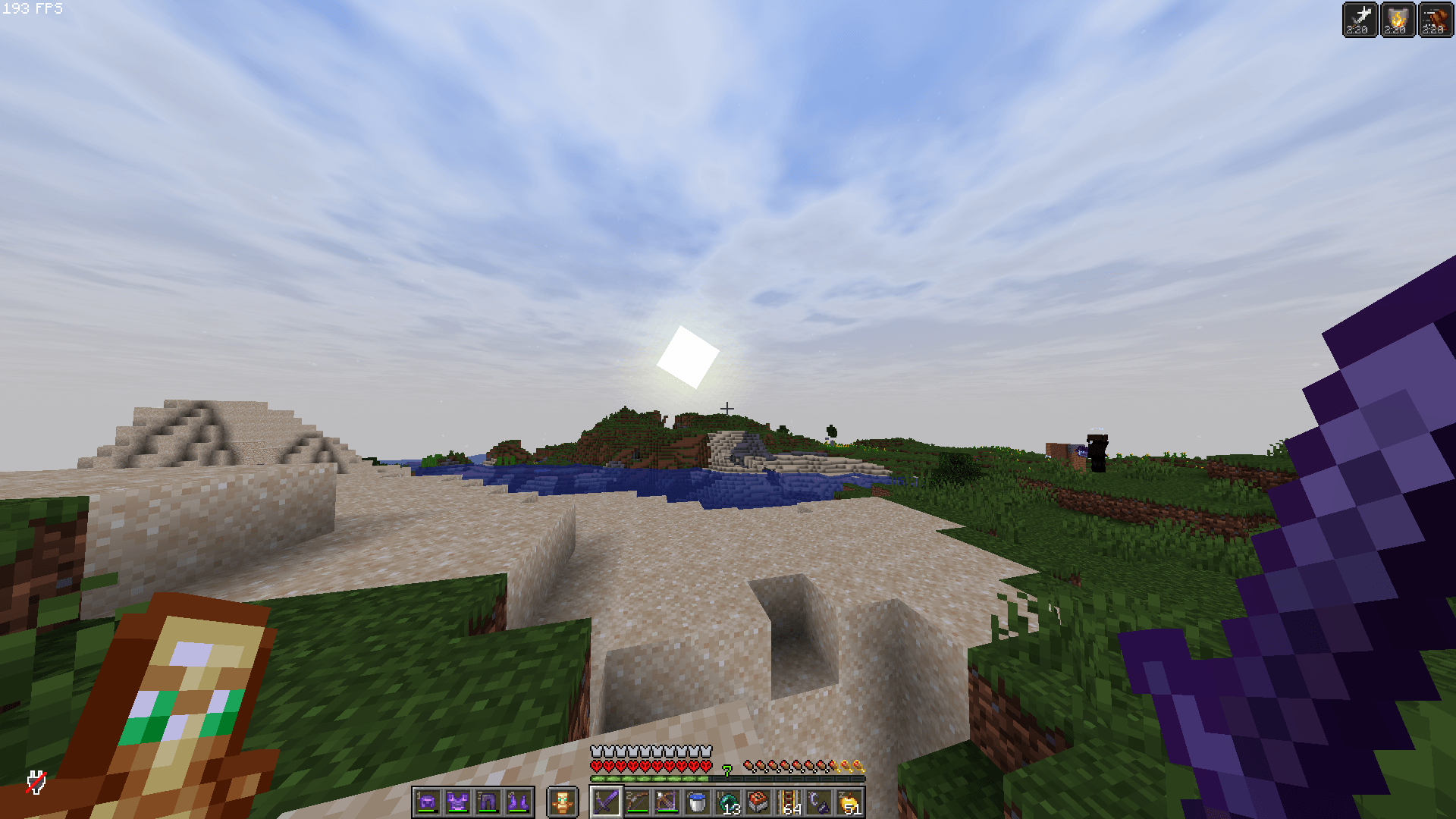
With simple lighting and no shadows, this shader is designed specifically for low-end hardware, “potato” PCs, and players who value high FPS above all else.


This shader focuses on performance first, delivering a lightweight visual upgrade over vanilla without the heavy resource cost of traditional shaders.

Features include: enhanced lighting, subtle atmospheric improvements, improved sky/weather visuals, and small color enhancements while maintaining smooth gameplay even on slower systems. By avoiding expensive effects like dynamic shadows, reflections, volumetric lighting, and other demanding features, this shader keeps frame rates high and input responsive.

This pack aims to make Minecraft look cleaner and more vibrant while staying optimized for older laptops, integrated graphics, and budget hardware. If you want the feel of a shader without sacrificing performance, this pack is built for you.

Spirit Shader (Performance Shader V1.1).zip
MC 1.21.2-Snapshot, 1.21, 1.21.6-snapshot, 1.20.2-Snapshot, 1.20.5-Snapshot, 1.21.1-Snapshot, 1.20.2, 1.21.8, 1.20.5, 1.21.5, 1.21.4, 1.21.5-Snapshot, 1.20.1, 1.20, OptiFine, 1.20.6
Release 2026-04-16 Get

Requirements & install

How to use this shader in Minecraft
Shader loader
OptiFine
Minecraft
1.21 – 1.21.8
Install folder
.minecraft/shaderpacks

Install with OptiFine

  1. Install OptiFine for your Minecraft version (optifine.net) and start it once.
  2. Download the shader pack .zip (do not extract it).
  3. Put the .zip into .minecraft/shaderpacks.
  4. In game open Options → Video Settings → Shaders and select the pack.
Browse more: Iris shaders OptiFine shaders Shaders for 1.21.8 All shaders

More from TheDuckInBlue

Advertisement Remove ads with Premium →

You Might Also Like