Mineuniverse
Data Packs
 Orbital Strike Cannon + More Rods (Datapack)

Orbital Strike Cannon + More Rods (Datapack)

DATA PACK
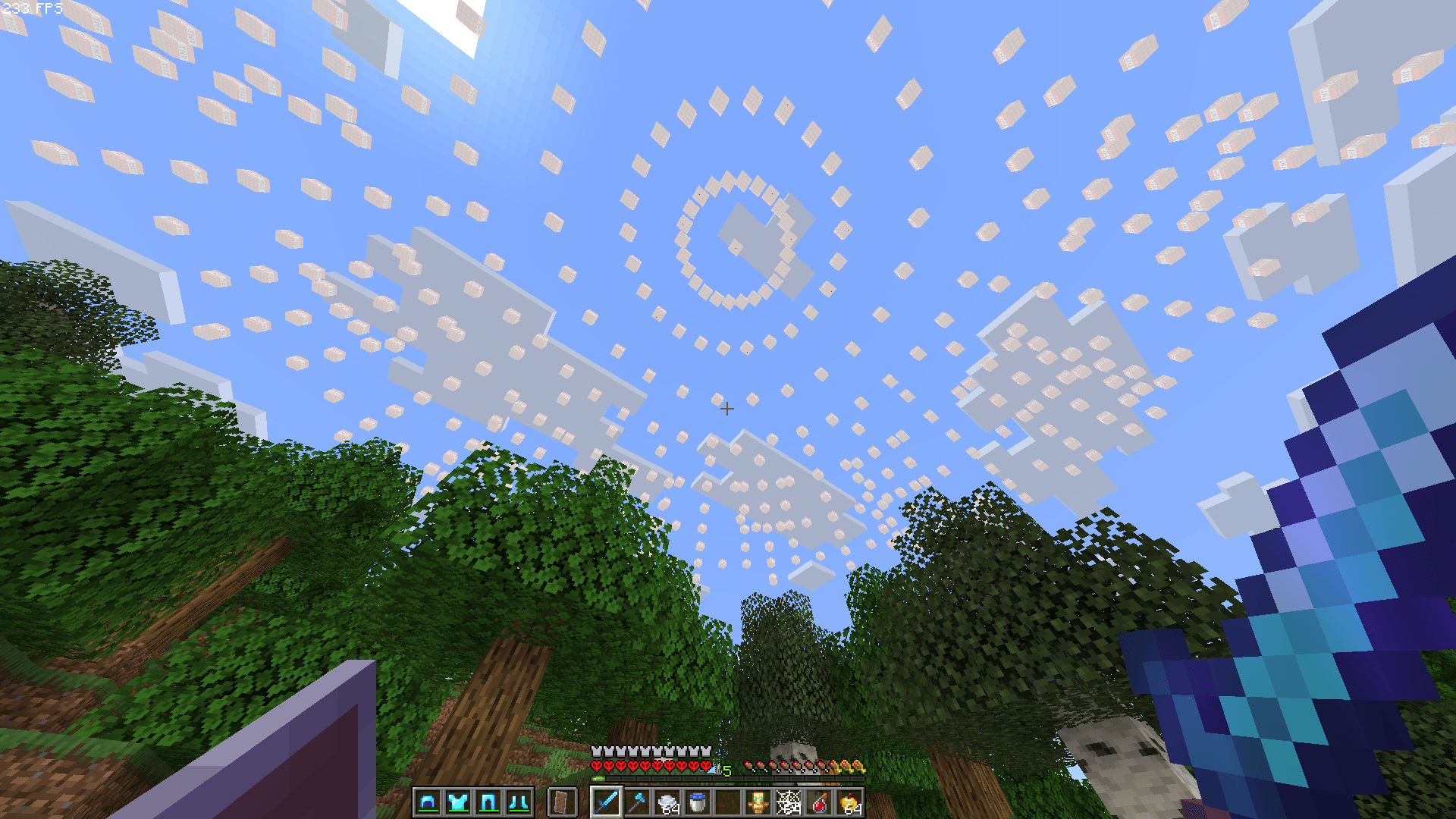
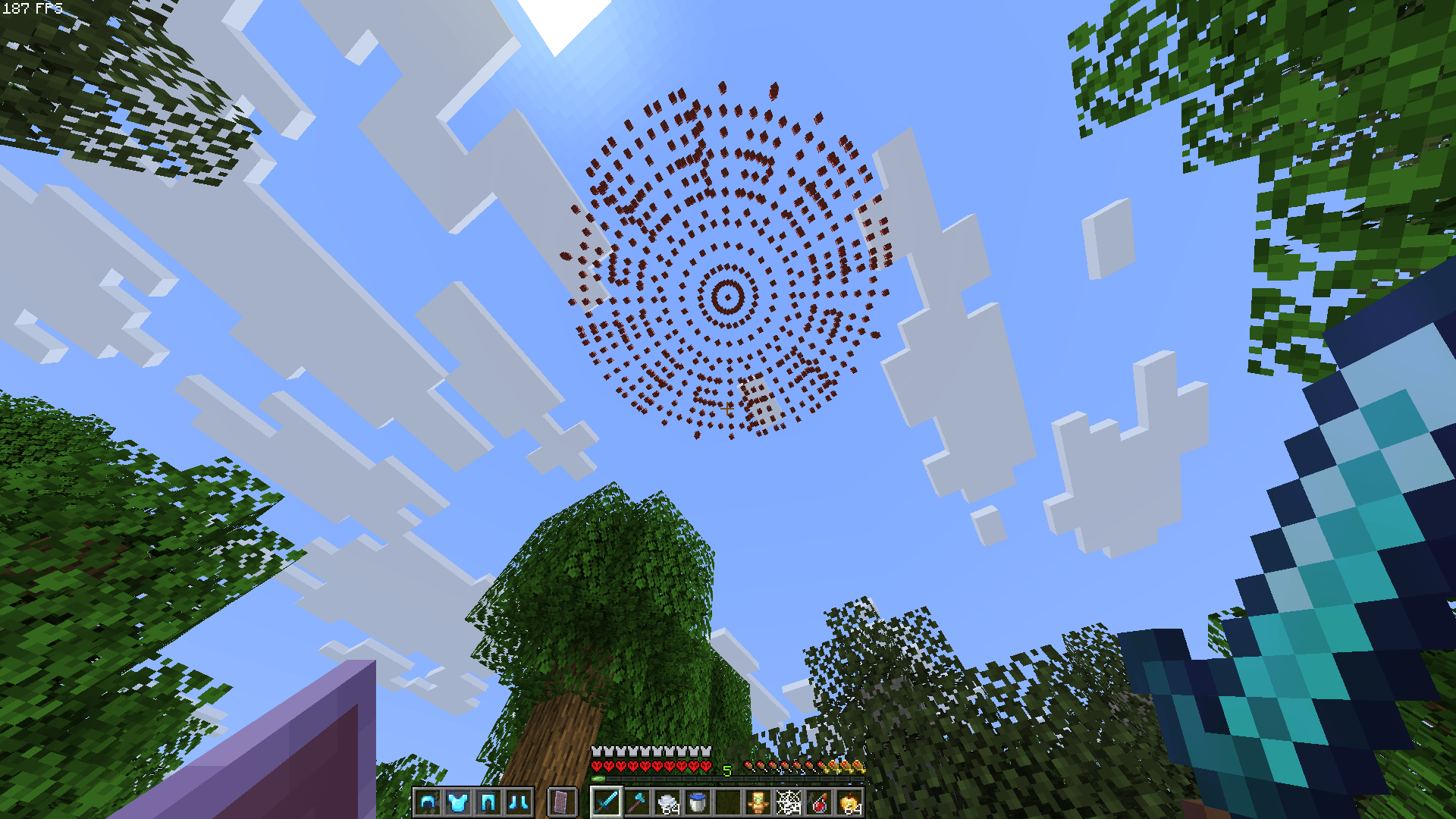
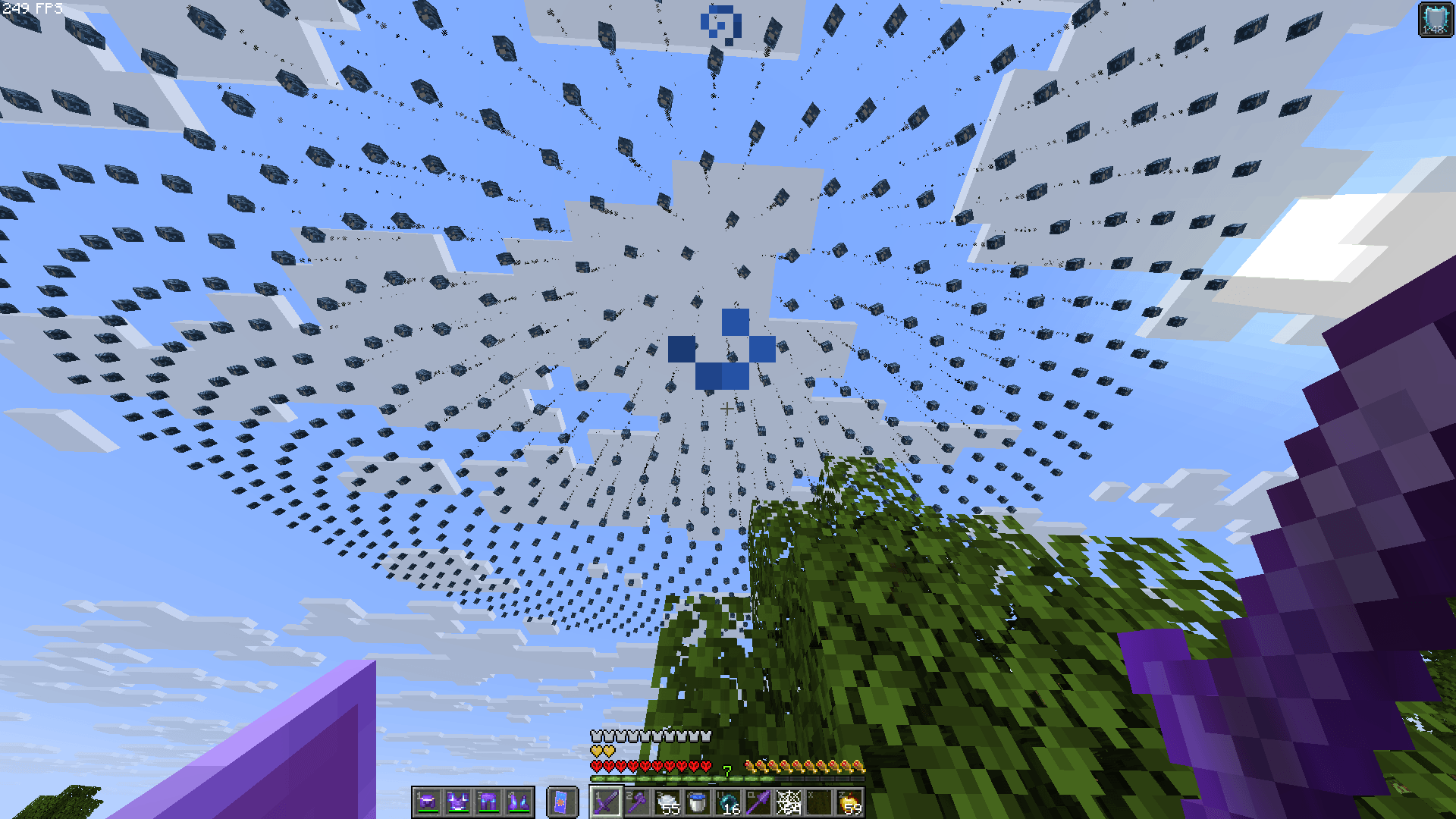
Adds Orbital TNT, Arrow, and Wither Skull Cannons and also Wolf rods, and Enderpearl Stasis rods to your World/Server
by TheDuckInBlue
Download Claim this project
62,524 downloads
0 likes
0 followers
Updated Oct 14, 2026
0 hypes
Follow0
Fantasy Magic Miscellaneous Utility
Advertisement Remove ads with Premium →

Title


Adds Orbital TNT, Arrow, and Wither Skull Cannons. And also Wolf and Enderpearl Stasis rods to your World/Server

For The Datapack:

To get the Nukeshot, run the command: /function nuke:give/nukeshot

To get the Stabshot, run the command: /function nuke:give/stabshot

To get the Arrowshot, run the command: /function nuke:give/arrowshot

To get the Withershot, run the command: /function nuke:give/withershot

To get the Wolfshot, run the command: /function nuke:give/wolfshot

To get an Enderpearl Stasis rod, run the command: /function nuke:give/pearl_stasis and you will then be prompted to set the stasis coords

To get a shulker full of Nukes and Stabs, run the command: /function nuke:give/shulker_of_explosives

To get a shulker full of Wolfshots, run the command: /function nuke:give/shulker_of_wolfs

To get everything, run the command /function nuke:give/everything
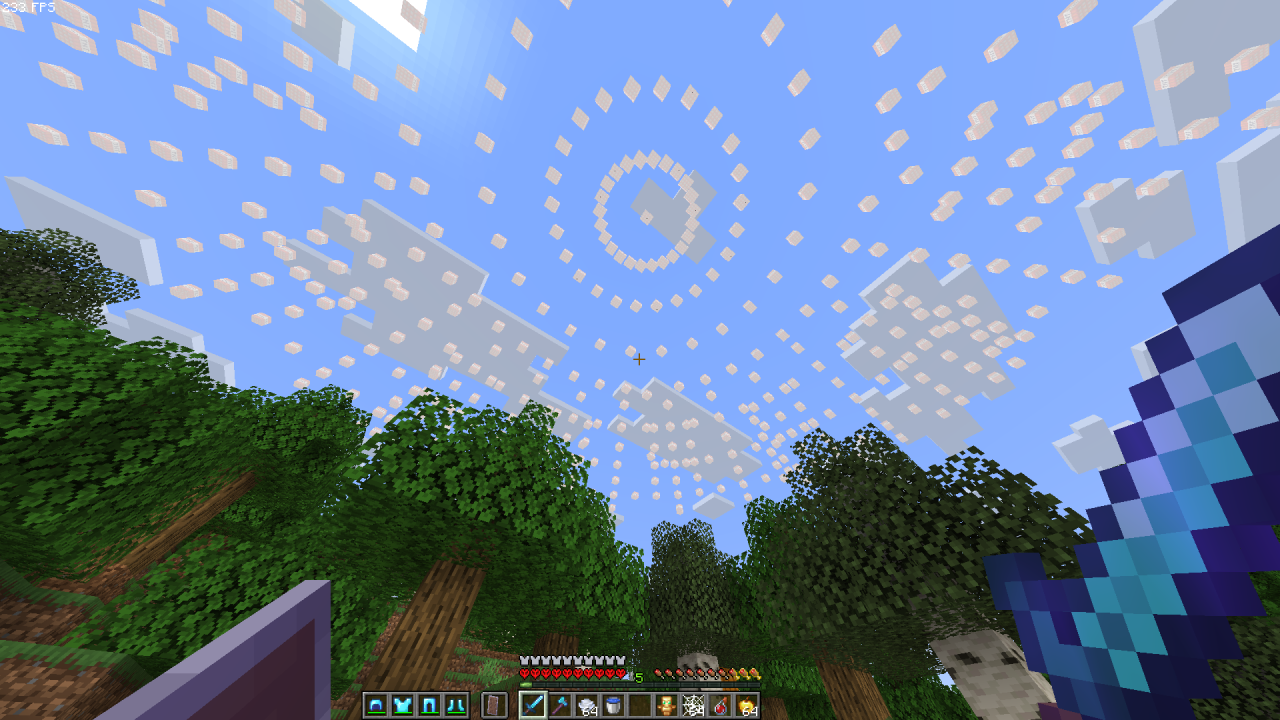
Gameplay

image

Installation Guide

Singleplayer (Existing World)

Download the datapack .zip folder.

Open Minecraft and navigate to your Singleplayer world list.

Select the world you want to add it to, click Edit, and then click Open World Folder.

Find and open the datapacks folder.

Move or paste the downloaded .zip file into this folder (you do not need to unzip it).

Singleplayer (New World)

Download the datapack .zip folder.

In Minecraft, go to Singleplayer and click Create New World.

Navigate to the More tab at the top of the screen and click Data Packs.

Drag and drop the downloaded .zip file directly into the Minecraft window, then click Yes to confirm.

Hover over the datapack in the "Available" column and click the arrow to move it to the "Selected" column.

Click Done and finish creating your world.

Multiplayer (Server)

Download the datapack .zip file.

Access your server files through your server host's web panel.

Open your main world folder (usually named world, depending on your server settings).

Open the datapacks folder.

Upload the .zip file into the datapacks folder.

Restart your server, or type /reload to load the datapack.

Orbital Strike Datapack v1.6.zip
MC 1.21.8, 1.21.9-snapshot, 1.21.9, 1.21.10, 1.21.11-snapshot, 1.21.11, 26.1, 26.1.1, 26.1.2, 26.2
Release 2026-09-01 Get
Orbital Strike Datapack v1.5 26.x.zip
MC 1.21.2-Snapshot, 1.21, 1.21.6-snapshot, 1.21.1-Snapshot, 1.21.8, 1.21.5, 1.21.4, 1.21.5-Snapshot, 1.21.1, 1.21.6, 1.21.3, 1.21.7, 1.21.4-Snapshot, 1.21.2, 1.21.9-snapshot, 1.21.9
Release 2026-08-12 Get
Orbital Strike Datapack v1.4 26.x.zip
MC 1.21.2-Snapshot, 1.21, 1.21.6-snapshot, 1.21.1-Snapshot, 1.21.8, 1.21.5, 1.21.4, 1.21.5-Snapshot, 1.21.1, 1.21.6, 1.21.3, 1.21.7, 1.21.4-Snapshot, 1.21.2, 1.21.9-snapshot, 1.21.9
Release 2026-07-28 Get
Orbital Strike Cannon v1.3 Datapack 26.x.zip
MC 1.21.2-Snapshot, 1.21, 1.21.6-snapshot, 1.21.1-Snapshot, 1.21.8, 1.21.5, 1.21.4, 1.21.5-Snapshot, 1.21.1, 1.21.6, 1.21.3, 1.21.7, 1.21.4-Snapshot, 1.21.2, 1.21.9-snapshot, 1.21.9
Release 2026-05-25 Get
Orbital Strike Cannon DP 1.21 - 26.2
MC 1.21.2-Snapshot, 1.21, 1.21.6-snapshot, 1.21.1-Snapshot, 1.21.8, 1.21.5, 1.21.4, 1.21.5-Snapshot, 1.21.1, 1.21.6, 1.21.3, 1.21.7, 1.21-Snapshot, 1.21.4-Snapshot, 1.21.2
Release 2026-05-08 Get
Orbital Strike Cannon Datapack 1.20.1/2.zip
MC 1.20.2-Snapshot, 1.20.2, 1.20.1
Release 2026-02-10 Get
Orbital Strike Cannon Datapack 1.21.x.zip
MC 1.21.2-Snapshot, 1.21, 1.21.6-snapshot, 1.21.1-Snapshot, 1.21.8, 1.21.5, 1.21.4, 1.21.5-Snapshot, 1.21.1, 1.21.6, 1.21.3, 1.21.7, 1.21.4-Snapshot, 1.21.2, 1.21.9-snapshot, 1.21.9
Release 2026-02-10 Get
Orbital Strike Cannon Datapack.zip
MC 1.21.6-snapshot, 1.21.8, 1.21.6, 1.21.7, 1.21.9-snapshot, 1.21.9, 1.21.10, 1.21.11-snapshot, 1.21.11
Release 2026-02-02 Get

Requirements & install

How to use this data pack in Minecraft
Mods needed
None, works in vanilla
Minecraft
1.21.9 – 26.2
Install folder
saves/<world>/datapacks

How to install data packs

  1. Download the data pack .zip file (do not extract it).
  2. New world: click Data Packs on the world creation screen and drop the .zip in. Existing world: open .minecraft/saves/<world>/datapacks.
  3. Put the .zip into the datapacks folder of the world (servers: world/datapacks).
  4. Run /reload in game (or rejoin the world) and check it with /datapack list.
Browse more: Data Packs for 26.2 All data packs

More from TheDuckInBlue

Advertisement Remove ads with Premium →

You Might Also Like