Mineuniverse
Shaders
RayTrace ShaderPack

RayTrace ShaderPack

SHADER
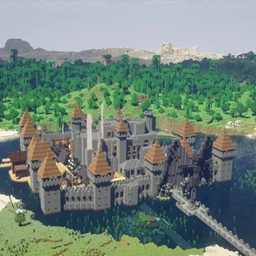
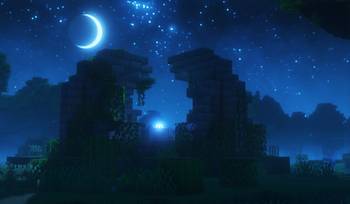
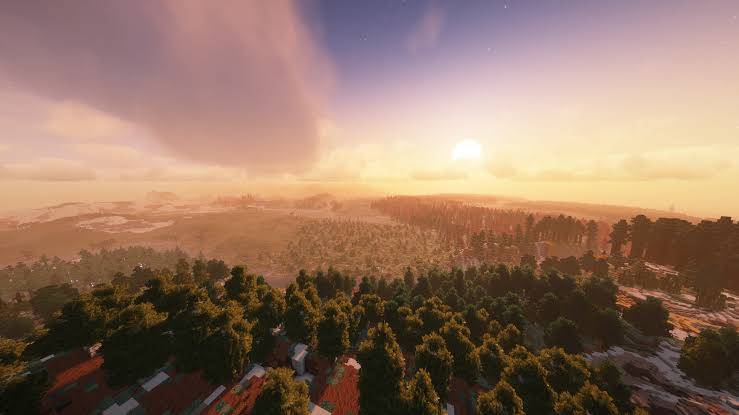
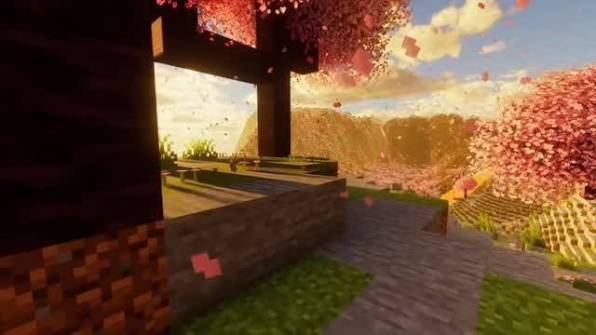
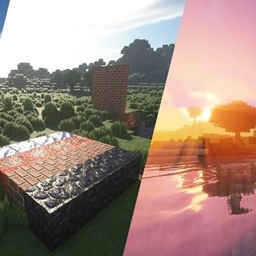
Screen-space ray-marched reflections, GI, and shadows for a "ray traced" look on OptiFine/Iris.
by TaeVersePlayz
Download Claim this project
1,096 downloads
0 likes
Updated Oct 14, 2026
0 hypes
Fantasy Realistic
Advertisement Remove ads with Premium →

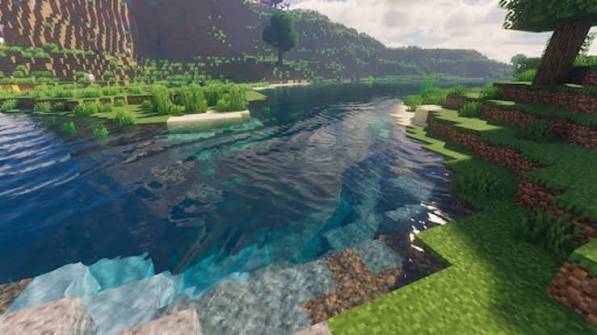
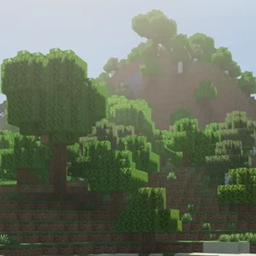
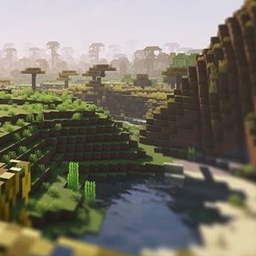
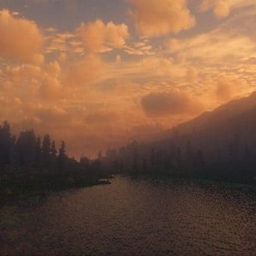
A shaderpack that simulates RTX-style ray tracing using screen-space ray marching — the same technique used by SEUS PTGI, Complementary Reimagined, and BSL. True hardware ray tracing isn't accessible from Java Edition shaderpacks (they run on OpenGL, not DXR/Vulkan RT), so this marches rays against the depth buffer each frame to build reflections and a one-bounce GI approximation.

Features

  • Ray-marched reflections and diffuse global illumination, temporally denoised
  • Real sunlight diffuse lighting with ray-traced-style soft shadows
  • Near-mirror water reflections
  • Two-pass bloom, ACES tonemapping
  • 4 quality profiles (Low/Medium/High/Ultra) plus individually adjustable sliders

Requirements: OptiFine or Iris (Sodium+Iris also works)

Install: drop the zip into .minecraft/shaderpacks/, select it from Video Settings → Shaders.

RTXPathTracing_2.zip
MC 1.16.3, 1.16-Snapshot, 1.17.1, 1.21, 1.16.1, 1.18.1, 1.16, 1.19-Snapshot, 1.16.5, 1.19.3, 1.20.2, 1.19.4, 1.21.8, 1.17, 1.20.5, 1.21.5, 1.17-Snapshot, 1.18, 1.21.4, 1.20.1
Release 2026-09-11 Get

Requirements & install

How to use this shader in Minecraft
Shader loader
Iris or OptiFine
Minecraft
1.19.4 – 1.21.8
Install folder
.minecraft/shaderpacks

How to install shaders

  1. Install a shader loader for your Minecraft version: Iris (with Sodium) or OptiFine.
  2. Download the shader pack .zip file (do not extract it).
  3. Put the .zip into the shaderpacks folder (.minecraft/shaderpacks).
  4. In game open Options → Video Settings → Shader Packs, select the pack and apply it.
Browse more: Iris shaders OptiFine shaders Shaders for 1.21.8 All shaders

More from TaeVersePlayz

Advertisement Remove ads with Premium →

You Might Also Like