Badges update automatically and link to the shader page on MineUniverse.
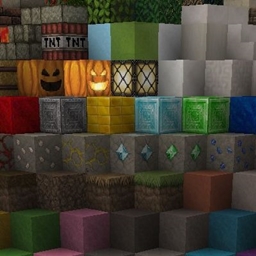
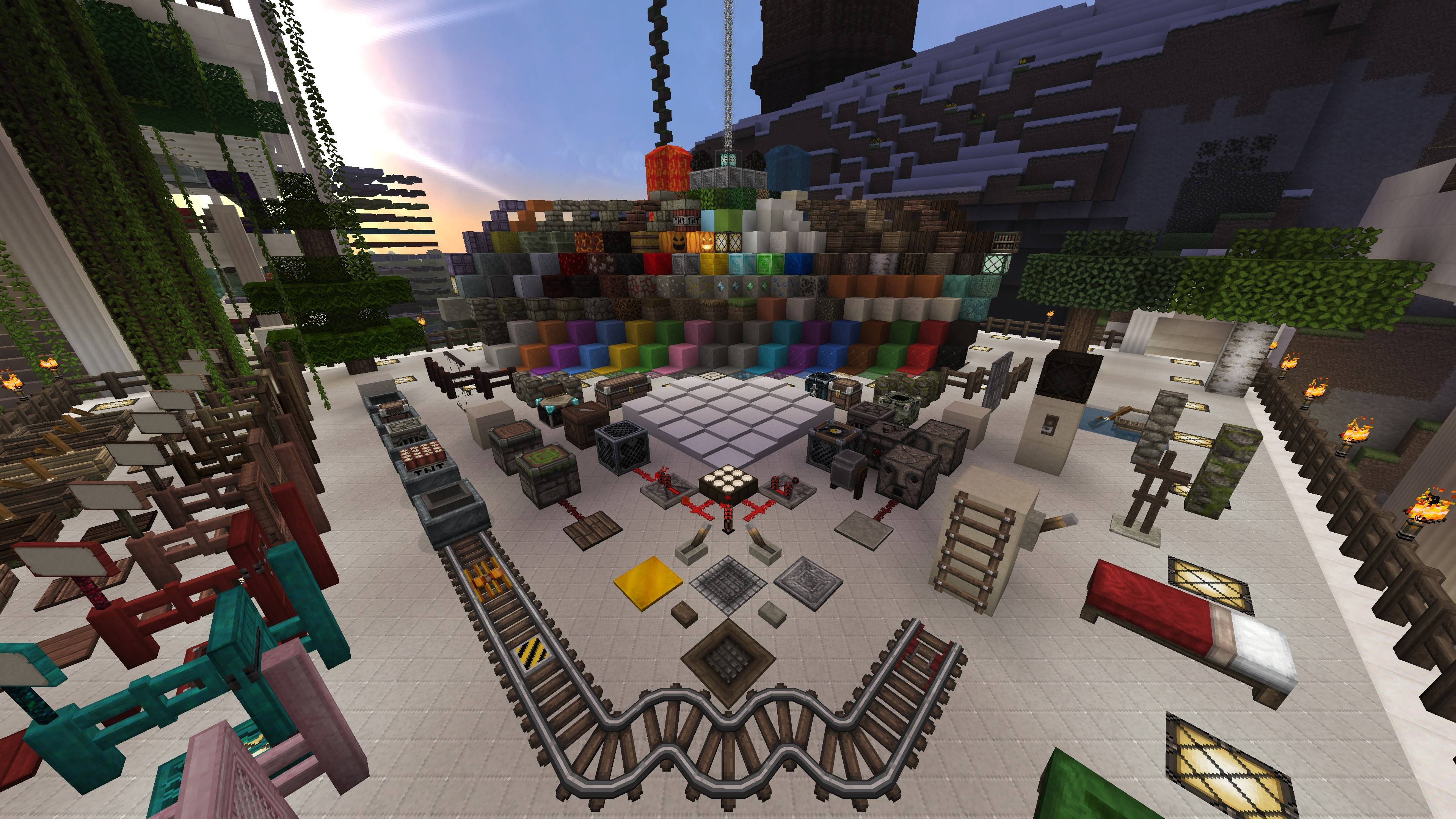
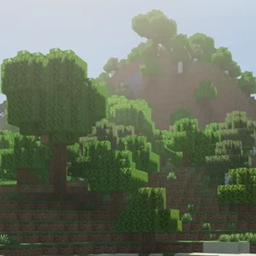
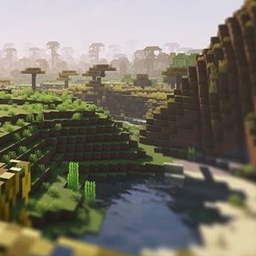
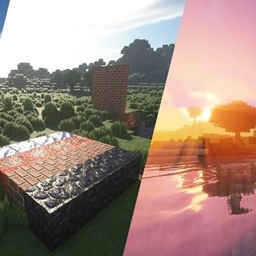
Transform your Minecraft world with this detailed medieval-inspired resource pack designed to enhance the vanilla experience without changing the core feel of the game. Every texture has been carefully crafted to provide richer details, realistic materials, and a more immersive atmosphere for survival, creative, and adventure gameplay.
✔ Enhanced block textures
✔ Detailed building materials
✔ Improved ores and minerals
✔ Reworked rails and redstone components
✔ Better decorative blocks and furniture textures
✔ Medieval and realistic visual style
✔ Optimized for smooth gameplay
✔ Compatible with Minecraft 1.21.7
Whether you're building massive castles, exploring survival worlds, or creating detailed medieval towns, this pack brings a fresh and immersive look to every block in the game.
resourcepacks folder.If you encounter any issues or have suggestions for future updates, feel free to leave feedback. Your support helps improve the pack and add new features in future releases.
Minecraft Version: 1.21.7
Category: Resource Pack
Style: Medieval • Realistic • Enhanced Vanilla
#Minecraft #ResourcePack #Medieval #RealisticTextures #EnhancedVanilla #Minecraft1217 #CurseForge #TexturePack #Gaming #MinecraftBuilds