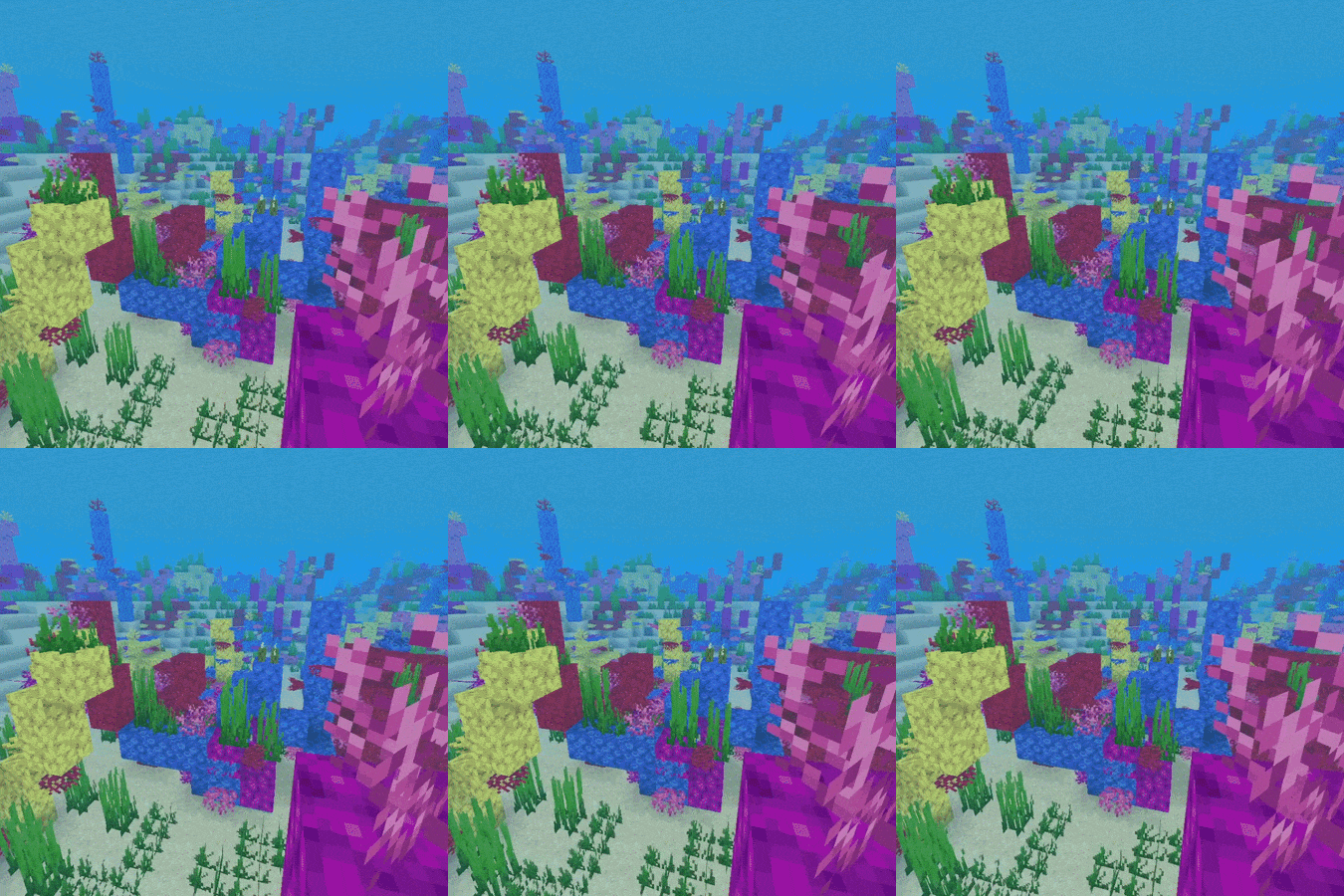
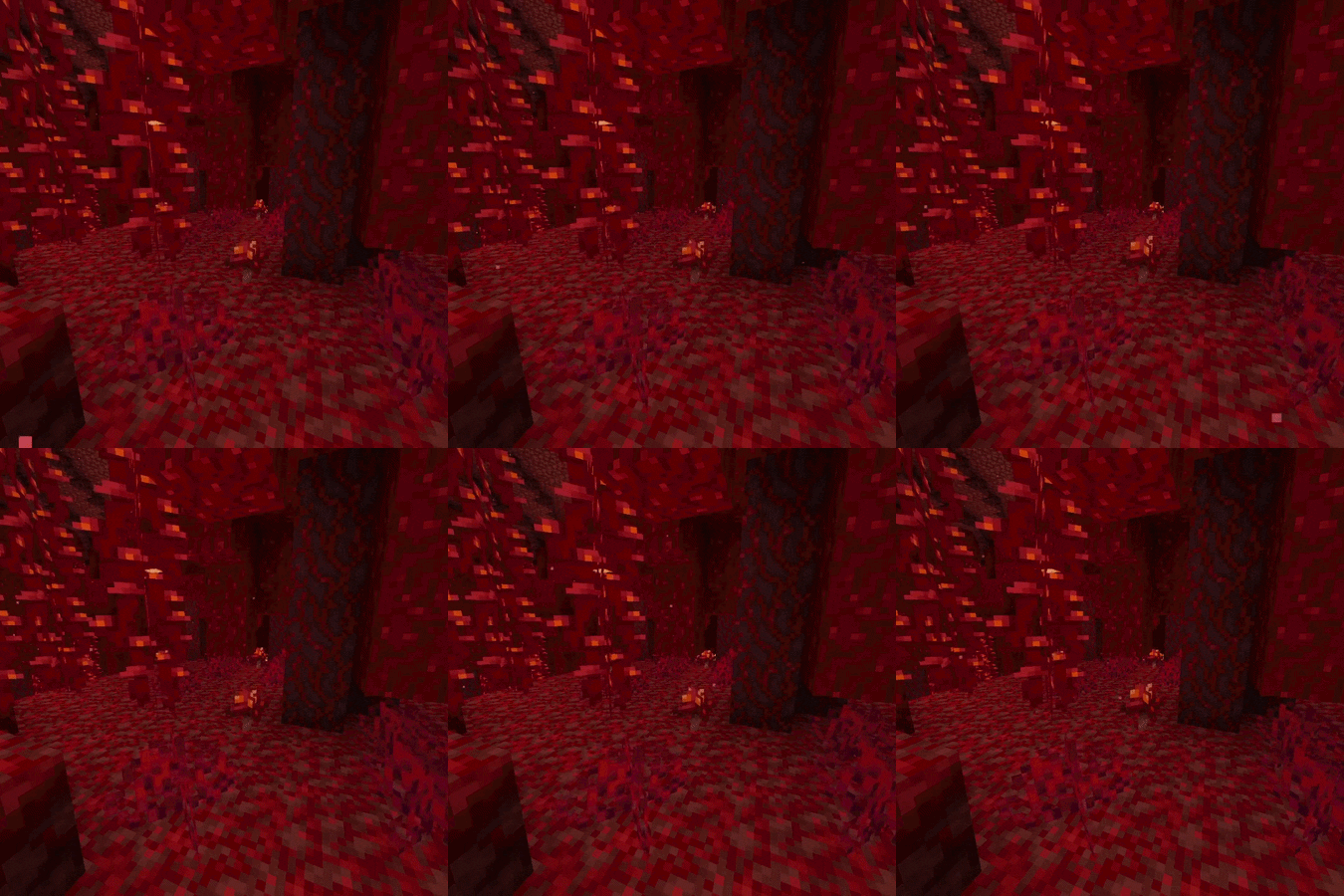
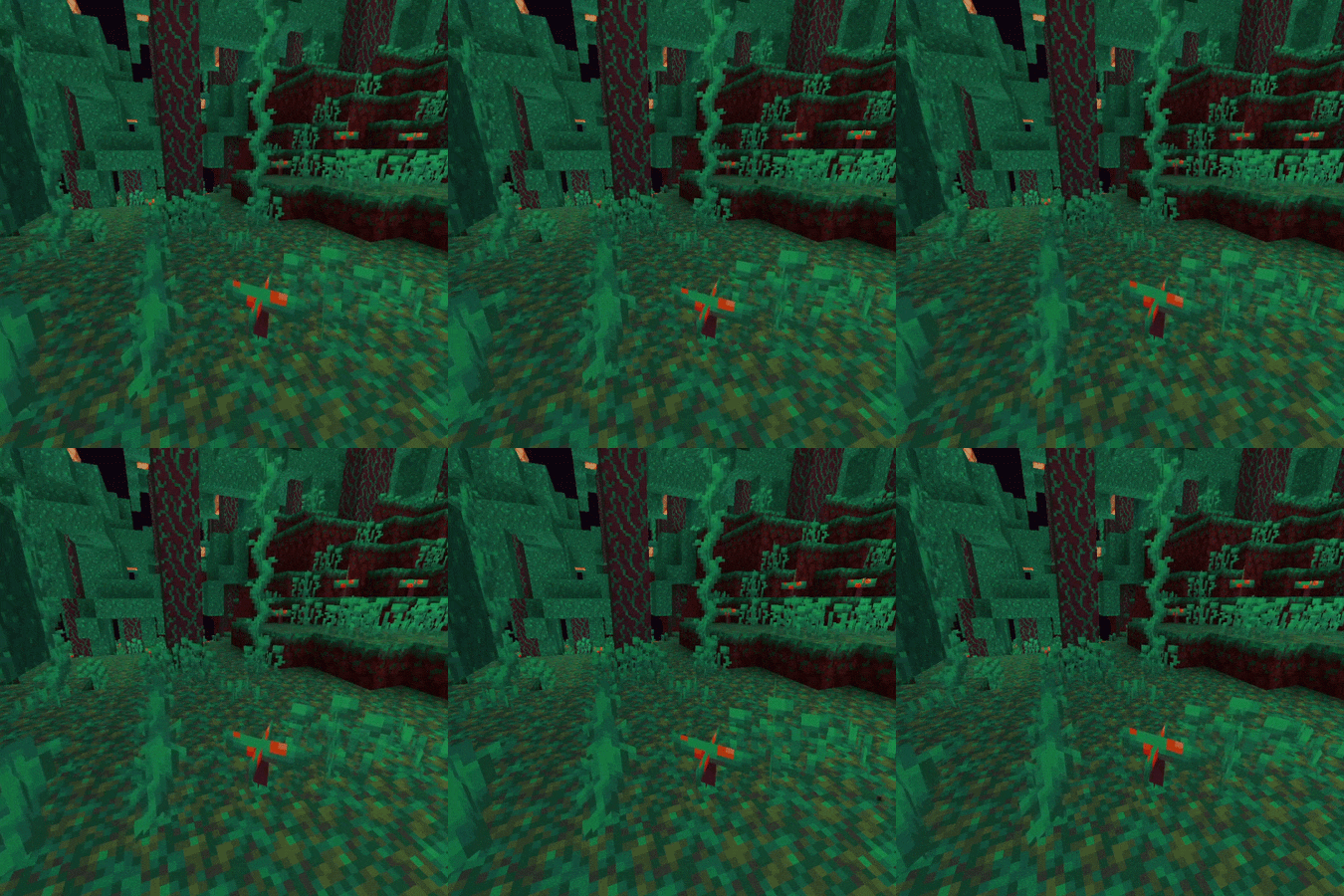
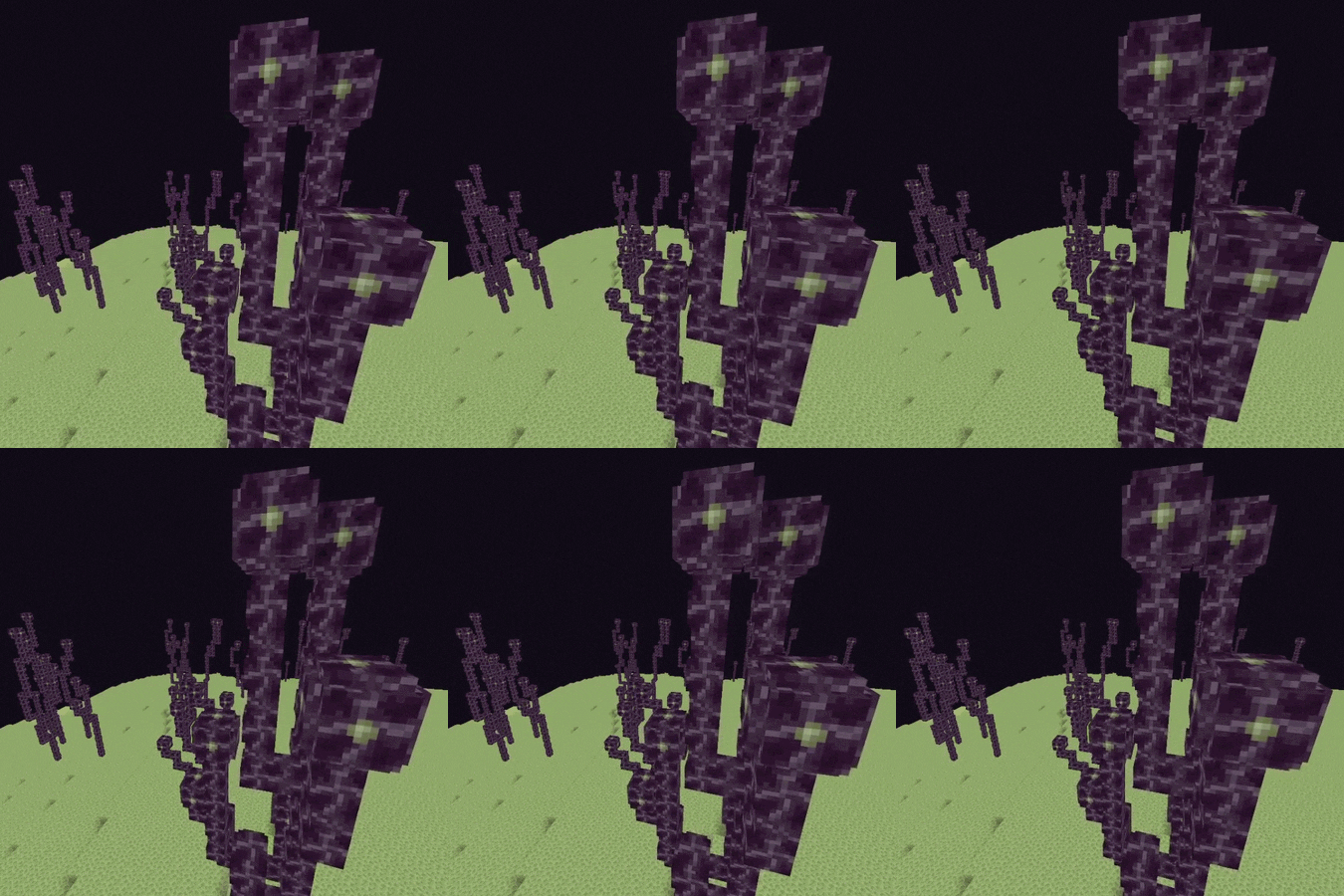
A lightweight and minimalist shader that preserves the vanilla visual style of the game, while adding small effects that enhance the experience.
✨ Features:
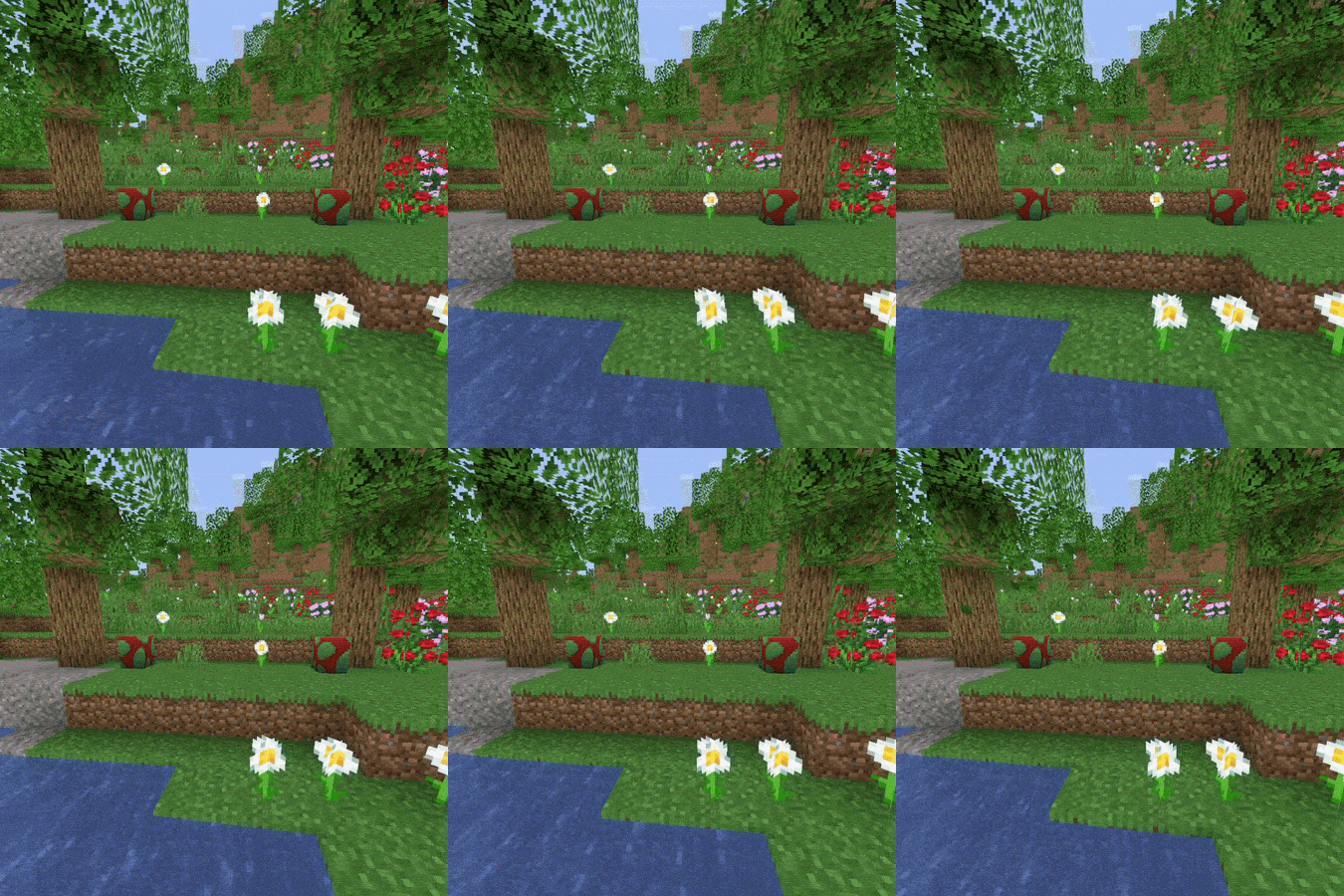
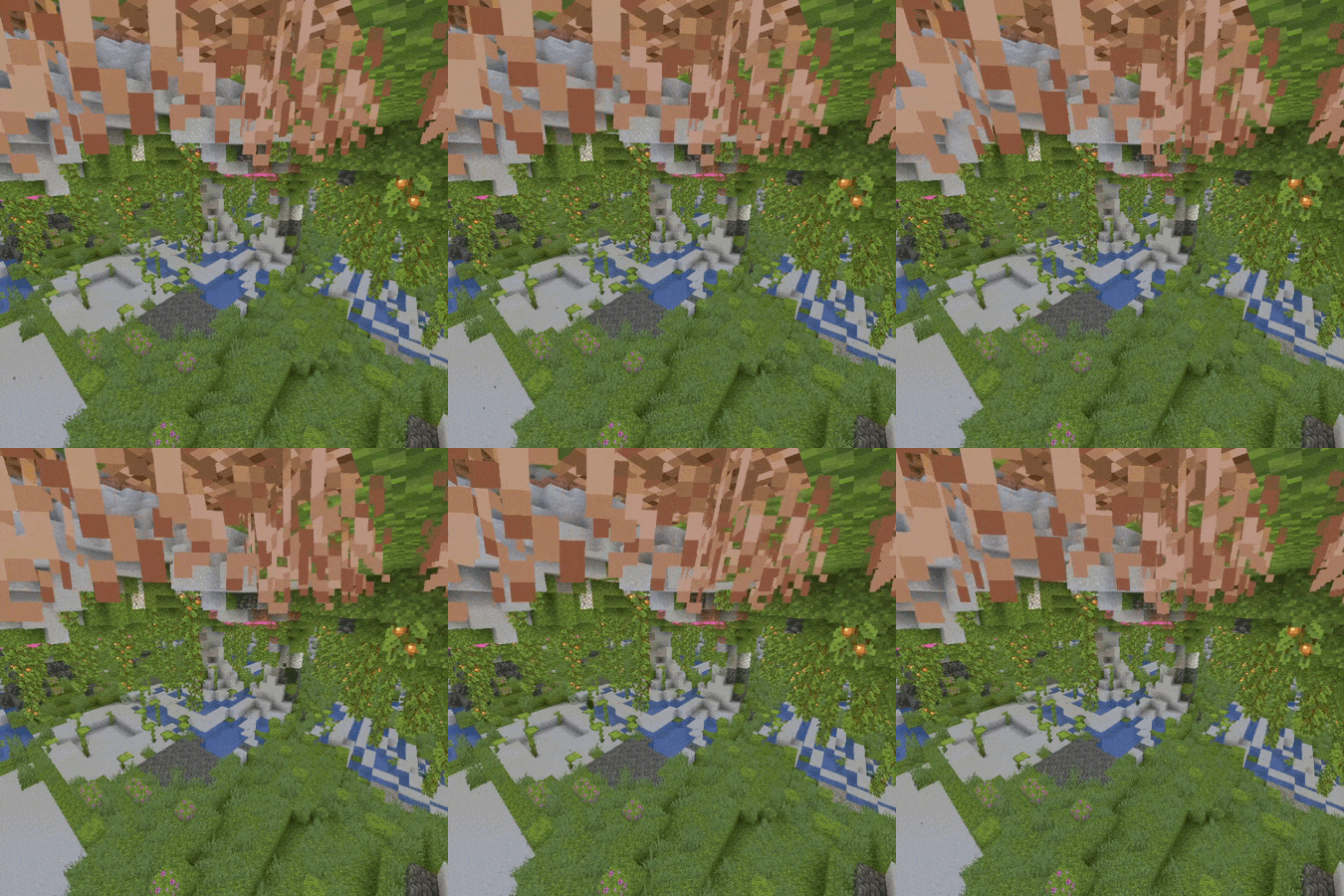
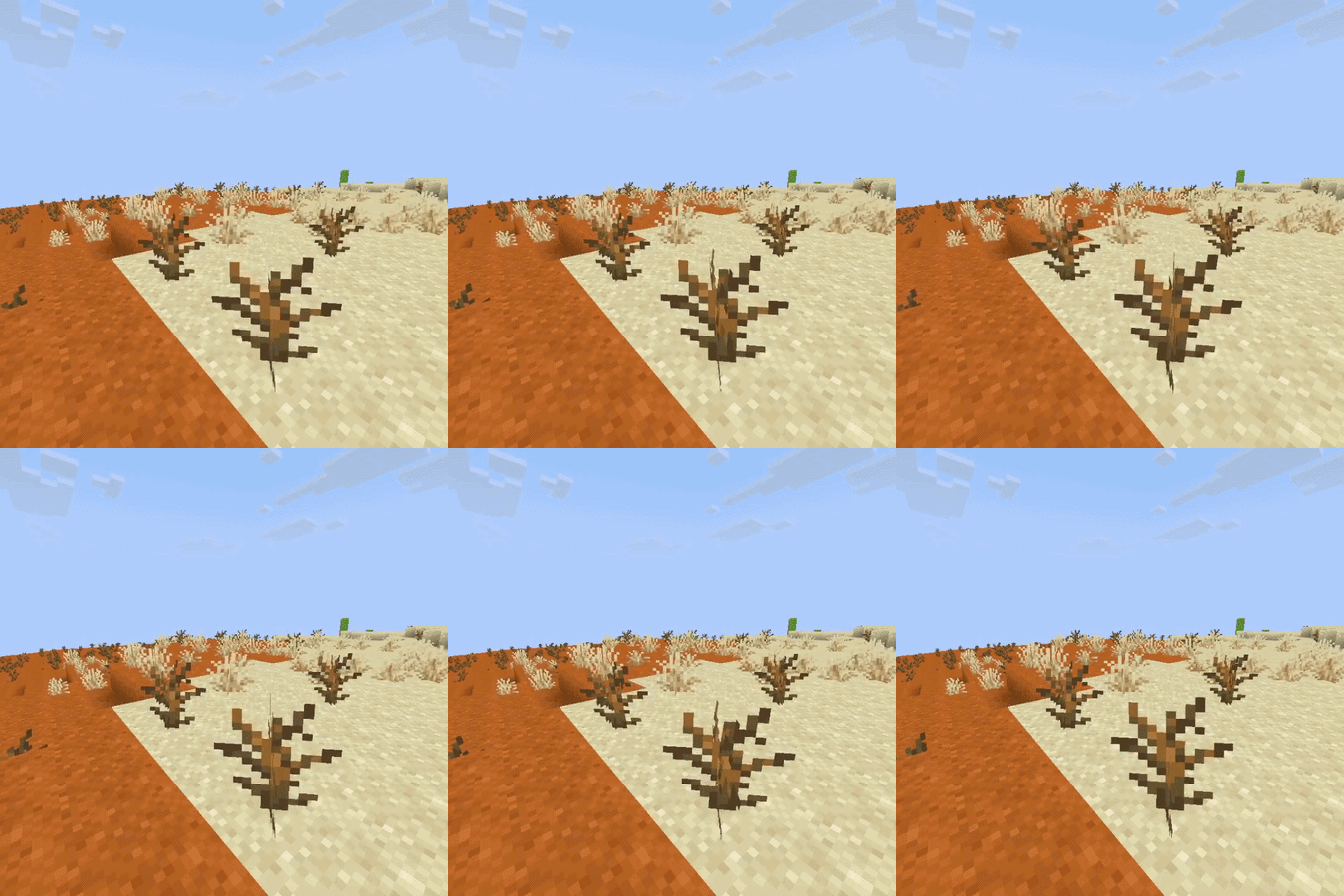
- Animated vegetation: Leaves, grass, ferns, crops, flowers, mushrooms, and hanging roots sway with the wind.
- Water and marine life: Waving water, algae, kelp, corals, and marine plants.
- Livelier Nether: Crimson/warped roots, weeping and twisting vines with their own sway.
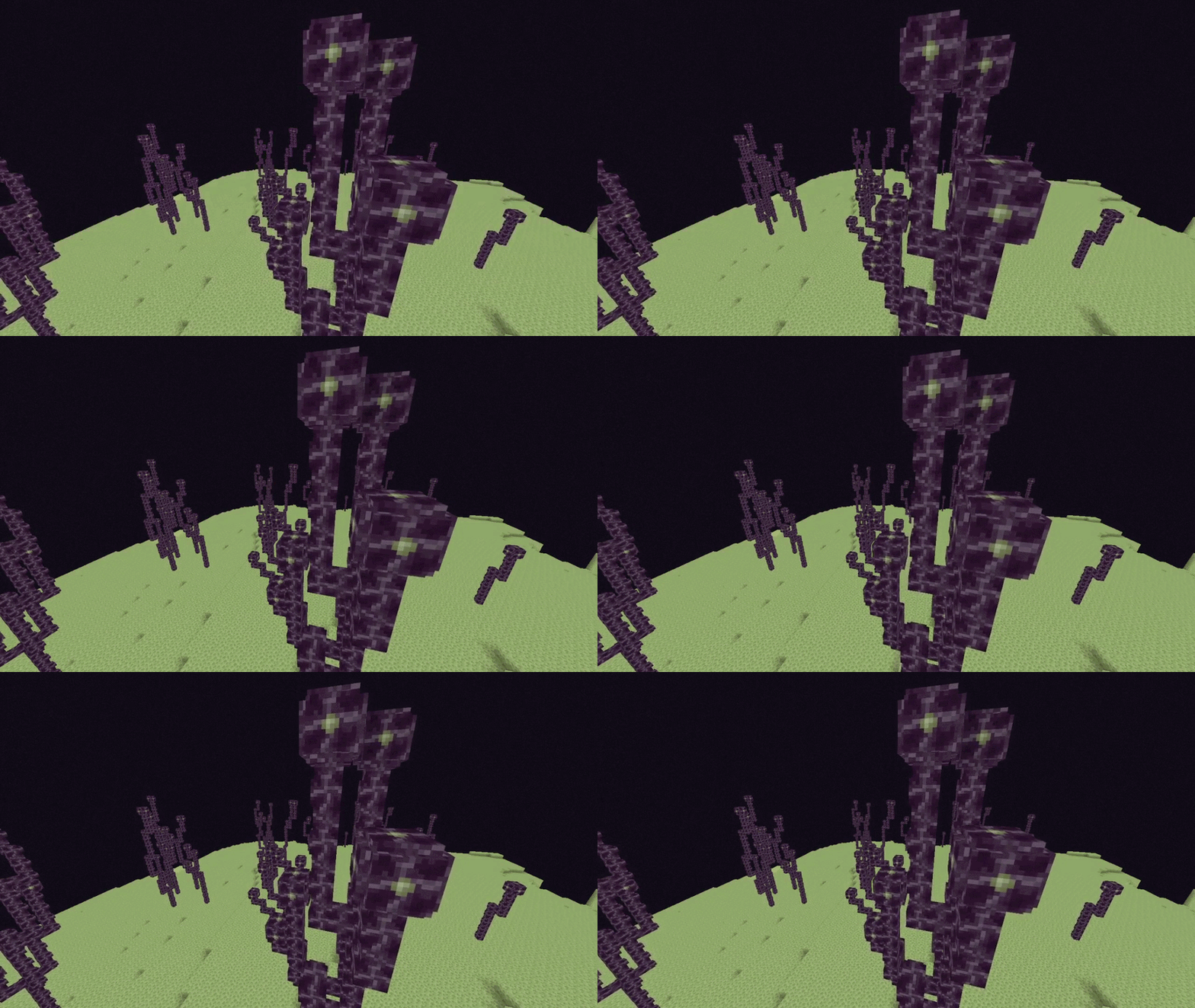
- Livelier End: End vegetation also animates.
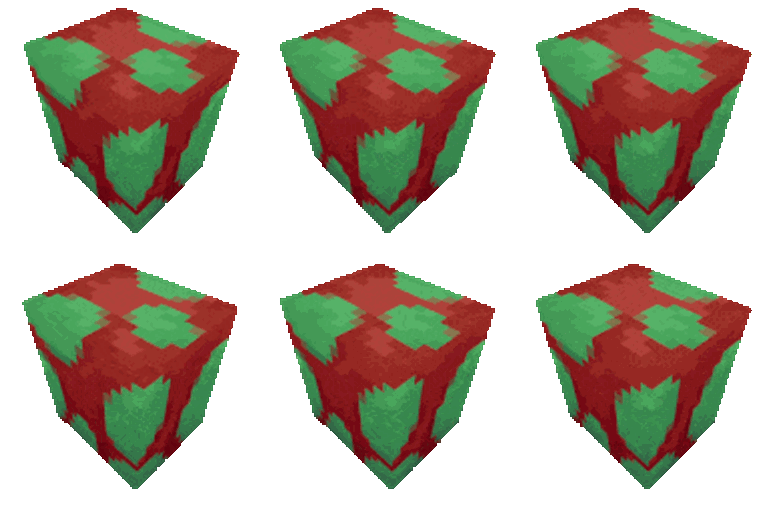
- Extra details: Occasional rotation of the Sniffer egg and a subtle 3D effect when breaking blocks.
- Configuration: Each block group has its own sliders for intensity and speed, organized into tabs to adjust the shader to your liking.
- Performance/optimization: Designed to remain lightweight and compatible.
- Multilanguage: Options interface available in multiple languages (currently EN-US, ES-ES).


📥 Installation:
- Go to Options > Graphics > Shaders… > Shaders Folder.
- Copy the .zip file, without extracting, into that folder.
- Select "Goldelion Shaders" from the list and open Shader Options to customize it.
🔧 Requirements:
You need a mod that supports shaders (such as Iris or OptiFine) to load this pack.
🚧 In development:
Goldelion is constantly evolving. Wind and wave animations are just the beginning — more effects and adjustments will be added in future versions, always ensuring the result feels 100% vanilla.