Mineuniverse
Resource Packs
Pixelated Pack

Pixelated Pack

RESOURCE PACK
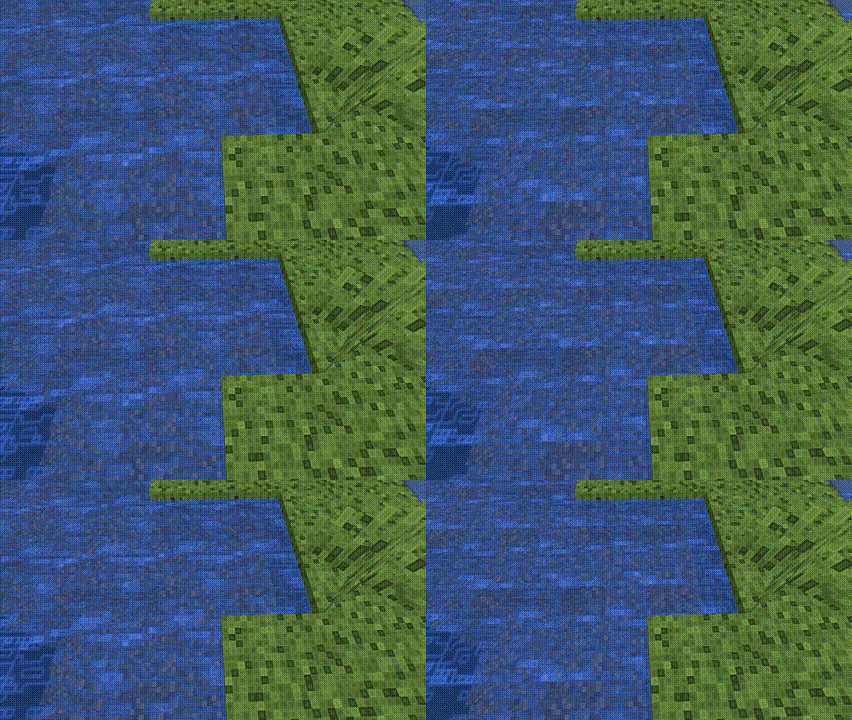
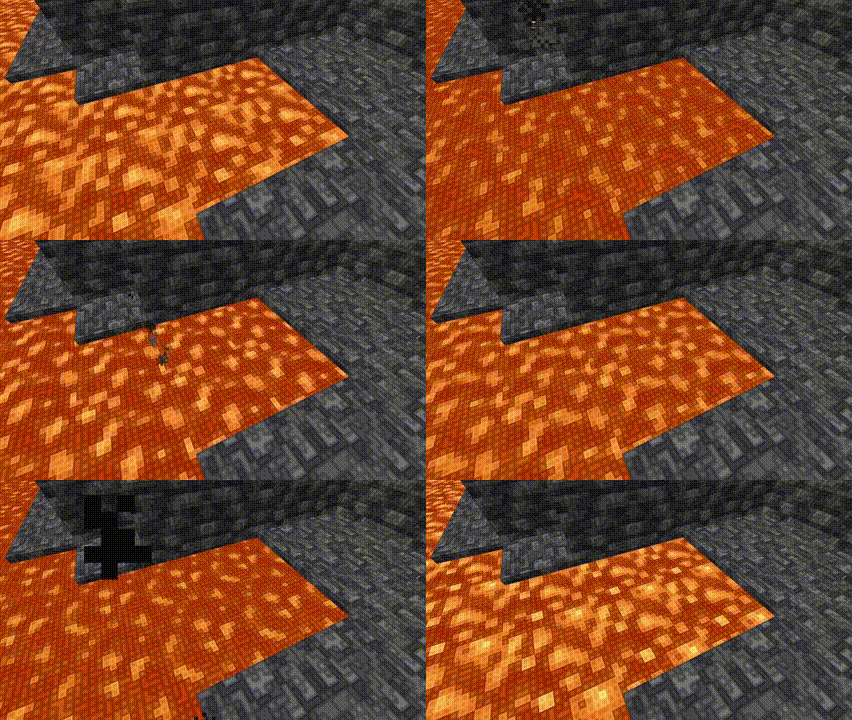
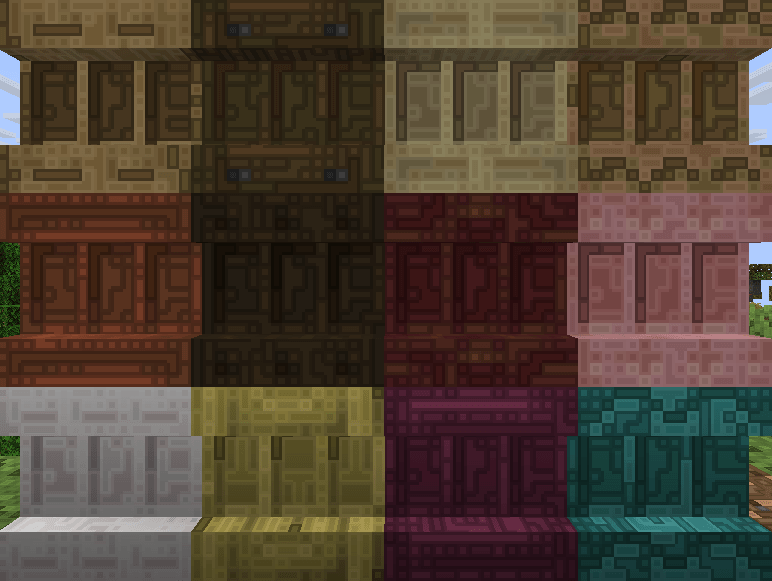
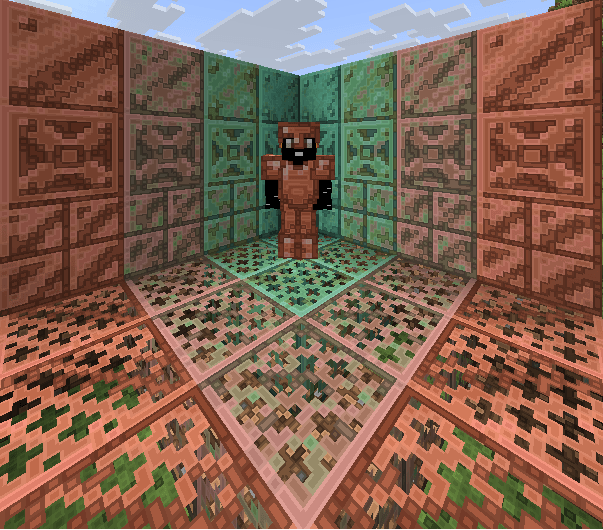
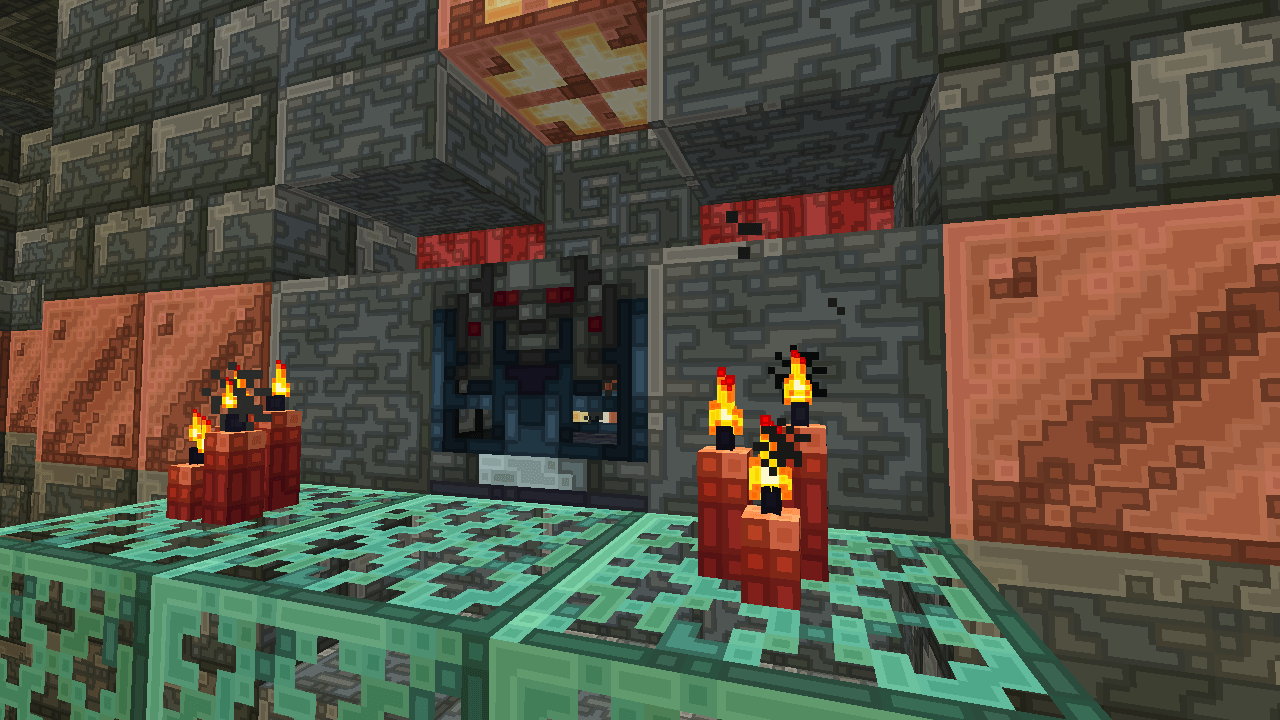
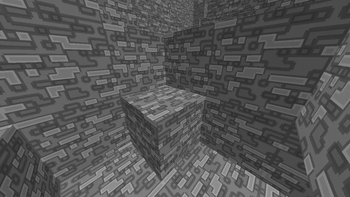
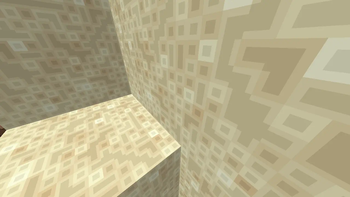
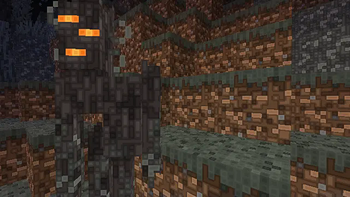
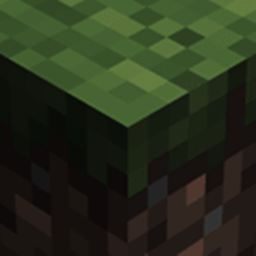
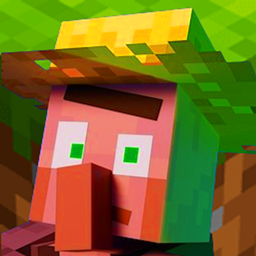
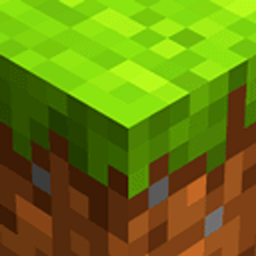
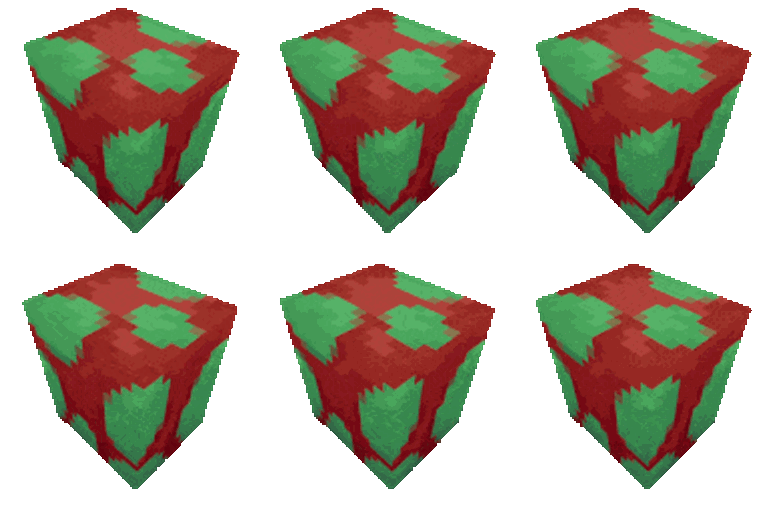
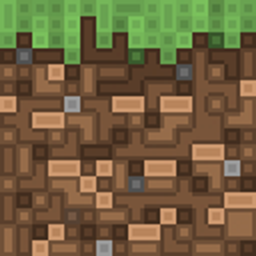
It's a Texture Pack designed to give Minecraft a unique visual style, where every pixel takes center stage. This is done through the use of defined contours and edges that make each texture stand out, as if carved from blocks of digital art.

by JBlock
Download Claim this project
363 downloads
0 likes
Updated Oct 14, 2026
0 hypes
16x Traditional
Advertisement Remove ads with Premium →

It's a Texture Pack designed to give Minecraft a unique visual style, where every pixel takes center stage. This is done through the use of defined contours and edges that make each texture stand out, as if carved from blocks of digital art.

PP_1.21.9
MC 1.21.9, 1.21.10
Release 2025-11-23 Get
PP_1.21.8
MC 1.21.8
Beta 2025-07-29 Get

Requirements & install

How to use this resource pack in Minecraft
Resolution
16x
Minecraft
1.21.8 – 1.21.10
Install folder
.minecraft/resourcepacks

How to install resource packs

  1. Download the resource pack .zip file (do not extract it).
  2. In Minecraft open Options → Resource Packs → Open Pack Folder.
  3. Drop the .zip into the resourcepacks folder (.minecraft/resourcepacks).
  4. Move the pack to the Selected column and click Done.
Browse more: 16x resource packs 32x resource packs 64x resource packs 128x resource packs 256x resource packs 512x+ resource packs Resource Packs for 1.21.10 All resource packs

More from JBlock

Advertisement Remove ads with Premium →

You Might Also Like