Mineuniverse
Resource Packs
Best Saturation Pack

Best Saturation Pack

RESOURCE PACK
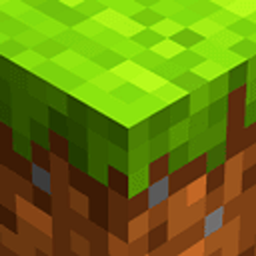
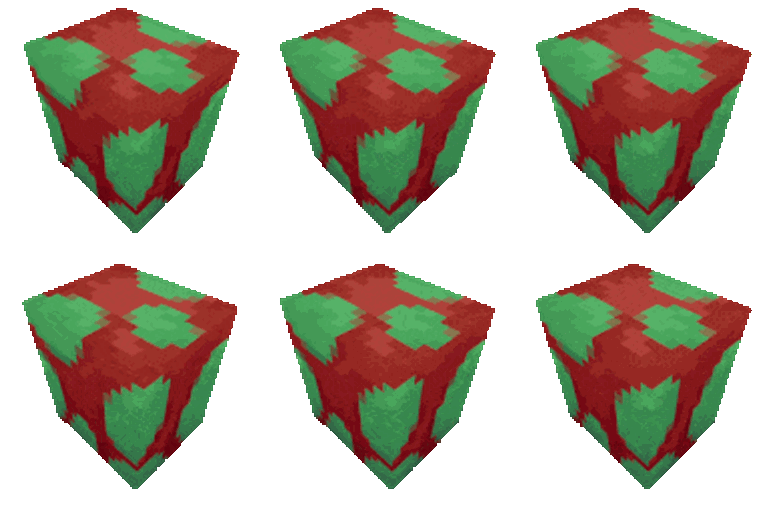
This TexturePack reinterprets the way we see the game and adds more vibrant and eye-catching colors, improving your viewing experience.
by JBlock
Download Claim this project
Add a badge to your pageLink to Best Saturation Pack from a README, website or forum post.
Preview: Badge

Badges update automatically and link to the resource pack page on MineUniverse.

41,325 downloads
0 likes
0 followers
Updated Oct 14, 2026
0 hypes
Follow0
16x Animated Traditional
Advertisement Remove ads with Premium →

Logo del mod


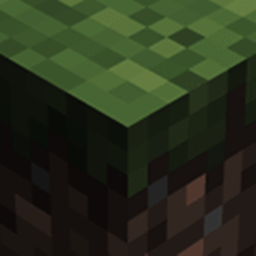
Transform the visual experience of the environment by granting greater saturation, while still maintaining the base style and perspective. Saturation is carefully increased in-game, preserving a balance between vibrancy and vanilla.

This pack was developed with the goal of visually enhancing the atmosphere and improving, at least a little, the experience without exaggerated changes, in order to maintain vanilla gameplay.

🎨 Features:

  • More vibrant and lively colors.
  • Support for vanilla: mobs, blocks and items.
  • Vanilla standard (16x) lightweight, ideal for low‑spec PCs.
  • For players who enjoy using features like Optifine or Continuity: certain versions include compatibility with connected glass through the ConnectedBlocks function.

⛏ Utility:

This pack works perfectly in both single-player worlds and vanilla servers. It doesn’t alter gameplay directly, so it won’t add or remove anything that changes your vanilla experience — only visual improvements.

If you’d like to keep the vanilla essence but make it a little more vibrant and colorful, this might be the one to try!

🌈 What Makes It Special?

We don’t claim this is one of the industry’s top packs, nor that it will be everyone’s favorite. What we do promise is to stay true to the essence it set out to deliver from the very beginning.


🎬 See It in Action


✨ Compatible with Minecraft Java:

  • 26.1.x [Latest]
  • 1.21.x
  • 1.16.x
  • 1.8.x
  • 1.0.x

📥 Download it now and rediscover Minecraft in a more colorful, vibrant way!


YouTube Button

Discord Button

Ready 26.3
MC 26.3
Release 2026-09-15 Get
Ready v26.2
MC 26.2
Release 2026-06-24 Get
v26.1 CBC
MC 26.1, 26.1.1, 26.1.2
Release 2026-06-16 Get
Xclusy 1.0
MC 1.0
Release 2026-05-11 Get
Ready v26.1
MC 26.1, 26.1.1, 26.1.2
Release 2026-04-08 Get
Ready 1.21v11
MC 1.21.11
Release 2026-01-18 Get
Xclusy 1.8.x
MC 1.8.7, 1.8.8, 1.8.4, 1.8.3, 1.8.6, 1.8.9, 1.8.1, 1.8.5, 1.8.2
Release 2025-10-22 Get
Xclusy 1.16.x
MC 1.16.3, 1.16.1, 1.16, 1.16.5, 1.16.2, 1.16.4
Release 2025-10-22 Get
Ready 1.21v10
MC 1.21.9-snapshot, 1.21.9, 1.21.10
Release 2025-10-05 Get
Ready 1.21v8
MC 1.21.8, 1.21.7
Release 2025-09-04 Get
Ready 1.21v6
MC 1.21.6-snapshot, 1.21.6
Release 2025-06-20 Get
Ready 1.21v5
MC 1.21.5
Release 2025-03-27 Get
Ready 1.21v4
MC 1.21.4
Release 2024-12-23 Get
Ready 1.21v3
MC 1.21.3, 1.21.2
Release 2024-10-23 Get
CBC For BSL
MC 1.21, 1.20.2, 1.21.8, 1.20.5, 1.21.5, 1.21.4, 1.20.1, 1.20, 1.20.6, 1.21.1, 1.21.6, 1.21.3, 1.21.7, 1.20.4, 1.20.3, 1.21.2, 1.21.9, 1.21.10, 1.21.11, 26.1, 26.1.1, 26.1.2
Release 2024-10-21 Get
Ready 1.21v1
MC 1.21, 1.21.1
Release 2024-10-13 Get

Requirements & install

How to use this resource pack in Minecraft
Resolution
16x
Minecraft
1.21.9 – 26.3
Install folder
.minecraft/resourcepacks

How to install resource packs

  1. Download the resource pack .zip file (do not extract it).
  2. In Minecraft open Options → Resource Packs → Open Pack Folder.
  3. Drop the .zip into the resourcepacks folder (.minecraft/resourcepacks).
  4. Move the pack to the Selected column and click Done.
Browse more: 16x resource packs 32x resource packs 64x resource packs 128x resource packs 256x resource packs 512x+ resource packs Resource Packs for 26.3 All resource packs

More from JBlock

Advertisement Remove ads with Premium →

You Might Also Like