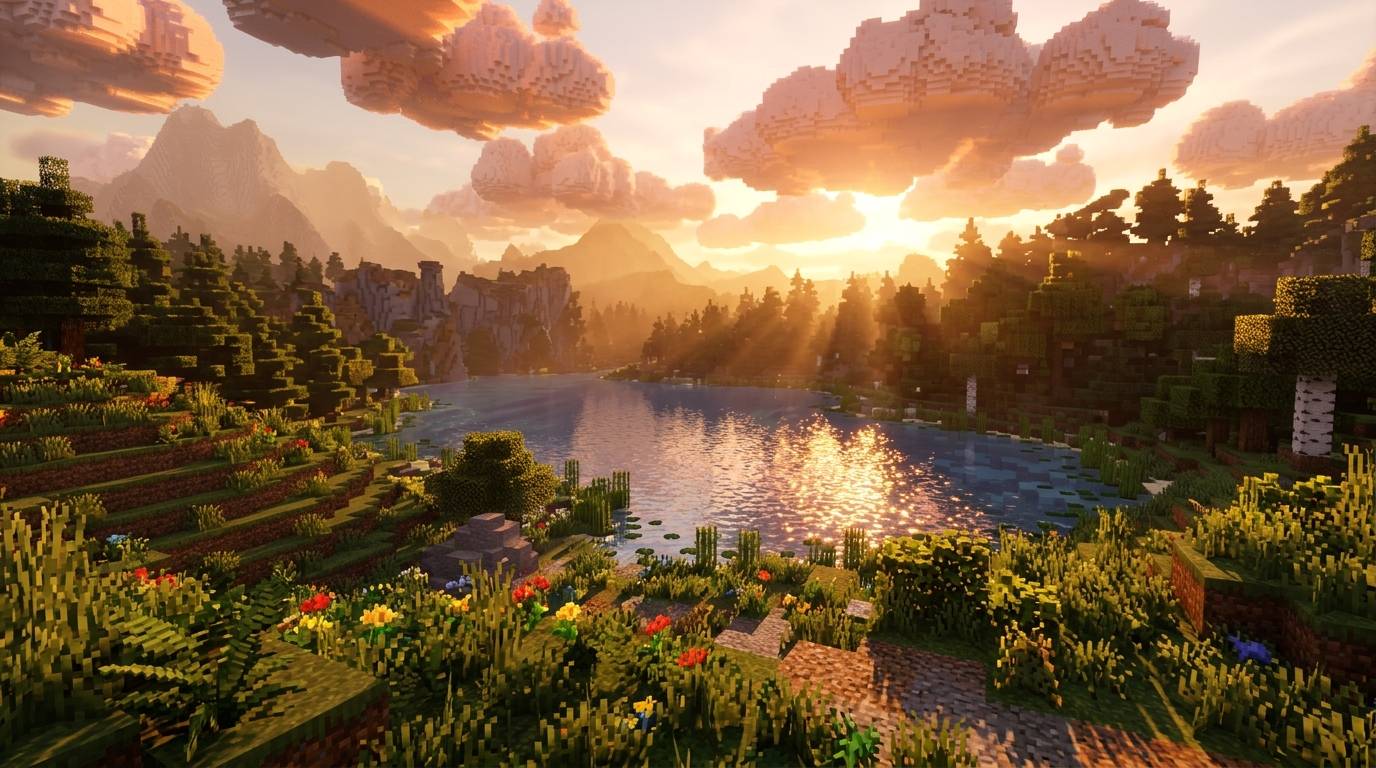
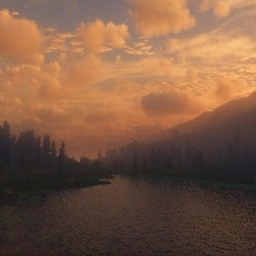
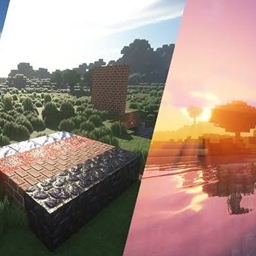
A light, easy-on-your-GPU shaderpack that makes vanilla Minecraft look warmer and more alive without the heavy cost of full lighting engines.
Features
- ☁️ Procedural clouds: puffy, wind-driven clouds that shade themselves toward the sun and have silver edges. They glow orange at sunset, go dark at night and turn grey in rain.
- 🌿 Waving foliage: grass, flowers, ferns and leaves sway in the wind, with stronger sway during rain.
- 🌊 Animated water: gentle waves, a clearer blue-teal tint and sun glints in daylight. Glass and ice keep their own look.
- 🔥 Warm torchlight: torches cast a warm orange glow, while shaded areas get a cool bluish tint.
- 🎬 Cinematic colour: filmic tonemapping, a warm sunrise and sunset tint, a cool underwater tint, a soft vignette and dithering to hide banding.
- 🌫️ Distance fog: it hides chunk pop-in and tightens underwater.
Settings
Under Shader Options you can toggle clouds and foliage waving, and adjust cloud coverage, speed, height and size, wave strength, exposure, saturation and vignette.
Requirements
- Iris Shaders (recommended) or OptiFine
- Minecraft versions: fill in what you have tested
Installation
- Download the .zip and don’t extract it.
- Put it in
.minecraft/shaderpacks.
- In game, open Options → Video Settings → Shader Packs and select ClaudeLite.
Not included (yet)
Shadows, reflections, bloom, and custom shading for entities and the sky. These use the vanilla look.
Notes
The cloud style is inspired by popular shaderpacks, and all code is original.