ABOUT
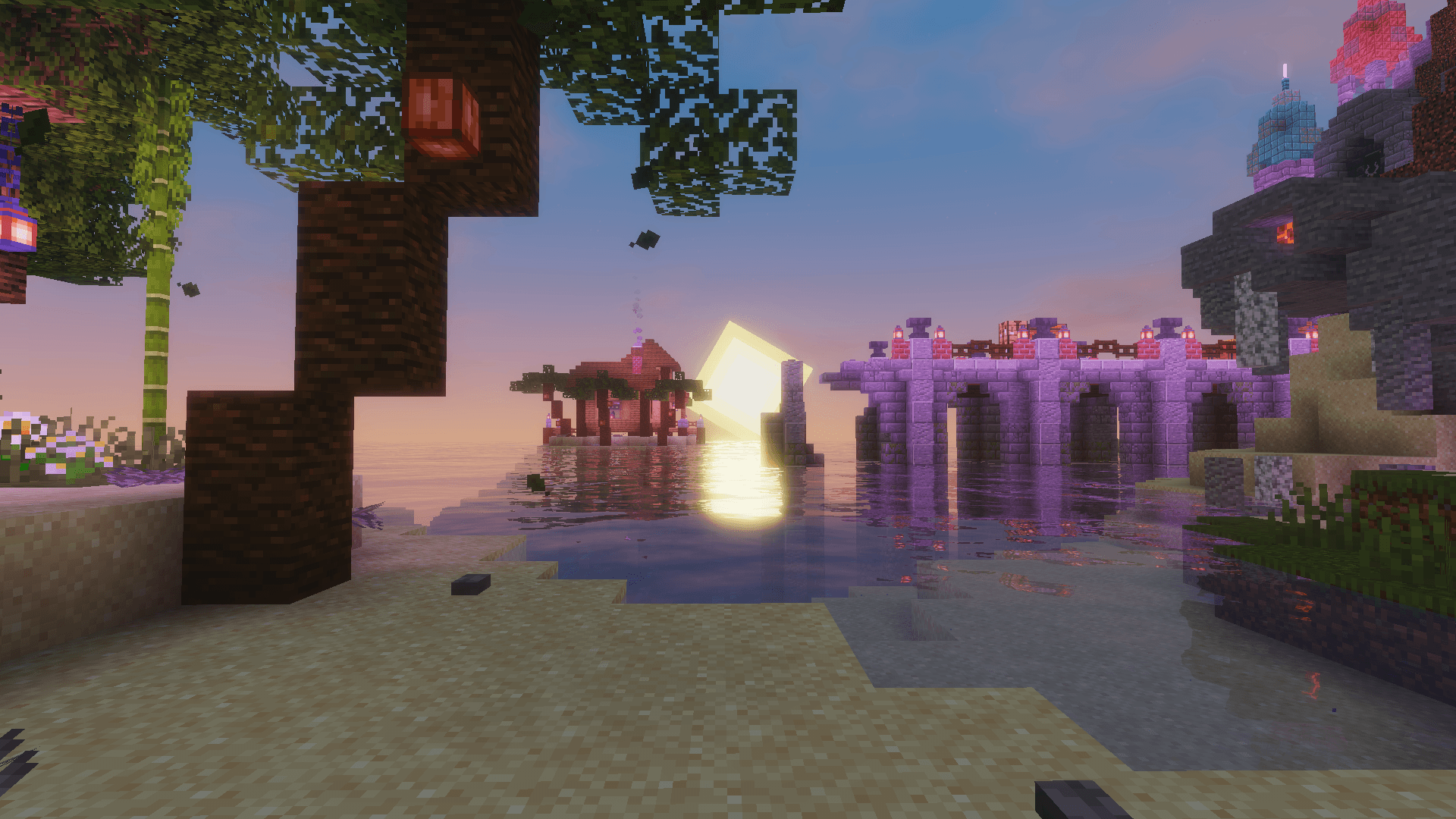
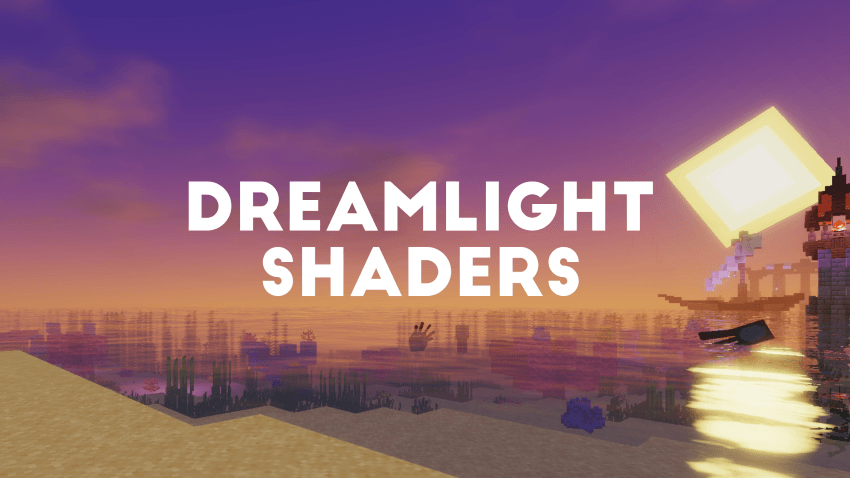
DreamLight Shaders is a fantasy-inspired, dreamy shader pack designed to bring soft, cinematic lighting and vibrant color tones to Minecraft. Built for both beauty and performance, it transforms your world with warm sunsets, glowing reflections, smooth water, and enhanced skies, all while keeping gameplay fluid and immersive.
🌙 Features
● Dynamic lighting with realistic sunrises and sunsets
● Smooth reflections and gentle water waves
● Shoreline foam and underwater caustics
● Enhanced skies and soft clouds for a dreamy look
● Colored global illumination that enhances atmosphere
● Balanced brightness and shadows for natural scenes
● Optimized performance for mid to high-end systems
● Cinematic tone mapping for screenshots and videos
● Depth of Field for cinematic shots
● Glowing nights with subtle ambient lighting
● Four color schemes, including the new Ethereal preset
● Three ready-made presets: Fast, Fancy and Fabulous
● Distant Horizons support
INSTALLATION
Download and install OptiFine or Iris Download the shaderpack Put the shaderpack inside .minecraft\shaderpacks Launch Minecraft Open Options, Video Settings, Shaders Choose DreamLight Shaders
DreamLight Shaders is based on code from Mellow Shader by TheCMK, used under the MIT License. Huge thanks to TheCMK for the original creative base and inspiration, go check out Mellow and give it some love.
Contrast Adaptive Sharpening © 2023 Advanced Micro Devices, Inc. (MIT). SMAA by Jorge Jimenez et al.
Made by HoneyStudios.