Luxora Shaders
A cinematic, realistic shader pack for Minecraft Java Edition.
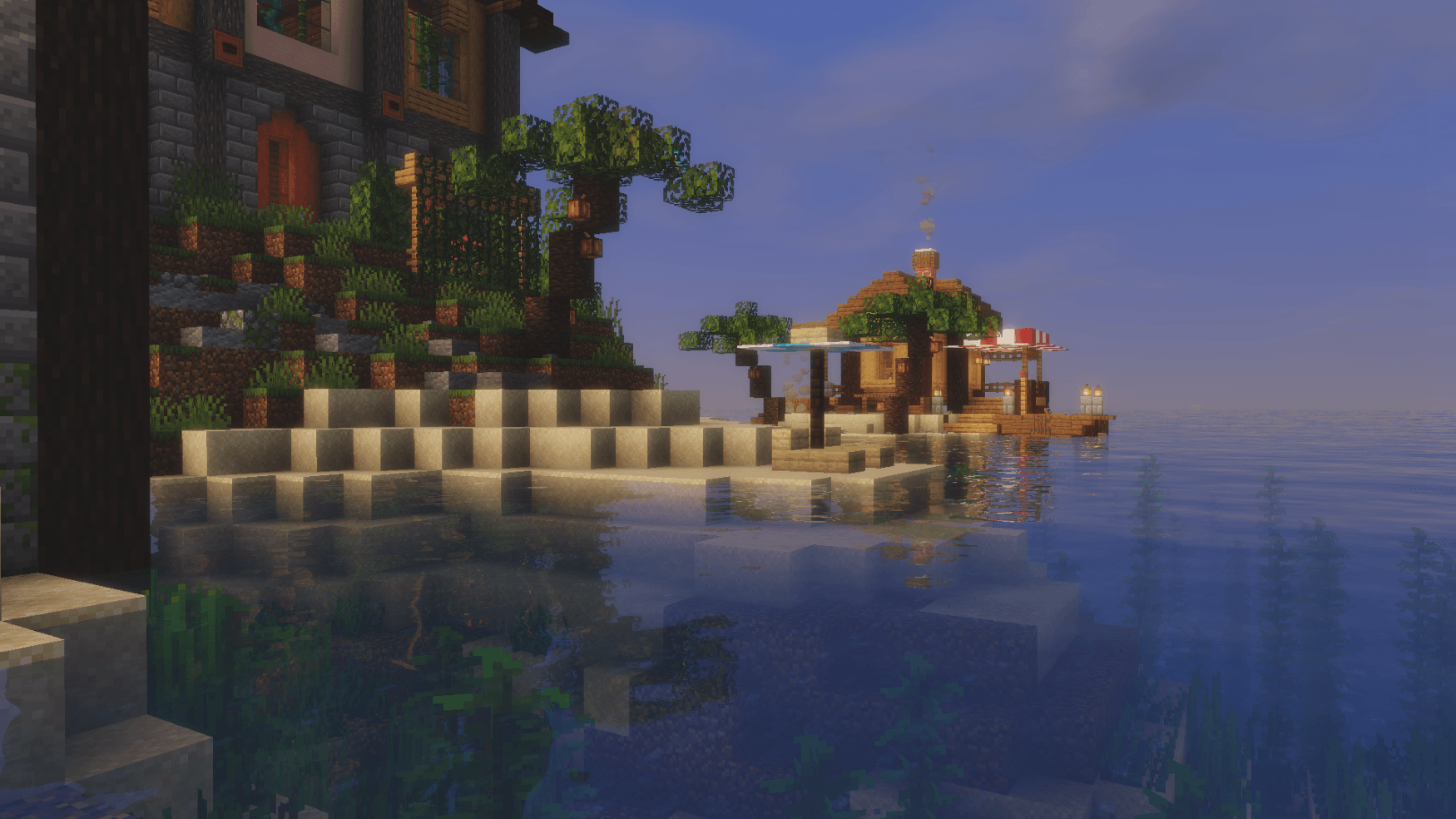
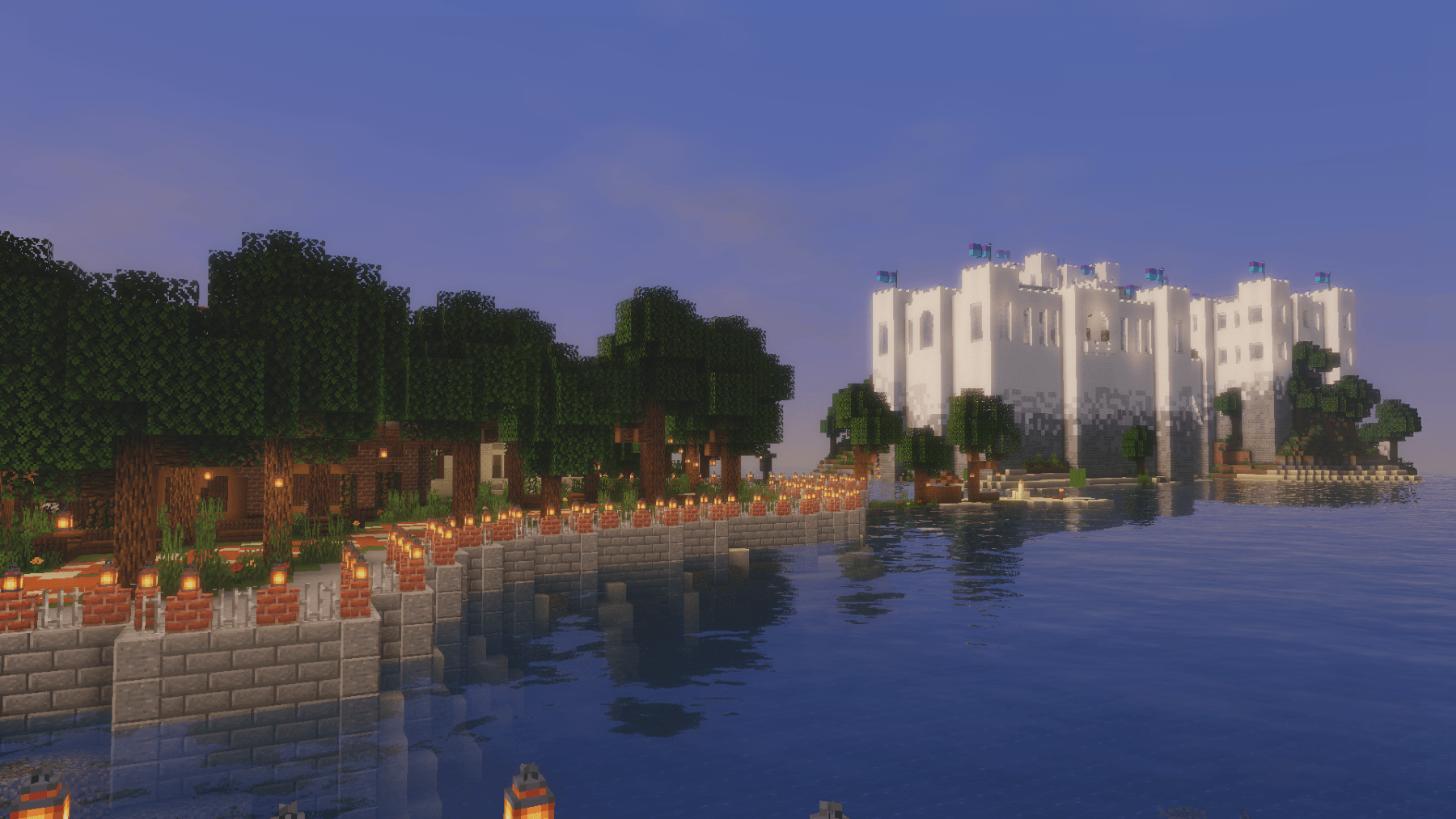
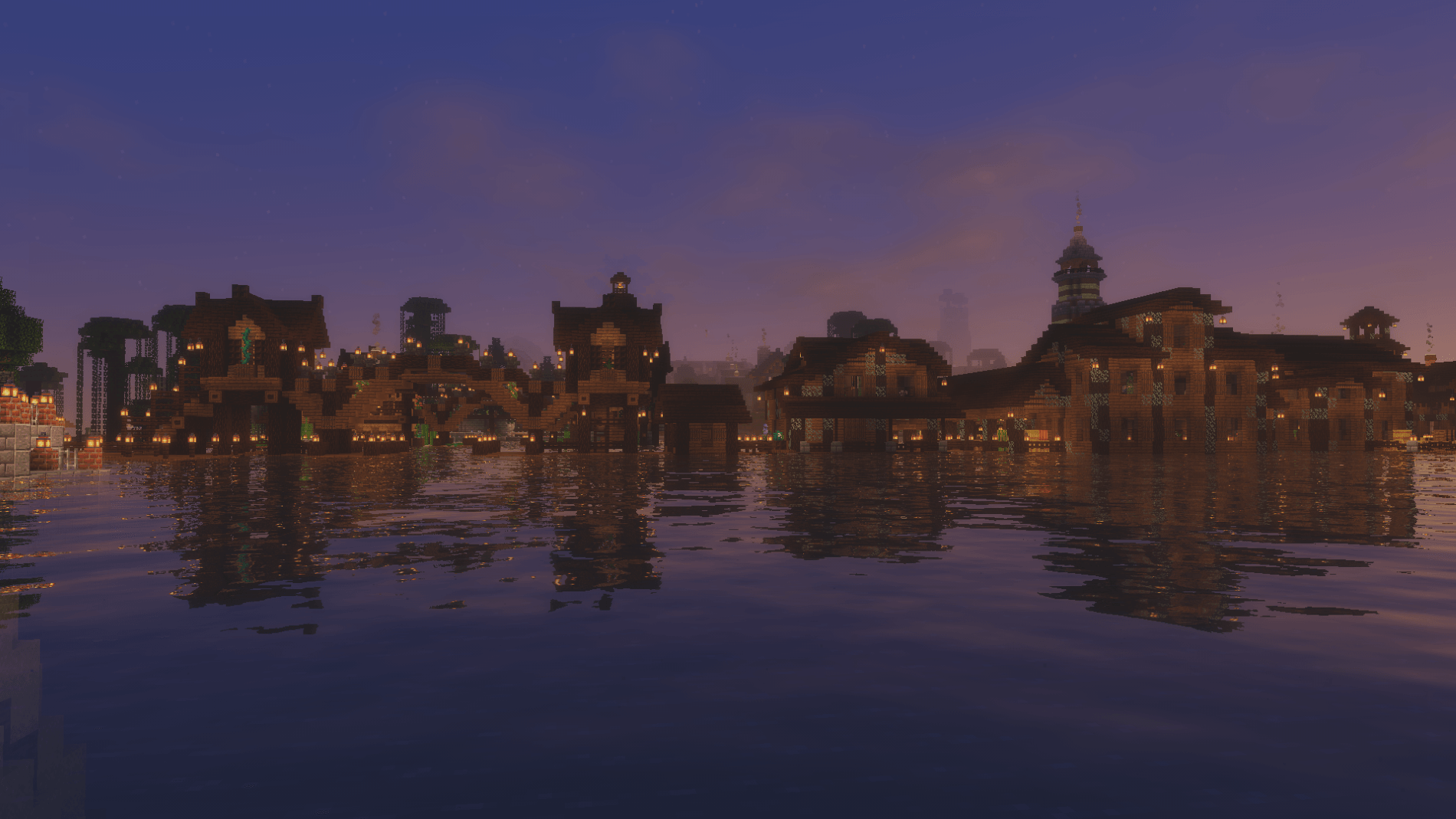
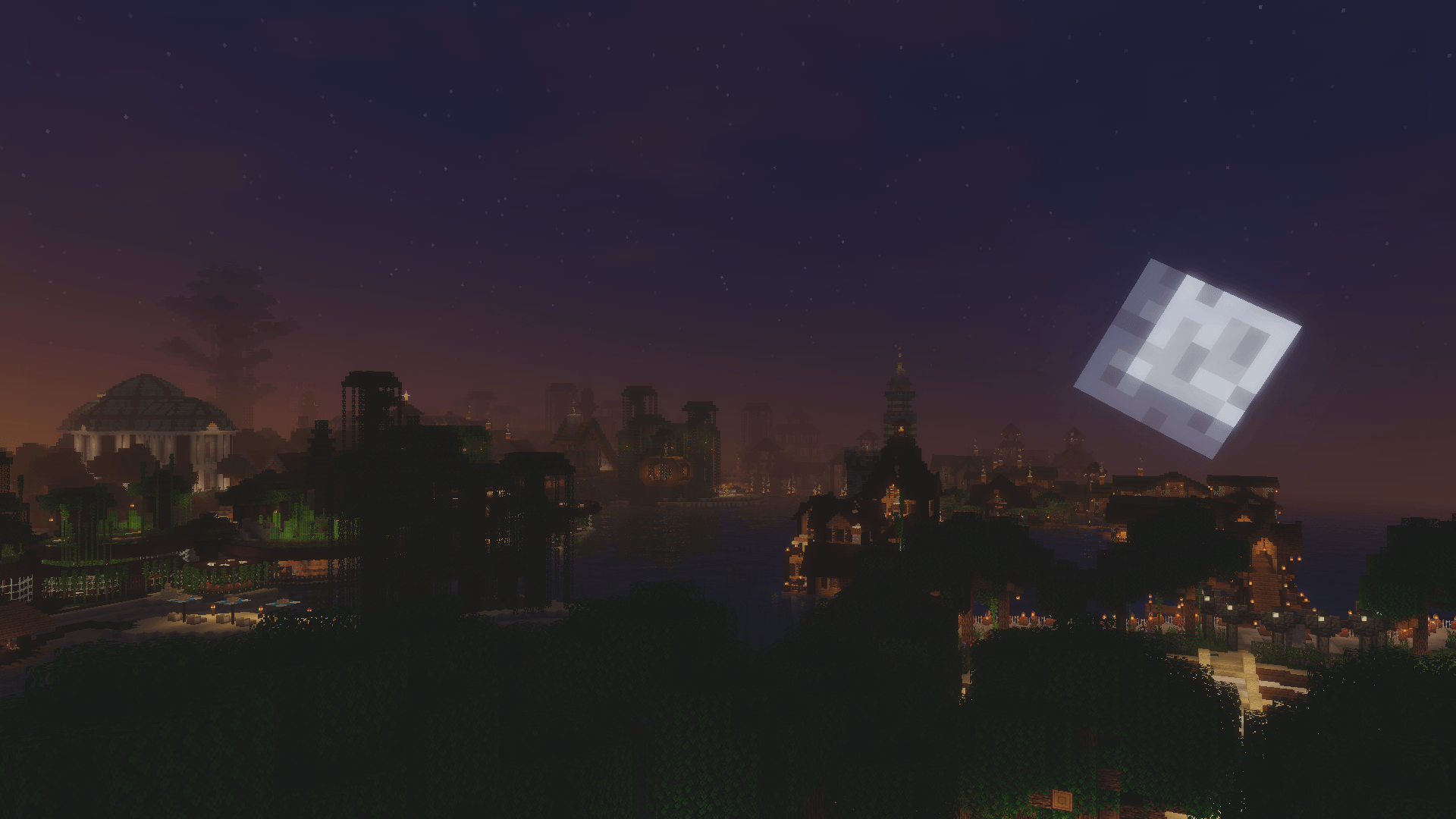
Luxora Shaders delivers warm, film-like visuals with golden lighting, natural sky gradients, and clean post-processing. Designed for players who want their worlds to look stunning without the over-processed look.
Features
- Cinematic Lighting — Warm golden sunlight with natural color grading across all times of day
- 4 Color Schemes — Cinematic, Natural, Golden Hour, and Moonlit
- Beautiful Water — Reflections, caustics, wave normals, and optional foam
- God Rays — Screen-space lightshafts around the sun
- Bloom — Soft glow on lanterns, torches, and bright surfaces
- Volumetric Clouds — Fancy clouds with silver lining effect
- Ambient Occlusion — Adds realistic depth to blocks and surfaces
- Waving Vegetation — Plants and leaves sway in the wind
- Adjustable Sun/Moon Size — Scale from 0.5x to 3x
- Anti-Aliasing — TAA, SMAA, and optional image sharpening
- Distant Horizons Support — Works with the DH mod
- Custom Tonemap — Unique "Luxora" tonemap operator for cinematic highlights
- Depth of Field & Motion Blur — Optional camera effects
- 3 Performance Profiles — Fast, Fancy, and Fabulous
Requirements
- Minecraft Java Edition
- Iris Shaders or OptiFine
Credits
Based on code from the Mellow Shader by TheCMK.
Made by HoneyStudios.