Mineuniverse
Resource Packs
V+ Crops

V+ Crops

RESOURCE PACK
Replaces every farm crop with original custom block models that add depth and visual variety to your fields, without straying from Minecraft's native aesthetic.
by HoneyStudios
Download Claim this project
2,261 downloads
0 likes
Updated Oct 14, 2026
0 hypes
16x Miscellaneous Mod Support Traditional
Advertisement Remove ads with Premium →

Vanilla Plus Crops

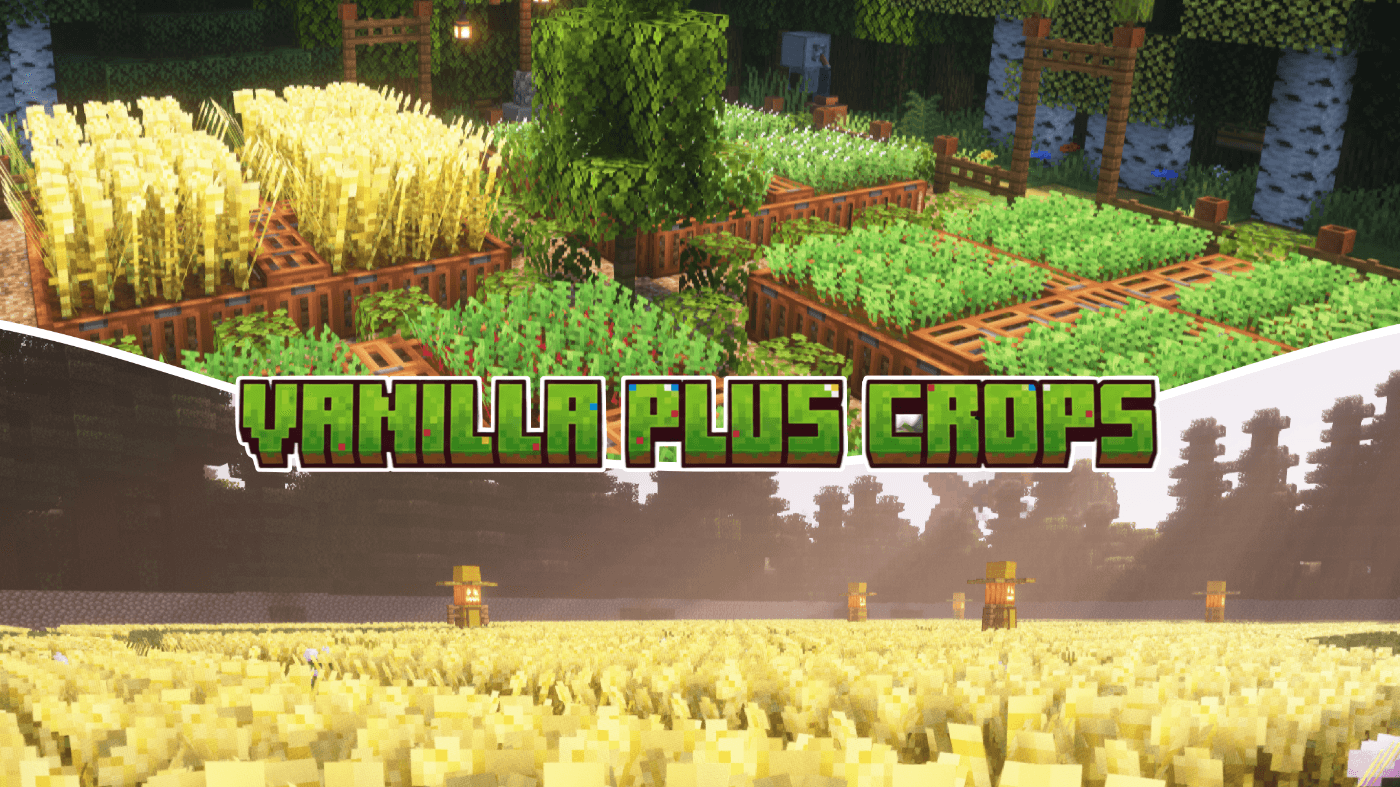
Vanilla+ Crops replaces every farm crop with original pixel art and custom block models that add depth and visual variety to your fields, without straying from Minecraft's native aesthetic.

Features

Full crop coverage — Wheat (8 stages), Carrots (4 stages), Potatoes (4 stages), Beetroots (4 stages), Sugar Cane, Melon/Pumpkin Stems, and seed item textures — all hand-drawn from scratch.
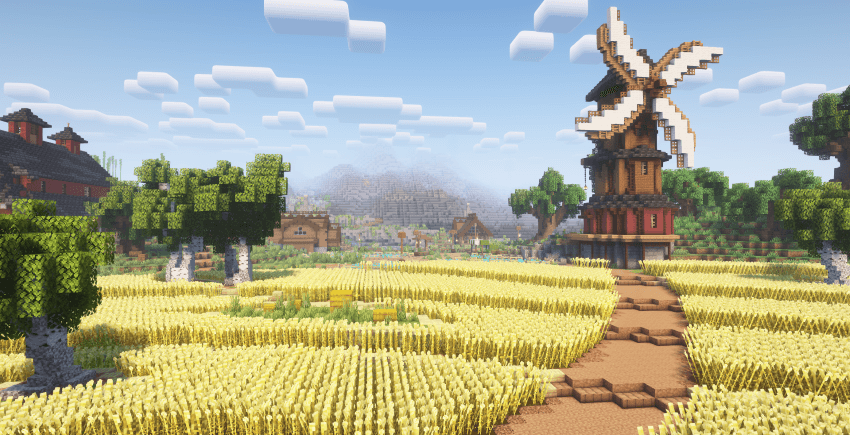
Random variants — Every crop has three unique textures at its mature stage, so large farms look natural instead of tiled.

Custom block models — A bushy cross model with 4–6 tilted planes gives every plant a fuller, more three-dimensional appearance. Mature wheat uses a tall model that rises above the block for added depth.

Wheat colour progression — Eight stages transition from dark green sprouts through yellow-green to rich gold, with visible grain heads and awns at maturity.

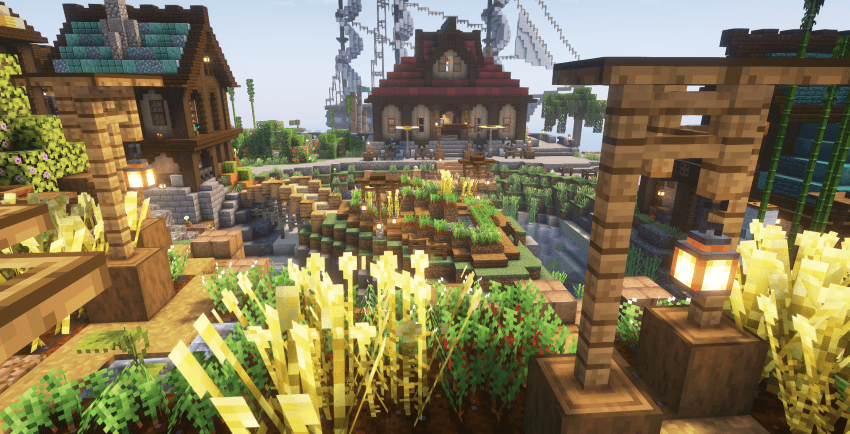
Botanical details — Potato plants develop small white flower buds. Beetroots show red stems and visible crowns at the soil line. Carrots reveal an orange tip at harvest. Sugar cane has distinct segmented nodes.
Compatibility

  • Minecraft Java Edition 1.20.2+ through latest versions and snapshots.
  • Pack format 46 with supported range 15–1024.
  • No mods or dependencies required.
  • Compatible with OptiFine, Sodium, and other performance mods.
  • Safe to use alongside packs that don't modify crop assets.

Installation

  1. Download the .zip file.
  2. Place it in .minecraft/resourcepacks.
  3. Enable in Options → Resource Packs.
Vanilla_Plus_Crops v1.2.0.zip
MC 26.1, 26.1.1, 26.1.2
Release 2026-04-15 Get
Vanilla_Plus_Crops v1.1.0.zip
MC 1.21.11
Release 2026-03-10 Get
Vanilla_Plus_Crops v1.0.0.zip
MC 1.21.11
Release 2026-02-21 Get

Requirements & install

How to use this resource pack in Minecraft
Resolution
16x
Minecraft
1.21.11 – 26.1.2
Install folder
.minecraft/resourcepacks

How to install resource packs

  1. Download the resource pack .zip file (do not extract it).
  2. In Minecraft open Options → Resource Packs → Open Pack Folder.
  3. Drop the .zip into the resourcepacks folder (.minecraft/resourcepacks).
  4. Move the pack to the Selected column and click Done.
Browse more: 16x resource packs 32x resource packs 64x resource packs 128x resource packs 256x resource packs 512x+ resource packs Resource Packs for 26.1.2 All resource packs

More from HoneyStudios

Advertisement Remove ads with Premium →

You Might Also Like