Mineuniverse
Shaders
Aster Shaders

Aster Shaders

SHADER
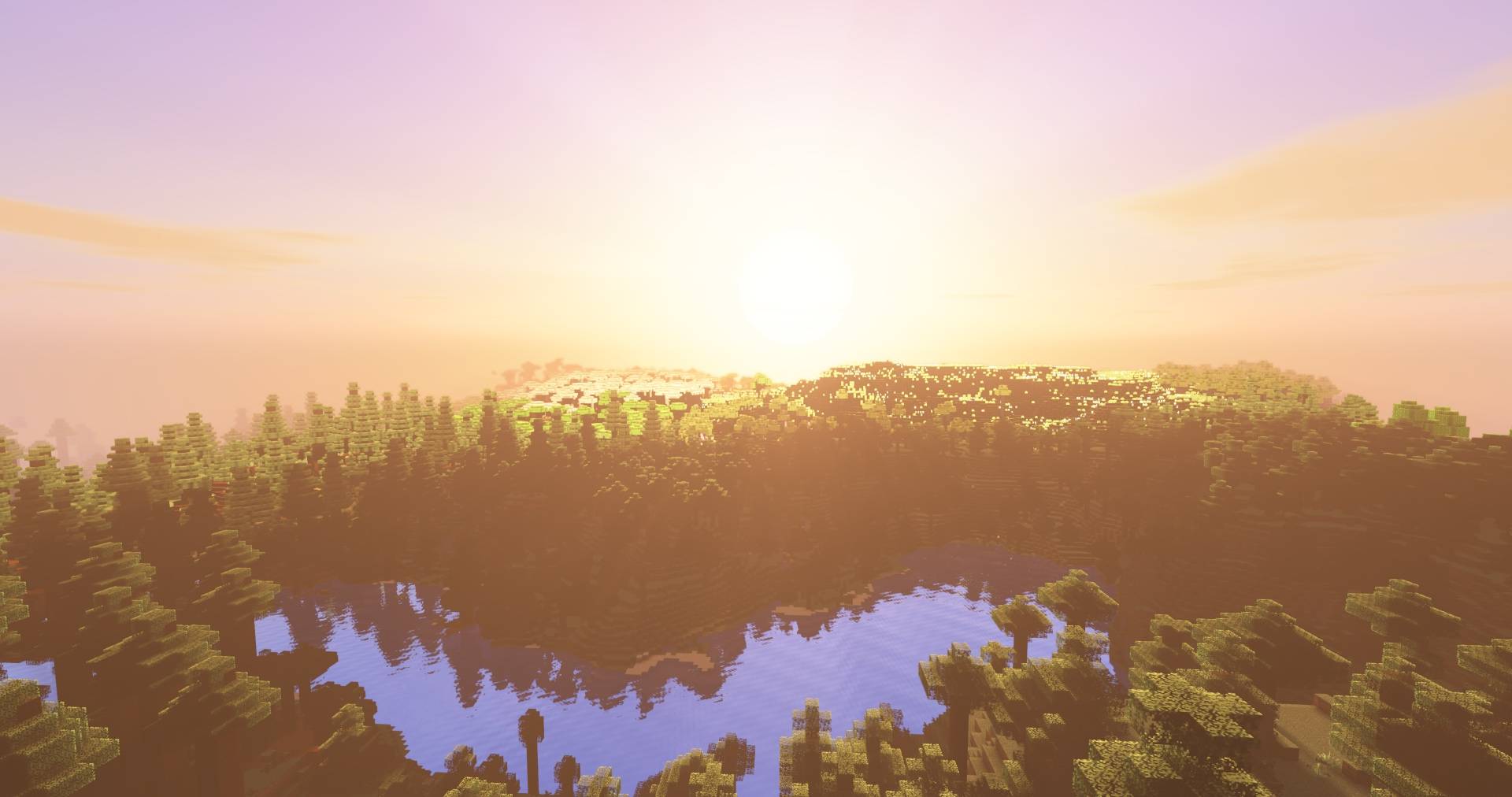
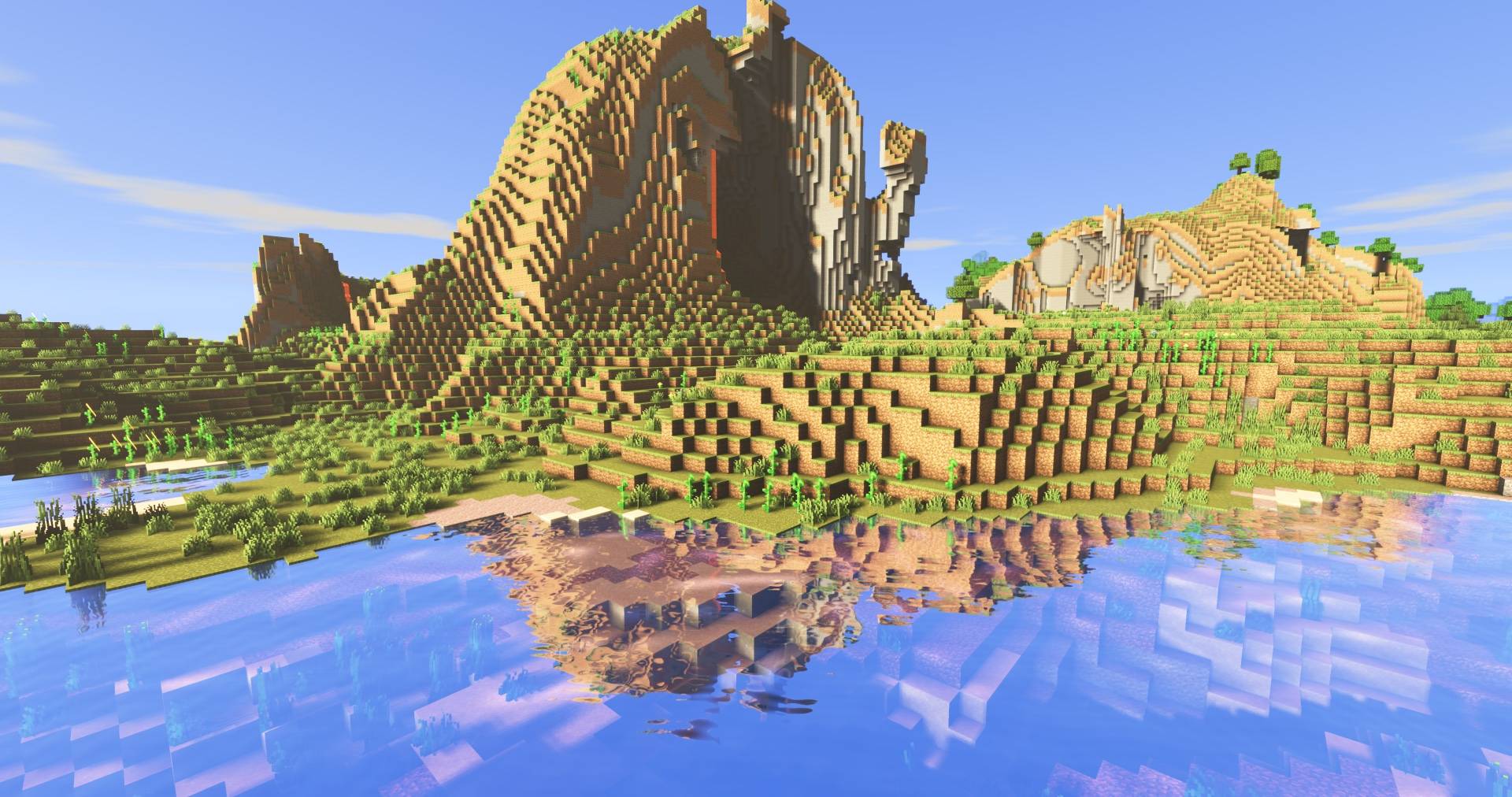
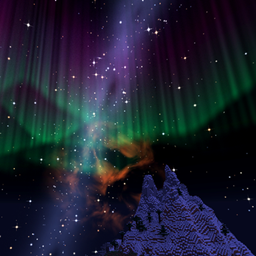
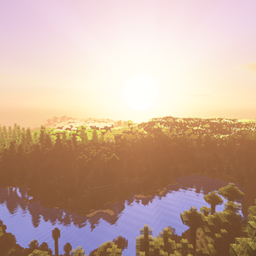
A light, all-in-one shader pack with a beautiful night sky, soft coloured shadows, sun rays, living water, storms and coloured light. Runs on Iris.
by comedy
Download Claim this project
Add a badge to your pageLink to Aster Shaders from a README, website or forum post.
Preview: Badge

Badges update automatically and link to the shader page on MineUniverse.

464 downloads
0 likes
0 followers
Updated Nov 10, 2026
0 hypes
Follow0
Fantasy Vanilla
Advertisement Remove ads with Premium →

Aster

Aster is an all-in-one shader pack for Iris. It aims to look as good as possible while staying fast

The sky

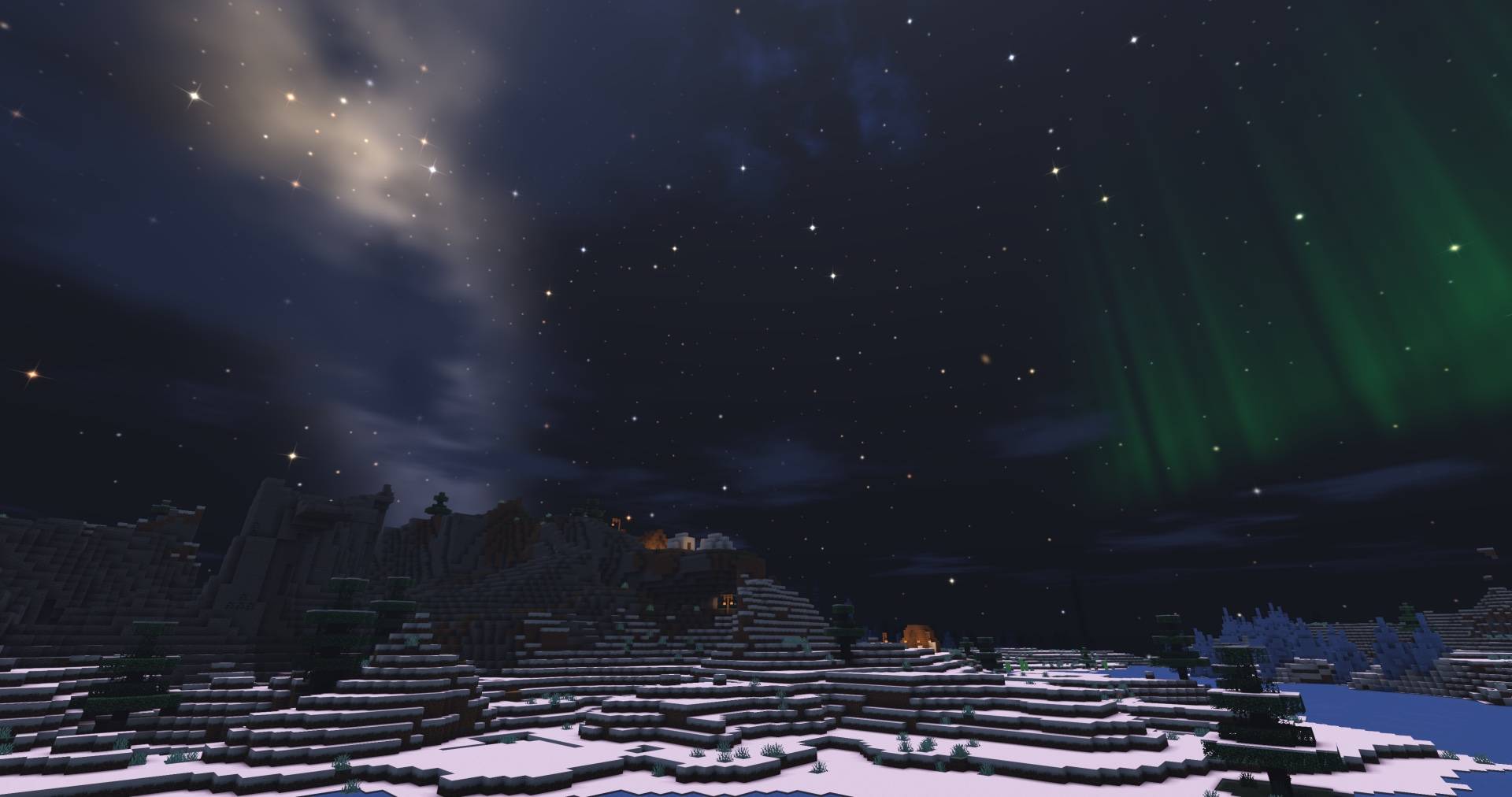
  • A full night sky: thousands of twinkling, coloured stars, the Milky Way, nebulae, distant galaxies and planets
  • Shooting stars, fireballs, meteor showers and rare comets
  • Auroras, sun halos and rainbows after rain
  • Warm sunrises and sunsets, drifting clouds and a glowing moon
  • A custom End sky

Light and shadow

  • Soft, clean shadows
  • Coloured shadows through stained glass
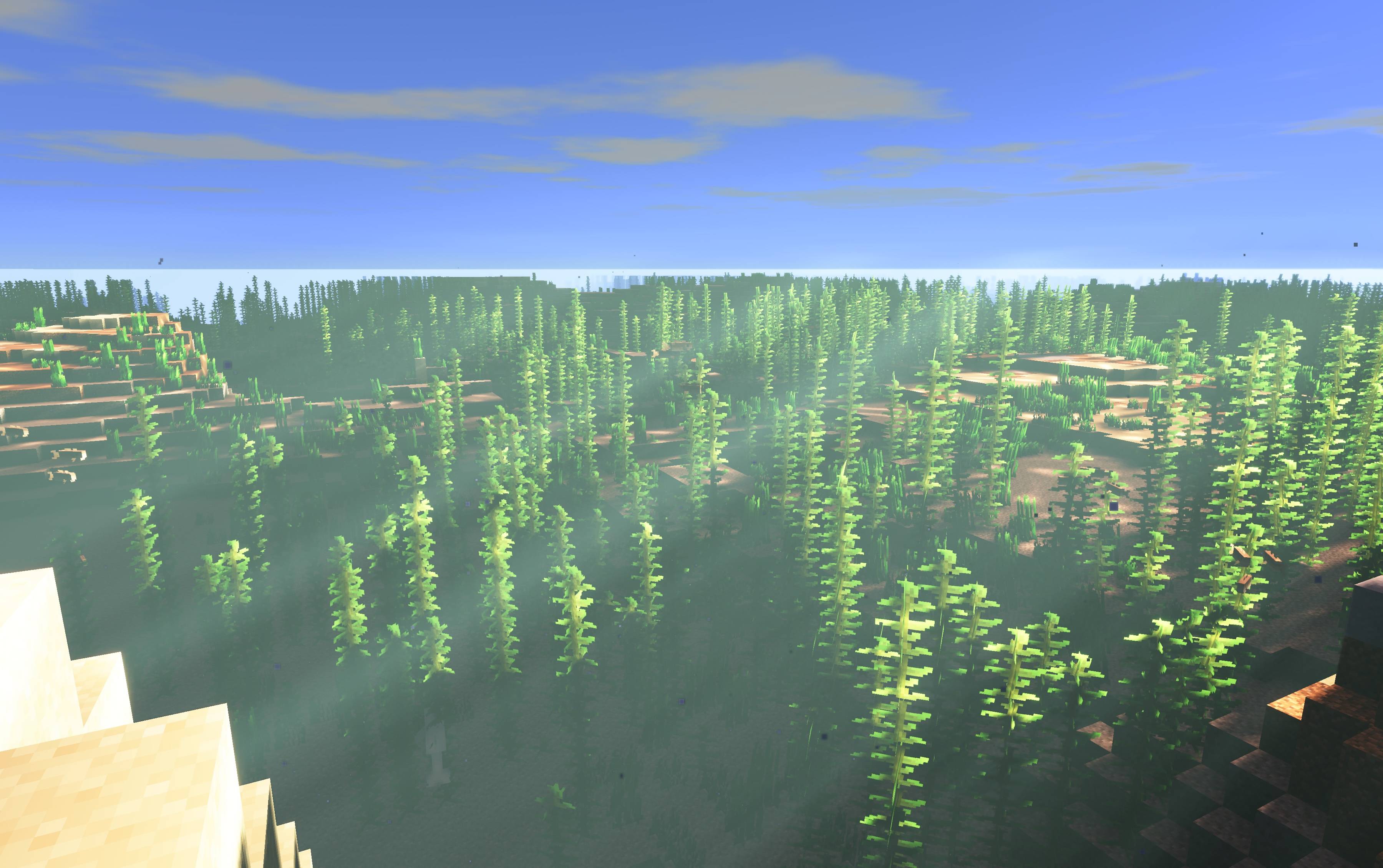
  • Sun rays and god rays through trees
  • Leaves and grass that let sunlight through
  • Coloured light: torches glow orange, soul fire blue, sea lanterns pale blue, and stained glass tints the light that passes through it

Water

  • Reflections of the sky and the world around it
  • Animated waves, and streams and waterfalls that visibly flow
  • Underwater light rays, and moving spots of sunlight on the bottom where those rays land

Weather

  • Thin, realistic rain streaks and custom snowflakes
  • Wet ground and walls that darken and shine in the rain
  • Dark storm skies, sheet lightning in the clouds and custom lightning bolts that light up the world

Every dimension

  • Nether: warm, moody lighting and fog that take their colour from the biome, with glowing lava and fire
  • The End: purple-lit islands under a starry End sky, with a soft haze

Also included

  • Waving grass, leaves, flowers and vines
  • Bloom, temporal anti-aliasing and a filmic tone map
  • Low, Medium, High and Ultra presets, plus a menu with clear descriptions for every option

Requirements

  • Minecraft Java Edition with Iris (Sodium recommended)
  • Works on Windows and macOS. On Mac, coloured light is turned off because macOS does not support the compute shaders it needs; everything else works.

Installation

  1. Install Iris (and Sodium).
  2. Put the downloaded Aster.zip into .minecraft/shaderpacks/. Don't unzip it.
  3. In game, open Options → Video Settings → Shader Packs and select Aster.

Performance tips

  • Start with the Medium preset and go up or down from there.
  • The options that cost the most are Shadow Quality, Shadow Distance, Sun Rays and Coloured Light.

Feedback

Found a bug or have an idea? Please leave a comment or open an issue, ideally with a screenshot and your version.

Aster 1.0.1
MC 1.21, 1.19.3, 1.20.2, 1.19.4, 1.21.8, 1.20.5, 1.21.5, 1.21.4, 1.20.1, 1.20, 1.20.6, 1.21.1, 1.21.6, 1.21.3, 1.21.7, 1.19.1, 1.20.4, 1.18.2, 1.19.2, 1.20.3, Iris, 1.19, 1.21.2
Release 2026-10-30 Get

Requirements & install

How to use this shader in Minecraft
Shader loader
Iris
Minecraft
1.21.1 – 1.21.8
Install folder
.minecraft/shaderpacks

Install with Iris

  1. Install Iris with the Iris installer (irisshaders.dev); it sets up Fabric and Sodium for you.
  2. Download the shader pack .zip (do not extract it).
  3. Put the .zip into .minecraft/shaderpacks.
  4. In game open Options → Video Settings → Shader Packs, select the pack and click Apply.
Browse more: Iris shaders OptiFine shaders Shaders for 1.21.8 All shaders

More from comedy

Advertisement Remove ads with Premium →

You Might Also Like