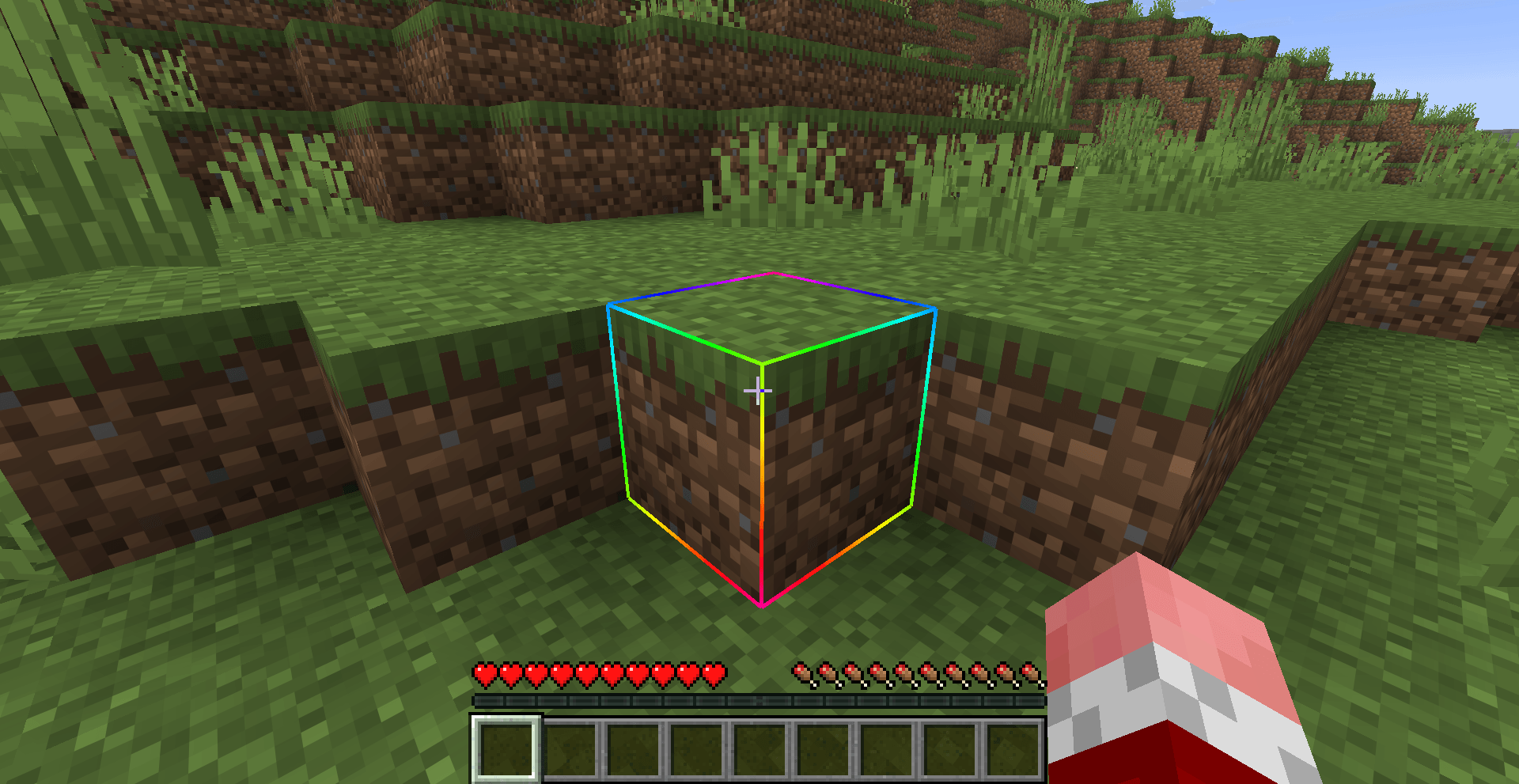
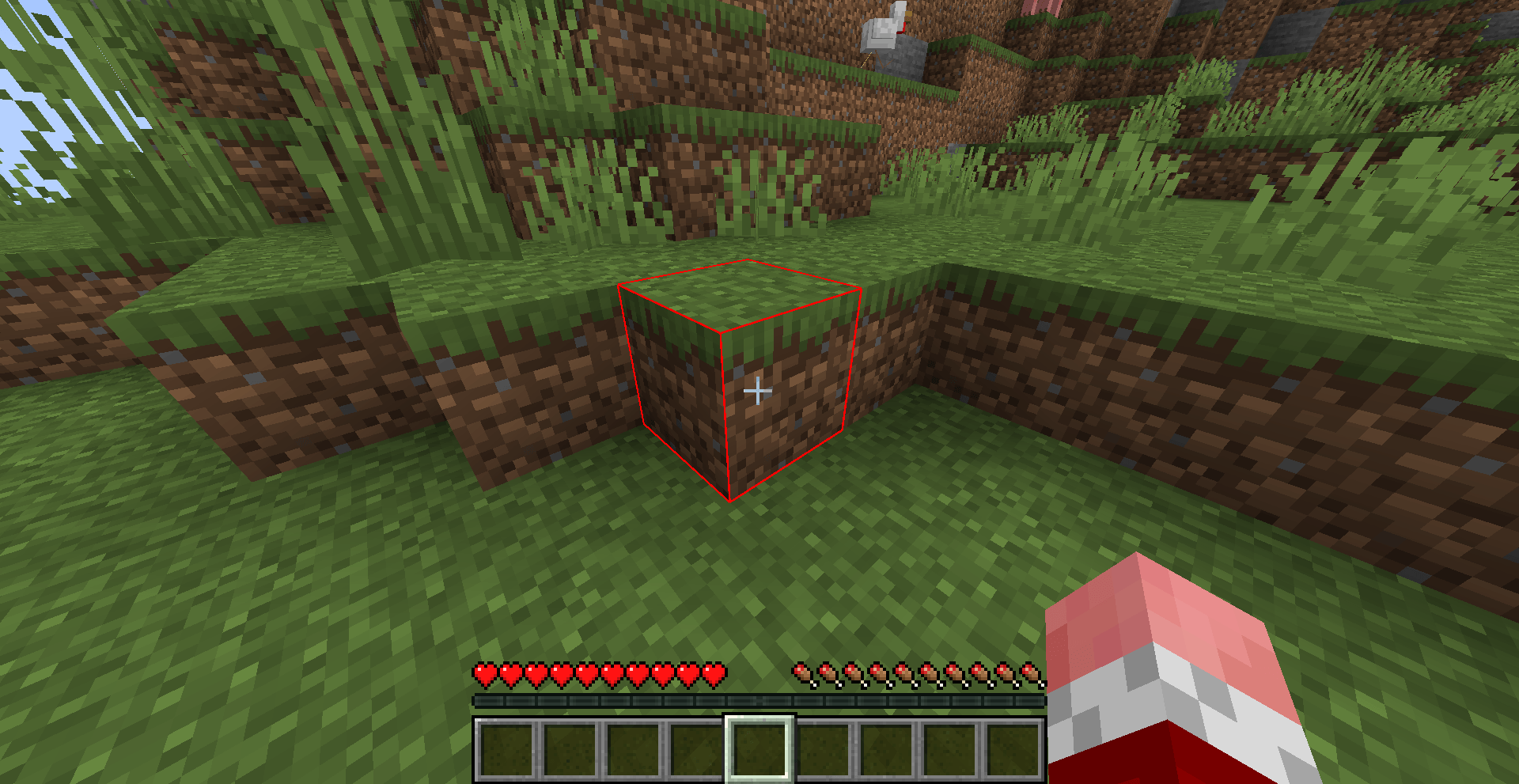
Recolor the box drawn around the block you are looking at. Pick any color with the RGB sliders, switch to Rainbow for hues that flow along the edges, let a Chase light run around the block, or watch the outline turn red as you mine.
Limn is a small client-side mod for Fabric, NeoForge and Forge. Nothing needs to be installed on the server.
| Loader | Minecraft versions |
|---|---|
| Fabric | 1.18.2, 1.19.2, 1.20 to 26.3 |
| NeoForge | 1.21 to 26.3 |
| Forge | 1.16.5, 1.18.2, 1.19.2, 1.20.1 |
Fabric: put Fabric API and the Fabric Limn jar for your version in your mods folder. Add Mod Menu to get the settings screen (Mods > Limn > Configure).
NeoForge and Forge: put the Limn jar for your loader and version in your mods folder. No other mods are needed. The settings screen is in Mods > Limn > Config.
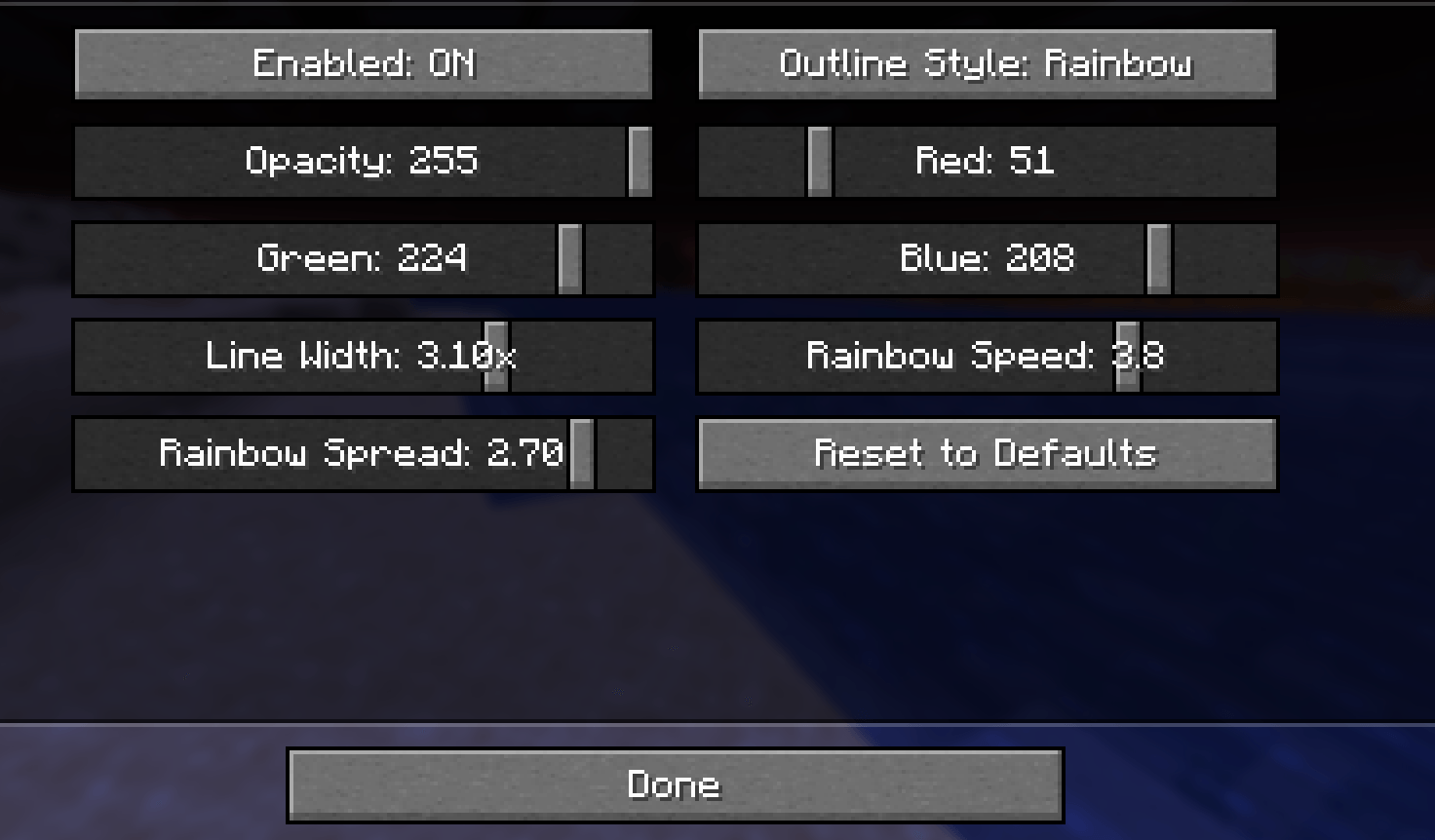
| Setting | Range | Default | What it does |
|---|---|---|---|
| Enabled | on / off | on | Whether the custom outline replaces vanilla's |
| Outline Style | Solid Color / Rainbow / Chase / Mining Progress | Solid Color | Which look is drawn |
| Opacity | 1 - 255 | 255 | How opaque the outline is, in every style |
| Red, Green, Blue | 0 - 255 | teal | The outline color. Rainbow ignores it |
| Line Width | 0.5x - 4x | 1x | Thickness compared with vanilla (Minecraft 1.21.11 and newer) |
| Animation Speed | 0.1 - 5 | 1 | How fast Rainbow and Chase move |
| Animation Spread | 0 - 3 | 1 | How much Rainbow and Chase change across one block |
Changes apply straight away and are saved when you close the screen. Reset to Defaults puts everything back.
On Fabric without Mod Menu, edit config/limn.json in your game folder and restart the game. mode is one of Solid Color, Rainbow, Chase or Mining Progress.
GitHub - MIT licensed. Bug reports and suggestions are welcome on the issue tracker.