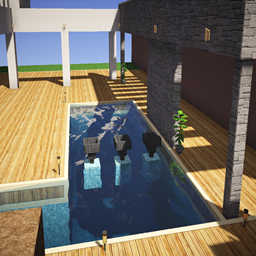
MineUniverse lists 34 resource packs in 256x for Minecraft 1.8.6, ranked by total downloads. Together they have more than 5.8 million downloads.
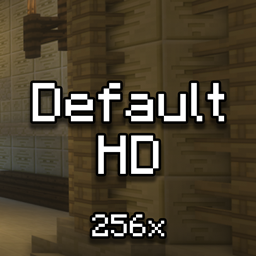
The classic Minecraft experience but in amazing 256x HD! Gives a shaders feel without the awful FPS drop!


Makes the Shadows under Entities Smooth. The closest you can get without shaders and optifine!

Reduces the Vignette Effect (The dark corners effect of the screen).
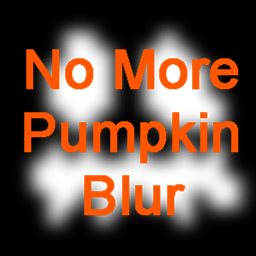
Removes the annoying blur effect when wearing a carved pumpkin, giving you a clear and unobstructed view.
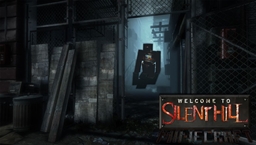
Official Silent Hill Resource Pack 256X 1.8.9
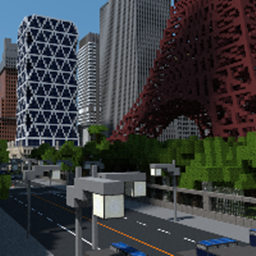
A Texture Pack based on John Smith Legacy and textures from the game Dark Souls
![Frosty's Default [256x] | Frosty's Black & White [16x]](https://media.forgecdn.net/avatars/thumbnails/351/330/256/256/637505609157656355.png)
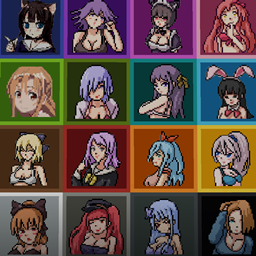

Texture pack that changes all of the inventory containers GUI into clear glass style/theme

This Resource Pack transforms the inventory with a dark‑purple theme featuring furry artwork.
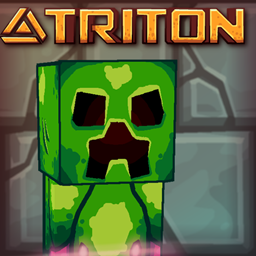
Triton brings a cartoonish, comic-like art style to Minecraft. Also includes custom 3D models and sounds! Also in 64x, 128x, and 512x
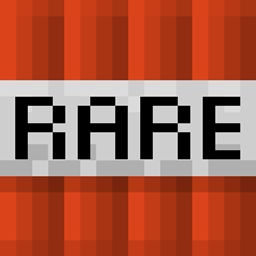
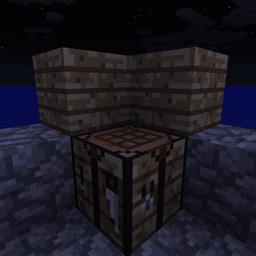
Blocks made to look like they are made of blocks
![HD PvP [x256]](https://media.forgecdn.net/avatars/thumbnails/1194/891/256/256/638770487835864442.jpg)
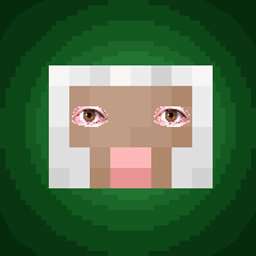
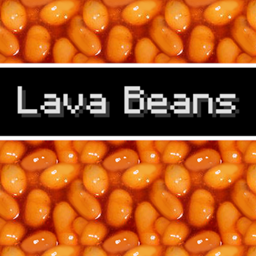
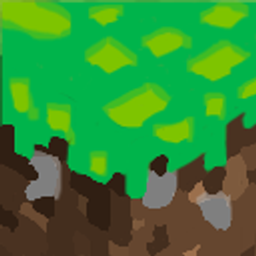
A custom hand-drawn doodle resource pack that brings a fresh, vibrant, and playful comic-sketch art style to your Minecraft blocks and items.
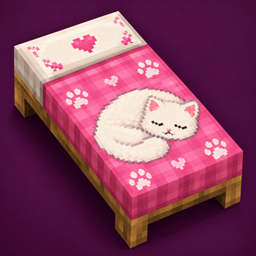 Catnap Beds
A cozy resource pack that gives all 16 bed colors adorable cat-themed designs with paw prints, playful details, and sleeping feline artwork. 510 downloads
Default HD 256x
The classic Minecraft experience but in amazing 256x HD! Gives a shaders feel without the awful FPS drop! 2M downloads
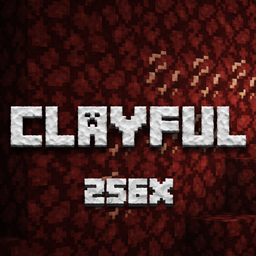
Clayful 256x
Minecraft in a Claylike, Sculpted Way! 256x 1.4M downloads
Doodlee
A custom hand-drawn doodle resource pack that brings a fresh, vibrant, and playful comic-sketch art style to your Minecraft blocks and item… 955 downloads
Catnap Beds
A cozy resource pack that gives all 16 bed colors adorable cat-themed designs with paw prints, playful details, and sleeping feline artwork. 510 downloads
Default HD 256x
The classic Minecraft experience but in amazing 256x HD! Gives a shaders feel without the awful FPS drop! 2M downloads
Clayful 256x
Minecraft in a Claylike, Sculpted Way! 256x 1.4M downloads
Doodlee
A custom hand-drawn doodle resource pack that brings a fresh, vibrant, and playful comic-sketch art style to your Minecraft blocks and item… 955 downloads
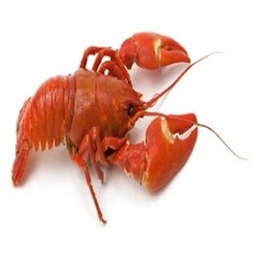 lobster lazuli
changes lapis and totem into... lobster? why? idk im just bored 202 downloads
lobster lazuli
changes lapis and totem into... lobster? why? idk im just bored 202 downloads
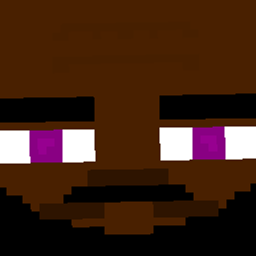 BasketBall Enderman
If you are Bored of the old Texture of an Enderman THIS is for YOU. This resource pack adds an Enderman that looks like a Basketball Player… 441 downloads
BasketBall Enderman
If you are Bored of the old Texture of an Enderman THIS is for YOU. This resource pack adds an Enderman that looks like a Basketball Player… 441 downloads
The most downloaded resource packs in 256x for 1.8.6 are Default HD 256x, Clayful 256x and Smooth Operator, followed by R3D CRAFT 256px and Smooth Entity Shadows. In the last 30 days, 3 of them (9%) received a new file for 1.8.6. Recent updates include Catnap Beds, Doodlee and lobster lazuli.
Resource packs in 256x make up 2% of all 1,585 resource packs for 1.8.6. For comparison, Minecraft 1.8.6 also has resource packs in 16x (1,080), 32x (175), 64x (91), 512x+ (80) and 128x (59).
Minecraft 1.8.6 was released on May 25, 2015. Compared with nearby versions, 1.8.6 has as many resource packs in 256x as 1.8.5 (34) and as many as 1.8.7 (34).
Ranked by downloads on MineUniverse, the top five resource packs in 256x for Minecraft 1.8.6 are Default HD 256x, Clayful 256x, Smooth Operator, R3D CRAFT 256px and Smooth Entity Shadows.
MineUniverse lists 34 resource packs in 256x for Minecraft 1.8.6. In the last 30 days, 3 of them (9%) received a new file for 1.8.6. Together they have more than 5.8 million downloads.
1. Download the resource pack .zip file (do not extract it). 2. In Minecraft open Options → Resource Packs → Open Pack Folder. 3. Drop the .zip into the resourcepacks folder (.minecraft/resourcepacks). 4. Move the pack to the Selected column and click Done. 5. Packs from 128x upwards need more video memory: install a performance mod such as Sodium for smooth frame rates.
16x has more: 1,080 resource packs for Minecraft 1.8.6 come in 16x, compared with 34 in 256x.
Yes. All 34 resource packs in 256x for Minecraft 1.8.6 on MineUniverse are free to download.