Mineuniverse
Resource Packs
Clear "Glass" GUI

Clear "Glass" GUI

RESOURCE PACK
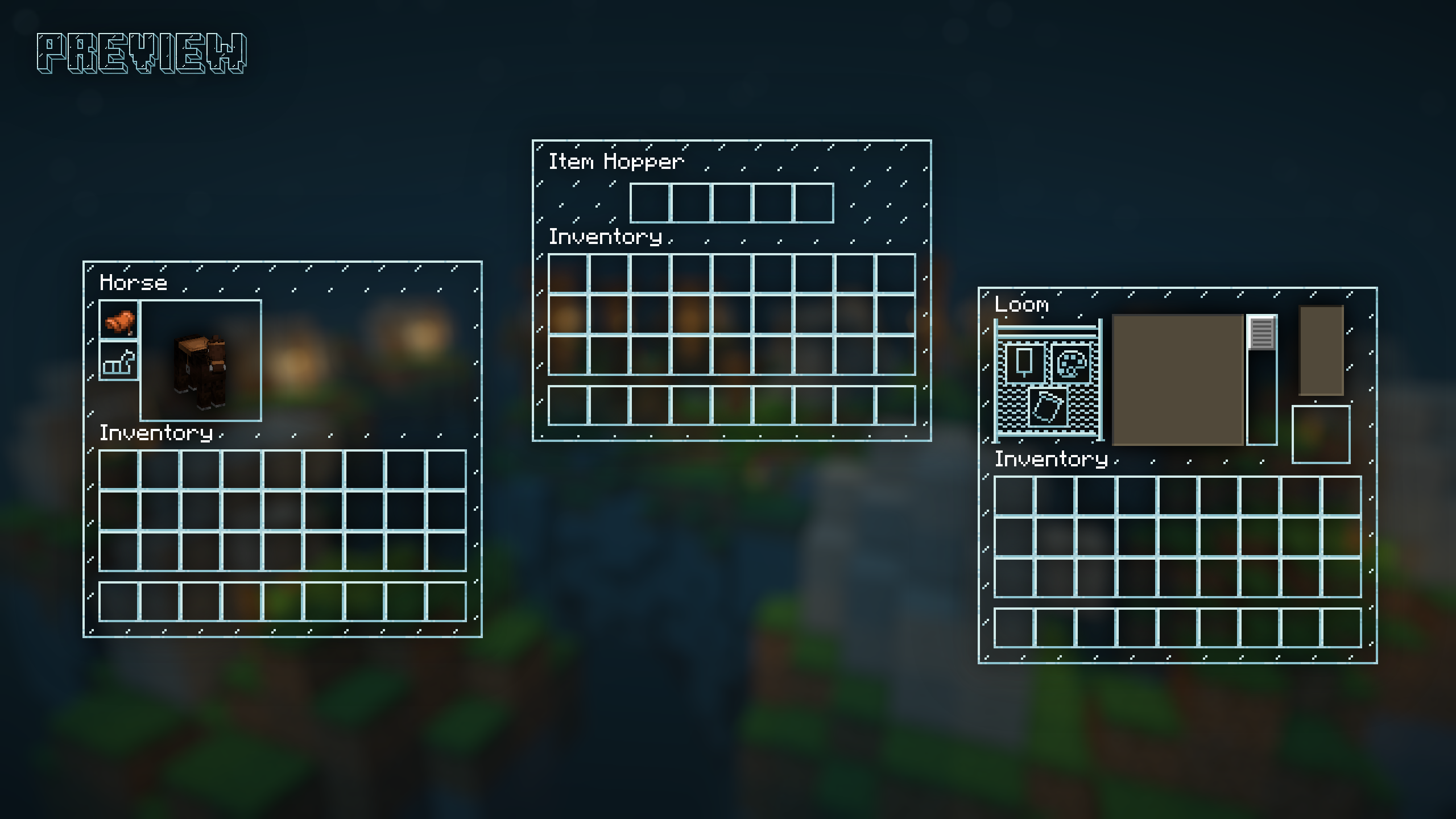
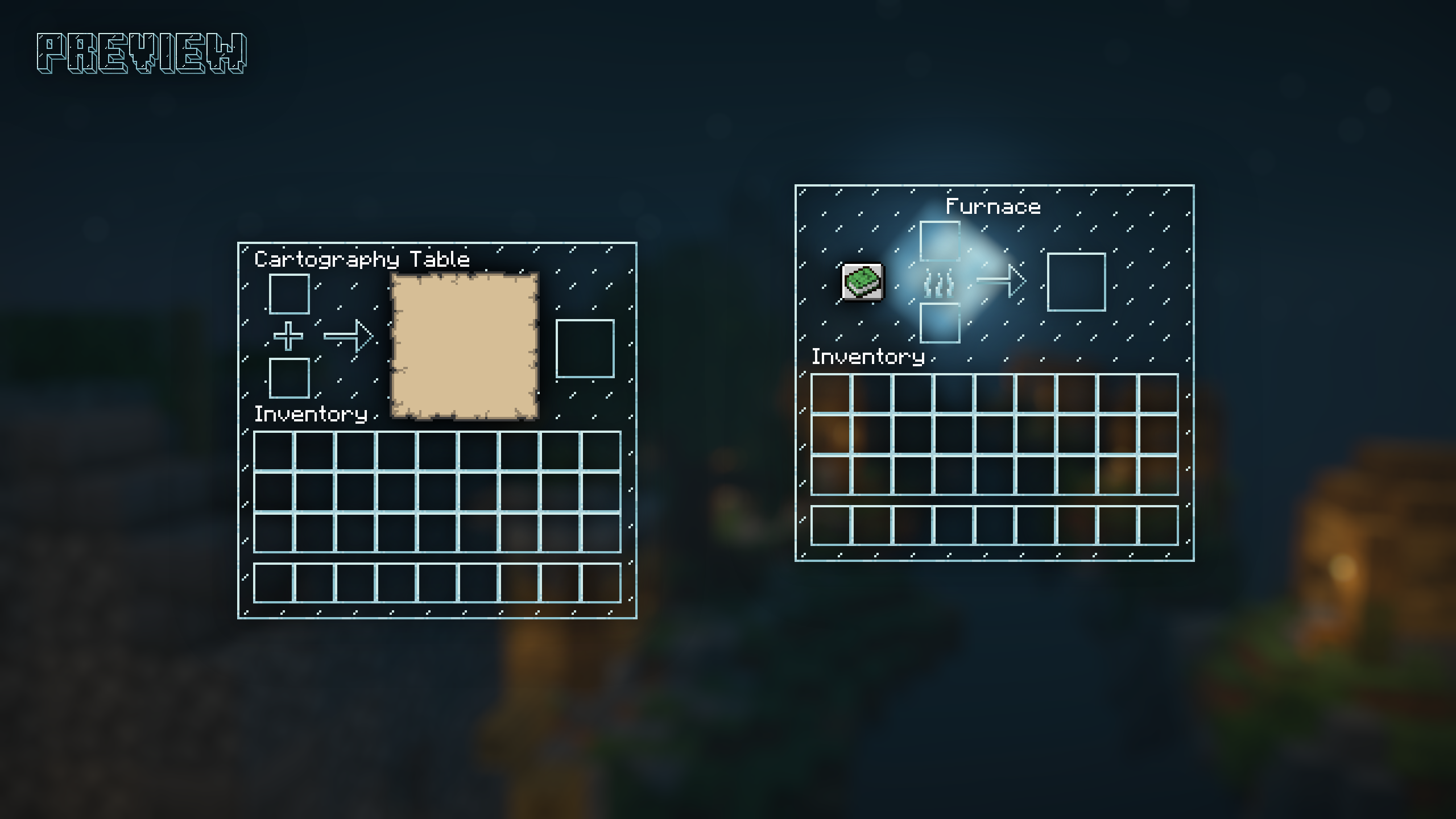
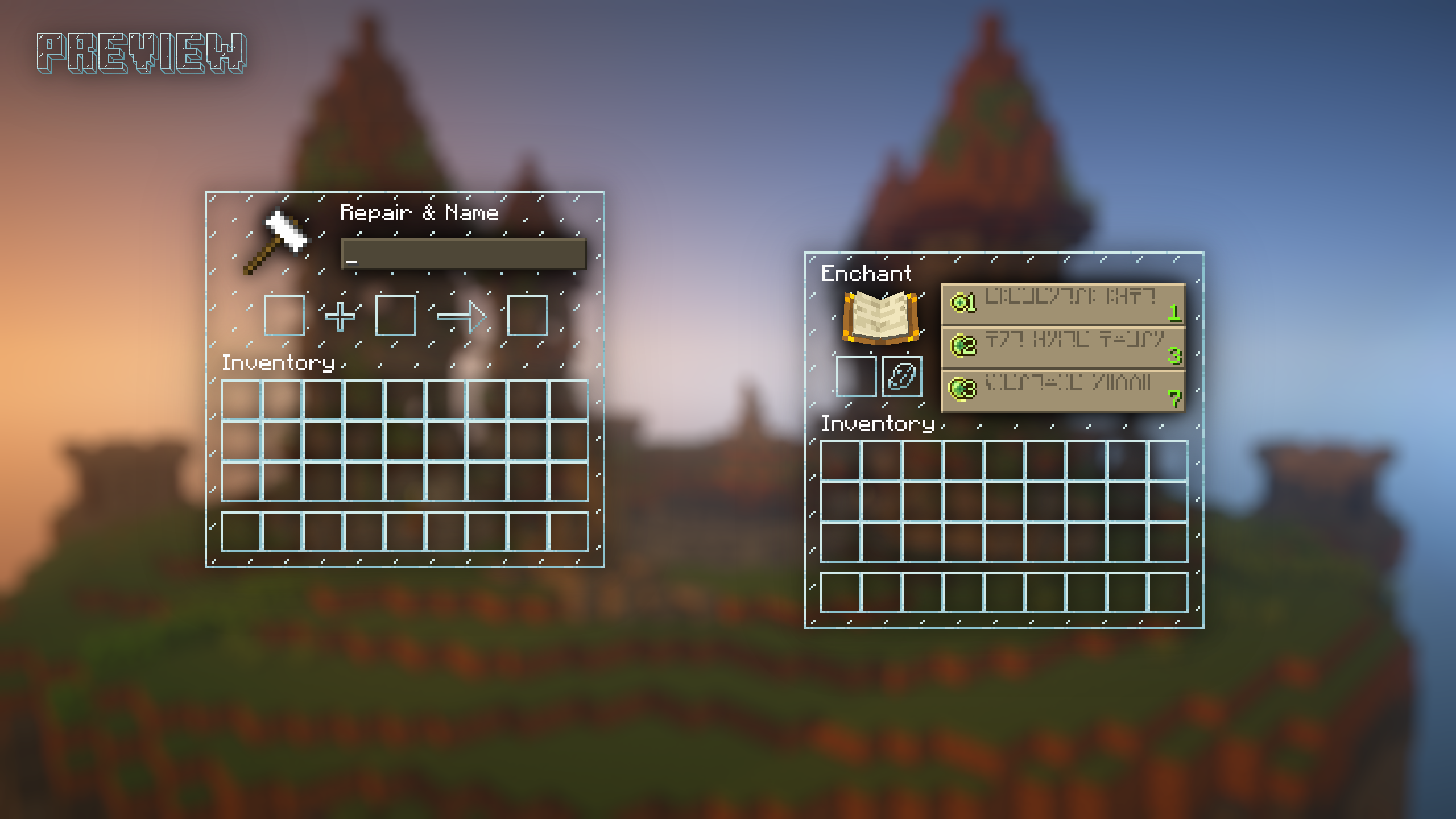
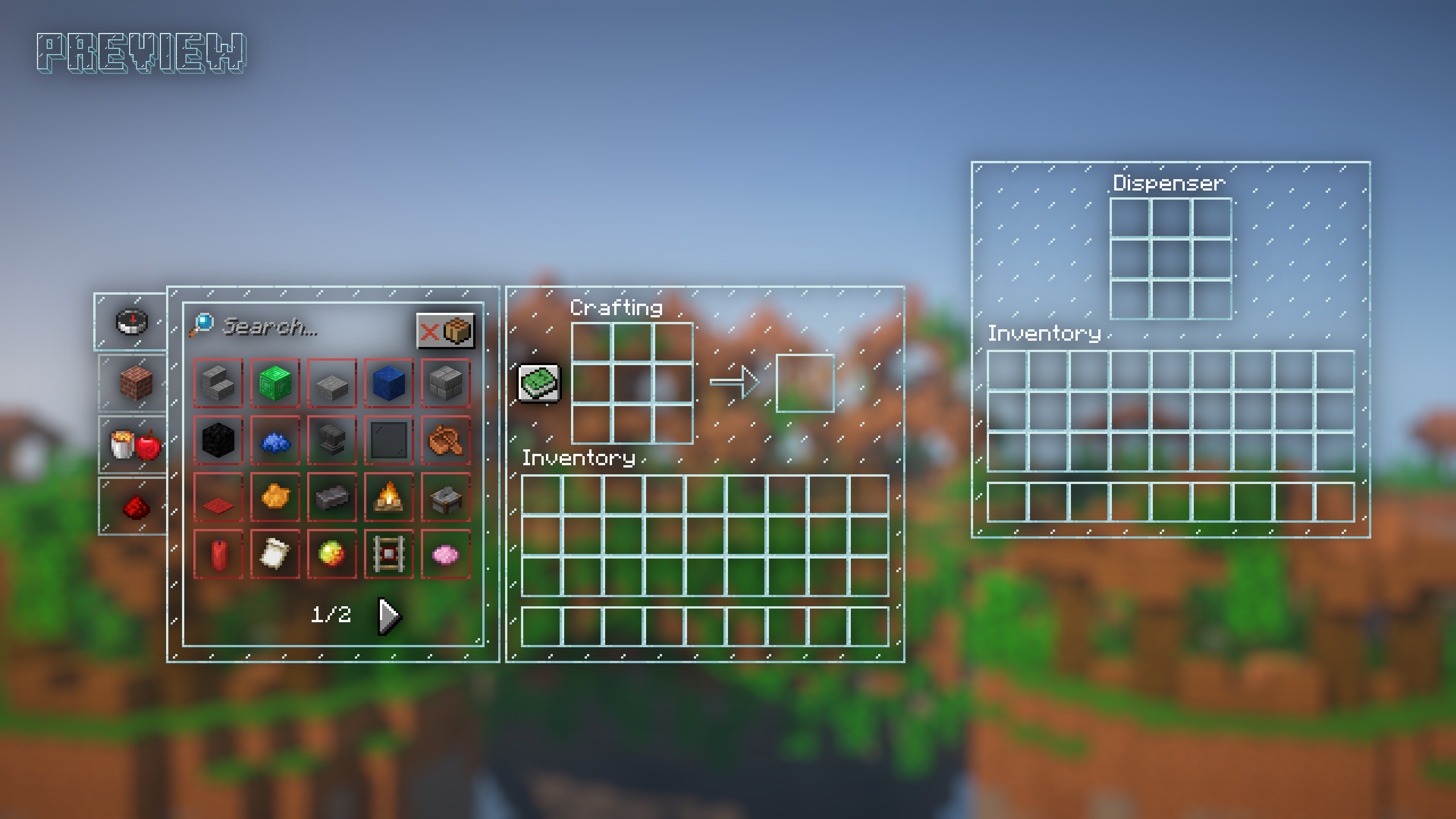
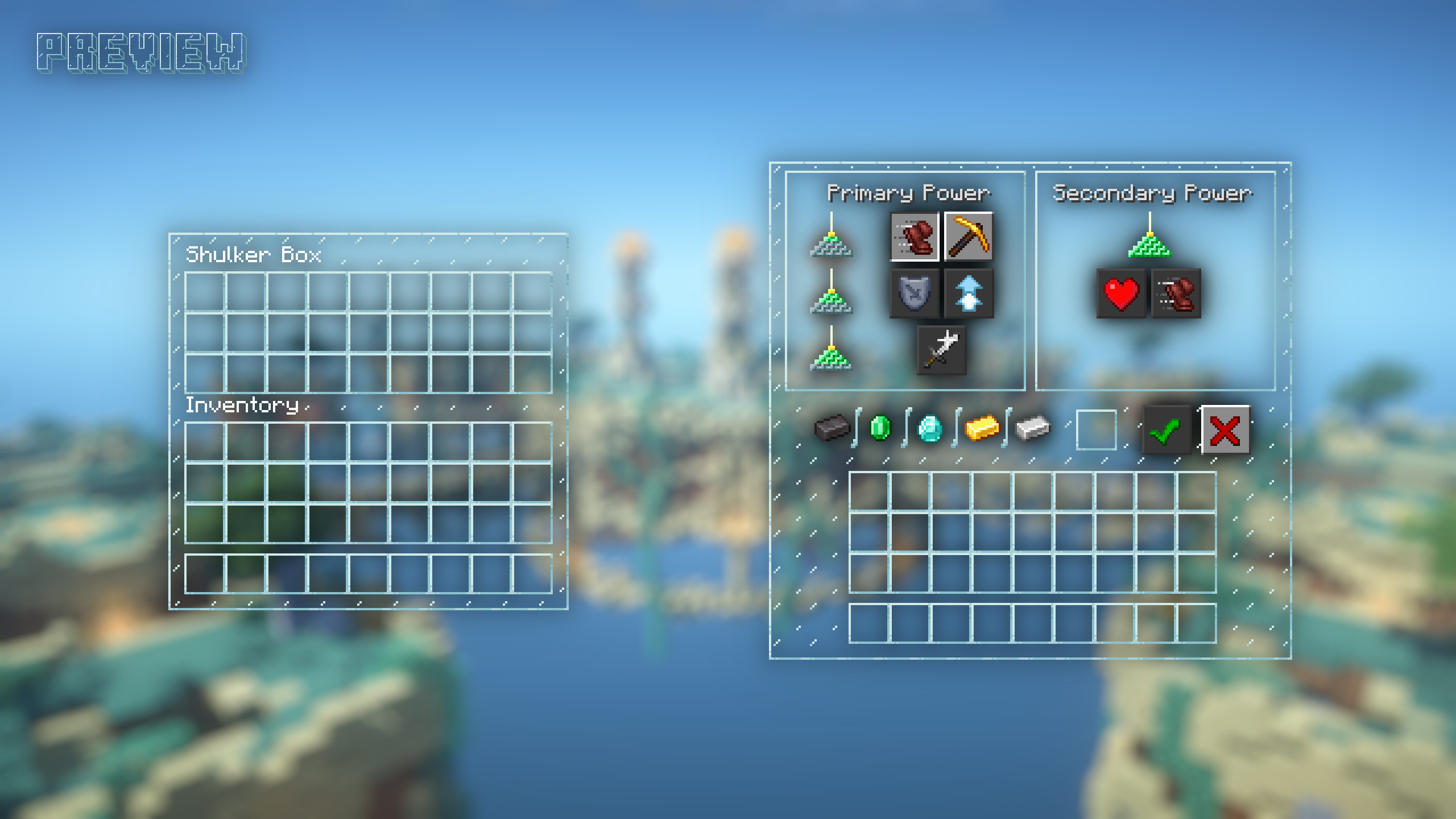
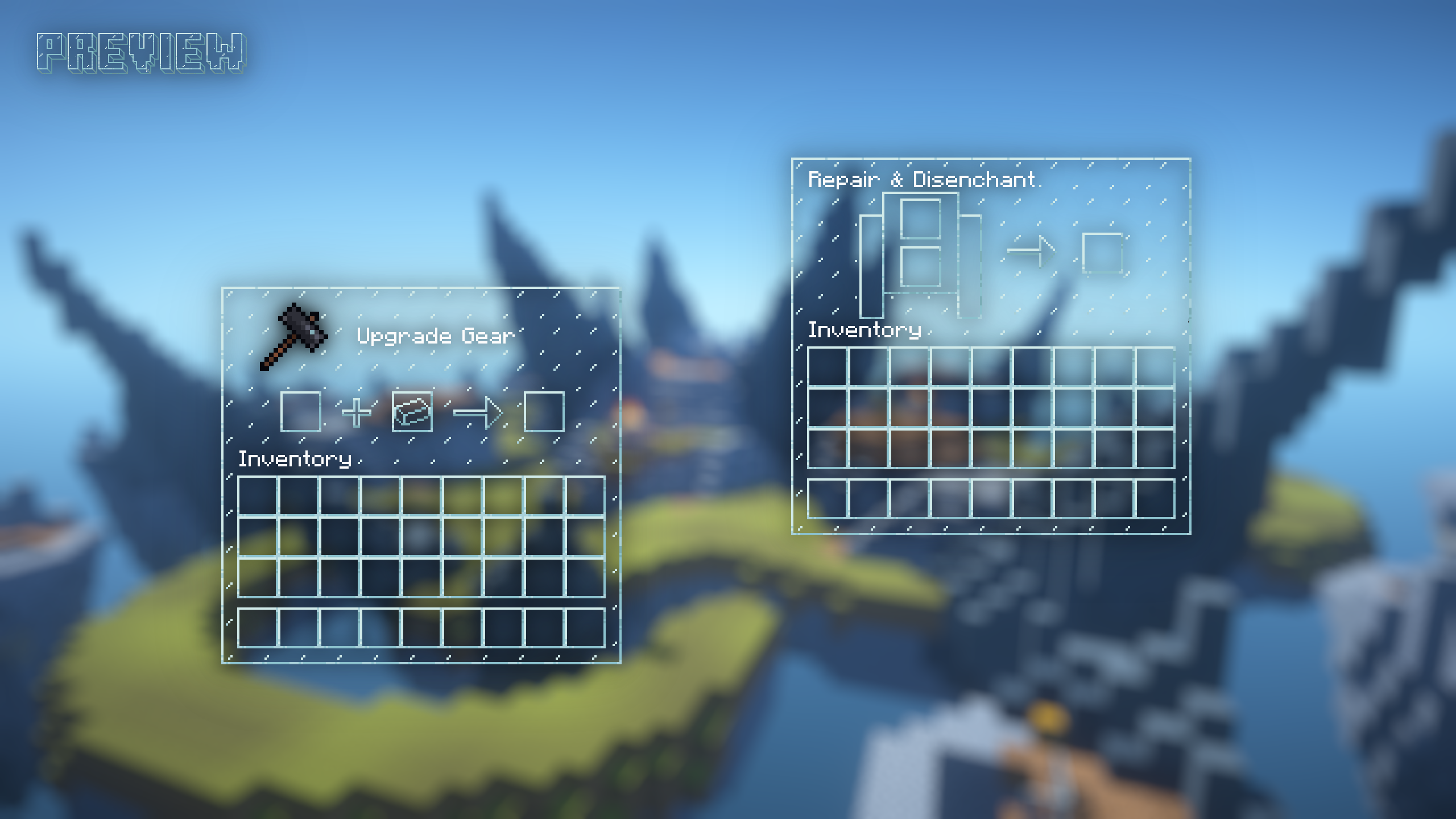
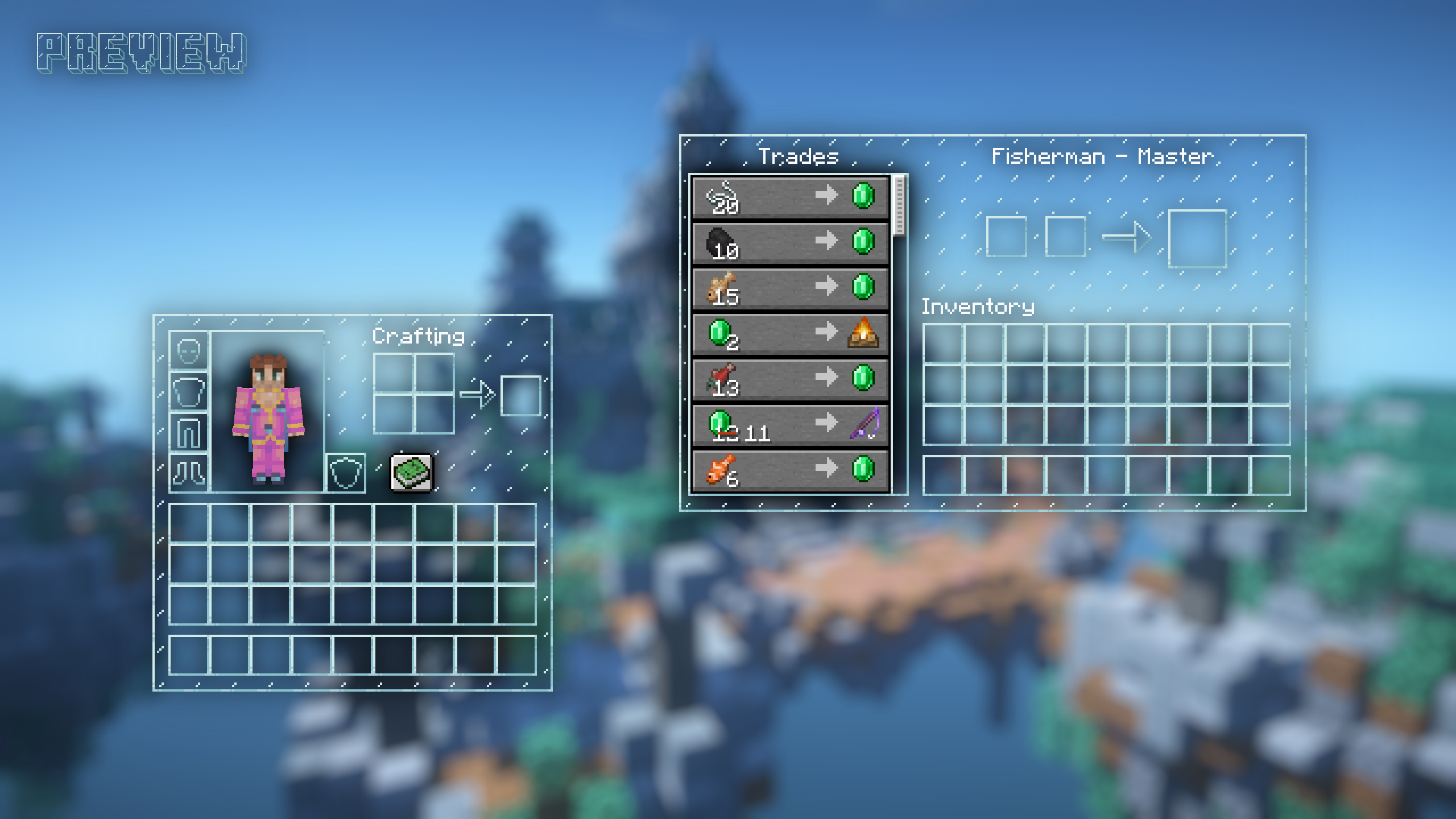
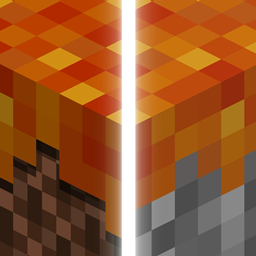
Texture pack that changes all of the inventory containers GUI into clear glass style/theme
by Hield
Download Claim this project
18,356 downloads
0 likes
Updated Oct 14, 2026
0 hypes
256x Miscellaneous Modern
Advertisement Remove ads with Premium →

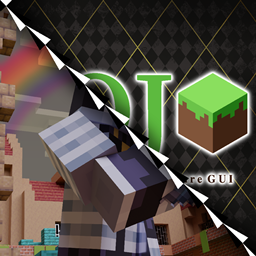
Clear GUI Banner


This is a minimalistic yet themed texture pack that changes all of the containers into a transparent vanilla glass theme for 1.8 & 1.20.1+. This pack was originally specifically made for PVP purposes but can also definitely be used for regular gameplay. The textures are all same resolution as the original so it shouldn't affect your performance! When you download the zip file, then also make sure to extract it to get both versions.


TERMS OF USE

When used for commercial purposes, like a Youtube video, credit me and the original project page. You are not allowed to use Dungeons GUI as a texture pack in key arts for Marketplace content. All textures may be used for personal use but you cannot re-upload them in any way.

Clear GUI 1.20 - 1.20.1
MC 1.20.1, 1.20
Release 2023-08-24 Get

Requirements & install

How to use this resource pack in Minecraft
Resolution
256x
Minecraft
1.20 – 1.20.1
Install folder
.minecraft/resourcepacks

How to install resource packs

  1. Download the resource pack .zip file (do not extract it).
  2. In Minecraft open Options → Resource Packs → Open Pack Folder.
  3. Drop the .zip into the resourcepacks folder (.minecraft/resourcepacks).
  4. Move the pack to the Selected column and click Done.

Packs from 128x upwards need more video memory: install a performance mod such as Sodium for smooth frame rates.

Browse more: 16x resource packs 32x resource packs 64x resource packs 128x resource packs 256x resource packs 512x+ resource packs Resource Packs for 1.20.1 All resource packs

More from Hield

Advertisement Remove ads with Premium →

You Might Also Like