Mineuniverse
Resource Packs
VAL GUI

VAL GUI

RESOURCE PACK
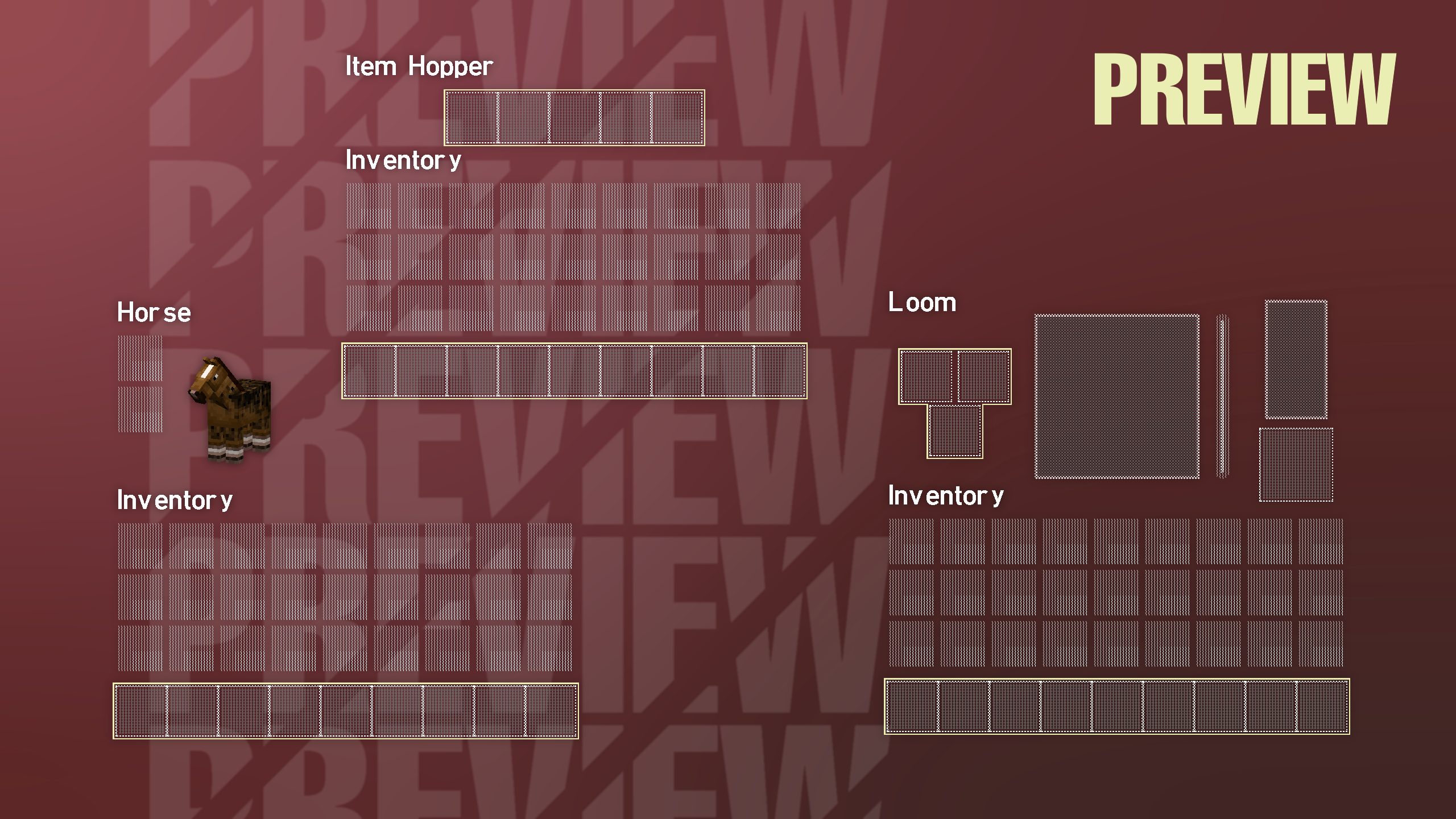
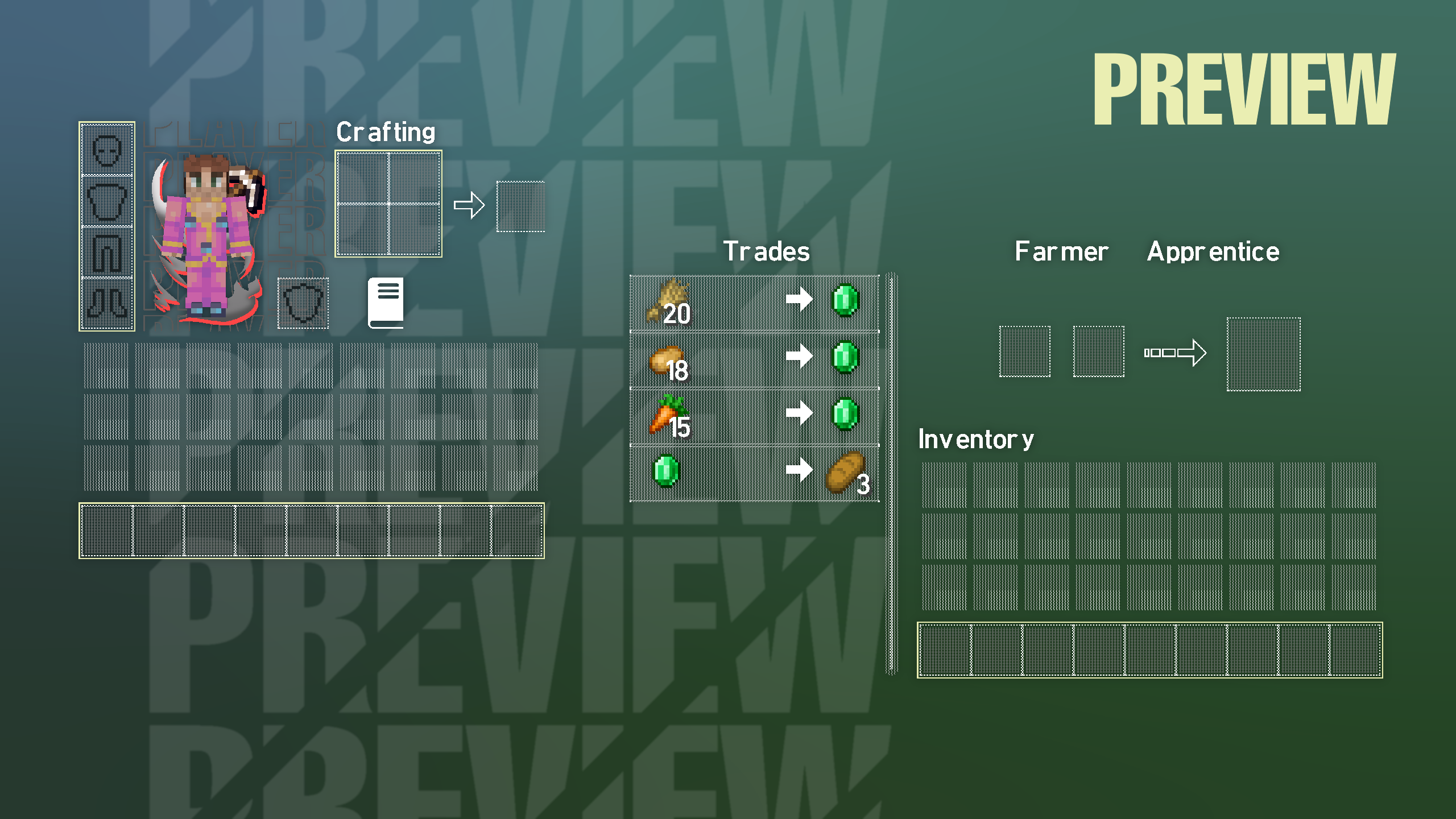
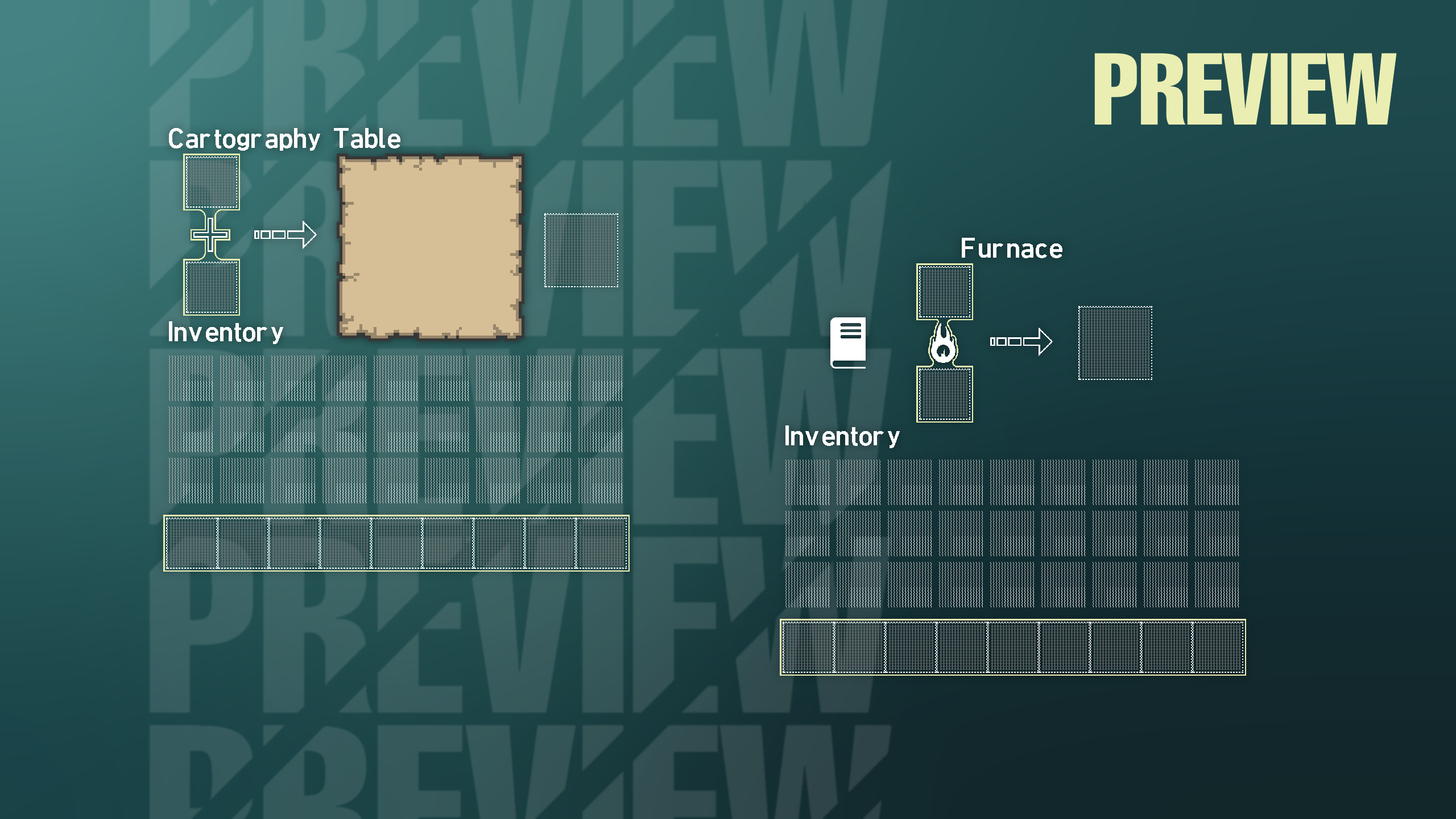
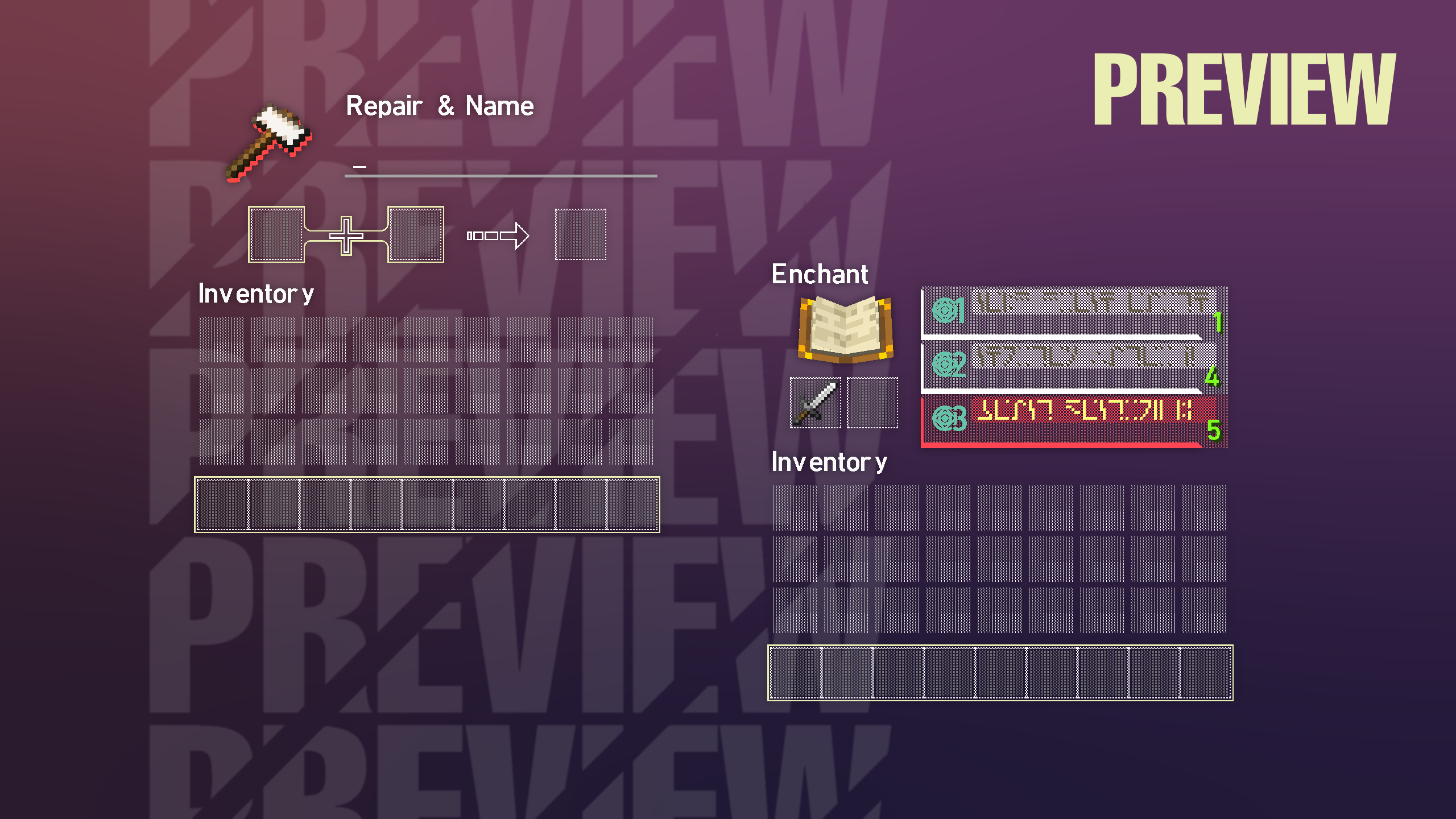
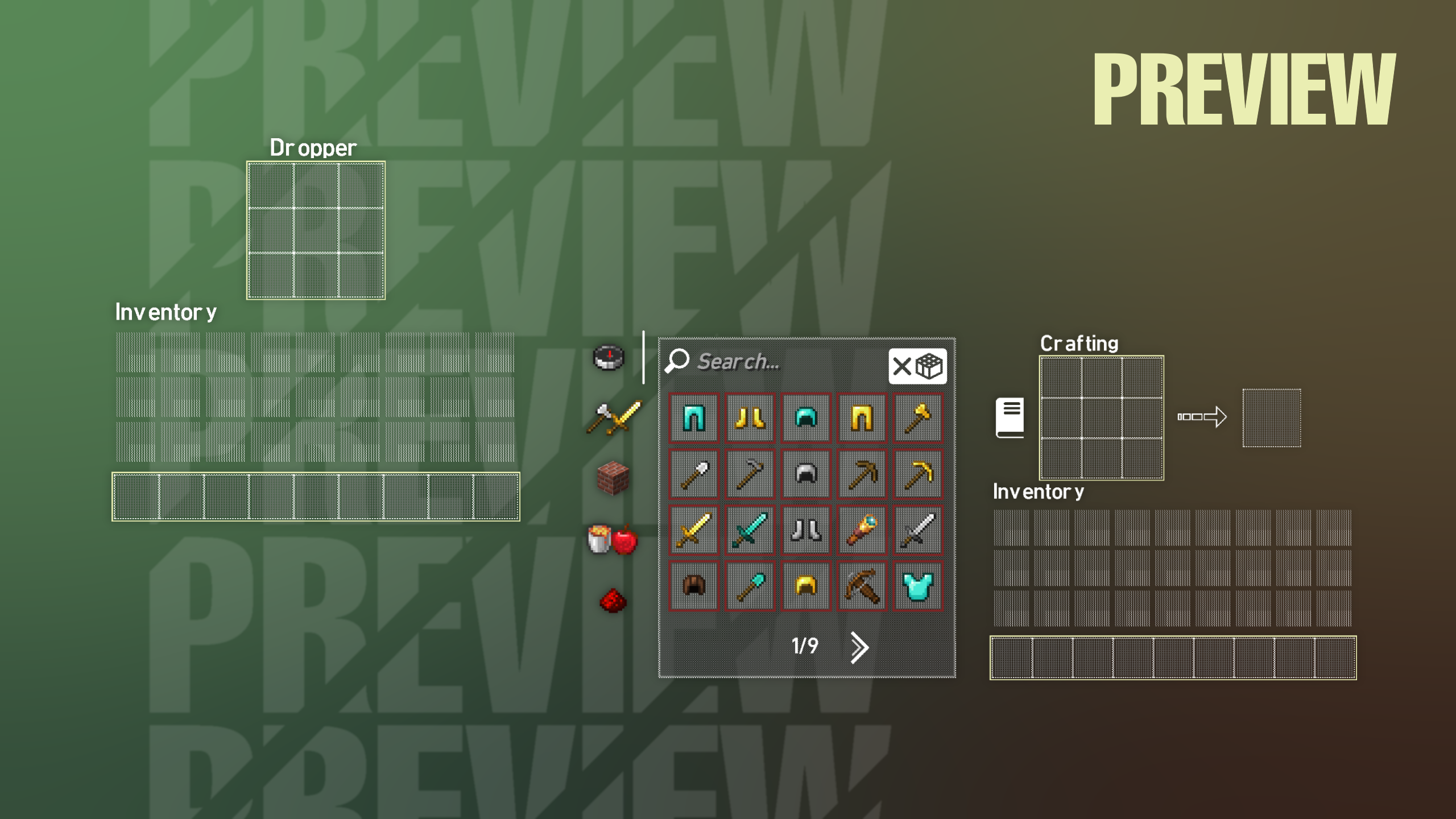
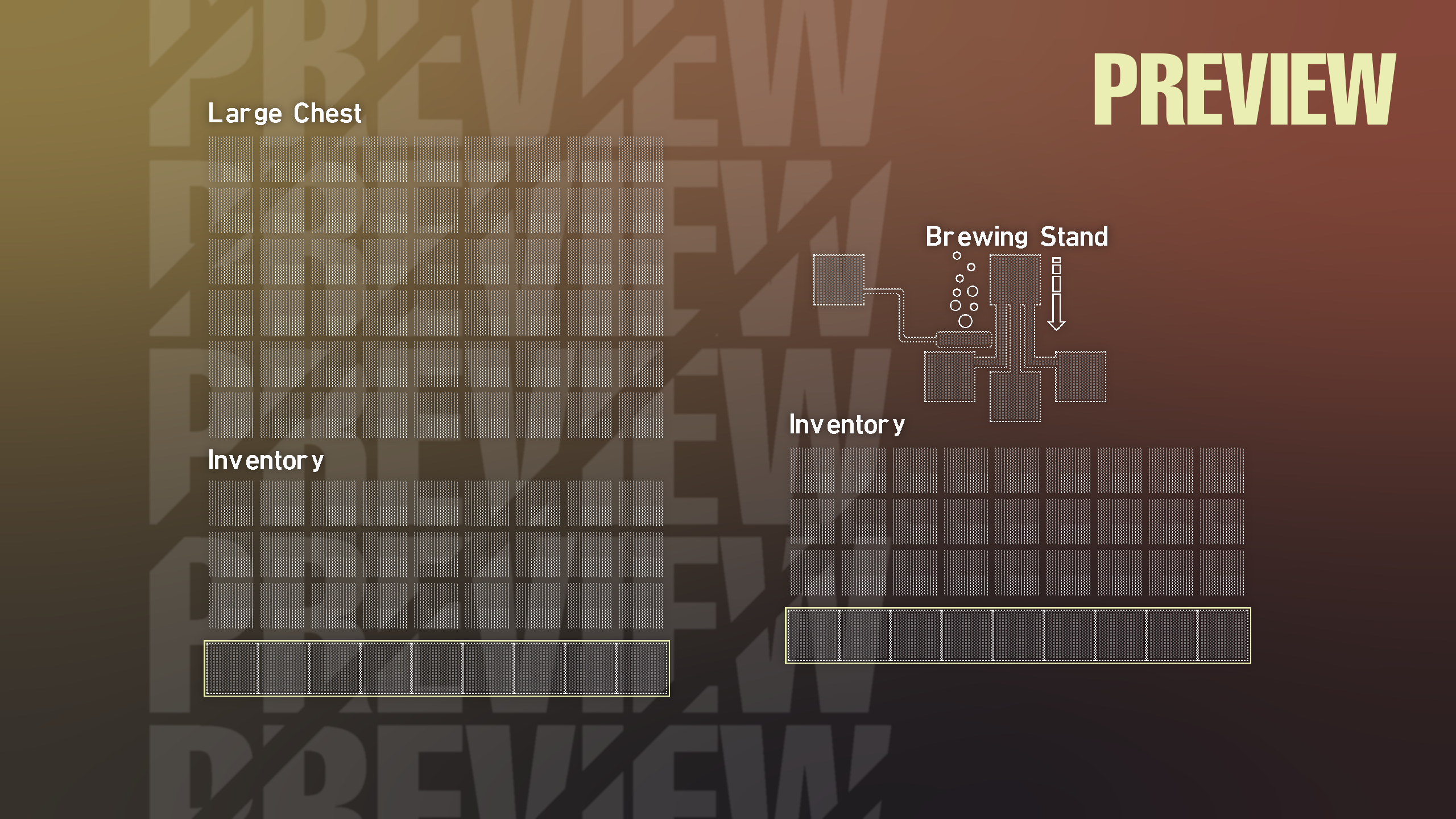
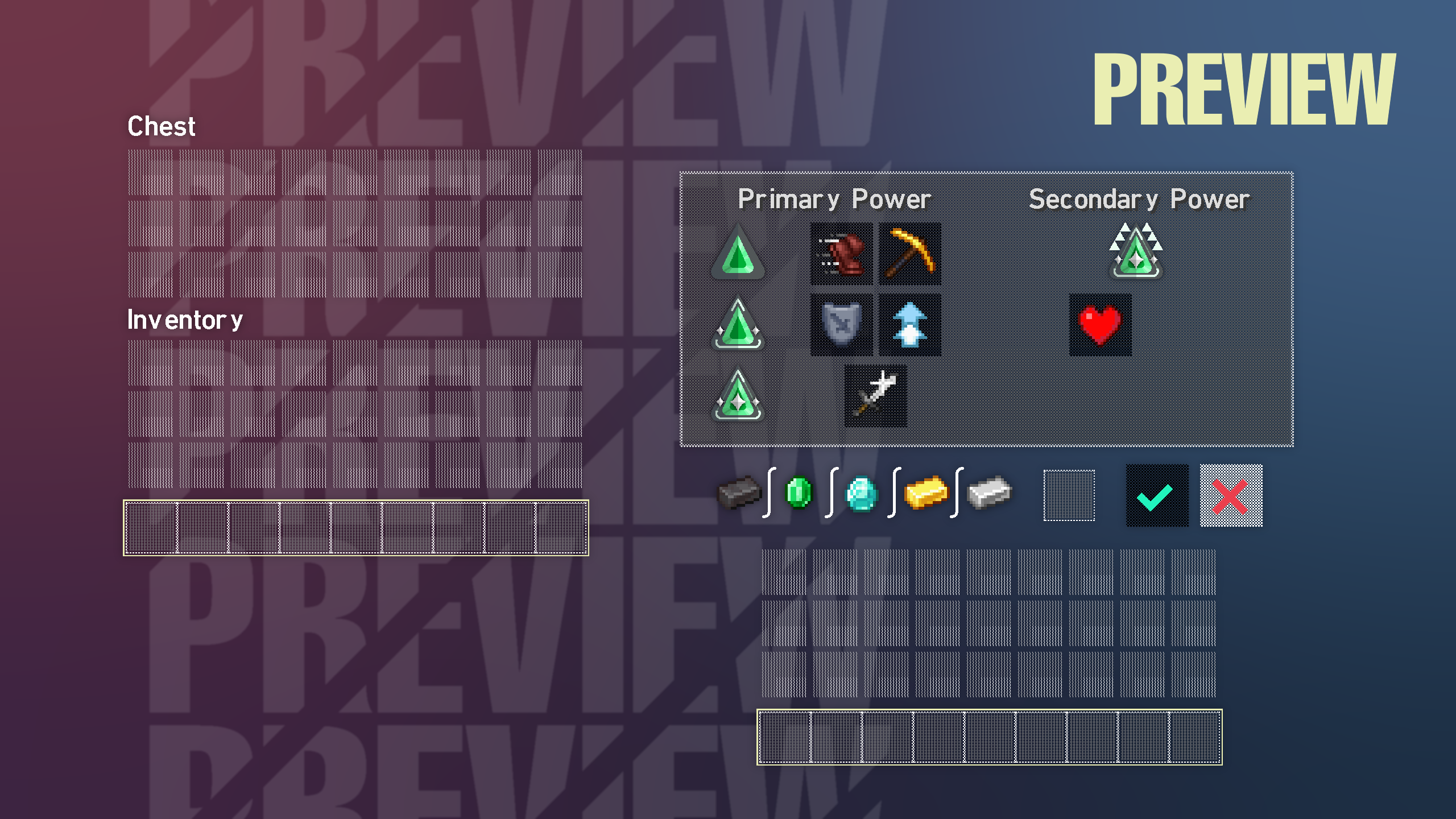
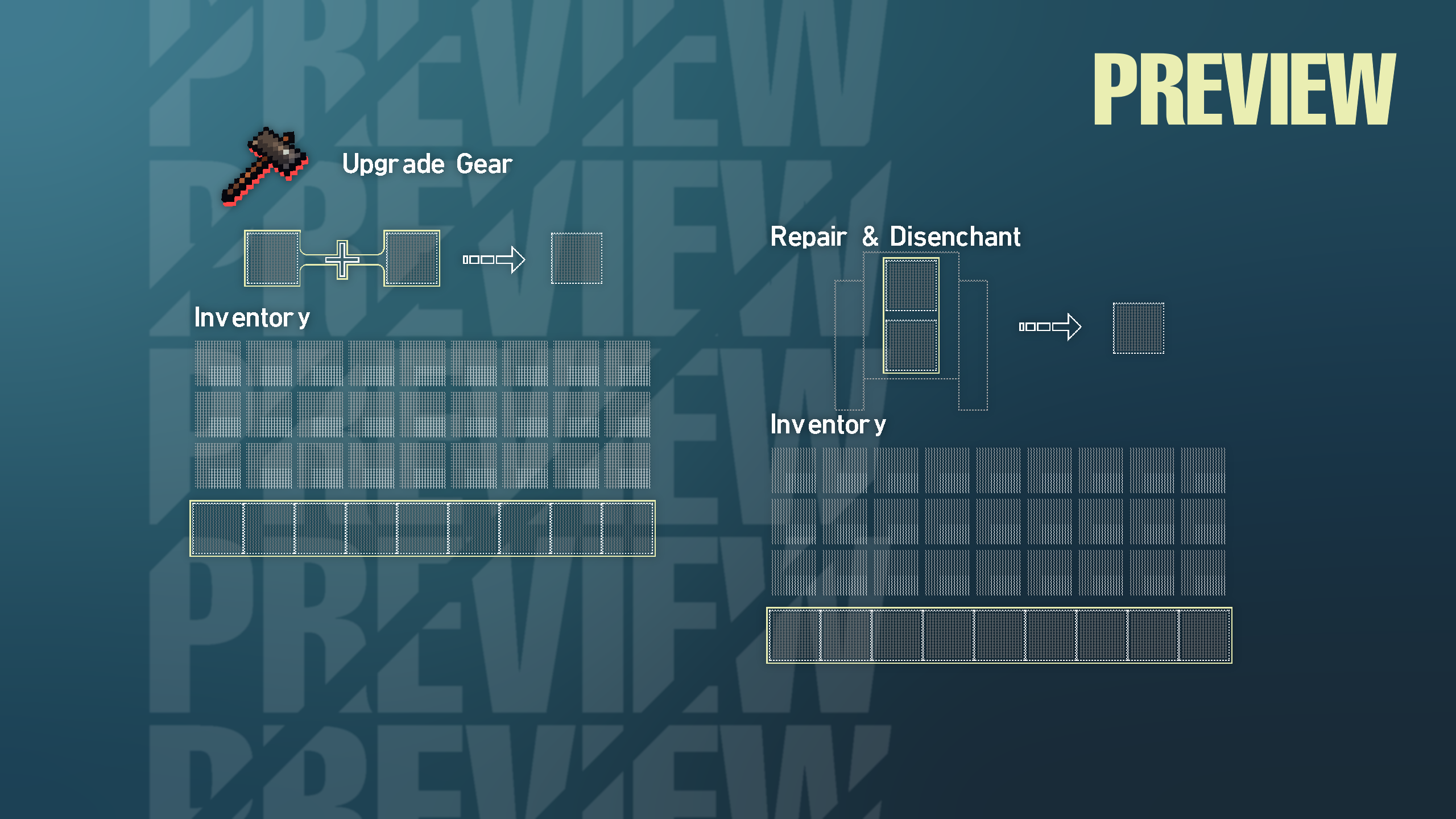
Texture pack that changes the whole GUI to VAL style/theme
by Hield
Download Claim this project
3,724 downloads
0 likes
Updated Oct 14, 2026
0 hypes
512x and Higher Font Packs Miscellaneous Modern
Advertisement Remove ads with Premium →


This is a minimalistic yet themed texture pack that changes all of the containers into a VAL theme for 1.8 & 1.19.3. Keep in mind that some GUI textures are around 2048x or lower size depending on what I wanted to fit in the texture files. Though since this pack primarily only affects your GUI it shouldn't really impact your performance. Some features require optifine to take effect but aren't mandatory 


TERMS OF USE

When used for commercial purposes, like a Youtube video, credit me and the original project page. You are not allowed to use VAL GUI as a texture pack in key arts for Marketplace content. All textures may be used for personal use but you cannot re-upload them in any way.

 

VAL GUI 1.20 - 1.20.1
MC 1.20.1, 1.20
Release 2023-09-08 Get
VAL GUI 1.19.4
MC 1.19.4
Release 2023-05-09 Get
VAL GUI 1.6.1 - 1.8.9
MC 1.7.6, 1.8.7, 1.7.4, 1.7.7, 1.7.5, 1.6.1, 1.8.4, 1.7.9, 1.8.8, 1.7.3, 1.7.2, 1.8-Snapshot, 1.8.3, 1.8.6, 1.7.8, 1.6.4, 1.7.10, 1.8, 1.8.2, 1.8.5, 1.8.9, 1.8.1, 1.6.2
Release 2023-01-25 Get
VAL GUI 1.9 - 1.19.2
MC 1.16-Snapshot, 1.17.1, 1.9.1, 1.16.3, 1.13.1, 1.9.3, 1.15-Snapshot, 1.16.1, 1.18.1, 1.10-Snapshot, 1.9.4, 1.9.2, 1.14.4, 1.14.1, 1.12.1, 1.17, 1.12, 1.14.3, 1.15, 1.16, 1.13
Release 2023-01-25 Get
VAL GUI 1.19.3
MC 1.19.3
Release 2023-01-25 Get
VAL GUI 1.6.1 - 1.8.9 (outdated)
MC 1.7.6, 1.8.7, 1.7.4, 1.7.7, 1.7.5, 1.6.1, 1.8.4, 1.7.9, 1.8.8, 1.7.3, 1.7.2, 1.8-Snapshot, 1.8.3, 1.8.6, 1.7.8, 1.6.4, 1.7.10, 1.8, 1.8.2, 1.8.5, 1.8.9, 1.8.1, 1.6.2
Release 2023-01-02 Get

Requirements & install

How to use this resource pack in Minecraft
Resolution
512x+
Minecraft
1.16.3 – 1.20.1
Install folder
.minecraft/resourcepacks

How to install resource packs

  1. Download the resource pack .zip file (do not extract it).
  2. In Minecraft open Options → Resource Packs → Open Pack Folder.
  3. Drop the .zip into the resourcepacks folder (.minecraft/resourcepacks).
  4. Move the pack to the Selected column and click Done.

512x packs need a strong GPU and at least 4 GB of RAM for Minecraft; a performance mod such as Sodium is strongly recommended.

Browse more: 16x resource packs 32x resource packs 64x resource packs 128x resource packs 256x resource packs 512x+ resource packs Resource Packs for 1.20.1 All resource packs

More from Hield

Advertisement Remove ads with Premium →

You Might Also Like