Hello, 👋🏻 I'm AlexTestria
I’m a self-taught 3D artist/game designer. Very excited to learn UI/UX- and illustration design.
Since November 2022 I am fighting against very aggressive sarcoma cancer.
Thanks to my Patrons for funding my treatments! 🤍


FAQ
| Do I need Optifine? |
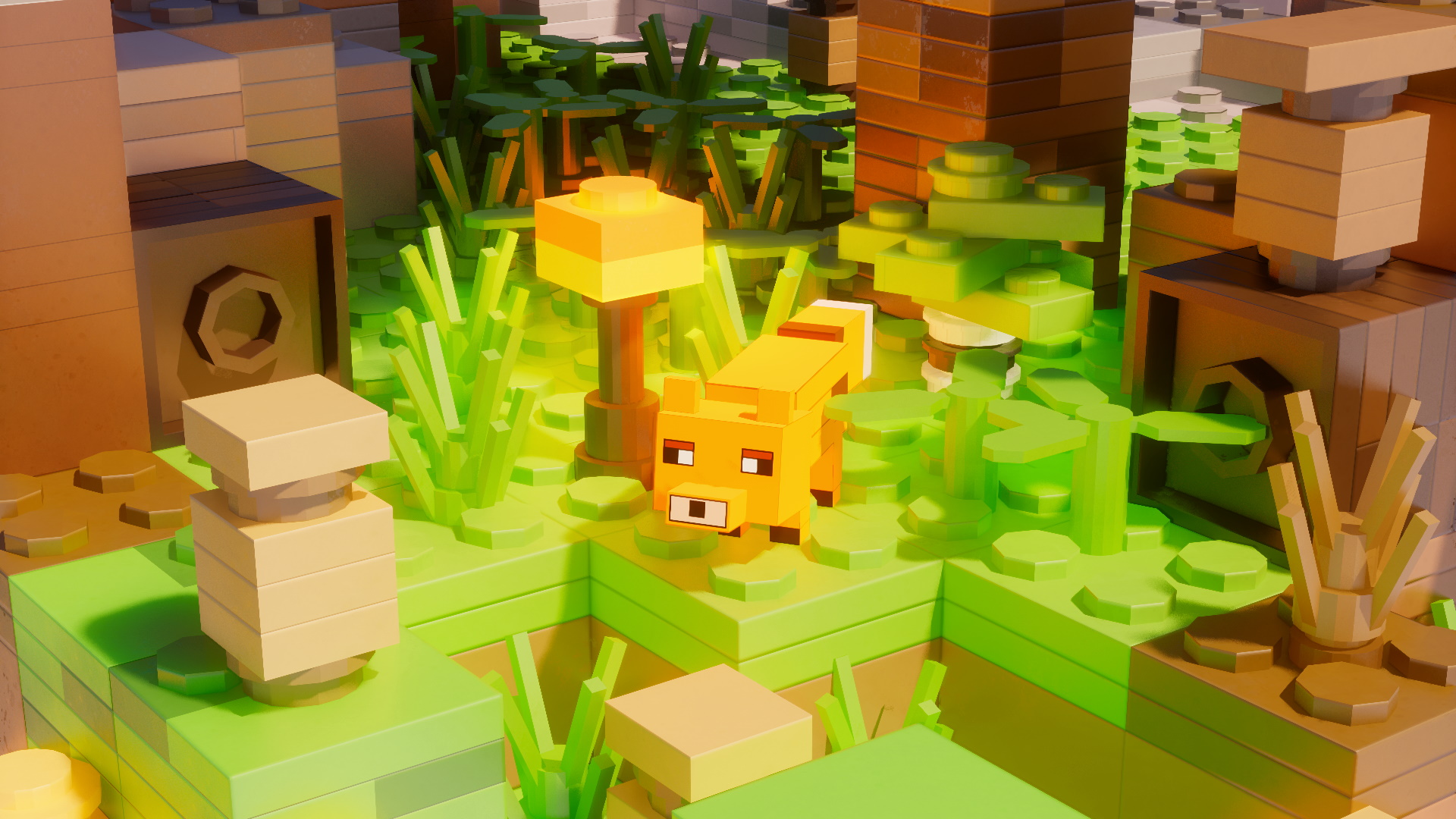
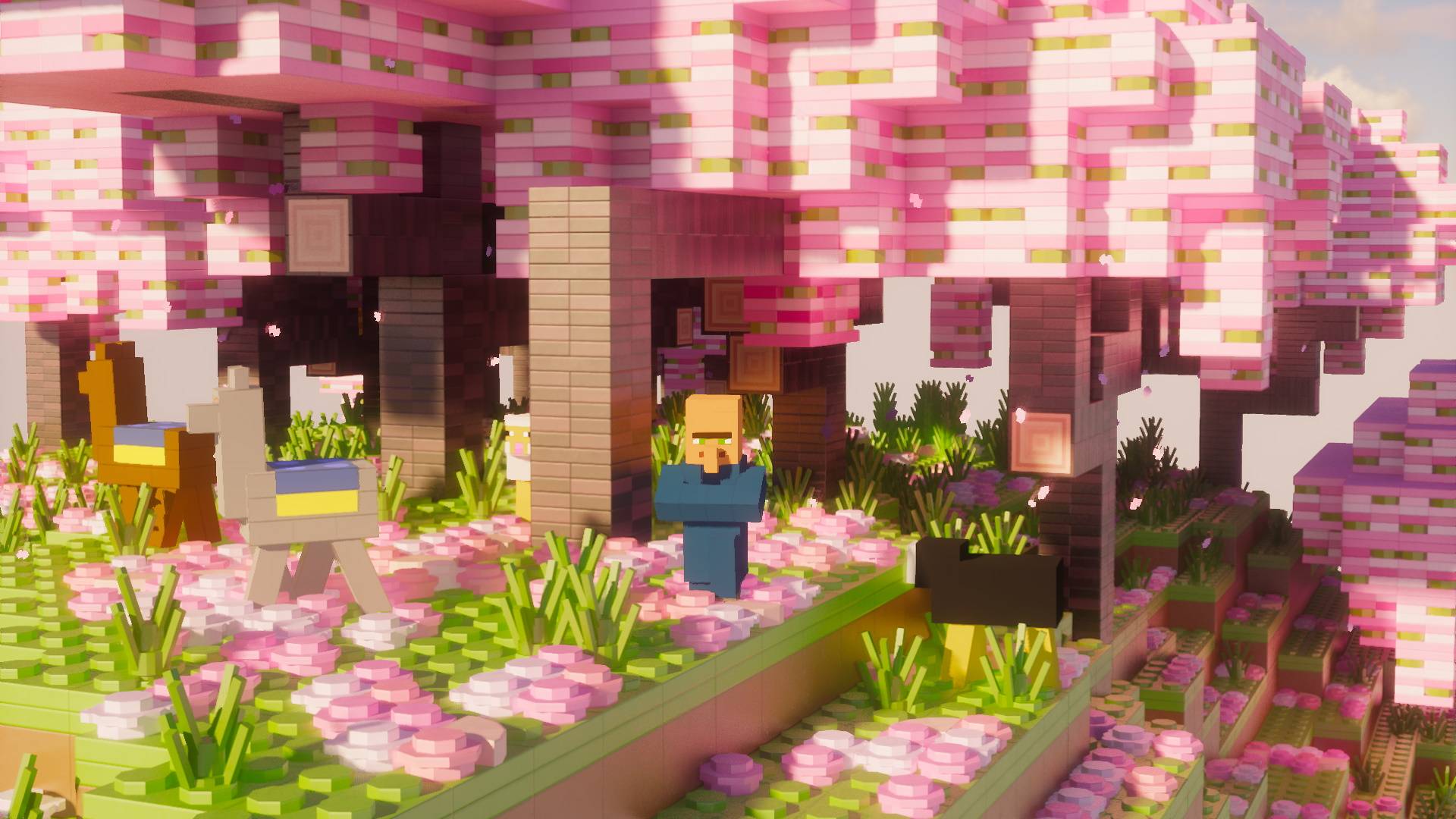
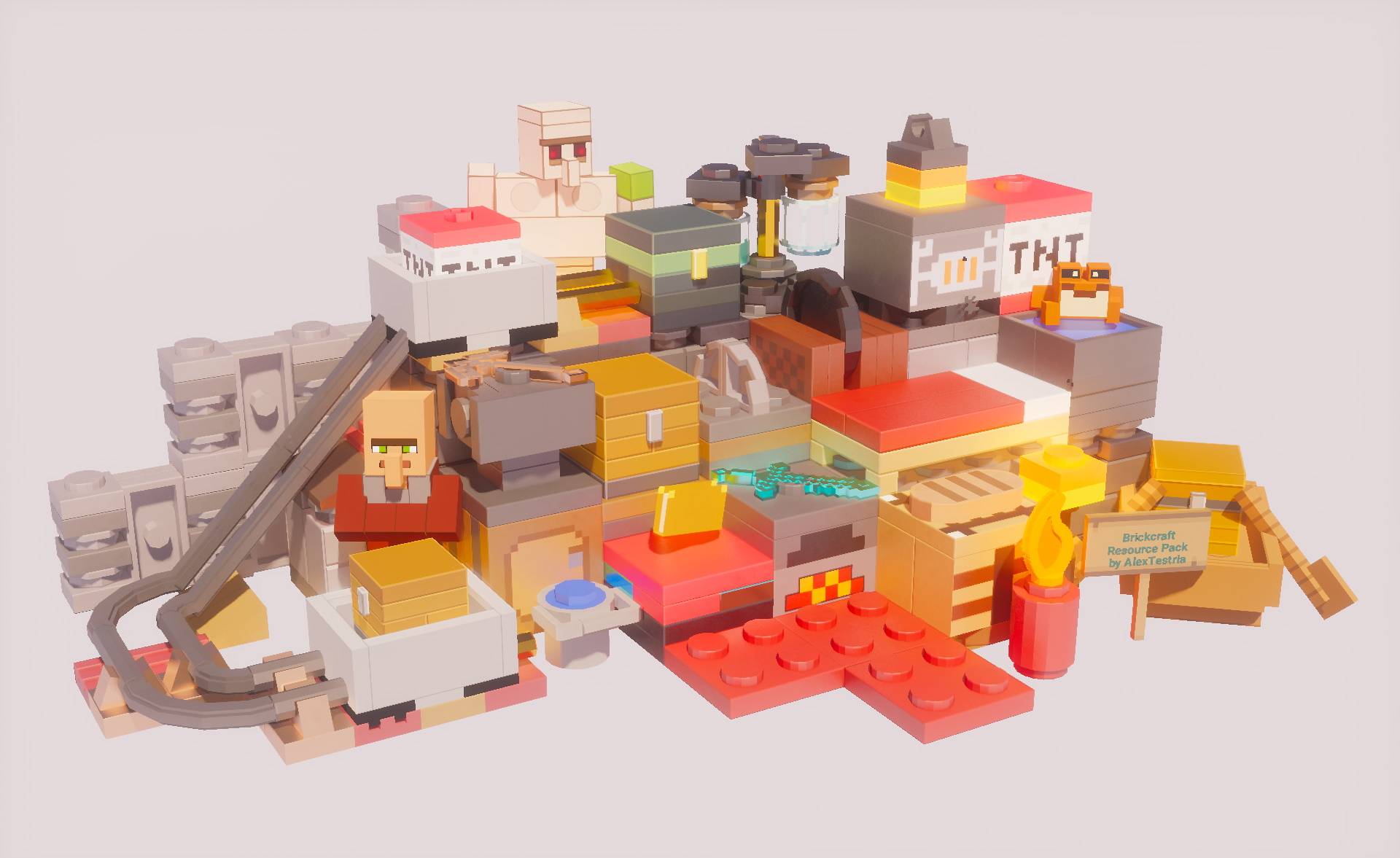
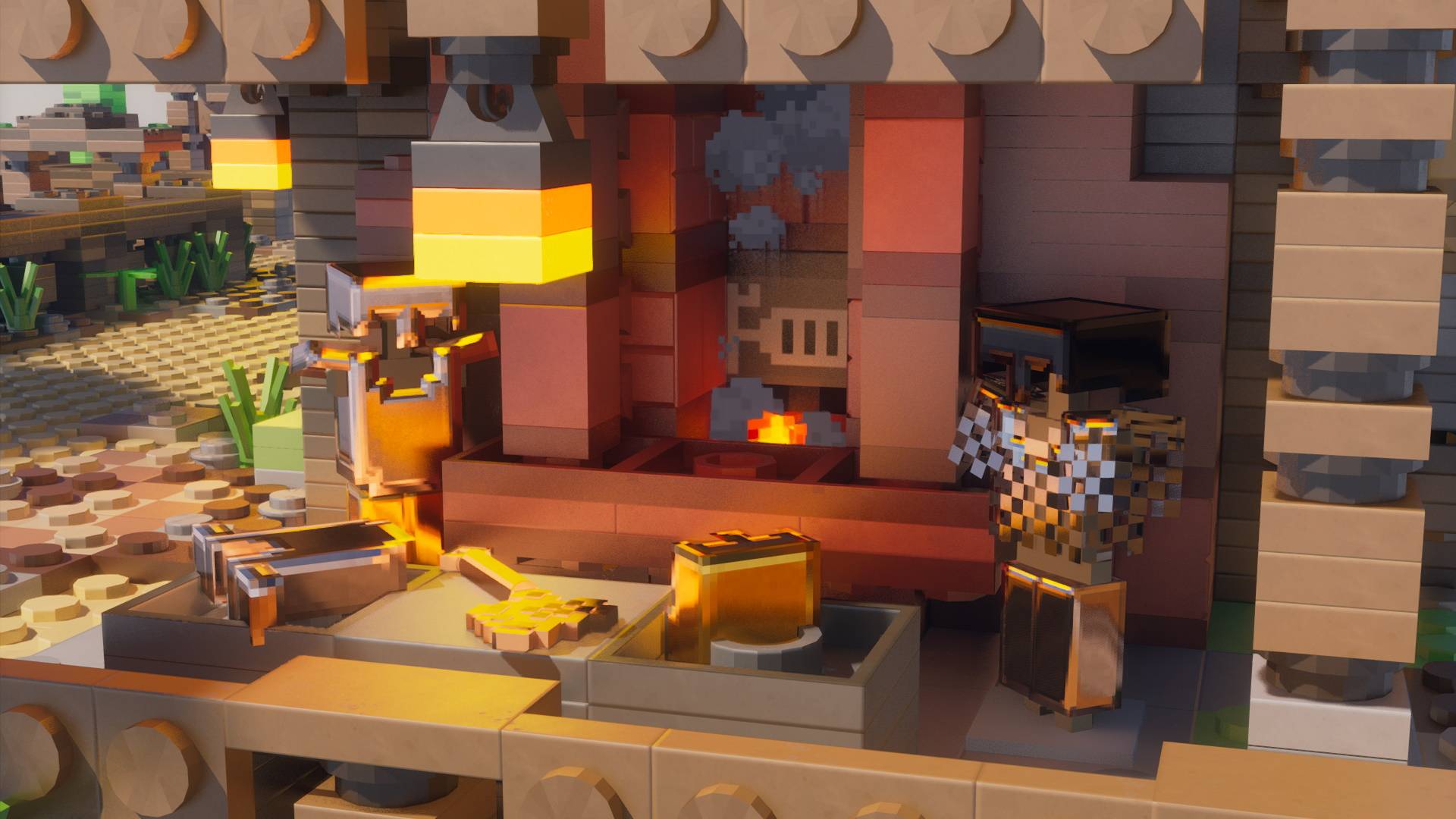
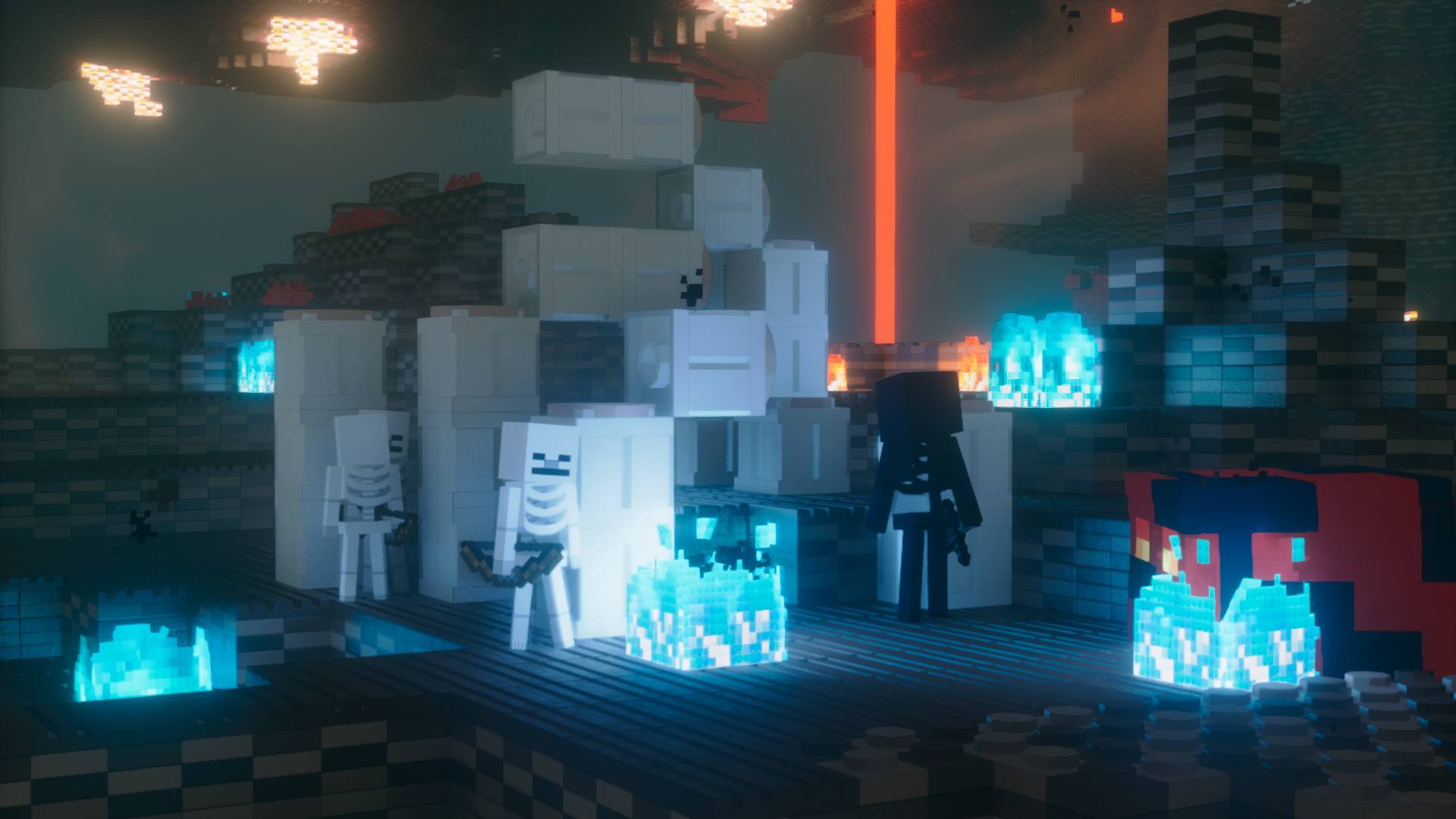
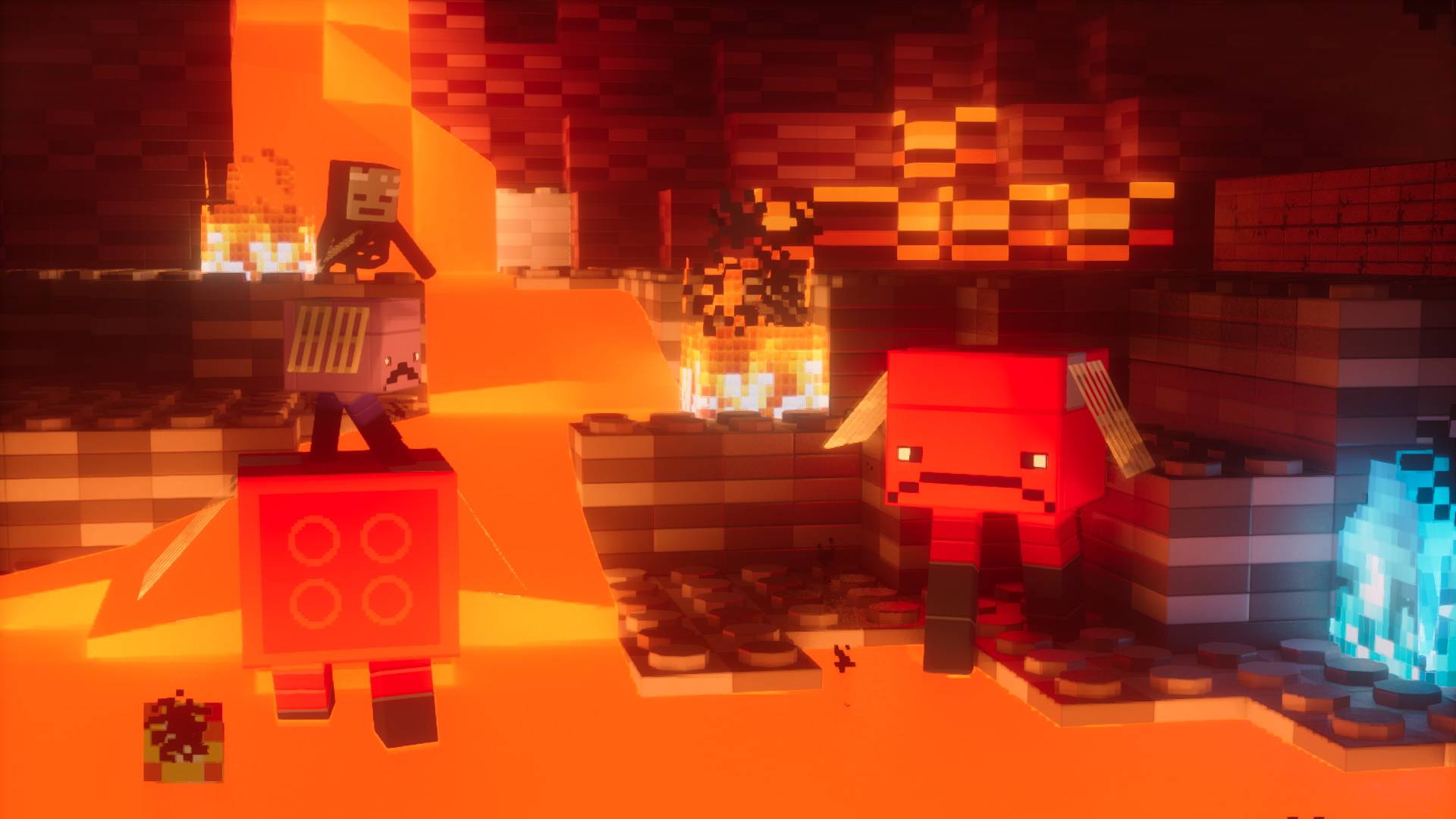
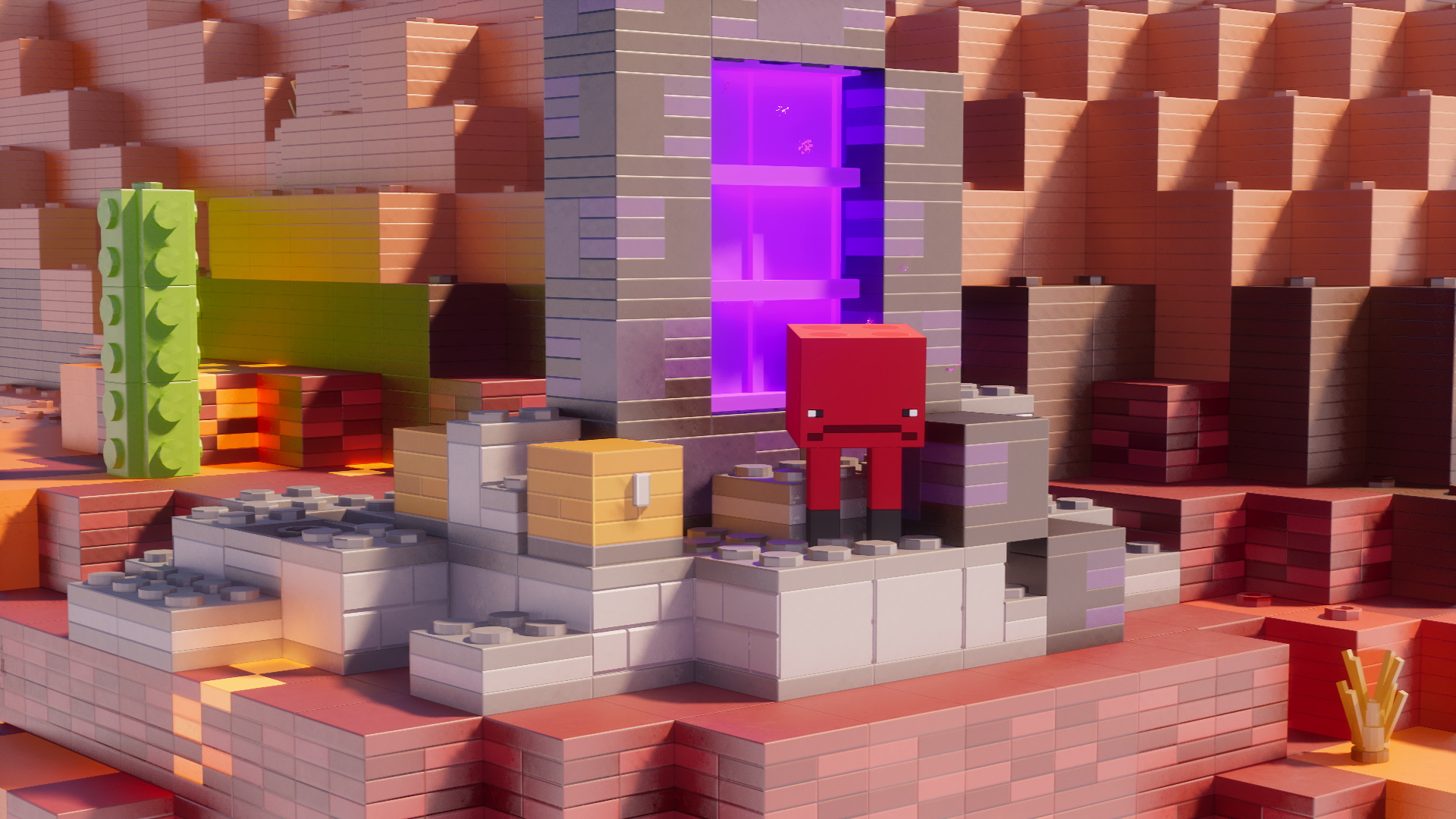
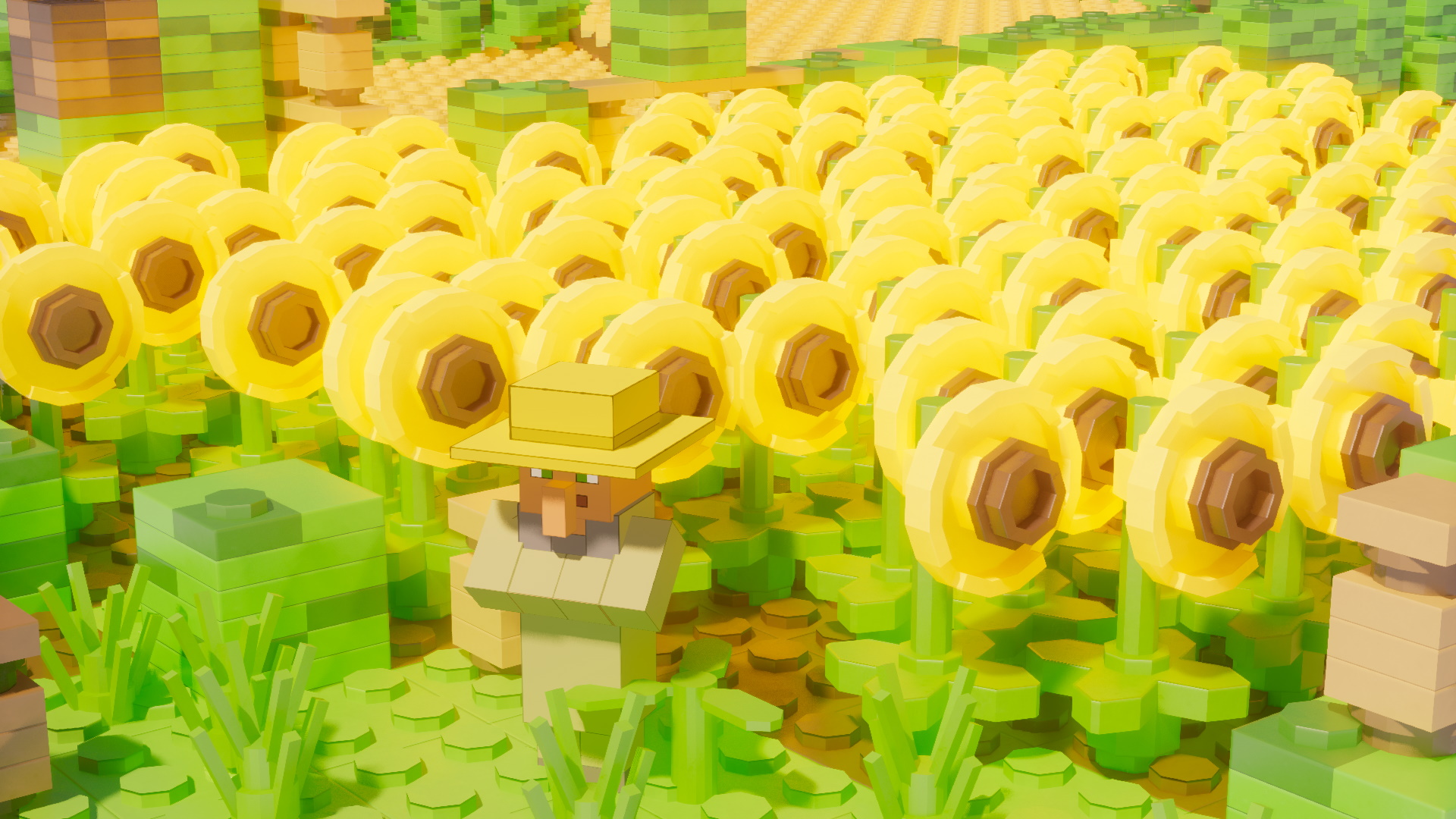
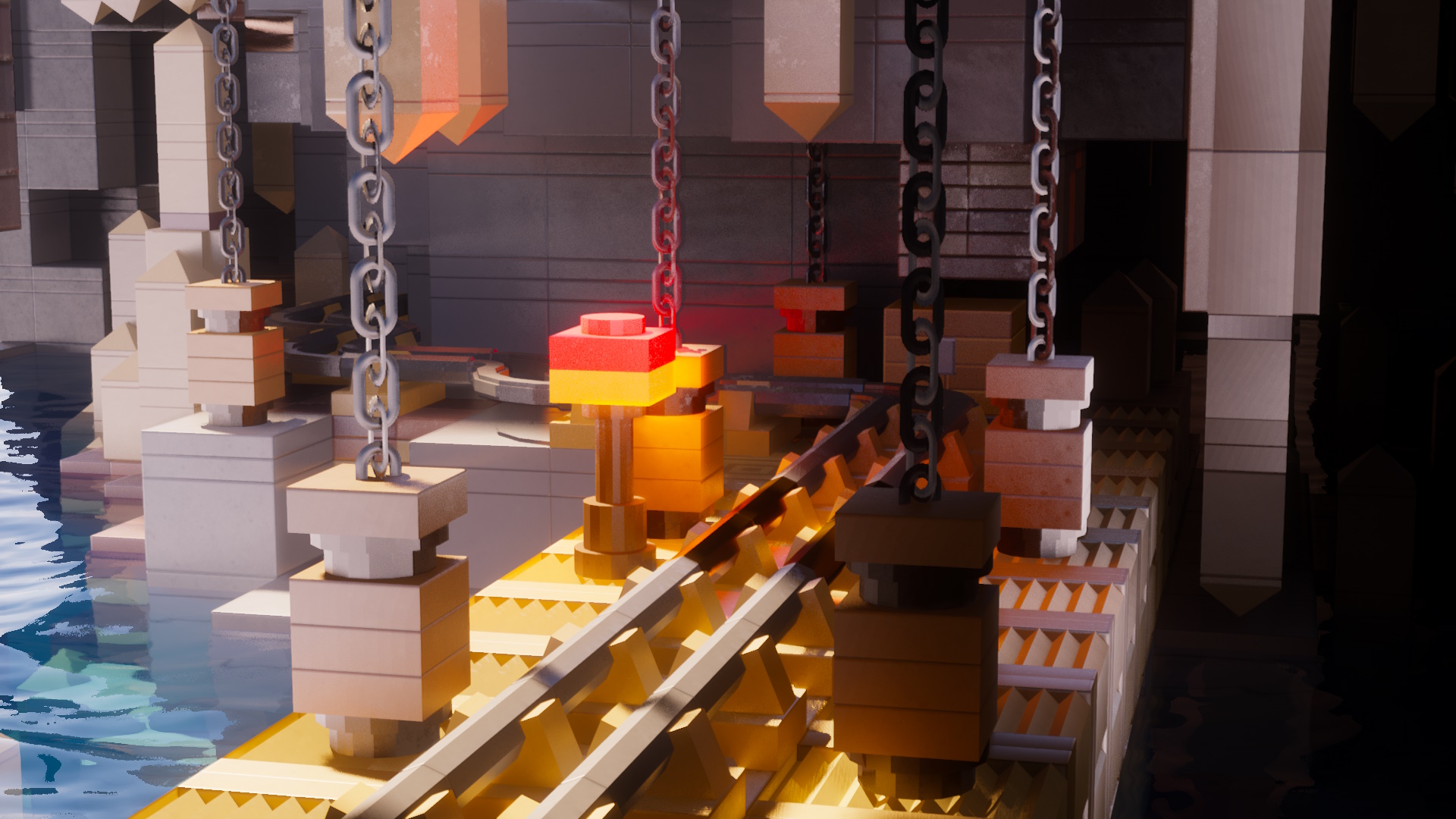
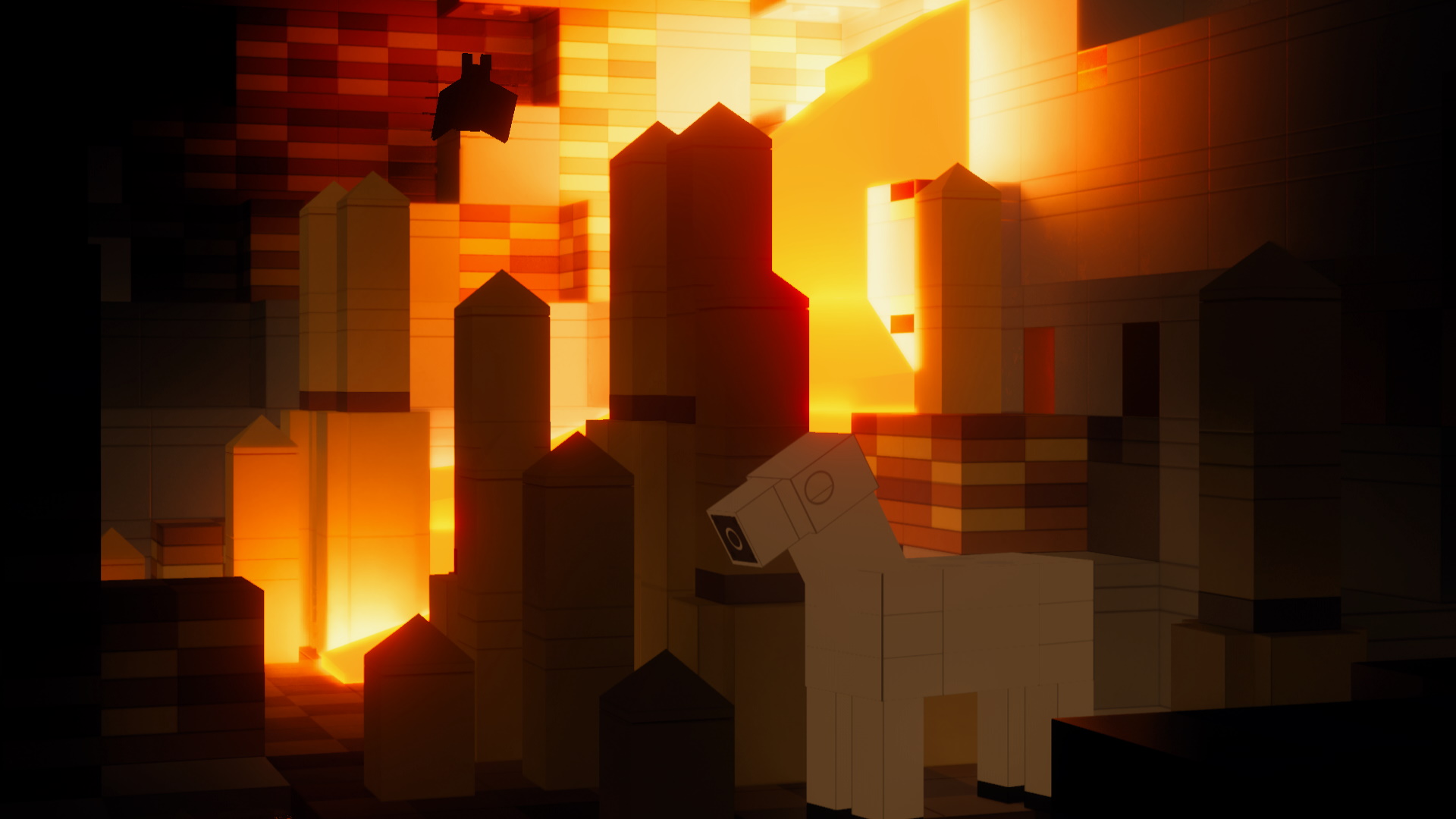
| No, you do not need Optifine to use Brickcraft. However, it is recommended to use some kind of optimization mod along Brickcraft. You can see special lighting effects by using Optifine or Iris+Sodium with a proper shader activated. However, Brickcraft still works in Vanilla Minecraft just fine! |
| Can I play Brickcraft on Bedrock or Pocket Edition? |
| Sadly, Bedrock and Pocket Edition are missing key 3D modeling features to implement 3D blocks. Due to this limitation, it is not possible to make Brickcraft functional on these Editions or Console. |
| How do I install a resource pack? |
| Is it your first time installing a resource pack? This is the perfect guide you’ll ever need! It is much simpler to set everything up than you might think. |
| The resource pack is lagging! |
| Because Brickcraft only uses 3D Models to achieve its look, it can lag quite a lot at medium to higher render distances. Try setting your render distance between two and six chunks. Check out this page for additional tips! |
| Why does the resource pack cost money? |
| Since November 2022 I'm fighting against an extremely aggressive sarcoma cancer at 22 years old. Most of my profit goes directly towards my treatments and rent. Without charging money, I wouldn't be able to further develop Brickcraft or even continue to live my life. |


Brickcraft is not in any way affiliated with LEGO®. LEGO® is a trademark of the LEGO Group of companies which does not sponsor, authorize, or endorse this resource pack.
Not approved by or associated with Mojang or Microsoft.