Mineuniverse
Resource Packs
Fateful

Fateful

RESOURCE PACK
Complete x256 Resource Pack
by DarekThade
Download Claim this project
8,997 downloads
0 likes
Updated Oct 14, 2026
0 hypes
256x Miscellaneous Traditional
Advertisement Remove ads with Premium →

Fateful

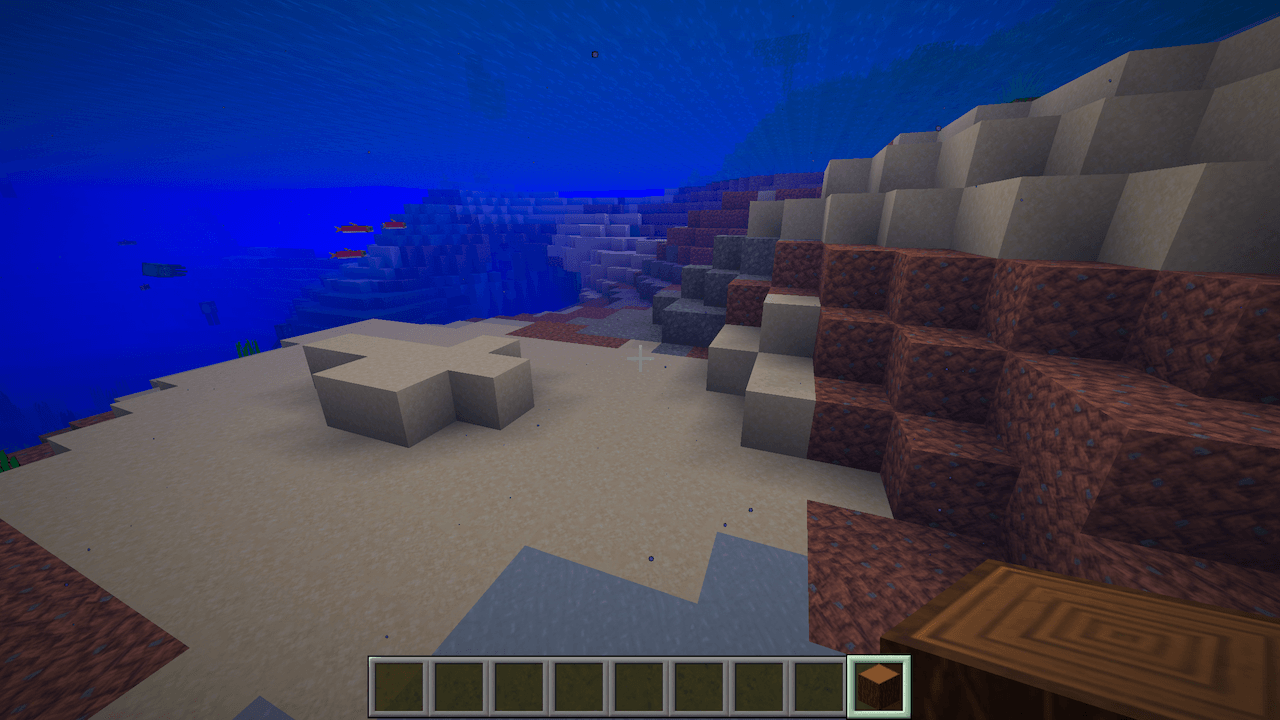
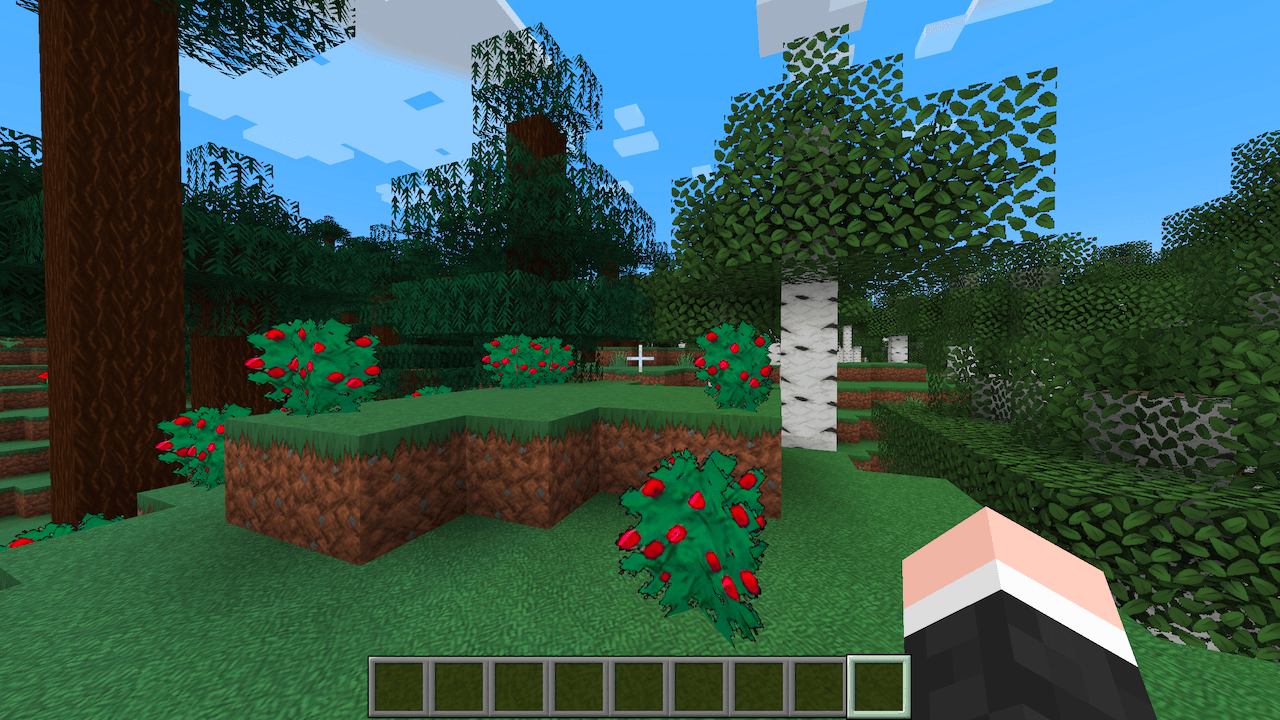
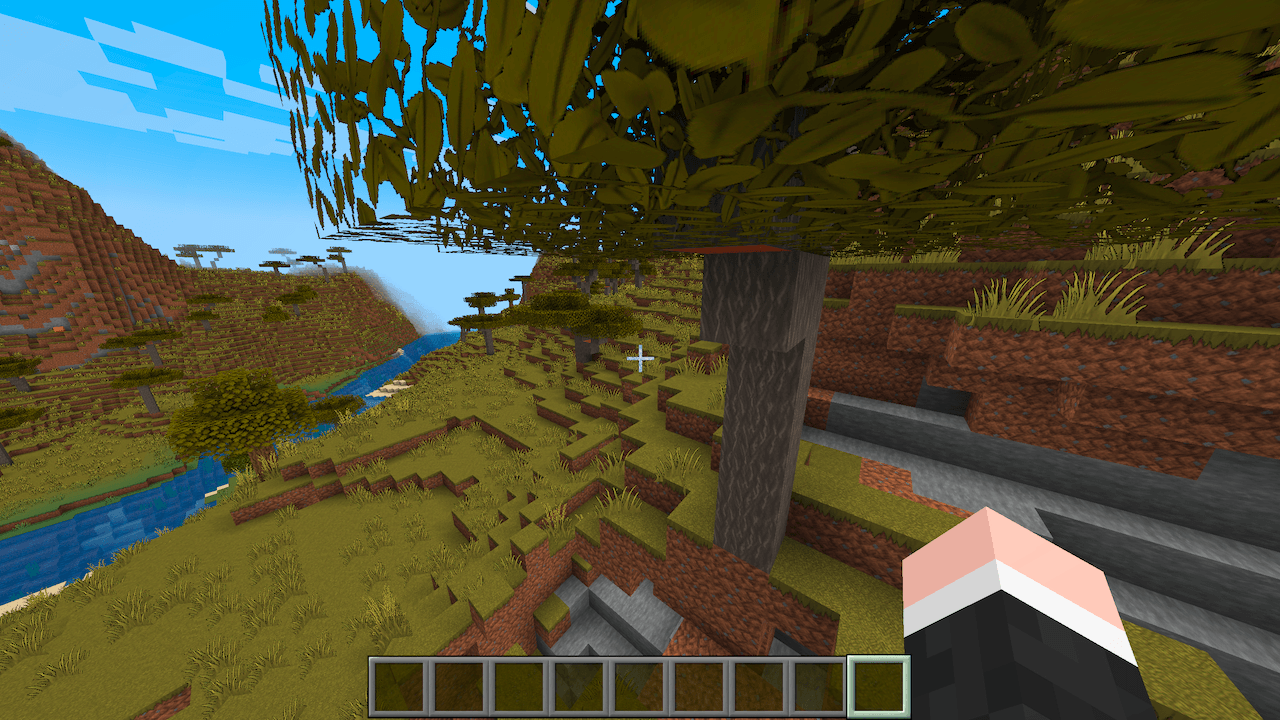
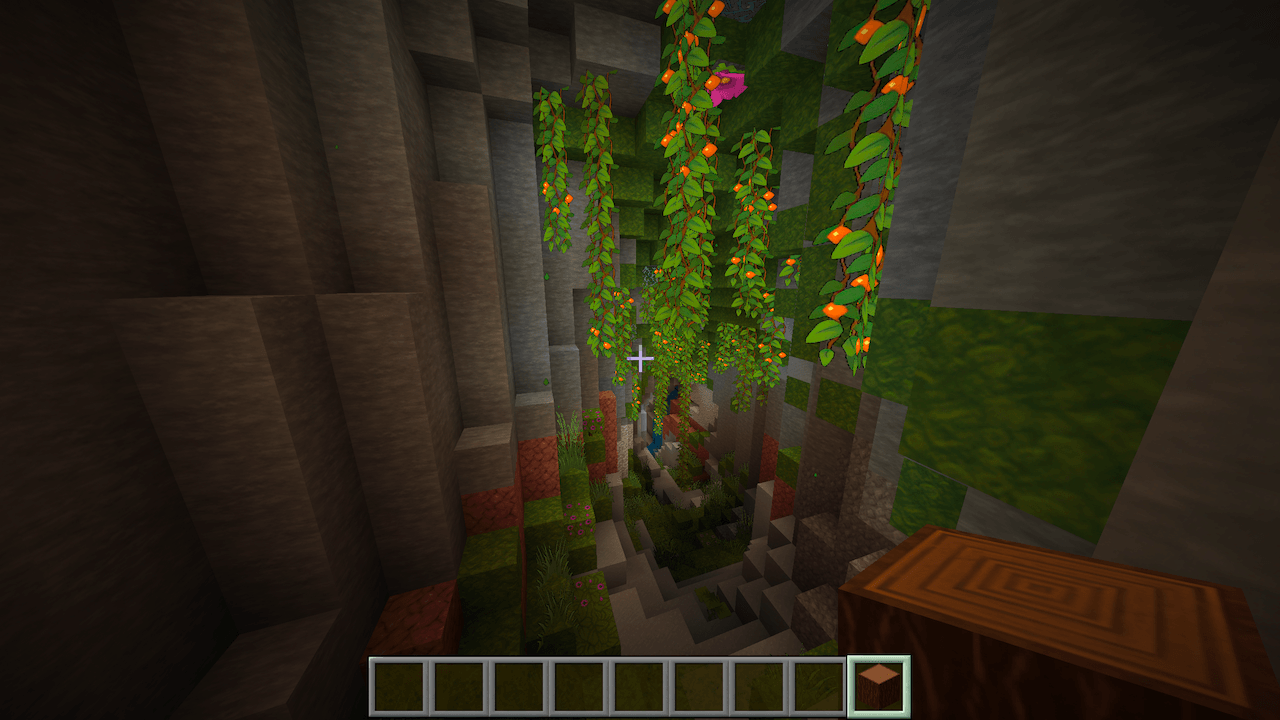
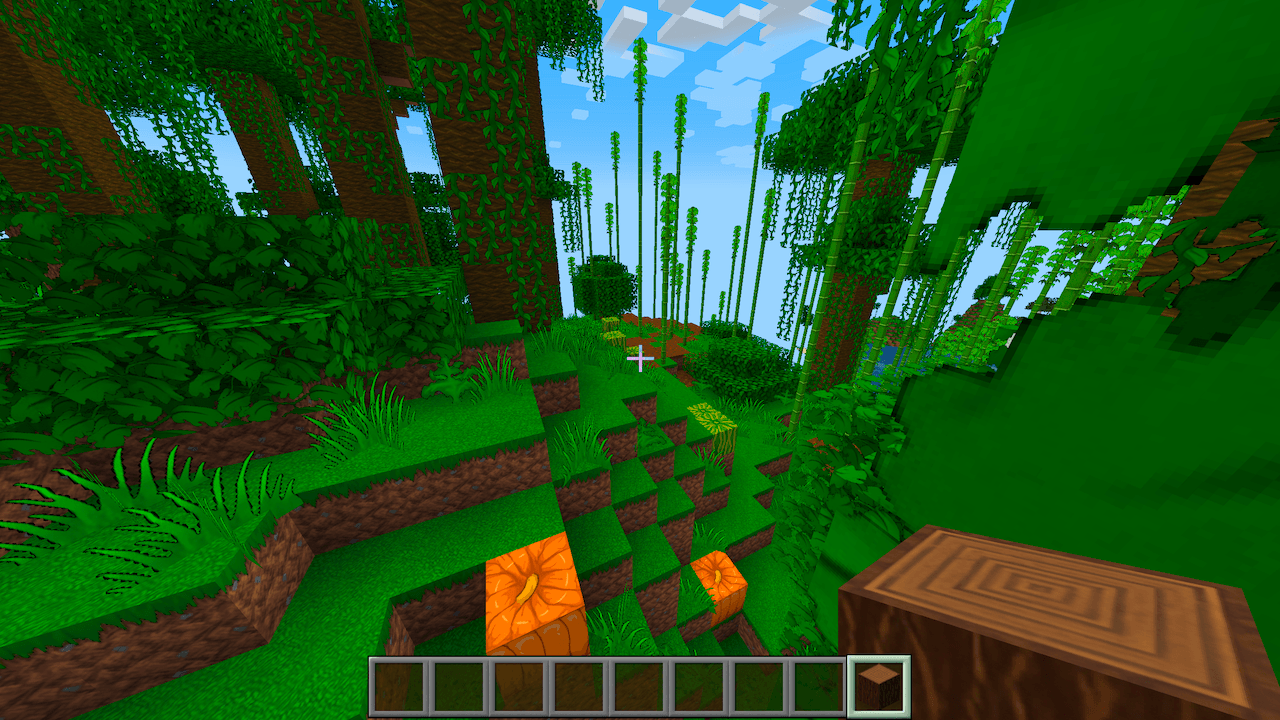
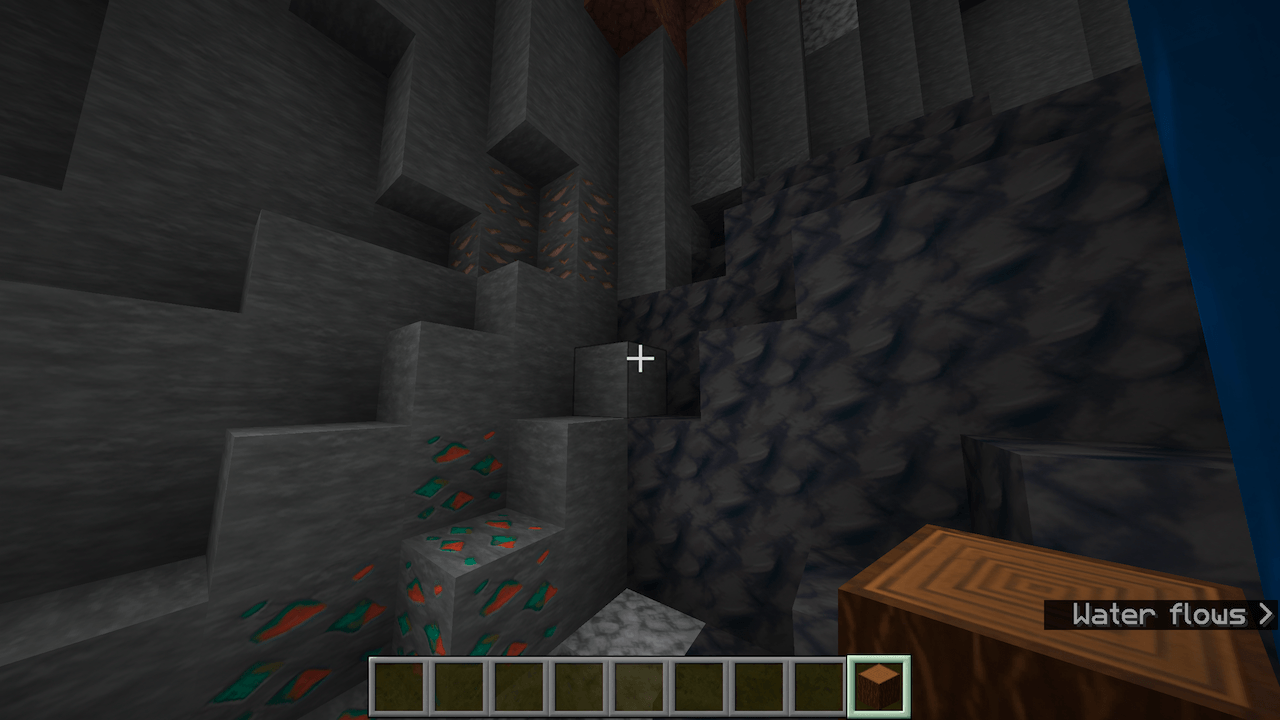
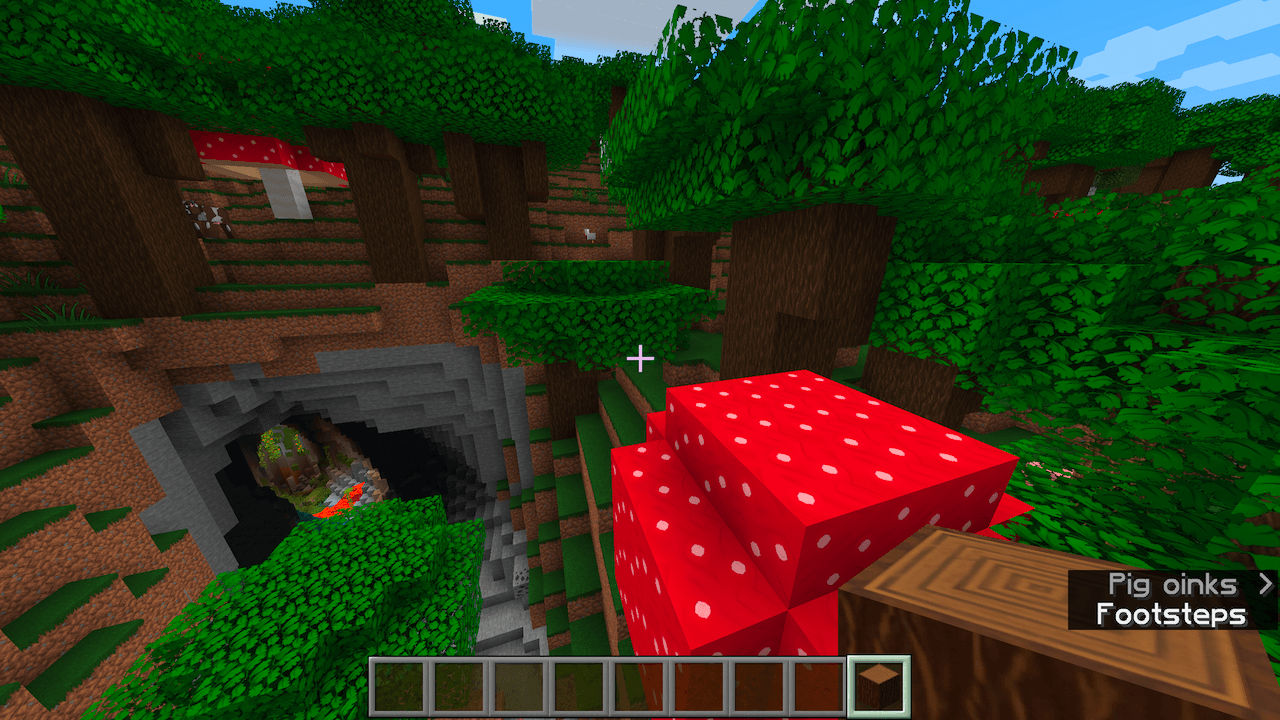
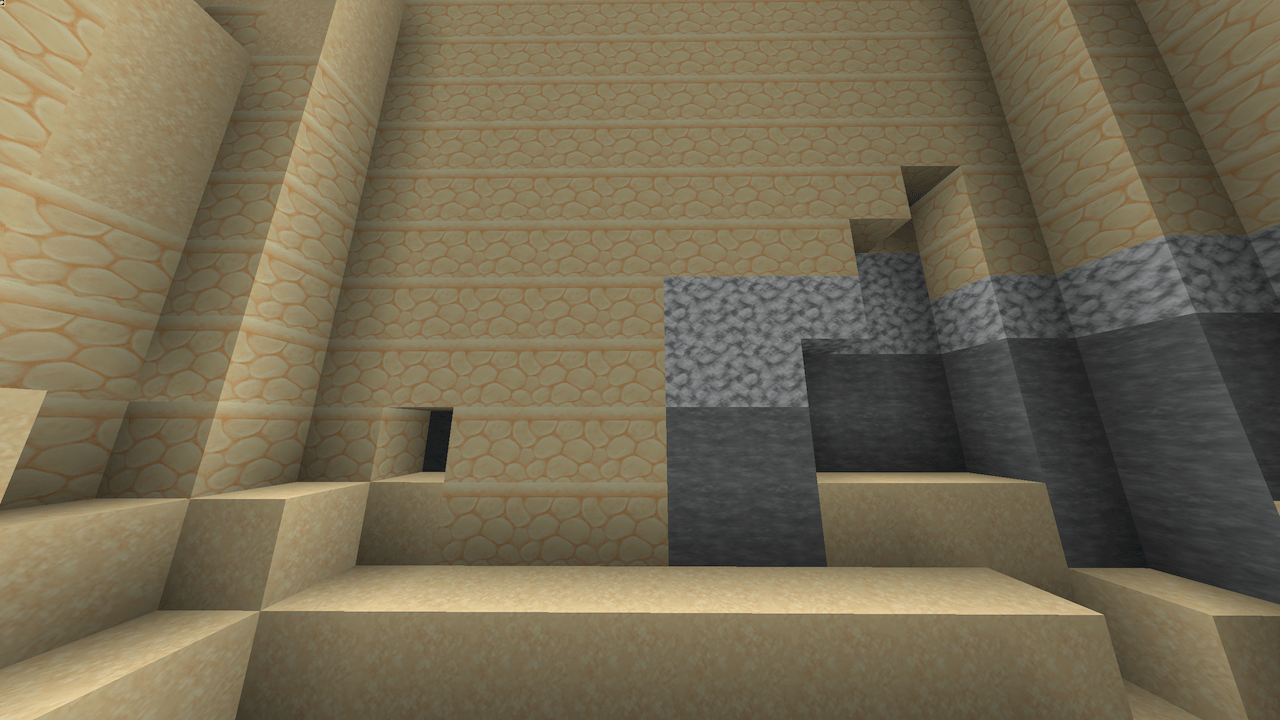
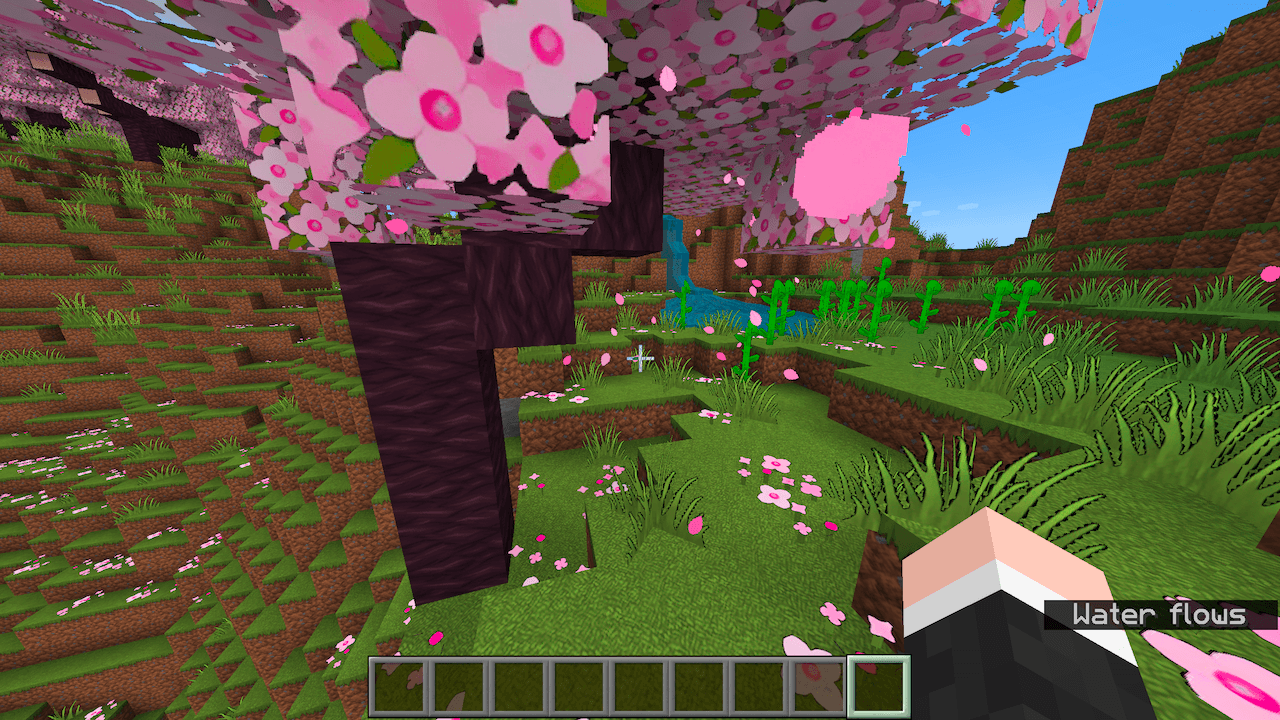
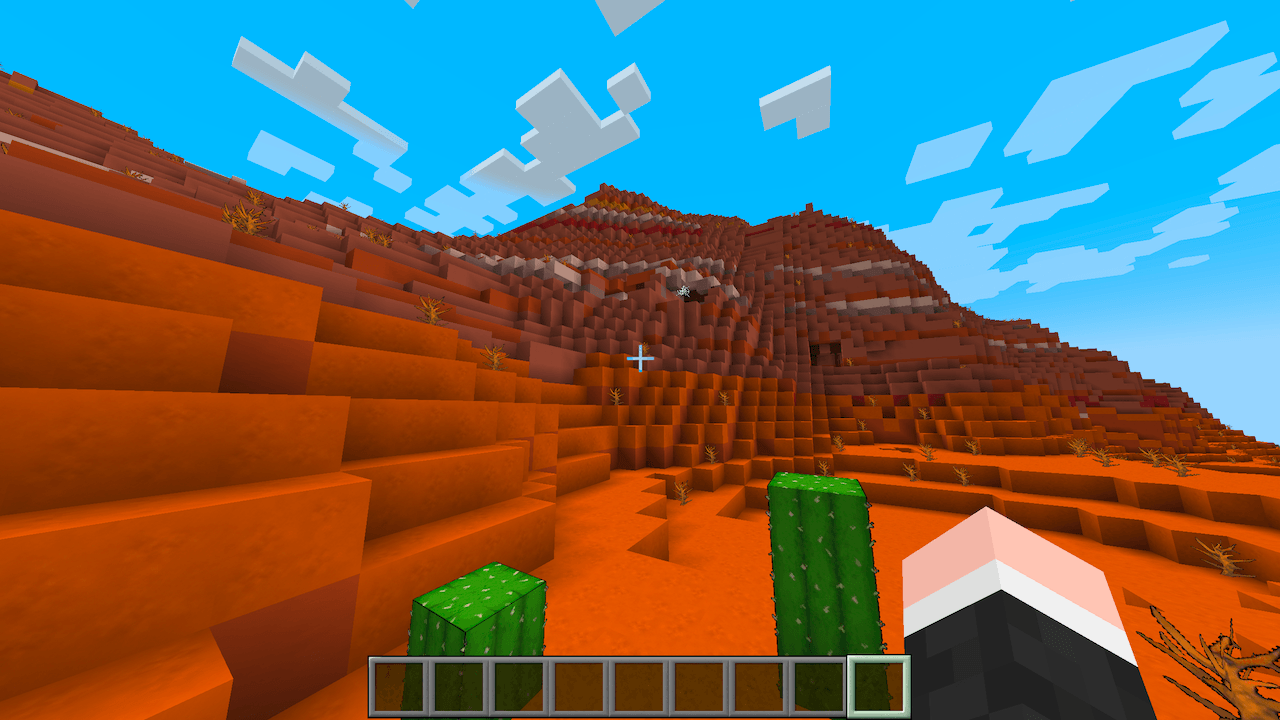
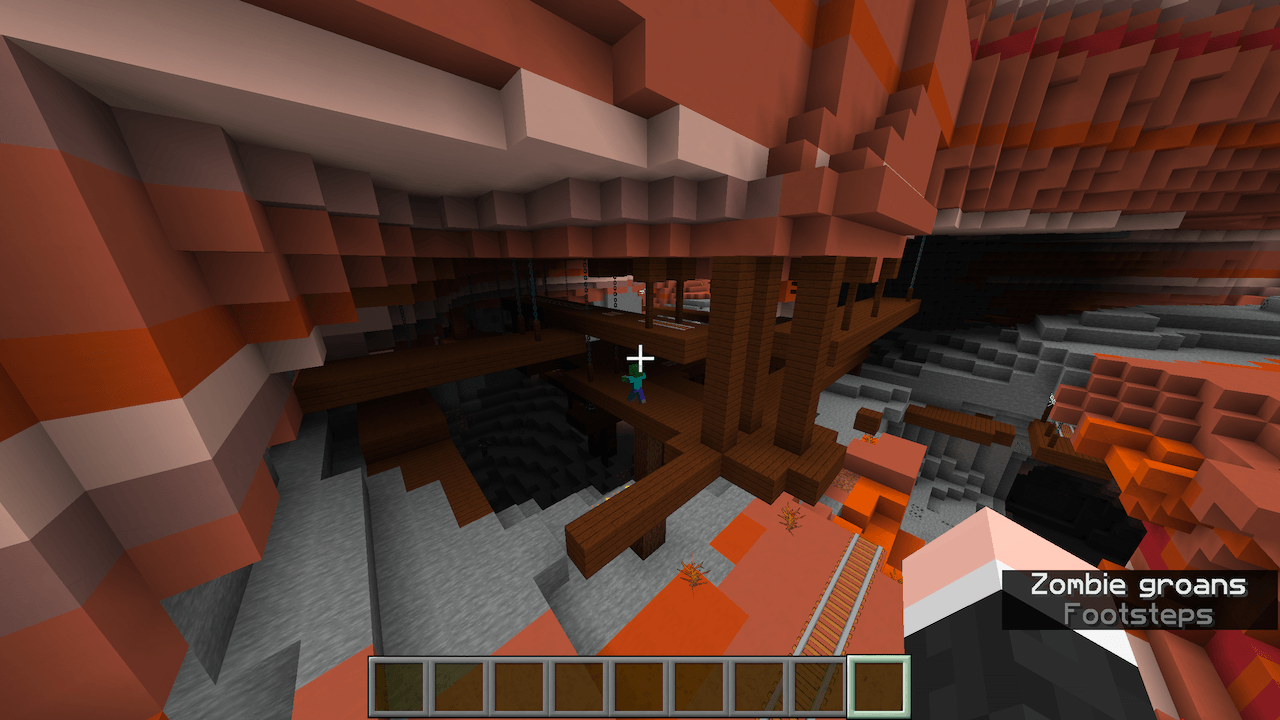
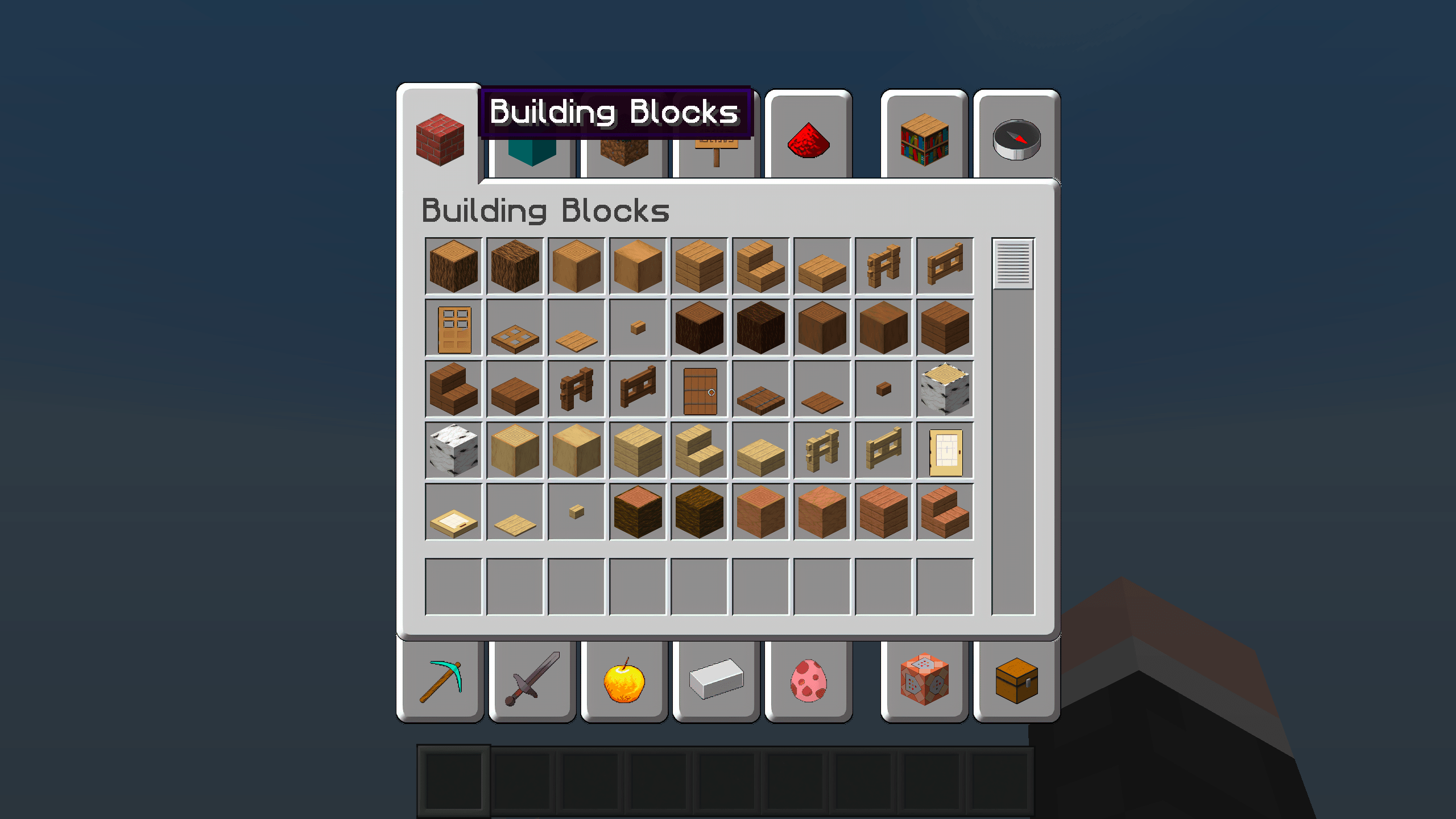
A complete higher resolution texture pack with the default MC style. Block graphics are x256, some entities can be as large as x1024. Contains Optifine support for creating seamless bookshelves, windows, and sandstone.

Installation

Put Fateful.zip into the resourcepacks folder that's in the minecraft folder. In the game go to Options… then Resource Packs… and move Fateful from the left (disabled) column to the right (enabled) column by hovering your mouse over it to make the arrow icon appear over the image and then clicking that arrow icon.

License

This is an unofficial upscale of Faithful 64x with permission given to upload as an independent project, and falls under the same license. See the Faithful 64x License for details.

Credit

Credit for the original graphic design of every texture/file in this pack goes to Faithful Resource Pack. I just wrote a program to upscale the textures. However for the environment and font directories their images are used, as there were more contras than pros to upscaling.


Fateful 256x - 26.1.zip
MC 26.1, 26.1.1, 26.1.2
Release 2026-04-05 Get
Fateful 256x - 1.21.11.zip
MC 1.21.11
Release 2026-04-05 Get
Fateful 256x - 1.21.9/10.zip
MC 1.21.9, 1.21.10
Release 2026-04-04 Get
Fateful - 1.19.0/3.zip
MC 1.19.3, 1.19.2, 1.19.1, 1.19
Release 2025-08-27 Get
Fateful - 1.19.3.zip
MC 1.19.3
Release 2025-08-27 Get
Fateful - 1.19.4.zip
MC 1.19.4
Release 2025-08-27 Get
Fateful - 1.20.1.zip
MC 1.20.1
Release 2025-08-27 Get
Fateful - 1.20.2.zip
MC 1.20.2
Release 2025-08-27 Get
Fateful - 1.20.2-2.zip
MC 1.20.2, 1.20.3-Snapshot
Release 2025-08-27 Get
Fateful - 1.20.3.zip
MC 1.20.3, 1.20.4
Release 2025-08-27 Get
Fateful - 1.20.4.zip
MC 1.20.4
Release 2025-08-27 Get
Fateful - 1.21.5.zip
MC 1.21.5, 1.21.5-Snapshot
Release 2025-08-27 Get
Fateful - 1.21.7/8.zip
MC 1.21.8, 1.21.7
Release 2025-08-27 Get
Fateful - 1.18.1/2.zip
MC 1.18.1, 1.18.2
Release 2025-08-26 Get
Fateful - 1.19.zip
MC 1.19
Release 2025-08-26 Get
Fateful - 1.21.2/3.zip
MC 1.21.3, 1.21.2
Release 2025-02-10 Get
Fateful - 1.21.4.zip
MC 1.21.4
Release 2025-02-10 Get
Fateful - 1.21.4-2.zip
MC 1.21.4
Release 2025-02-10 Get
Fateful - 1.21.1.zip
MC 1.21, 1.21.1
Release 2024-09-09 Get
Fateful - 1.21.zip
MC 1.21
Release 2024-07-05 Get
Fateful - 1.20.6.zip
MC 1.20.6, 1.21-Snapshot
Release 2024-06-18 Get

Requirements & install

How to use this resource pack in Minecraft
Resolution
256x
Minecraft
1.21.7 – 26.1.2
Install folder
.minecraft/resourcepacks

How to install resource packs

  1. Download the resource pack .zip file (do not extract it).
  2. In Minecraft open Options → Resource Packs → Open Pack Folder.
  3. Drop the .zip into the resourcepacks folder (.minecraft/resourcepacks).
  4. Move the pack to the Selected column and click Done.

Packs from 128x upwards need more video memory: install a performance mod such as Sodium for smooth frame rates.

Browse more: 16x resource packs 32x resource packs 64x resource packs 128x resource packs 256x resource packs 512x+ resource packs Resource Packs for 26.1.2 All resource packs

More from DarekThade

Advertisement Remove ads with Premium →

You Might Also Like