Mineuniverse
Resource Packs
Doodlee

Doodlee

RESOURCE PACK
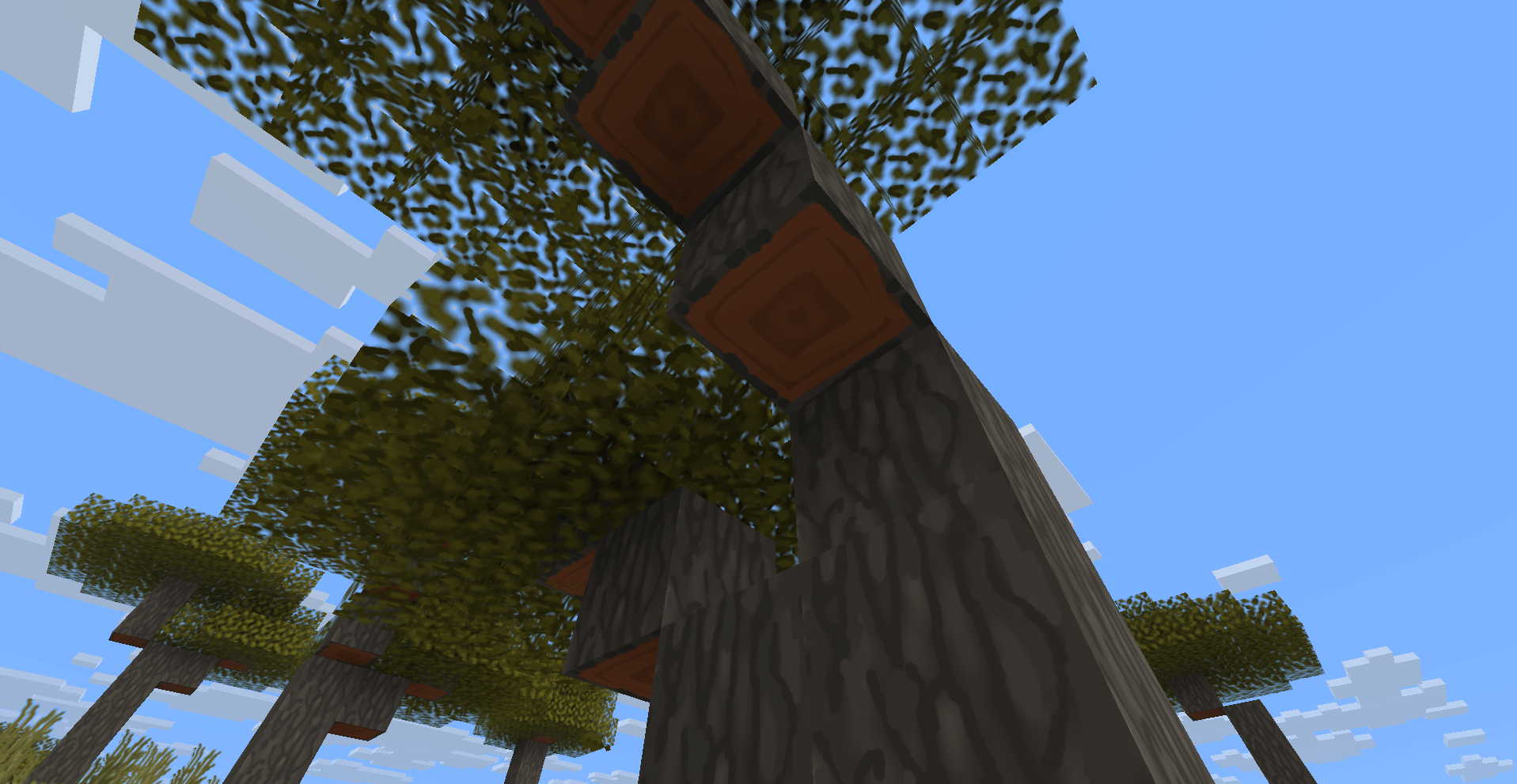
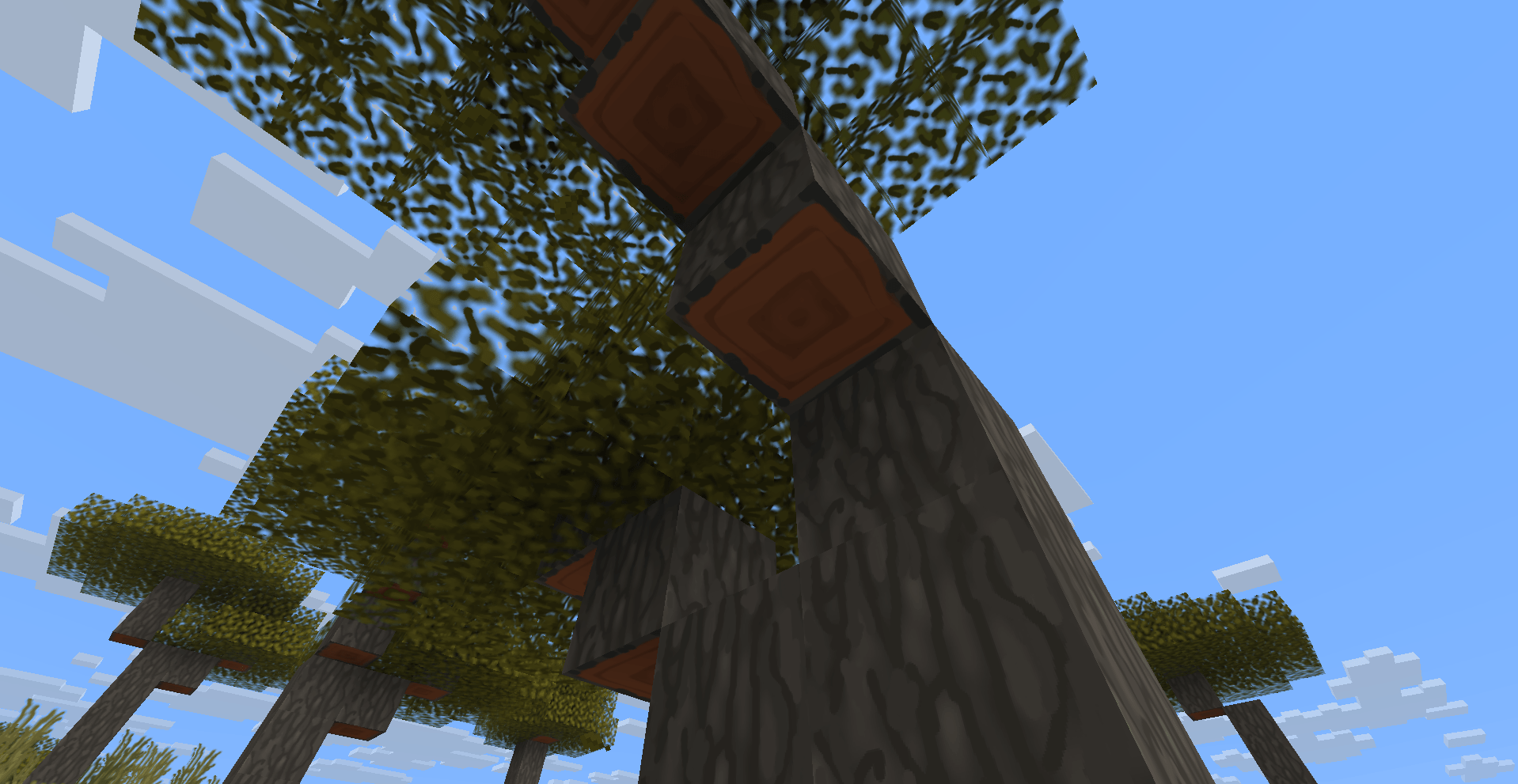
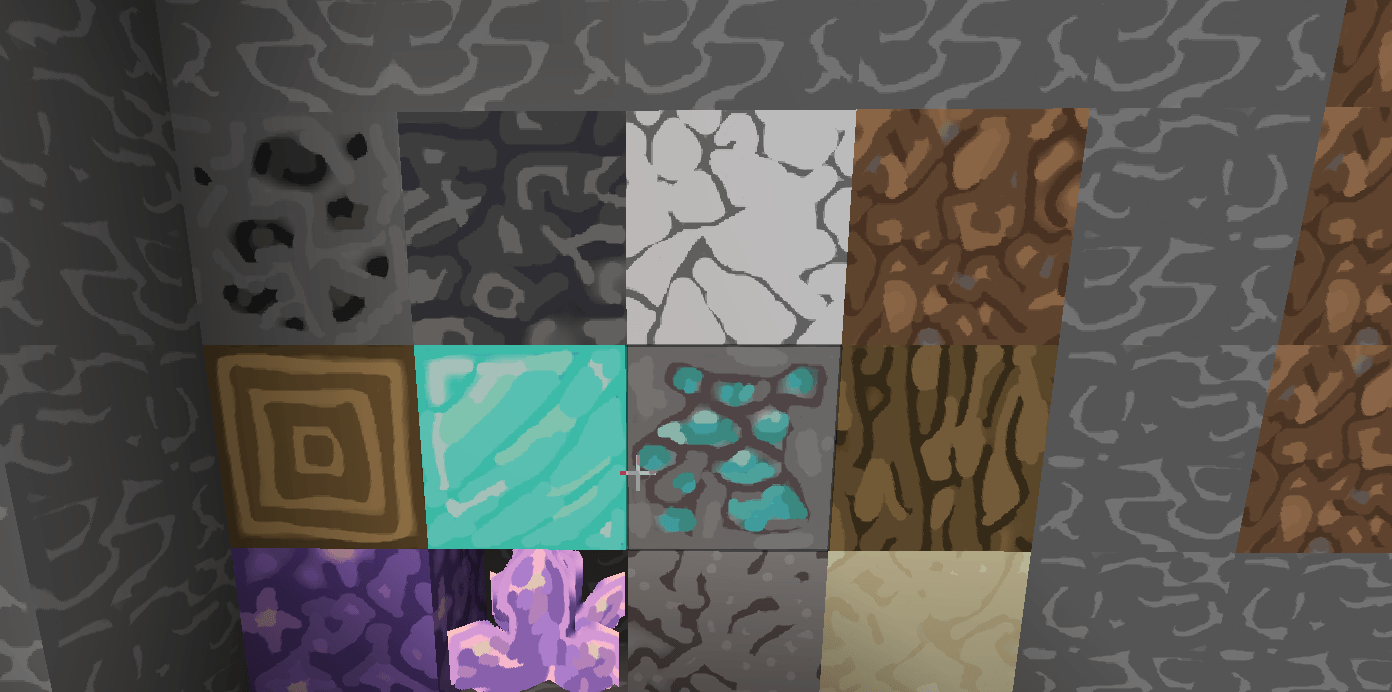
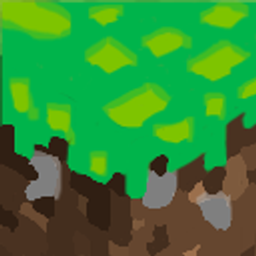
A custom hand-drawn doodle resource pack that brings a fresh, vibrant, and playful comic-sketch art style to your Minecraft blocks and items.
by herovillage
Download Claim this project
955 downloads
0 likes
Updated Oct 14, 2026
0 hypes
256x Font Packs Miscellaneous Mod Support Modern
Advertisement Remove ads with Premium →


Doodle Resource Pack

Welcome to Doodle Resource Pack! This texture pack completely transforms your Minecraft world with a unique, hand-drawn doodle art style.

### Features Offered:
* Custom Textures: A fresh and playful look for blocks, items, and UI elements.
* Hand-Drawn Style: Every texture is carefully redesigned to look like fun sketches and doodles.
* Vibrant Colors: Brighter and more cheerful color palettes to make your world pop.

How it Affects the User Experience:
This pack is designed to give Minecraft a cozy, casual, and creative atmosphere. It simplifies complex textures into clean, readable doodle art, making the game look like a living comic book or sketchbook. It is perfect for players looking for a lighthearted and fun visual overhaul without losing the classic feel of vanilla Minecraft.

WARNING

THIS PACK I MADE IT MY SELF AND I PUTTED UNDER THE GROUP THE MOST REALISTIC NAME THAT I AM THE OWNER DONT YOU DARE PUT THIS NAME THE MOST REALISTIC UNDER YOUR PACK BECOUSE I WILL SUE YOU . THANKS also you find it here too https://modrinth.com/resourcepack/doodlee

DODLE RECOUSRCE PACK 1.1.2 LITE.zip
MC 1.5.3, 1.16.3, 1.13.1, 1.9.3, 1.8.7, 1.7.4, 1.7.7, 1.7.6, 1.16-Snapshot, 1.17.1, 1.9.1, 1.21.2-Snapshot, 1.21, 1.21.6-snapshot, 1.15-Snapshot, 1.7.5, 1.4.6, 1.6.1, 1.0, 1.16.1
Release 2026-09-11 Get

Requirements & install

How to use this resource pack in Minecraft
Resolution
256x
Minecraft
1.15-Snapshot – 1.21.6-snapshot
Install folder
.minecraft/resourcepacks

How to install resource packs

  1. Download the resource pack .zip file (do not extract it).
  2. In Minecraft open Options → Resource Packs → Open Pack Folder.
  3. Drop the .zip into the resourcepacks folder (.minecraft/resourcepacks).
  4. Move the pack to the Selected column and click Done.

Packs from 128x upwards need more video memory: install a performance mod such as Sodium for smooth frame rates.

Browse more: 16x resource packs 32x resource packs 64x resource packs 128x resource packs 256x resource packs 512x+ resource packs Resource Packs for 1.21.6-snapshot All resource packs

More from herovillage

Advertisement Remove ads with Premium →

You Might Also Like