Badges update automatically and link to the resource pack page on MineUniverse.
Youtube Video:
Frosty's Default [256x]
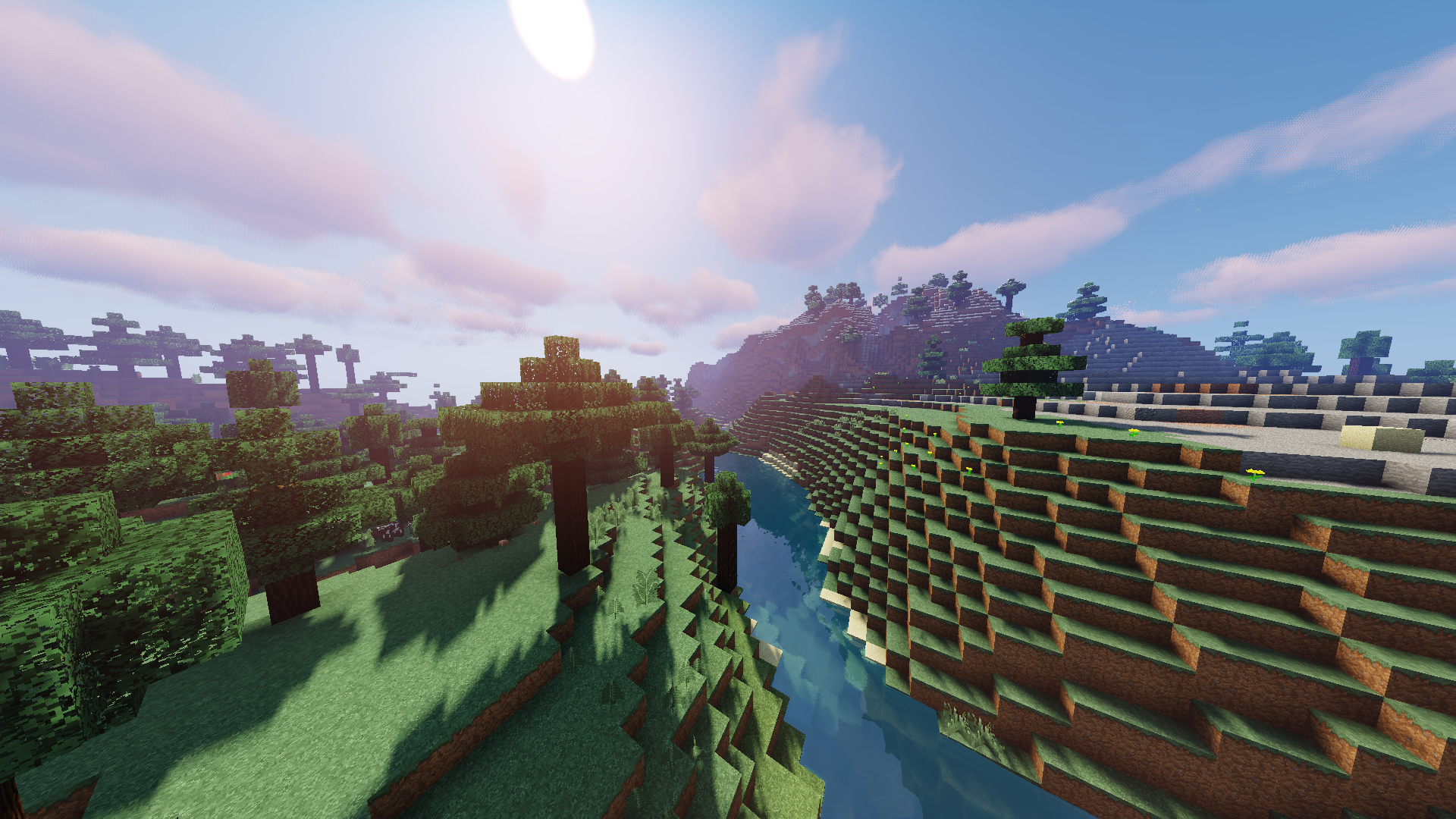
A Balance Between PvP & Quality
- This resource pack focuses on improving aspects of the default look of Minecraft.

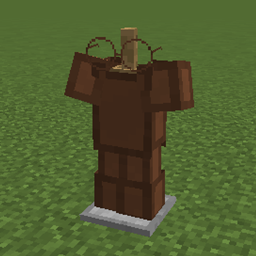
Author's Note: I used to be a PvPer, so one of the main things I wanted to change was the armour and weapons. However, I wanted to find a balance between the PvP aspect, and the overall quality and look. I've made some custom models and tested them in PvP. But then there is the other side...the casual players who just want a high-quality-looking resource pack with which they can play survival with. I think I've found a balance in which both parties will be happy.

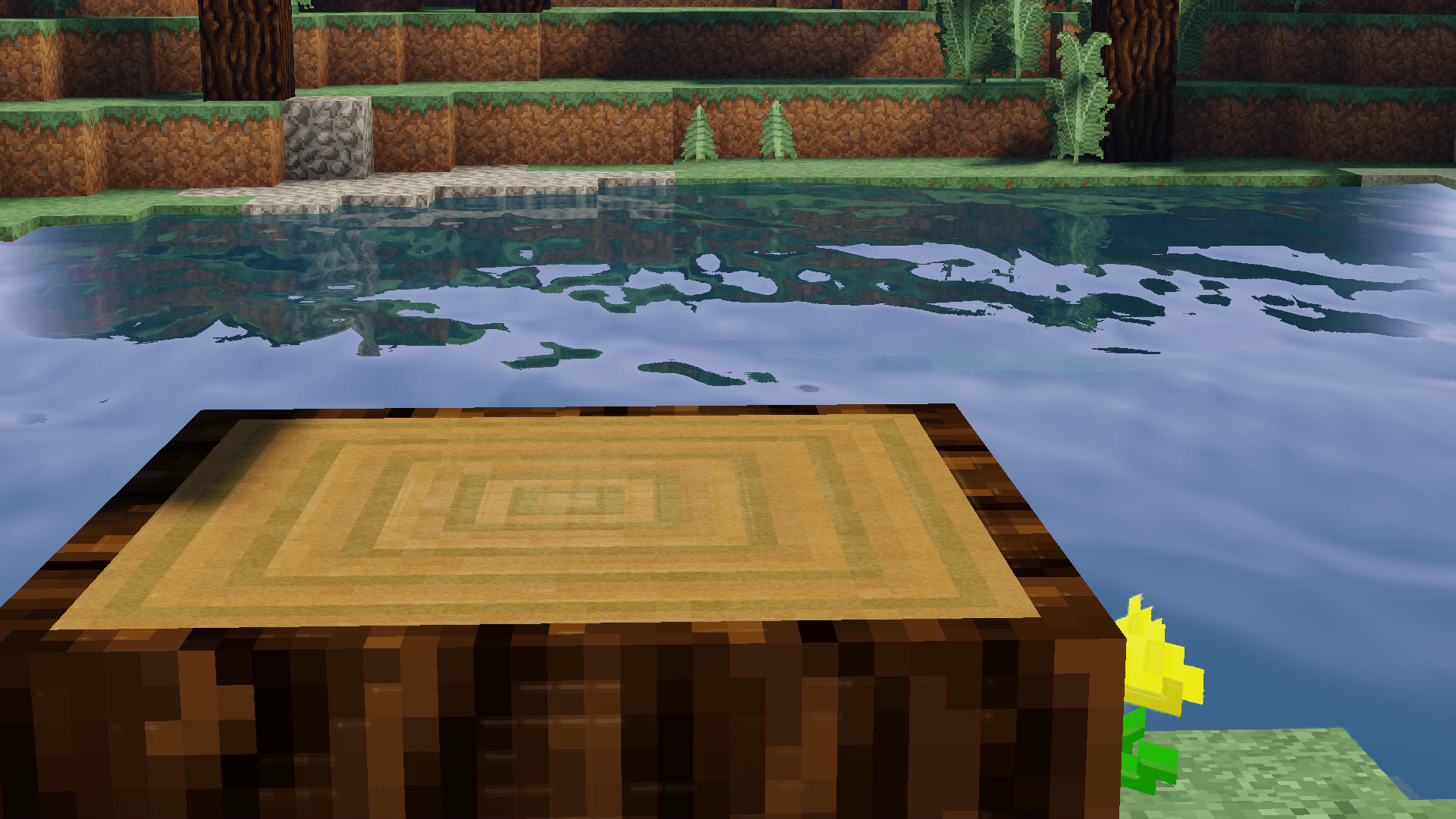
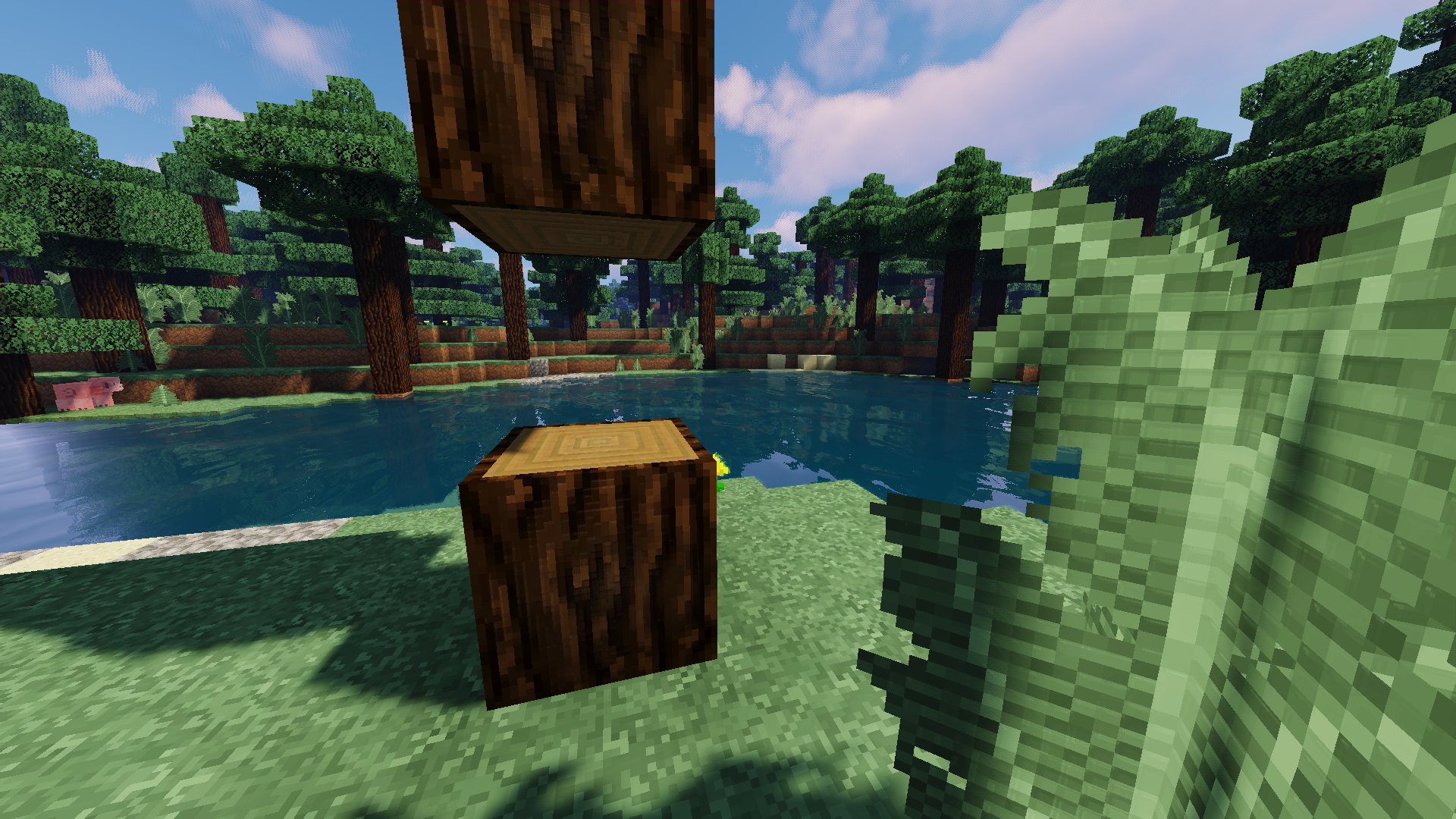
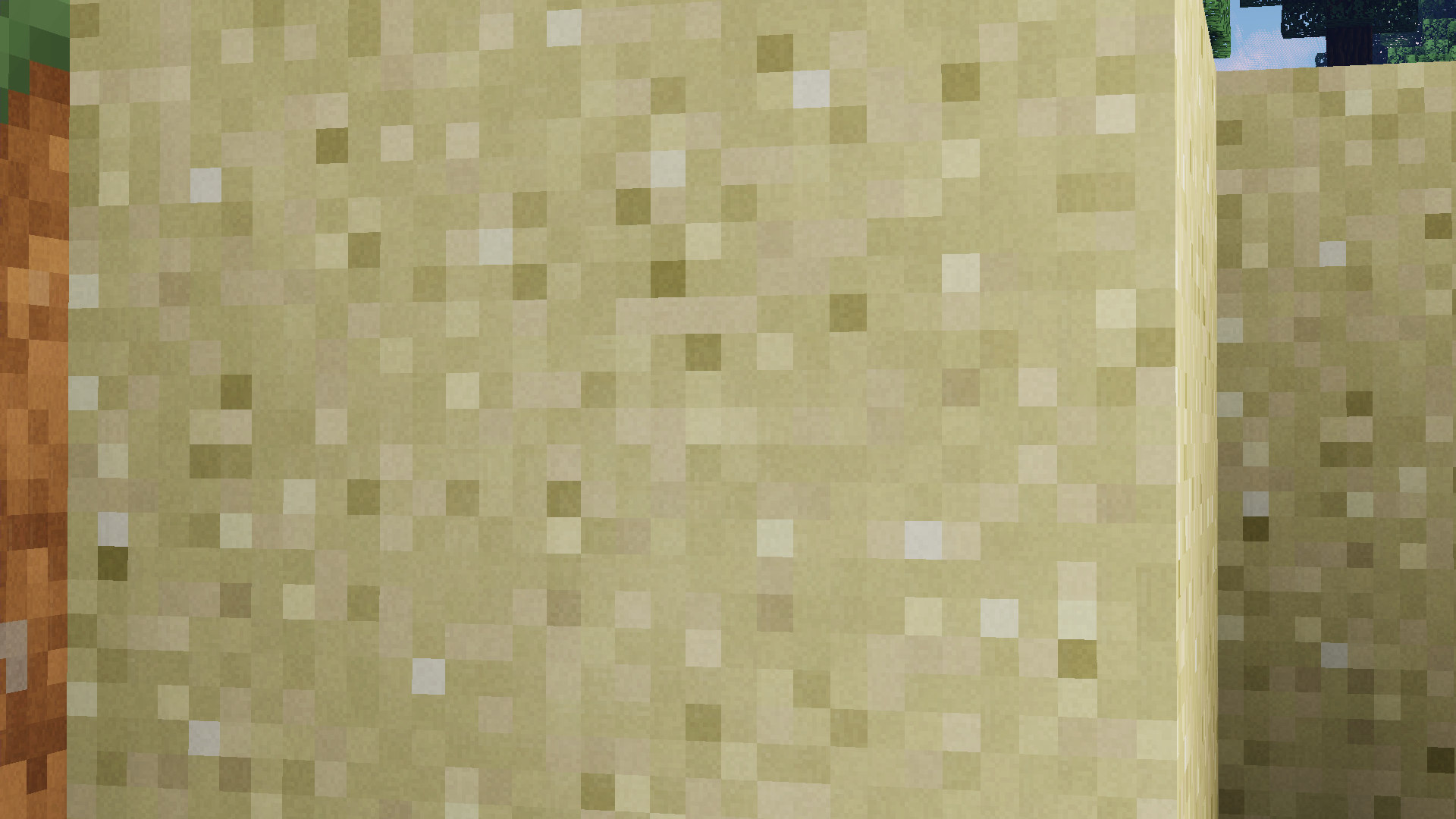
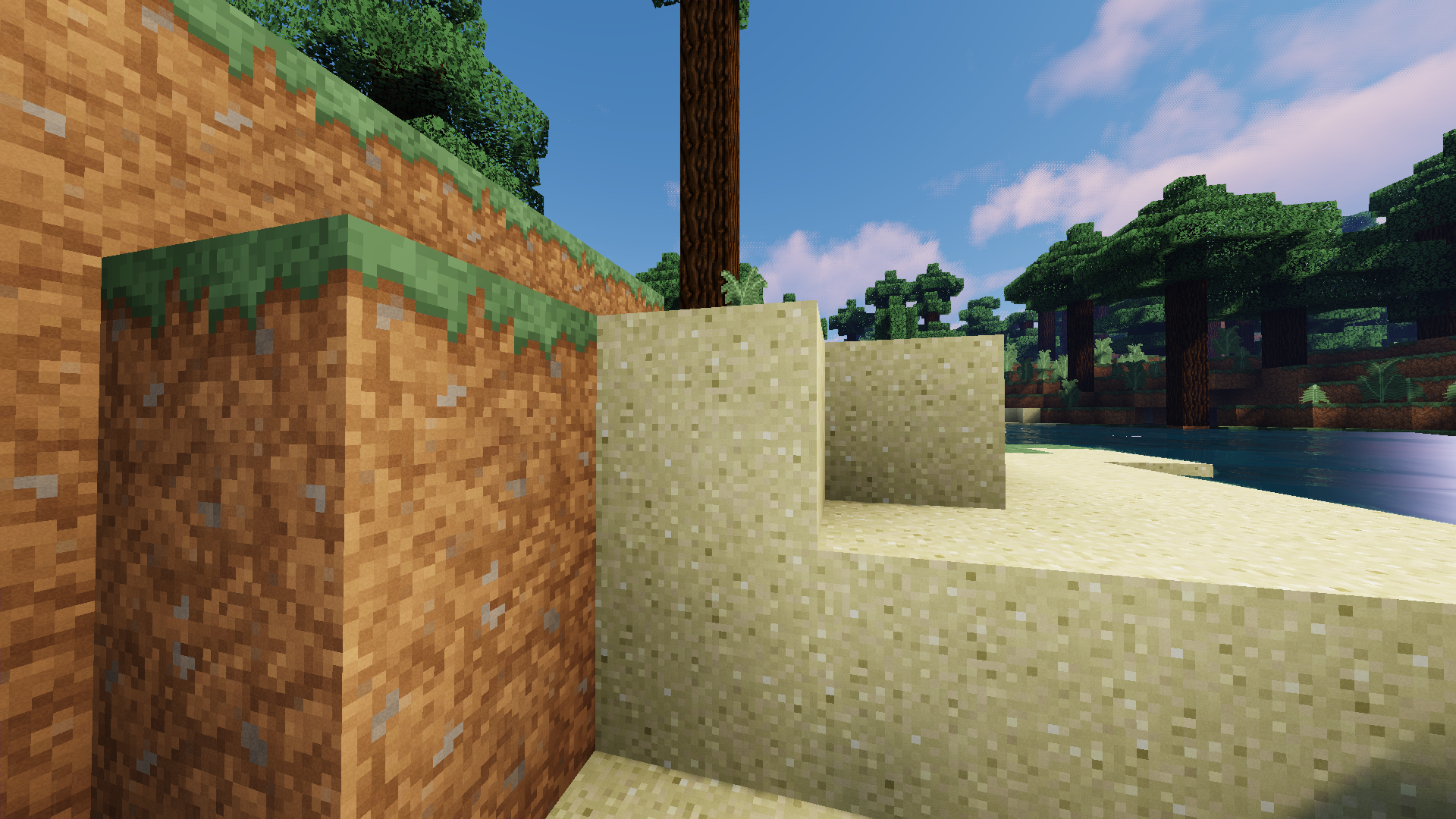
Author’s Note: As I've said before, my main goal was to enhance the overall look of the game while sticking to the original style. I have added shine to every block in the game, but the amount of shine depends on the type of block. For example, you will find that materials made from iron will have significantly more shine than materials made from wood. Speaking of wood...I have also added grain to certain blocks such as sand, wool, dirt, the inside of logs, etc... You might not even notice it unless you zoom in and take a look at it, but even though it may be hard to see, it's there. It's all about the small details that people don't focus on, that make it that much better.
----------------------------------------------------------------------------------------------------------------------------------------------------------------------------------
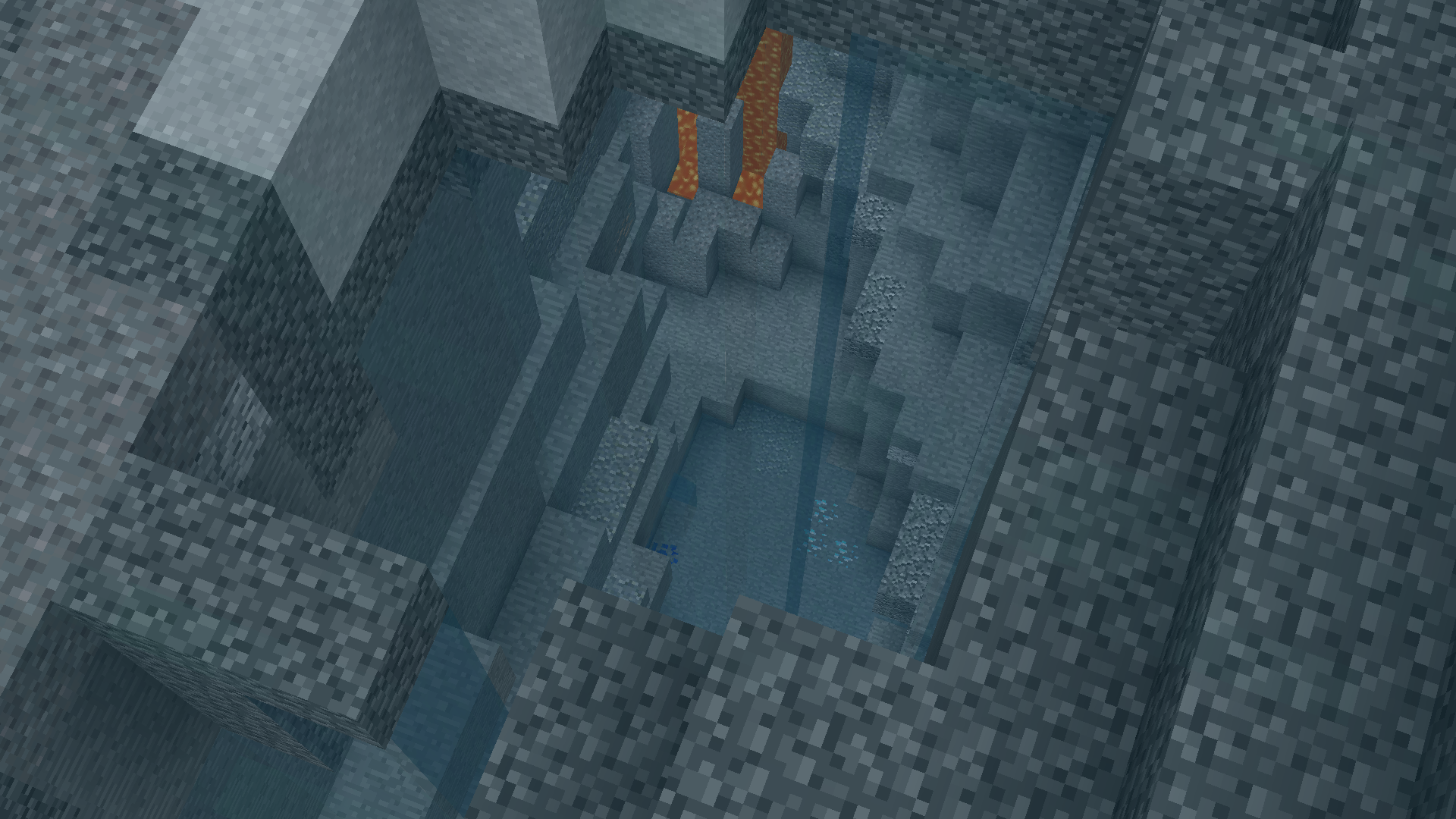
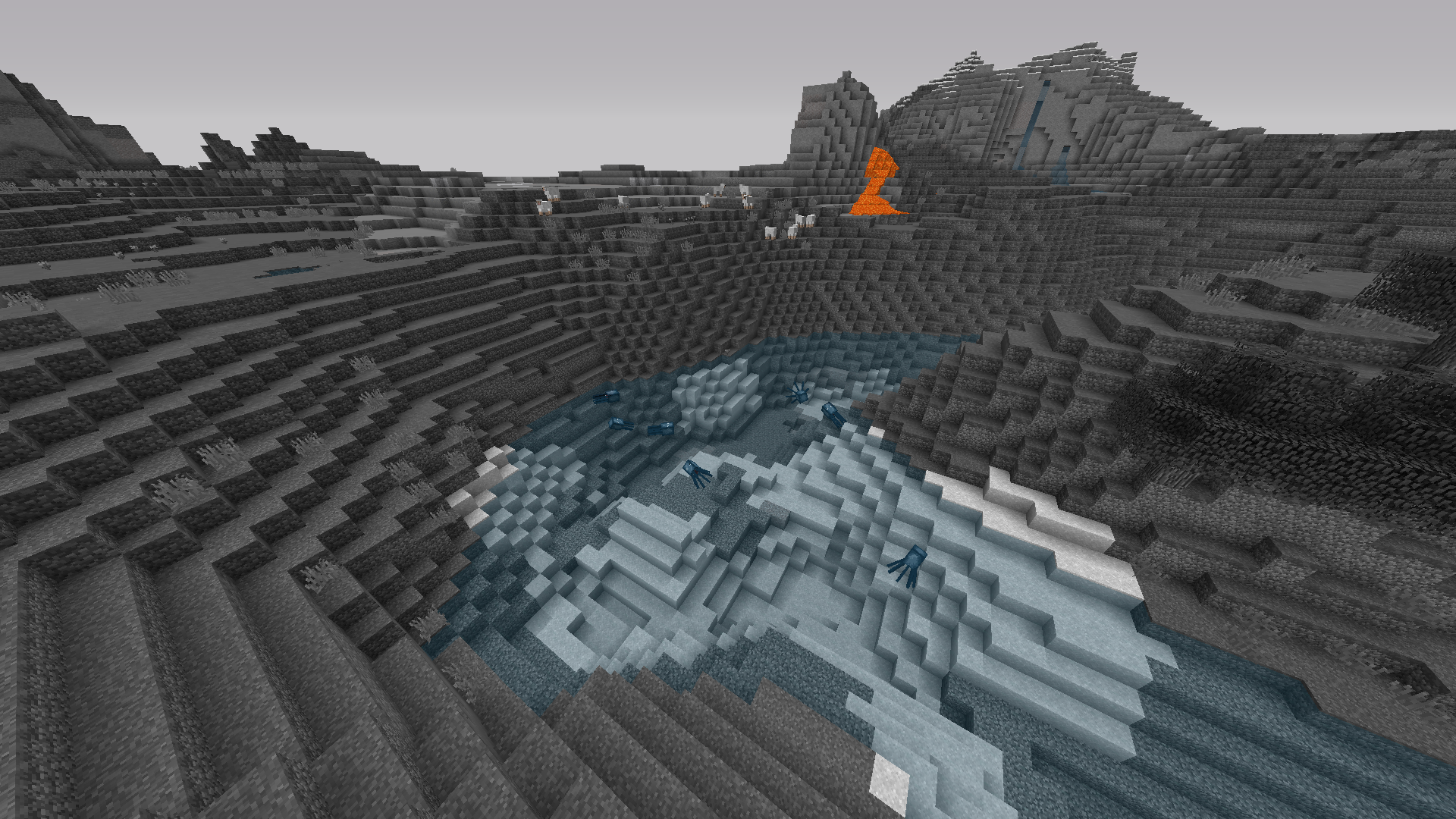
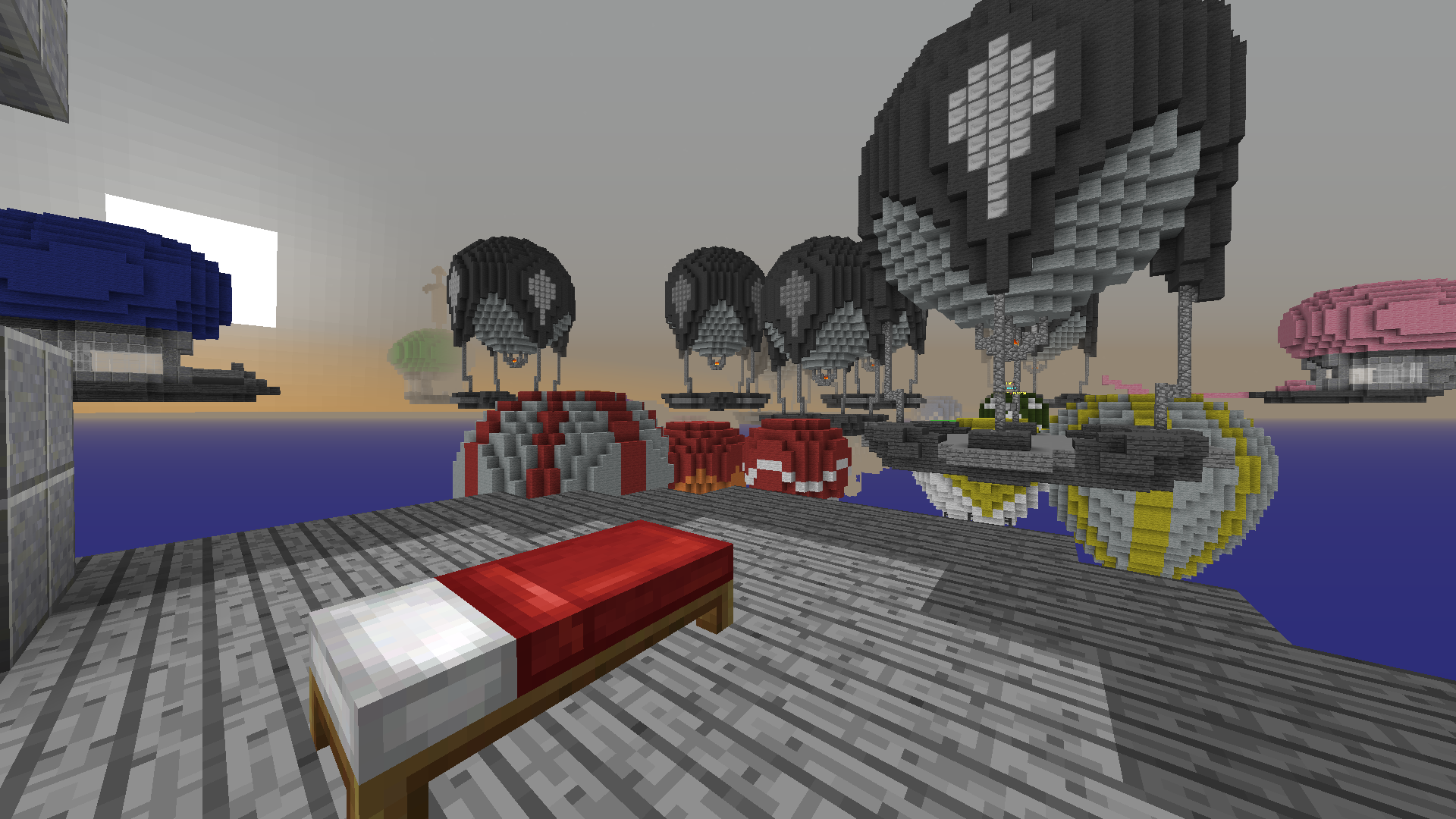
Frosty's Black & White [16x]
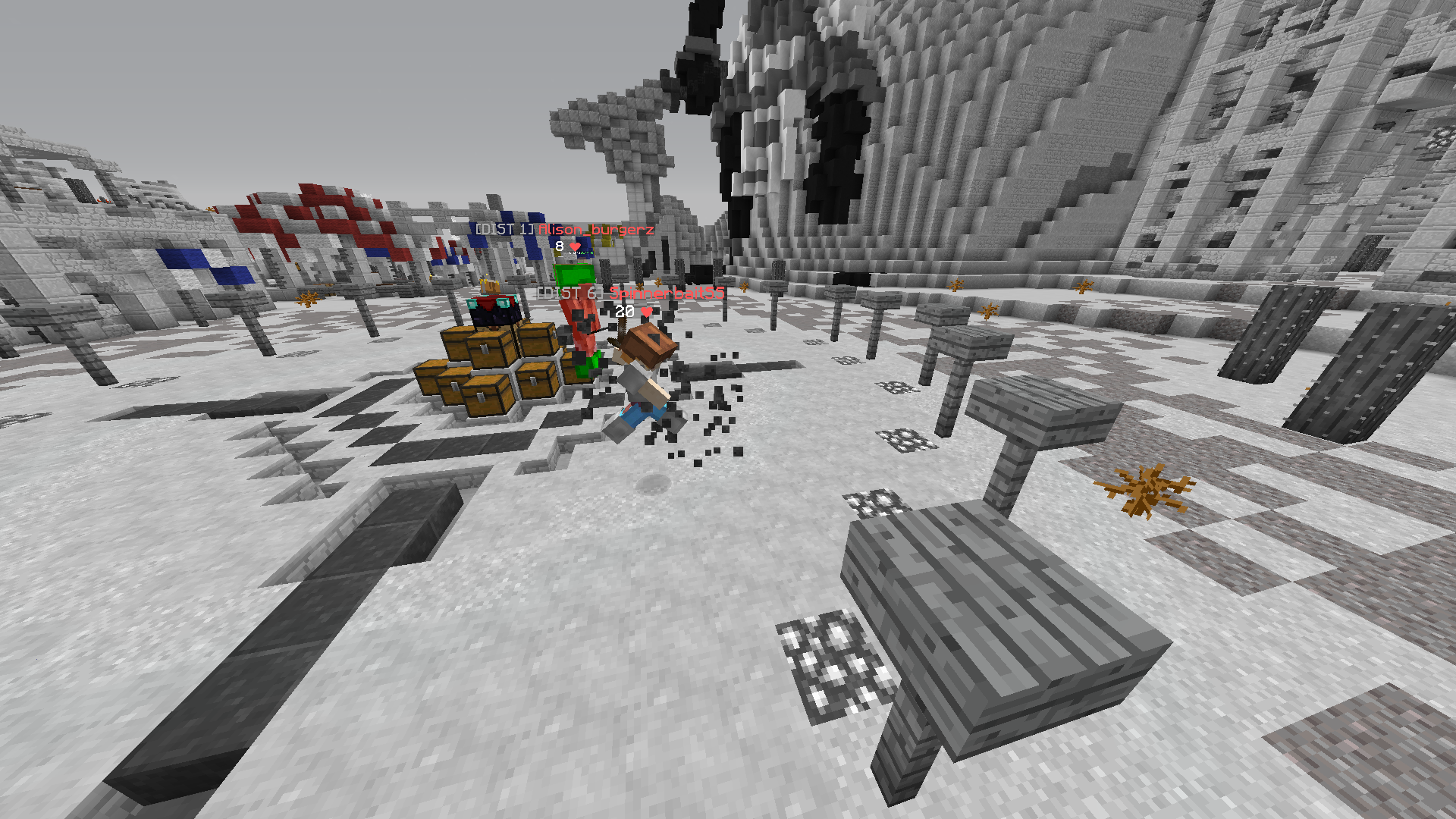
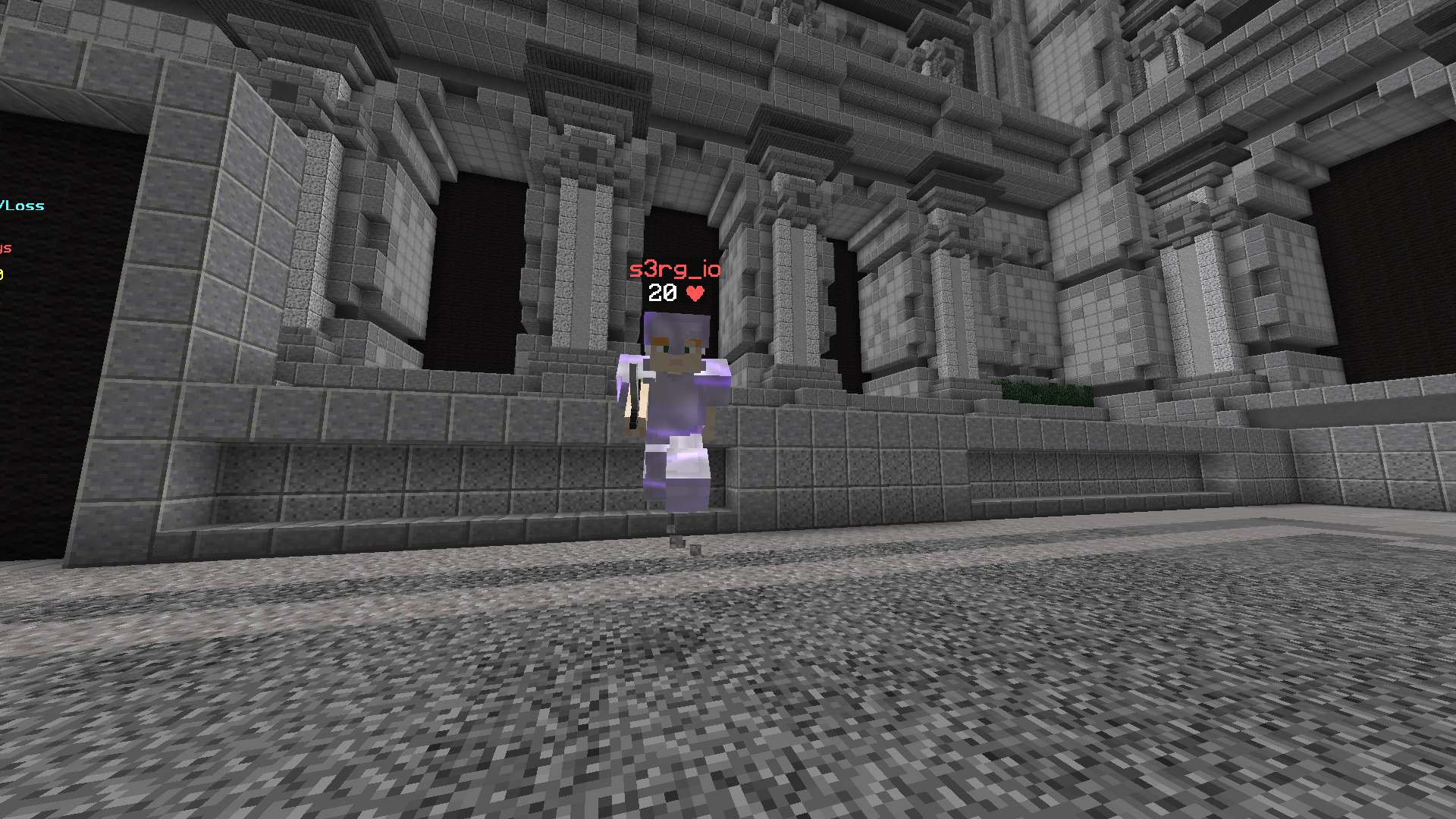
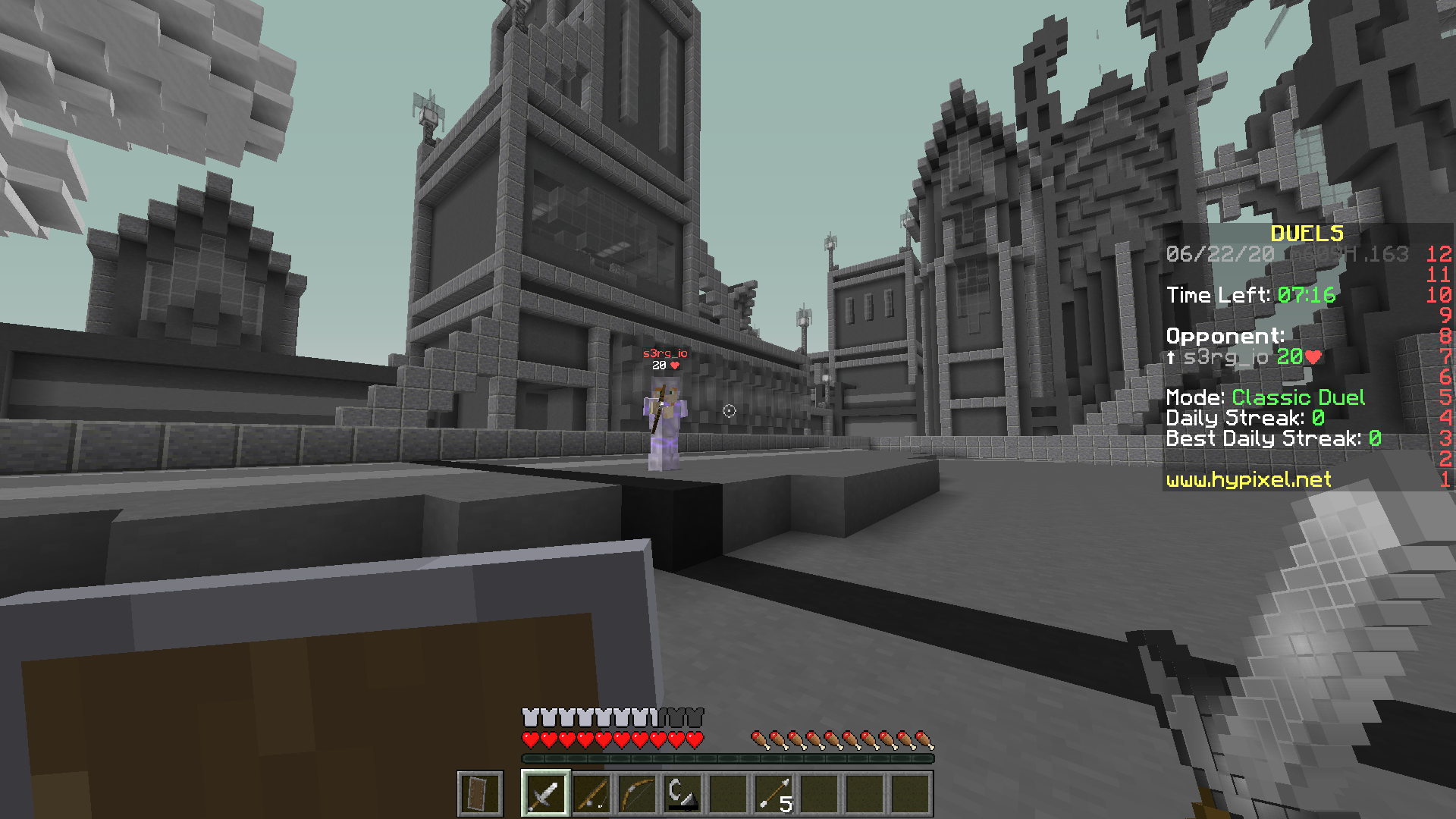
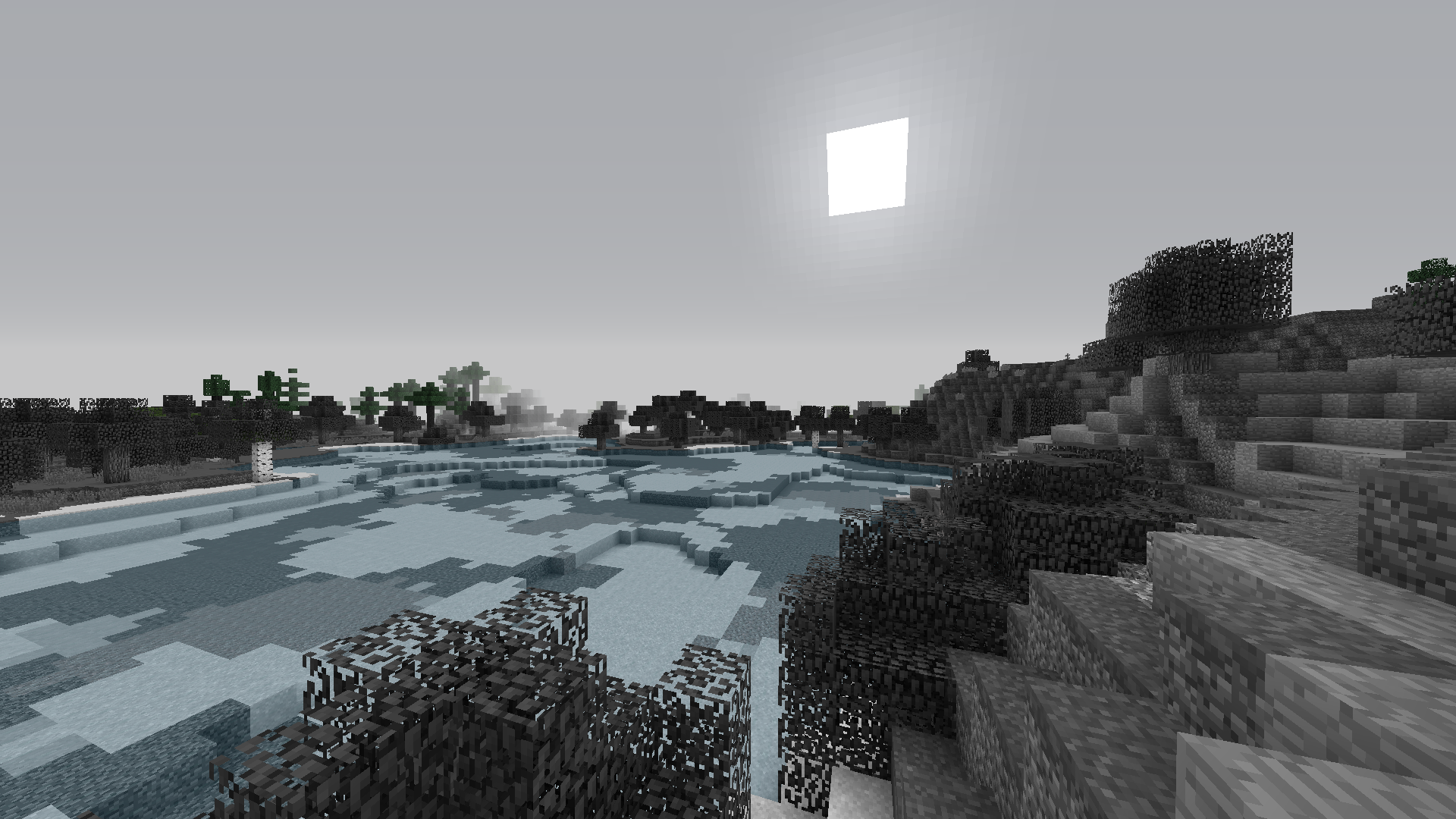
The Ultimate PvP Pack, & Aid for Color Blinded Players
- This resource pack focuses on improving the ability to see players easier.

Author’s Note: This is a project that I have been working non-stop on. Years ago, my best friend – who is color blind – asked me if I could make a resource pack that could help him see players better. Knowing this information, I said, "Yeah sure, I can do that easily..." I was just going to find a black and white resource pack and replace the items and armor with my own custom models, but it turns out there aren’t many black and white resource packs out there. I got caught up in some things and forgot about it. Then, a few months went by – and I got that idea again to make this resource pack. This won’t just help color blinded players, it will help all players see others really easily. I hope this resource pack can aid players in all aspects of the game, and help out color blinded players – like my friend.
Terms and Conditions:
By downloading any of these resource packs, you agree to the following terms:
- You may utilize and modify the resource pack in any way, shape, or form to your liking
- You may not redistribute this pack using your own download link
Enjoy!