Mineuniverse
Shaders
Motion Blur FX

Motion Blur FX

SHADER
Add Motion Blur in Minecraft
by marctgamer
Download Claim this project
172,666 downloads
0 likes
Updated Oct 14, 2026
0 hypes
Vanilla
Advertisement Remove ads with Premium →

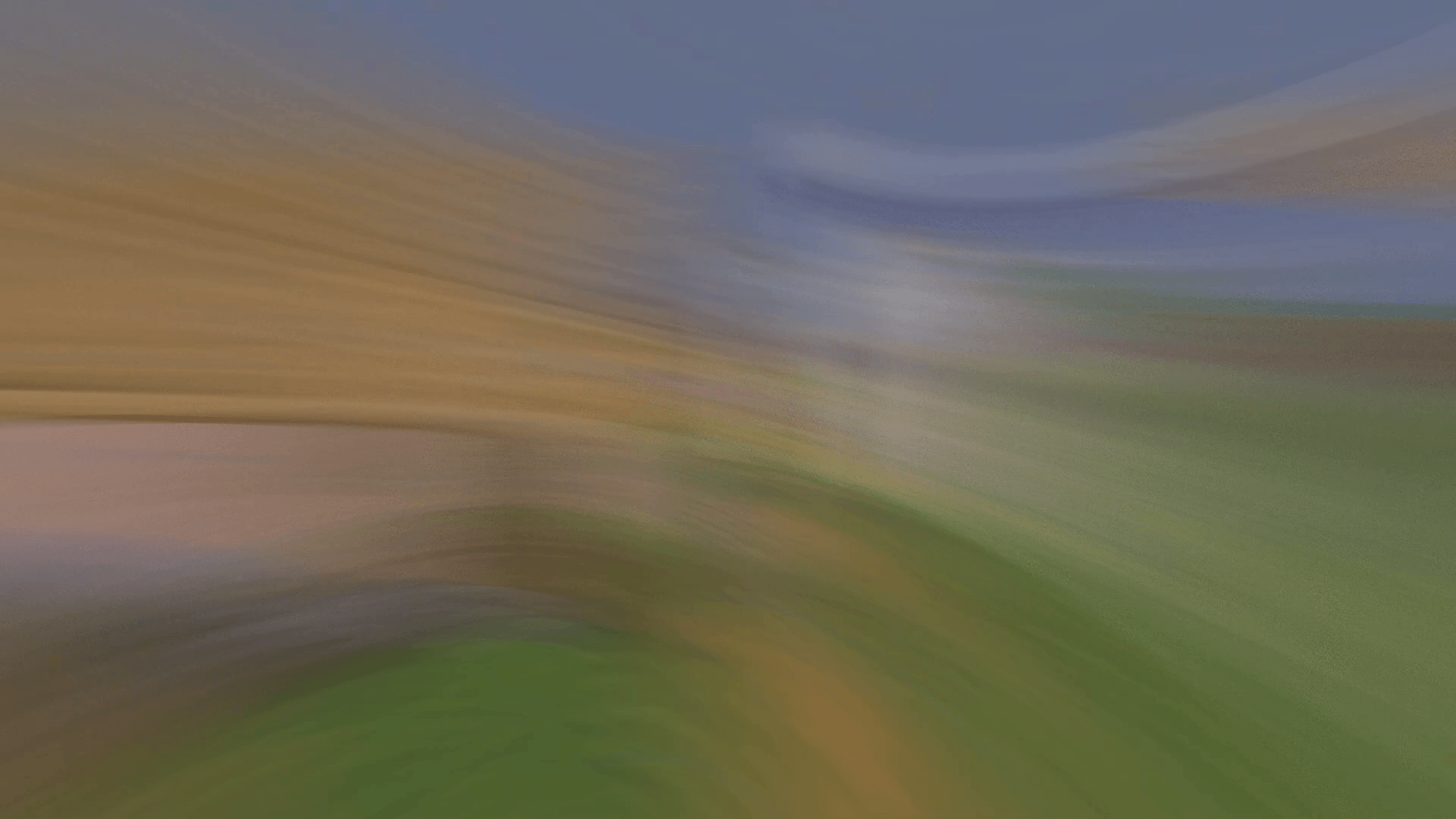
Motion Blur FX aims to deliver high-quality motion blur effects while maintaining an optimal performance balance, allowing for customization according to your system's capabilities. This shader lets you change Motion blur strength

---------------------------------------------------

**Warning**: Motion blur effects can cause discomfort or nausea in some users, especially those sensitive to visual motion. If you experience any discomfort, reduce the motion blur strength or disable the effect entirely.


Optional Features:


Motion Blur: Add realistic motion blur to enhance dynamic scenes. Saturation: Add more color Vibrance


Tested:


Minecraft 1.12.+ - 1.21.x Worked Nvidia, AMD and Intel


You Can...


  • Use this shader pack for screenshots and videos.
  • Modify it for personal use.
  • Publish your heavily modified version.*
  • Share it in modpacks or servers with my permission.*

You Cannot...


  • Share it without my permission.

Installation Guide:


**For Optifine: ** Download and Install Optifine from Optifine. Download Motion Blur FX shader pack. Move the shader pack .zip file to the shaderpacks folder in your .minecraft directory. Select the shader in Minecraft under "Options" > "Video Settings" > "Shaders."

For Iris (Fabric):


Install Fabric using the Fabric Installer. Add Fabric API and Iris Shaders to the mods folder. Download Motion Blur FX shader pack. Move the shader pack .zip file to the shaderpacks folder in your .minecraft directory. Select the shader in Minecraft under "Options" > "Video Settings" > "Shaders."
 

motionblur_v2.0
MC 1.21, 1.20.2, 1.21.8, 1.20.5, 1.21.5, 1.21.4, 1.20.1, 1.20, OptiFine, 1.20.6, 1.21.1, 1.21.6, 1.21.3, 1.21.7, 1.20.4, 1.20.3, Iris, 1.21.2, 1.21.9, 1.21.10, 1.21.11
Release 2026-08-14 Get
motionblur_v1.41
MC 1.16.3, 1.13.1, 1.17.1, 1.21, 1.16.1, 1.18.1, 1.14.3, 1.15, 1.16, 1.13, 1.16.5, 1.19.3, 1.20.2, 1.19.4, 1.14.4, 1.14.1, 1.12.1, 1.17, 1.12, 1.20.5, 1.18, 1.11, 1.20.1, 1.20
Release 2024-10-21 Get
Motion Blur v1.4
MC 1.17.1, 1.16.3, 1.13.1, 1.19.3, 1.20.2, 1.21, 1.16.1, 1.18.1, 1.20.5, 1.14.4, 1.14.1, 1.12.1, 1.17, 1.12, 1.14.3, 1.15, 1.16, 1.13, 1.19.4, 1.16.5, 1.18.2, 1.19.2, 1.20.3
Release 2024-10-14 Get
Motion Blur v1.3
MC 1.17.1, 1.16.3, 1.13.1, 1.19.3, 1.20.2, 1.21, 1.16.1, 1.18.1, 1.20.5, 1.14.4, 1.14.1, 1.12.1, 1.17, 1.12, 1.14.3, 1.15, 1.16, 1.13, 1.19.4, 1.16.5, 1.10.2, 1.11, 1.18.2
Release 2024-10-05 Get
Motion Blur v1.2
MC 1.17.1, 1.16.3, 1.13.1, 1.9.3, 1.19.3, 1.20.2, 1.21, 1.16.1, 1.18.1, 1.20.5, 1.9.4, 1.9.2, 1.14.4, 1.14.1, 1.12.1, 1.17, 1.12, 1.20.5-Snapshot, 1.14.3, 1.15, 1.16, 1.13
Release 2024-09-01 Get
Motion blur FX
MC 1.16-Snapshot, 1.17.1, 1.9.1, 1.16.3, 1.13.1, 1.9.3, 1.19.3, 1.20.2, 1.21.2-Snapshot, 1.21, 1.15-Snapshot, 1.16.1, 1.18.1, 1.19.4-Snapshot, 1.20.5, 1.10-Snapshot, 1.9.4, 1.9.2
Release 2024-08-27 Get

Requirements & install

How to use this shader in Minecraft
Shader loader
Iris OptiFine
Minecraft
1.21.4 – 1.21.11
Install folder
.minecraft/shaderpacks

How to install shaders

  1. Install a shader loader for your Minecraft version: Iris (with Sodium) or OptiFine.
  2. Download the shader pack .zip file (do not extract it).
  3. Put the .zip into the shaderpacks folder (.minecraft/shaderpacks).
  4. In game open Options → Video Settings → Shader Packs, select the pack and apply it.
Browse more: Iris shaders OptiFine shaders Shaders for 1.21.11 All shaders

More from marctgamer

Advertisement Remove ads with Premium →

You Might Also Like