Mineuniverse
Shaders
RetroVision

RetroVision

SHADER
Add a VHS TV Effects Shader
by marctgamer
Download Claim this project
703,249 downloads
0 likes
Updated Oct 14, 2026
0 hypes
Vanilla
Advertisement Remove ads with Premium →

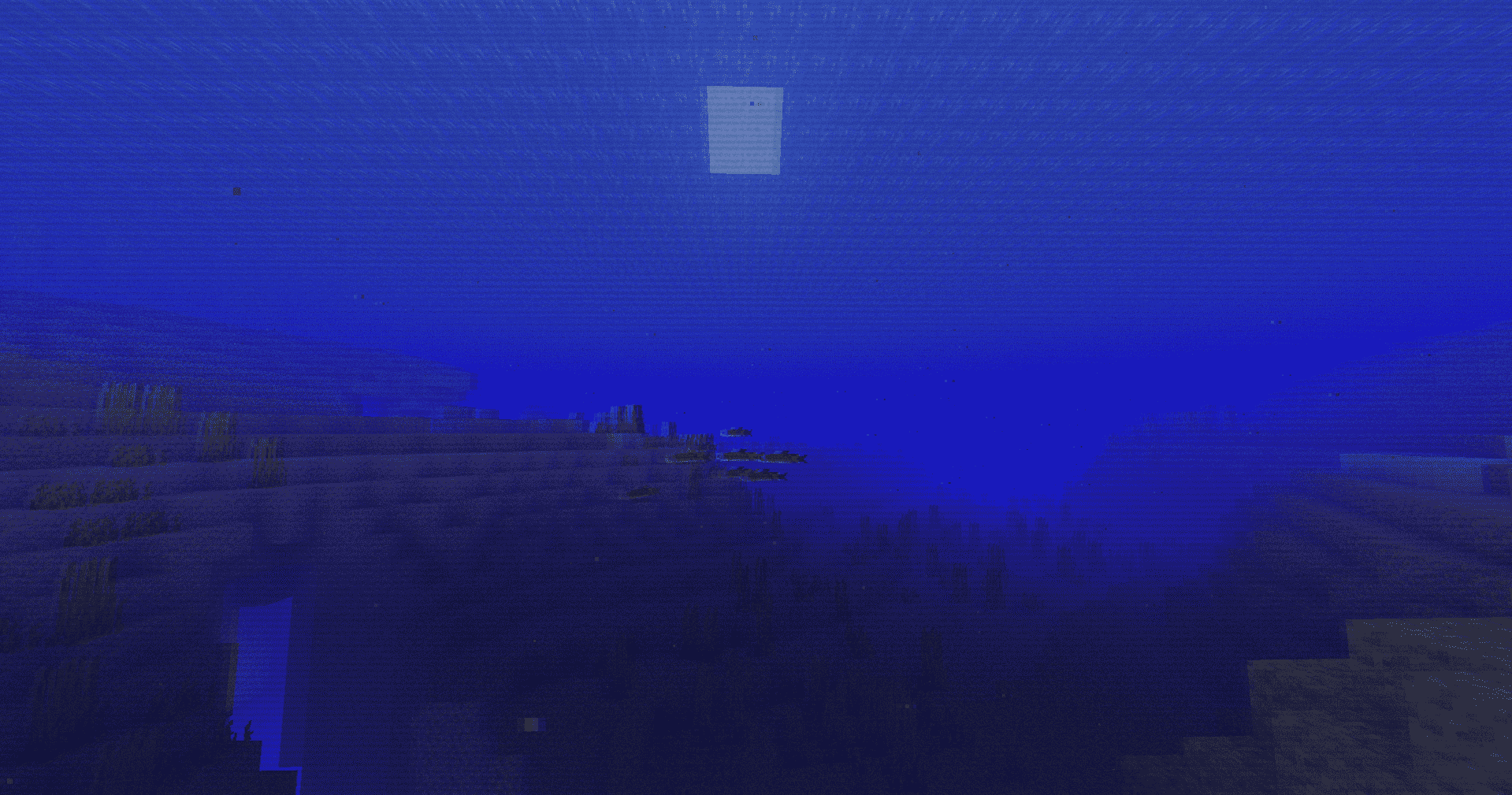
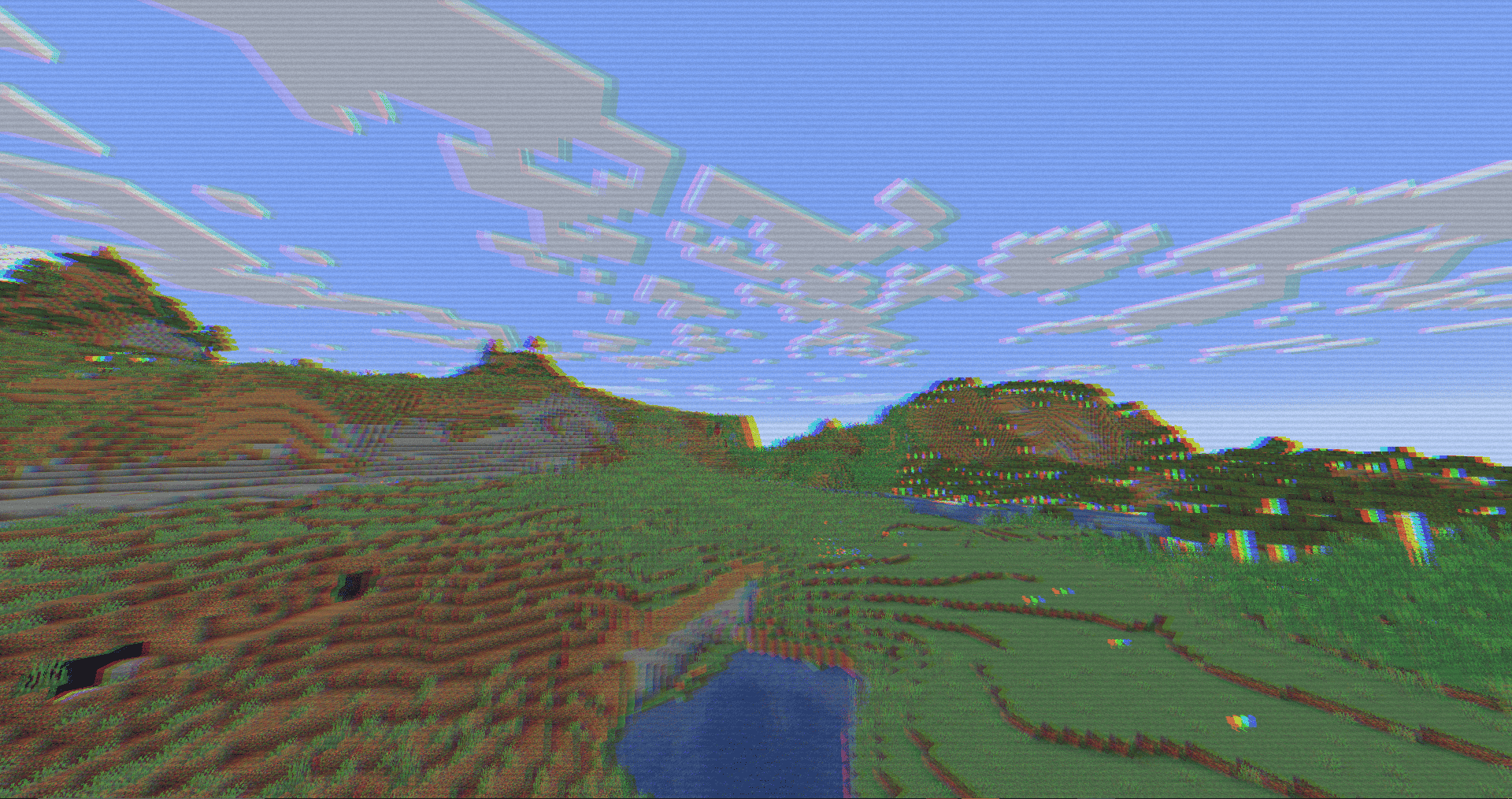
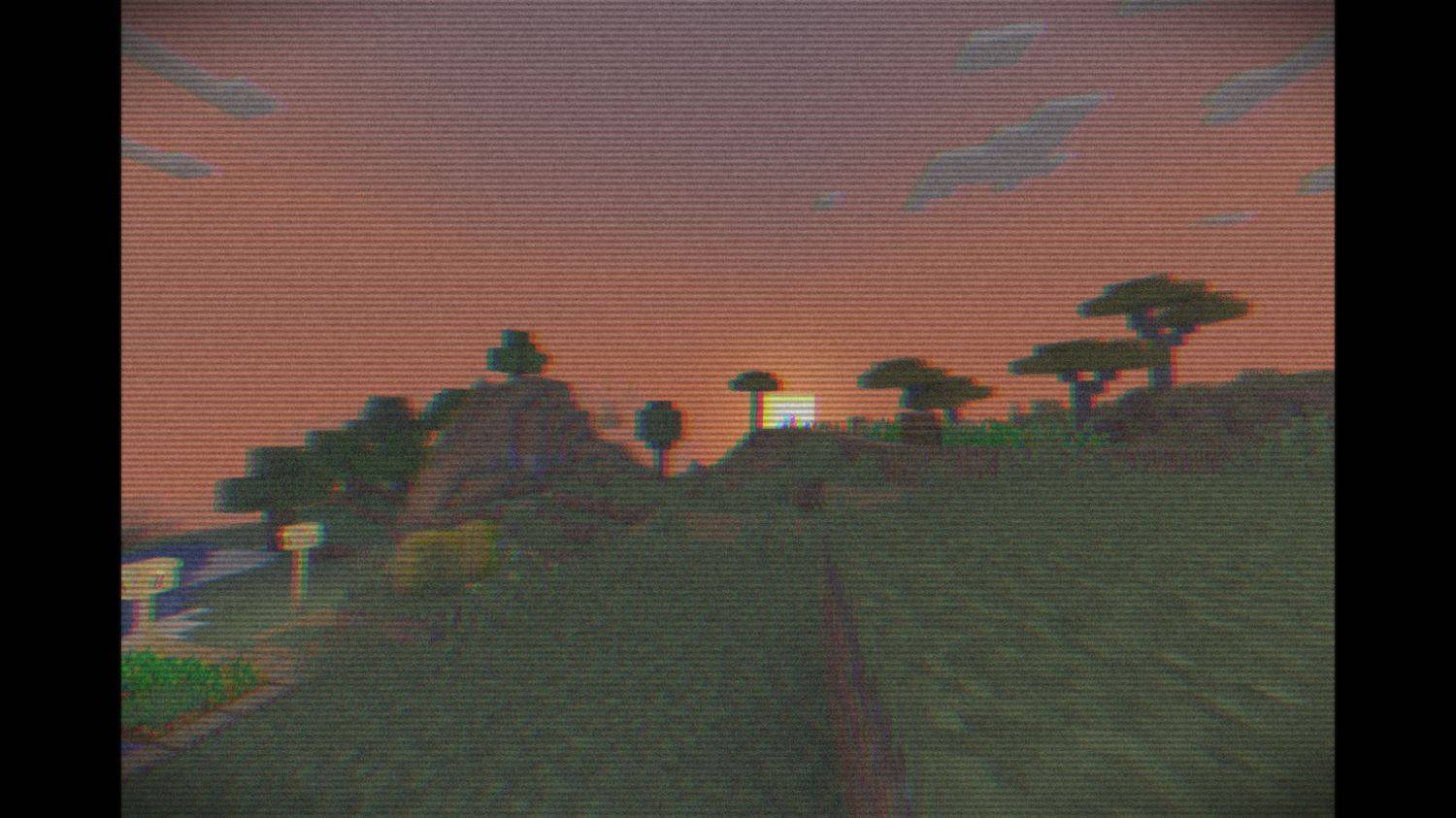
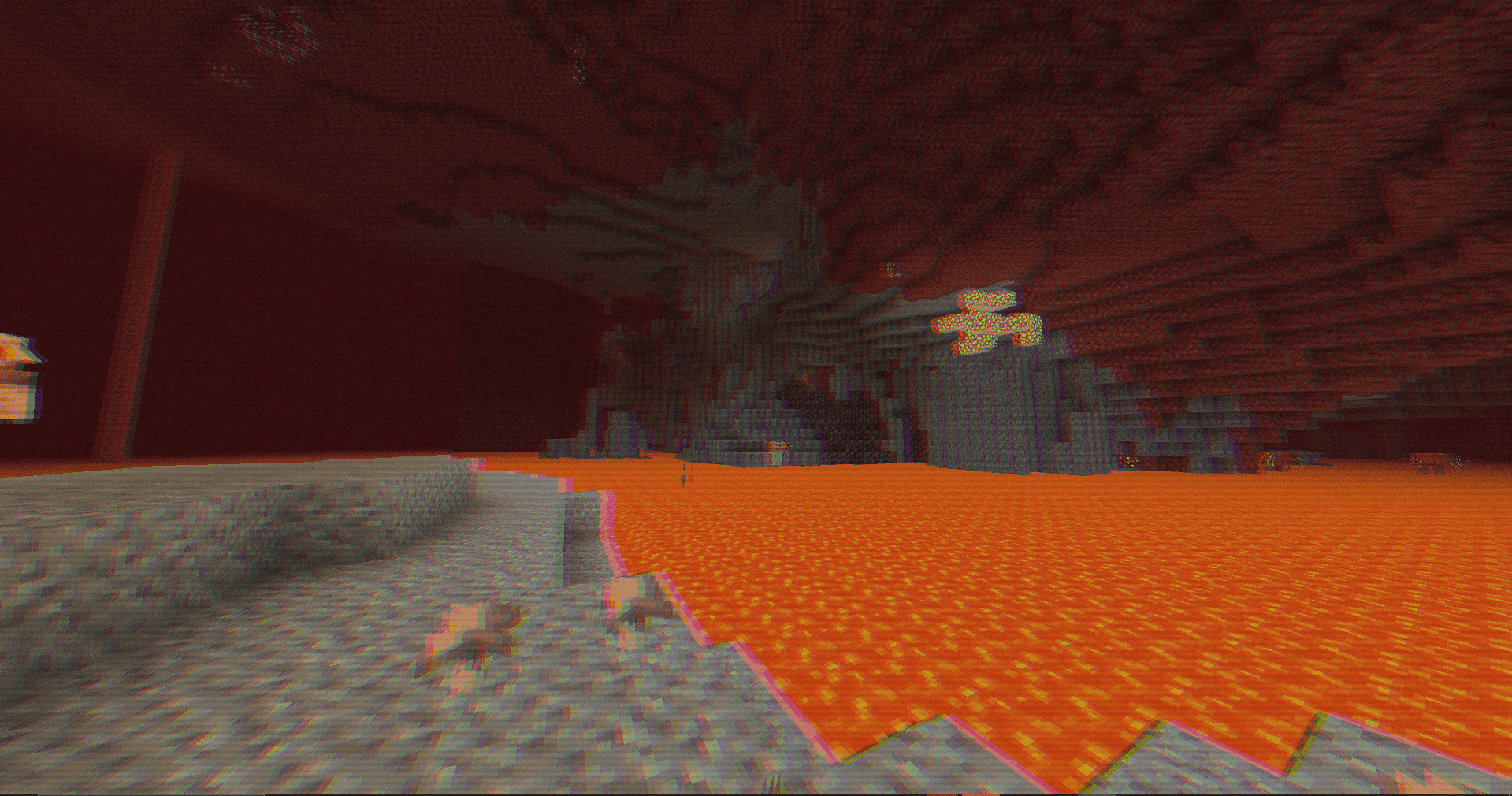
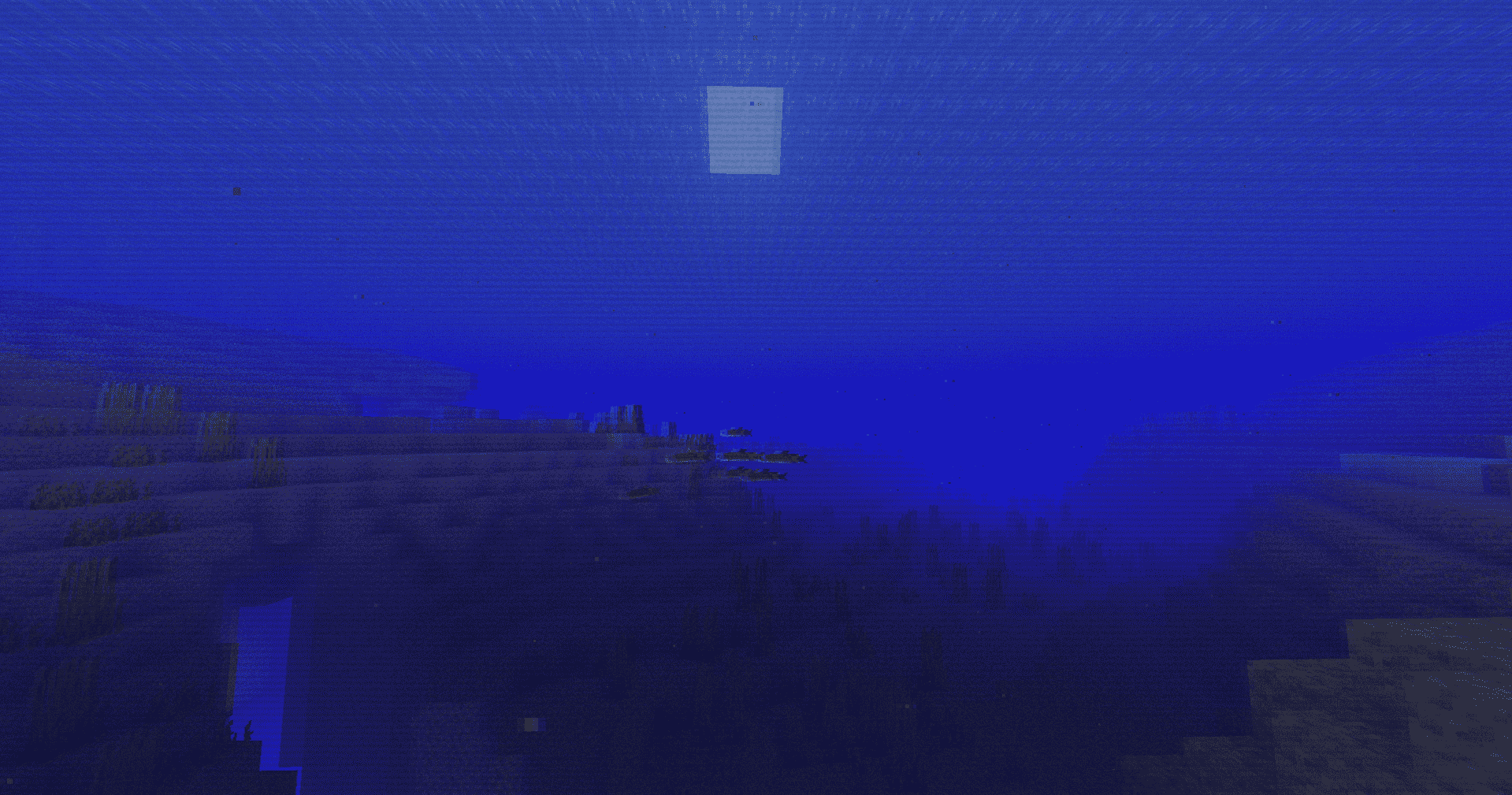
The RetroVision Shader is a unique Minecraft shader that transforms the game's visuals into a retro-inspired, VHS-like aesthetic. This shader, implemented using GLSL version 120, applies several visual effects to create an old-school television look while maintaining the core Minecraft experience.

Compatible with Iris and Optifine

Optional Features:

  • Motion Blur
  • Gamma Ajusted
  • Black and White Option

You Can…

  • Use this shader pack for screenshots and videos.
  • Modify it for personal use.
  • Publish your heavily modified version.*
  • Share it in modpacks or servers.

You Cannot…

  • Share it without my permission.


VHS Image

VHS Image


§aretrovision_v1.80.1.zip
MC 1.16.3, 1.13.1, 1.17.1, 1.21, 1.16.1, 1.18.1, 1.14.3, 1.15, 1.16, 1.13, 1.16.5, 1.19.3, 1.20.2, 1.19.4, 1.21.8, 1.14.4, 1.14.1, 1.12.1, 1.17, 1.12, 1.20.5, 1.21.5, 1.18
Release 2025-12-26 Get
retrovision_v1.4
MC 1.17.1, 1.16.3, 1.13.1, 1.19.3, 1.20.2, 1.21, 1.16.1, 1.18.1, 1.20.5, 1.14.4, 1.14.1, 1.12.1, 1.17, 1.12, 1.14.3, 1.15, 1.16, 1.13, 1.19.4, 1.21.1-Snapshot, 1.16.5, 1.10.2
Beta 2024-09-11 Get

Requirements & install

How to use this shader in Minecraft
Shader loader
Iris or OptiFine
Minecraft
1.19.3 – 1.21.8
Install folder
.minecraft/shaderpacks

How to install shaders

  1. Install a shader loader for your Minecraft version: Iris (with Sodium) or OptiFine.
  2. Download the shader pack .zip file (do not extract it).
  3. Put the .zip into the shaderpacks folder (.minecraft/shaderpacks).
  4. In game open Options → Video Settings → Shader Packs, select the pack and apply it.
Browse more: Iris shaders OptiFine shaders Shaders for 1.21.8 All shaders

More from marctgamer

Advertisement Remove ads with Premium →

You Might Also Like