Mineuniverse
Data Packs
Lock Dimensions

Lock Dimensions

DATA PACK
A simple datapack that allows server admins to enable or disable the nether or the end
by aji56
Download Claim this project
175 downloads
0 likes
Updated Oct 14, 2026
0 hypes
Utility
Advertisement Remove ads with Premium →

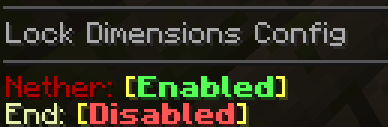
With this datapack, server operators can use the simple configuration command to enable or disable the nether or the end separately.

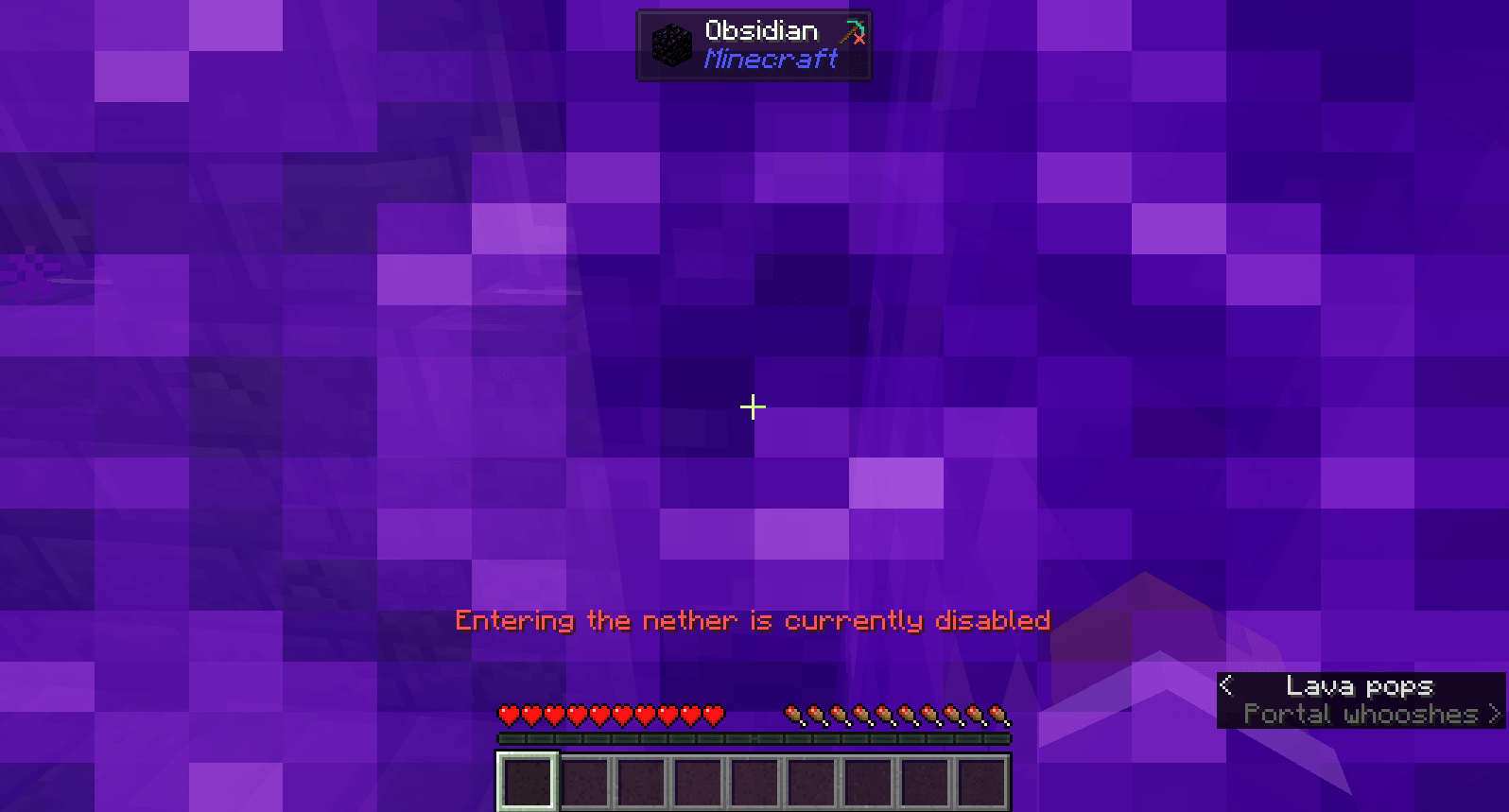
When the nether is disabled, the gamerule allow_entering_nether_using_portals will be set to false, preventing anyone from traveling there, and giving a message that says the nether is disabled if someone touches a portal block. Any player already in the nether, when it gets disabled, or who gets there through some way other than a nether portal, will be sent to their spawn point (unless their spawn point is in the nether) and shown a message that says the nether is disabled.

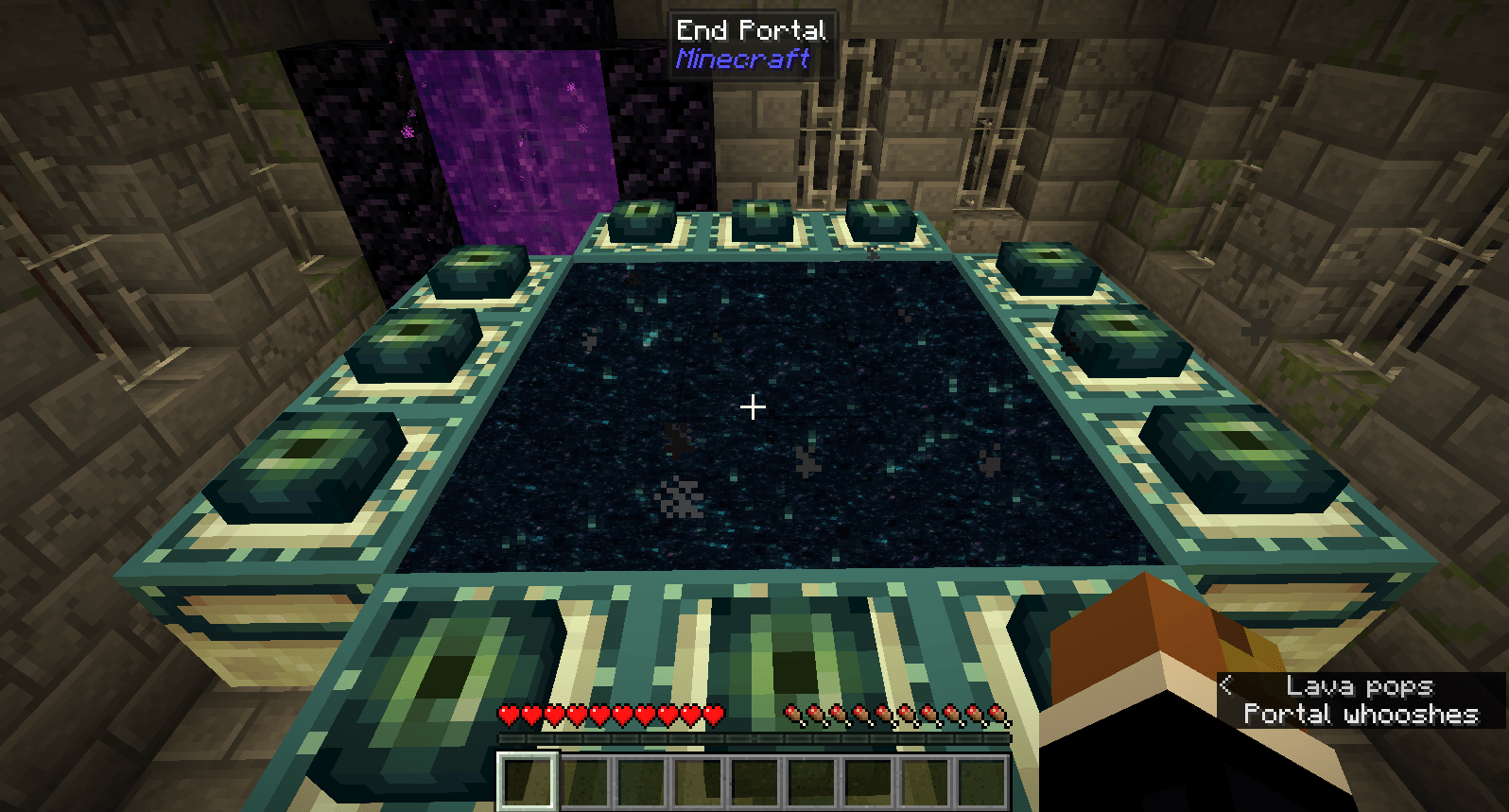
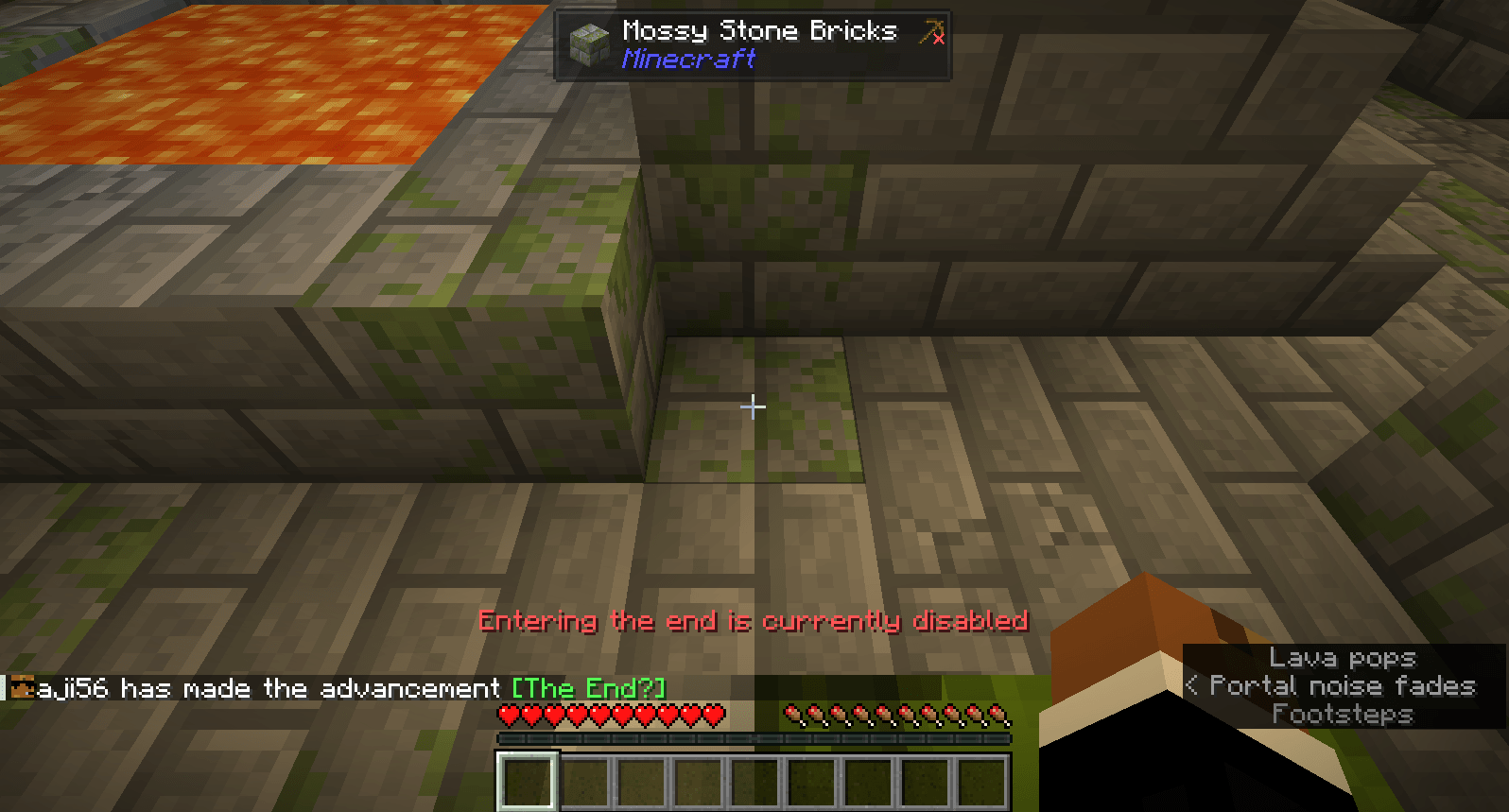
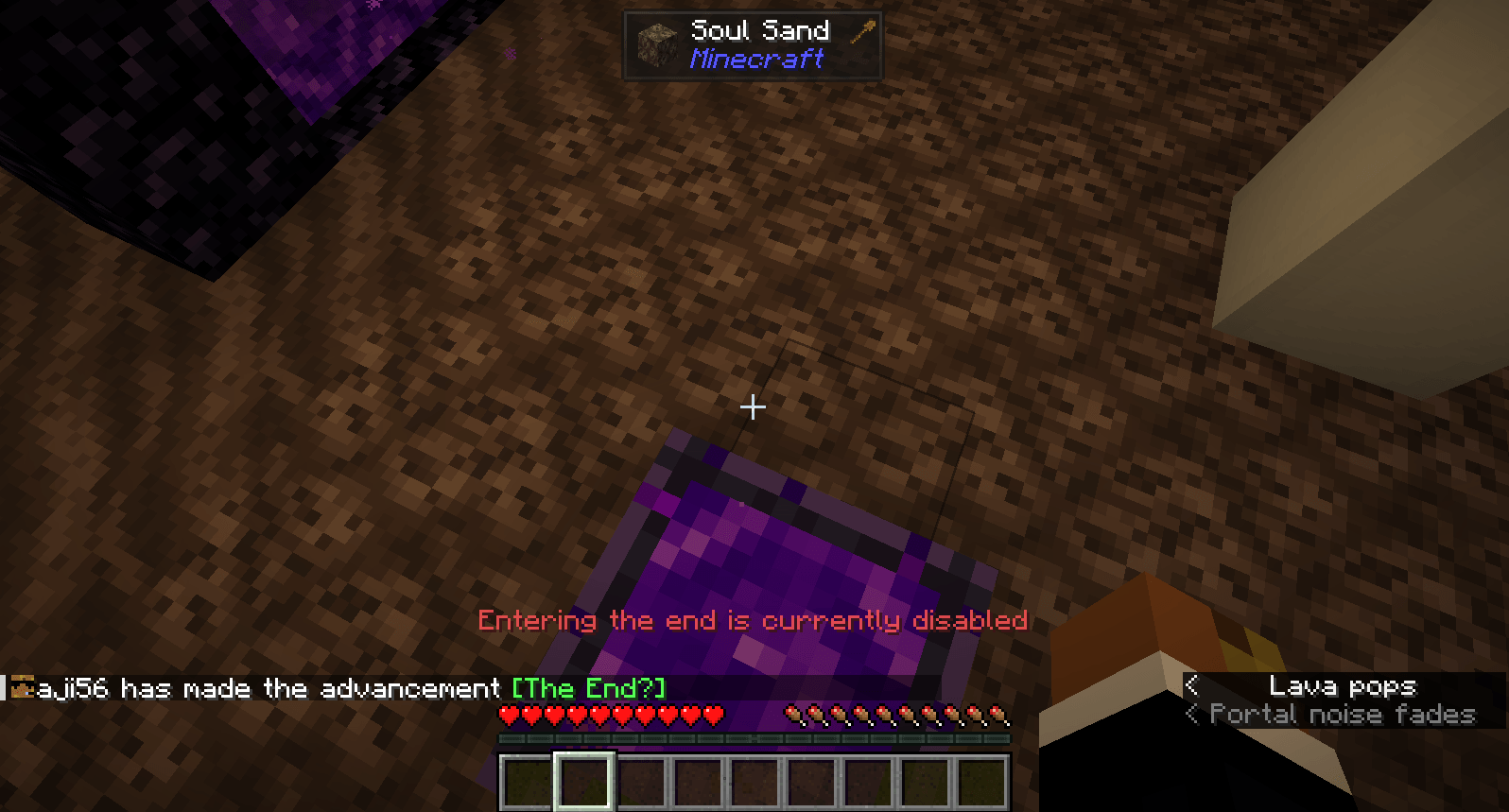
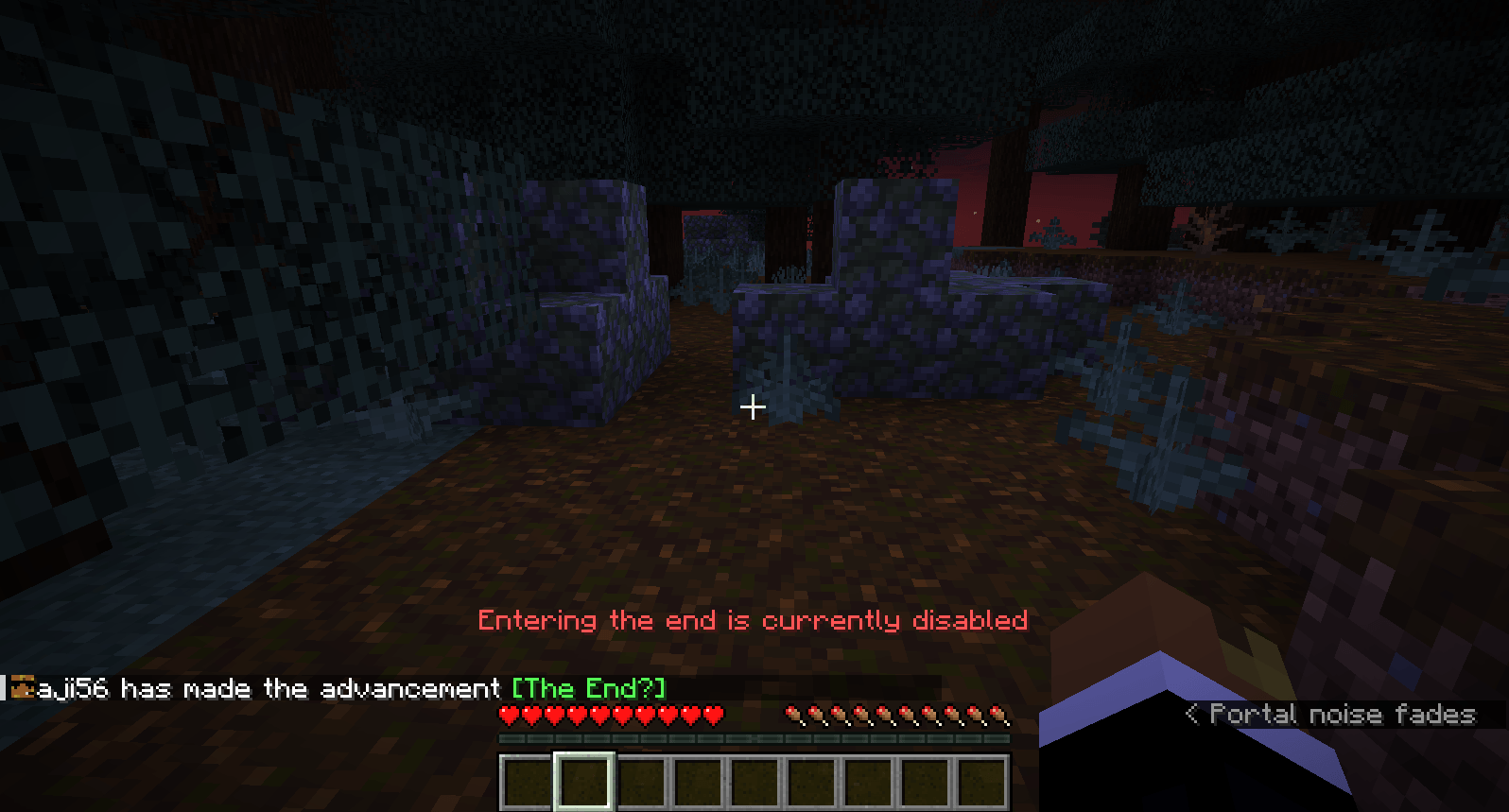
Unlike nether portals, end portals can't be disabled simply with a gamerule, when a player enters the end portal while the end is disabled, they will be sent to their spawn point and shown a message that says the end is disabled.

Currently has no support for disabling dimensions aside from the nether or the end.

To open the configuration, run the command /function lock_dimensions:config with operator permissions.

If you notice any bugs or have constructive feedback, please let me know.

lock_dimensions_v1.01_26.2.zip
MC 26.2
Release 2026-09-19 Get
lock_dimensions_v1.01_26.3.zip
MC 26.3
Release 2026-09-19 Get
lock_dimensions_v1.0_26.2.zip
MC 26.2
Release 2026-06-29 Get

Requirements & install

How to use this data pack in Minecraft
Mods needed
None, works in vanilla
Minecraft
26.2 – 26.3
Install folder
saves/<world>/datapacks

How to install data packs

  1. Download the data pack .zip file (do not extract it).
  2. New world: click Data Packs on the world creation screen and drop the .zip in. Existing world: open .minecraft/saves/<world>/datapacks.
  3. Put the .zip into the datapacks folder of the world (servers: world/datapacks).
  4. Run /reload in game (or rejoin the world) and check it with /datapack list.
Browse more: Data Packs for 26.3 All data packs

More from aji56

Advertisement Remove ads with Premium →

You Might Also Like