This datapack removes the usual unlock requirements for equipment item recipes that are more advanced than stone, utilizing the limited_crafting gamerule to block their crafting until the recipes are learned. Learning the recipes requires players to explore, find structures, and unlock the vault with the recipe knowledge books inside.
The idea behind this datapack is to slow down progression to make each tier of tool feel more meaningful, and to promote exploration more. It also goes well with another datapack of mine, Easier Enchanting.
In game, the datapack includes advancements that hint at how to progress. Alternatively, you can read about the features in the spoiler section.
Installation:
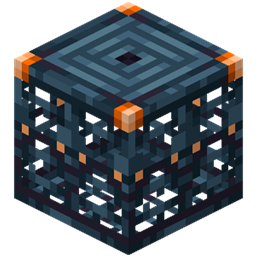
Vaults were used rather than adding to regular chest loot tables to make sure more than one player is able to learn recipes by finding the same structure, since recipes can't be shared and knowledge books are consumed when learned.
Structures with recipe unlocks include:
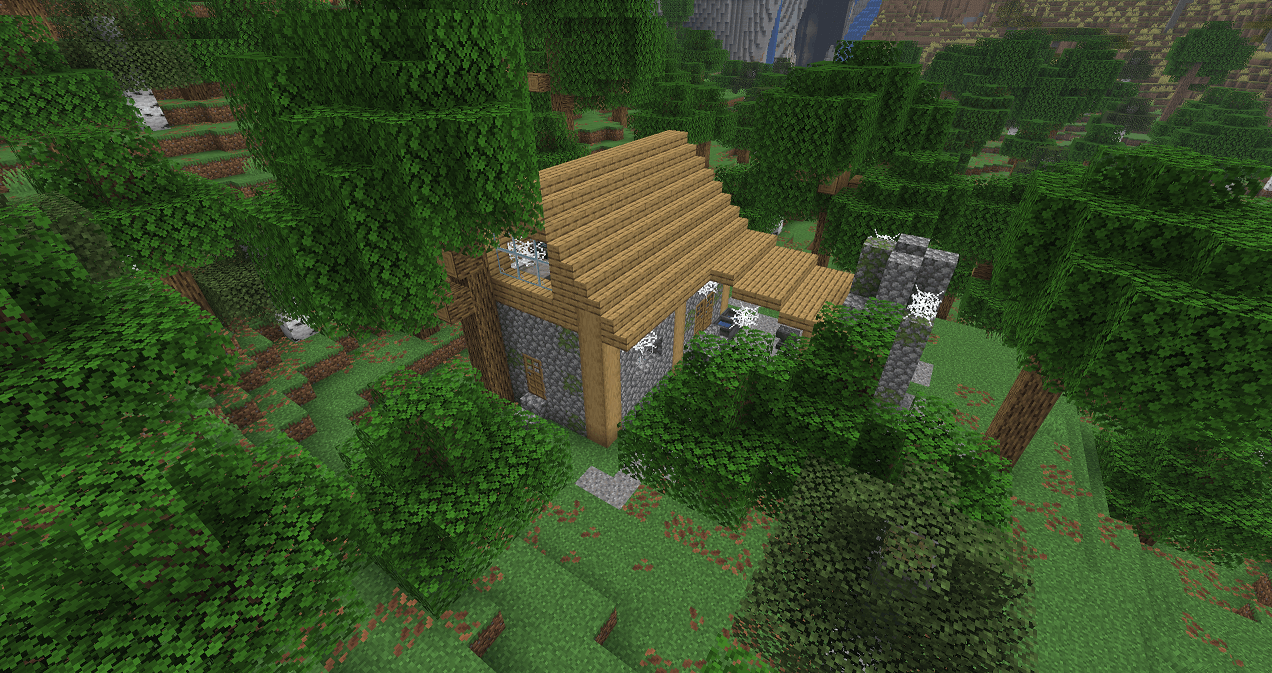
- Abandoned Blacksmith - copper tools (custom structure, spawns in any forest biome)
- Iron Dungeon - iron tools (custom structure, spawns underground between Y10 and Y-10)
- Ruined Portal - golden tools
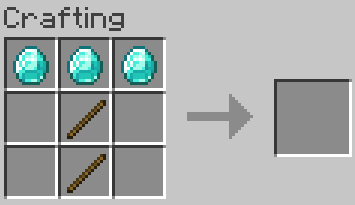
- Bastion - diamond tools
- End City - netherite tools (the vault is in the ship, and the recipes come with a smithing template and elytra)
The two custom structures can also be located with craftable explorer maps if they prove too hard to find, and you already have a lot of copper or iron.
Copper and iron tool recipes also include some other related items. Copper tool recipes also unlock spyglasses, a shield variant with less durability than usual, and a copper pickaxe variant that can mine blocks that normally require an iron pickaxe. Iron tool recipes also unlock normal shields, shears, and an iron pickaxe variant that can mine blocks that normally require a diamond pickaxe.
Unlocking the vaults requires a block of the material you'll get the recipes for, except for the end city vault, which requires a netherite ingot.
This datapack also changes many loot tables outide the end and villager trades that contain tools, either replacing them with a lower tier tools or their component materials. Netherite smithing templates are also removed from bastion loot tables.
If you notice any bugs or have constructive feedback, please let me know.