Badges update automatically and link to the shader page on MineUniverse.

Like a forgotten recording from a summer that never happened.
ZigCRT is a lightweight post-processing shader that transforms Minecraft into a nostalgic late-90s camcorder recording. Instead of realistic lighting or modern visual effects, the shader focuses on analog imperfections, subtle signal distortion and retro display characteristics.
Designed to be simple, fast and atmospheric.

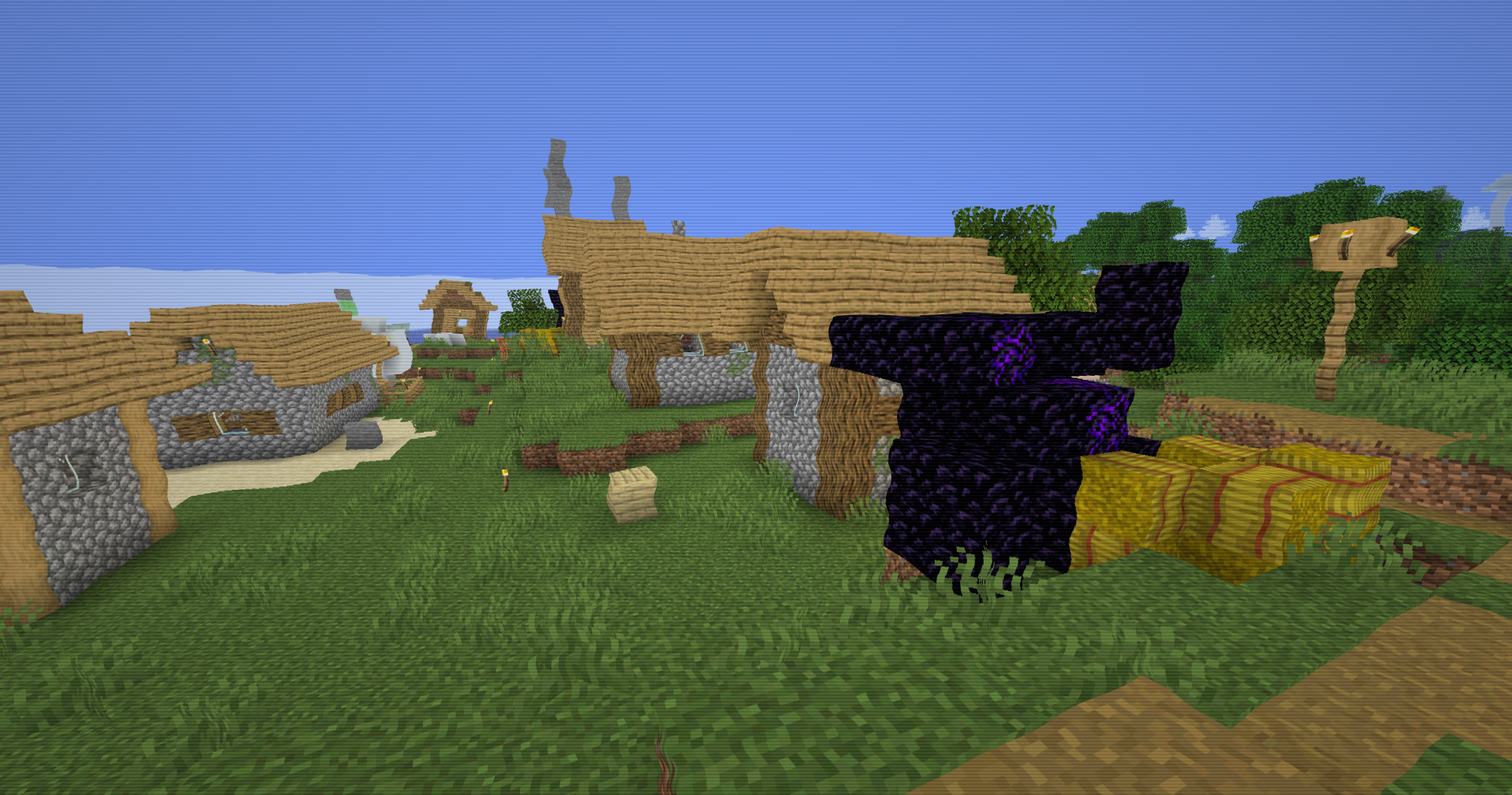
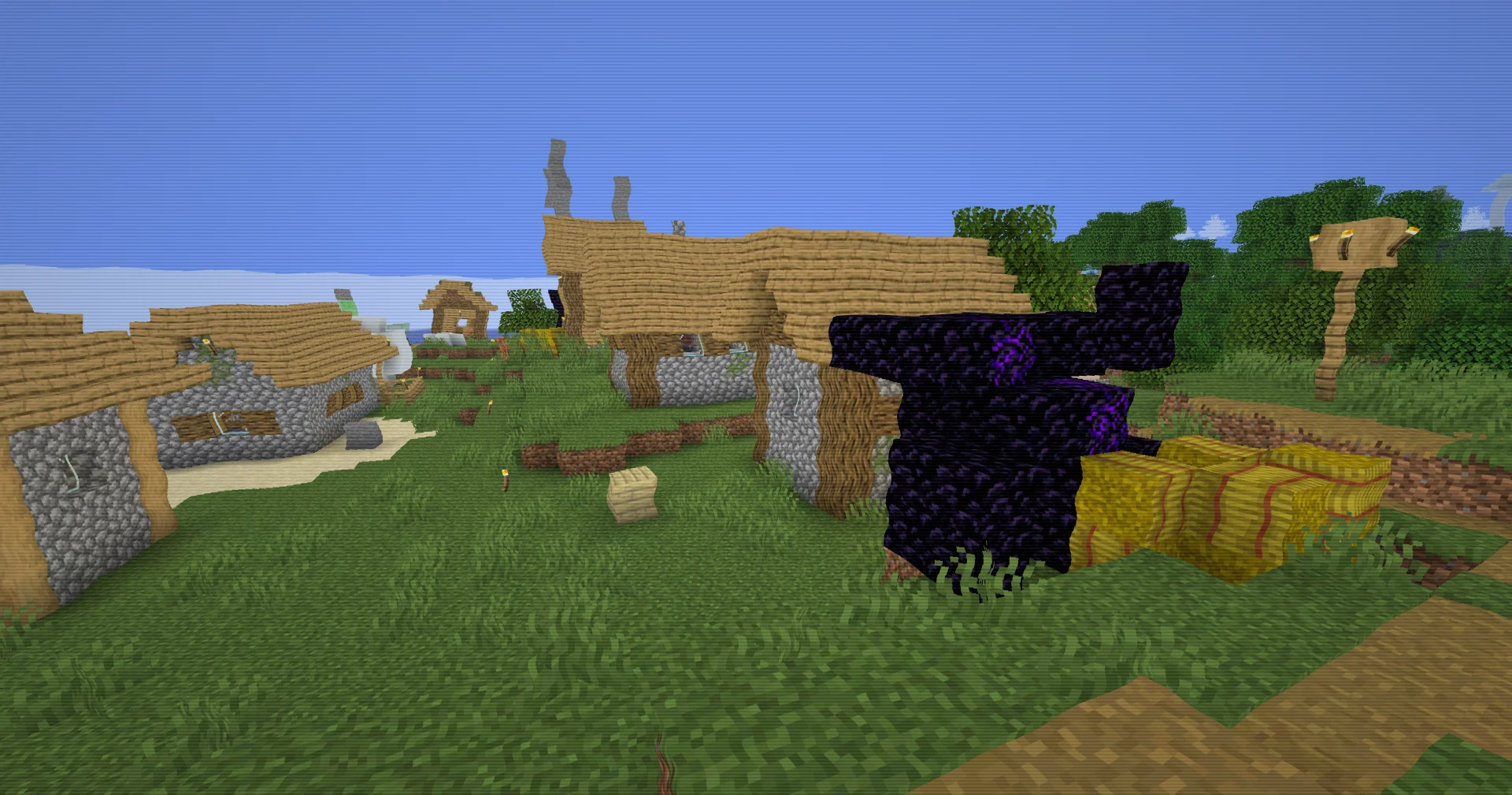
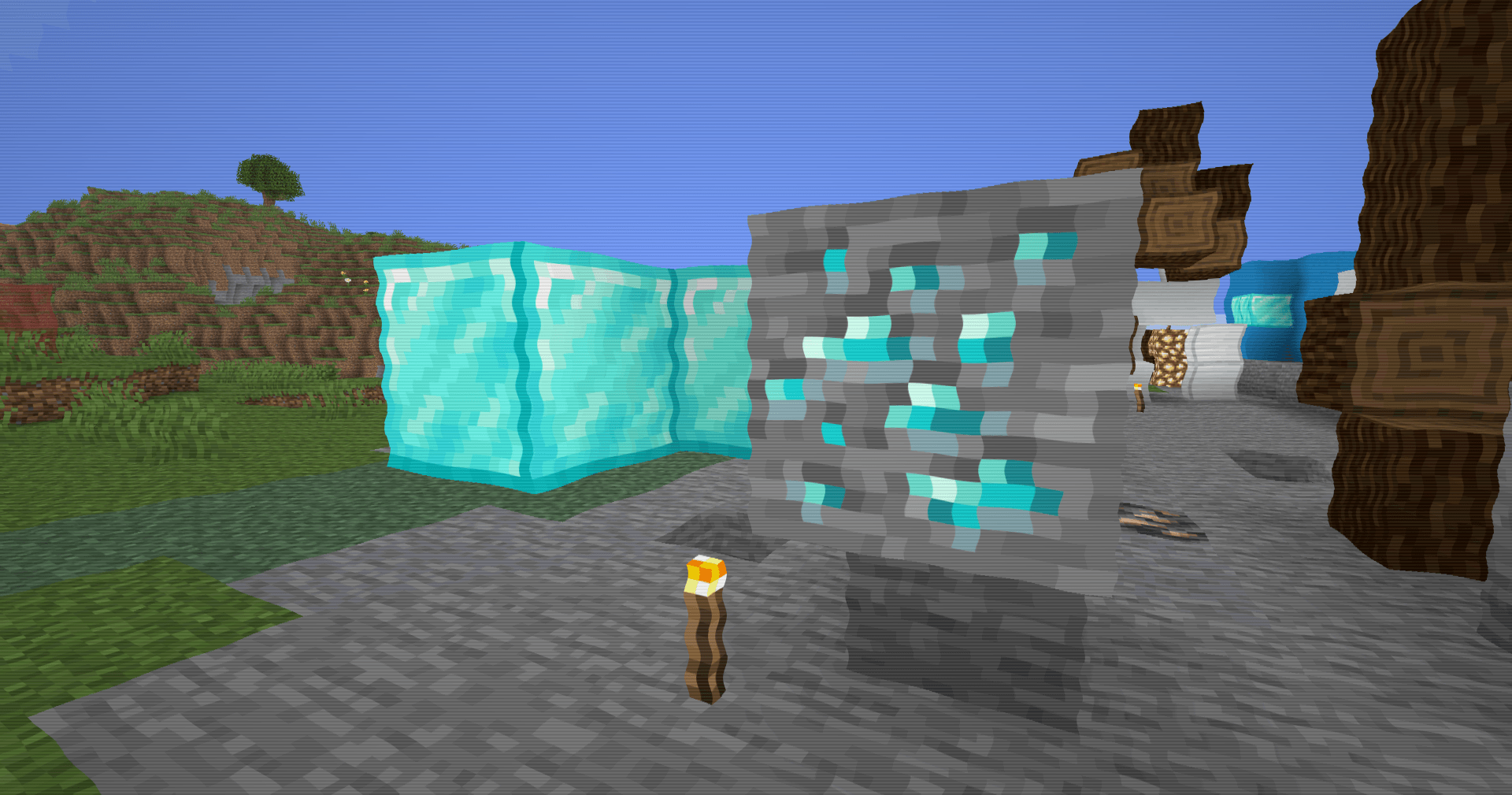
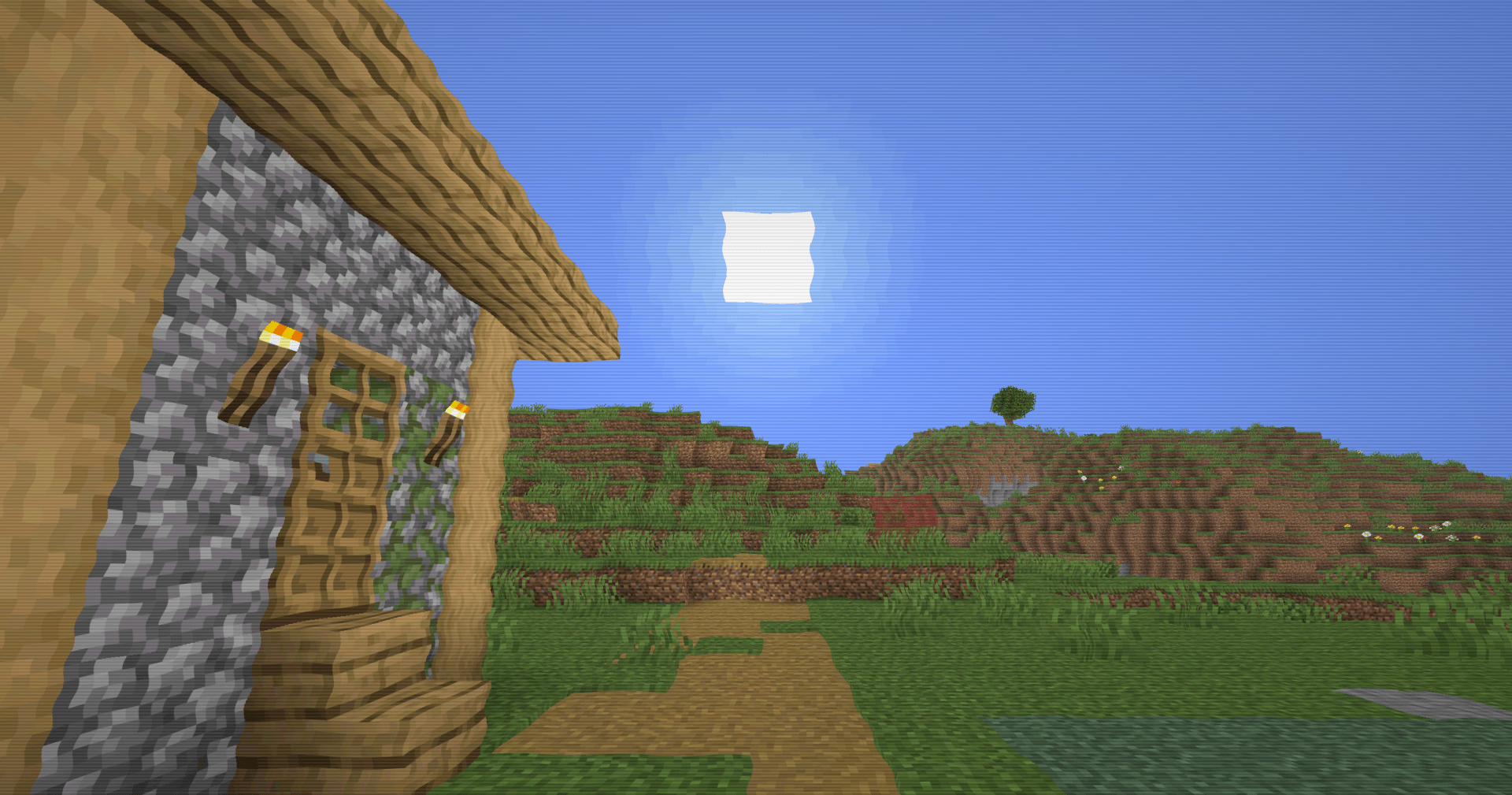
Analog signal warping. The image subtly bends and drifts as if the video signal is passing through an aging VHS player. Horizontal and vertical distortions continuously move across the screen, creating gentle instability without affecting gameplay.
Color quantization. Colors are intentionally reduced to a limited palette, mimicking the compressed color depth of older recording hardware. Bright gradients become slightly posterized, reinforcing the retro aesthetic.
CRT-style scanlines. Fine scanlines run across the display, reproducing the texture of vintage televisions and security monitors. The effect remains visible without overwhelming the image.
Natural screen vignette. Brightness gradually falls off toward the edges of the screen, emulating the uneven illumination commonly seen on CRT displays and old camera lenses.
Soft video degradation. The shader avoids aggressive glitches and instead focuses on believable analog imperfections that make the world feel like archived footage.
Performance-friendly. No volumetrics, raymarching, shadow enhancements or expensive lighting passes. The entire effect is applied as a lightweight fullscreen post-process.
ZigCRT aims to recreate:
| Loader | OptiFine / Iris |
| GLSL | #version 120 |
| Shader Type | Fullscreen Post-Processing |
| Minecraft | Most Java versions supporting OptiFine/Iris |
| Performance Impact | Very Low |
Analog distortion · CRT scanlines · color quantization · edge darkening · signal drift · retro display simulation
Not a realism shader. Not a graphics overhaul. Just Minecraft remembered through an old tape left in a dusty cardboard box. 📼✨