Badges update automatically and link to the shader page on MineUniverse.

A clean holographic projection inspired by futuristic displays.
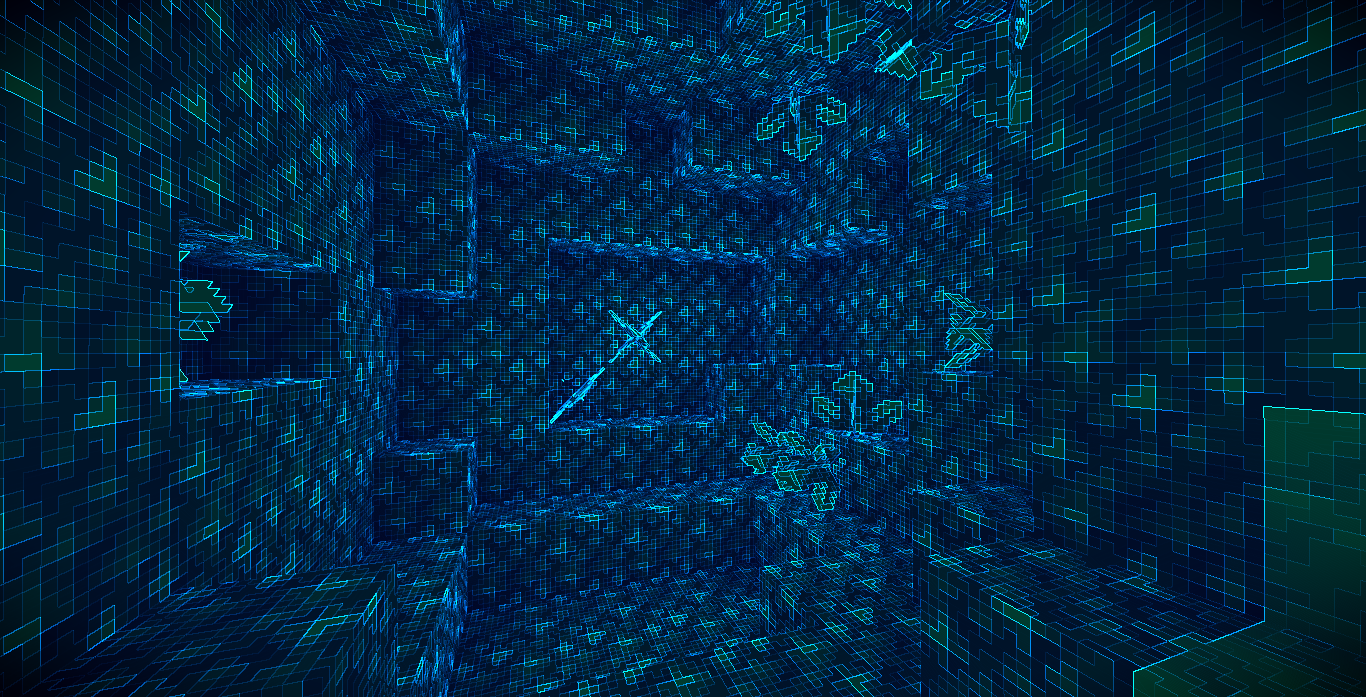
Holo is a lightweight post-processing shader that transforms the entire scene into a cyan-blue holographic projection. Rather than altering Minecraft's lighting model, it applies a full-screen visual pass that remaps image luminance into a holographic color palette while emphasizing silhouettes through edge detection. The result is a clean sci-fi appearance suitable for screenshots, cinematic scenes, and futuristic builds without introducing a complex rendering pipeline.
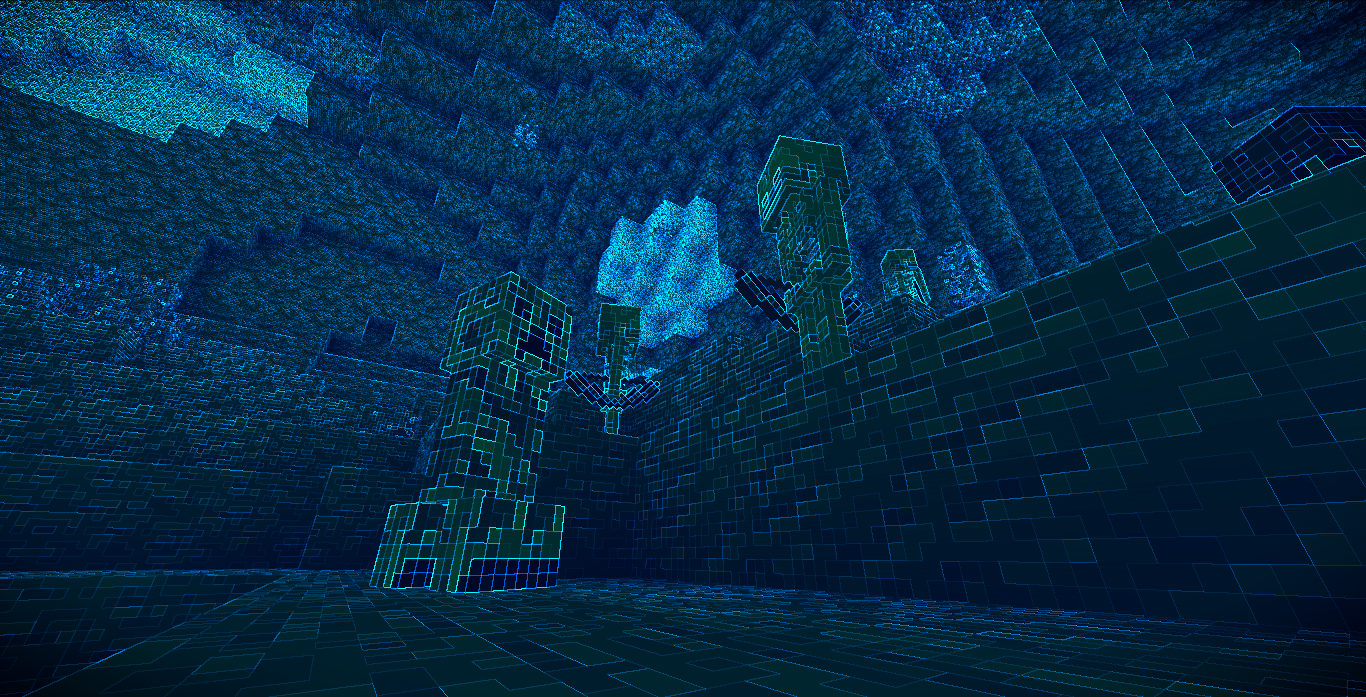
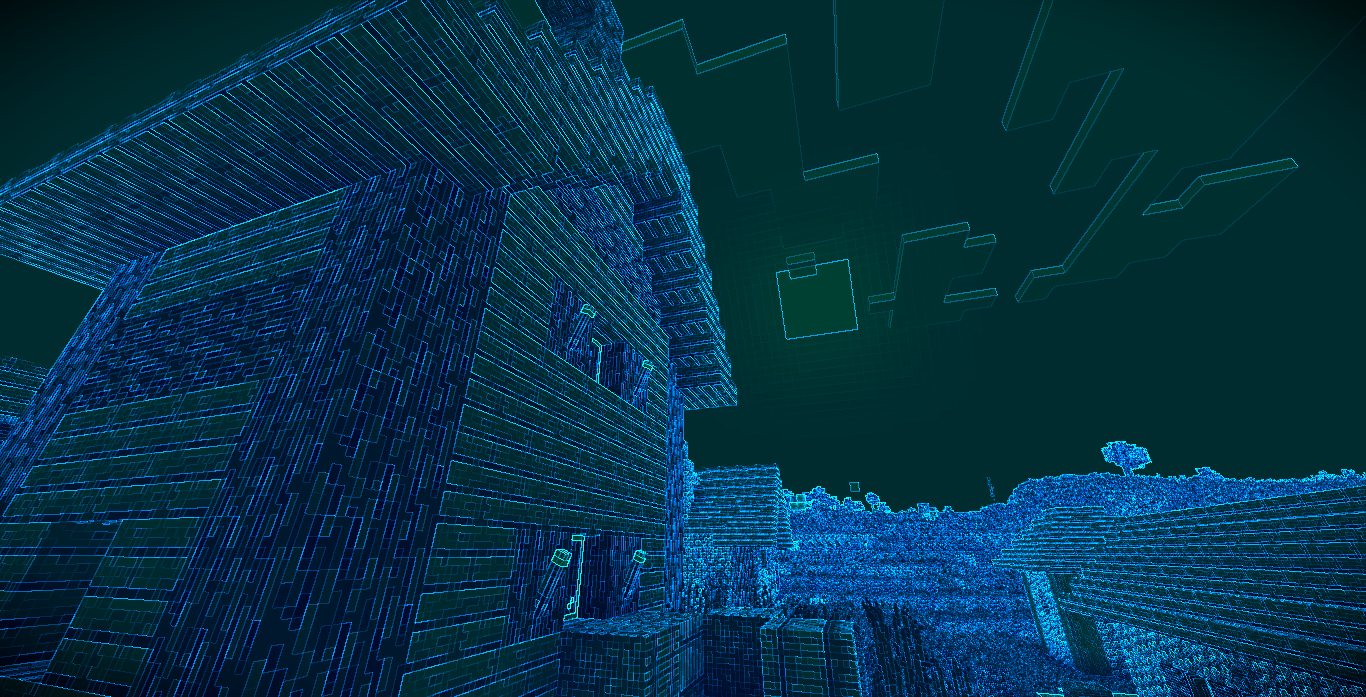
Holographic Color Grading. The rendered image is converted from its original colors into a predominantly cyan and blue holographic palette. Scene brightness is preserved by first calculating luminance, then remapping it into a stylized projection color while maintaining recognizable lighting and depth.
Edge Glow Detection. Visible object outlines receive an additional glow using a lightweight screen-space edge detection pass. Neighboring pixel luminance is compared to detect discontinuities, allowing blocks and entities to stand out with bright cyan highlights that reinforce the holographic appearance.
Dynamic Projection Flicker. A subtle time-based brightness modulation simulates the instability of an electronic projection. The effect gently fluctuates over time without becoming visually distracting.
Contrast Enhancement. Contrast is increased both before and after the holographic color conversion to improve readability and make illuminated regions appear more pronounced. A mild gamma adjustment further brightens highlights while keeping darker regions distinct.
Screen Vignette. A radial vignette darkens the outer edges of the screen, drawing attention toward the center and reinforcing the feeling of viewing a projected display.
Lightweight Full-Screen Processing. The shader operates as a single composite post-processing pass with a simple rendering pipeline. It avoids expensive effects such as volumetric lighting, reflections, shadows, or temporal processing, making it suitable as a lightweight visual filter.
gbuffers_basic program for basic textured rendering.