Mineuniverse
Shaders
Zenith Shaders

Zenith Shaders

SHADER
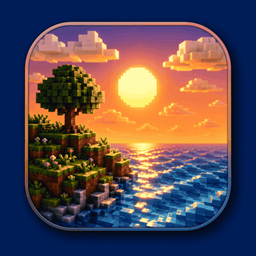
A lightweight, highly optimized shaderpack focusing on soft procedural 3D clouds, immersive underwater distortion, cozy light-source blooming, and beautifully balanced, non-blinding exposures for day and night.
by bebonaiem
Download Claim this project
5,451 downloads
0 likes
0 followers
Updated Oct 14, 2026
0 hypes
Follow0
Realistic Vanilla
Advertisement Remove ads with Premium →

🌅 Zenith Shaders

Welcome to Zenith Shaders, a lightweight, highly-optimized, and cinematic shaderpack built from the ground up for standard/mid-range gaming PCs.

Designed to enhance the vanilla Minecraft experience with soft, natural lighting, Zenith Shaders delivers a beautifully balanced, cozy, and atmospheric world without sacrificing your frame rates.


🌟 Key Features

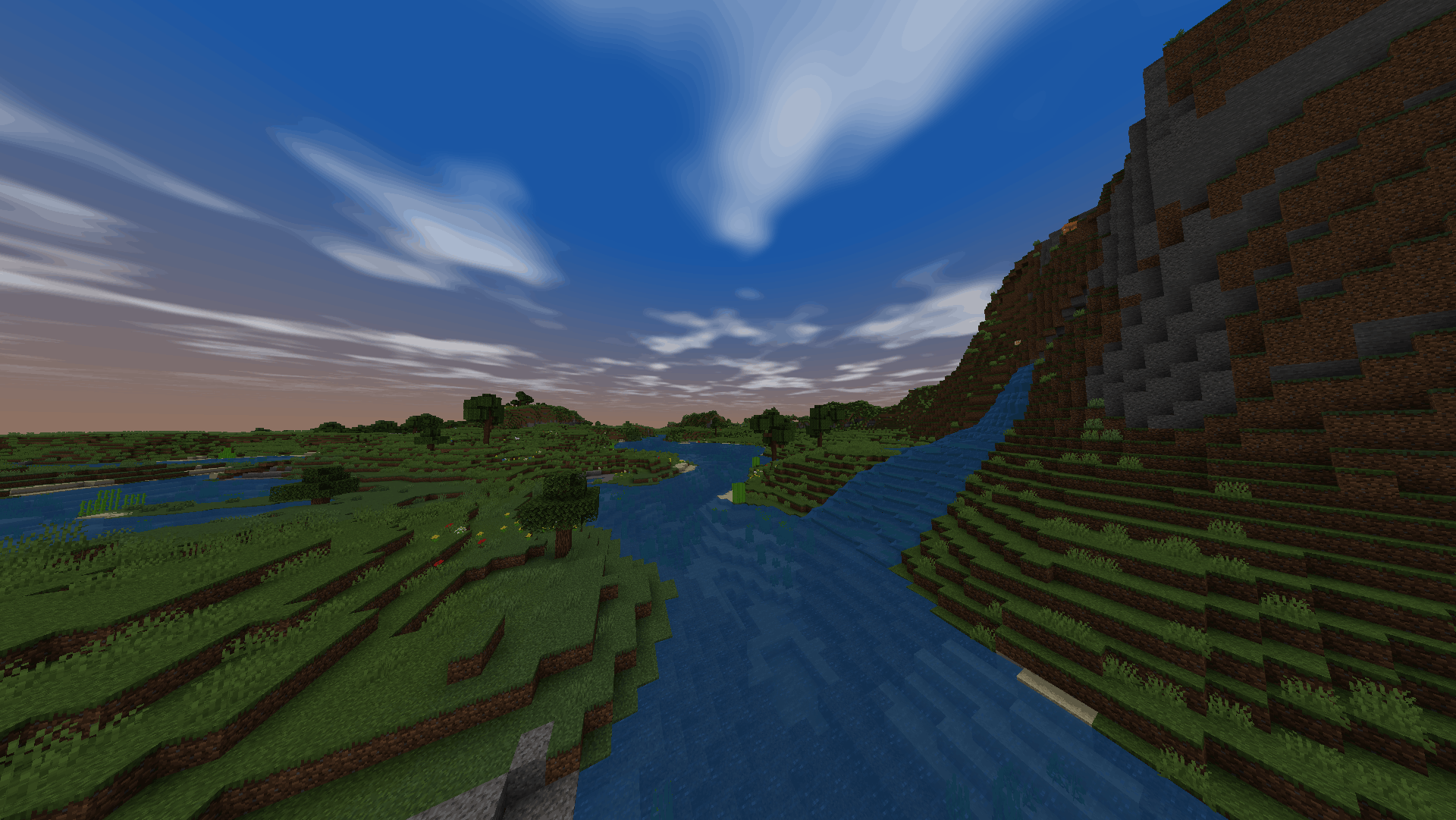
  • World-Space 3D Clouds: Features procedural, drifting 3D clouds (generated using FBM noise) that sit flat in the sky. The clouds fade naturally as they reach the horizon to prevent stretching or warping, giving you a beautiful 3D sky dome.
  • Custom Round Sun & Moon: Replaces vanilla's blocky sky boxes with perfect world-space glowing circles. These scale naturally and are fully compatible with OptiFine's zoom feature.
  • Physical 3D Water Waves: Water is no longer flat! It features physical 3D waves that bob up and down, paired with smooth specular reflections that warp realistically with the water surface.
  • Auto-Focus Depth of Field (DoF): A cinematic camera blur effect that dynamically adjusts its focus based on exactly where your crosshair is looking, keeping your hand and held items in perfect focus.
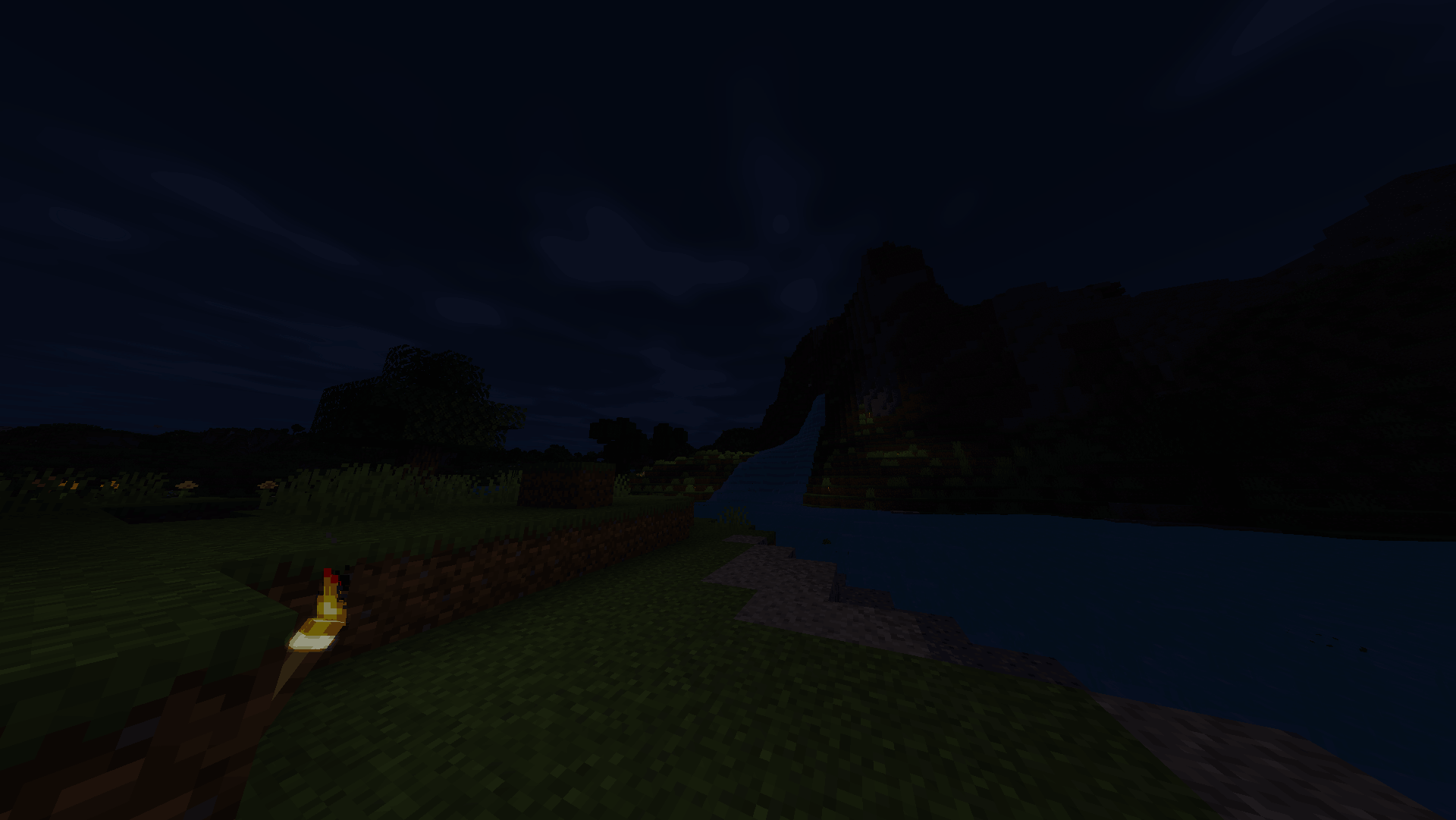
  • Cozy Light Bloom: Bright emissive blocks like torches, lanterns, glowstone, and lava emit a soft, realistic glow that makes caving and nighttime exploration incredibly atmospheric.
  • Underwater Ripple & Fog: Diving underwater triggers an active screen-space ripple distortion and wraps the camera in a deep blue-green aquatic fog that gets thicker the further away things are.
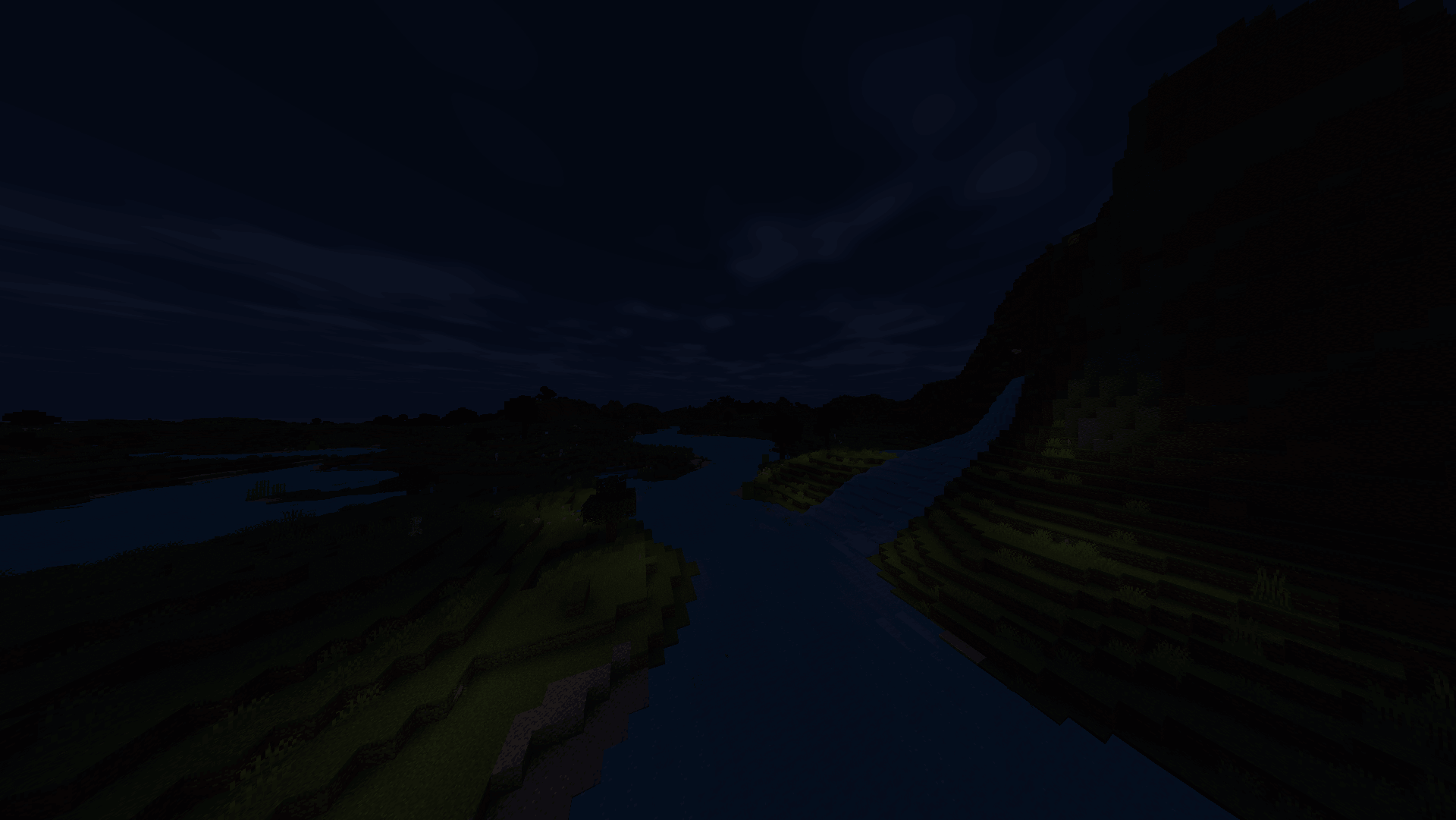
  • Balanced Exposure & ACES Color: Say goodbye to flat daytime lighting and washed-out textures. Zenith Shaders blends a cinematic ACES color curve with vanilla's natural colors for rich, deep foliage and a bright (but not blinding) daytime experience. Nighttime is naturally dark, making torches essential.

🛠️ Compatibility & Setup

Zenith Shaders is built to run smoothly on standard mid-range PCs and is compatible with both Iris and OptiFine pipelines.

  • Automatic Configuration: The shaderpack includes a built-in shaders.properties configuration file. When you load the shader, it will automatically tell Minecraft to disable the blocky vanilla clouds, sun, and moon so they don't overlap with Zenith's custom sky.
  • How to Reload: If you make any in-game adjustments, simply press F3 + R to reload the shader instantly.
Zenith Shaders
MC 1.17.1, 1.21.2-Snapshot, 1.21, 1.21.6-snapshot, 1.18.1, 1.20.2-Snapshot, 1.20.5-Snapshot, 1.19-Snapshot, 1.21.1-Snapshot, 1.16.5, 1.19.3, 1.20.2, 1.19.4, 1.21.8, 1.17
Release 2026-07-19 Get

Requirements & install

How to use this shader in Minecraft
Shader loader
Iris or OptiFine
Minecraft
1.20.2-Snapshot – 1.21.8
Install folder
.minecraft/shaderpacks

How to install shaders

  1. Install a shader loader for your Minecraft version: Iris (with Sodium) or OptiFine.
  2. Download the shader pack .zip file (do not extract it).
  3. Put the .zip into the shaderpacks folder (.minecraft/shaderpacks).
  4. In game open Options → Video Settings → Shader Packs, select the pack and apply it.
Browse more: Iris shaders OptiFine shaders Shaders for 1.21.8 All shaders

More from bebonaiem

Advertisement Remove ads with Premium →

You Might Also Like