Mineuniverse
Shaders
Vanilla Rebuild

Vanilla Rebuild

SHADER
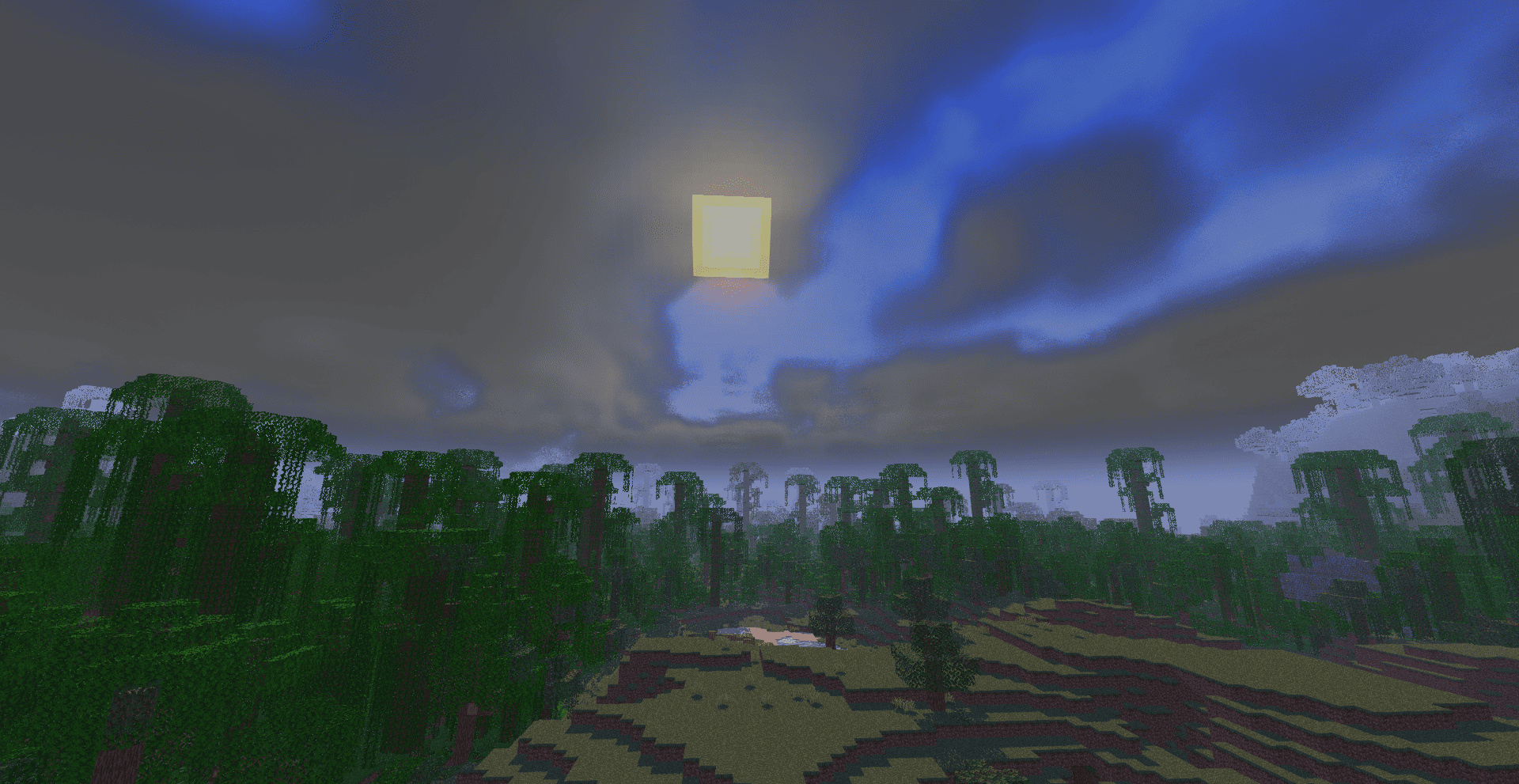
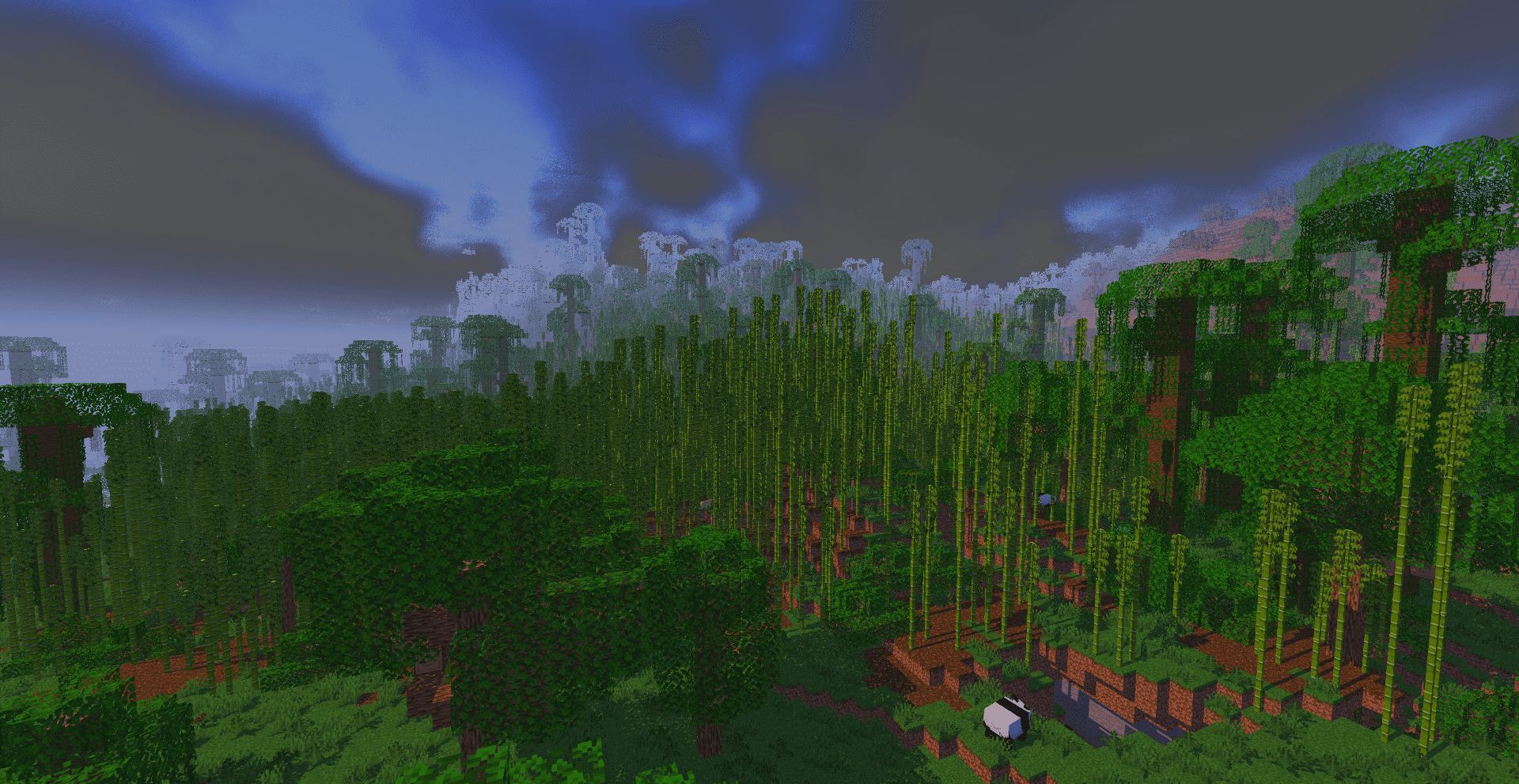
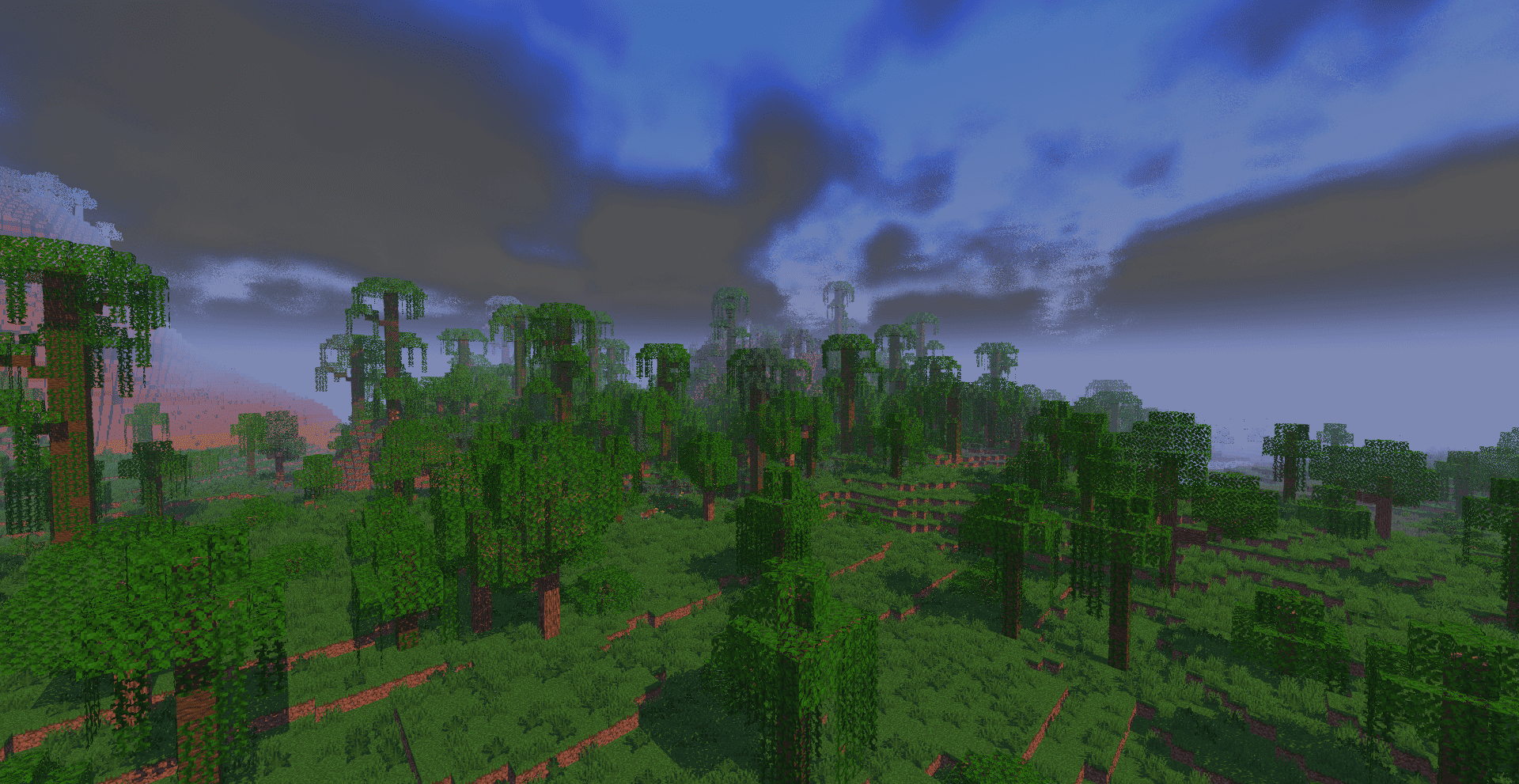
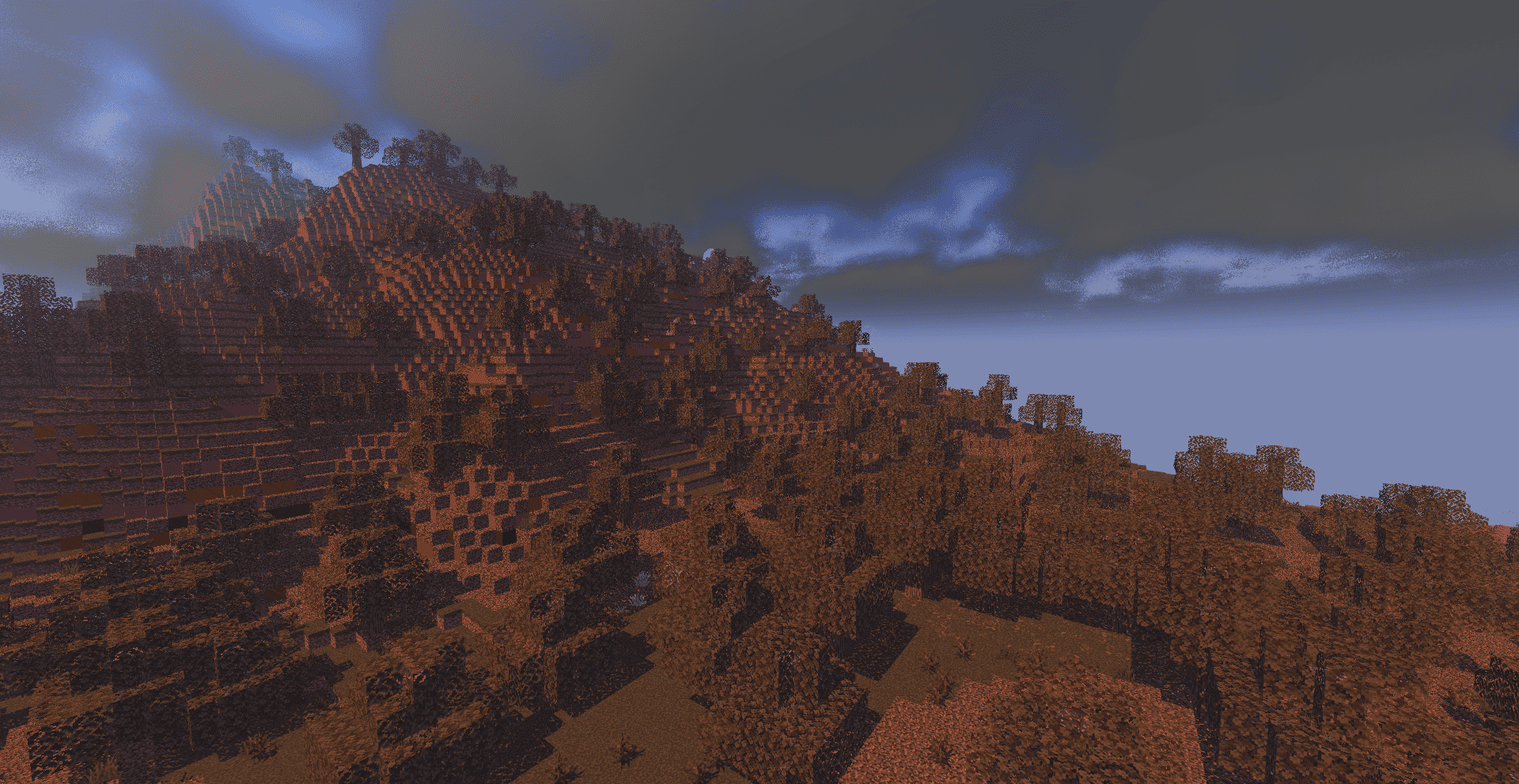
preserves Minecraft's classic look with enhanced lighting, realistic sky, volumetric clouds, soft shadows, and rich per-dimension atmosphere.
by Haider_x
Download Claim this project
86,733 downloads
0 likes
Updated Oct 14, 2026
0 hypes
Fantasy Vanilla
Advertisement Remove ads with Premium →

✨ Vanilla Rebuild ✨

A simple and lightweight shader that makes Minecraft look better
without losing its original vanilla feel.
Natural lighting, a beautiful sky, 3D volumetric clouds,
and soft stars at night that are easy on the eyes.

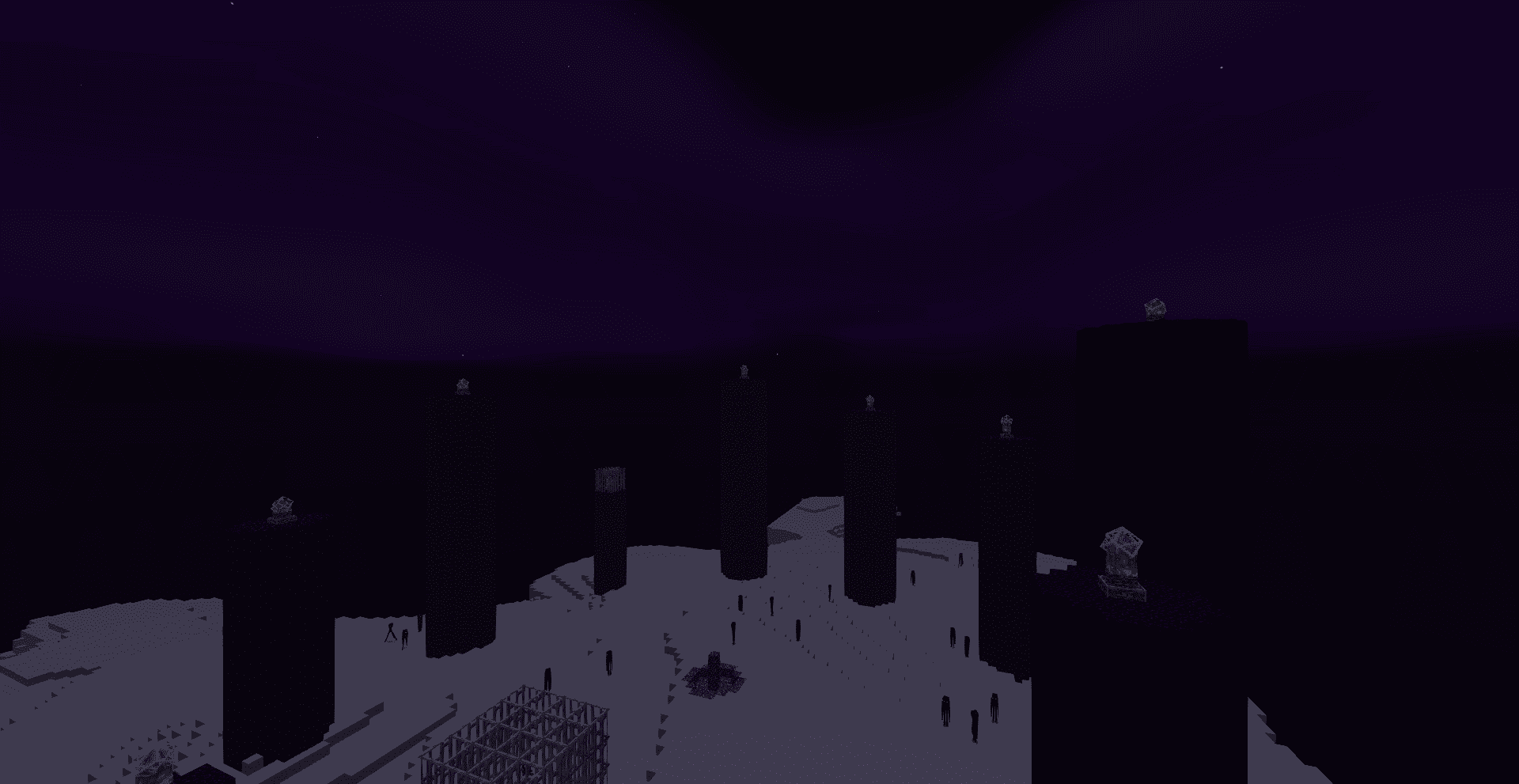
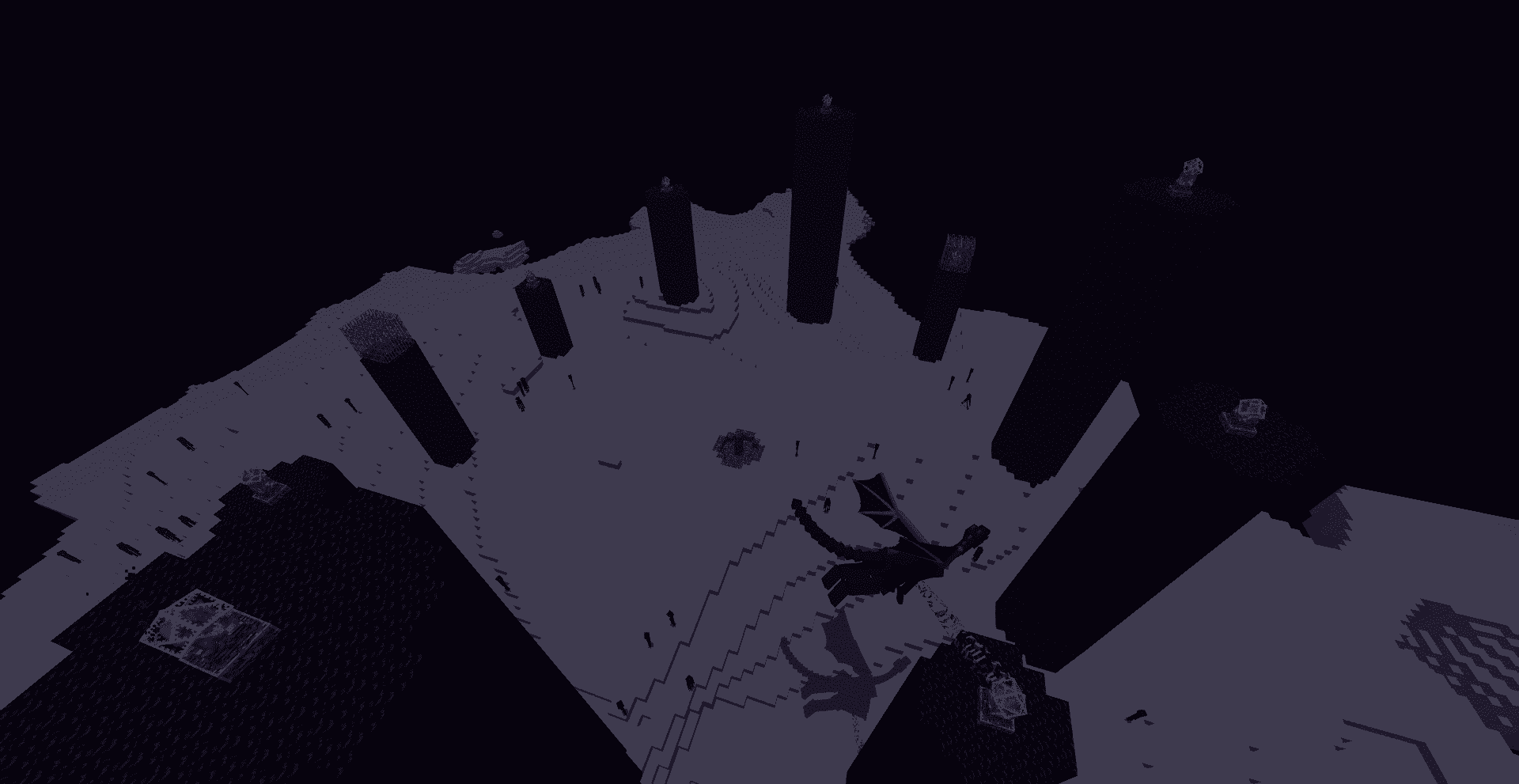
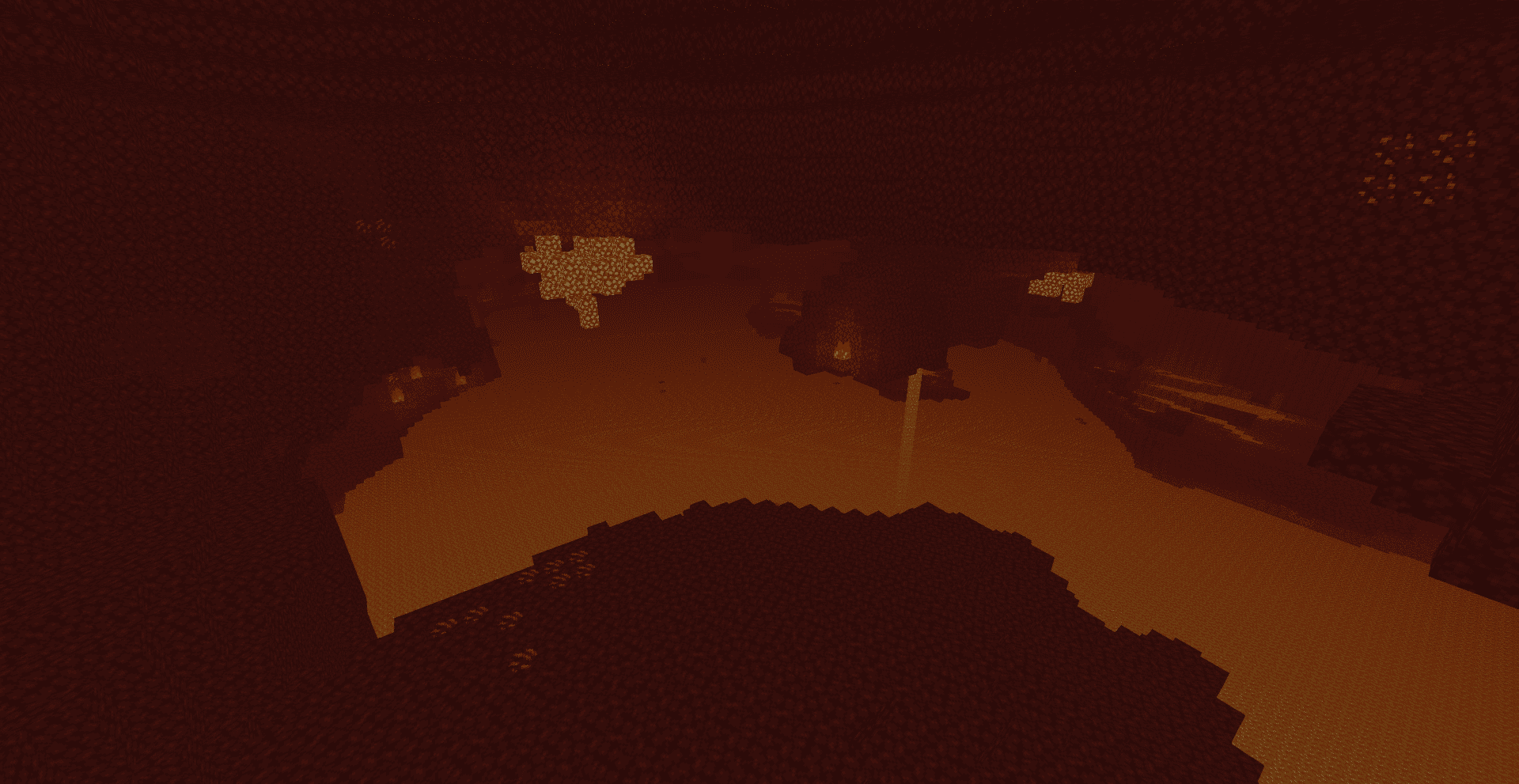
Each dimension has its own atmosphere:
a warm Nether, a mysterious End, and a calm balanced Overworld.

Vanilla.. but prettier 🌿

────────────────────────────

📌 Note:
This shader is a modified version of Blocky Shader.
Special thanks to the original creator: dvimidh 🙏


Vanilla Rebuild.zip
MC 1.21, 1.19.3, 1.20.2, 1.19.4, 1.21.8, 1.20.5, 1.21.5, 1.21.4, 1.20.1, 1.20, OptiFine, 1.20.6, 1.21.1, 1.21.6, 1.21.3, 1.21.7, 1.19.1, 1.20.4, 1.19.2, 1.20.3, Iris, 1.19
Release 2026-05-01 Get

Requirements & install

How to use this shader in Minecraft
Shader loader
Iris OptiFine
Minecraft
1.21 – 1.21.8
Install folder
.minecraft/shaderpacks

How to install shaders

  1. Install a shader loader for your Minecraft version: Iris (with Sodium) or OptiFine.
  2. Download the shader pack .zip file (do not extract it).
  3. Put the .zip into the shaderpacks folder (.minecraft/shaderpacks).
  4. In game open Options → Video Settings → Shader Packs, select the pack and apply it.
Browse more: Iris shaders OptiFine shaders Shaders for 1.21.8 All shaders

More from Haider_x

Advertisement Remove ads with Premium →

You Might Also Like