# Toonlight
A lightweight, stylised shader pack for Minecraft **1.16.5**, built to run on low-end PCs. It has banded toon lighting, coloured torch light, animated water and a warm sunset sky.
## Features
- **Toon lighting:** light is split into clear bands instead of a smooth gradient, for a cartoon look
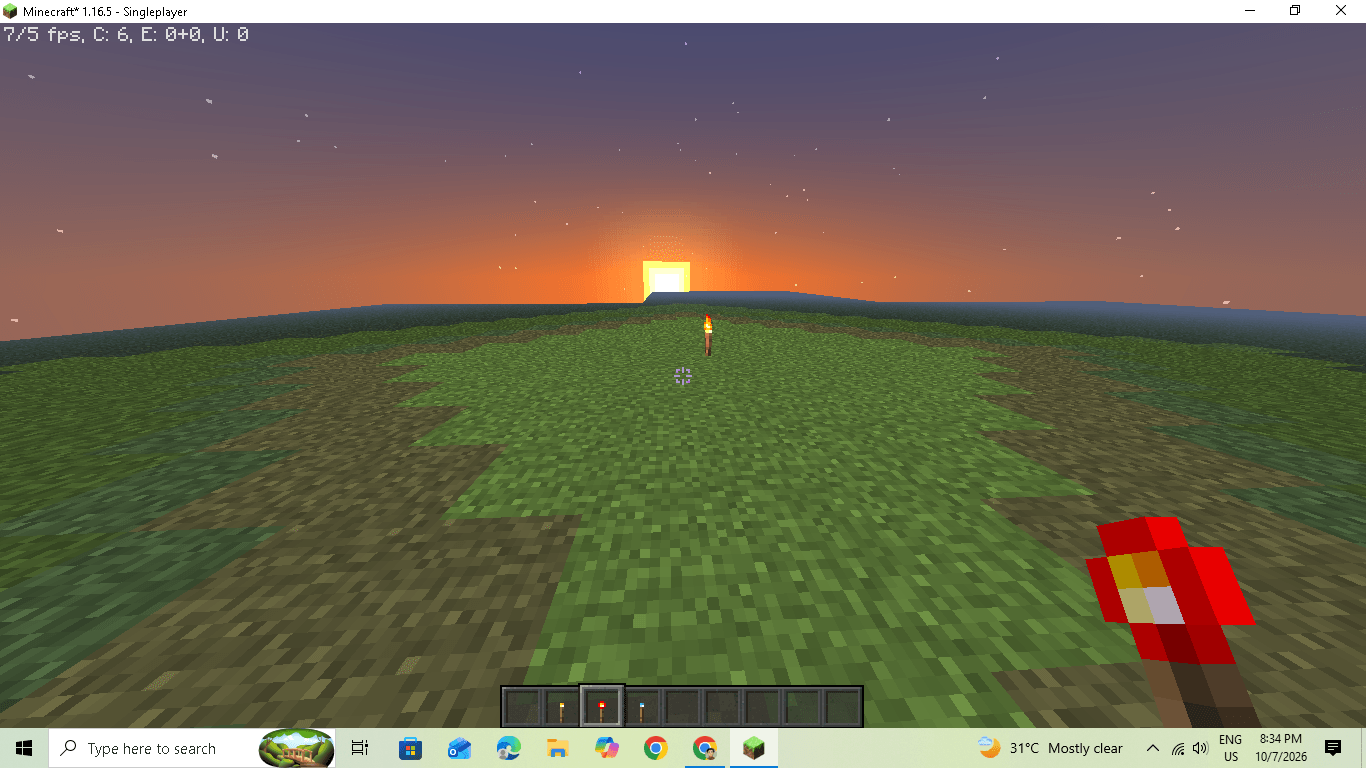
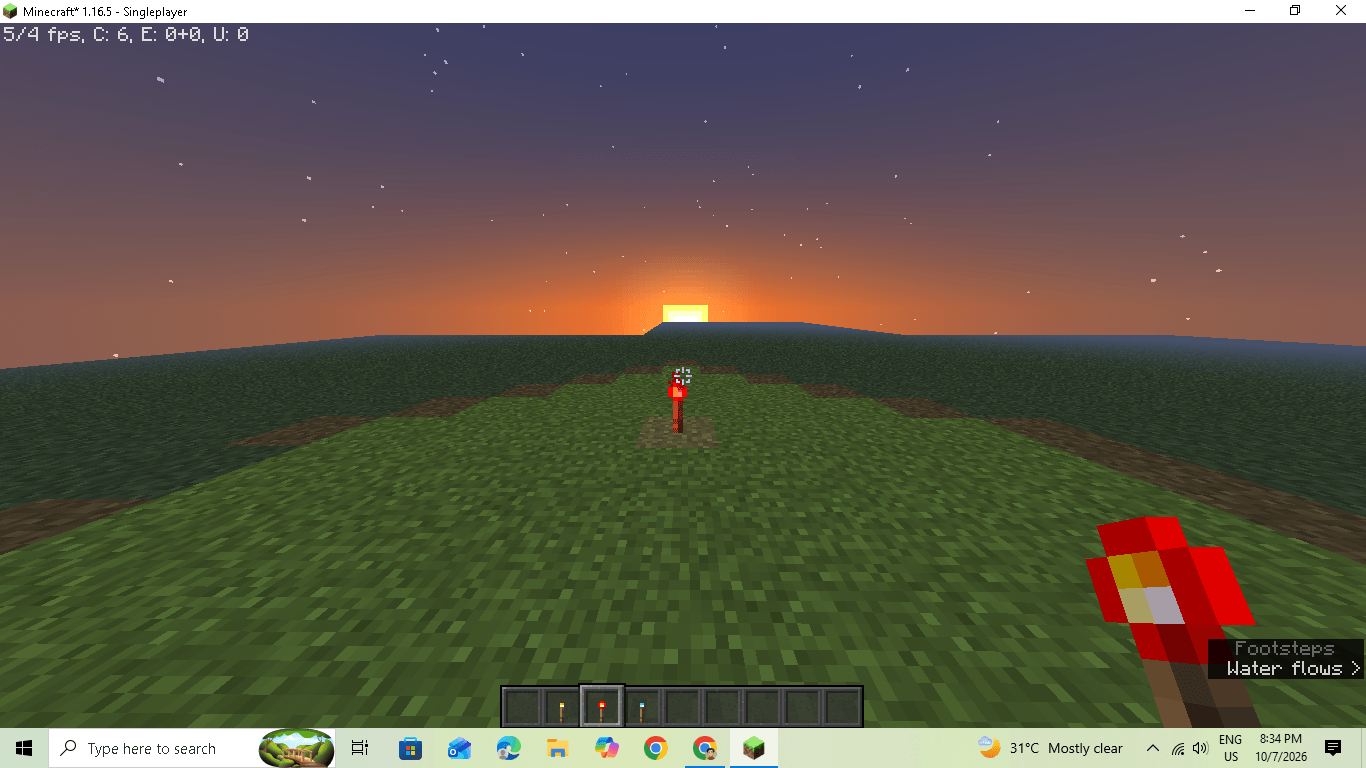
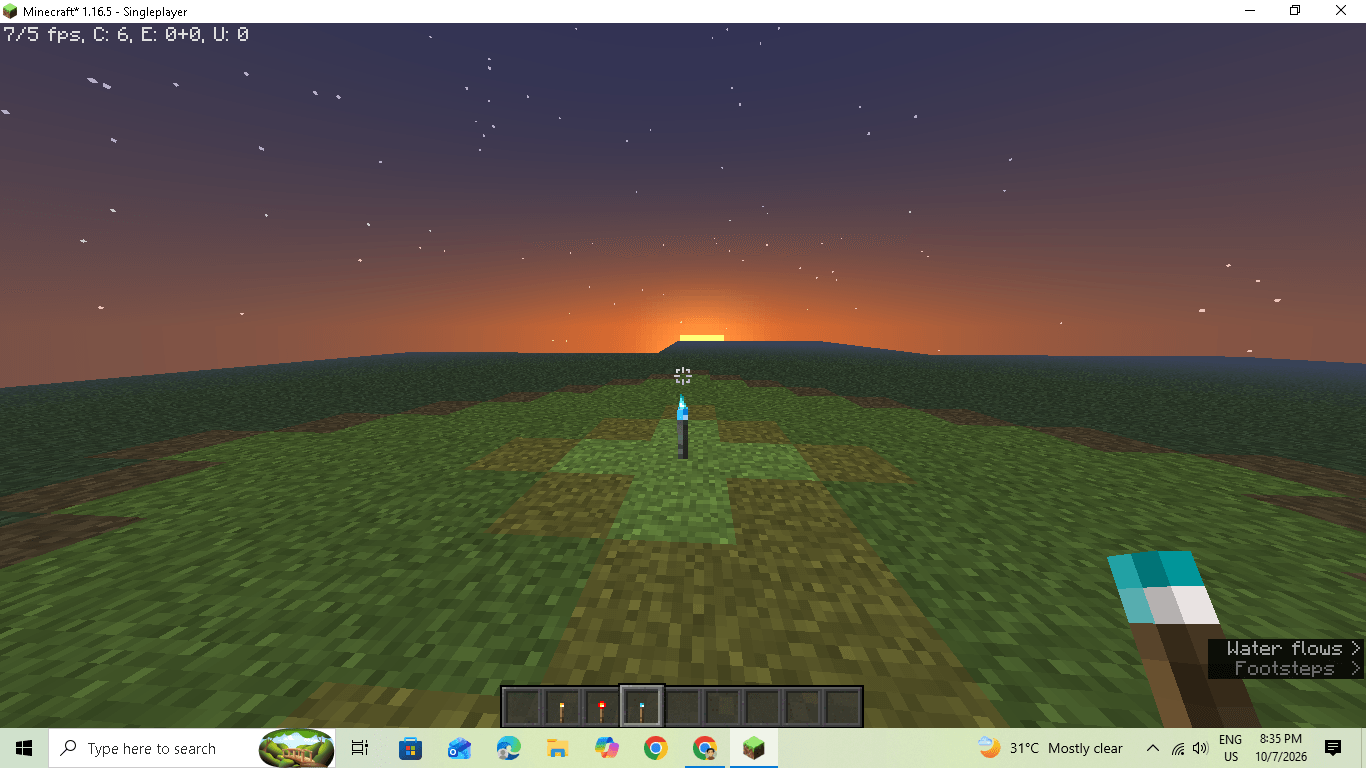
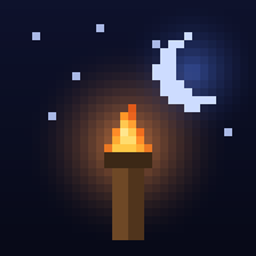
- **Coloured held light:** a torch glows yellow, a redstone torch glows red, and a soul torch glows blue
- **Glowing light blocks:** torches, lanterns and campfires glow in their own colour
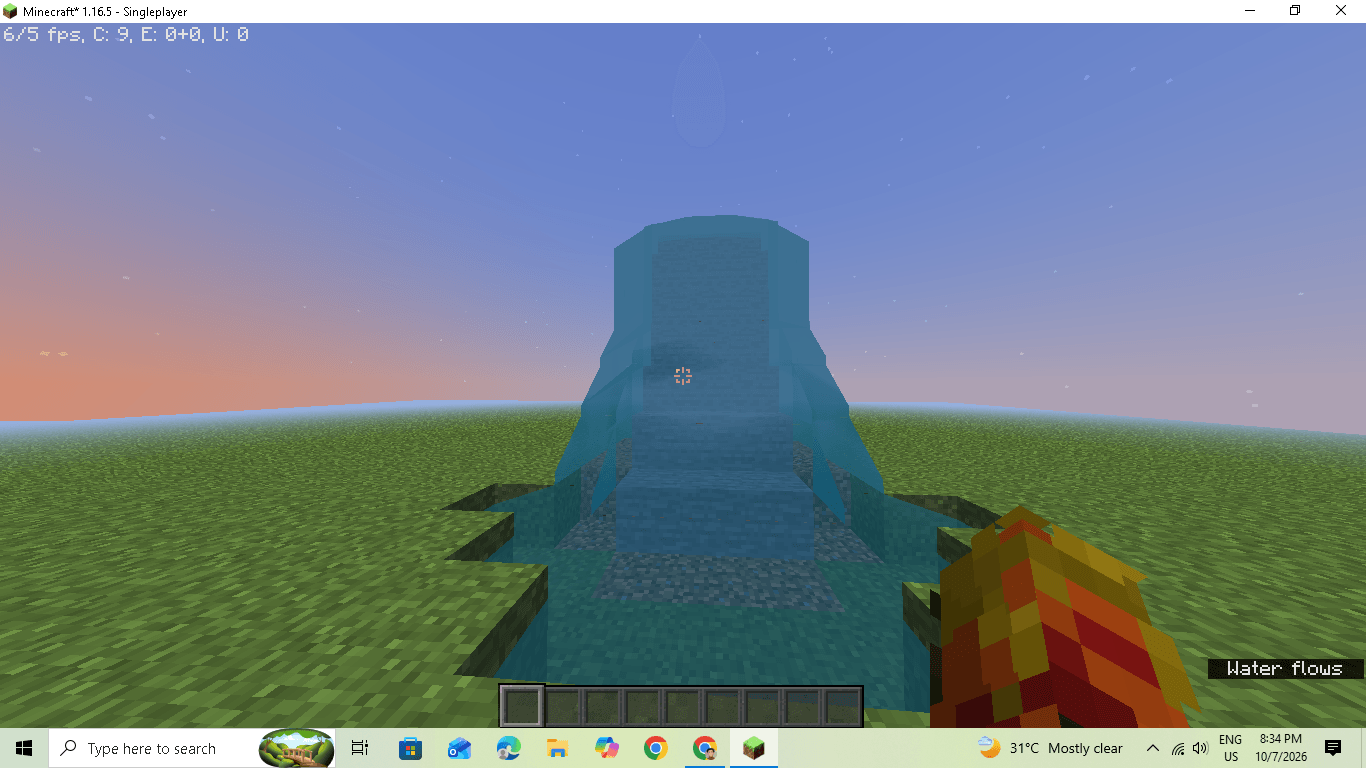
- **Animated water:** moving waves, sun sparkle, and a tint that gets darker with distance
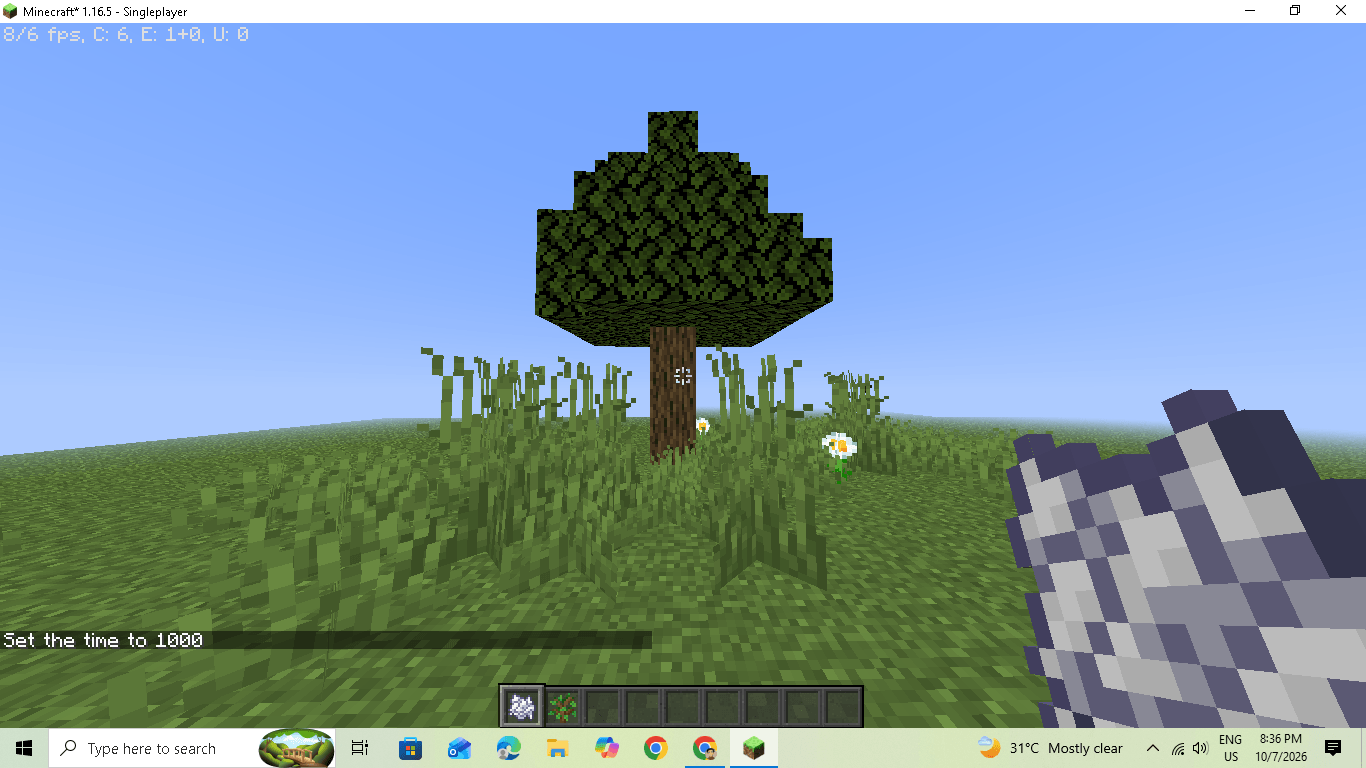
- **Swaying foliage:** leaves and grass move gently in the wind
- **Distance fog:** soft fog that hides the edge of a low render distance
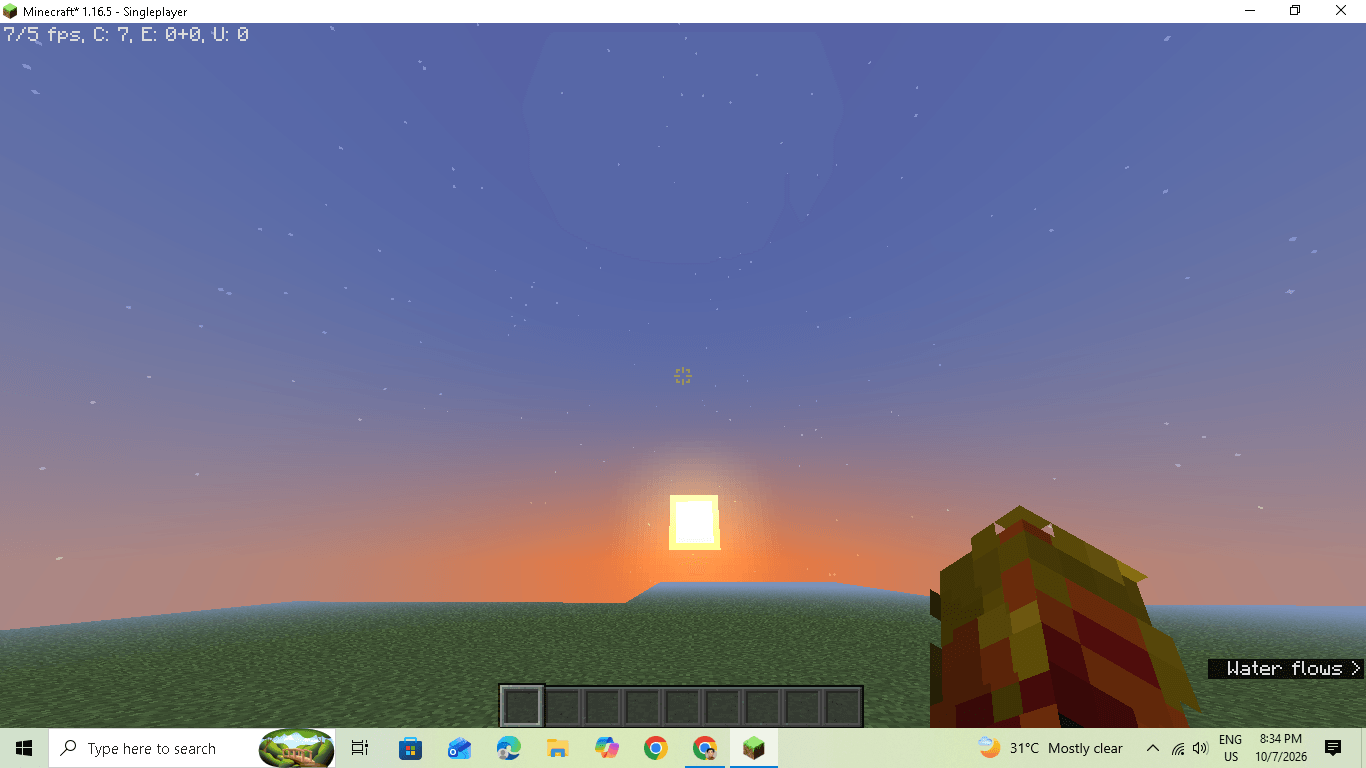
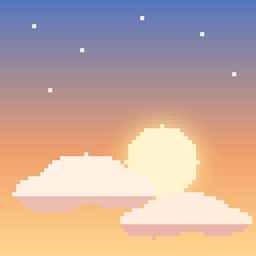
- **Sunset and sunrise sky:** an orange horizon glow fading into purple
## Requirements
- Minecraft **1.16.5**
- **OptiFine** (HD U G8 or newer for 1.16.5)
## Installation
1. Download the `.zip` file. Don't unzip it.
2. Open Minecraft, then go to **Options → Video Settings → Shaders...**
3. Click **Shaders Folder** and put the `.zip` in it.
4. Select **Toonlight** in the list and click **Done**.
## Performance
Toonlight is designed to be light. It was developed and tested on a very old integrated GPU (Intel HD 3000). If your FPS is low:
- Lower your render distance
- Set Graphics to Fast and Smooth Lighting to OFF
- Close other programs while playing
## Known limitations
- Coloured light only applies to the **held** item and to the torch blocks themselves. The glow a placed torch casts on the ground stays warm yellow, because Minecraft doesn't store a colour for block light.
- Water tint is based on distance from you, not on the real depth of the water.
- Tested on OptiFine 1.16.5 only. **Iris is untested**, so it may not work.
## Feedback
Found a bug or have an idea? Leave a comment on this page. Screenshots and your GPU model help a lot when reporting a problem.