# Emberlight
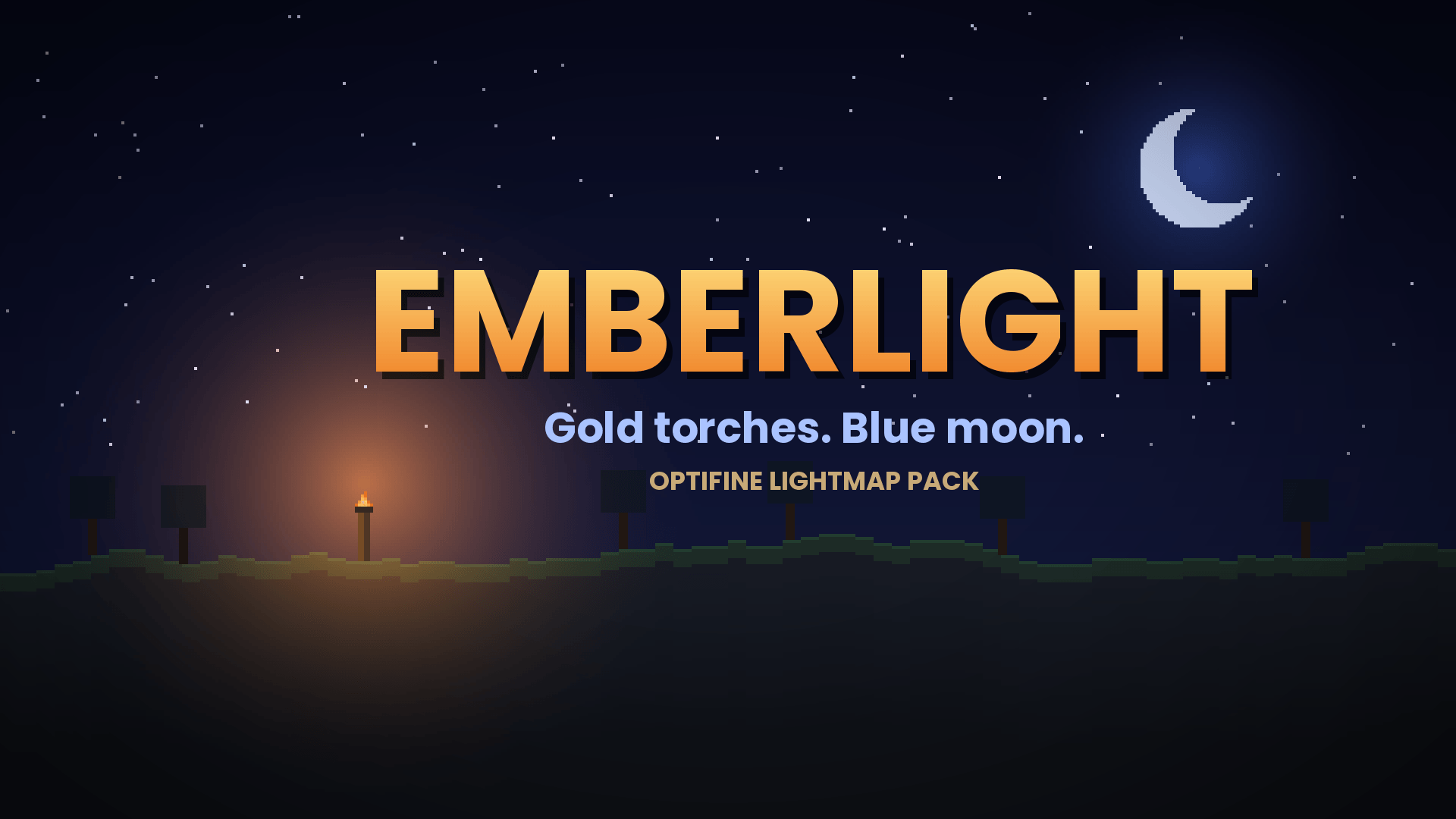
**Gold torches. Blue moon.**
Emberlight changes how light looks in Minecraft. Torches glow a warm gold, daylight stays cool and neutral, and night is dark with a faint blue moonlight. Without a torch, the dark is properly dark again.
> **Requires OptiFine.** This pack uses custom lightmaps, which vanilla Minecraft ignores. Turn **shaders off**, because shader packs override the lighting.
## Features
- **Warm gold torchlight** that fades smoothly with distance
- **Cool daylight** so torches stand out against the surface
- **Dark nights** with a soft silver-blue moonlight
- **Nether:** red ambient glow with orange torchlight
- **End:** soft purple ambient with pale gold torchlight
- Lightweight: no block or item textures, just lightmaps, so it works alongside other resource packs
## Installation
1. Install OptiFine for your Minecraft version.
2. In OptiFine, go to *Video Settings → Quality* and make sure **Custom Colors** is on.
3. Put `Emberlight.zip` in your `resourcepacks` folder.
4. Enable it in *Options → Resource Packs*, and make sure shaders are off.
## Compatibility
Tested on **1.16.5**. The pack is marked for 1.15 to 26.1, but it only works where OptiFine supports custom lightmaps. If you try it on another version, tell me in the comments how it went.
## Tips
- Place Emberlight **above** other packs in the list so its lightmaps are the ones used.
- It pairs well with a warm, golden sky pack.