Badges update automatically and link to the shader page on MineUniverse.
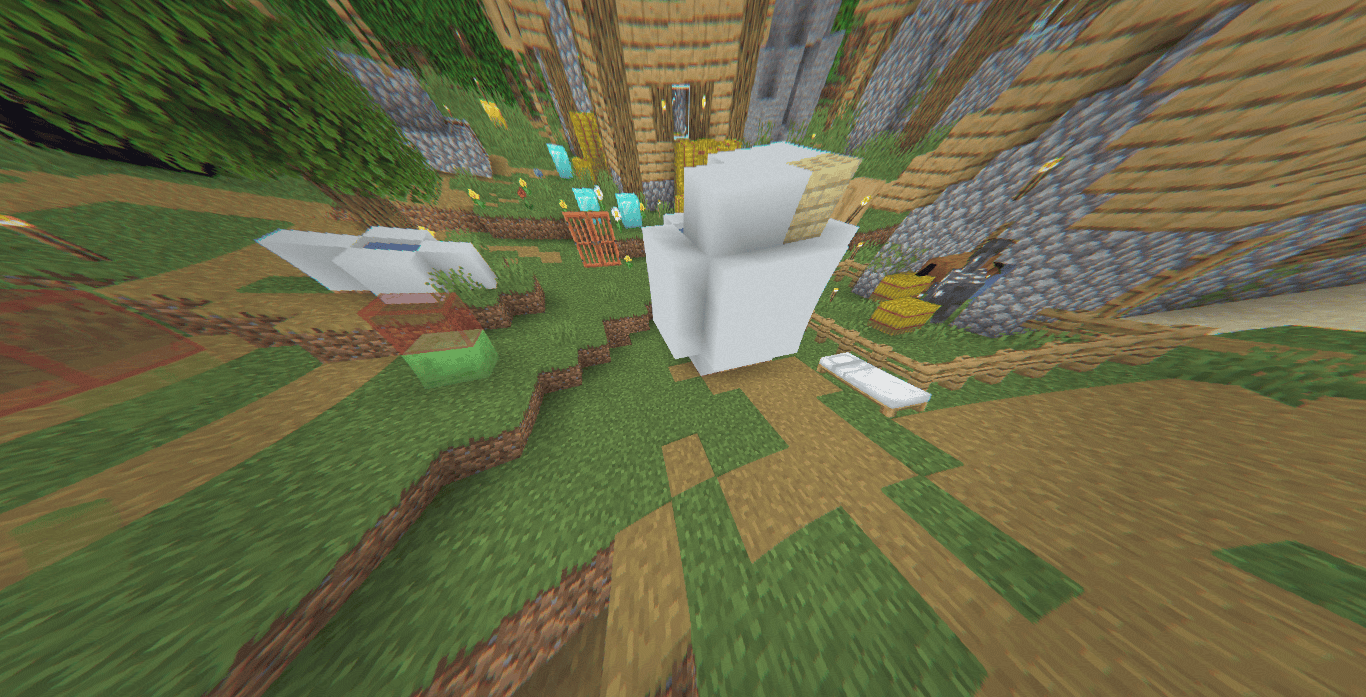
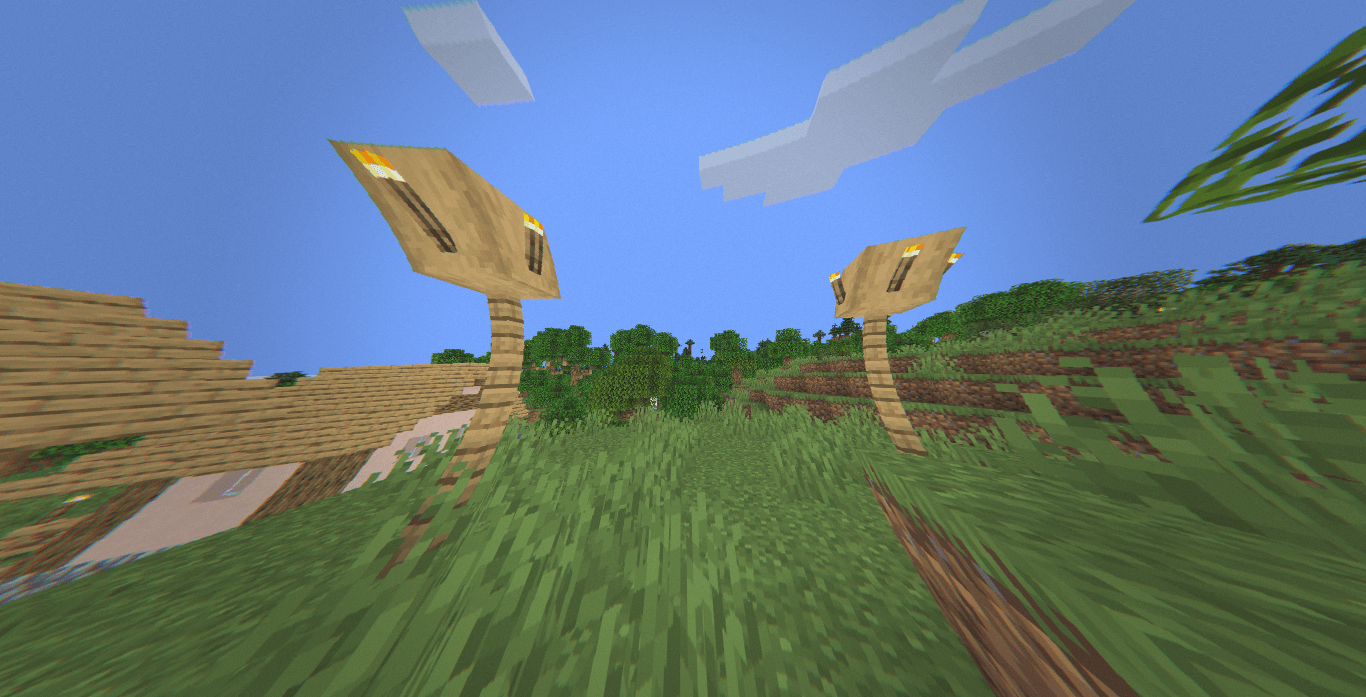
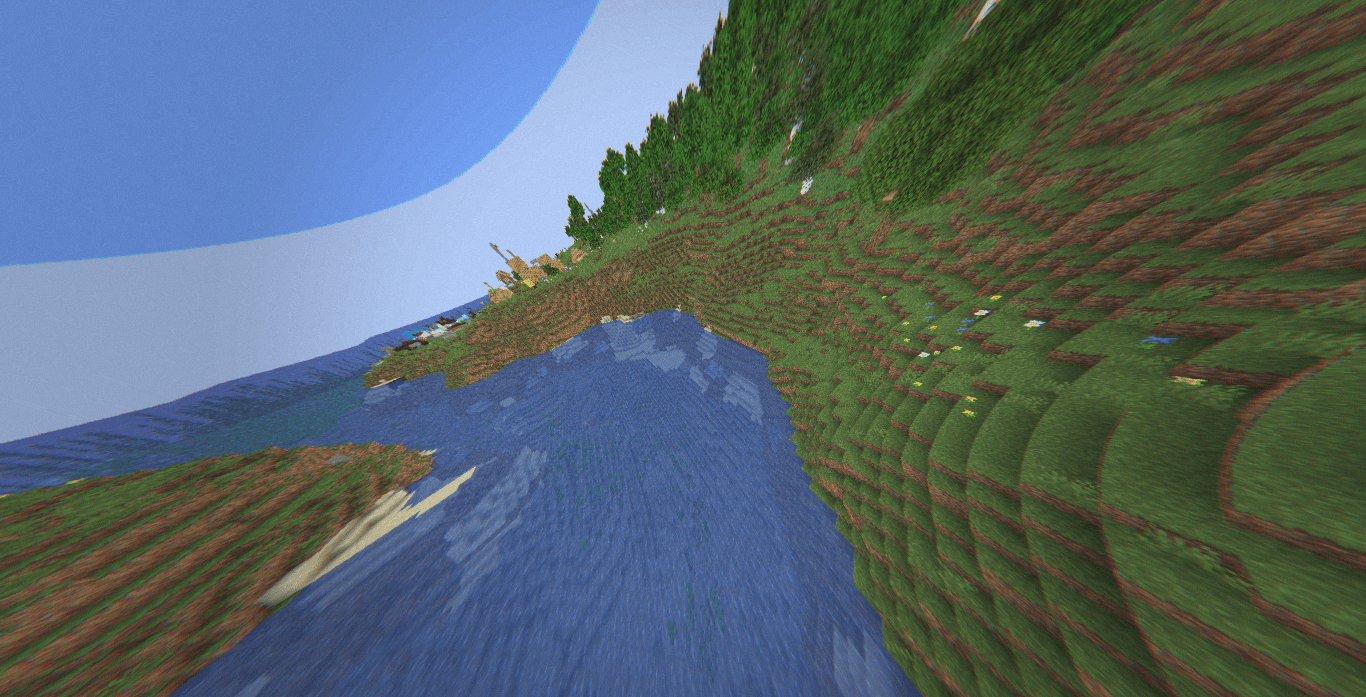
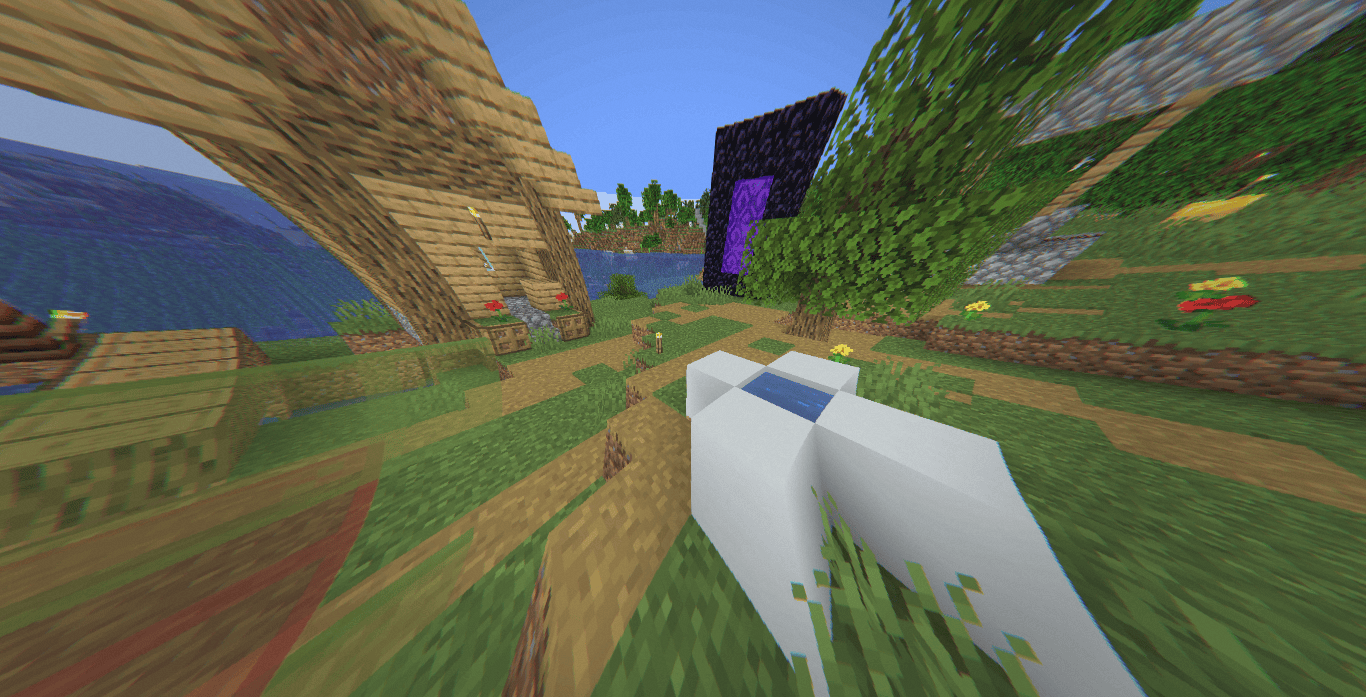
The world from a drifting aerial camera.
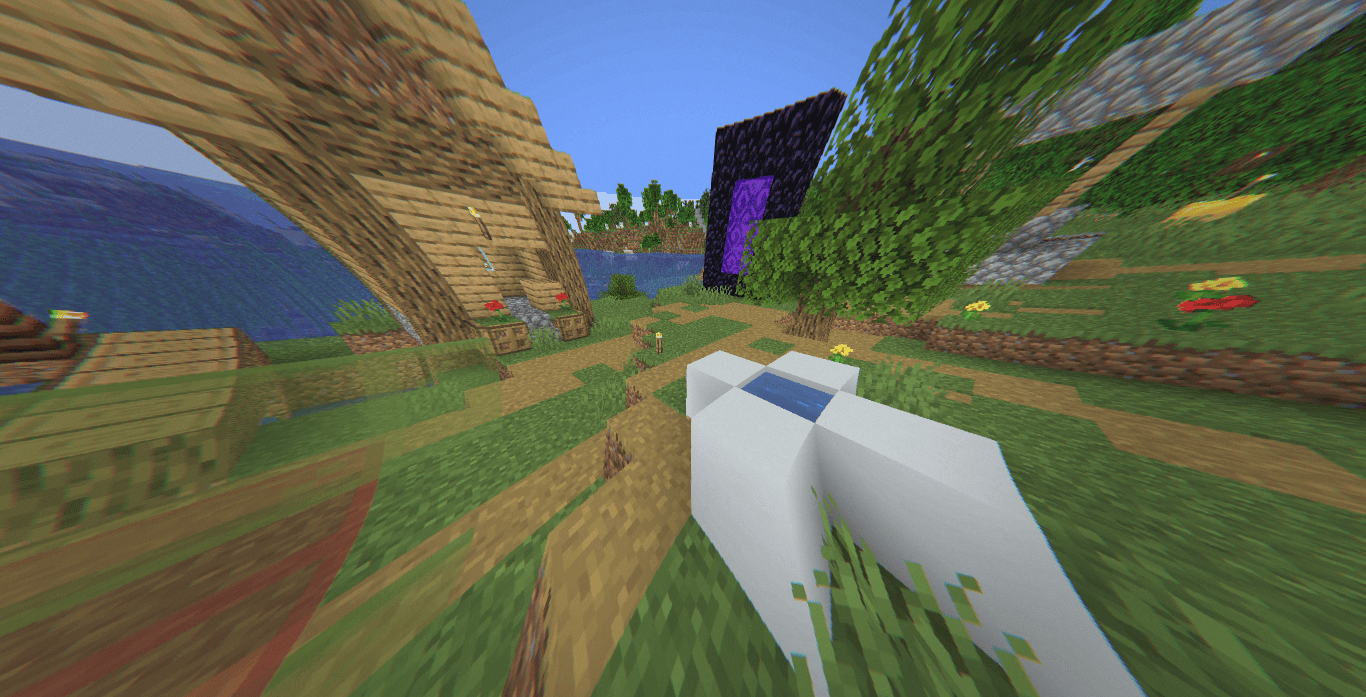
360W is a lightweight post-processing shader focused on recreating the visual character of stabilized drone footage rather than traditional cinematic rendering. Instead of altering Minecraft's lighting pipeline, it applies a series of camera-based effects including lens distortion, motion imperfections, atmospheric haze, highlight compression, and subtle sensor noise to create the impression of footage captured from a small aerial platform.
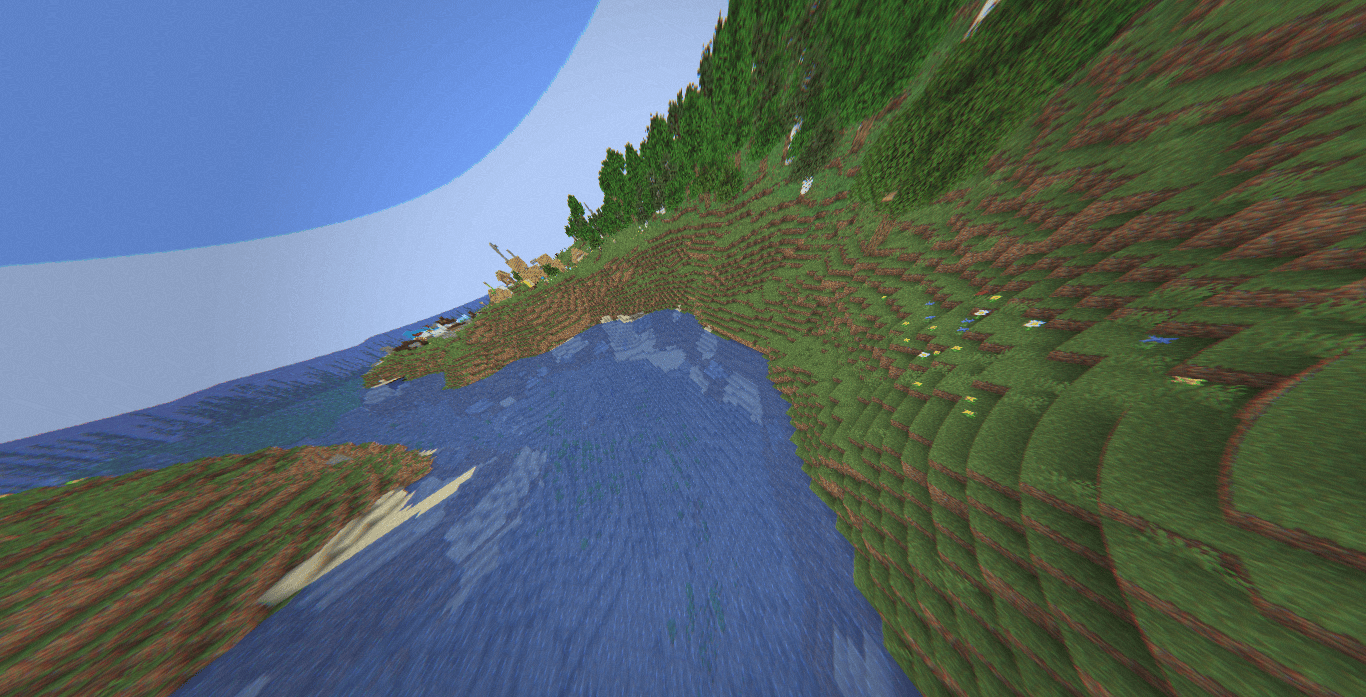
The shader is intentionally minimal, relying on a single composite pass and depth-aware effects to preserve performance while introducing a distinct aerial-camera aesthetic.
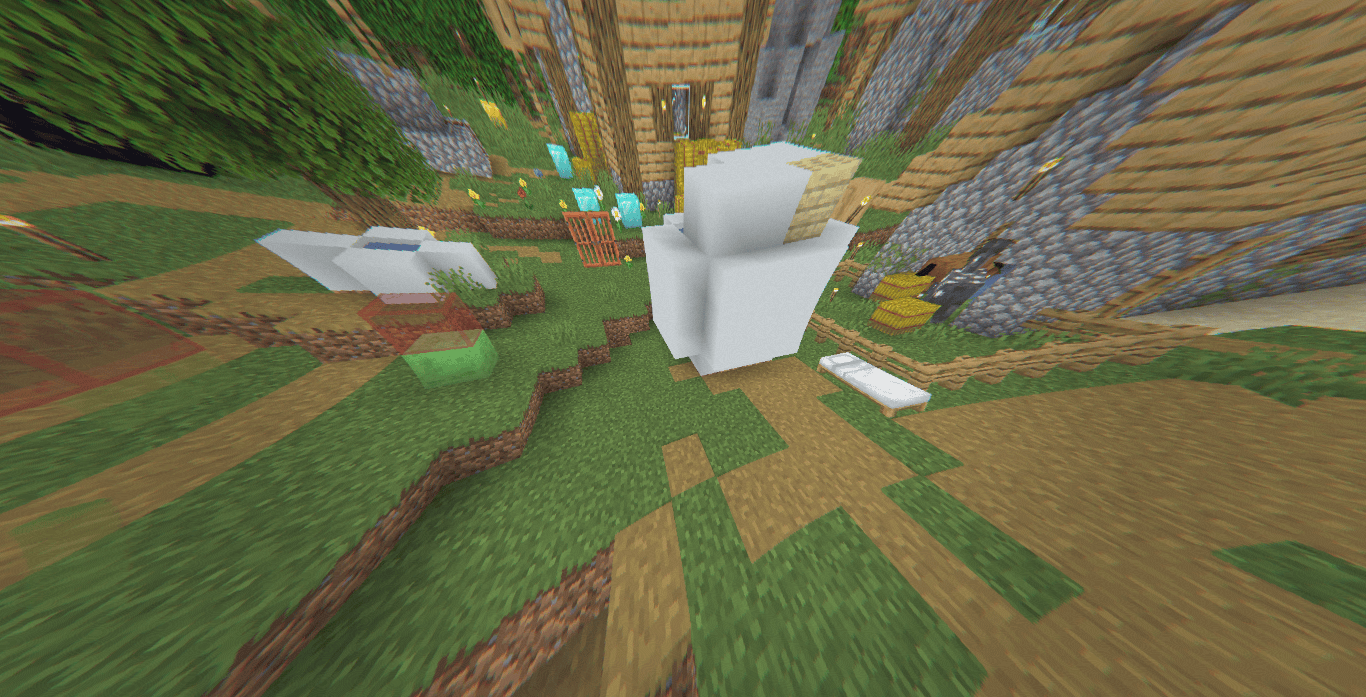
Drone-Inspired Camera Motion. The image is continuously affected by procedural micro-movements that simulate motor vibration, wind drift, and occasional gust responses. Small rotational tilt and positional offsets create the sensation of a stabilized drone fighting environmental movement rather than a perfectly fixed game camera.
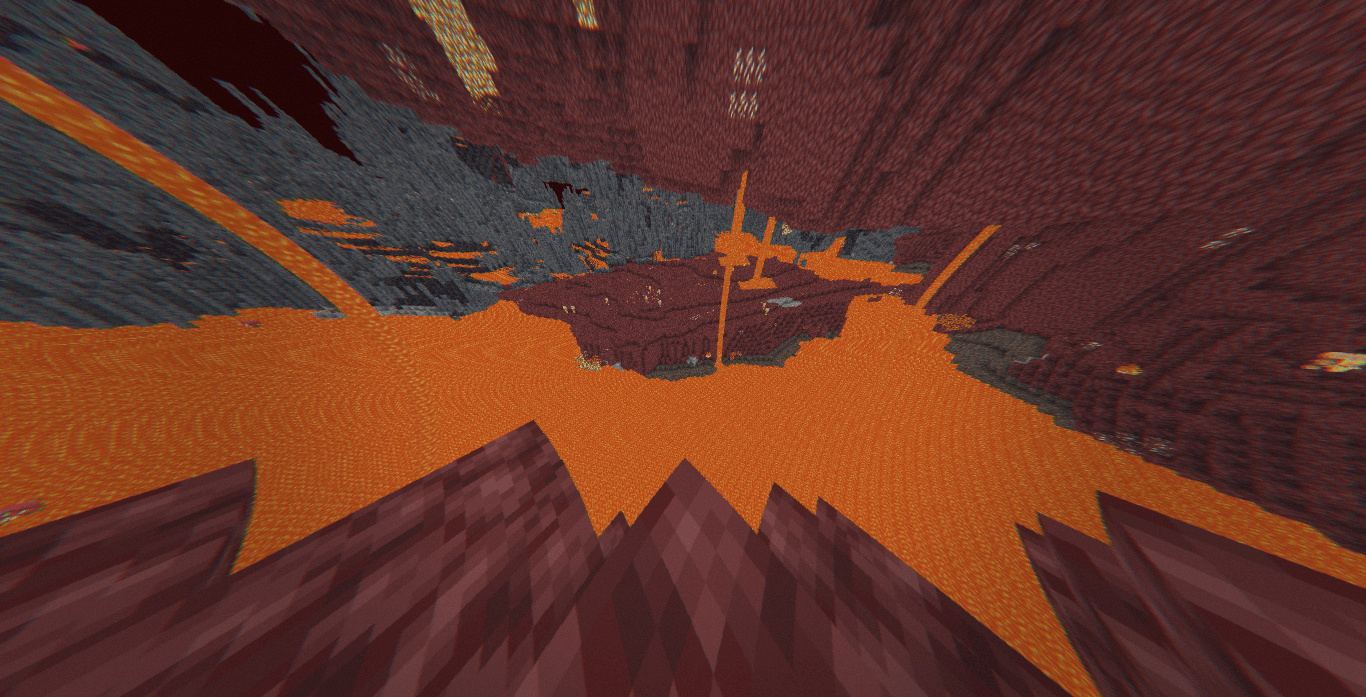
Wide-Angle Lens Distortion. A subtle barrel distortion is applied across the frame to emulate the optics commonly found in aerial action cameras and consumer drones. Straight lines near the image edges gently curve outward, giving the scene a wider field-of-view appearance.
Chromatic Aberration. Edge-dependent RGB channel separation is introduced after lens distortion. The effect remains restrained and primarily appears near the outer regions of the screen, matching optical imperfections found in real camera lenses.
Altitude Haze. Depth information is used to blend distant geometry with a cool atmospheric haze color. This produces a faint horizon washout effect that resembles aerial footage captured from elevated viewpoints.
Highlight Compression. Bright regions are selectively compressed to reduce highlight intensity. The result is a softer image with less clipping in high-luminance areas, inspired by the behavior of ND-filtered outdoor footage.
Lens Vignette. A gentle vignette darkens the outer edges of the image. The effect is aspect-ratio aware and helps reinforce the feeling of viewing footage through a physical camera lens.
Temporal Sensor Grain. Frame-varying procedural grain is added during the final composite pass. The noise pattern changes over time and remains subtle, resembling light video compression or camera sensor texture rather than film grain.
Depth-Aware Post Processing. The shader utilizes the depth buffer to distinguish near and distant geometry, enabling atmospheric effects without requiring complex volumetric rendering techniques.