Mineuniverse
Shaders
SADEEM Shaders

SADEEM Shaders

SHADER
A cinematic Minecraft shader pack with atmospheric lighting, realistic water, dynamic weather, and distinct Nether and End visuals.
by Haider_x
Download Claim this project
6,661 downloads
0 likes
0 followers
Updated Oct 14, 2026
0 hypes
Follow0
Fantasy Realistic
Advertisement Remove ads with Premium →

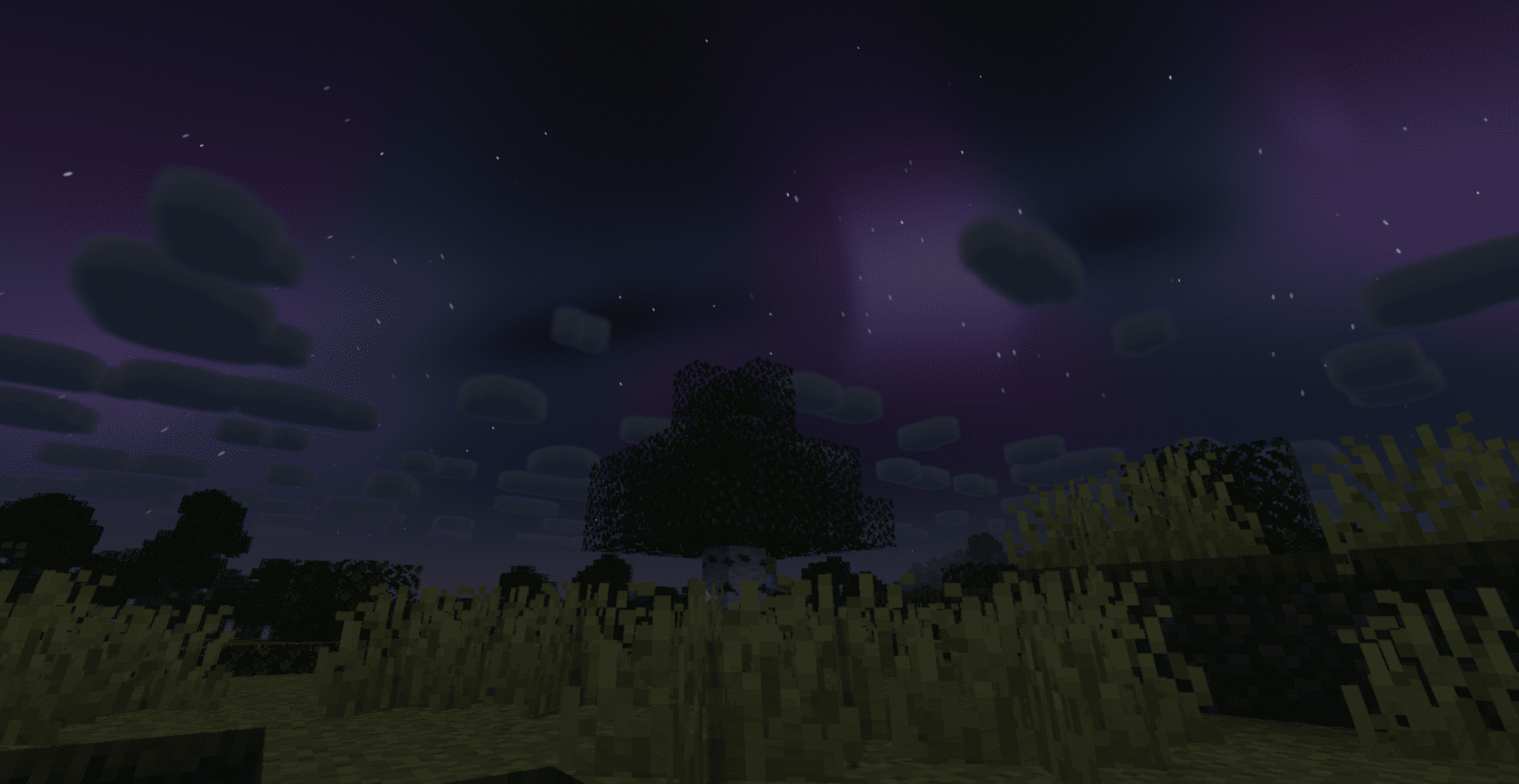
SADEEM Shaders is an atmospheric Minecraft Java shader pack created by Haider x. It rebuilds the Overworld, Nether, and End with a strong cinematic identity while preserving Minecraft's readable block-based style.

Highlights

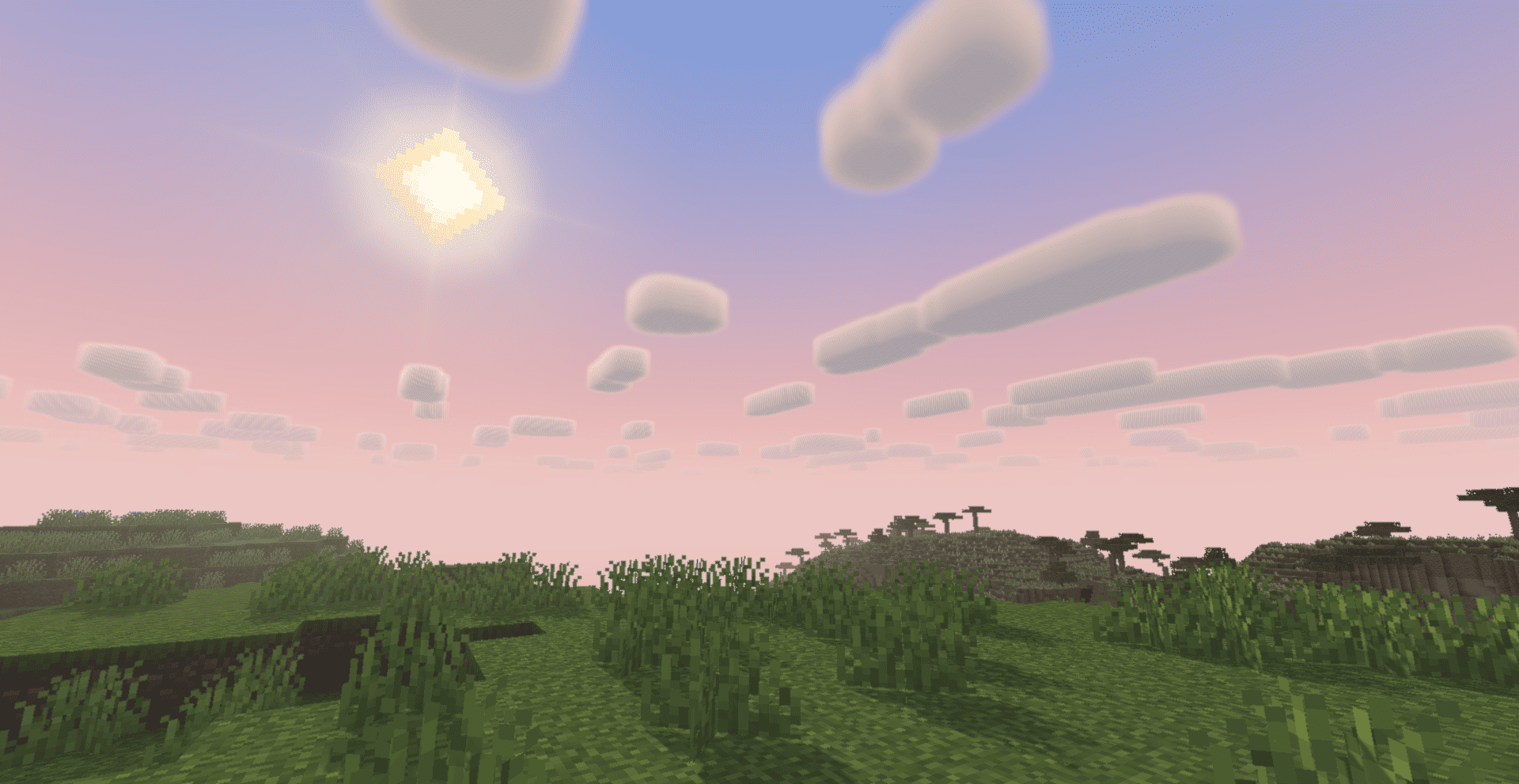
  • Dynamic daylight, sunsets, moonlight, stars, and detailed nebulae
  • Volumetric god rays shaped by terrain, trees, and foliage
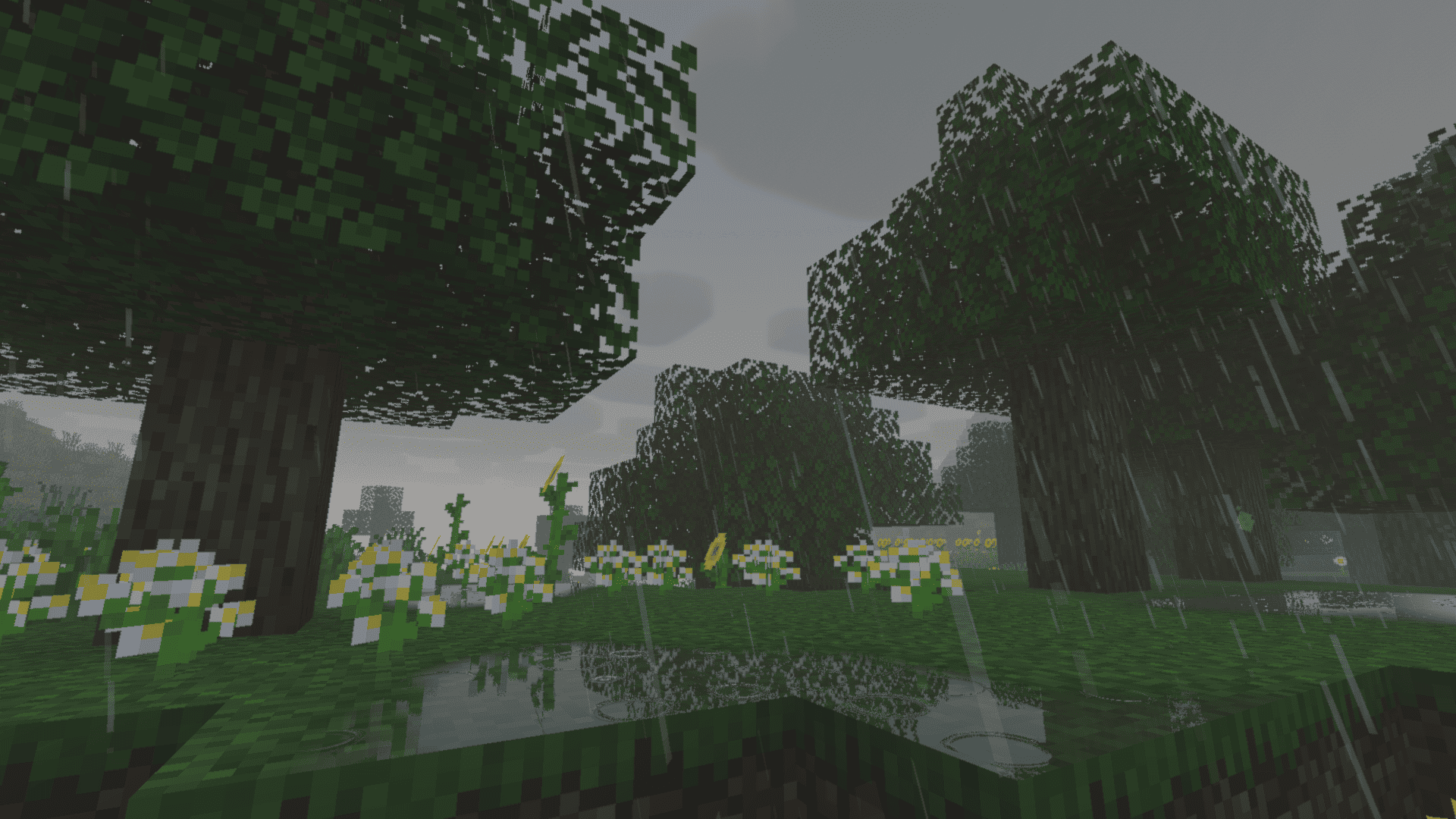
  • Dark reflective water with rain ripples, waterfalls, underwater fog, and physical caustics
  • Weather-aware lighting, storm fog, wet terrain, and localized puddles
  • Source-aware emissive lighting and carefully controlled bloom
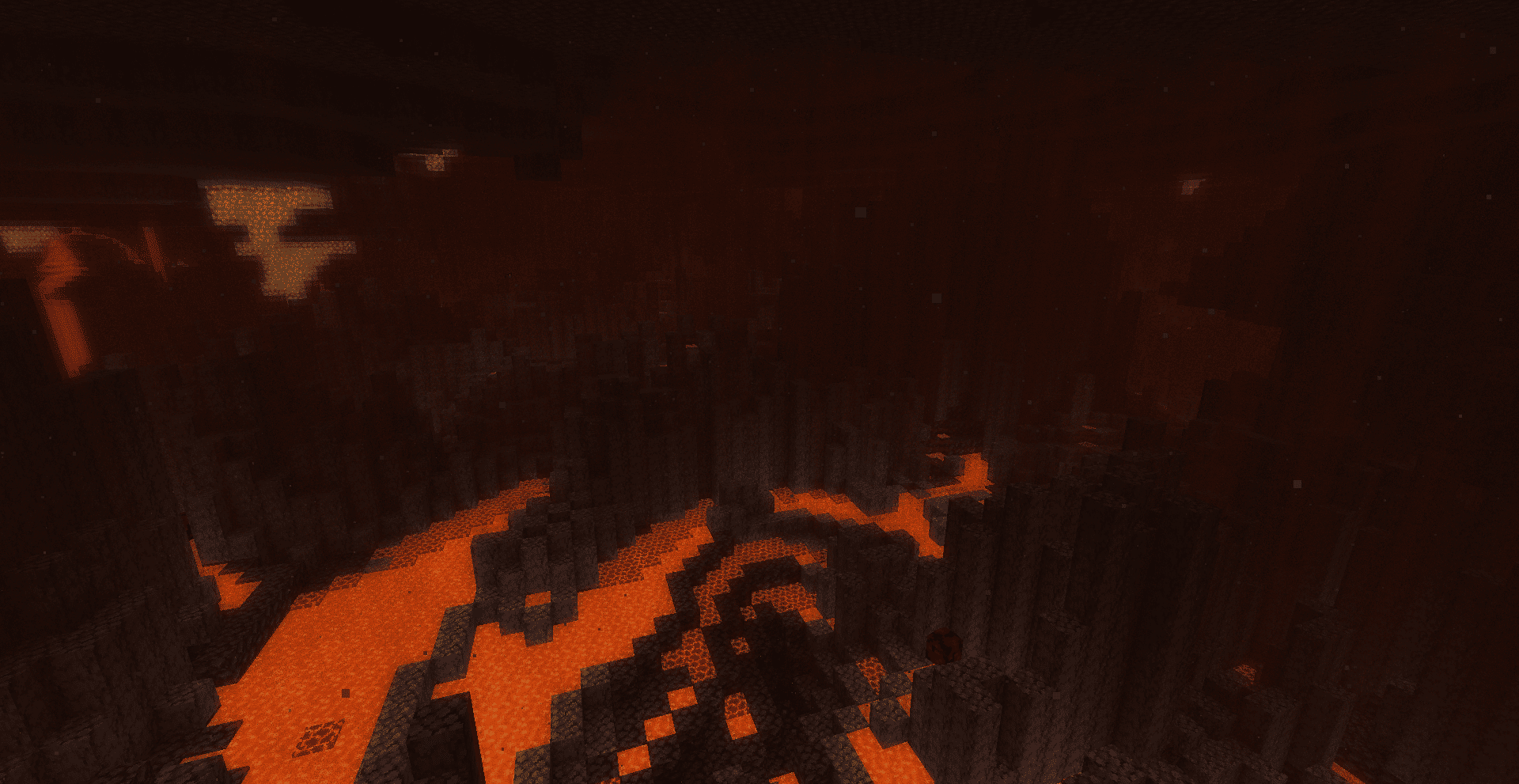
  • A redesigned Nether atmosphere with lava glow and rising volumetric heat haze
  • A redesigned End sky with stars, meteors, nebulae, atmospheric depth, and custom End effects
  • Custom End portal depth, animated stars, and improved crystal and dragon energy visuals
  • Extensive settings for balancing appearance and performance

Requirements

  • Minecraft: Java Edition
  • Iris Shaders
  • Sodium, as required by Iris

OptiFine is not currently an officially tested target.

Development status

This is an early beta release. The visual systems are actively being refined. Feedback with screenshots, Minecraft version, Iris version, and GPU model is welcome.

Optional companion

Some event-driven End battle visuals use a separate experimental companion component. It is not included in this shader download and is not required for the core shader pack.


SADEEM-Shaders-v0.1.0-beta.zip
MC 1.21, 1.18.1, 1.19.3, 1.20.2, 1.19.4, 1.21.8, 1.20.5, 1.21.5, 1.18, 1.21.4, 1.20.1, 1.20, 1.20.6, 1.21.1, 1.21.6, 1.21.3, 1.21.7, 1.19.1, 1.20.4, 1.18.2, 1.19.2, 1.20.3, Iris
Beta 2026-09-02 Get

Requirements & install

How to use this shader in Minecraft
Shader loader
Iris
Minecraft
1.21 – 1.21.8
Install folder
.minecraft/shaderpacks

Install with Iris

  1. Install Iris with the Iris installer (irisshaders.dev); it sets up Fabric and Sodium for you.
  2. Download the shader pack .zip (do not extract it).
  3. Put the .zip into .minecraft/shaderpacks.
  4. In game open Options → Video Settings → Shader Packs, select the pack and click Apply.
Browse more: Iris shaders OptiFine shaders Shaders for 1.21.8 All shaders

More from Haider_x

Advertisement Remove ads with Premium →

You Might Also Like