Mineuniverse
Shaders
Osh

Osh

SHADER
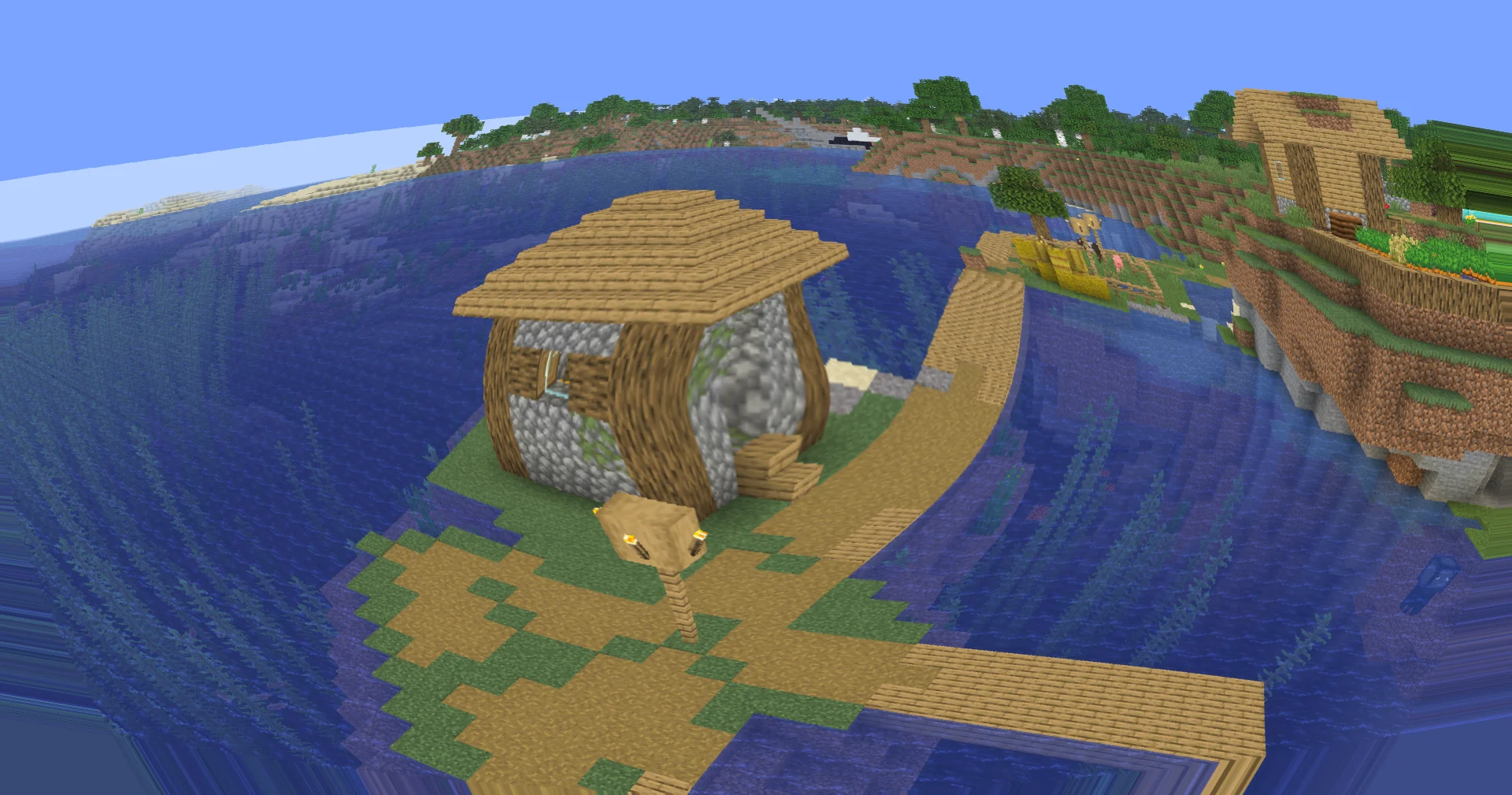
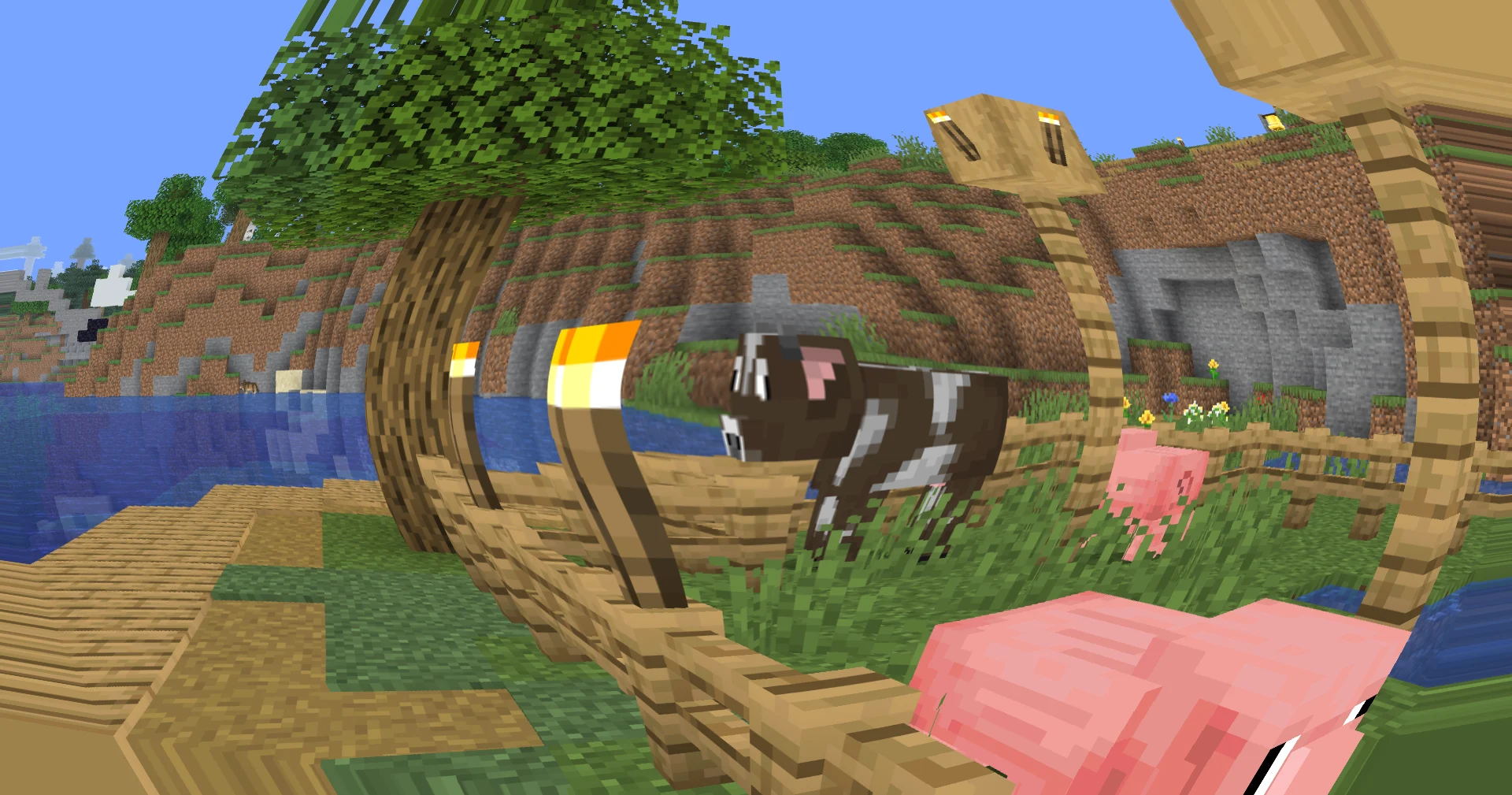
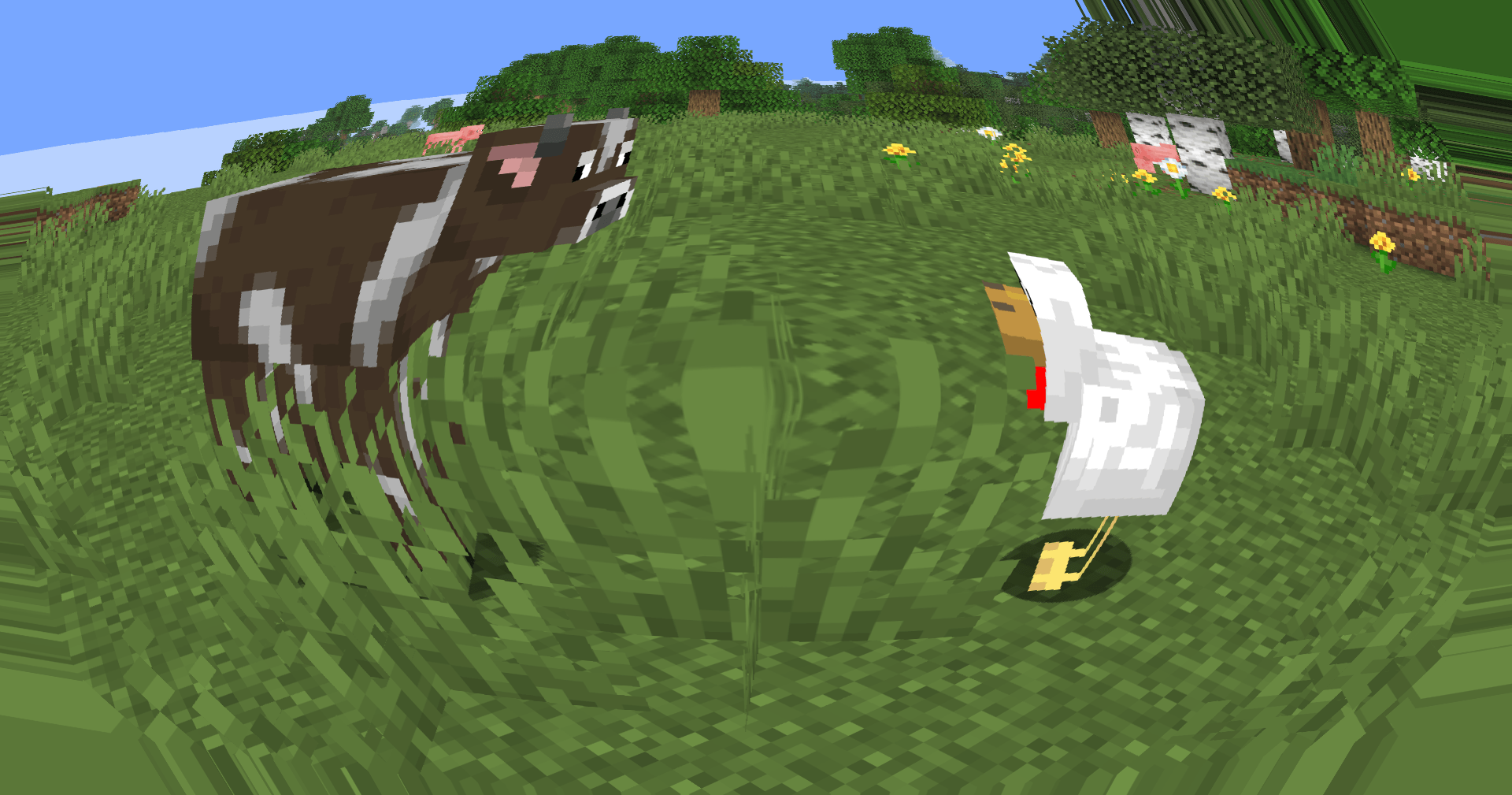
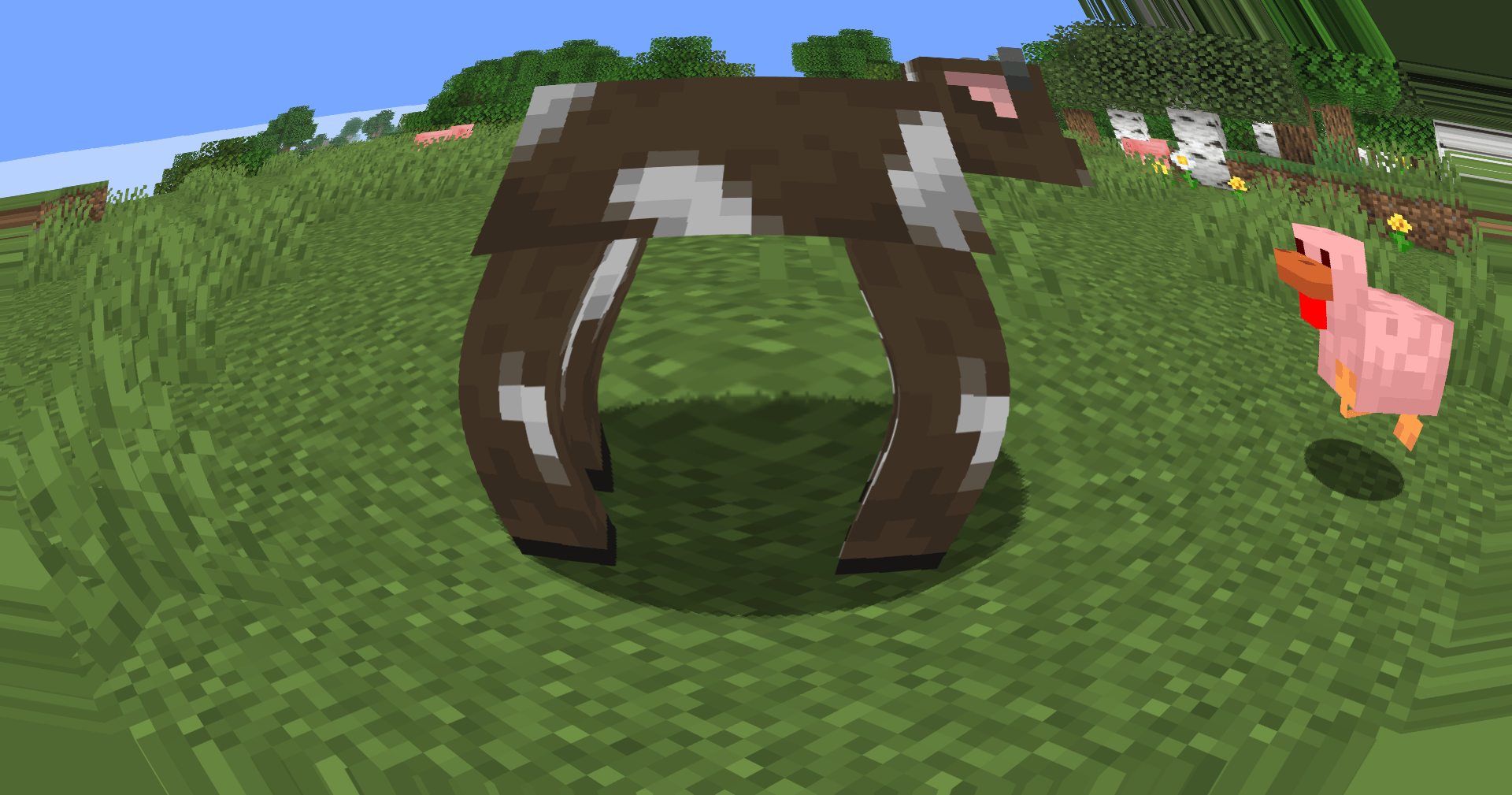
Fisheye lens distortion to the texture by radially warping UV coordinates.
by xsoras
Download Claim this project
37,093 downloads
0 likes
0 followers
Updated Oct 14, 2026
0 hypes
Follow0
Vanilla
Advertisement Remove ads with Premium →

image

Bend the world. Keep the performance.

Introduces a brand-new fisheye lens effect, bringing a subtle wide-angle camera feel to Minecraft. The screen is warped dynamically from the center outward, creating a more immersive and stylized perspective without affecting gameplay mechanics or world geometry.
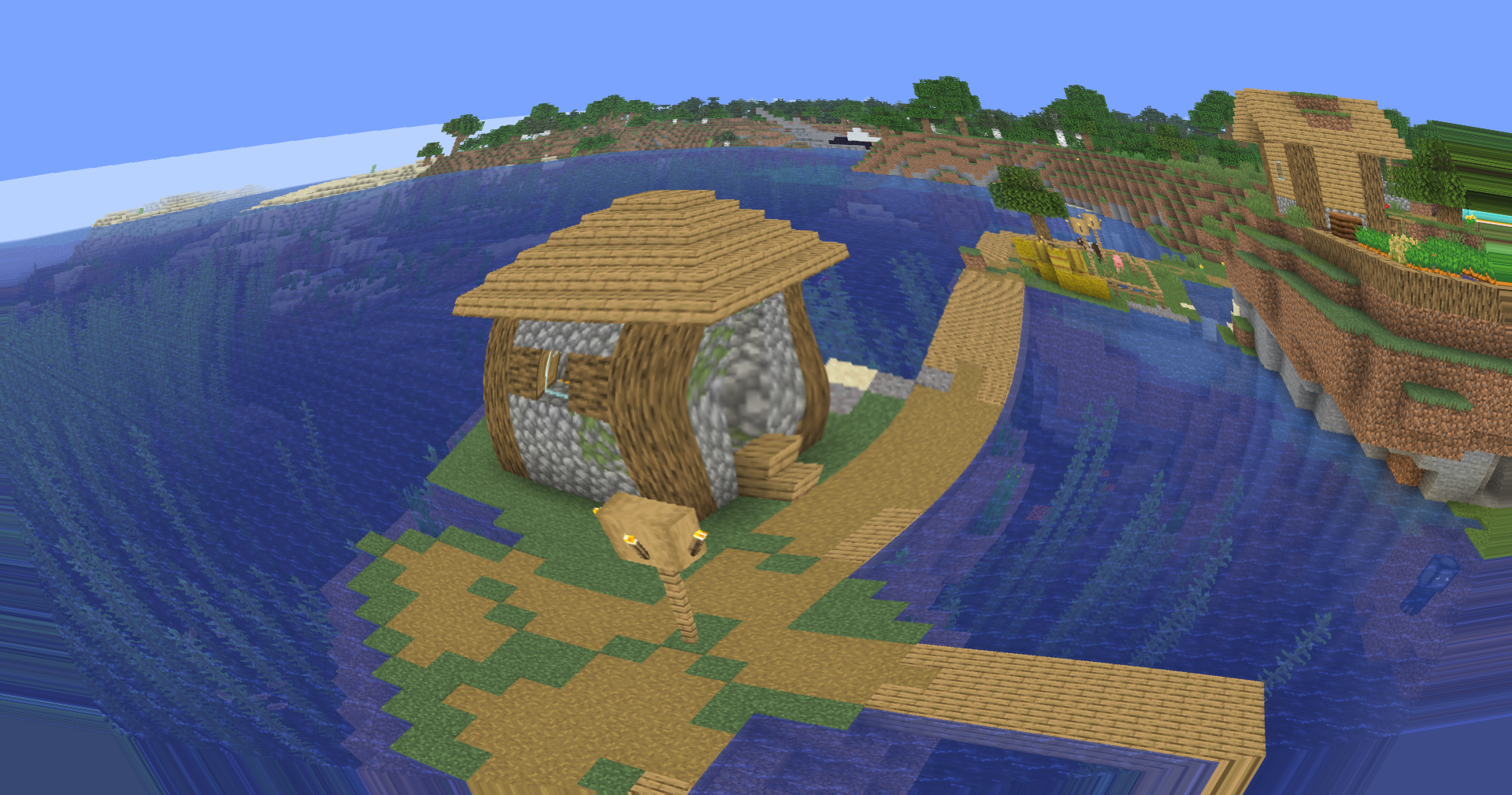
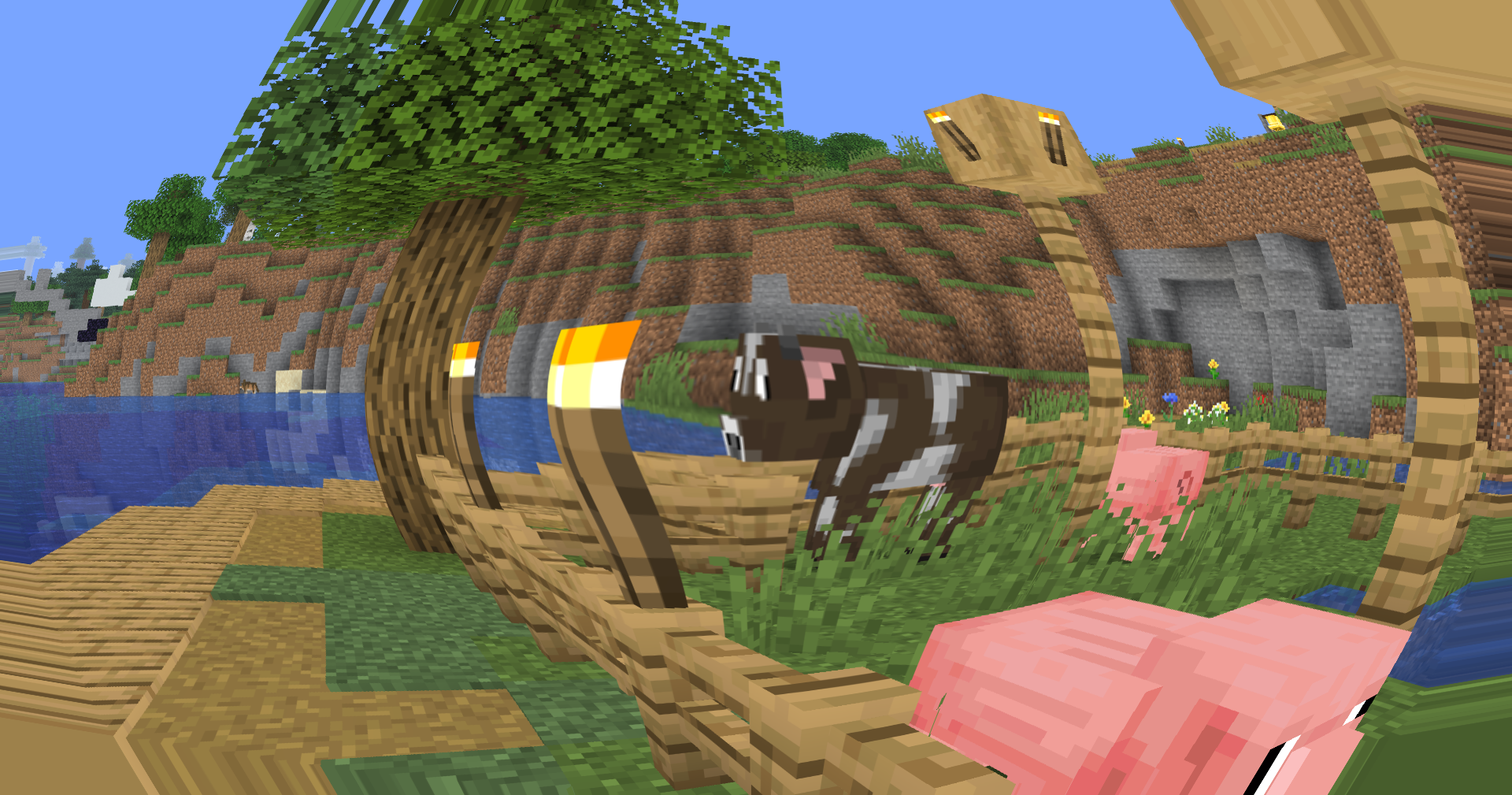
Village

Village 2

🐟 Fisheye Lens Distortion

A custom screen-space fisheye shader now remaps the final rendered image through radial UV distortion. The effect is strongest near the edges of the screen while remaining gentle in the center, preserving visibility and usability during gameplay.

Unlike aggressive novelty fisheye filters, this implementation is designed to complement exploration, cinematic shots, content creation, and screenshots while maintaining a clean image.

🎥 Built for Creators

The new lens effect adds a unique visual identity to recordings and screenshots, making landscapes feel larger, structures more imposing, and movement more dynamic.

Whether you're creating:

  • YouTube videos
  • Cinematic Minecraft showcases
  • Shader comparisons
  • TikTok clips
  • Thumbnail renders

the fisheye effect provides an additional layer of visual depth and motion.

⚙️ Lightweight Screen-Space Processing

The distortion is applied entirely as a post-processing pass using screen-space texture coordinate remapping. No additional geometry calculations, raymarching, or heavy rendering passes are required.

🎛️ Future Expandability

The fisheye system is designed as a foundation for future lens-based effects, including adjustable distortion intensity, cinematic camera presets, and advanced post-processing options planned for upcoming releases.


Version 0.5 marks the first step toward a more cinematic visual pipeline while keeping Soleron lightweight, configurable, and creator-friendly.

Osh 1.1
MC 1.16.3, 1.13.1, 1.9.3, 1.8.7, 1.7.4, 1.7.7, 1.7.6, 1.16-Snapshot, 1.17.1, 1.9.1, 1.21.2-Snapshot, 1.21, 1.21.6-snapshot, 1.15-Snapshot, 1.7.5, 1.16.1, 1.18.1, 1.20.2-Snapshot
Release 2026-09-10 Get
Osh 0.5
MC 1.16.3, 1.13.1, 1.9.3, 1.8.7, 1.7.4, 1.7.7, 1.7.6, 1.16-Snapshot, 1.17.1, 1.9.1, 1.21.2-Snapshot, 1.21, 1.21.6-snapshot, 1.15-Snapshot, 1.7.5, 1.16.1, 1.18.1, 1.20.2-Snapshot
Release 2026-05-29 Get

Requirements & install

How to use this shader in Minecraft
Shader loader
Iris or OptiFine
Minecraft
1.16.1 – 1.21.6-snapshot
Install folder
.minecraft/shaderpacks

How to install shaders

  1. Install a shader loader for your Minecraft version: Iris (with Sodium) or OptiFine.
  2. Download the shader pack .zip file (do not extract it).
  3. Put the .zip into the shaderpacks folder (.minecraft/shaderpacks).
  4. In game open Options → Video Settings → Shader Packs, select the pack and apply it.
Browse more: Iris shaders OptiFine shaders Shaders for 1.21.6-snapshot All shaders

More from xsoras

Advertisement Remove ads with Premium →

You Might Also Like