Mineuniverse
Shaders
OreXray Shader

OreXray Shader

SHADER
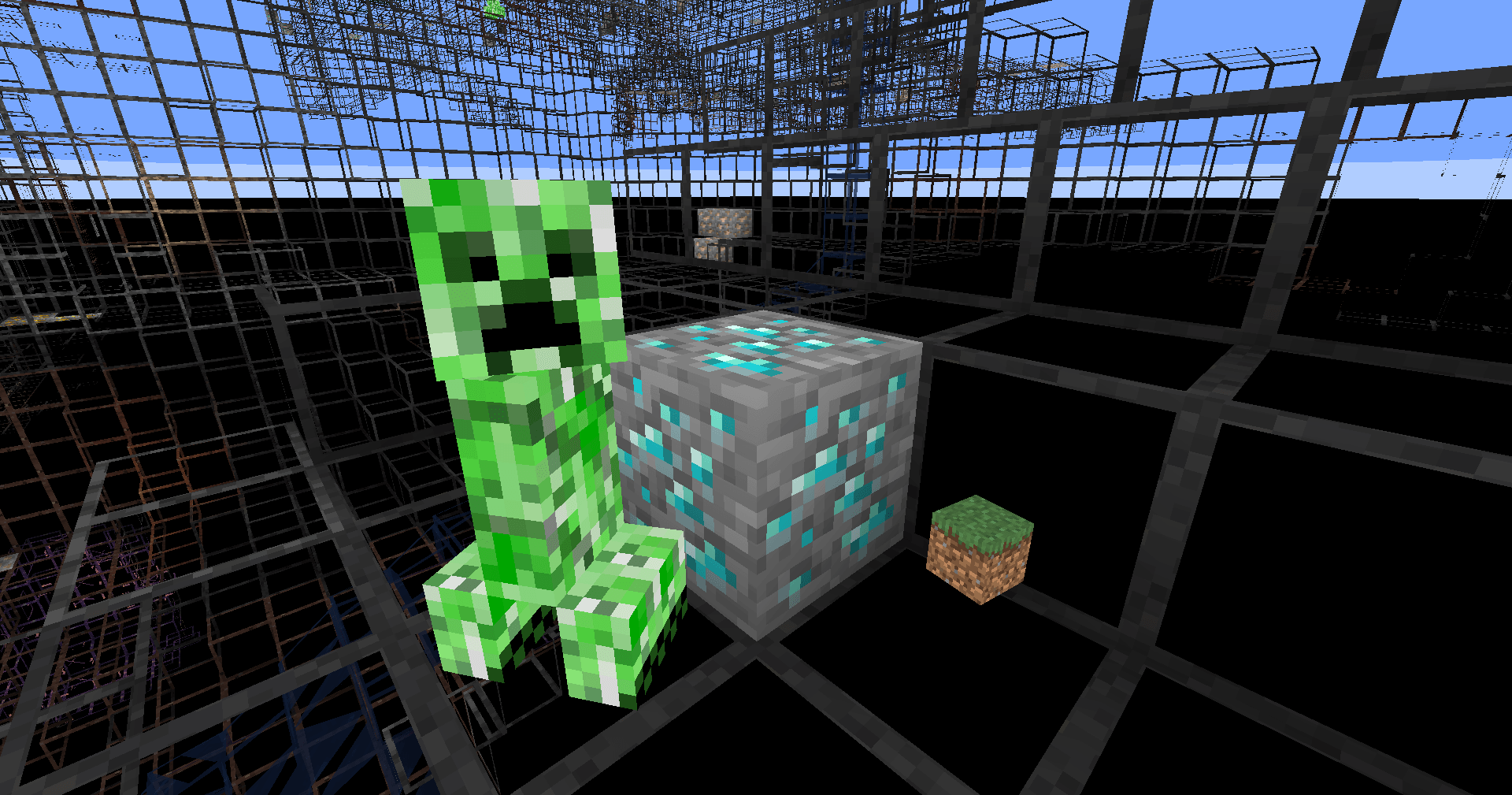
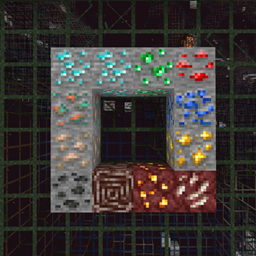
OreXray Shader is a shader‑based x‑ray pack. It features powerful functions: highlights ores and entities, allowing you to see minerals through solid blocks.
by INDEA
Download Claim this project
1,018 downloads
0 likes
Updated Oct 14, 2026
0 hypes
Realistic Vanilla
Advertisement Remove ads with Premium →

This shader is ultra-lightweight and simple.

Features

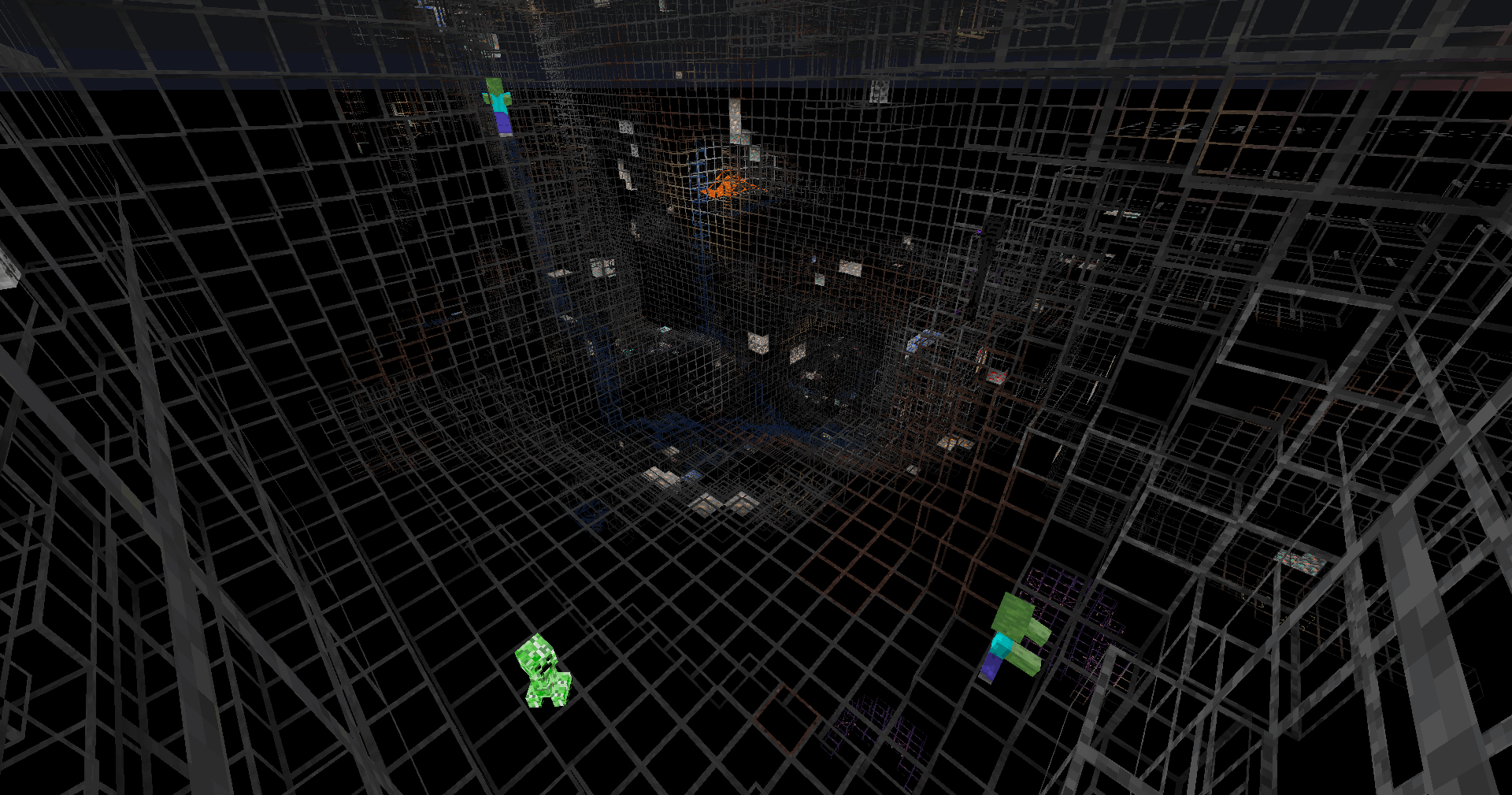
• Highlights all entities.

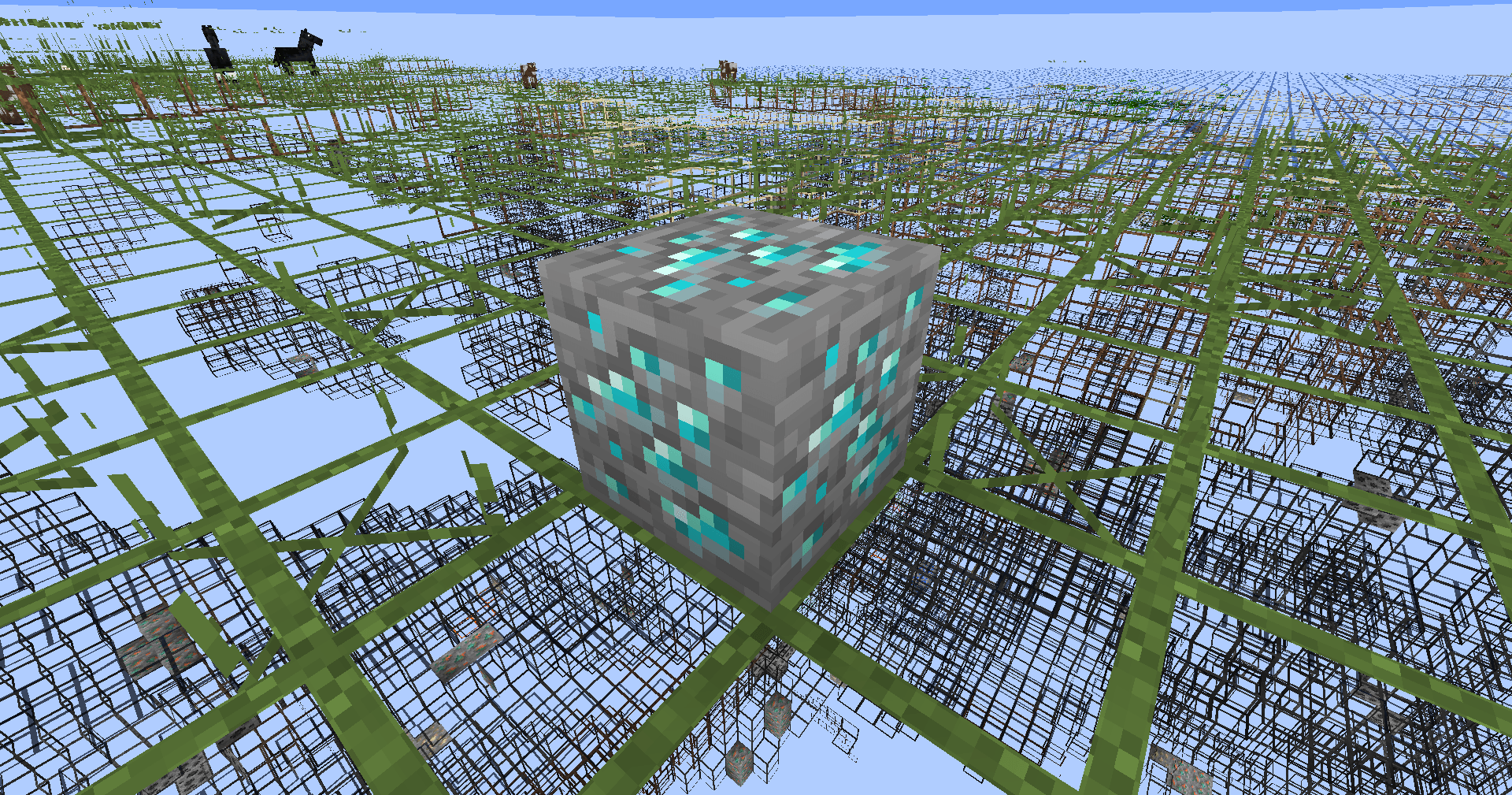
• Highlights all ores.

• Renders regular blocks with block outlines.

Description

In dark underground caves, highlighted entities and ores stand out with great visibility. This shaderpack delivers powerful visual assistance for cave exploration.

But each ore will only render if at least one of its faces is exposed to air. Fully buried ores hidden inside solid blocks will not be rendered, and this follows vanilla rendering behavio.

OreXray.zip
MC 1.21.6-snapshot, 1.21.8, 1.21.5, 1.21.5-Snapshot, OptiFine, 1.21.6, 1.21.7, Iris, 1.21.9-snapshot, 1.21.9, 1.21.10, 1.21.11-snapshot, 1.21.11, 26.1, 26.1.1, 26.1.2
Release 2026-09-13 Get

Requirements & install

How to use this shader in Minecraft
Shader loader
Iris OptiFine
Minecraft
1.21.9-snapshot – 26.1.2
Install folder
.minecraft/shaderpacks

How to install shaders

  1. Install a shader loader for your Minecraft version: Iris (with Sodium) or OptiFine.
  2. Download the shader pack .zip file (do not extract it).
  3. Put the .zip into the shaderpacks folder (.minecraft/shaderpacks).
  4. In game open Options → Video Settings → Shader Packs, select the pack and apply it.
Browse more: Iris shaders OptiFine shaders Shaders for 26.1.2 All shaders

More from INDEA

Advertisement Remove ads with Premium →

You Might Also Like